Free Video Production Estimate Template
Create a professional estimate in minutes
Show the production plan, shoot days, deliverables and likely price. Clients get a clear view of the full production and can hire you for the work with confidence.
Email, print or download your estimate as a PDF.
14-day free trial. No credit card required.

Price the job. Send the estimate. Get back to work.
Video Production Estimate Template Examples
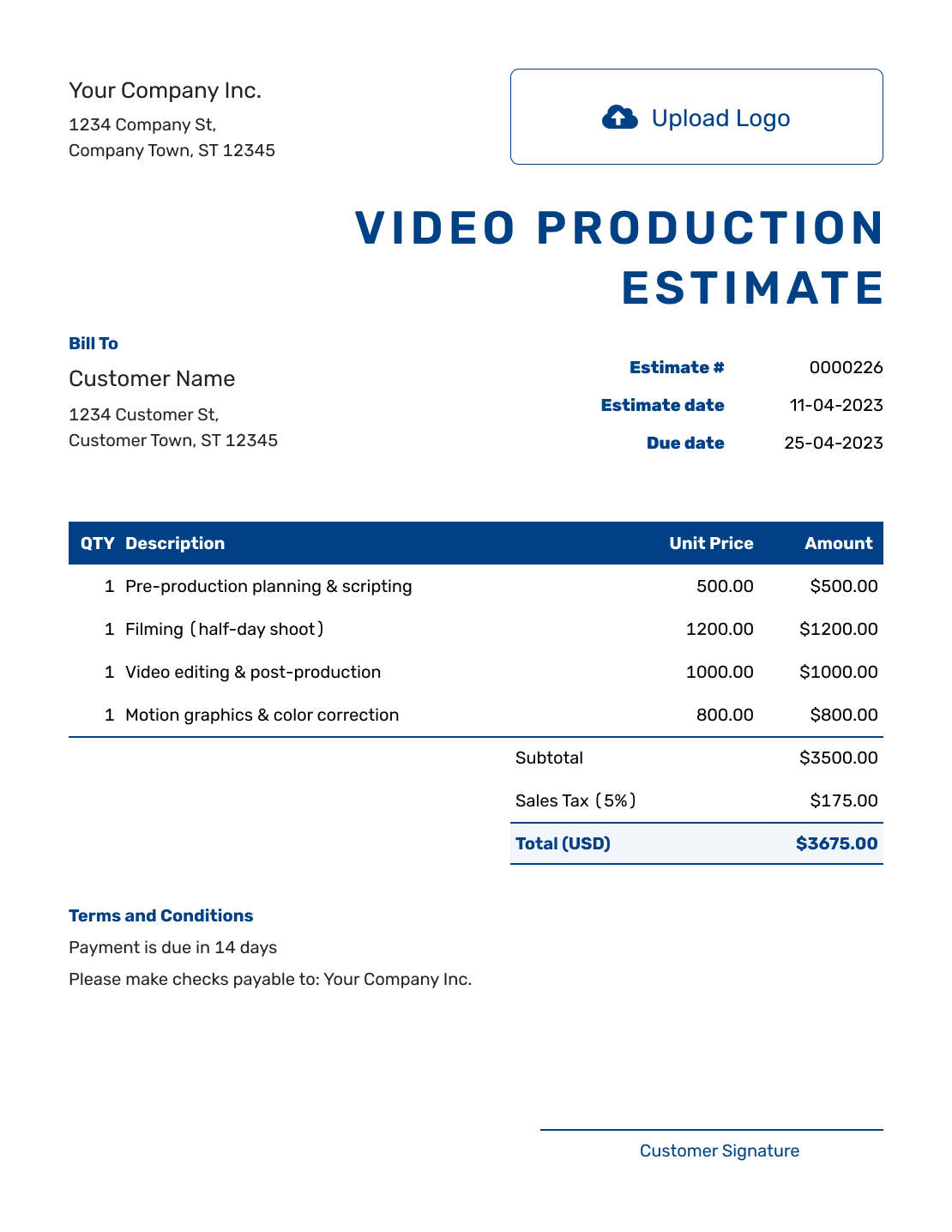
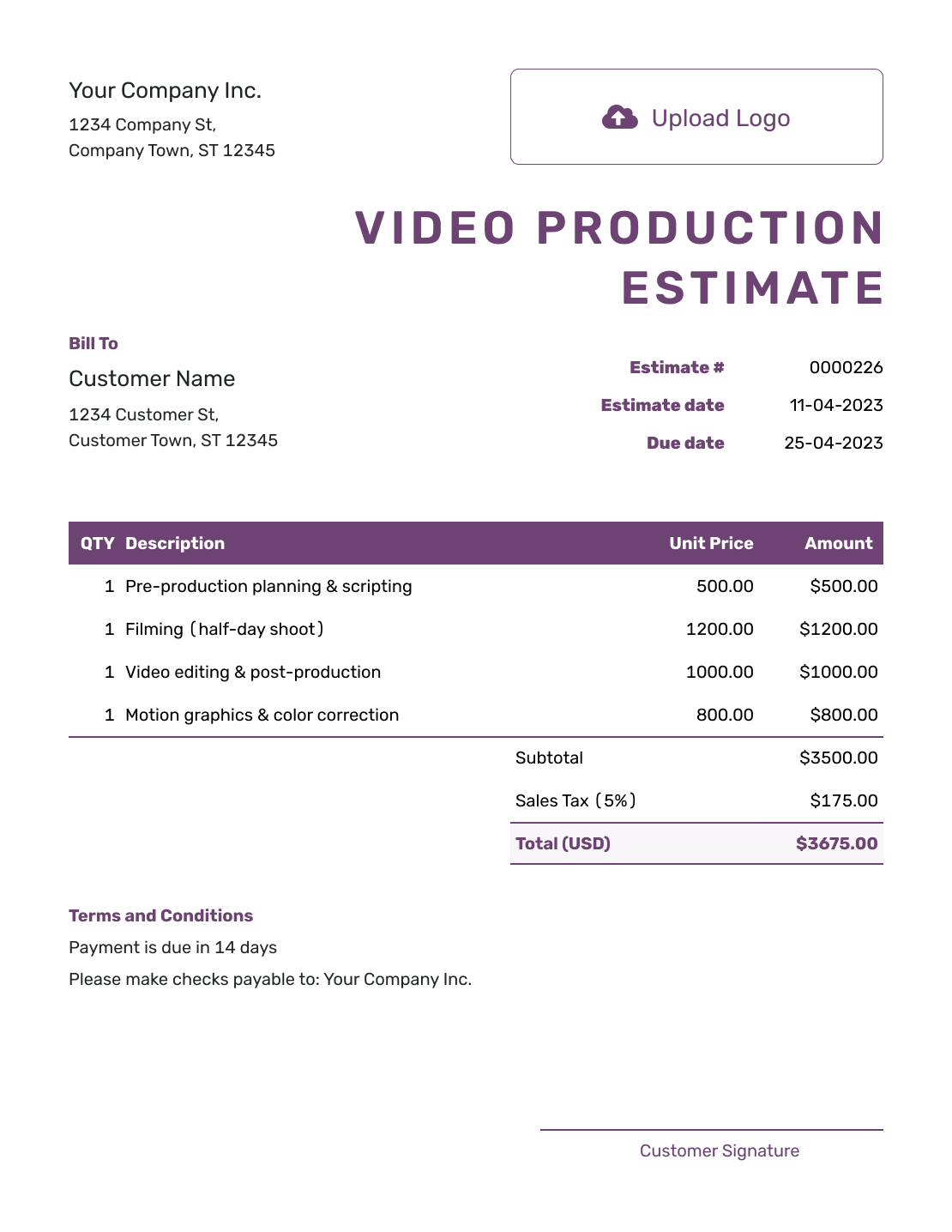
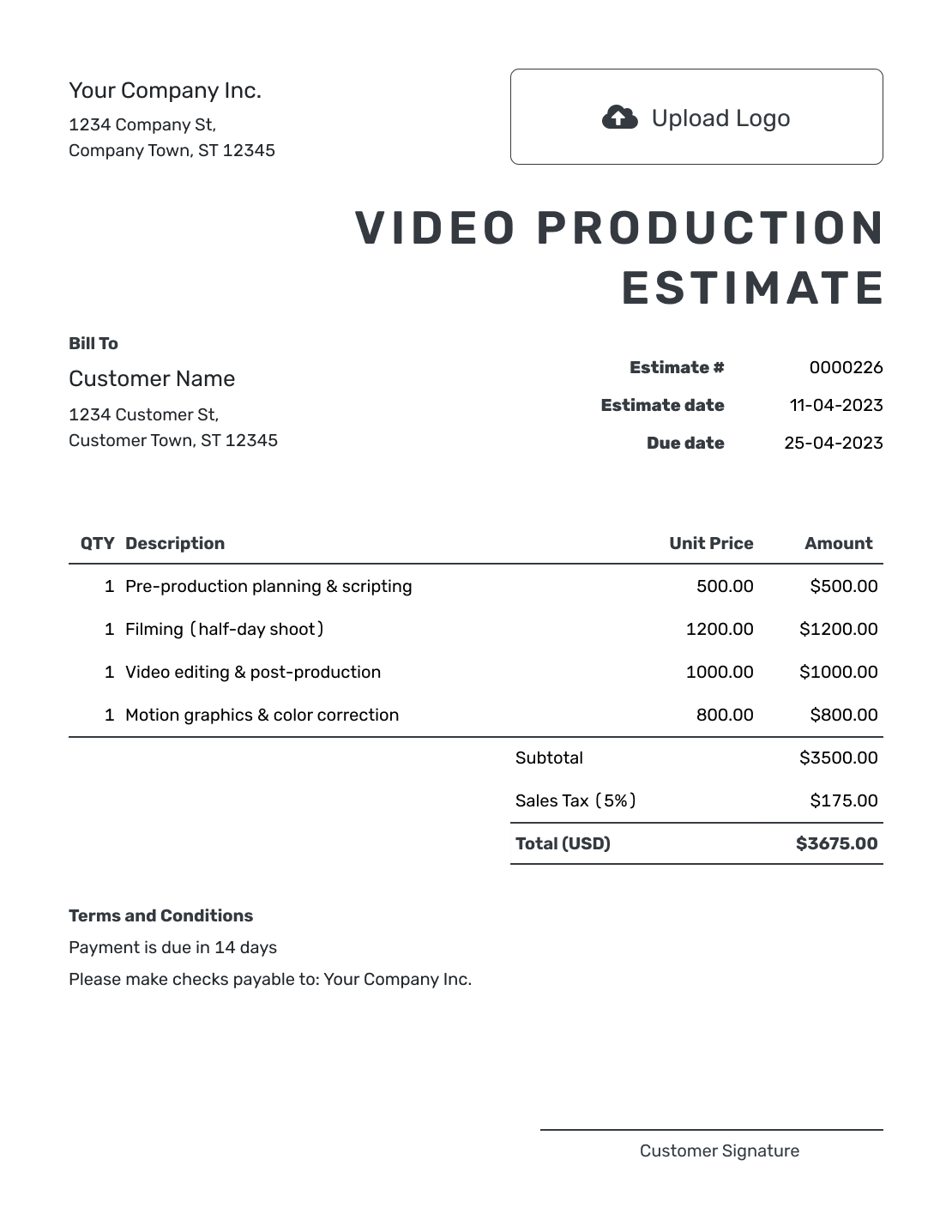
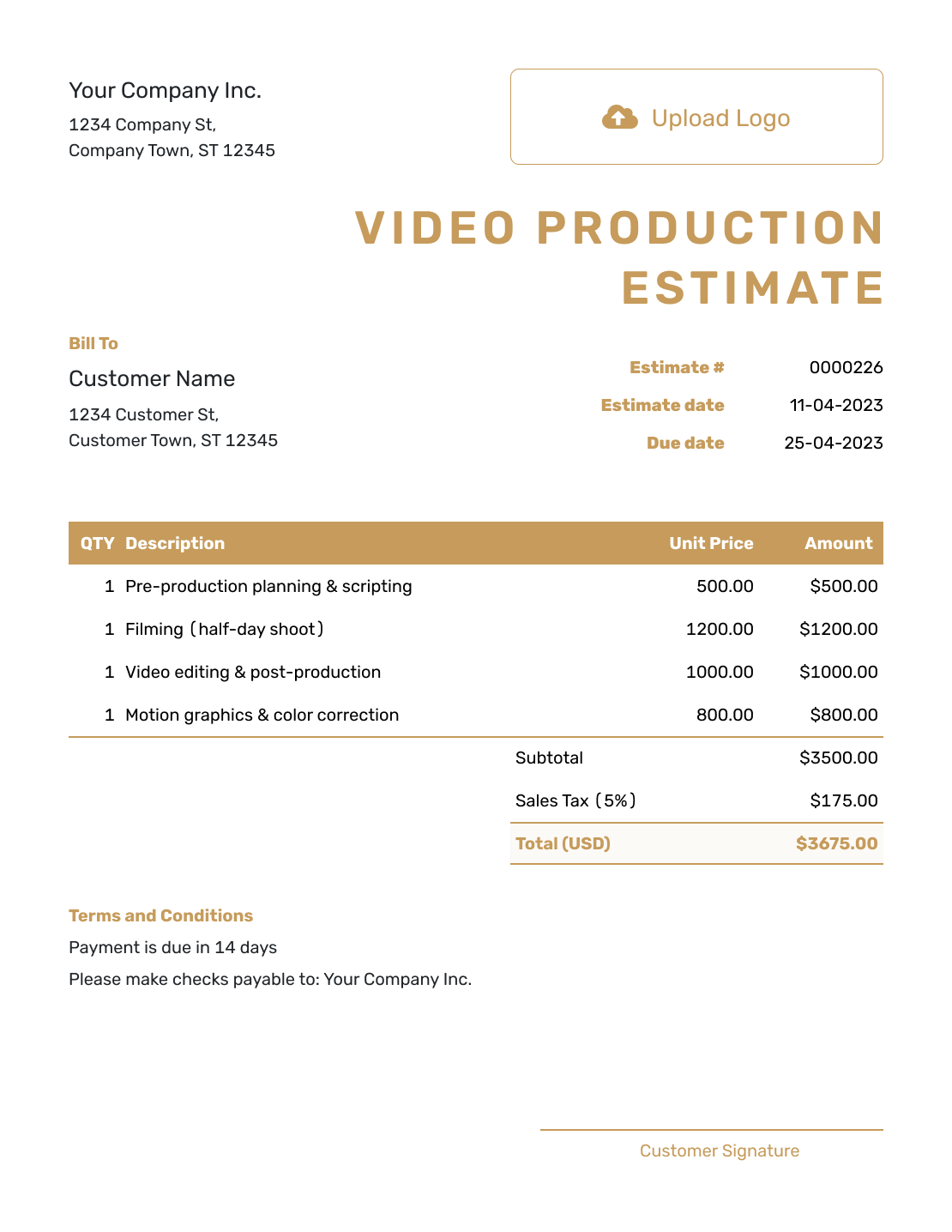
Browse nine layouts for a corporate video, commercial, interview or event recap. Each preview opens the same estimate editor, where you can enter your production plan and choose the document design.
What Is a Video Production Estimate?
A video production estimate shows the planning, filming and editing you expect to provide and what the project is likely to cost. It gives the client a budget to consider while the production details are still taking shape.
Break the price into pre-production, shoot and post-production work. The client can then see what an extra location or a second version would add, instead of trying to interpret one broad production fee.
How to Create a Video Production Estimate
Start with the client and project brief. Use the item descriptions for the production stages, then explain the assumptions behind those prices in Terms and Conditions.
- Your Business: Add your production business name and contact details.
- Your Logo: Use the logo from your production documents.
- The Client: Choose the client or enter their name and contact details.
- Number and Dates: Check the estimate number and issue date. Set a valid-until date when needed.
- Production Costs: List planning, filming and editing with quantities and prices.
- Estimated Total: Check the line amounts, applicable tax and likely total.
- Terms and Send: Add deliverables, timing and review limits in Terms and Conditions. Review, then email or download.
How to Fill In Video Production Estimate Line Items
Use a unit that explains each charge: planning or editing hours, a crew day, or a defined equipment package. If a shoot-day price includes the camera and lighting, describe those inclusions rather than charging for them again.
This fictional US-dollar estimate covers a 90-second interview video filmed at one location. It allows four planning hours, one shoot day and eight editing hours. The illustrative 8% tax applies to all three lines; use the tax treatment that applies to your work.
| QTY | Description | Unit Price | Amount |
|---|---|---|---|
| 4 | Interview brief and shot-list planning — hours | $75.00 | $300.00 |
| 1 | Interview shoot — one camera operator, up to 6 hours, with camera, lighting and sound | $900.00 | $900.00 |
| 8 | Editing, color, sound and captions — hours | $75.00 | $600.00 |
| Subtotal | $1,800.00 | |
| Sales Tax (8% illustrative) | $144.00 | |
| Estimated Total | $1,944.00 |
What to Include in Video Production Estimate Terms
Use Terms and Conditions to explain what the likely price assumes. A shoot day needs an hours limit, and an edit needs a defined finished video and review allowance. Those details give the client something clear to approve.
Adapt the sample to the project and include only policies you use. Add your actual payment timing where needed, and distinguish extra production work from changes already covered by the estimate.
Example: Terms and Conditions
- Estimate valid for 14 days from the issue date, based on the current interview brief.
- Includes one camera operator for a shoot of up to 6 hours at one location, with camera, lighting and sound equipment.
- Deliverable: one 90-second MP4 video with captions and two rounds of consolidated feedback. Allow 10 business days from filming to the first edit.
- The estimate excludes travel, paid music and stock footage. Added shoot time, locations, versions or review rounds will be estimated for approval before work begins.
Define a Shoot Day and an Edit Round
Name the video’s purpose, audience, planned length and final file formats. Price creative development and scripting within the planning work when they are part of your brief.
State the crew roles, planned hours and locations behind the shoot-day rate. Add the expected shoot date and call times separately from the estimate date. For a larger production, separate camera, lighting, sound and grip rentals when they carry their own cost. List location fees, permits, casting and travel where needed, and say whether those amounts are confirmed or estimated.
A review round is easier to plan when the client sends one combined set of feedback. Name the editing, graphics, sound mix, captions and final versions included. A new video length, a different creative direction or an extra language version may need additional work beyond that review allowance.
If the schedule depends on client scripts, approvals or access to a location, state when those are needed. Explain how overtime or an added production day would be priced, so the client can choose whether to extend the work.
Put the Production Budget Into One Clear Estimate
Add the production stages and expected quantities in Docelf. Totals update as you adjust the plan. Review the finished estimate, then send it to the client.
Video Production Estimate, Quote, or Invoice?
Use the document that matches how settled the production plan, price and terms are.
Estimate
Use an estimate while the shoot plan, crew, locations or edit requirements may still change and the client needs a likely price.
Quote
Use a quote when the production plan, deliverables, price and terms are specific enough to present for approval.
Invoice
Use an invoice to ask for payment for a completed production stage, approved costs or another amount that is ready to bill.
More Video Production Estimate Layouts
-
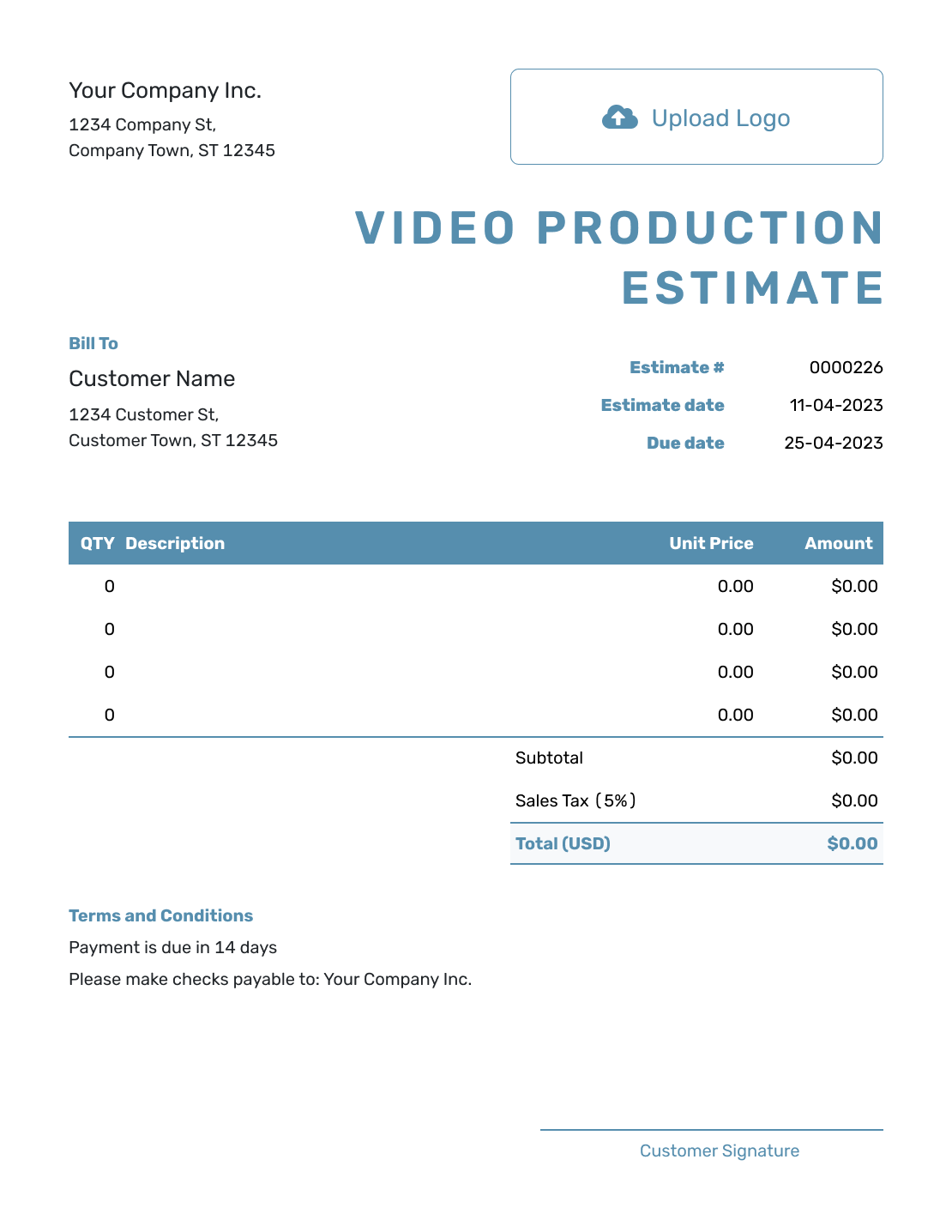
Blank Video Production Estimate Template
Create Free Estimate -
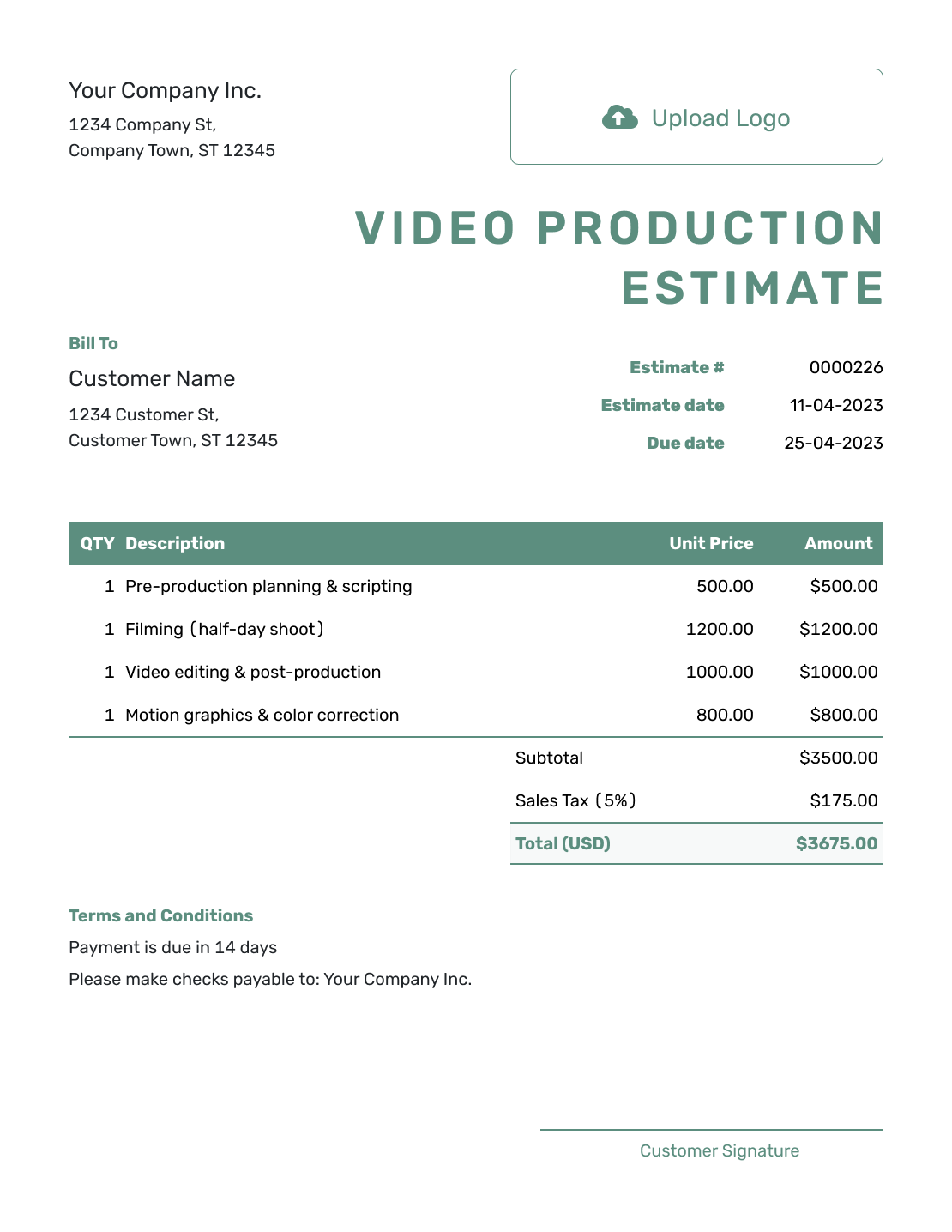
Simple Video Production Estimate Template
Create Free Estimate -
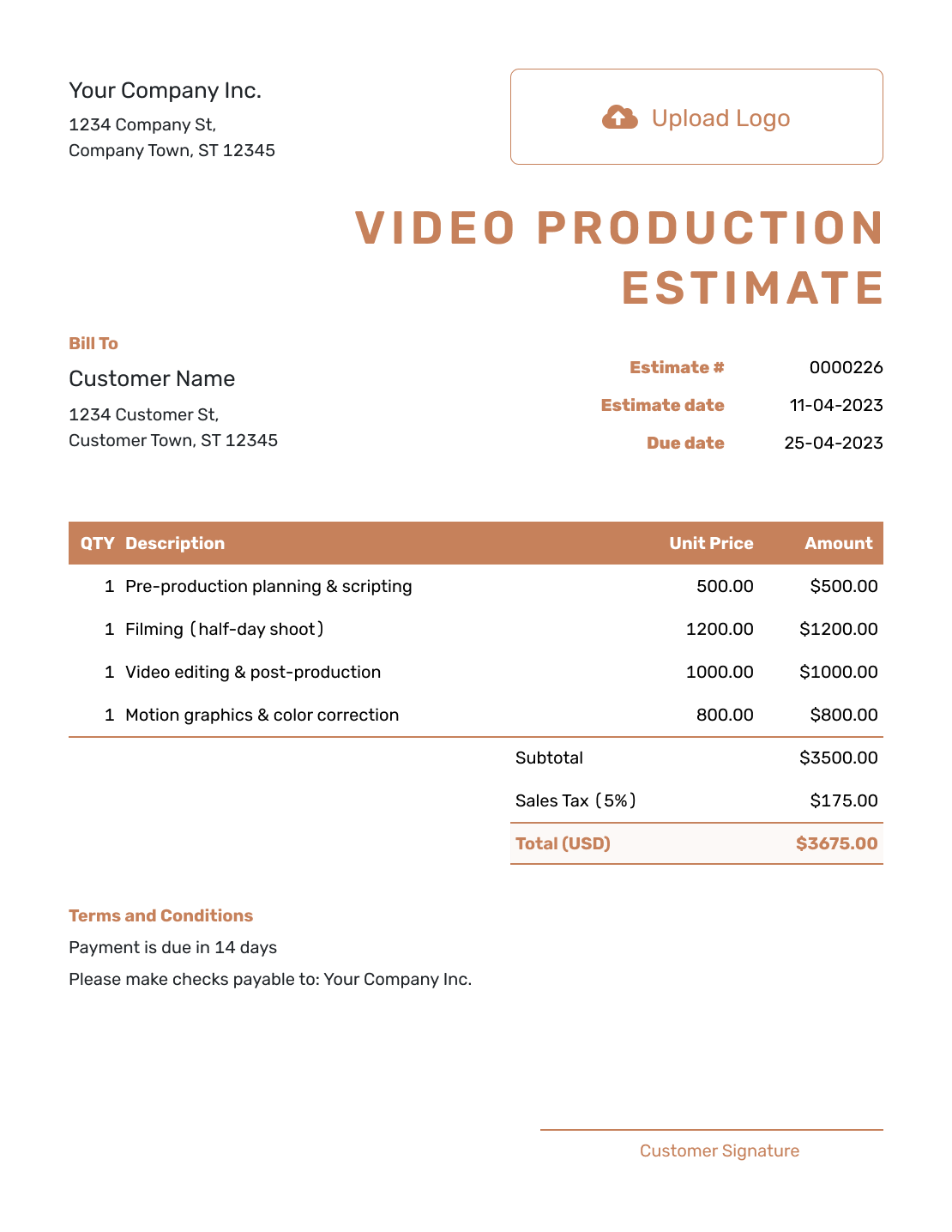
Downloadable Video Production Estimate Template
Create Free Estimate -
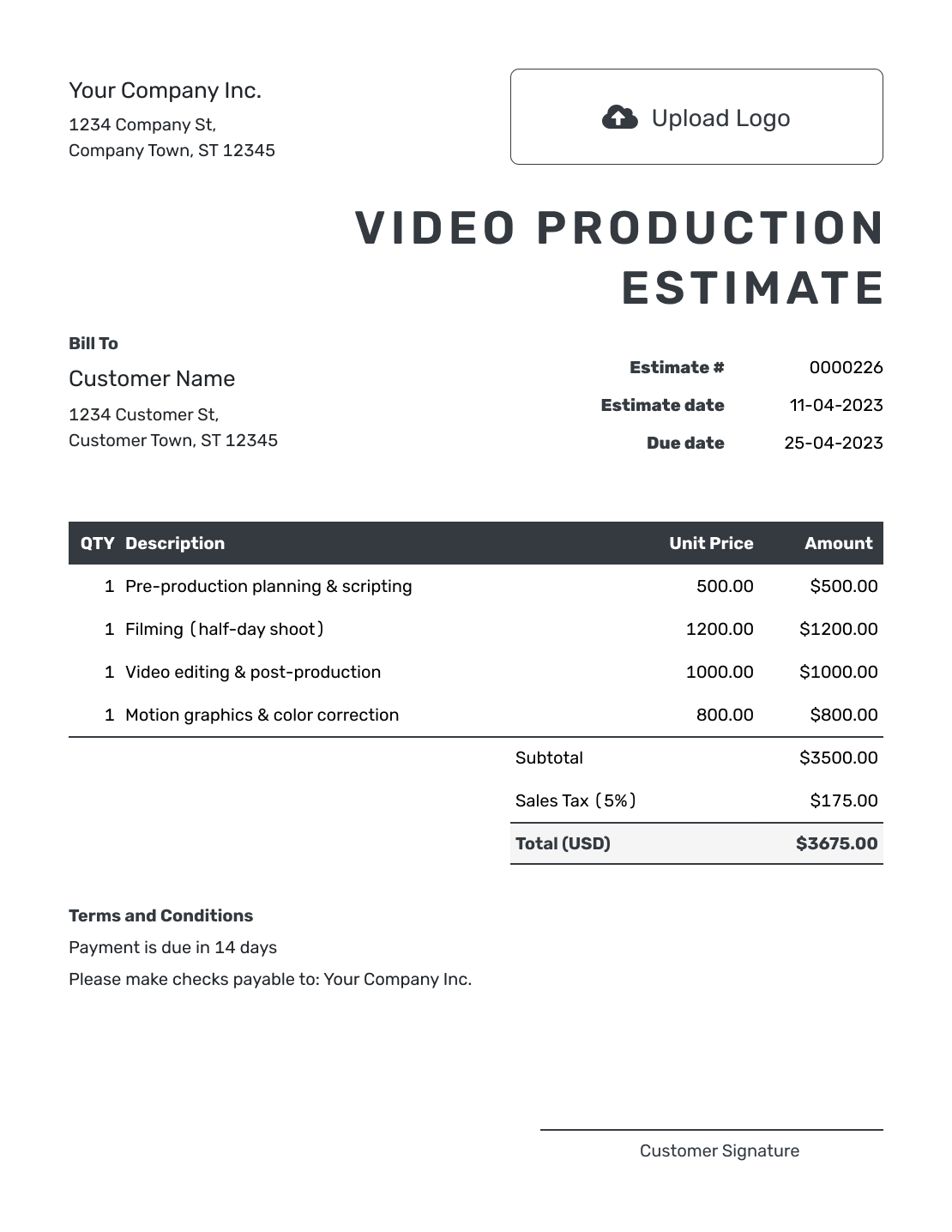
Editable Video Production Estimate Template
Create Free Estimate -
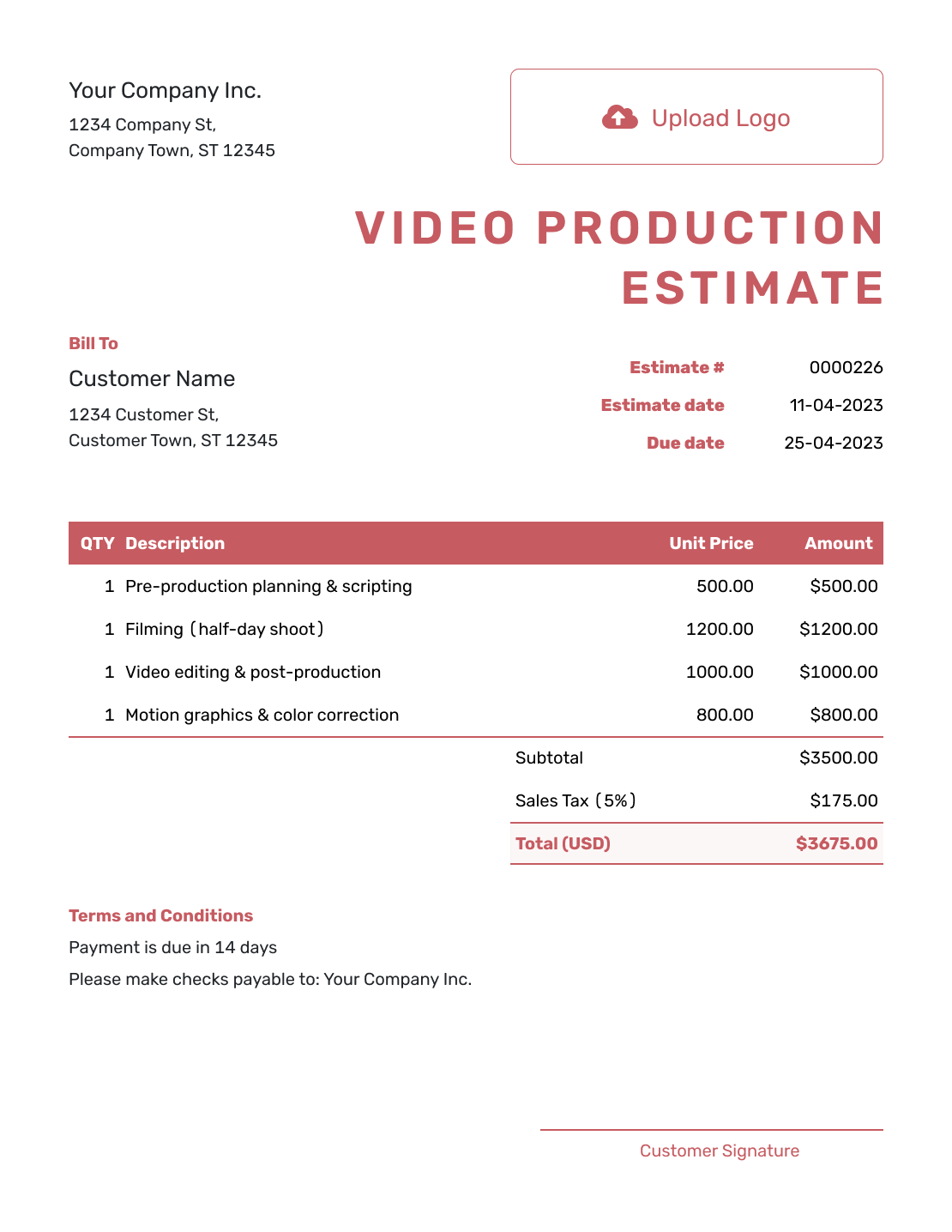
Fillable Video Production Estimate Template
Create Free Estimate -
Professional Video Production Estimate Template
Create Free Estimate
Other Estimate Template File Formats
Use a separate Word, Excel, Google Docs or Google Sheets template if your team prefers to prepare estimates in that format. Docelf calculates totals online, and you can download the finished estimate as a PDF.
Related Estimate Templates for Creative Production
Choose a related template for photography, graphic design, broader design services or a website project that needs creative content.
After You Send the Video Production Estimate
Check the document history to see whether the client has opened the emailed estimate. If the client changes a location, crew requirement, deliverable or production date, update the affected work, schedule and likely price.
Send the revision and ask the client to approve the changes before you commit the extra resources. The estimate should describe the plan you are both working from.
Video Production Estimate Template FAQs
-
What is a video production estimate?
A video production estimate shows the planning, shoot and post-production work you expect to provide and what the project is likely to cost.
-
What should I include in a video production estimate?
Identify the client and video brief, then show the production stages and expected prices. Define the finished videos, shoot-day hours and review allowance. Add timing, outside costs and the assumptions behind the estimate.
-
How should I price video production?
Price the work by production stage, shoot day, crew role, equipment package or estimated hours. Separate rentals, locations, travel and other outside costs when they affect the total.
-
How should I estimate shoot days and overtime?
State the planned hours and number of shoot days used for the estimate. Explain how overtime, delays or an added production day would change the likely price.
-
Should music, stock footage and travel be separate line items?
Yes, when they are separately priced. Label music or stock-media licenses, permits, travel and lodging clearly, and say which amounts are still estimated. If a cost is included in your production package, describe it there so it is not counted twice.
-
Is a video production estimate the same as a quote?
A video production estimate can change with the shoot plan, crew or locations. A quote is more specific once the production plan, price and terms are ready for approval.
-
What should I do when the shoot plan changes?
Update the estimate to show the added location, crew, equipment, production time or editing work and the new likely total. Send it before committing the extra resources.
-
Can a client accept a video production estimate online?
Yes. Clients can accept or decline estimates online, and Docelf updates the status and emails you when they respond.
-
Can I email or download a video production estimate?
Yes. You can email the estimate from Docelf, print it or download it as a PDF. You can also see when an emailed estimate is delivered and opened.
-
Can I create an invoice from an accepted video production estimate?
Yes. Docelf copies the relevant client, item, price and estimate details into the invoice. Review the work and amount being billed before sending it, especially when you are billing one production stage.
Ready to Price the Video Project?
Give the client a production budget they can connect to the finished video.
- Show shoot and post-production costs clearly
- Automatic totals as days or quantities change
- Email or download a professional PDF




