Free Receipt Template
Create a professional receipt in minutes
Give your customer a professional receipt showing what they paid and when. Make the payment easy to check and give them a clear record to keep.
Email, print or download your receipt as a PDF.
14-day free trial. No credit card required.
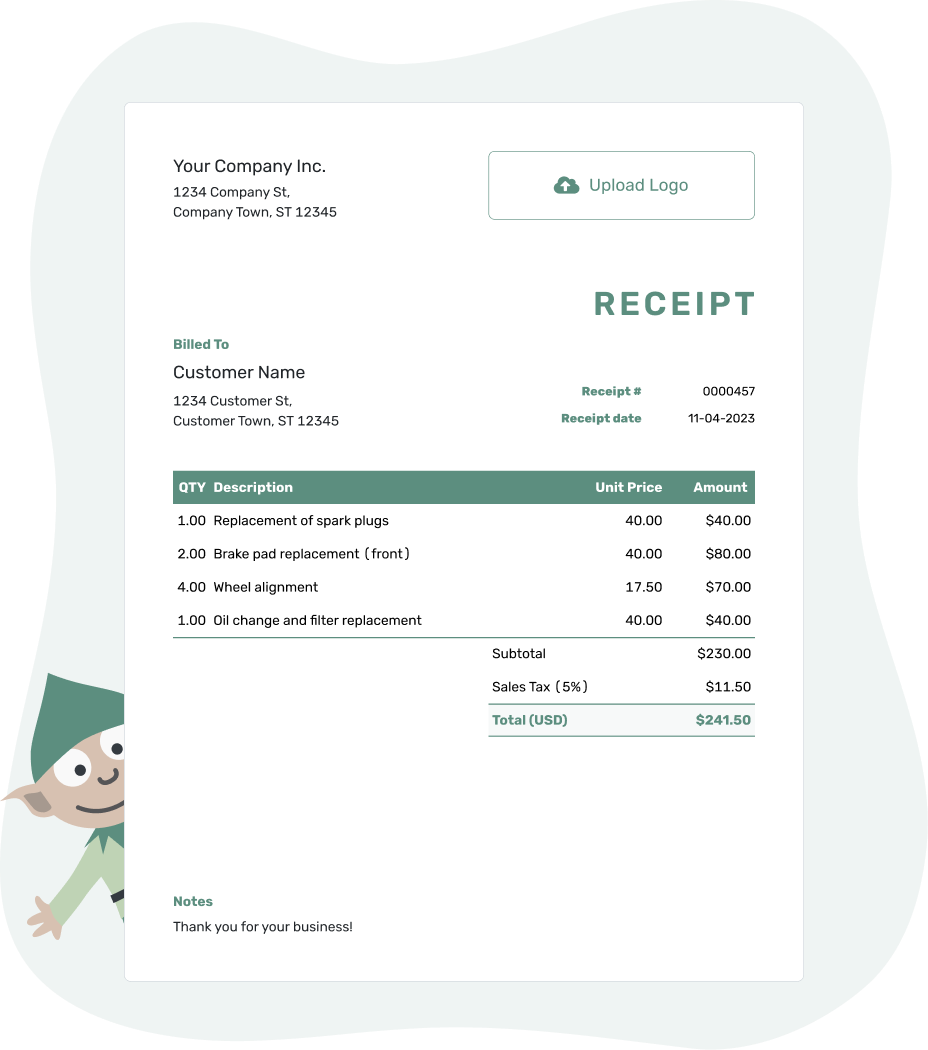
Payment received. Receipt sent. Back to work.
Popular Receipt Examples
Browse the examples, then add your own payment details. Every preview opens the same Docelf receipt maker; it does not select a separate template. Prefer a file? The Word, Excel, and Google templates are below.
-
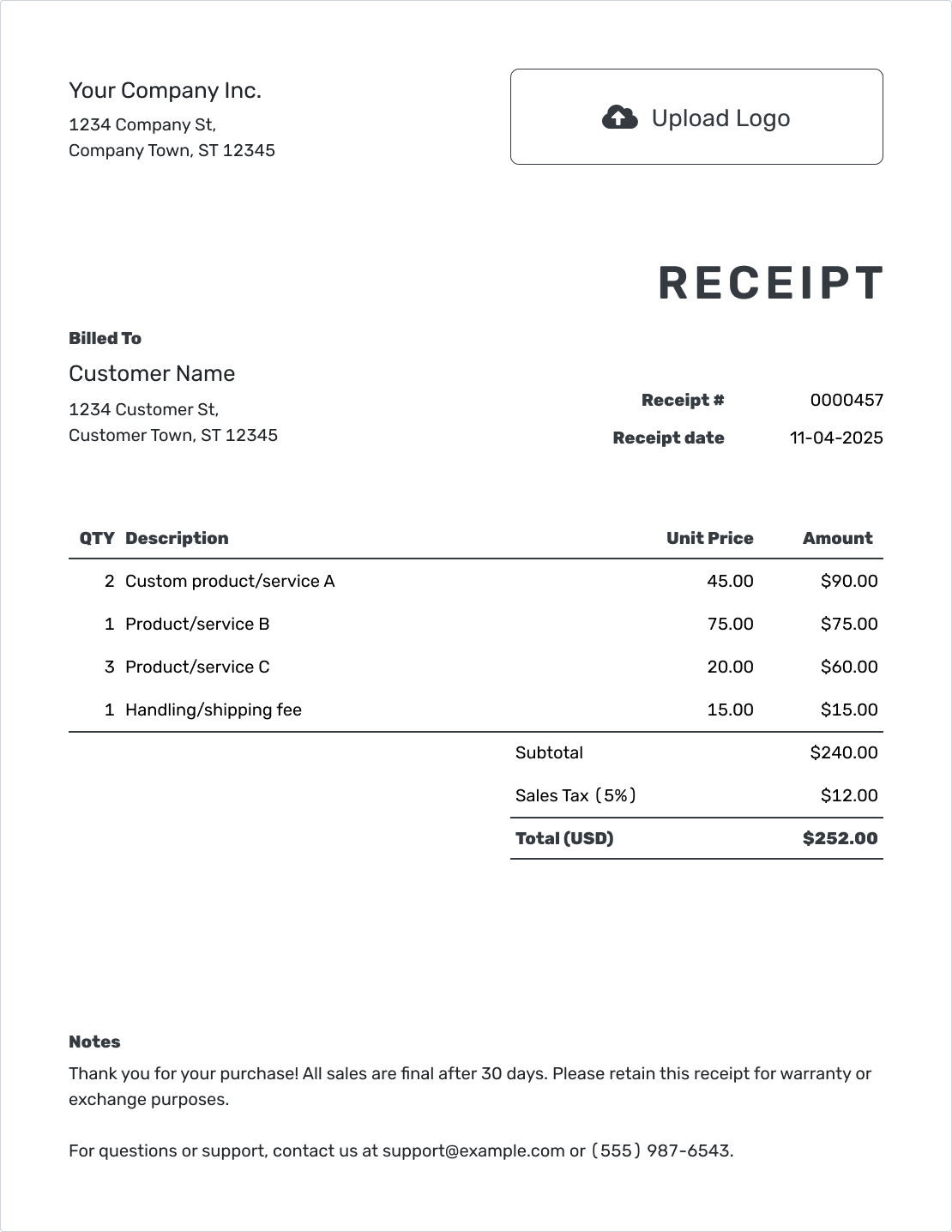
Printable Receipt Template
Use a clear receipt you can print and hand to the customer or keep with your records.
Create a Receipt -
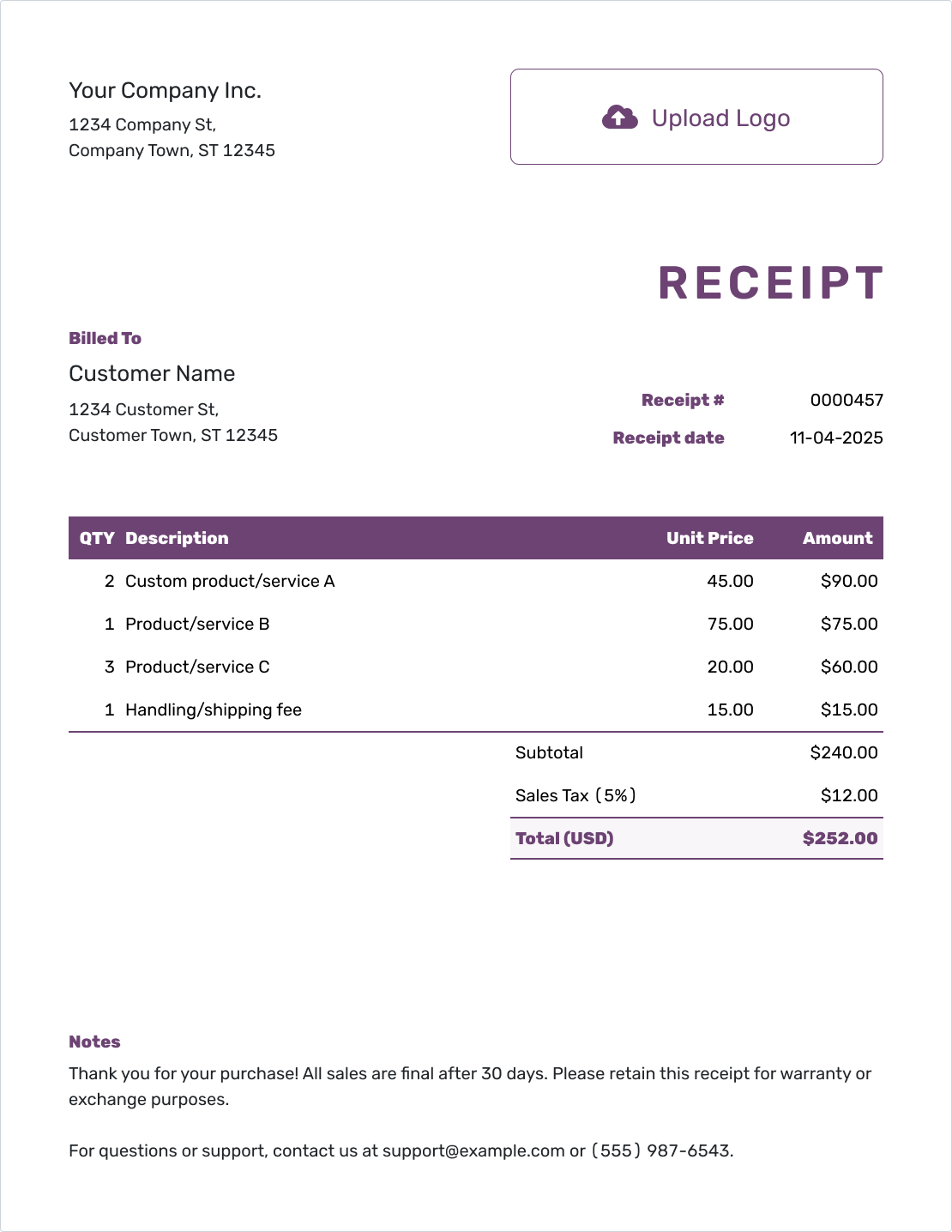
Online Receipt Template
Create and email the receipt online. See when your customer opens it. Keep it with your other documents.
Create a Receipt -
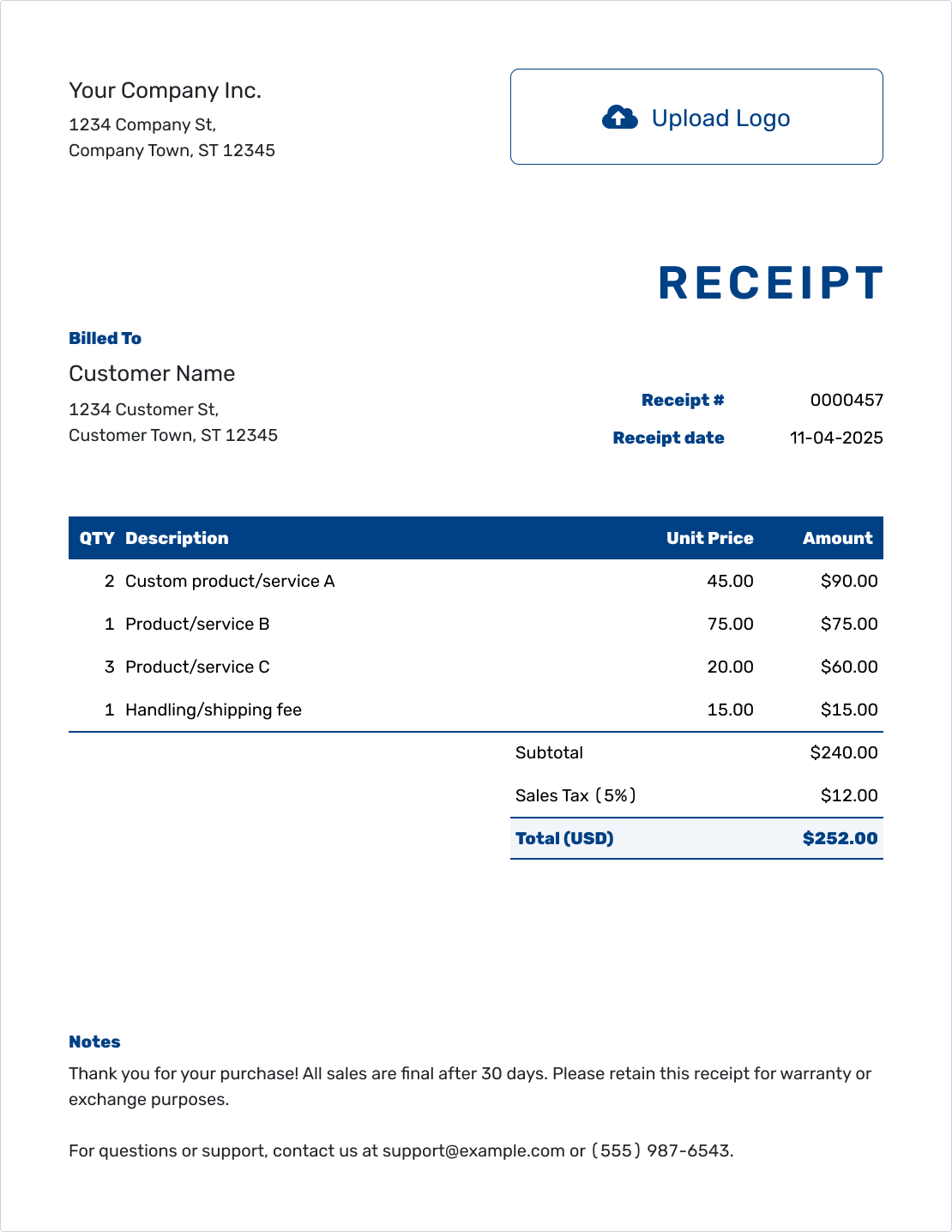
Itemized Receipt Template
Show what the customer paid for and how you reached the total.
Create a Receipt
Receipt Templates by File Format
Word and Google Docs suit a receipt you want to edit as a document. Excel and Google Sheets give you a spreadsheet for quantities, prices, and totals. Open a format page to choose a file template.
- Word Receipt Template
- Google Docs Receipt Template
- Excel Receipt Template
- Google Sheets Receipt Template
- Other Receipt Formats
For the online option, create the receipt with Docelf. Docelf calculates totals, and you can download the finished receipt as a PDF.
What Is a Receipt?
A receipt confirms a payment you have received. It shows what the customer paid for, how much they paid, and when. For an unpaid amount, use an invoice to request payment.
Send a receipt after a full payment, partial payment, or deposit. For a part payment, show the amount received and the balance still due so the receipt does not suggest the whole bill is settled.
A cash receipt records cash; a payment receipt can record any payment method. Both need the same clear details. A sales receipt or proof of payment is another name your customer may use.
What Should a Receipt Include?
A customer should be able to match the receipt to the payment without asking you to explain it. Check these details before sending:
- Your business details and the customer's details
- A unique receipt number and the date you received payment
- The products or services, with quantities and prices where useful
- Any applicable tax or discount, the amount paid, and any remaining balance
- The payment method and a reference number when it helps identify the payment
The receipt date is the payment date, even if you create or send the receipt later. Keep a different service date, order number, or rental period clearly labeled in the description or Notes.
How to Create a Receipt
Already have a Docelf invoice? Record the payment on that invoice, then create its receipt. Docelf copies the customer and item details and keeps the two documents connected. For a standalone receipt, follow these steps.
- Your Business: Enter your business name and contact details.
- Your Logo: Add your logo if you use one.
- The Customer: Choose a saved customer or enter their details.
- Number and Date: Check the number. Use the date you received payment.
- Items: List products or services, quantities, and prices.
- Payment and Total: Record the amount and method. Check tax, discounts, total, and balance.
- Notes and Send: Add a reference in Notes if useful. Review, then email, print, or download the PDF.
How to Show the Items and Total Paid
Use descriptions your customer will recognize. Quantities and unit prices explain how you reached the total, whether the payment covers products, services, or both.
This fictional bicycle repair is priced in US dollars and was paid in full by card on September 24, 2026. The three charges use an illustrative 5% tax rate; use the tax treatment that applies to your sale.
| QTY | Description | Unit Price | Amount |
|---|---|---|---|
| 1 | Bicycle tune-up | $70.00 | $70.00 |
| 2 | Replacement inner tube | $10.00 | $20.00 |
| 1 | Tube fitting labor | $30.00 | $30.00 |
| Subtotal | $120.00 | |
| Sales Tax (5% illustrative) | $6.00 | |
| Total Paid | $126.00 |
What to Include in Receipt Notes
Notes give the customer a little context that does not fit in the item rows. An order or job reference is often enough. Include return or warranty details only when they reflect your actual policy and local requirements.
For the bicycle repair above, a short note ties the payment to the job:
Example: Notes
- Job BIKE-104: bicycle tune-up and tube replacement.
- Payment of $126.00 received by card on September 24, 2026.
- Paid in full for job BIKE-104.
Ready to Confirm the Payment?
Keep the payment details together in Docelf. Review the receipt, then email it or save a PDF for your customer.
More Receipt Examples
These examples also open the Docelf receipt maker, where you can add your own payment details.
-
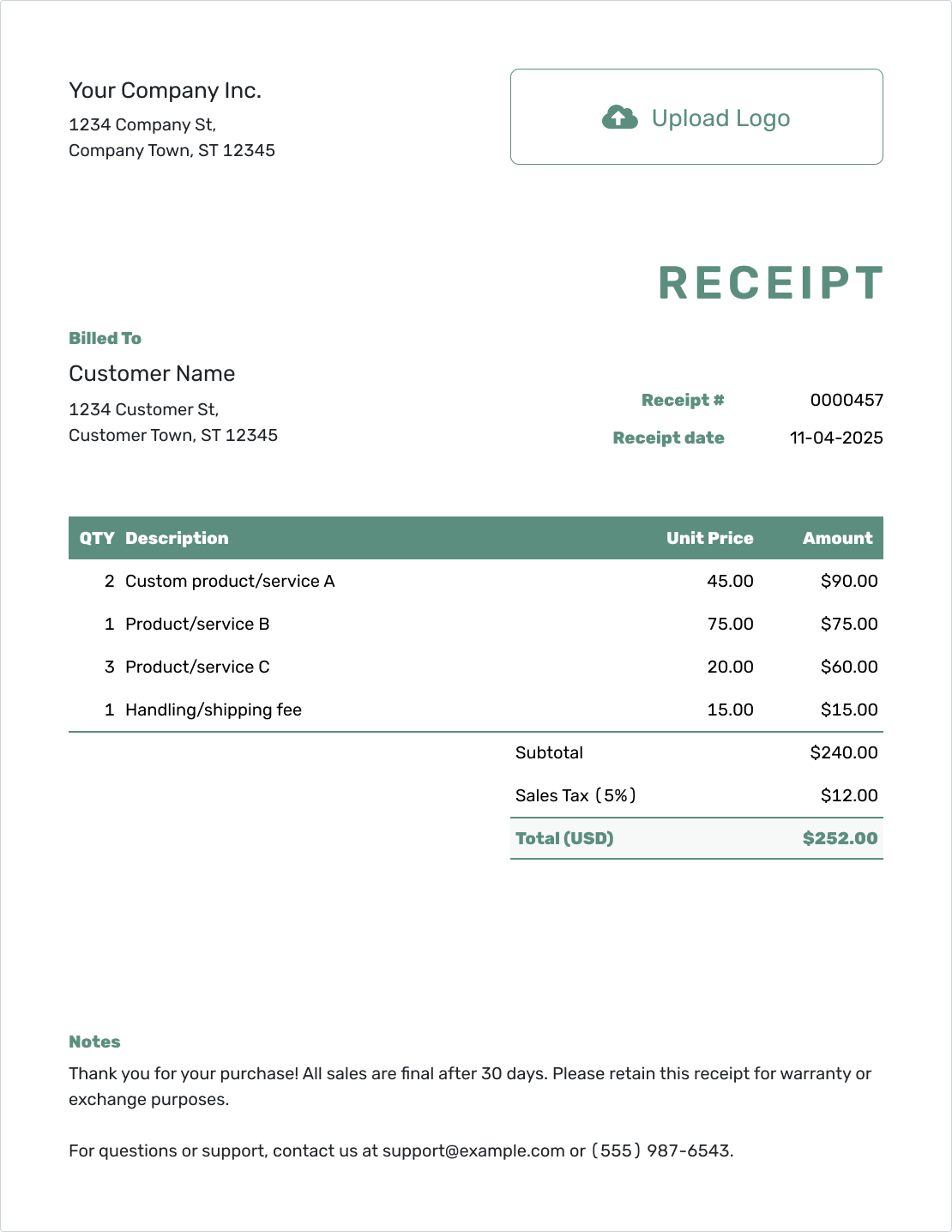
Simple Receipt Template
Keep the payment record short and easy to scan.
Create a Receipt -
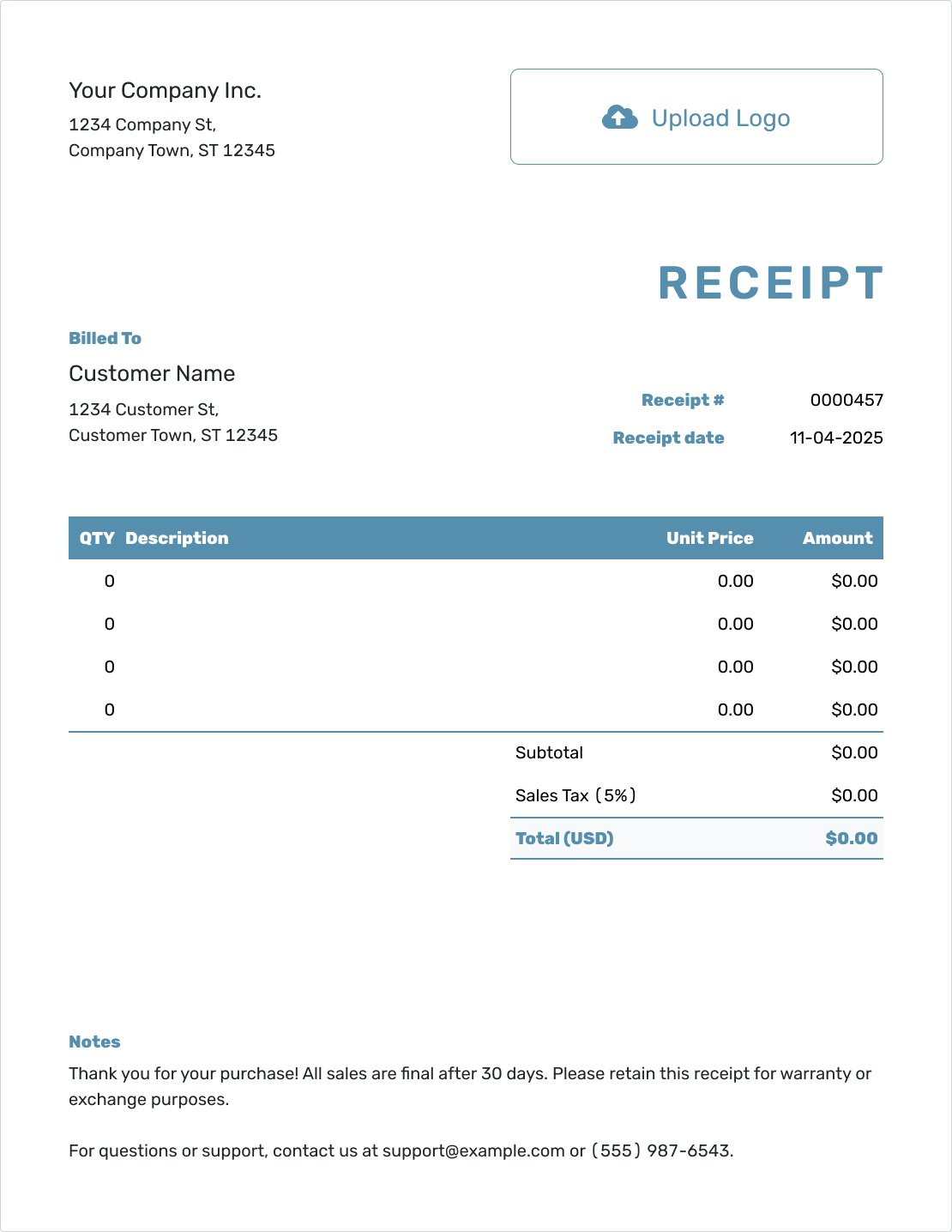
Blank Receipt Template
Start with empty item rows and add the details of the payment.
Create a Receipt -
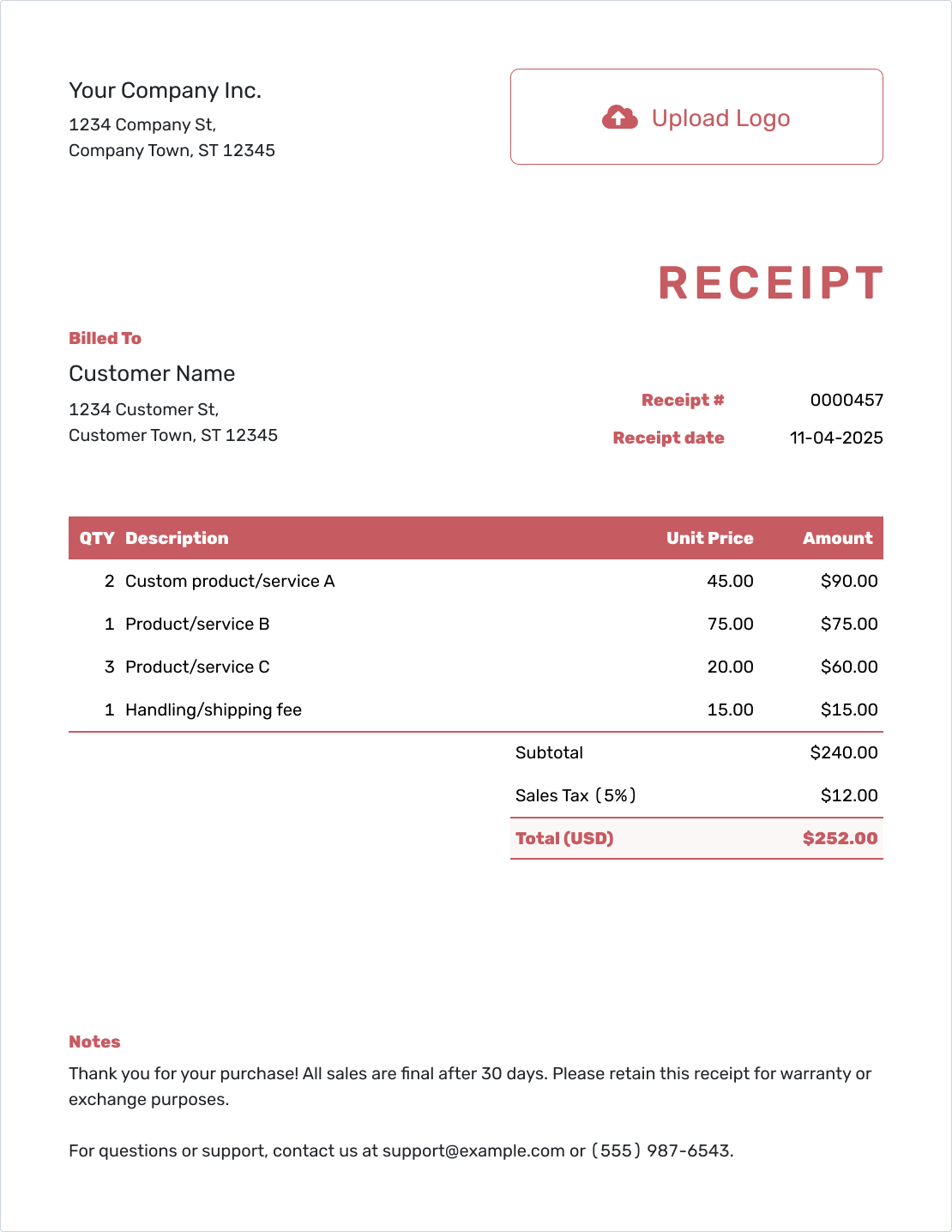
Fillable Receipt Template
Fill in the customer, items, and payment details.
Create a Receipt -
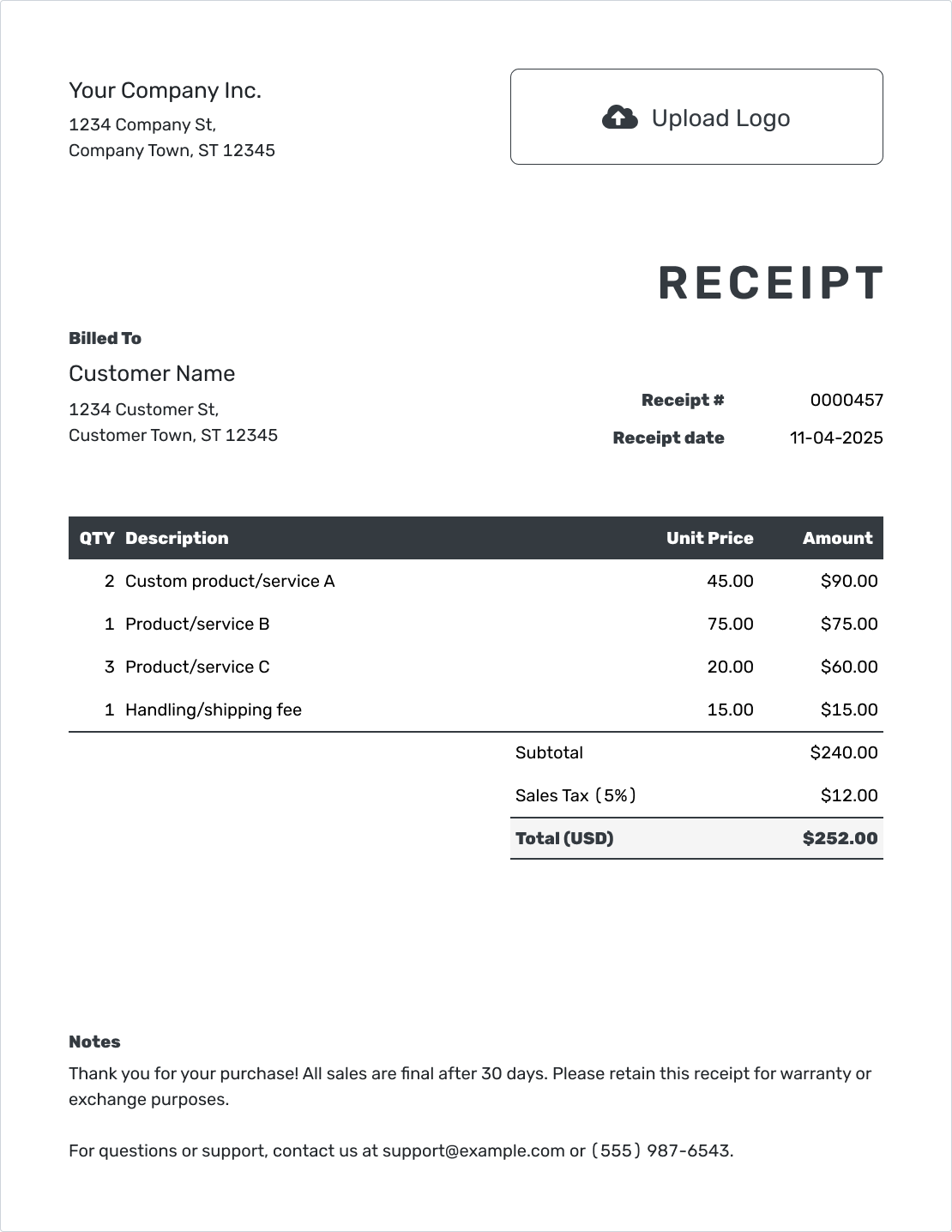
Professional Receipt Template
Give your customer a clear payment record that matches your business.
Create a Receipt -
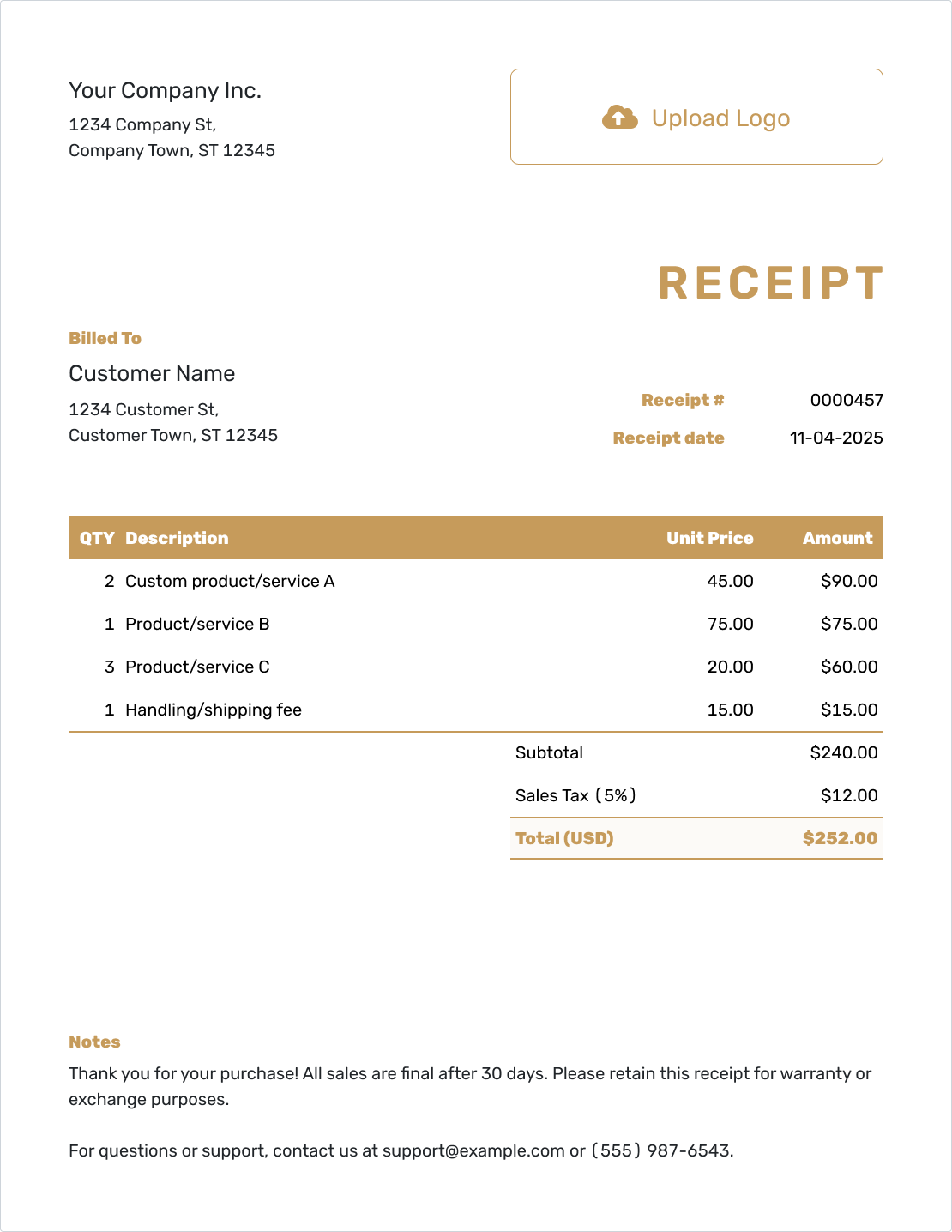
Downloadable Receipt Template
Complete the receipt online, then download a PDF for your records.
Create a Receipt -
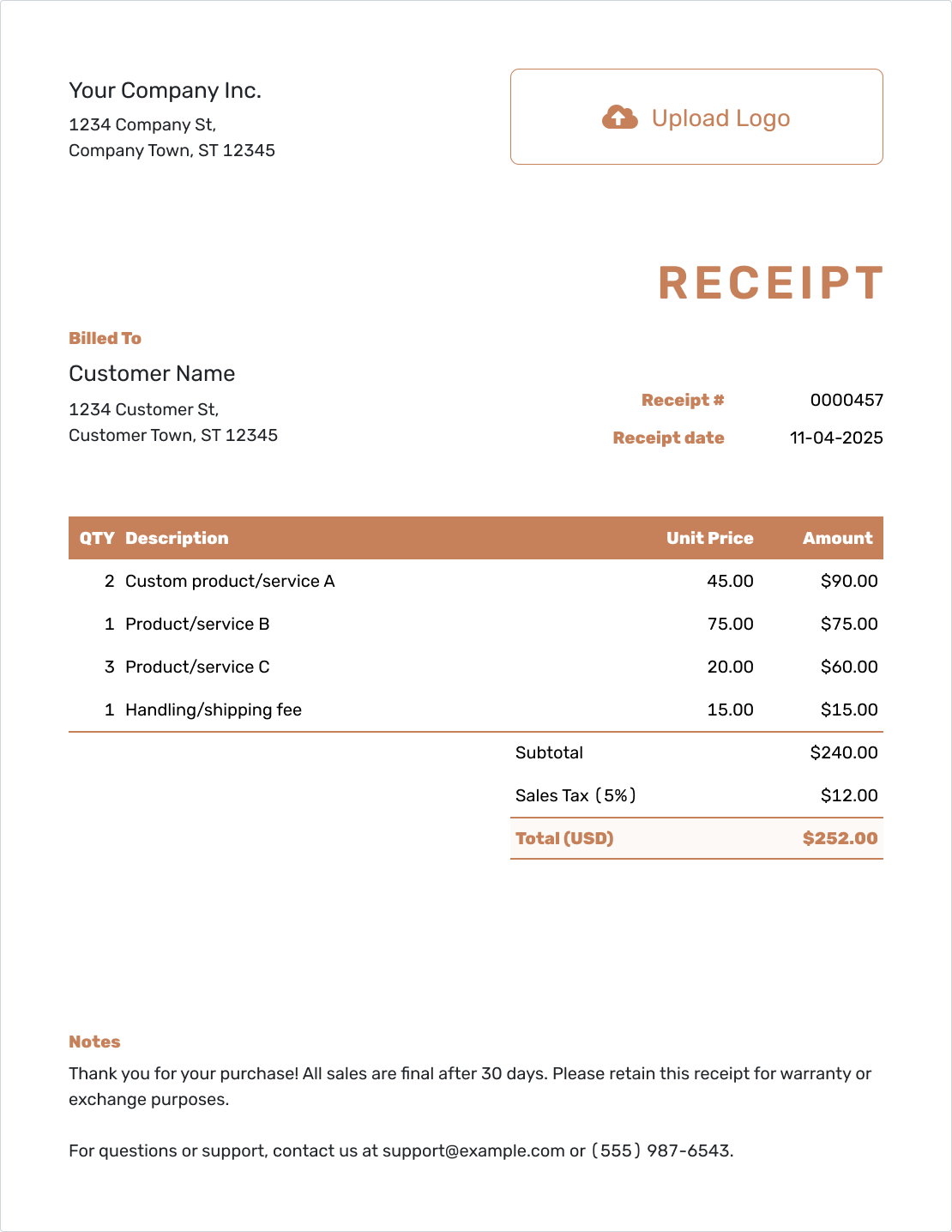
Editable Receipt Template
Adjust the details to match the sale or service the customer paid for.
Create a Receipt
Browse Receipt Templates
For general business payments, start with the business collection. Receipt Types covers the kind of payment; the industry collection helps you describe the work or sale.
Receipt Guides
Need help with the next step? Learn how to email a receipt, connect it to an invoice, or review a completed example.
After You Send the Receipt
Check the document history to see whether the emailed receipt was delivered and opened. Keep the receipt with the related invoice and payment record so you can find the transaction later.
When another payment arrives, create a receipt for that new amount. If you need to correct an earlier receipt, clearly identify the revised copy and keep your records easy to follow.
Receipt FAQs
Find clear answers to common questions about creating, sending, and using receipts.
-
What is a receipt template?
A receipt template gives you a ready-made layout for payment details. You can use it for the next sale or service without rebuilding the document. In Docelf, you can also reuse saved customer and item details.
-
What is a receipt for?
It gives you and your customer a record of the purchase and payment, including any tax paid. The customer may need it for expense records, a return, a warranty, or an insurance claim. It also helps you check what was paid and when.
-
Which date goes on the receipt?
Use the date you received payment, even if you prepare the receipt later. If the work happened on a different date, label that separately in the item description or Notes.
-
Can I create a receipt from an invoice?
Yes. Record the payment on the Docelf invoice, then create its receipt. Docelf copies the relevant details and keeps the receipt connected to the invoice. Check the payment amount, date, and method before sending.
-
Can a payment receipt show a deposit or partial payment?
Yes. Show the amount received and any remaining balance. Each later payment needs its own receipt, so your customer can see which payment each document confirms.
-
Can I create a receipt online?
Yes. You can create and edit a receipt in Docelf on a phone, tablet, or computer.
-
How do I download a receipt as a PDF?
Finish the receipt and check the payment details, then download the PDF. You can also print the receipt or email it directly from Docelf.
-
Can I email a receipt to my customer?
Yes. Choose to send the receipt from Docelf when it is ready; saving it does not send it. You can check delivery and opening information in the document history.
-
Who can use these receipt templates?
Contractors, service businesses, repair shops, retailers, and other businesses can use them to record customer payments. Choose the template and details that fit your transaction.
Ready to Send the Receipt?
The customer paid. Make the receipt the quick part.
- Reuse saved customer and item details
- Let Docelf calculate the total and remaining balance
- Email the receipt, print it, or download a PDF




