Free Digital Receipt Template
Send a paperless receipt your customer can keep
Give your customer a digital receipt they can keep with their other payment records. You also get a copy you can find later without storing or filing paper.
Email the receipt or download a PDF for your records.
14-day free trial. No credit card required.
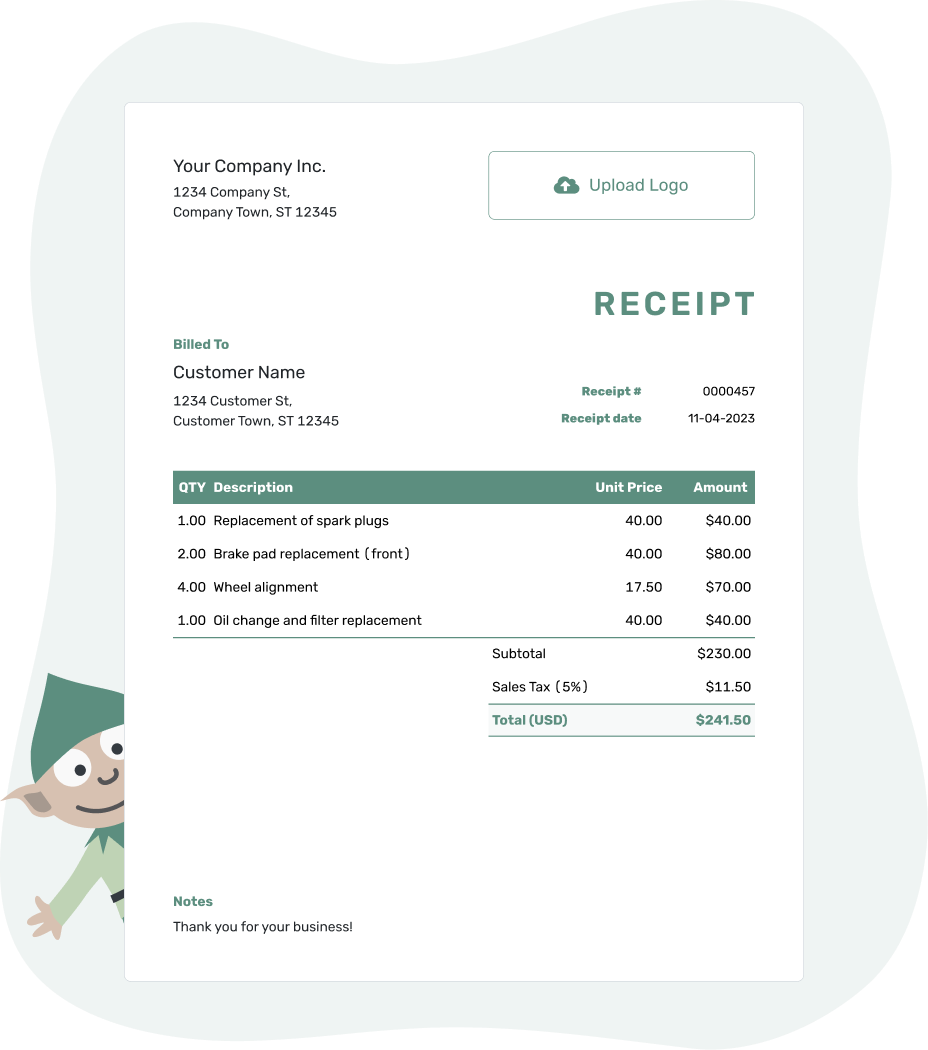
Record the payment. Send the receipt. Get back to work.
Preview the Copy Your Customer Will Keep
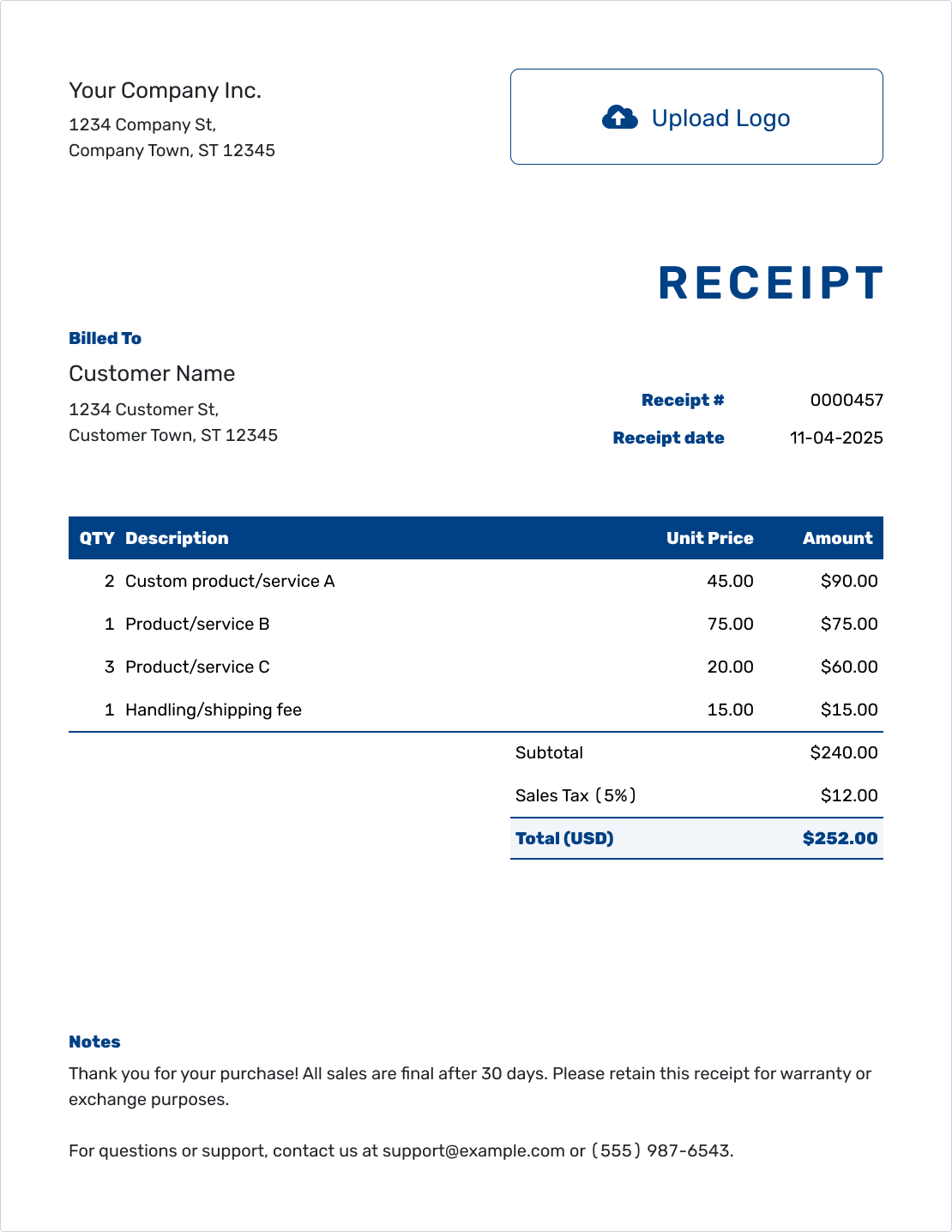
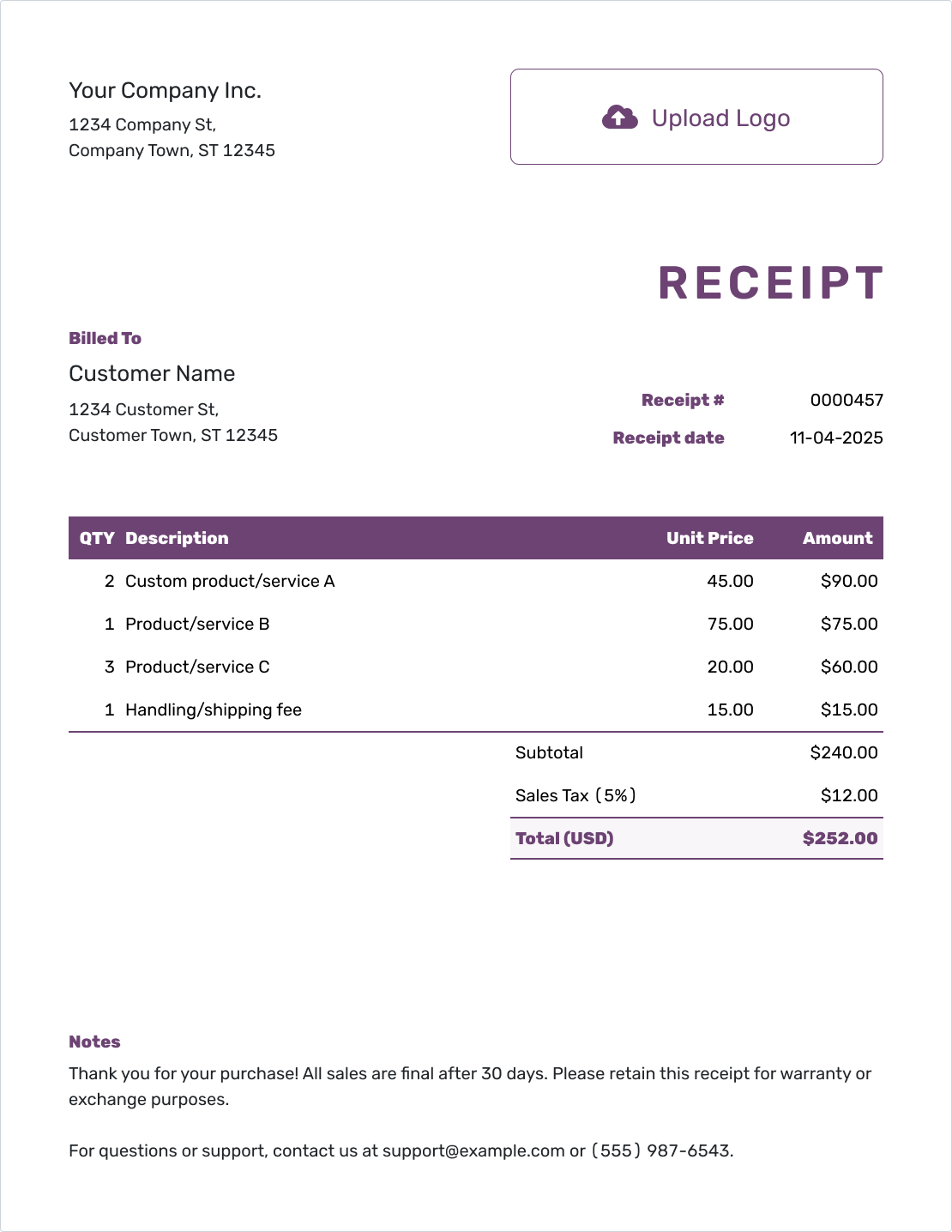
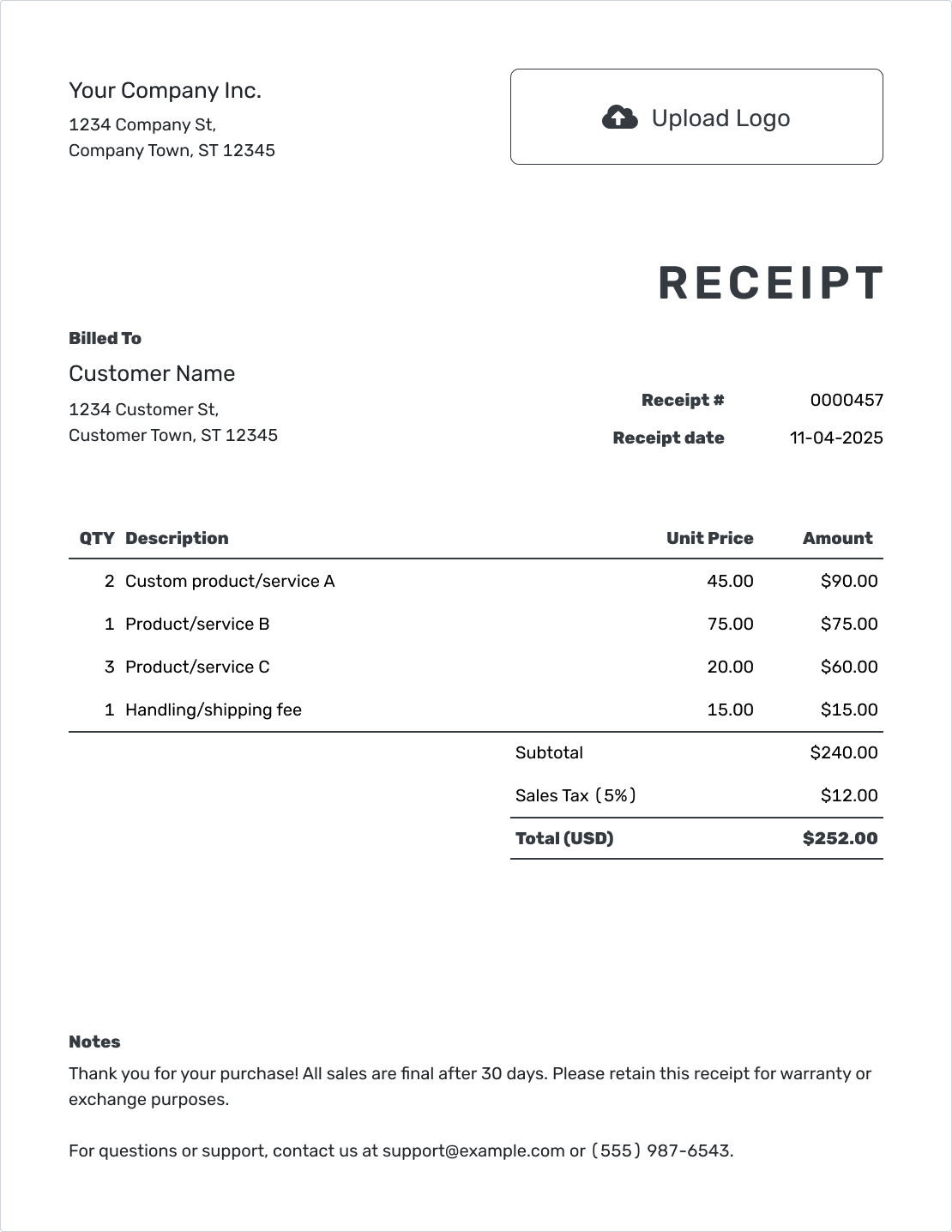
A paperless receipt still needs a readable layout. These previews show finished receipts; each opens the same editor for your own payment details and business style.
How to Prepare a Digital Receipt
A digital receipt is a payment record your customer can keep without a paper copy. When the payment belongs to a Docelf invoice, record it there and create the receipt from the invoice. You won't need to type the customer and items again.
Starting without an invoice? Fill in the fields below and check the receipt. You can then email it from Docelf or download a PDF to send yourself.
- Your Business: Use the name and contact details the customer knows.
- Your Logo: Add your logo, if you use one.
- The Customer: Choose a saved customer or enter their details.
- Number and Date: Check the receipt number and use the payment date.
- Items and Prices: Describe the purchase with quantities and prices.
- The Payment: Apply any discount or tax. Record the amount paid.
- Notes and Review: Add the payment method and order reference. Check the receipt.
Give the Digital Copy a Useful Item Breakdown
Your customer may open the receipt long after the purchase. Specific descriptions make it easier to recognize the order than a single line labeled “Payment.” Docelf calculates the line amounts, tax, and total as you enter the details.
This fictional print order was paid in full by card on September 18, 2026, for pickup on September 20. Receipt 2086 uses September 18 as its receipt date; the pickup date belongs with the order details.
Amounts are in US dollars. This example applies an illustrative 7.5% sales tax to all items. That tax treatment is only an example, not a rule for every print order.
| QTY | Description | Unit Price | Amount |
|---|---|---|---|
| 250 | Flyers — full-color, half-letter size | $0.24 | $60.00 |
| 100 | Loyalty cards — double-sided | $0.40 | $40.00 |
| 1 | Window poster — 18 × 24 inches | $20.00 | $20.00 |
| Subtotal | $120.00 | |
| Sales Tax (7.5% illustrative) | $9.00 | |
| Total Paid | $129.00 |
The $120.00 subtotal plus $9.00 tax comes to $129.00. The card payment settles the order.
Add Notes That Make Sense Away From the Counter
A customer reading the PDF at home should be able to match it to the order. Use Notes to name the order and label the pickup date. That keeps it separate from the receipt's payment date.
For the print order above, the payment and pickup details could read like this.
Example: Notes
- Payment of $129.00 received by card on September 18, 2026, for print order PRINT-284.
- Pickup arranged for September 20, 2026.
- Paid in full. Thank you for your order.
Send a Copy They Can Keep
Give the customer a receipt they can find with their other payment records. Finish it in Docelf, then email it or save the PDF.
Email From Docelf or Send the PDF Yourself
Choose the route that fits how your customer keeps records. Both give them a finished receipt rather than a file they need to fill in.
Email From Docelf
Send the receipt directly and see when it was delivered and opened. That information stays in the document history.
Download a PDF
Save a copy to your files or attach it in your usual email app. You can also print the receipt when the customer needs paper.
Help the Customer Find the Right Copy
When you send the PDF from your own email app, put the receipt number and order name in the subject. For the example above, “Receipt 2086 — Print Order PRINT-284” gives the customer something specific to search for. The receipt email guide has messages you can adapt.
After downloading, give the PDF a useful filename, such as receipt-2086-print-order-284.pdf. Keep it with the related order or invoice.
When the customer needs another copy, send the existing receipt again. A new payment needs its own receipt; a replacement copy does not.
More Digital Receipt Layouts
Keep the payment easy to read in any layout. These previews also open the receipt editor, where you can add your own colors, font, and logo.
-
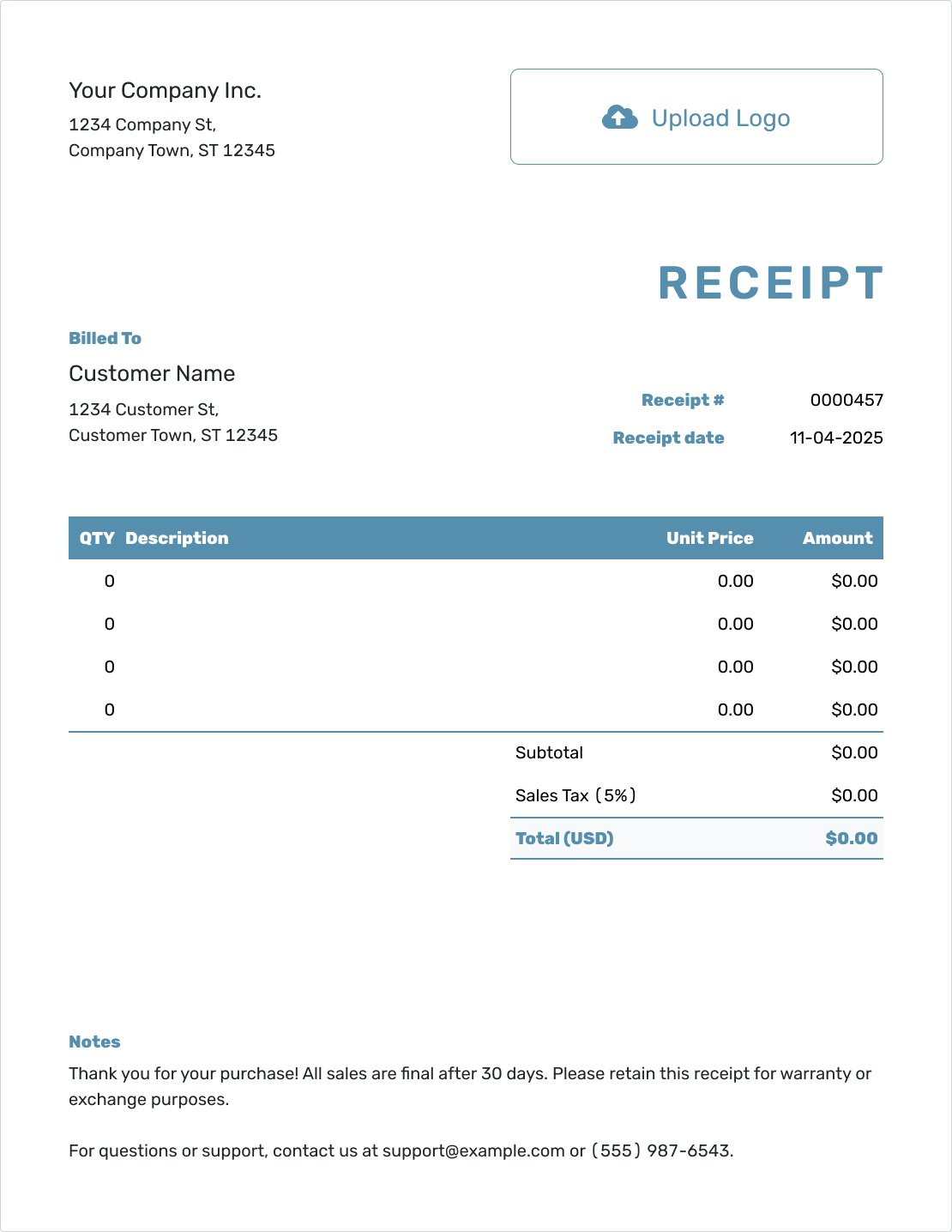
Blank Digital Receipt Template
Create Free Receipt -
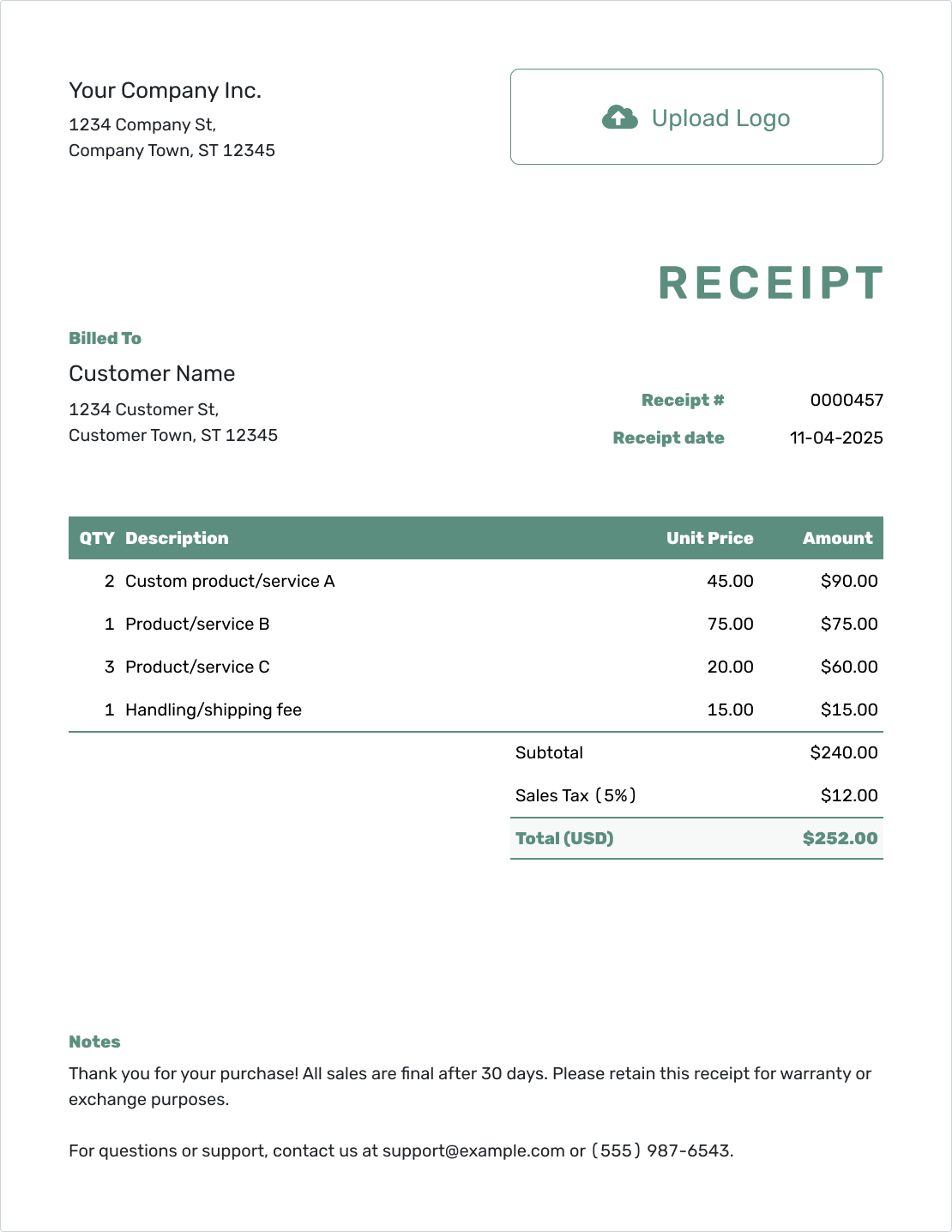
Simple Digital Receipt Template
Create Free Receipt -
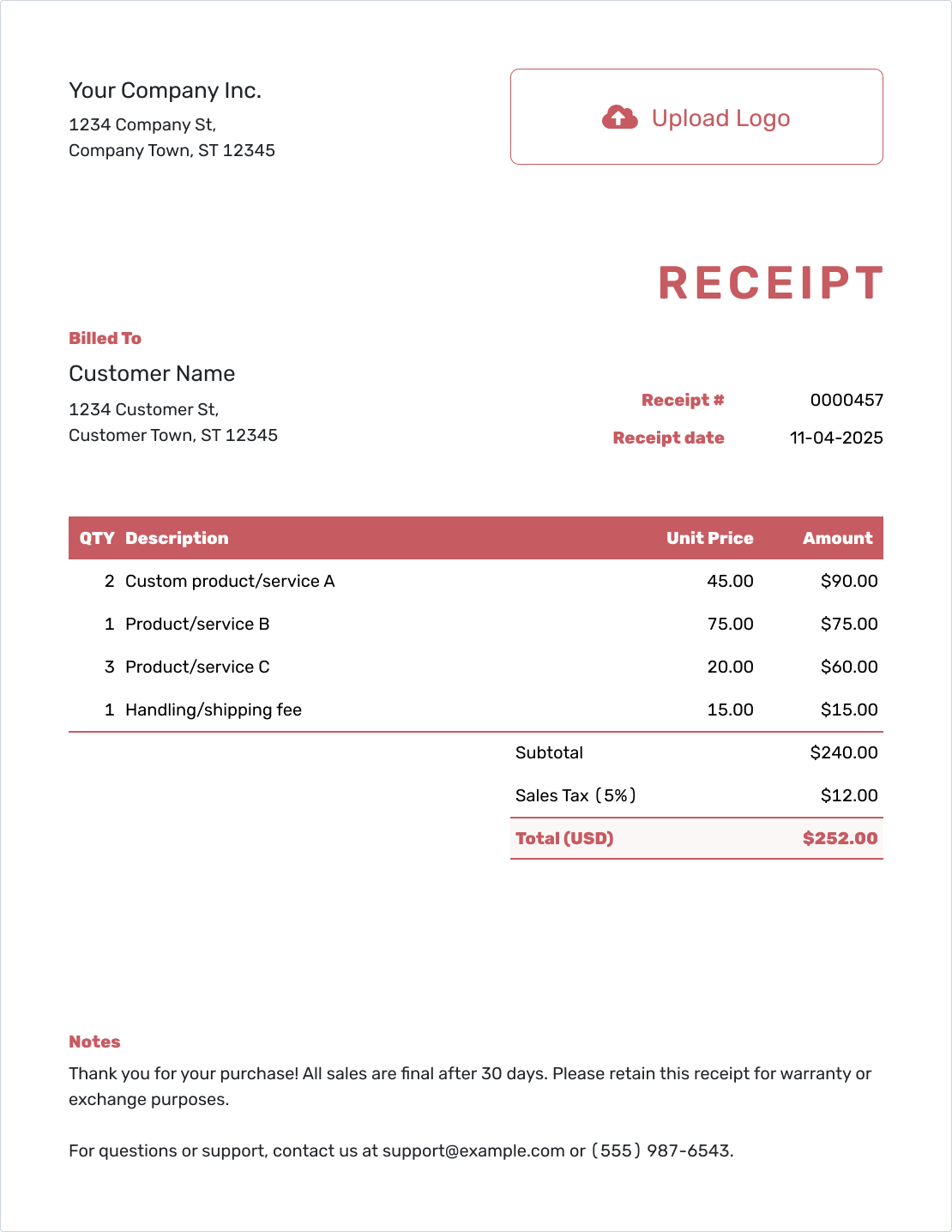
Fillable Digital Receipt Template
Create Free Receipt -
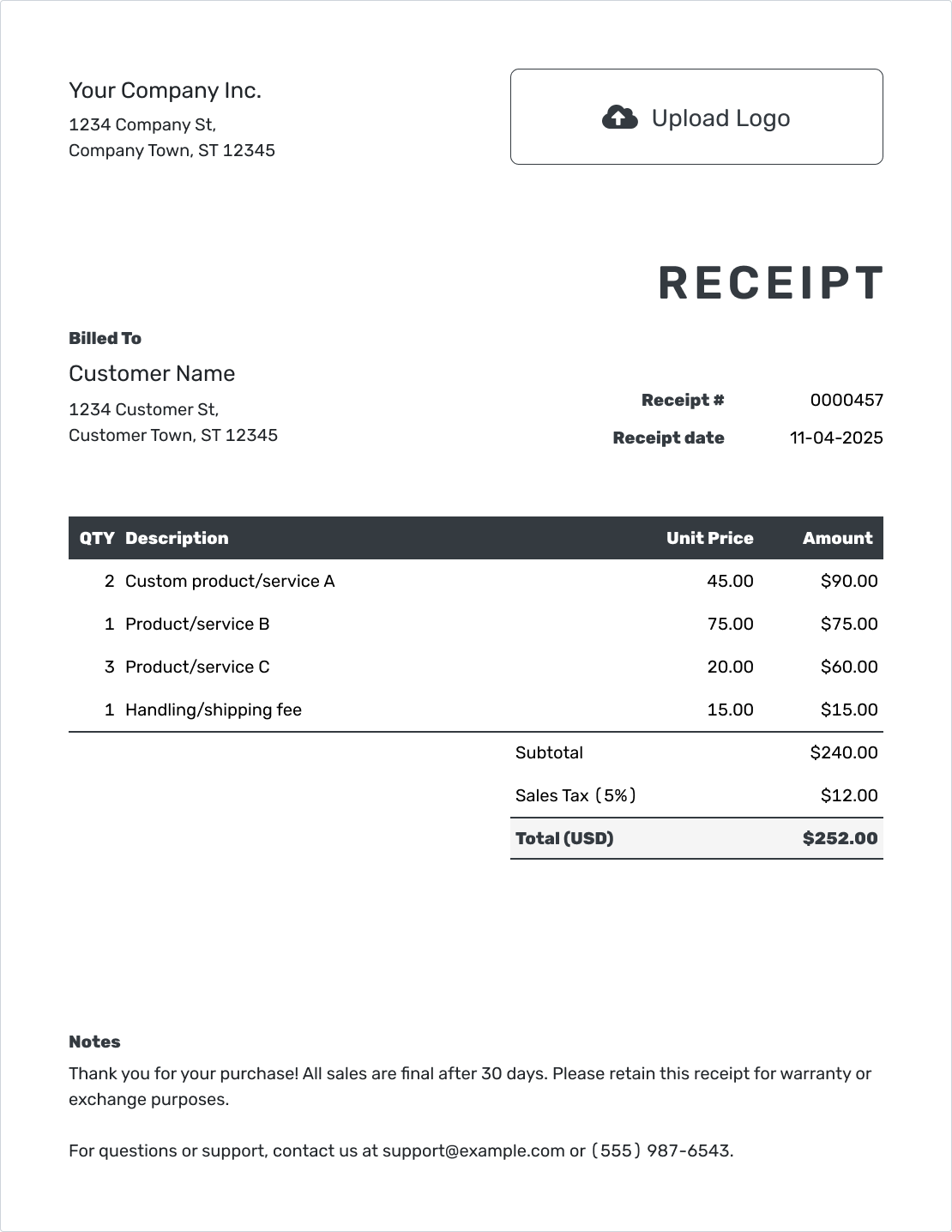
Professional Digital Receipt Template
Create Free Receipt -
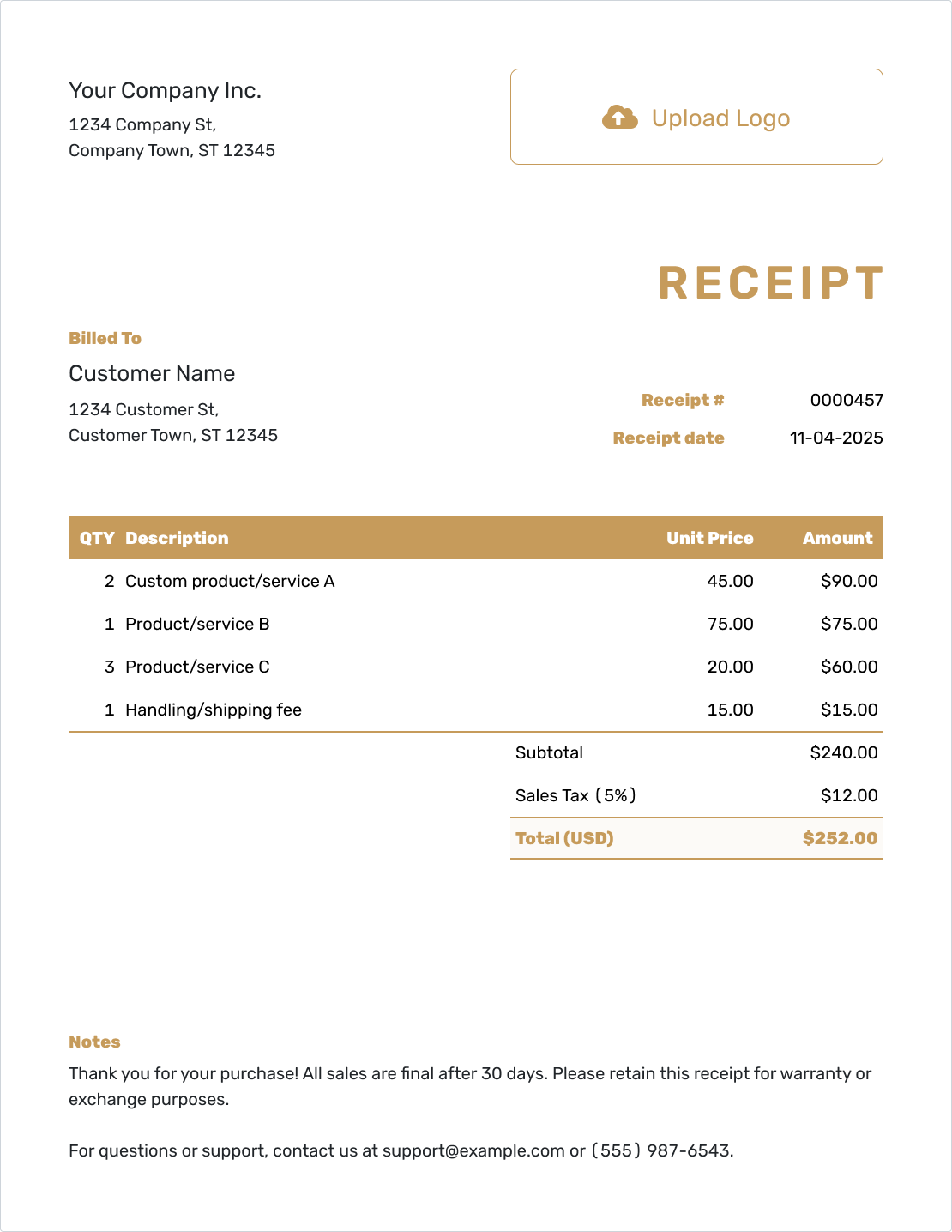
Downloadable Digital Receipt Template
Create Free Receipt -
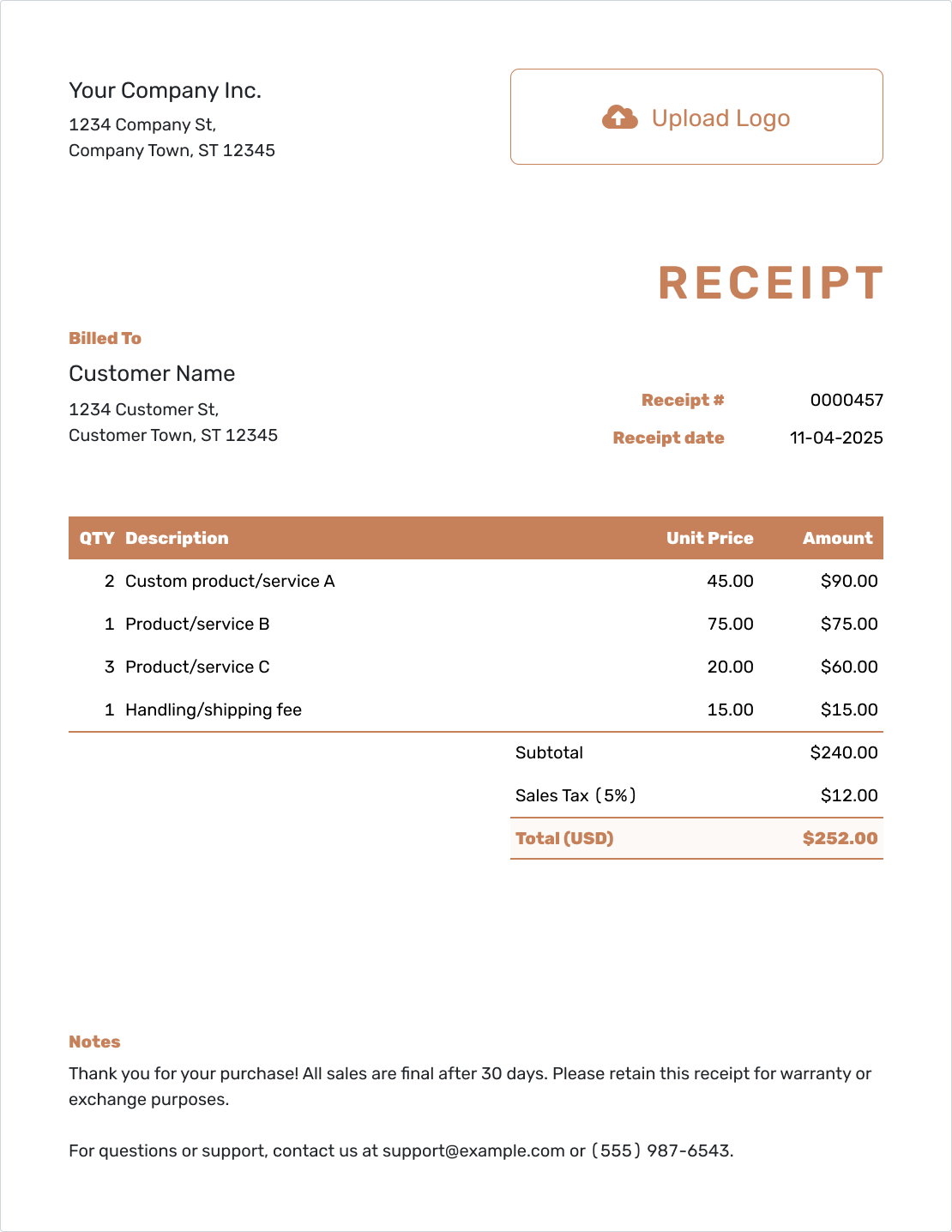
Editable Digital Receipt Template
Create Free Receipt
Make the Copy Easy to Recognize
Your business name and logo should be easy to spot when the customer opens the receipt. Use your usual colors and font, and include a contact email or website in the footer.
Use the currency of the payment, choosing from USD, EUR, GBP, CAD, or AUD. A short industry label before “Receipt” can help identify the kind of business.
An order sheet or service guide can travel with the receipt as an attachment. Docelf supports PDF, JPG, GIF, PNG, and WebP files up to 5 MB each. The recipient can download them with the document; the attachment guide shows how to add one.
Need an Editable File Before Sending?
Word and Google Docs templates let you edit the receipt as a document. Excel and Google Sheets offer a spreadsheet starting point. These are separate templates, not extra export formats for a Docelf receipt.
Whichever route you use, check the finished copy before sending it to the customer.
Digital Receipt Questions
-
Can I send a digital receipt for a cash payment?
Yes. Digital describes the receipt format, not how the customer paid. Record cash as the payment method and use the date you received it, then email the receipt or download a PDF.
-
What date belongs on a receipt for an order paid before pickup?
Use the payment date as the receipt date. In the example above, payment arrived on September 18, 2026, so that is the receipt date. September 20 is labeled as the pickup date in Notes.
-
Can the customer still have a paper copy?
Yes. You can print the receipt as well as email it or download a PDF. The printed version is another copy of the same receipt.
-
Can Docelf track a PDF I send from my own email app?
Docelf's delivery and opening history applies to receipts emailed from Docelf. When you send a downloaded PDF through your own email app, check that app for delivery information.
-
Does a replacement copy need a new receipt number?
Not when it records the same payment. Send or download the existing receipt again. Duplicating a receipt in Docelf creates a new draft with a new number, so use that for a new receipt rather than a replacement copy.
-
How do I correct a mistake in a receipt PDF?
Correct the receipt details in Docelf, review them, and download a fresh PDF. Tell the customer what changed and which copy to keep. The corrected receipt should still use the actual payment date.
Leave the Customer With a Clear Digital Copy
Finish the payment record now so neither of you has to look for a paper slip later.
- Keep the purchase and payment details together
- Email from Docelf and see when the receipt is opened
- Download a PDF for the customer or your records




