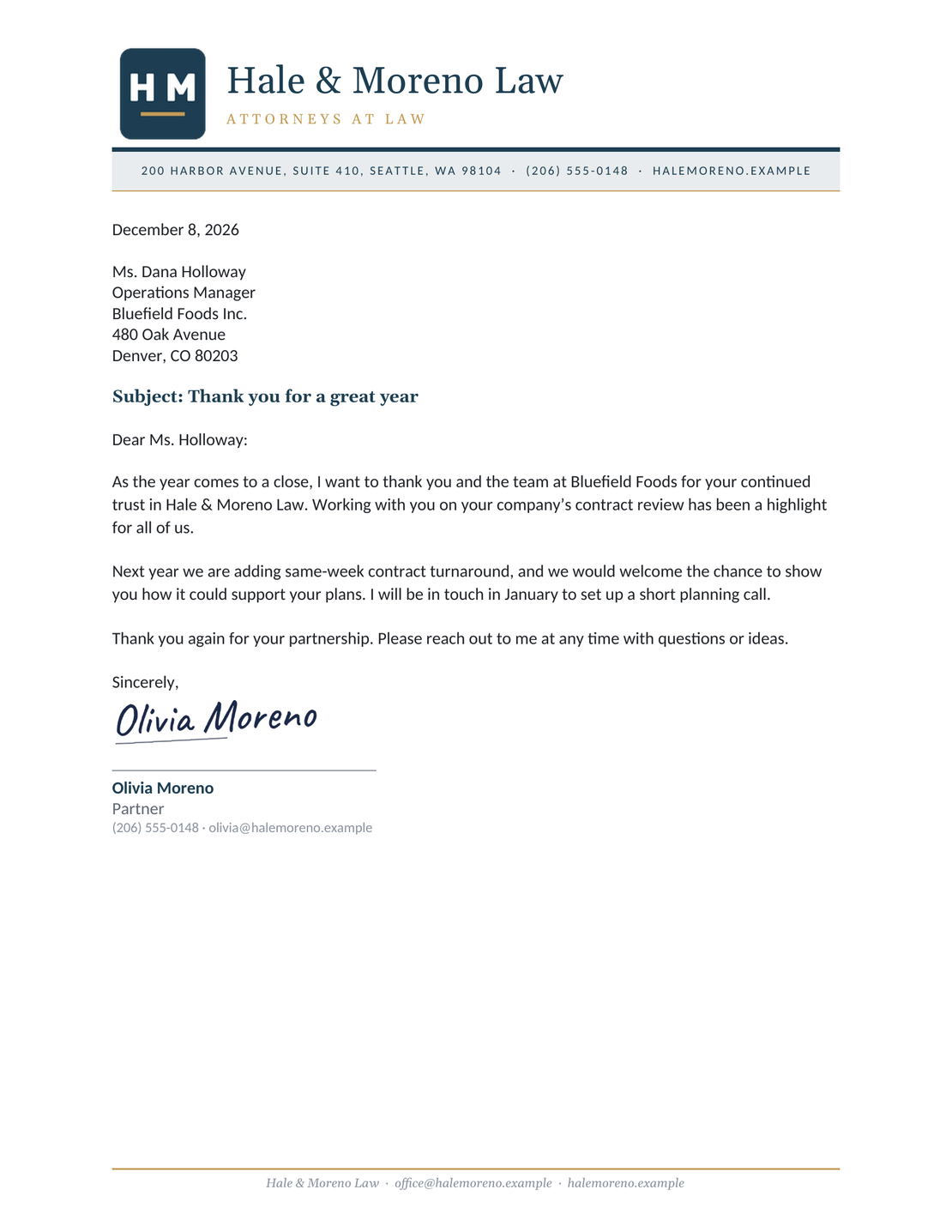
Free Business Letter Template
Create a professional letter in minutes
Confirm an appointment, share an update, or make a request. Use a clear business letter to tell the reader what happens next.
Use a free Word or Google Docs template, or create your letter online to print or download a PDF.
Create Free Business Letter
14-day free trial. No credit card required.
Popular Business Letter Templates
Start with a letter that fits your message. Each example shows a letter you can create in Docelf and adapt with your own details.
-
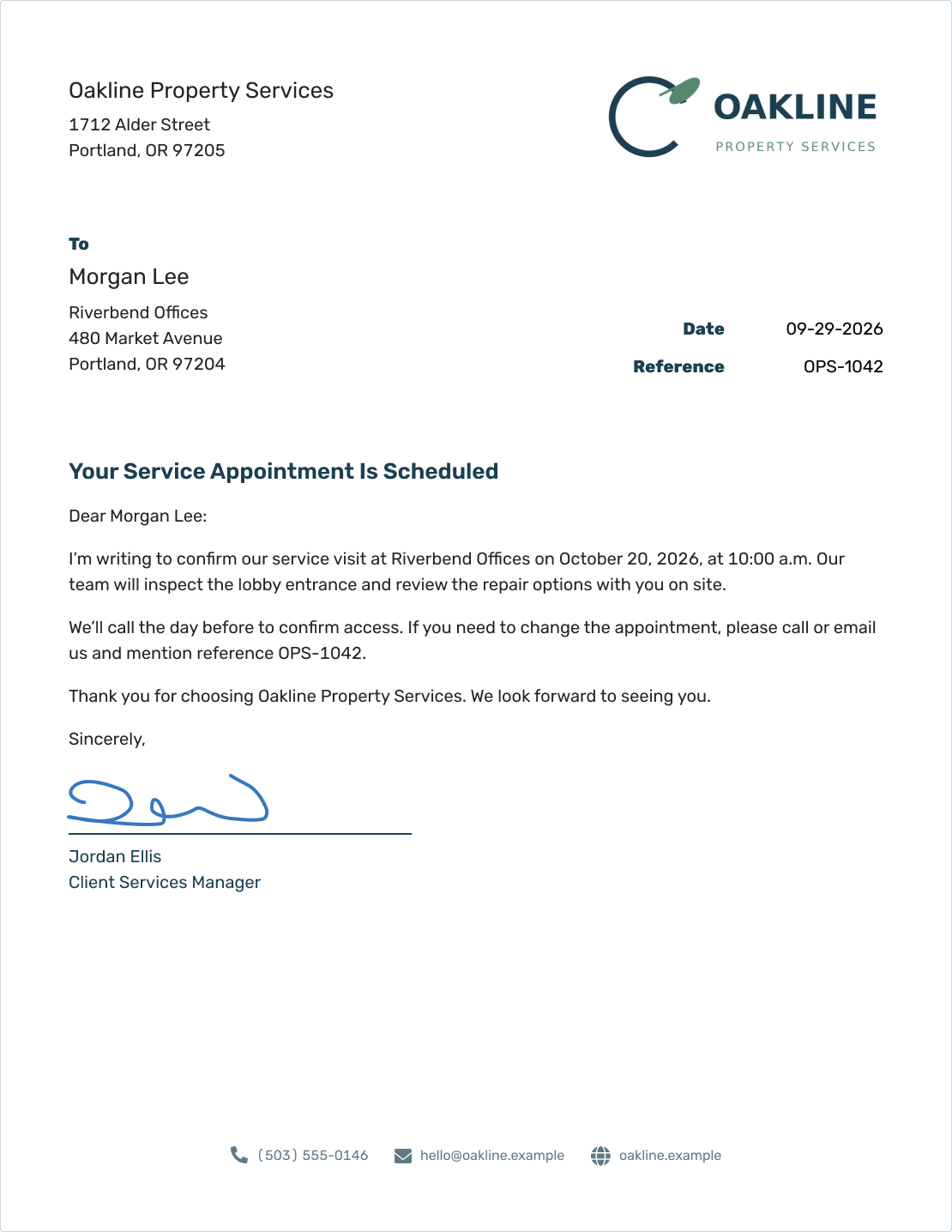
General Business Letter
Use a flexible letter for a request, confirmation, or business update.
Create Business Letter -
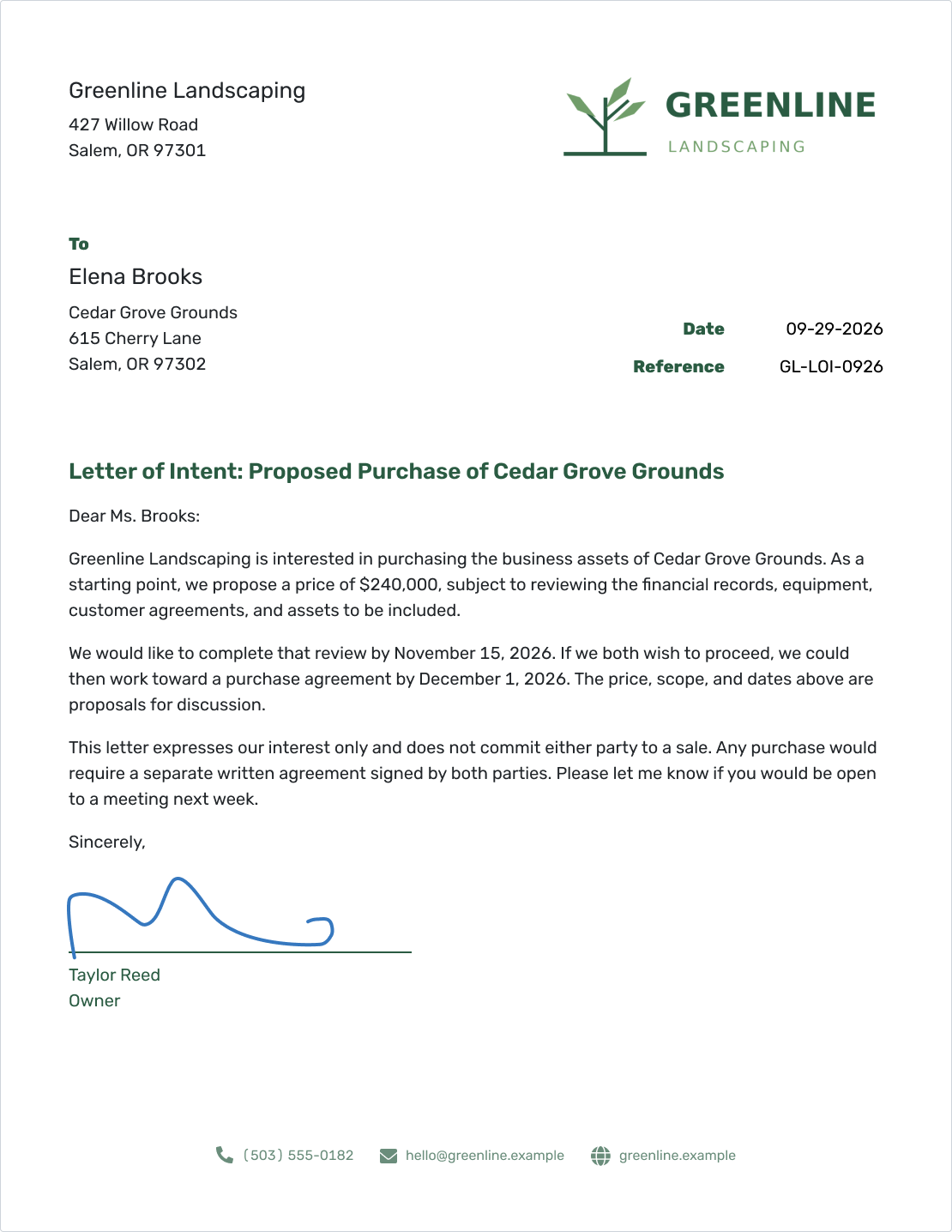
Letter of Intent
Outline a proposed arrangement and the points you still need to discuss.
View Letter of Intent -
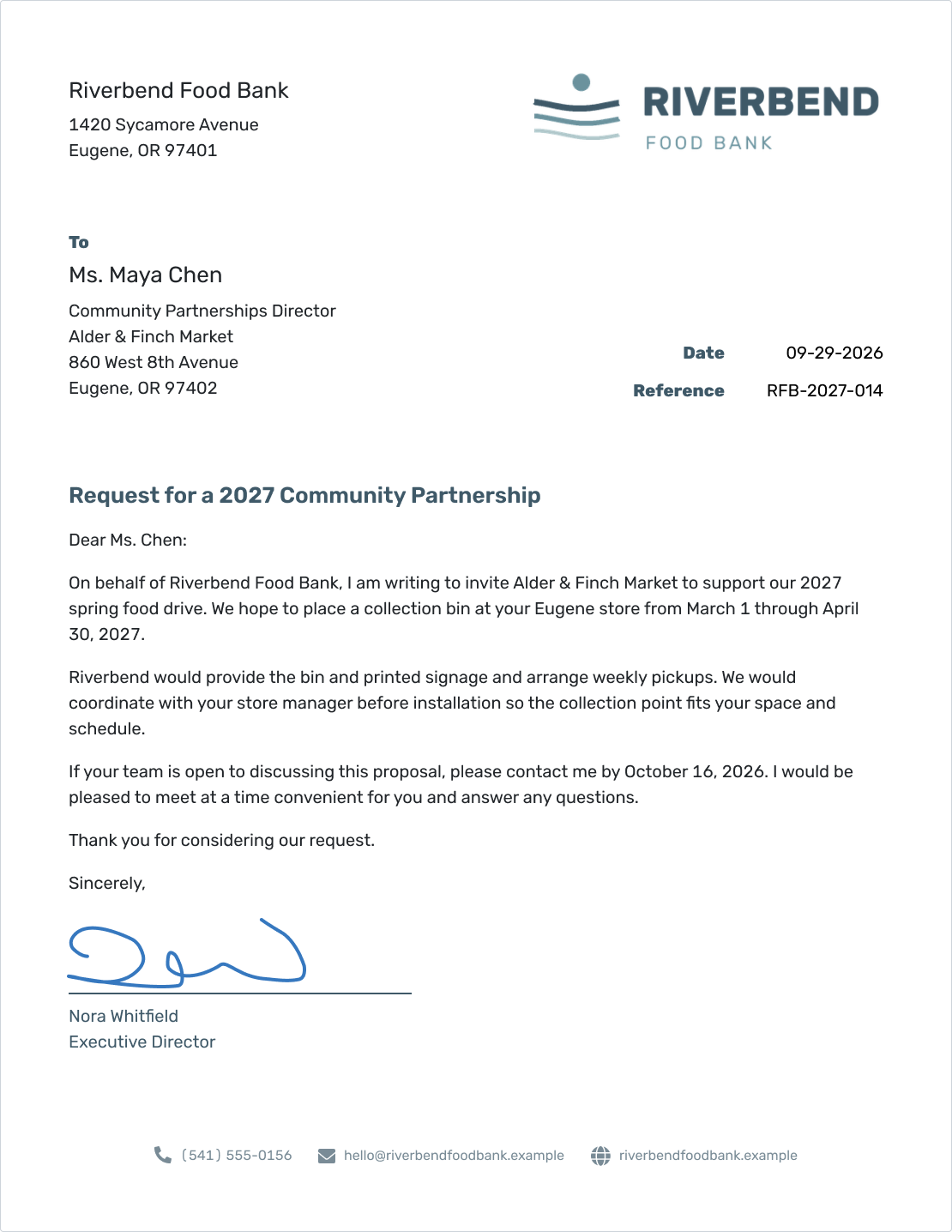
Formal Business Letter
Use a formal layout for a message that calls for a traditional business tone.
View Formal Letter
What Is a Business Letter?
A business letter is a written message to a customer, vendor, or other business contact. Use it to make a request, confirm an appointment, or share an update.
Docelf's business letter template gives you a ready-made layout. Add your own details and wording, then print the finished letter or download a PDF.
Business Letter Template to Copy
Use this structure for a request, confirmation, or update. Replace each [placeholder] and remove any optional line you do not need.
Your Business Letter
[Your Business Name]
[Street Address]
[City, State ZIP Code]
[Phone Number or Email Address]
[Month Day, Year]
Reference: [Reference Number, optional]
[Recipient Name]
[Recipient Title, if useful]
[Business or Organization]
[Street Address]
[City, State ZIP Code]
Subject: [Short Description of the Topic, optional]
Dear [Recipient Name or Team]:
I’m writing to [state your reason for writing]. [Explain the situation and include the details the reader needs.]
[Say what you are requesting, confirming, or changing.] [Include any relevant dates, amounts, or agreed arrangements.]
Please [describe the next step] by [Response Date, if needed]. You can reach me at [Phone Number or Email Address] if you have any questions.
Thank you for your time.
Sincerely,
[Signature]
[Your Name]
[Your Job Title, if useful]
Enclosure: [Document Name, only if included]
If your update needs no reply, replace the request paragraph with what happens next and keep your contact details. For a job offer, payment reminder, or another specific task, choose a letter type below.
When Does a Business Letter Help?
Use a letter when the reader needs a clear record of a request, decision, or change. It keeps the date, names, important details, and next step together in a document they can save or share.
A quick question may only need an email. A price change, formal complaint, or appointment confirmation can benefit from a separate letter, which you can still send by email. If an agreement specifies how to send a notice, check those instructions first.
How to Write a Business Letter in Docelf
Follow the numbers to fill in your letter. Start with your business details and work down to the signature.
- Your Business: Enter your business name, address, and contact details.
- Your Logo: Add your logo if you have one.
- Recipient: Enter the recipient's name, business, and address.
- Date and Reference: Set the letter date and add a reference if needed.
- Your Message: Add a greeting and explain why you're writing. Include a short subject if it helps.
- Closing and Signature: Add your closing, signature, and name. Check your letter, then email it, print it, or download it as a PDF.
Before You Send Your Letter
A quick check catches the details that are easy to miss while writing. Read it as if you were receiving it for the first time.
- The opening explains why you are writing.
- Names, dates, addresses, and references are correct.
- The tone is courteous, and the request is specific.
- Any reply deadline and contact details are easy to find.
- Every document mentioned as attached or enclosed is included.
After You Send Your Letter
- Check the document history in Docelf to see when your emailed letter is delivered and opened.
- If the letter has not been delivered, check the recipient's email address before sending it again.
- If you need a reply, follow up after the response date in your letter.
Keep the follow-up short. Mention the original letter's subject or reference, repeat what you need, and give the reader a way to reach you.
Create Your Letter in Docelf
You have the message. Docelf gives it a professional layout. Add your details, check the wording, then print your letter or download a PDF.
Create Free Business Letter
US Business Letter Formatting
Use these familiar conventions when writing to a US business:
- Paper and margins: Use US Letter paper (8.5 × 11 inches) with one-inch margins.
- Font: Choose a readable font at 11 or 12 points.
- Spacing: Keep the body text left-aligned and single-spaced, with a blank line between paragraphs.
- Date: Write out the month, as in September 29, 2026.
- Greeting and closing: Use a colon after a formal greeting and a comma after the closing.
- Signature: Leave space to sign above your typed name and job title.
Docelf uses a slightly modified block format. The date and reference sit to the right, while the recipient details and letter text start on the left.
What Should a Business Letter Include?
A business letter has seven main parts. The numbered cheat sheet shows where each one goes in a standard full block layout.
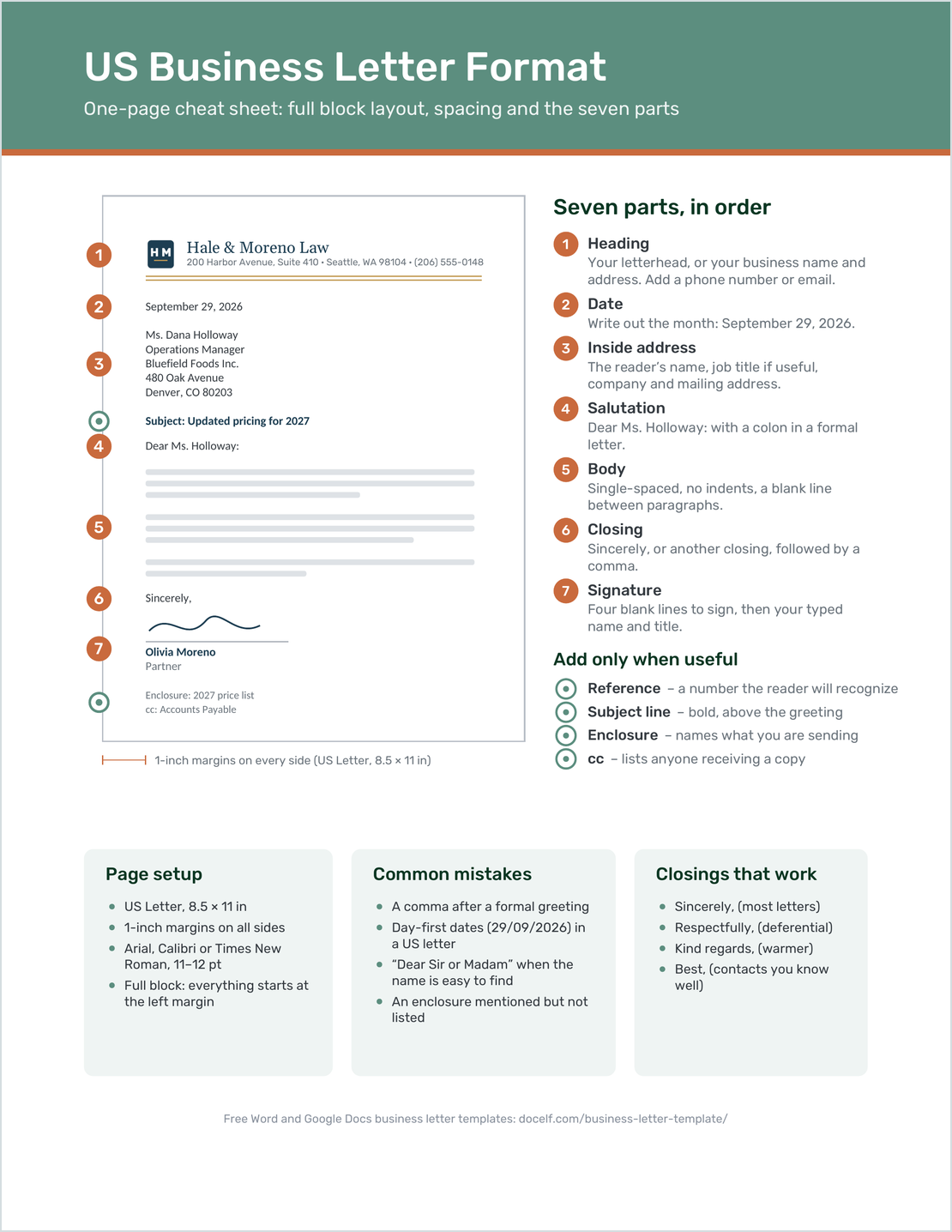
- Sender details: Your business name, address, and contact details.
- Date: The date of the letter.
- Recipient details: The reader's name, business, and address.
- Salutation: A greeting to the reader.
- Body: Your message and any action you need the reader to take.
- Closing: A polite sign-off.
- Signature: Space to sign, followed by your typed name and role.
A subject or reference is optional. If you include other documents, list them below your signature. See the parts of a business letter guide for an example of each part.
More Business Letter Templates
Use these examples for a specific business task. Choose one, then replace the sample names and wording with your own.
-
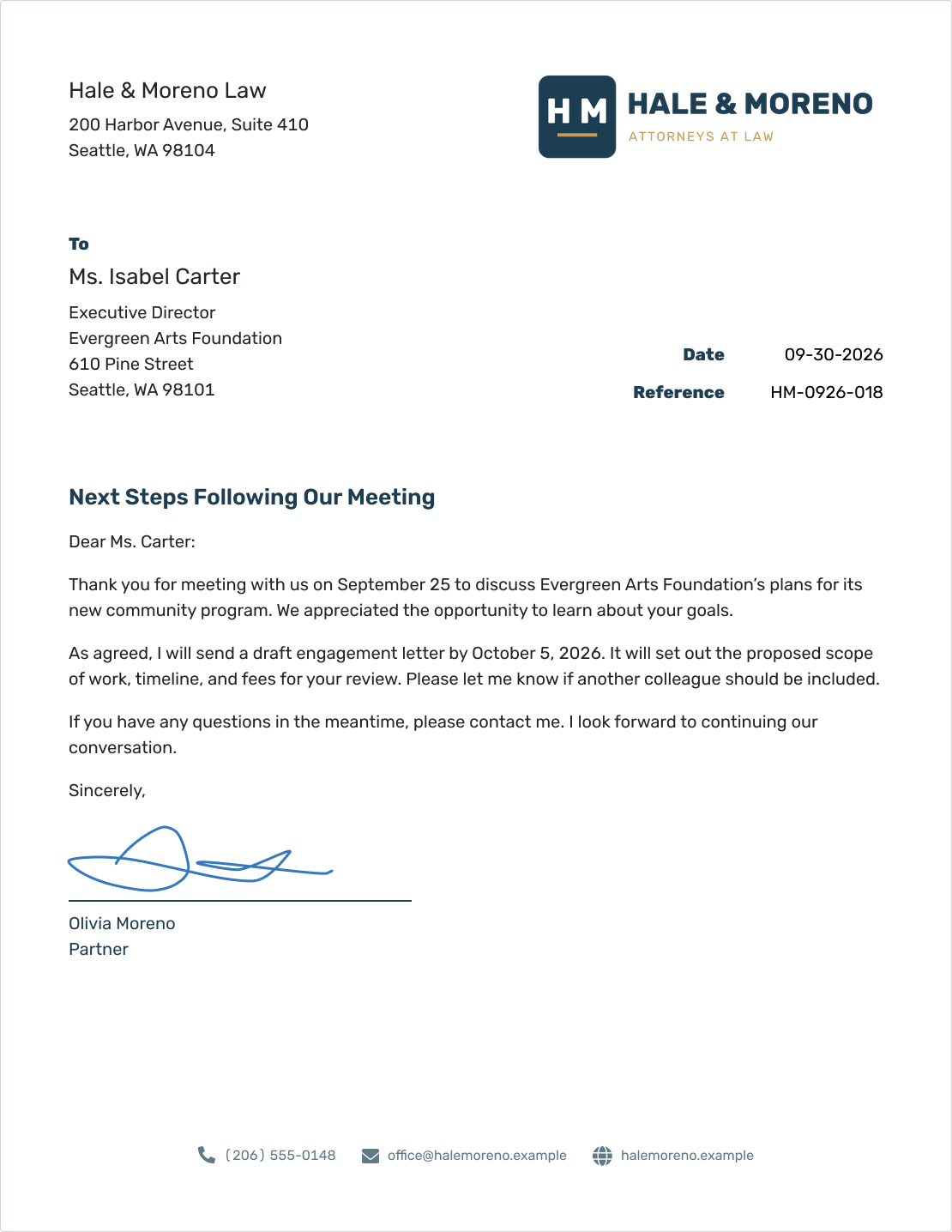
Business Letterhead
Put your logo and contact details at the top of a letter you can reuse.
View Letterhead Template -
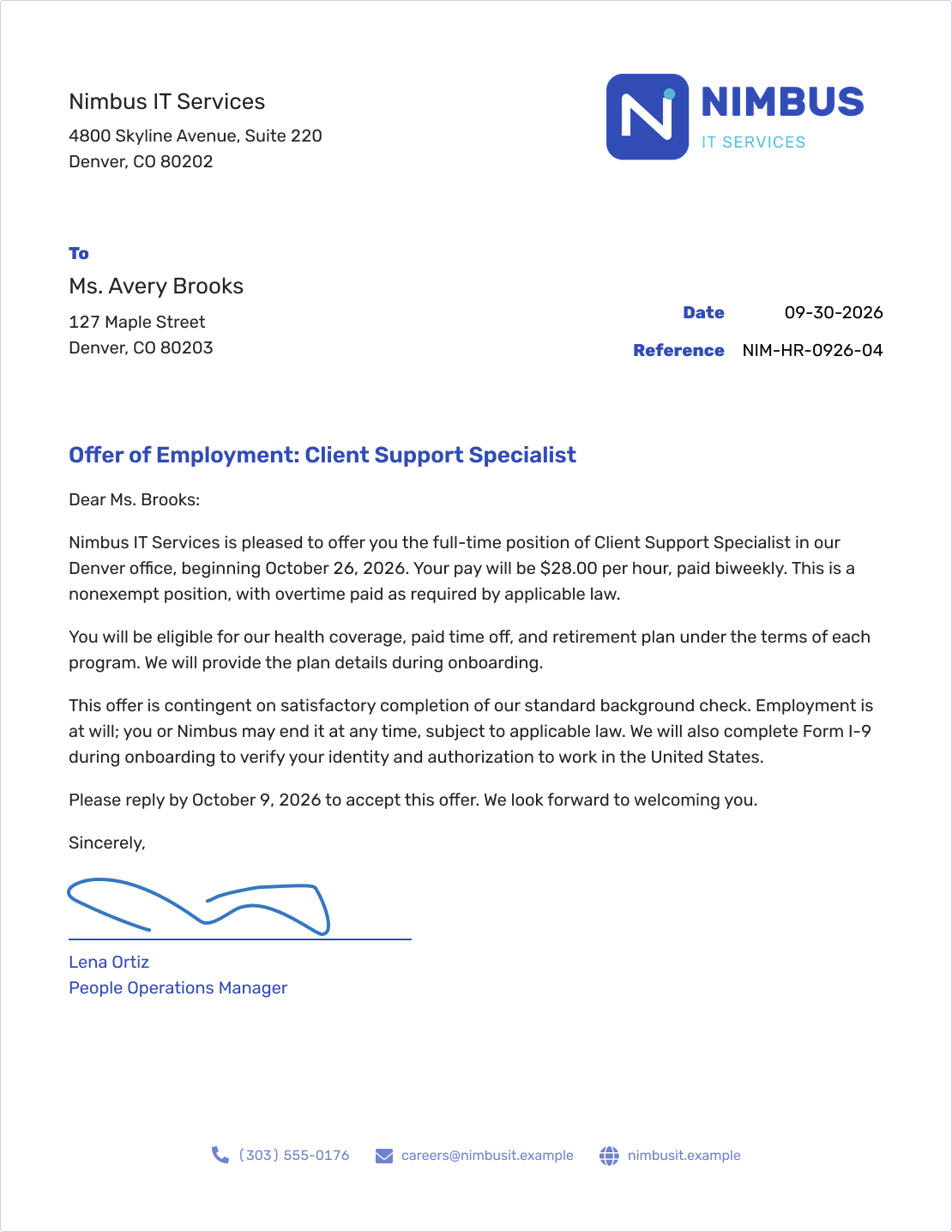
Job Offer Letter
Explain the role, proposed terms, start date, and next step.
View Offer Letter -
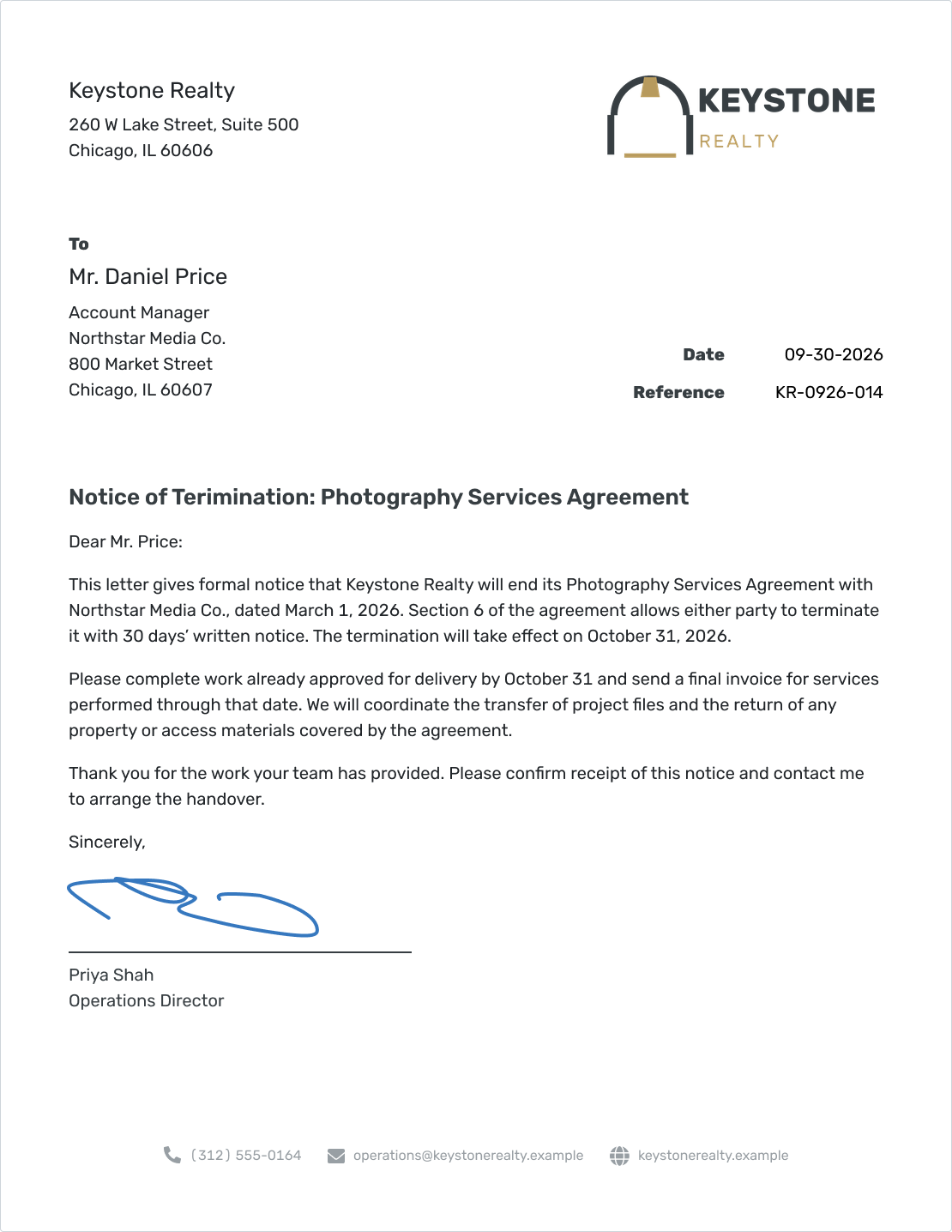
Contract Termination Letter
State which arrangement is ending, when it ends, and what happens next.
View Termination Letter -
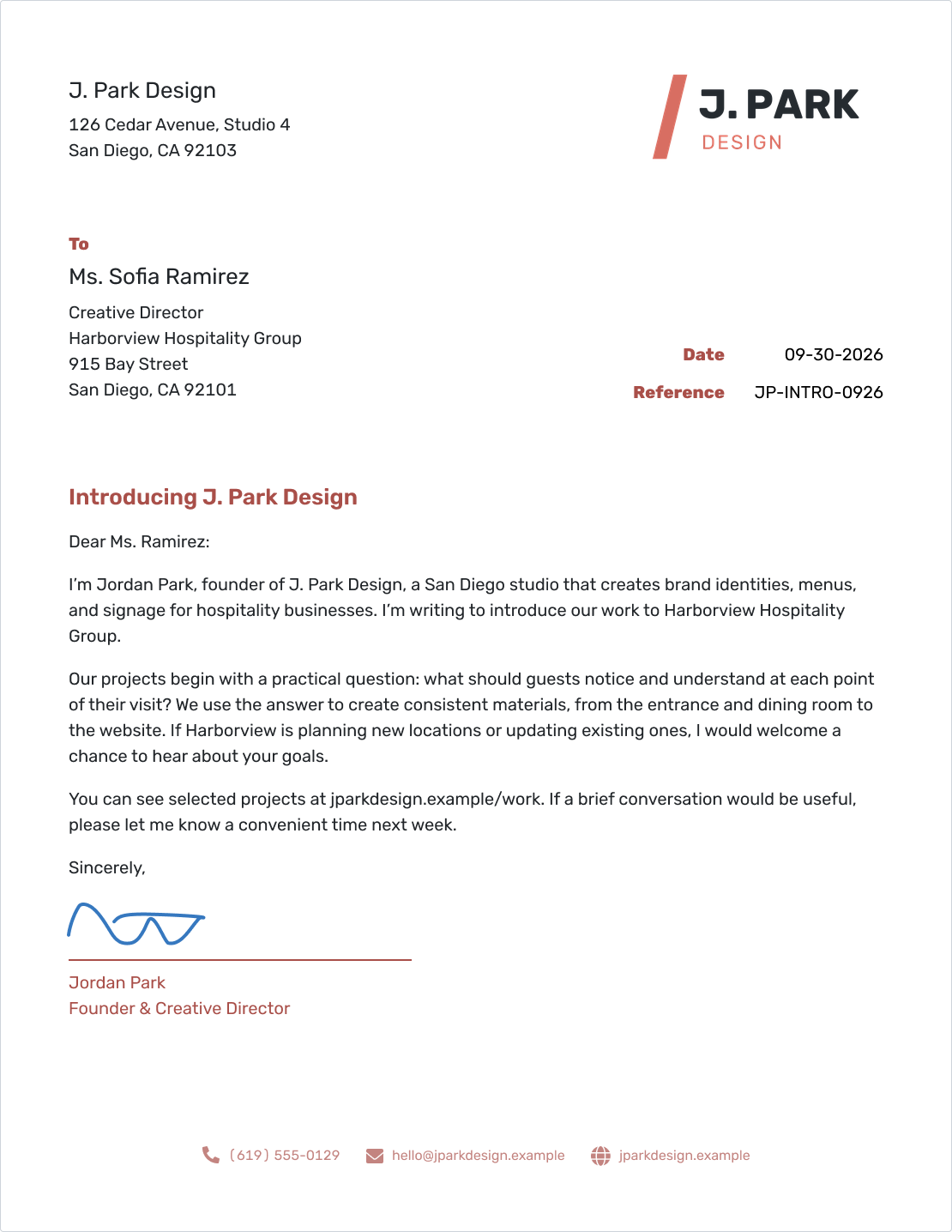
Business Introduction Letter
Introduce your business and give the reader a reason to connect.
View Introduction Letter -
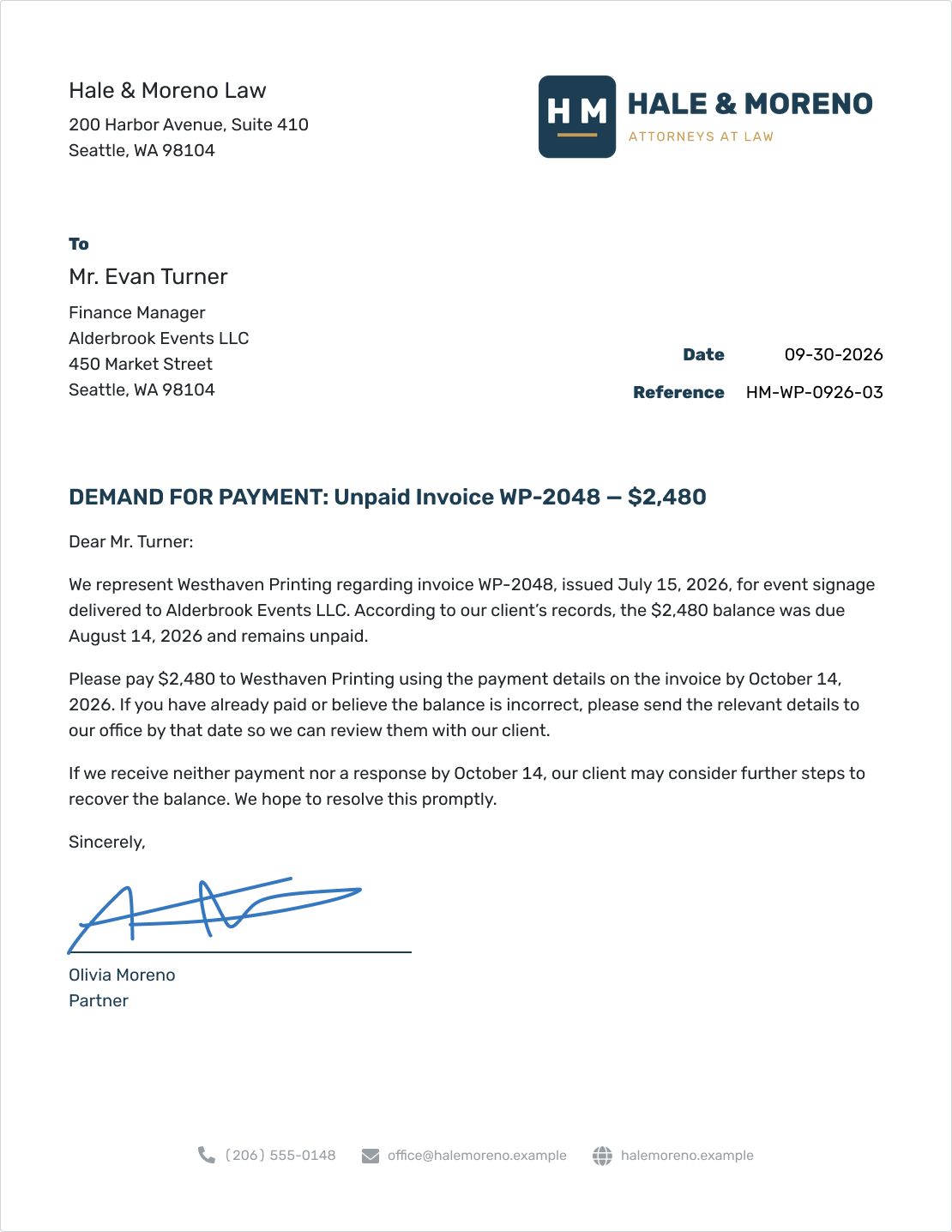
Demand Letter for an Unpaid Invoice
State the overdue amount, the deadline, and how the recipient can resolve it.
View Demand Letter -
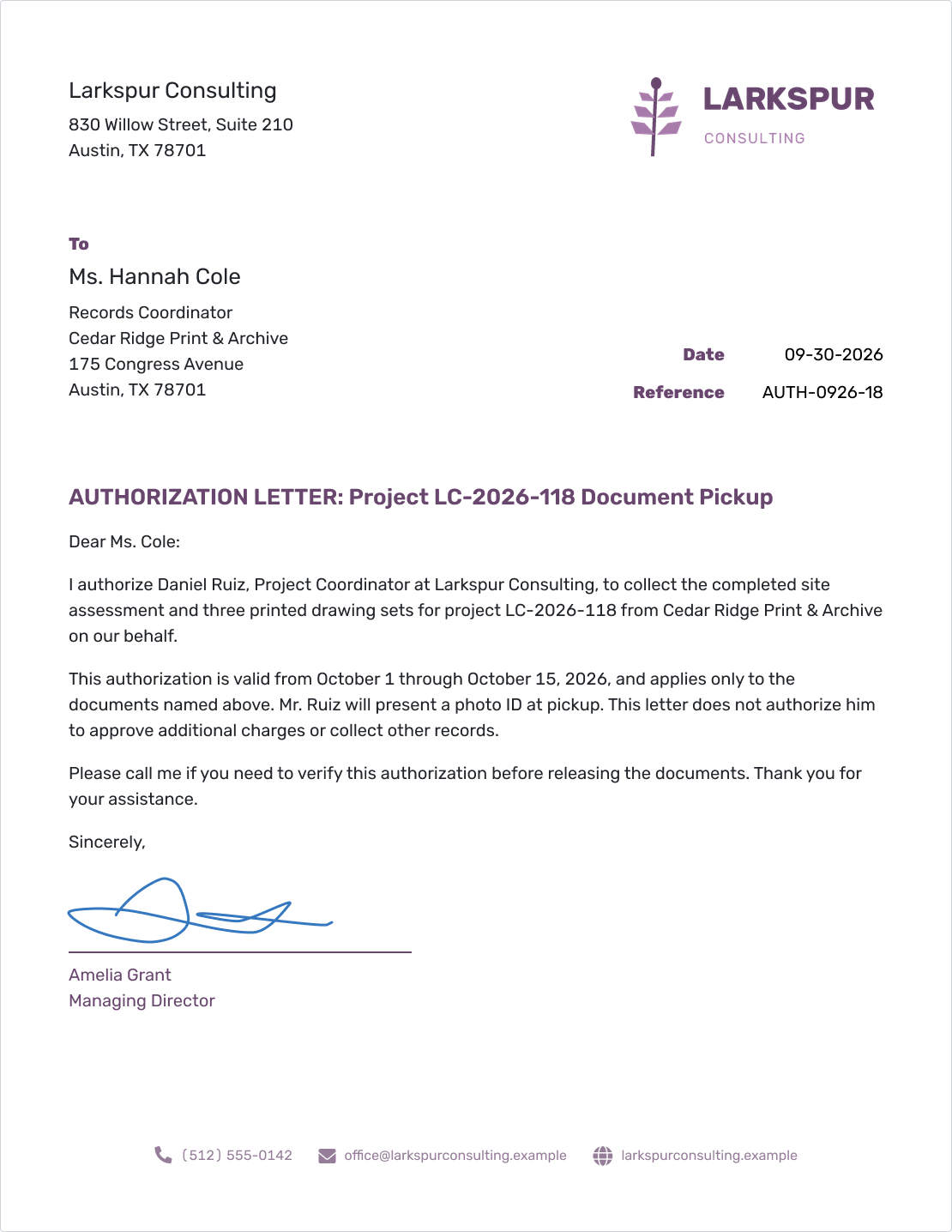
Authorization Letter
Give a named person permission to handle a specific task and state any limits.
View Authorization Letter
Short Business Letter Examples
These short passages show how to get to the point. Use them as part of your letter, then add the details the reader needs.
Ask for Information
“Could you send your current wholesale price list and the minimum order for delivery to our café? We would like to review the options before placing an order in November.”
Thank a Customer
“Thank you for trusting us with your office move. Your team's quick replies helped us keep the work on schedule. Please let me know if anything needs attention as you settle in.”
Remind a Customer About Payment
“Our records show that the $1,840 balance on invoice SR-2048 is still unpaid. If you have already paid, please send the payment date so we can check the account.” See the payment reminder templates.
Explain a Price Increase
“The price of our 5-lb House Blend bags will change from $68 to $74 for orders placed on or after November 1, 2026. Orders placed through October 31 will keep the current price.” See the price increase examples.
Ask a Supplier to Put Something Right
“Three chairs in order COS-1842 arrived with cracked armrests. Please arrange replacements and let us know whether they can arrive by October 12.” See the complaint letter template.
Introduce Your Business
“I'm Jordan Park, founder of J. Park Design. We create brand identities, menus, and signage for hospitality businesses. If you are planning a new location, I would welcome a chance to hear about it.” See the business introduction examples.
For complete letters with sender details, greetings, and closings, browse the 11 sample business letters.
Business Letter Templates and Resources
Prefer to write in Word or Google Docs? Choose a format below, or find a letterhead and sample wording to help you start.
Choose the Right Kind of Business Letter
Choose the letter that fits your task. Each page explains what to include and gives you a starting point for your wording.
Choose a Letterhead for Your Business
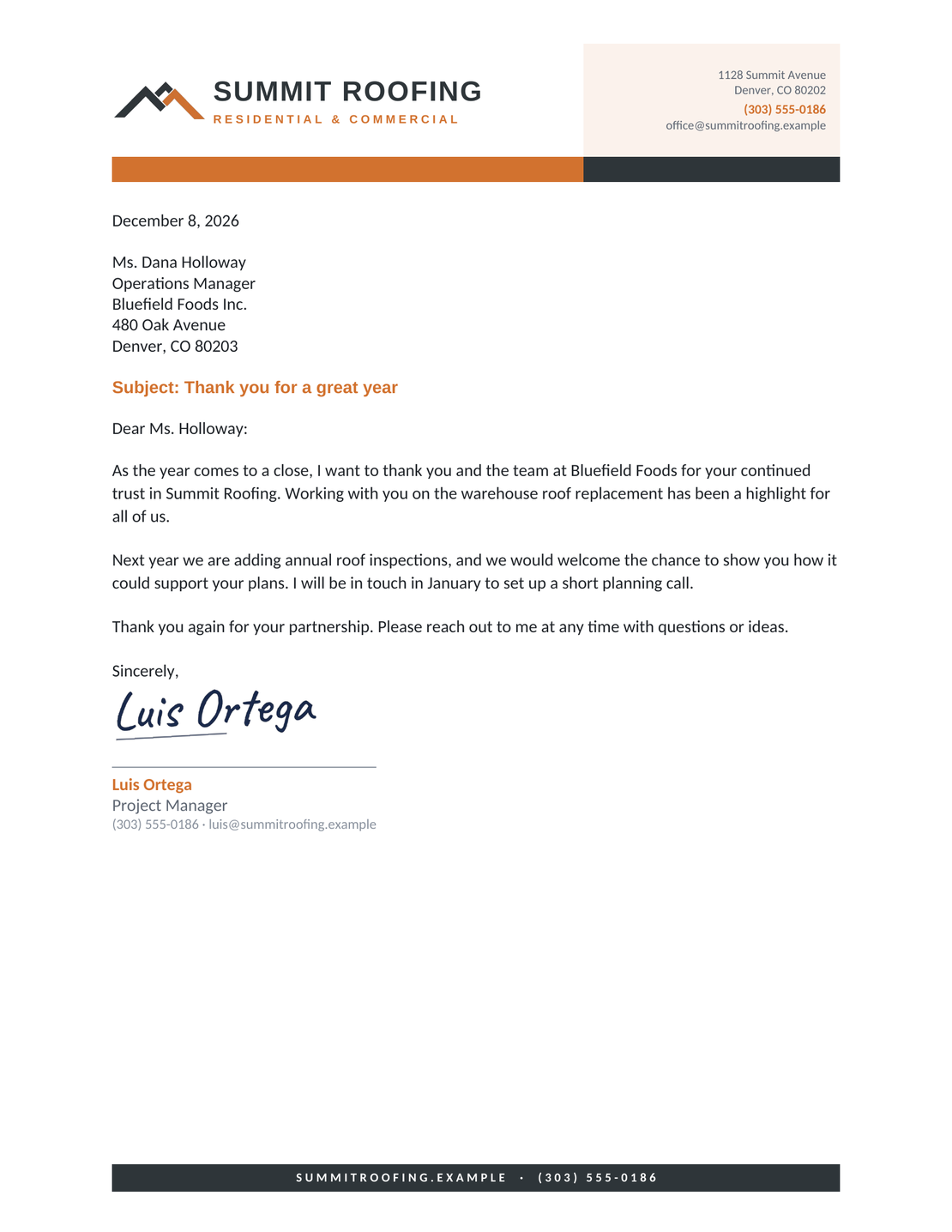
A letterhead puts your business name and contact details in a consistent place. These four examples are part of the same six-design collection available in Word and Google Docs.
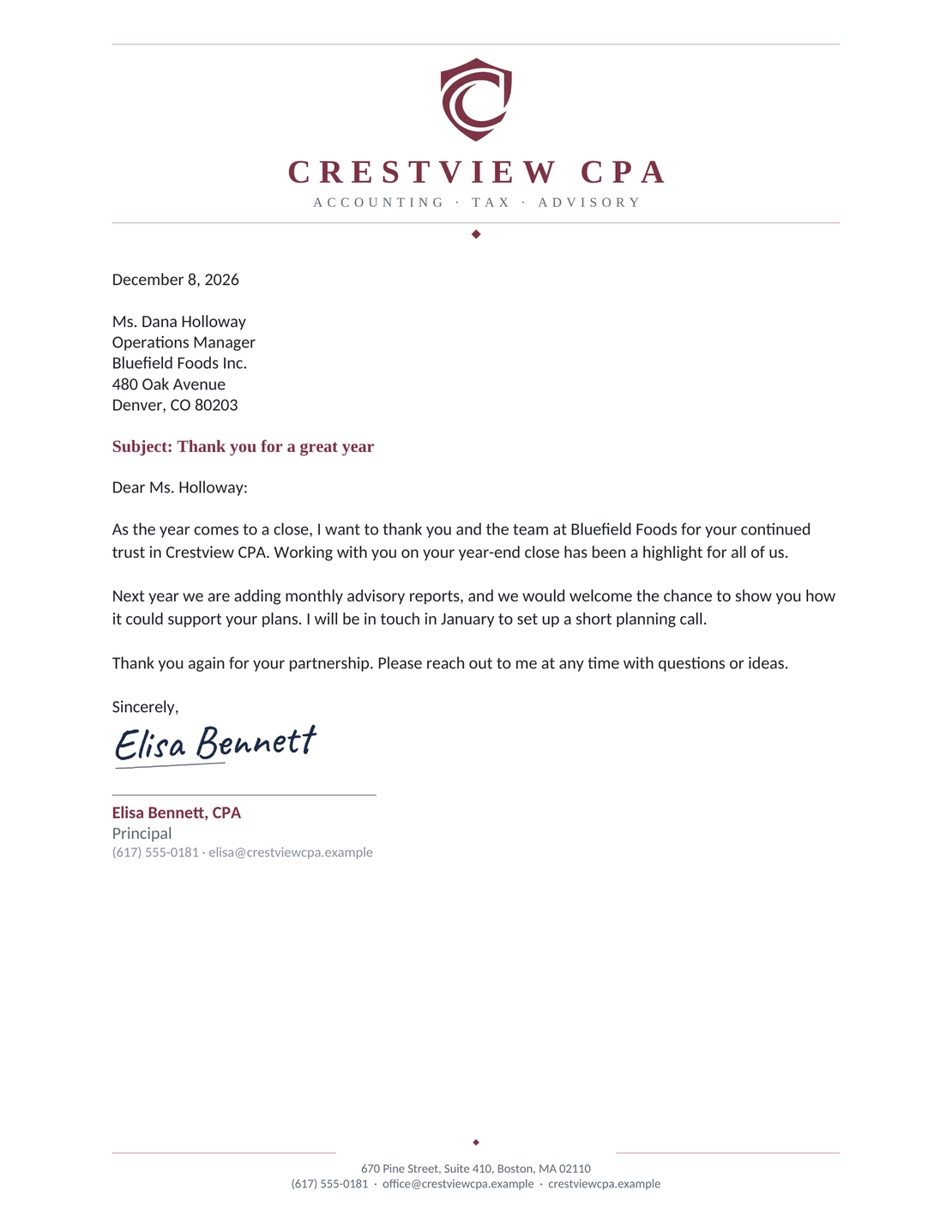
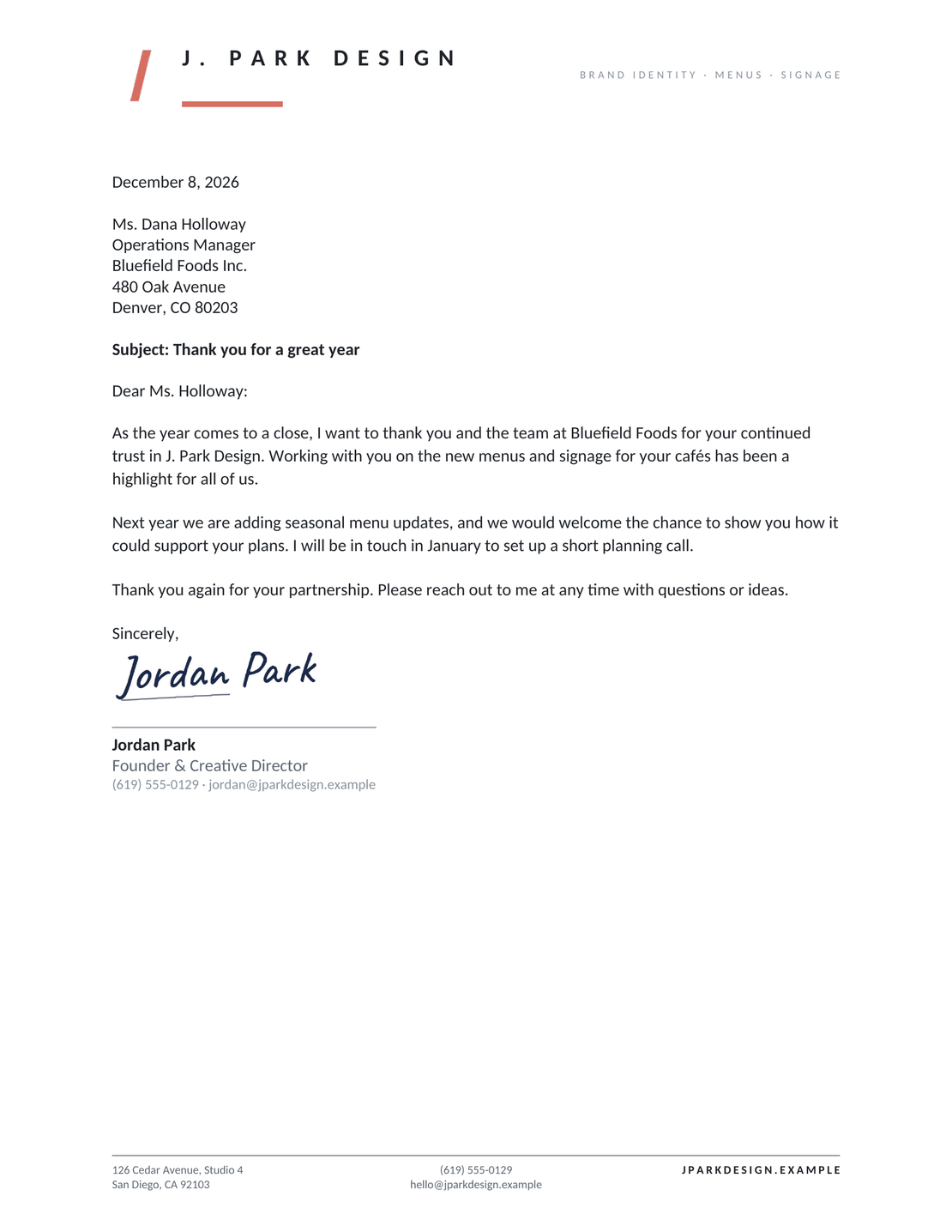
Minimal Letterhead
A simple heading with charcoal text and a small coral accent.
View Minimal LetterheadSee all six letterhead designs, including color band and sidebar styles. These are editable document templates; the online generator uses Docelf's own layout.
Business Letter Writing Guides
A clear layout helps the reader find the point of your letter. These guides cover the format, greeting, closing, and details to include.
Business Letter FAQs
-
What are the 7 C's of business letter writing?
A common checklist is clear, concise, concrete, correct, coherent, complete, and courteous. In practice, state your purpose, use specific details, check the facts, put ideas in a sensible order, include what the reader needs, and keep the tone respectful. Cut words that do not help the message.
-
How long should a business letter be?
Aim for one page for an everyday business letter. Use more space when the reader needs it, but remove repeated points and background that does not help them act.
-
Does a business letter need a subject line?
A subject line is optional. Add one when a short heading will help the reader recognize the topic, especially for a request or an ongoing matter.
-
What is the difference between a subject and a reference?
A subject describes the topic. A reference identifies a particular job, order, account, or earlier letter. Use both when they help the reader find the right information.
-
How do I address someone whose name I do not know?
Use the person's role or the relevant team in the greeting. Try to find a named recipient first when the letter needs a decision from a particular person.
-
Does a business letter have to sound formal?
Keep it professional and courteous, using everyday words. Match the tone to the relationship and the subject. A routine customer update can sound warmer than a formal complaint.
-
Can I send a business letter by email?
Yes. Email your letter directly from Docelf, then check the document history to see when it is delivered and opened. You can also download a PDF to attach to your own email.
-
Is a letterhead the same as a business letter?
Letterhead is the part that identifies your business, often with a logo and contact details. The letter itself also includes the date, recipient, message, closing, and sender's name.
-
Can I download or print my business letter?
Yes. Write your letter in Docelf, then download it as a PDF or print it. Check the names, date, and wording before sharing it.
-
Is there a business letter template for Word or Google Docs?
Yes. Download a free Word business letter template, or save your own copy of a Google Docs business letter template. Both come in the same six letterhead designs.
Ready to Write Your Business Letter?
Start with the reason for writing and the next step you need. The template keeps your details, message, and signature in place as you write.
Finish your letter in Docelf and have it ready to share.
- Add your business and recipient details
- Write your message and add your signature
- Print your letter or download it as a PDF
Create Free Business Letter




