Free Word Business Letter Template
Your wording, in a Word file you can keep
Download one of the six free Word business letter templates. Add your business details and message, then print the finished letter or save it as a PDF.
Keep the editable DOCX for your next letter, or use the online editor to write and send your letter in one place.
14-day free trial. No credit card required.
Download a Free Word Business Letter Template
Choose one of six letterhead designs and download the editable DOCX. Save a blank original, then use a fresh copy for each request, confirmation, or business update.
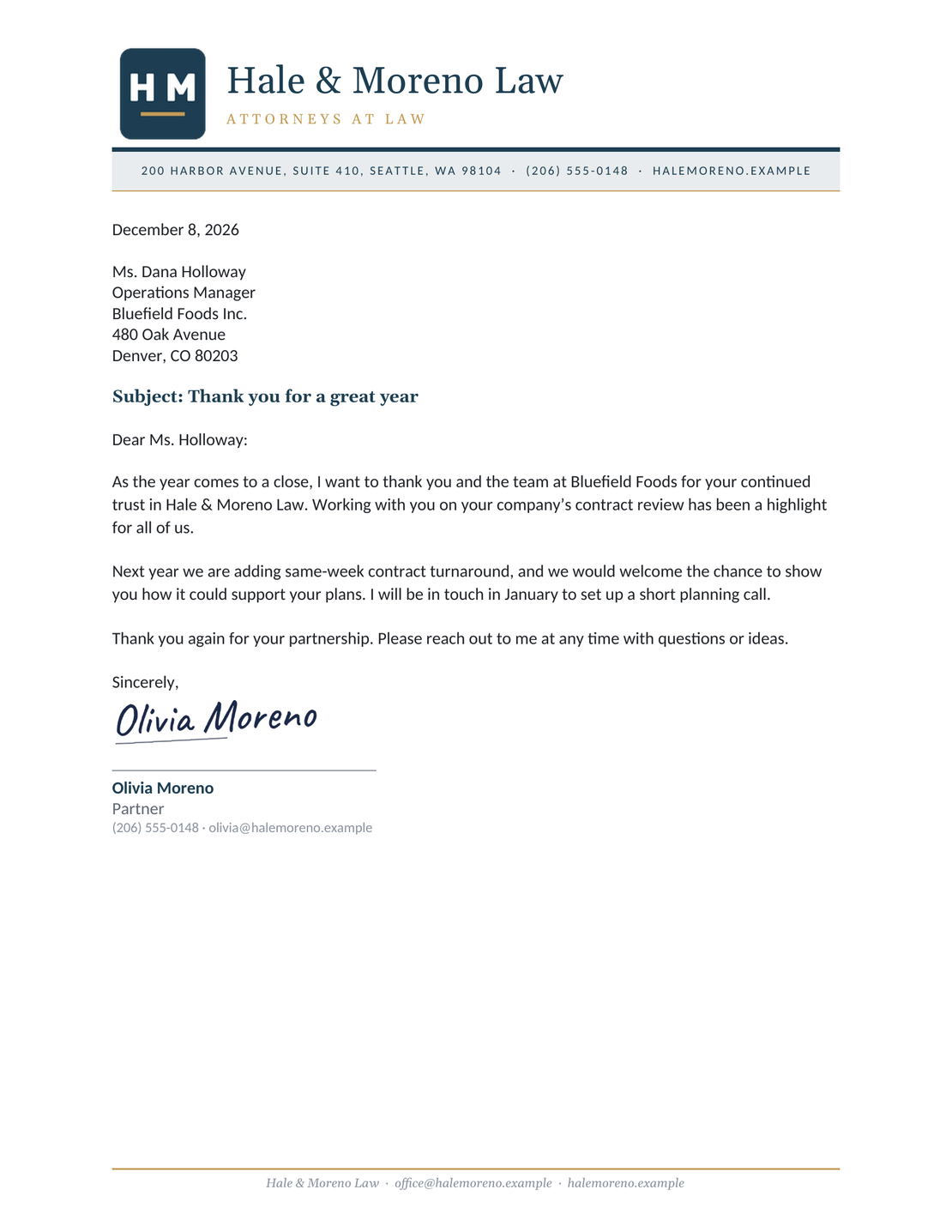
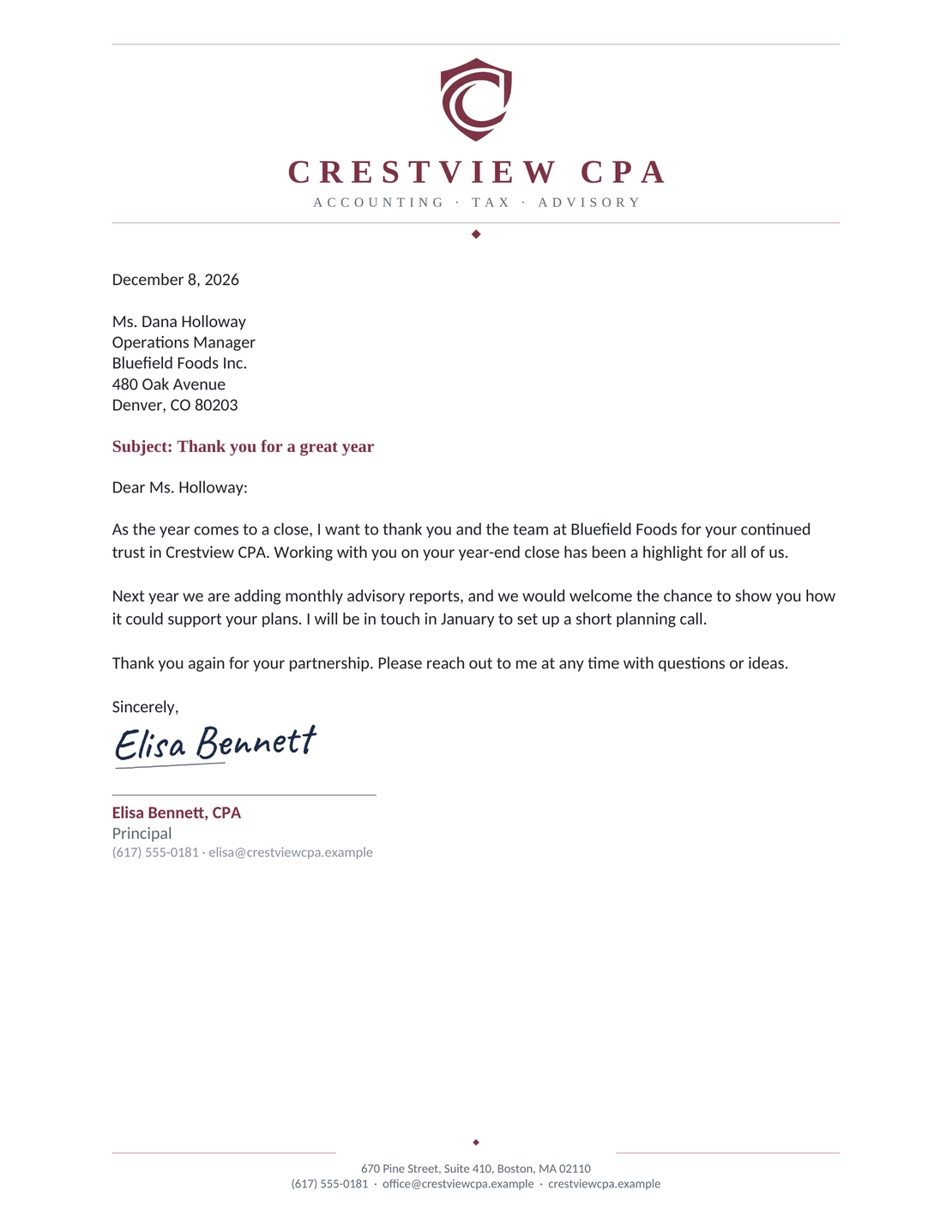
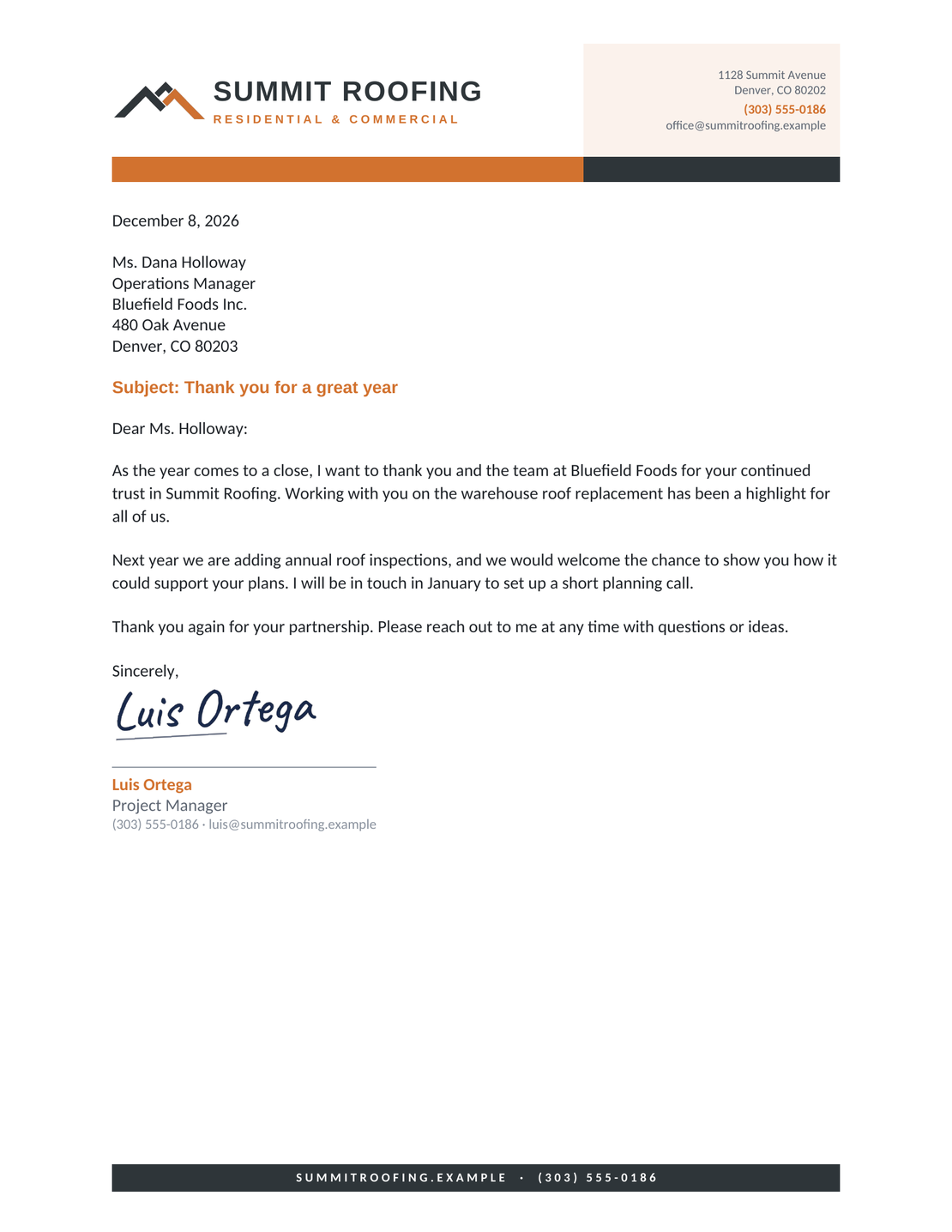
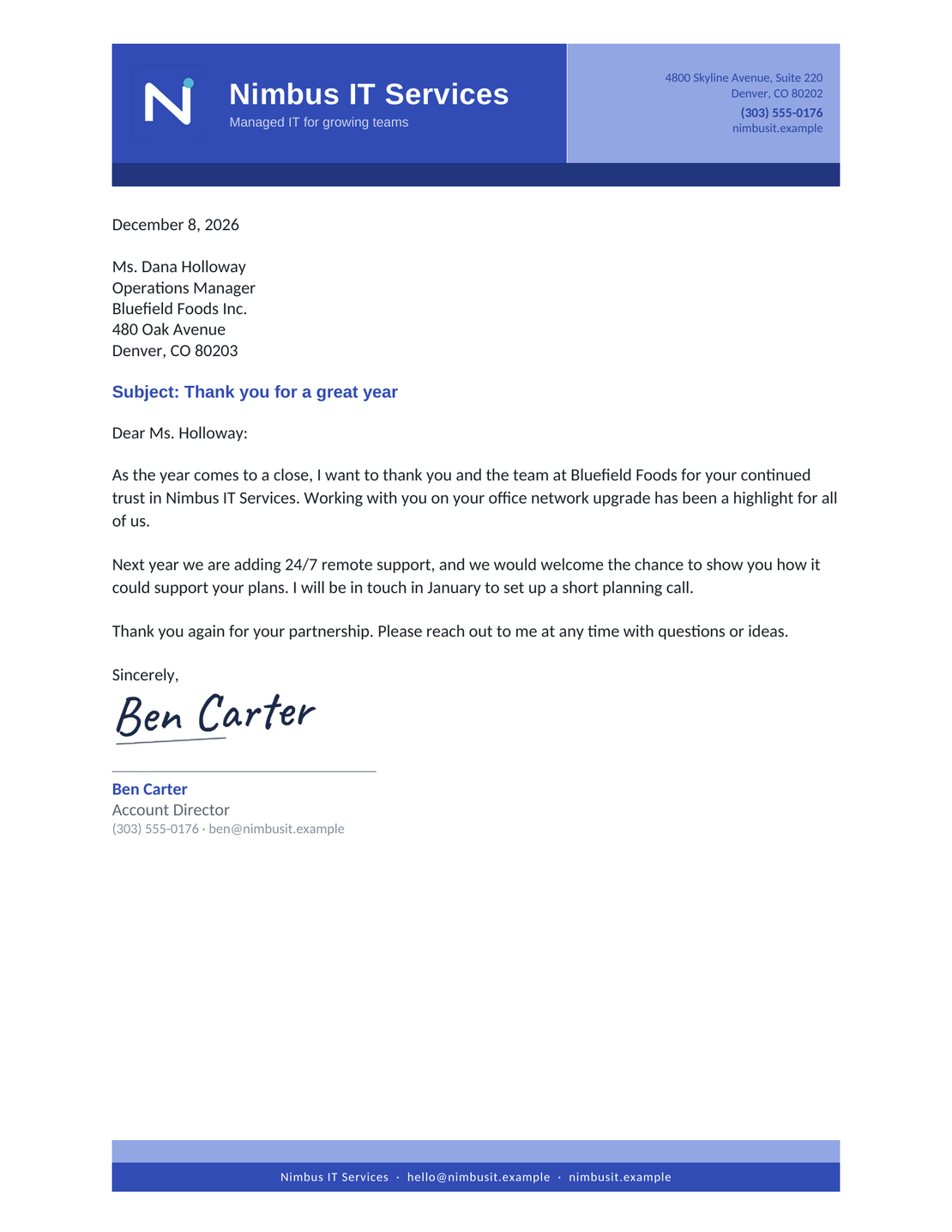
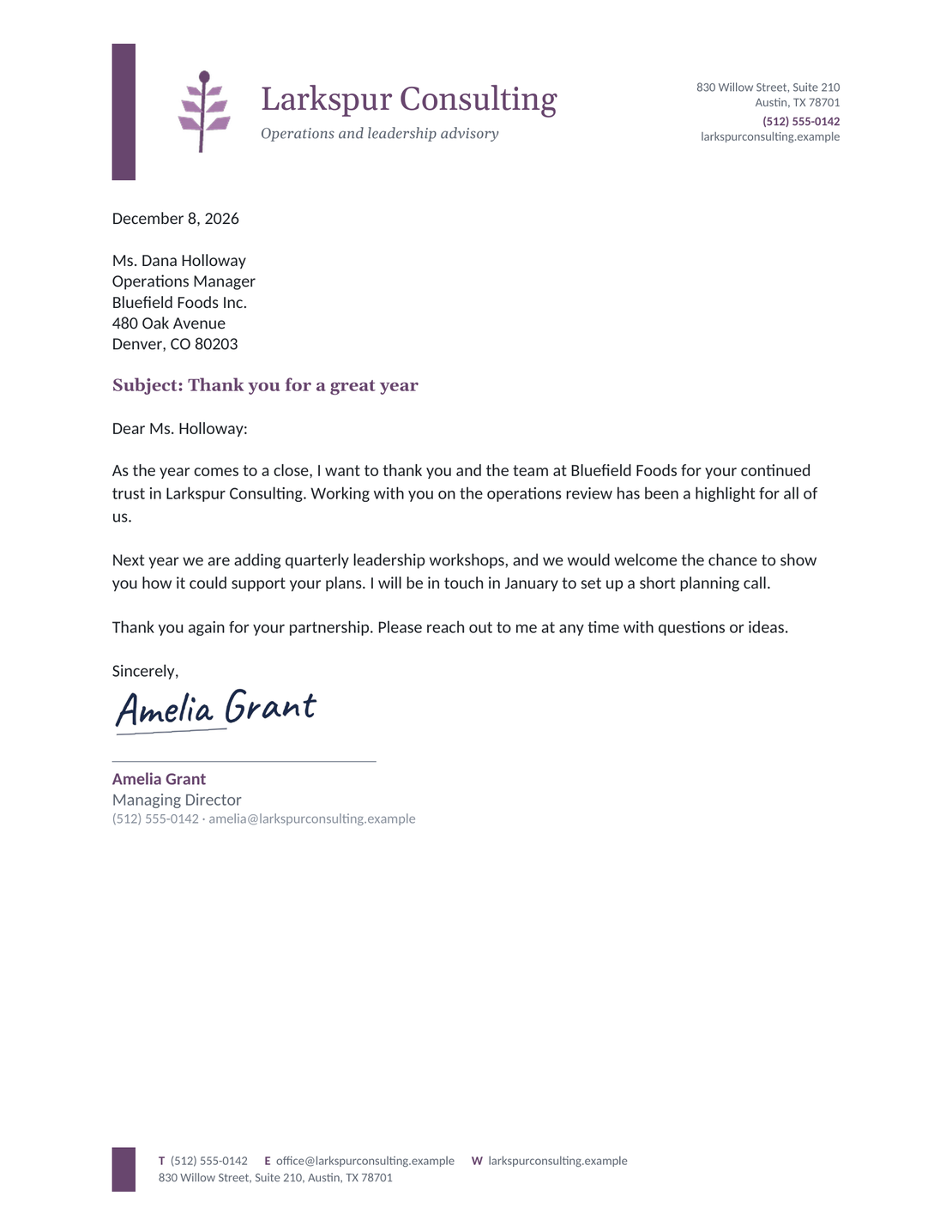
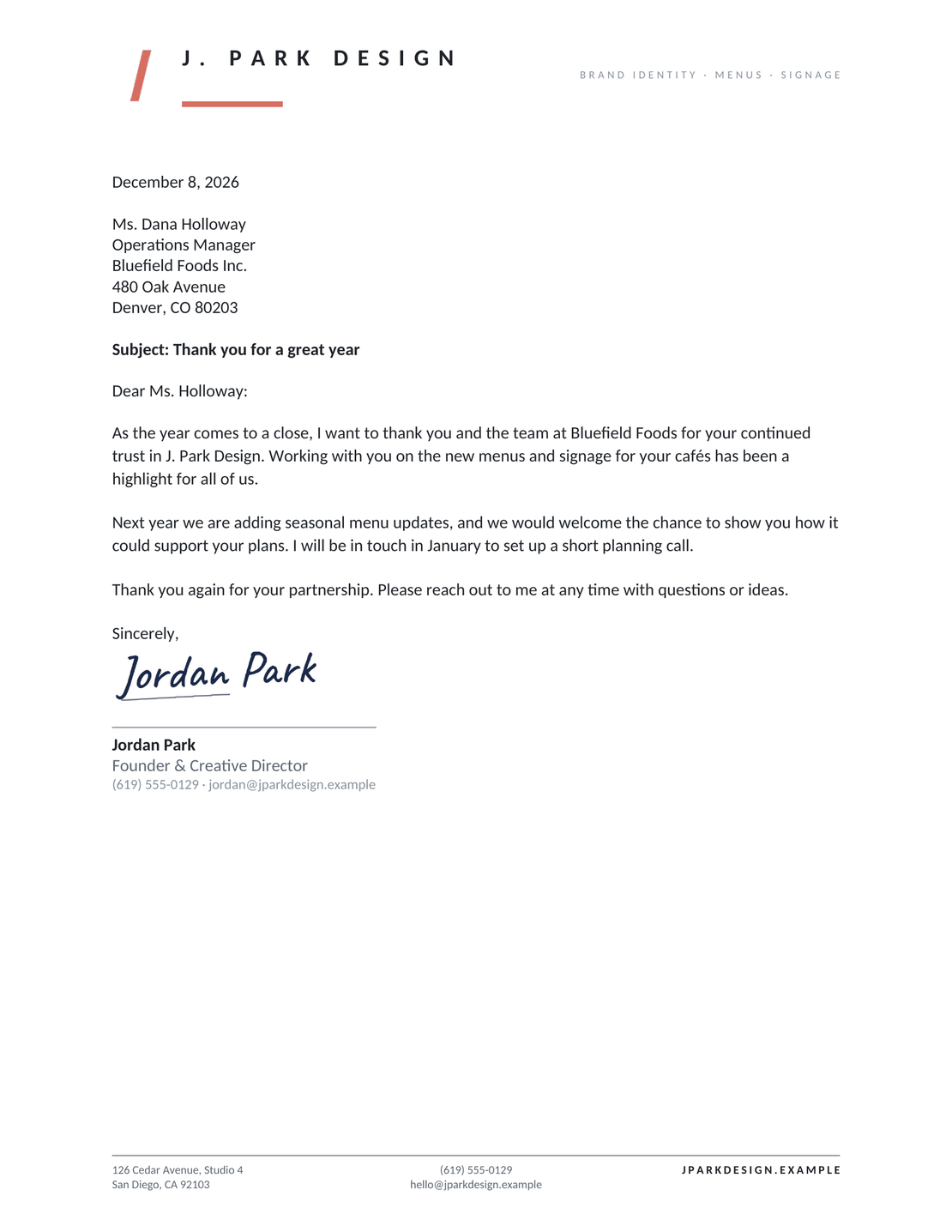
Each template uses US Letter paper, a readable font, and a full block layout below the letterhead. Replace the sample business details, add your message, and remove any subject or reference line you don't need.
These are the same six designs on the Google Docs template page and letterhead page. Choose the format you prefer to edit.
How to Fill In a Word Business Letter Template
Open your chosen DOCX in Word and save a working copy. Replace the bracketed text, working from your business details to the signature.
The picture identifies the main parts of a letter. Docelf uses a slightly modified block format, with the date and reference on the right and the recipient and body on the left. The Word templates keep the letter wording left aligned below the letterhead.
- Sender Details: Replace the business name, address, phone, and email. Use your letterhead if you have one.
- Date and Reference: Enter your letter date with the month written out. Add a reference only when it helps identify the matter.
- Recipient: Enter the reader's name, job title, company, and mailing address. Check the spelling.
- Greeting and Subject: Address the reader by name. Keep a short subject if it helps; otherwise delete that placeholder.
- Message: Explain why you're writing, give the details, and say what should happen next. Add a response date if needed.
- Closing and Signature: Use a suitable closing, leave room to sign, and add your name and title. Save your edited DOCX.
Before You Send Your Letter
Read the letter once as the person receiving it. They should be able to see why you're writing and what you want them to do.
- Search for opening and closing brackets and replace every remaining placeholder.
- Check the recipient's name, address, dates, and any reference number.
- Accept or reject tracked changes and delete draft comments before sharing the final version.
- Check the print preview or exported PDF, including the signature space and any second page.
- Include every enclosure or attachment mentioned in the letter.
After You Send Your Letter
Keep the final file with a note of when and how you sent it. If you asked for a reply by a particular date, follow up after that date with the letter's subject and a short reminder of the next step.
For letters emailed from Docelf, the document history shows when the email was delivered and when the recipient opened the letter. Use that information to plan your follow-up; an opened letter does not mean the reader has agreed to your request.
Keep your Word draft if you expect more edits. For a new letter you want to write and email in one place, use the online editor below.
Write Your Letter in Docelf
Start with the online business letter layout and add your message. Review the finished letter, then email it, print it, or download a PDF.
How to Edit Letterhead in Word
The templates include a letterhead area for your business name and contact details. Update that area once, then save a blank version to reuse. Keep the header small enough to leave the message plenty of space.
- Open the header: In desktop Word, double-click the existing letterhead to open the header. If you are starting with a blank document, choose Insert > Header.
- Add your details: Replace the company and contact placeholders, including any in the footer. Replace the sample logo with your own, or delete it.
- Keep the page clear: Keep the body margins around one inch and important letterhead details at least half an inch from the paper edge. Resize the logo if it crowds the date or message.
- Close and check: Close the header and check the print preview. If the letter runs to another page, replace the recipient and date placeholders in its header too.
Keep the template's paragraph spacing as you replace the text. If you need more space between sections, adjust the paragraph settings instead of adding repeated spaces or empty lines.
For help with your version of Word, see Microsoft's header instructions. Browse business letterhead examples for ideas on what to include.
Choose a Layout for Your Word Letter
The six downloads use different letterheads with a full block letter body. You can adjust the wording or alignment in Word when the recipient requests a different style.
| Style or Layout | When to Use It | What to Change in Word |
|---|---|---|
| Standard full block | Requests, confirmations, and everyday updates. | Use your chosen download and keep the letter wording left aligned. Replace the placeholders with your message. |
| Formal | A traditional letter to an organization or named official. | Keep the layout. Use a respectful greeting, state your purpose directly, and choose a suitable closing. |
| With letterhead | Letters that should use your business identity. | Replace the sample business details and any logo in the header. Keep the recipient address in the body. |
| Modified block | A recipient who asks for the date and closing farther right. | Use paragraph indentation to start the date and closing around the middle of the page. Keep the recipient and body left-aligned. |
These are changes you can make in Word. For examples of the differences, use the block format guide or formal letter format guide.
Find Wording for Your Letter Type
Choose your situation below, copy the wording you need, and adapt it in your Word template. Each guide explains which details to include.
Print Your Letter or Save a PDF
Keep your edited DOCX so you can change the wording later. For the copy you send, use the PDF option under Save As or Export in your version of Word, then open the new file and check it.
If you're printing, check that the paper size is US Letter and that the last paragraph and signature fit together. Shorten repeated wording before reducing the font or margins.
Send the DOCX when the recipient needs to edit it. Send a PDF when they only need to read or print the finished letter. You can also create a letter online and download a PDF.
Word Business Letter Template FAQs
-
Can I edit these templates in Word?
Yes. Each download is an editable DOCX file with business letter wording and plain bracketed placeholders. Open your chosen design in Word, save a working copy, and replace the sample details with your own.
-
Can I use a template without a logo?
Yes. Remove the sample logo if you do not need it, and keep your business name and contact details readable. You can also choose the Minimal Letterhead design for a simple starting point.
-
What format do the Word templates use?
The six Word templates use US Letter paper and a full block layout below the letterhead. The letter body stays left aligned. Docelf uses a slightly modified block format, with the date and reference on the right and the recipient and body on the left.
-
How do I save the Word letter as a PDF?
Keep the edited DOCX, then use the PDF option under Save As or Export in your version of Word. Open the PDF and check the page breaks, signature space, and any letterhead before sharing it.
-
Should I send the DOCX or the PDF?
Send a DOCX when the other person needs to edit the wording. A PDF is usually more useful for a finished letter because it keeps the page layout. Follow any file-format instructions the recipient gives you.
-
Can I create a letter online instead?
Yes. Use the business letter generator to write your letter online, then print it or download a PDF. The six DOCX downloads on this page are separate Word templates.
Ready to Write Your Business Letter?
Use Docelf when you want to finish the letter online and have it ready to send.
- Add your business and recipient details
- Write your message and next step
- Print your letter or download a PDF




