Free Business Letter Templates by Format
Choose a format for drafting or sending
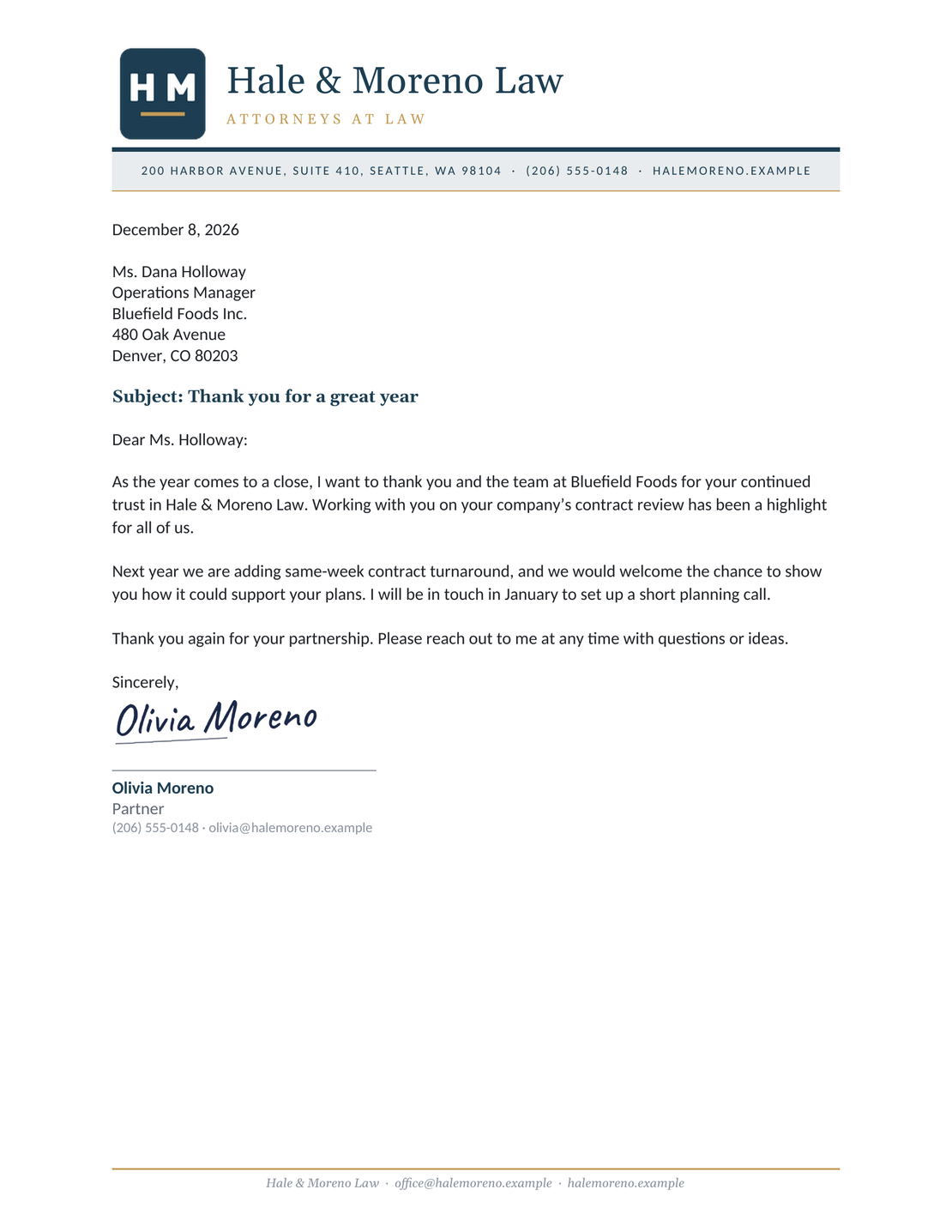
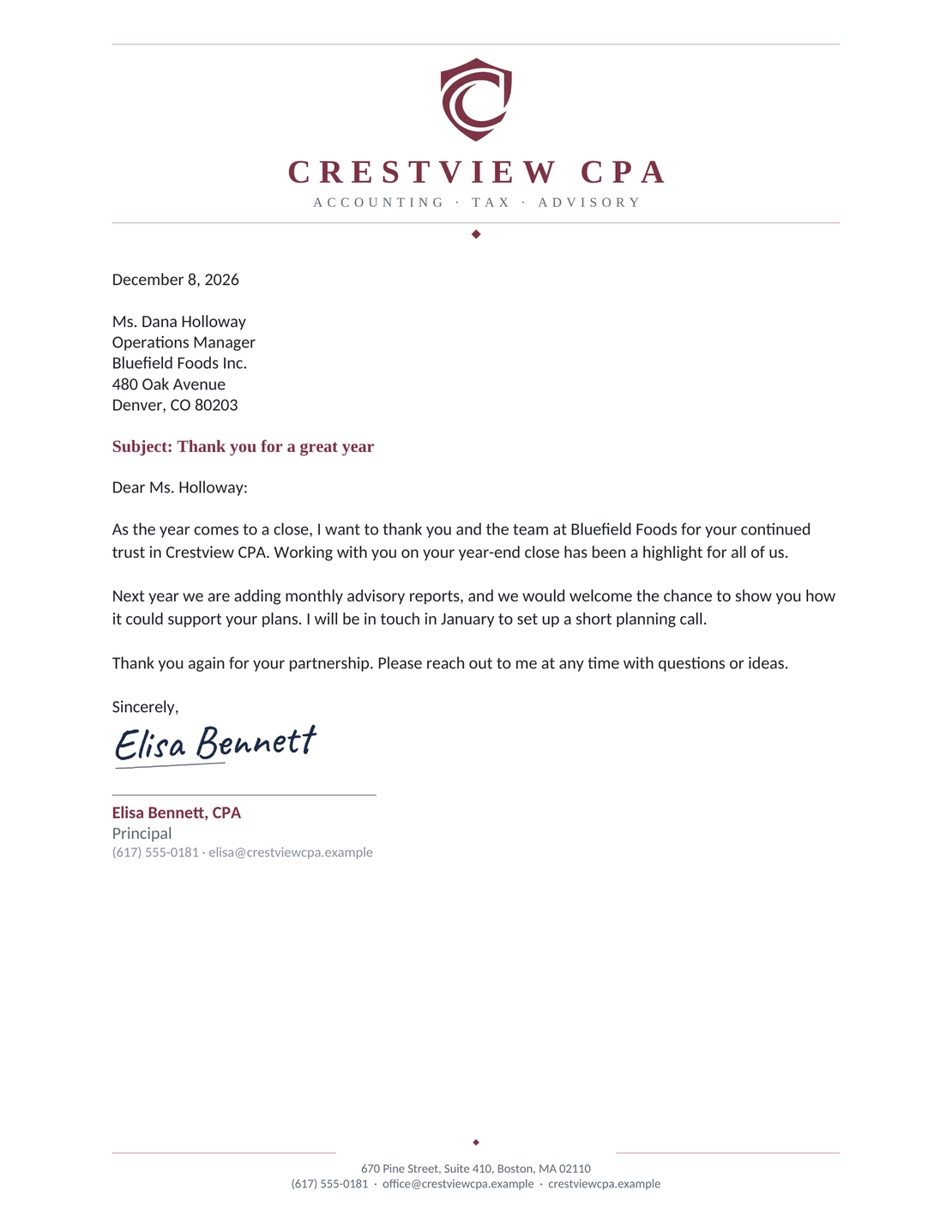
Choose from six editable letter designs in Word or Google Docs. Download a Word file or copy a Google Docs template, then add your details and message.
You can also create your letter online, then print it or download a PDF.
14-day free trial. No credit card required.
Choose a File Format for Your Letter
Choose Word if you want a file to edit on your computer. Choose Google Docs if you want to edit in your browser or ask a colleague for comments. Both offer the same six letterhead designs.
When the letter is ready, save a PDF from Word or Google Docs, or create one in the online letter editor. Follow any file-format instructions from the recipient.
Choose a Letter Style and Layout
The file format tells you where to edit; the layout tells you where each part of the letter goes. A formal request, for example, can use your business letterhead with everything below it aligned left.
| Style or Layout | When It Helps | How to Set It Up |
|---|---|---|
| Standard business letter | Everyday requests, confirmations, and business updates. | A familiar sequence from sender details to signature. Start with the business letter format guide. |
| Formal letter | A first contact or a request that needs a more reserved tone. | A suitable greeting, clear purpose, and courteous closing. See the formal letter guide. |
| With letterhead | A letter sent on behalf of your business. | Your business name and contact details in the header or footer. Explore letterhead examples. |
| Full block | A simple layout with one left edge to follow. | Keep the date, recipient, paragraphs, closing, and signature left aligned. The block format guide shows the arrangement. |
| Modified block | A traditional layout with the date and closing farther right. | Keep the recipient and body left aligned, with unindented paragraphs. Compare the block styles before setting up your file. |
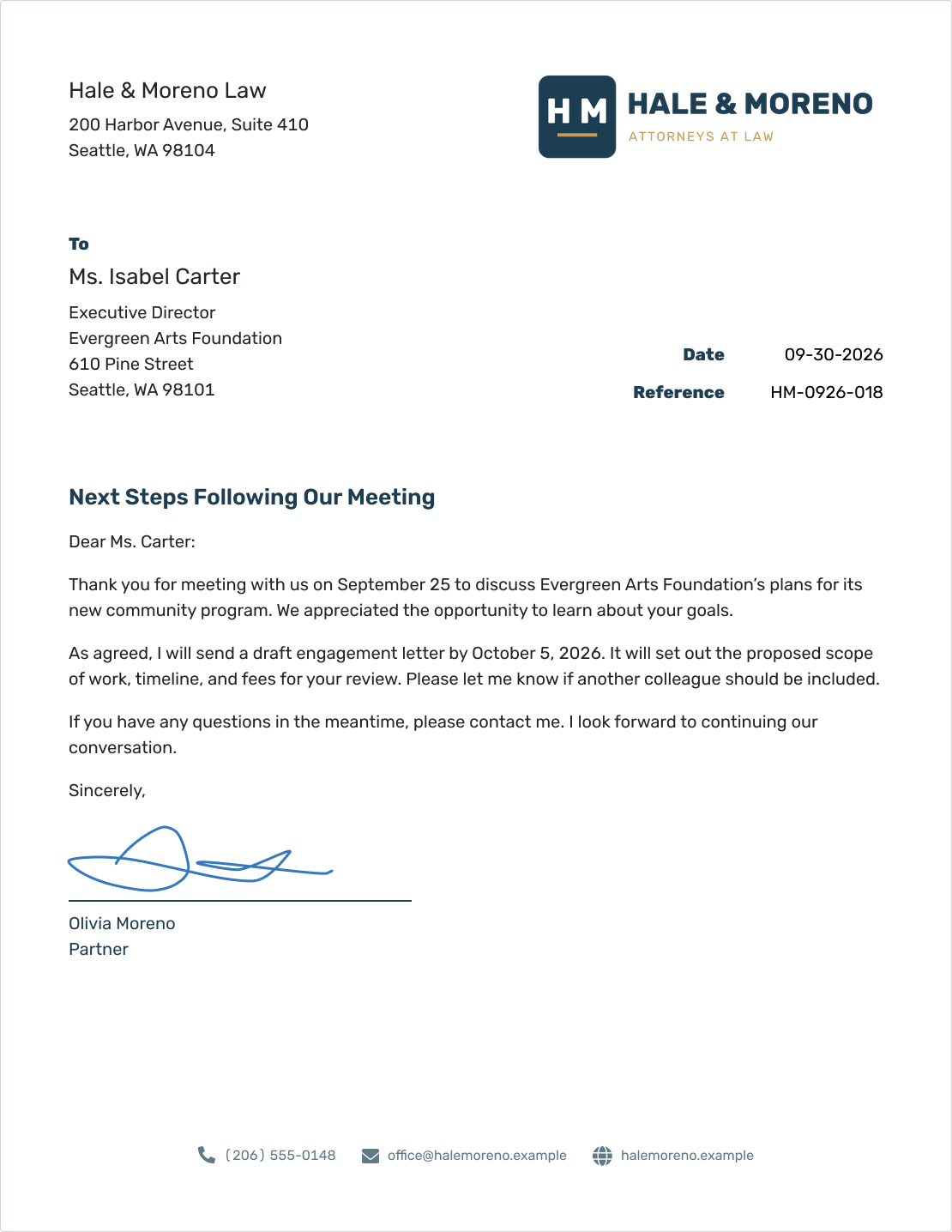
Docelf uses a slightly modified block format. The date and reference sit on the right; the recipient and body stay left aligned. If a recipient asks for a particular layout, follow their instructions in your editable document.
Before You Send Your Letter
Save a working copy of your template before editing, and keep the blank original for your next letter.
- Replace sample details and [placeholders]. Check the recipient’s name, address, and greeting.
- Use US Letter paper, readable type, and a written-out date such as September 30, 2026.
- Accept or reject suggested changes and remove draft comments before preparing the final copy.
- Check the requested next step, any response date, and each attachment you mention.
- Open the finished PDF or print preview. Check that all text is visible and the closing and signature stay together.
After You Send Your Letter
For letters emailed from Docelf, the document history shows when the email was delivered and the letter was opened. Check it before you follow up.
If you asked for a reply by a particular date and haven’t heard back, send a short follow-up after that date. Refer to the original letter and repeat the action you need.
Keep the exact file you sent with any reply, so you can refer back to the wording and dates if the conversation continues.
Create a Letter You Can Print or Send
Write your message in Docelf’s letter layout. Check the finished page, then print it or download a PDF.
Find the Wording and Layout You Need
For a request, confirmation, or follow-up, start with the business letter template guide. The letterhead gallery shows all six designs with Word and Google Docs links. Use the resources below for sample wording and help starting or ending your letter.
Business Letter File Format FAQs
-
Should I send an editable letter or a PDF?
Send a PDF when the recipient only needs to read or print the finished letter. Send a Word file or share a Google Docs draft when you want them to review or revise it. Follow any file-format instructions they gave you.
-
Can I create a PDF letter without Word or Google Docs?
Yes. Write your letter in Docelf and review the finished page. You can then download it as a PDF or print it.
-
Will a Word letter look the same in Google Docs?
Some formatting can change when you edit a Word file in Google Docs. Check the fonts, header, spacing, and page breaks in the editor you plan to use. Open the final PDF as well before sending it.
Ready to Write Your Letter?
Turn the message you have in mind into a letter you can send.
- Add your sender and recipient details
- Write the message and a clear next step
- Print your letter or download it as a PDF




