Free Invoice Template
Create a professional invoice in minutes
Create a clear invoice that shows your customer what they owe and when payment is due. Make payment easy to understand so you can get paid faster.
Email, print or download your invoice as a PDF.
14-day free trial. No credit card required.

Create a professional invoice. Send it. Get back to work.
Popular Invoice Templates
These templates give you a starting point for an online invoice. If you prefer Word, Excel, Google Docs, or Google Sheets, go to the file-format options.
-
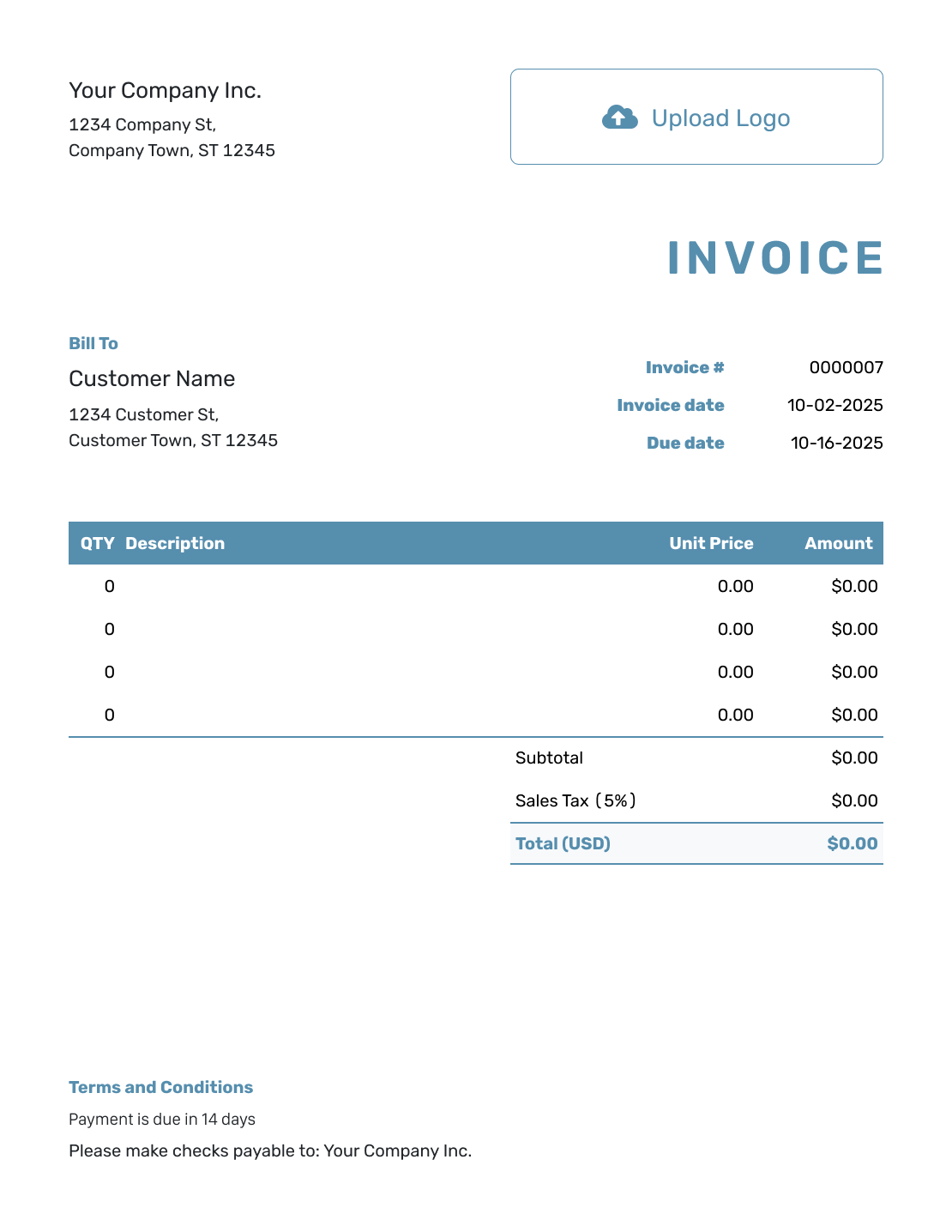
Blank Invoice Template
Fill in your own customer, charges, and payment details without copying sample information.
View Blank Invoice Template -
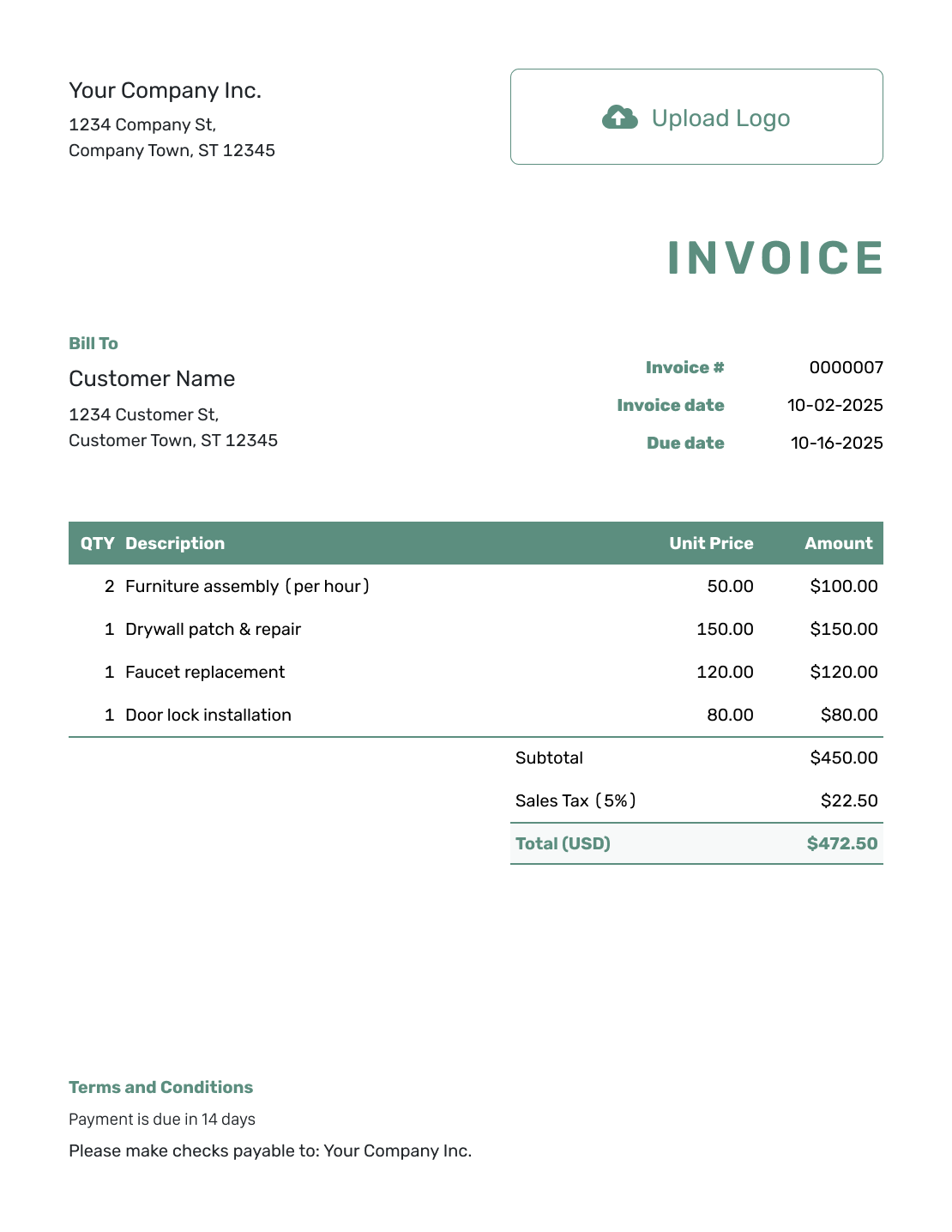
Simple Invoice Template
Use a short, clear bill for a service visit or a small order with only a few charges.
View Simple Invoice Template -
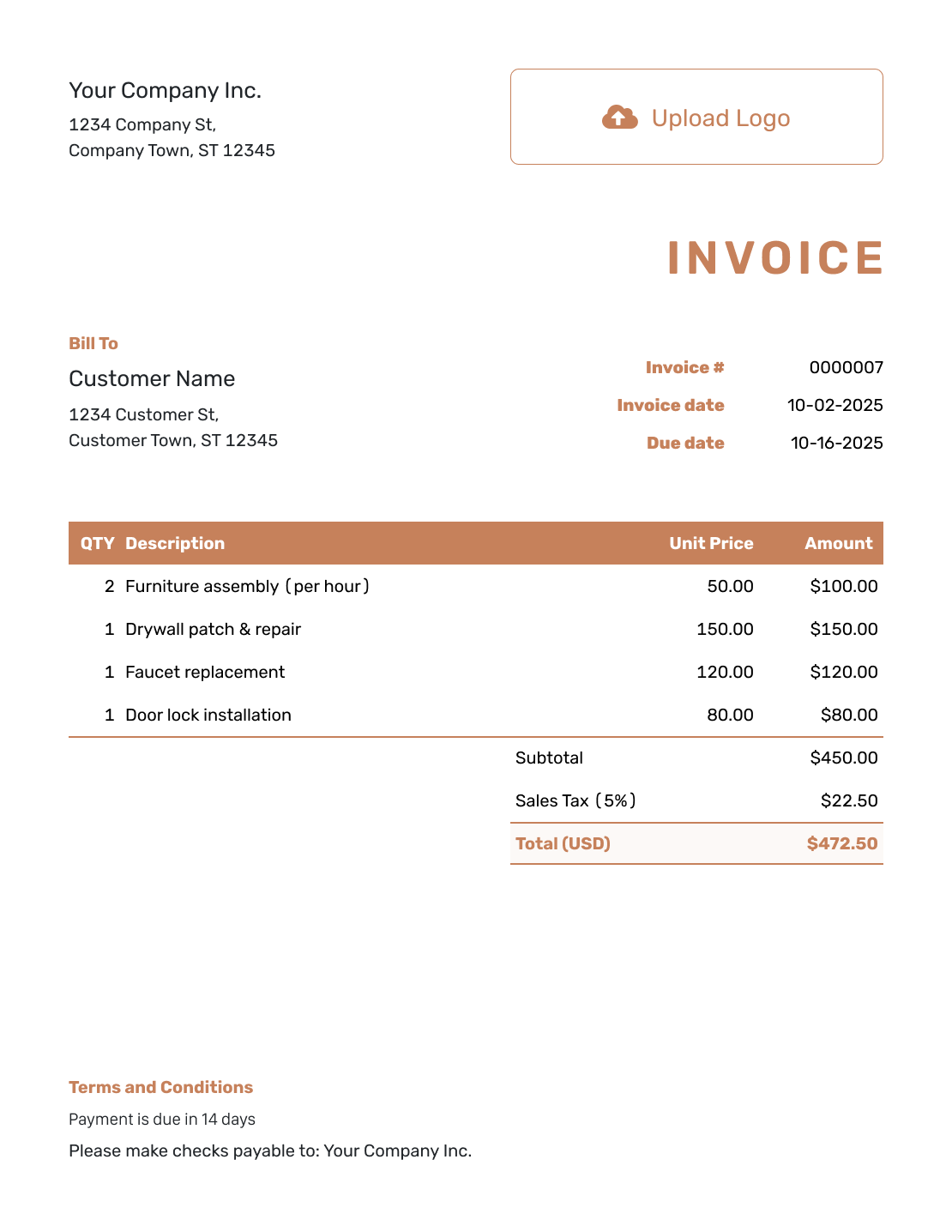
Itemized Invoice Template
Break the bill into separate charges, with a description, quantity, unit price, and amount for each.
View Itemized Invoice Template
Which Invoice Template Should You Choose?
The right starting point depends on what you're billing for:
- For work billed by time, the Hourly template shows the work, hours, and rate.
- For several products or services, the Itemized template shows how each charge contributes to the total.
- If you're unsure what a finished invoice should look like, the Sample template gives you a completed example to follow.
Simple, Basic, and Standard cover the same core billing details. Choose the layout you find easiest to read, then adjust it for your customer and job.
What Is an Invoice?
An invoice is the document you send when it is time for a customer to pay. It shows what you provided, how much is due, and when the customer should pay.
You might bill after a delivery or completed job, at a project milestone, or at the end of a billing period. The timing depends on what you agreed with the customer.
What Should an Invoice Include?
Use this checklist to give your customer the details they need to recognize the bill and pay it:
- Your business details and logo
- Your customer's details
- A unique invoice number, invoice date, and payment due date
- The products or services you provided
- Quantities and prices for each charge
- Discounts and sales tax when they apply
- The total due and payment instructions
- Notes or attachments when the customer needs them
Ready to Bill the Customer?
Turn the work you've finished into an invoice your customer can check. Docelf calculates the total as you add the charges. Review it, then email it or download a PDF.
Estimate, Quote, Invoice, or Receipt?
An invoice asks for payment. If you're still agreeing on the work or recording a payment you've received, one of these documents fits that stage:
Estimate
An estimate gives the customer a likely price while the final cost is still uncertain.
Quote
A quote sets out a specific offer, including the work, price, and terms for the customer to consider.
Receipt
A receipt records payment already received, including the amount, date, and payment method.
If you've already sent an estimate or quote in Docelf, you can create the invoice from it. The customer and item details come with it, ready for you to review.
A purchase order goes to a vendor when you're buying products or services. It sets out what you want to order.
How to Create an Invoice
Follow the illustrated steps below, or watch the walkthrough to see where each detail goes.
Have the agreed prices and payment details handy. Use the numbered example below to work through the invoice from top to bottom.
- Your Business: Enter your business name and contact details.
- Your Logo: Add your logo to match your other documents.
- Customer: Choose a saved customer or enter their details.
- Number and Dates: Add a unique number, invoice date, and due date.
- Items: List products or services with quantities or hours and prices.
- Total: Add any discount or tax. Docelf calculates the total.
- Payment Details: Add payment instructions, terms, and any useful note or attachment.
How to Fill In Invoice Line Items
Give each separately priced product or service its own row so your customer can check the charges. Show the hours for work billed by time, or the quantity and agreed price for a fixed-price job.
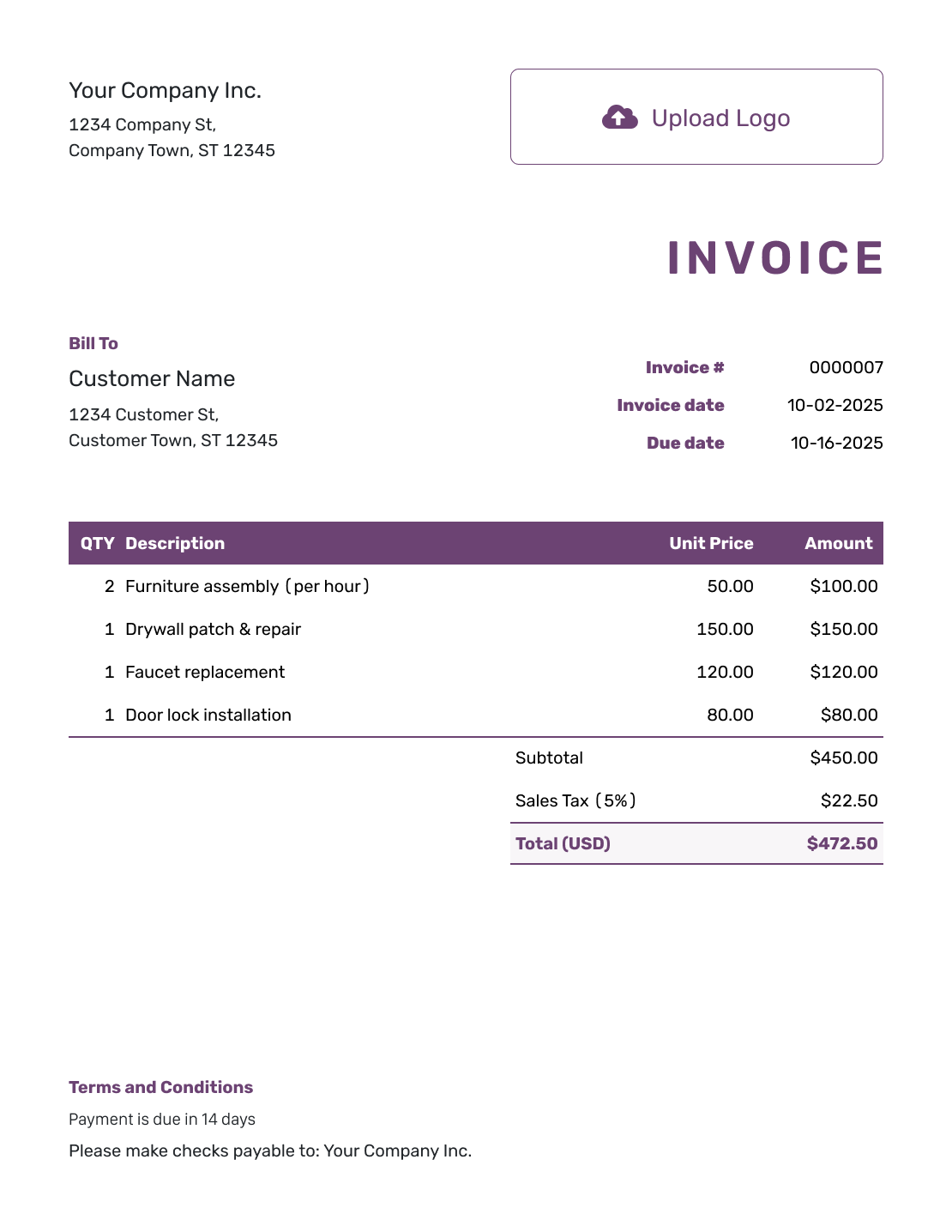
The fictional repair invoice in the sample preview is priced in US dollars. Furniture assembly is billed by the hour; the other three jobs have fixed prices.
| QTY | Description | Unit Price | Amount |
|---|---|---|---|
| 2 hours | Furniture assembly | $50.00 | $100.00 |
| 1 | Drywall patch & repair | $150.00 | $150.00 |
| 1 | Faucet replacement | $120.00 | $120.00 |
| 1 | Door lock installation | $80.00 | $80.00 |
| Subtotal | $450.00 | |
| Illustrative tax (5%) | $22.50 | |
| Total Due | $472.50 |
These are example prices, not suggested rates. The 5% tax applies to all four charges in this illustration; use the tax treatment that applies to your work.
What to Include in Invoice Terms
Use Terms and Conditions to tell your customer when and how to pay. Include only the payment methods and policies your business uses.
The sample invoice is dated October 2, 2025, so its 14-day payment term gives a due date of October 16, 2025. Adapt the wording below with your own dates, business details, and invoice number.
Example: Terms and Conditions
- Payment of $472.50 is due by October 16, 2025.
- Please make checks payable to [business name] and mail them to [payment address].
- Write invoice number 0000007 in the check's memo line so we can match your payment to this invoice.
Before You Send the Invoice
A description such as “Website maintenance, September” is easier for a customer to recognize than “Services.” Before sending, compare the quantities and rates with what you agreed.
An exact due date saves your customer from working it out from “net 14.” They also need to know how to pay. Use Terms and Conditions for the payment method and details, with the invoice number as the payment reference.
A final preview is your chance to catch a wrong customer name, email address, or total before the invoice goes out.
After You Send the Invoice
- Check the document history to see whether the emailed invoice was delivered and opened.
- If the due date passes without payment, follow up with the invoice number and amount due.
- When payment arrives, record it on the invoice. You can then create a receipt from it for the customer.
Invoice Templates by File Format
Word and Google Docs suit a bill you want to edit as a document. You control the wording and layout, and you'll need to check the totals when quantities or prices change.
Excel and Google Sheets suit bills built around quantities and rates. Formulas can calculate the totals, but added rows need to be included in those calculations.
- Word Invoice Template
- Google Docs Invoice Template
- Excel Invoice Template
- Google Sheets Invoice Template
- Other Invoice Formats
For automatic totals and details you can reuse next time, create the invoice with Docelf. Its document history shows when an emailed invoice is delivered and opened. You can also record payments and keep track of what's still due.
Downloaded files and Google copies are separate from your Docelf invoices. When you use a file or copy, you'll keep your own payment records.
Browse Invoice Templates
Your line items will vary with the work you do. These collections offer starting points for particular industries, billing types, and business needs.
More Invoice Templates
These examples show other ways to present your bill, from hours and rates to a completed invoice you can use as a reference.
-
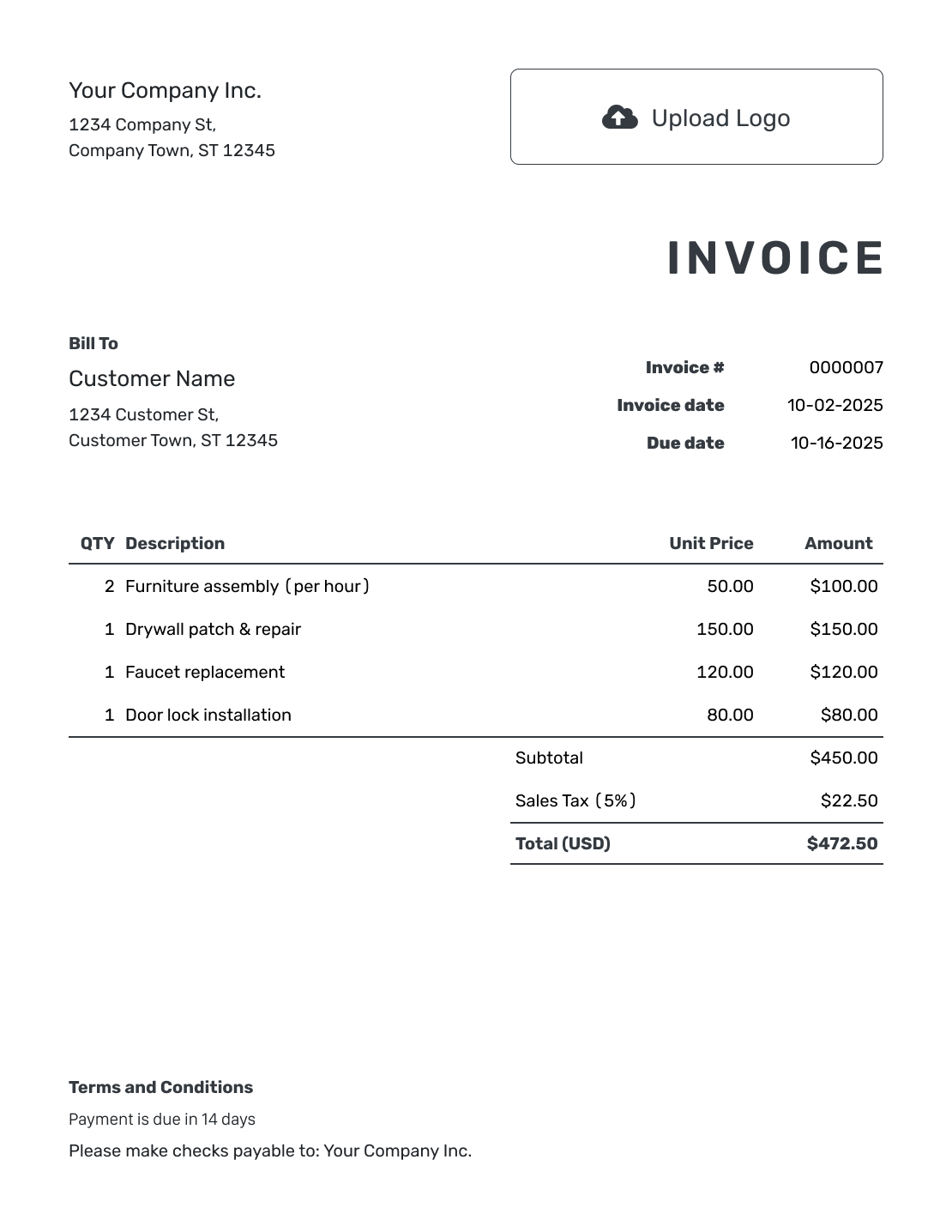
Online Invoice Template
Create and send the invoice online. See when your customer opens it.
View Online Invoice Template -
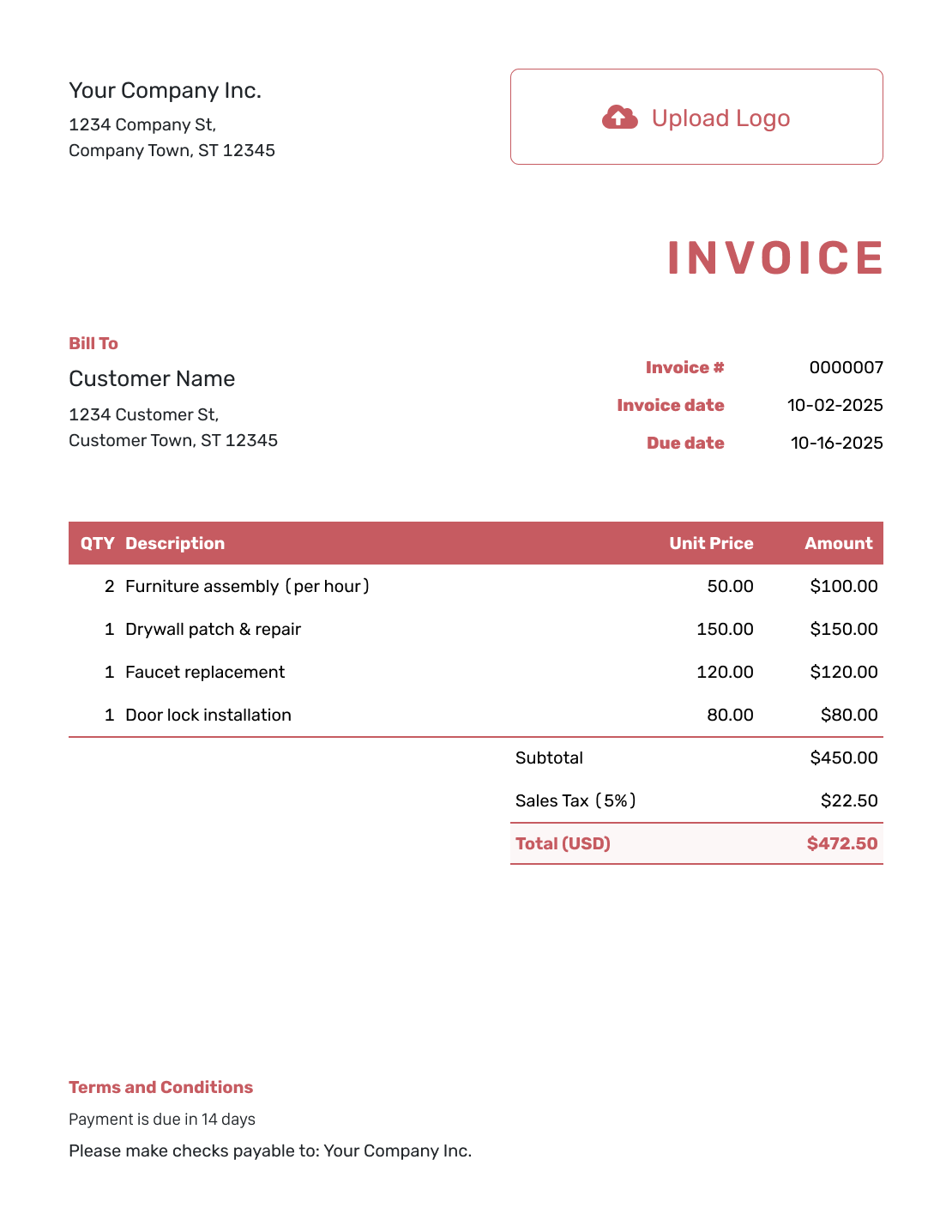
Basic Invoice Template
Keep the business details, charges, total, and payment instructions together in a straightforward bill.
View Basic Invoice Template -
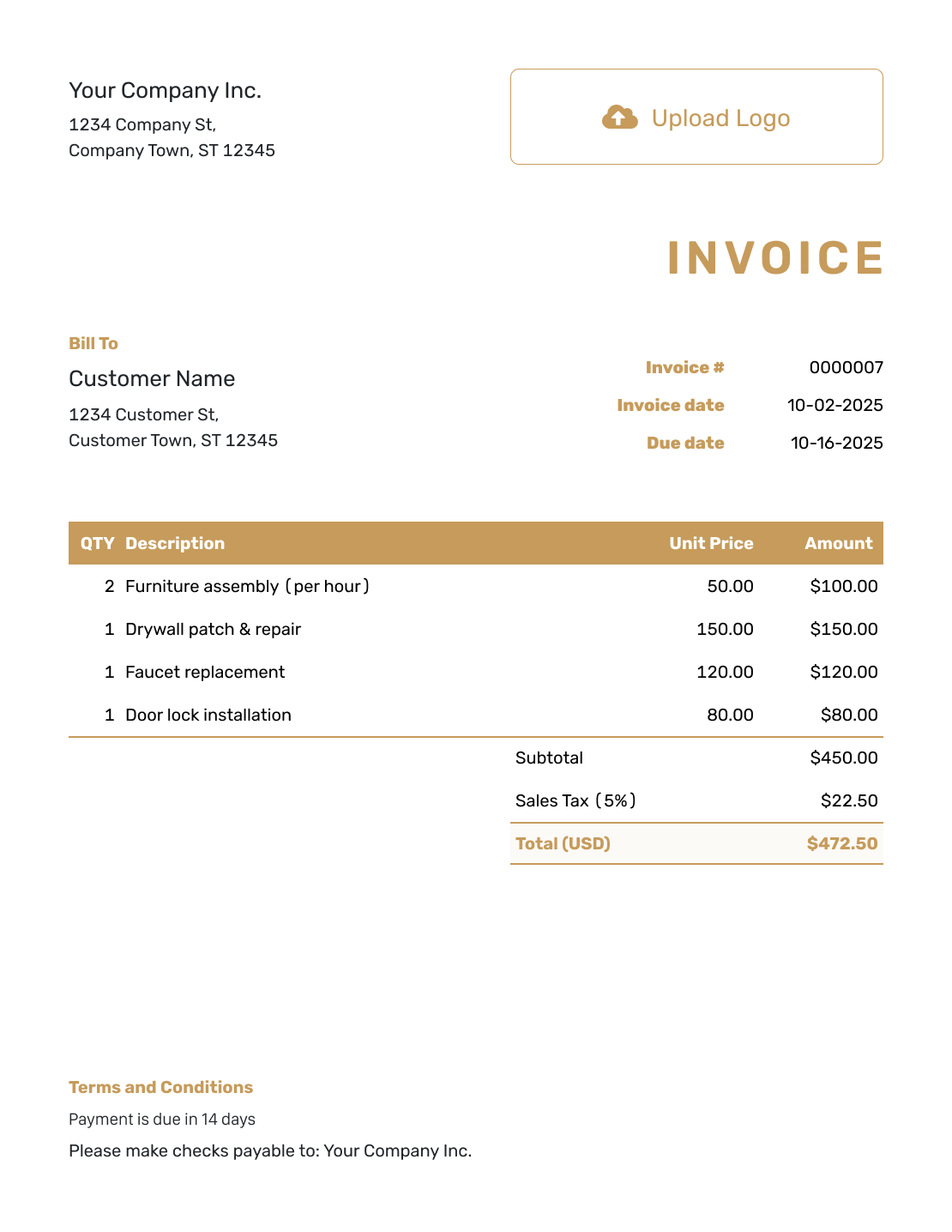
Standard Invoice Template
Use a familiar sequence of customer details, charges, totals, and payment instructions.
View Standard Invoice Template -
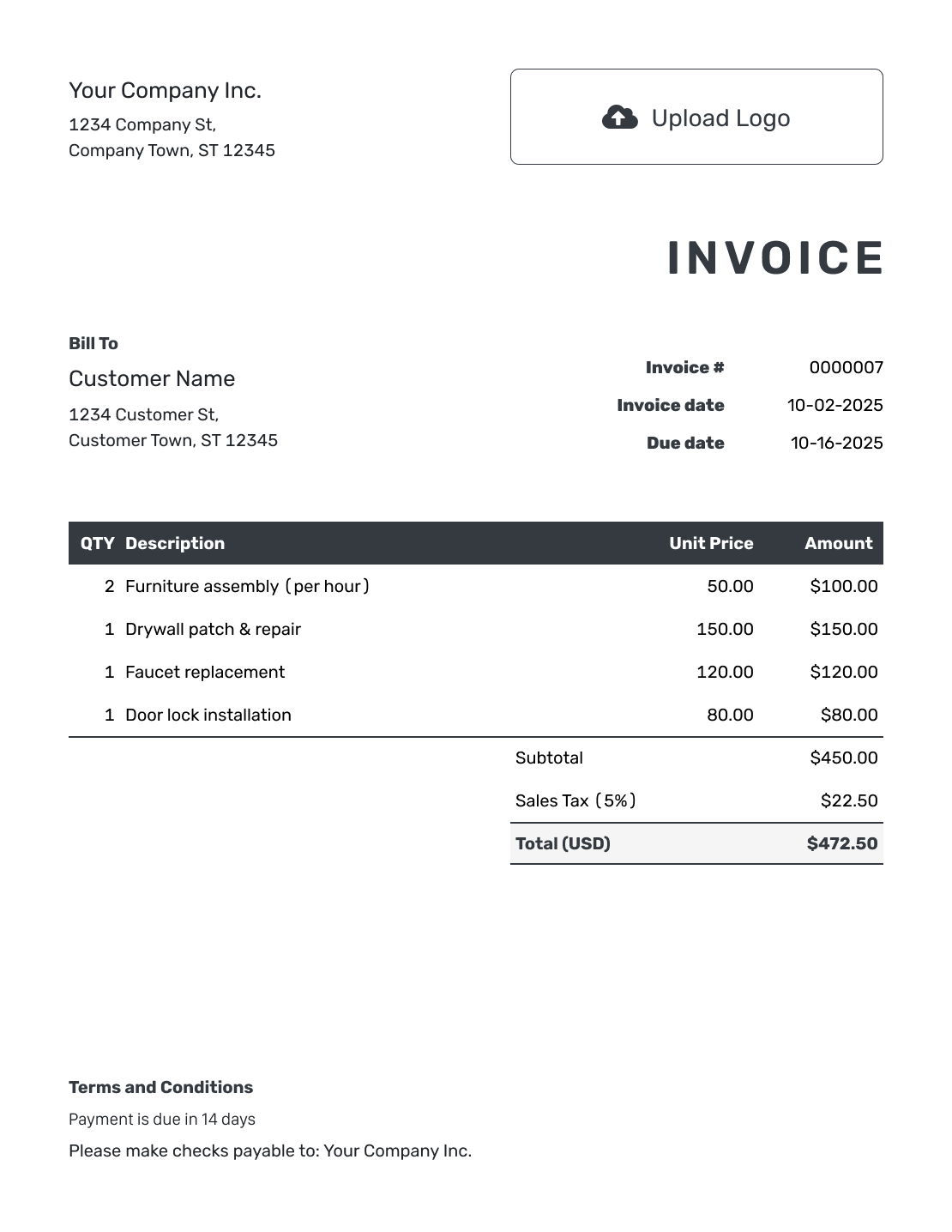
Hourly Invoice Template
Show the work completed, the hours billed, and the agreed rate for each task.
View Hourly Invoice Template -
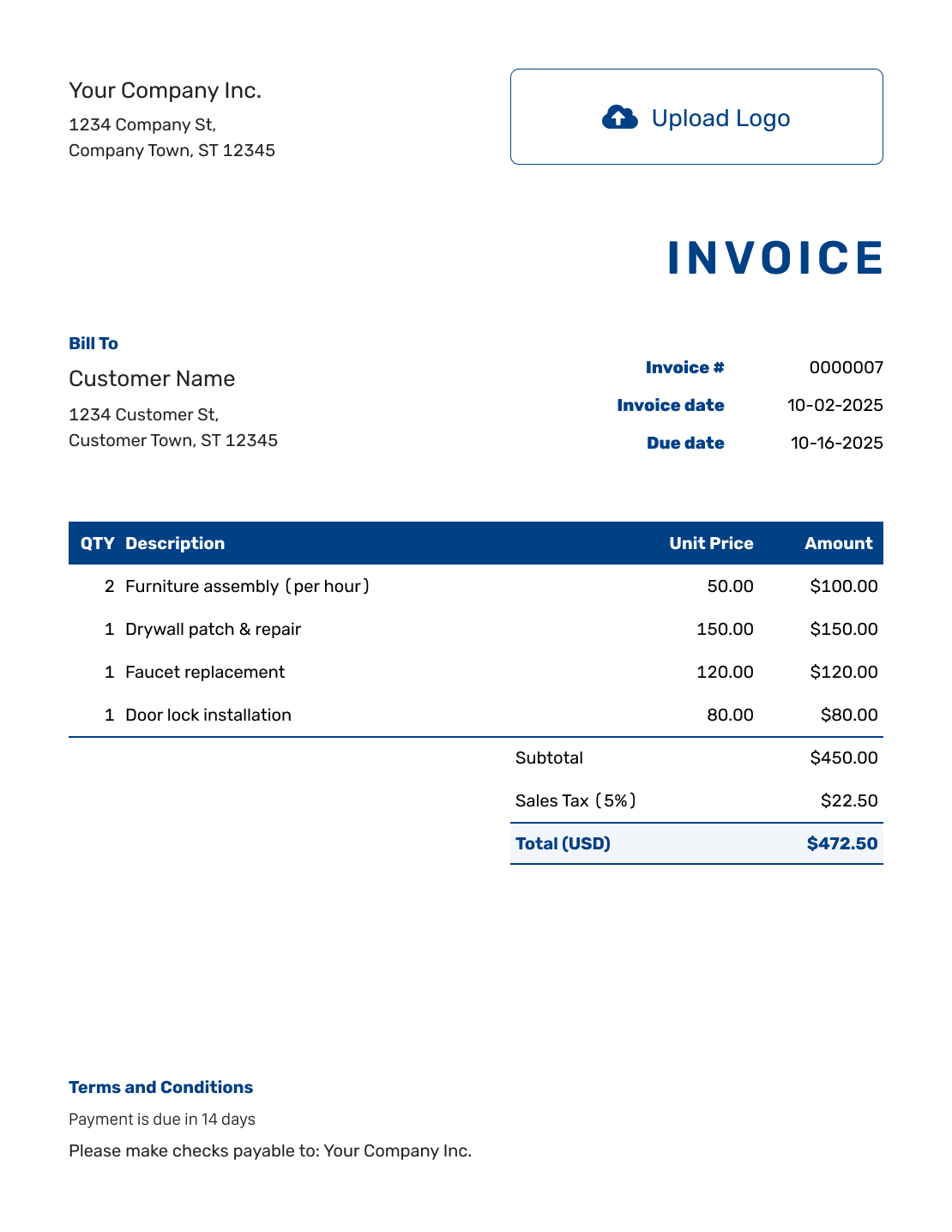
Sample Invoice Template
See how the charges, total, and payment details fit together before adding your own.
View Invoice Example -
Free Invoice Template
Start a free invoice online and add the details for this customer.
Create Free Invoice
For a job with labor and materials, the contractor invoice template shows how to list both.
Invoice Guides
The invoice is only part of asking for payment. These guides help with the email that accompanies it, your payment terms, and a follow-up if it's late.
Regional Invoice Templates
These pages cover invoice wording and details for different countries and languages. Use the page that fits your business, then check the requirements that apply where you work.
Invoice FAQs
-
What is an invoice?
An invoice requests payment for products or services and tells the customer the amount due and when to pay.
-
What is an invoice template?
An invoice template provides the layout and fields for your bill. Reuse the structure for each sale or job, updating the customer, charges, and dates.
-
How do I create an invoice?
Choose a template, fill in the billing details, and review it before sending. The seven-step walkthrough shows where each detail goes in Docelf.
-
What should I include in an invoice?
Your customer needs to see who sent the bill, what it's for, and when and how to pay. The invoice checklist above covers the individual fields.
-
When should I send an invoice?
Send it when you agreed to bill the customer, such as after delivery, at job completion, or at the end of a billing period.
-
Is an invoice the same as a bill?
In everyday business use, an invoice and a bill often describe the same request for payment. A business usually sends an invoice, while the customer may refer to the document as a bill.
-
What is the difference between an invoice and an estimate?
An estimate gives an expected price before the final cost is known. An invoice requests payment for the products or services being billed.
-
What is the difference between an invoice and a quote?
A quote presents a specific offer for the customer to consider. An invoice requests payment when you are ready to bill.
-
What is the difference between an invoice and a receipt?
An invoice asks the customer to pay. A receipt confirms that you received the payment.
-
Can I create an invoice from an estimate or quote?
Yes. Docelf copies the relevant customer, item, and price details from the estimate or quote into a new invoice. Review the charges and set the invoice due date before sending.
-
Can I create a receipt from a paid invoice?
Yes. After you record the payment, create a receipt from the invoice. Docelf reuses the invoice details, and the receipt confirms what the customer paid.
-
Can I download an invoice as a PDF?
Yes. Download the completed invoice as a PDF to save a copy, print it, or attach it to your own email.
-
Can I email an invoice to my customer?
Yes. You can email it from Docelf and see when it's delivered and opened. Creating or saving the invoice does not email it; you choose when to send it.
-
Can I create an invoice on my phone?
Yes. Docelf works on phones, tablets, and computers. Create or check an invoice on the device that works for you.
-
Which currencies can I use on an invoice?
Docelf supports US dollars, euros, British pounds, Canadian dollars, and Australian dollars.
-
Who needs an invoice template?
An invoice template is useful for any small business that needs to ask a customer for payment. Contractors, freelancers, consultants, and service businesses often use one.
-
What are the benefits of using an online invoice template?
Docelf keeps the invoice, due date, recorded payments, and remaining balance together. For repeat work, you can duplicate an invoice as a new draft with a new number, then update the details.
Ready to Send the Invoice?
The paperwork is the boring part. Make it the quick part.
- Create and send your invoice in minutes
- Let Docelf calculate the total
- See when your customer opens the invoice




