Free Australian Invoice Template
Create a clear Australian invoice in minutes
Create an Australian invoice in AUD with your ABN and any GST that applies. Make the charges and due date clear so you can get paid.
Email, print or download your invoice as a PDF.
14-day free trial. No credit card required.

Create the invoice. Send it. Get back to work.
Invoice Layouts for Australian Billing
Choose a layout as a starting point for your bill. Each preview opens the invoice editor, where you can enter your own business, customer and sale details.
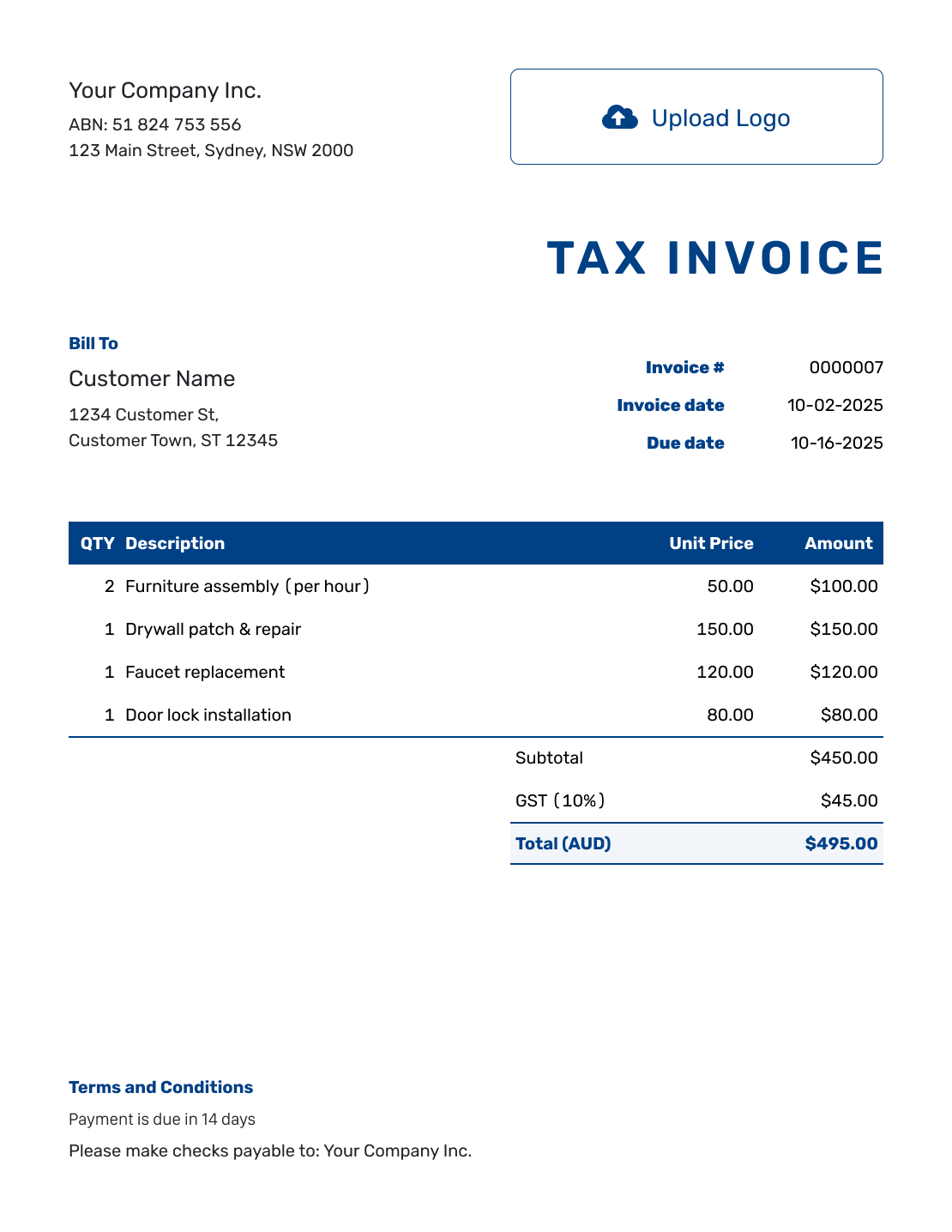
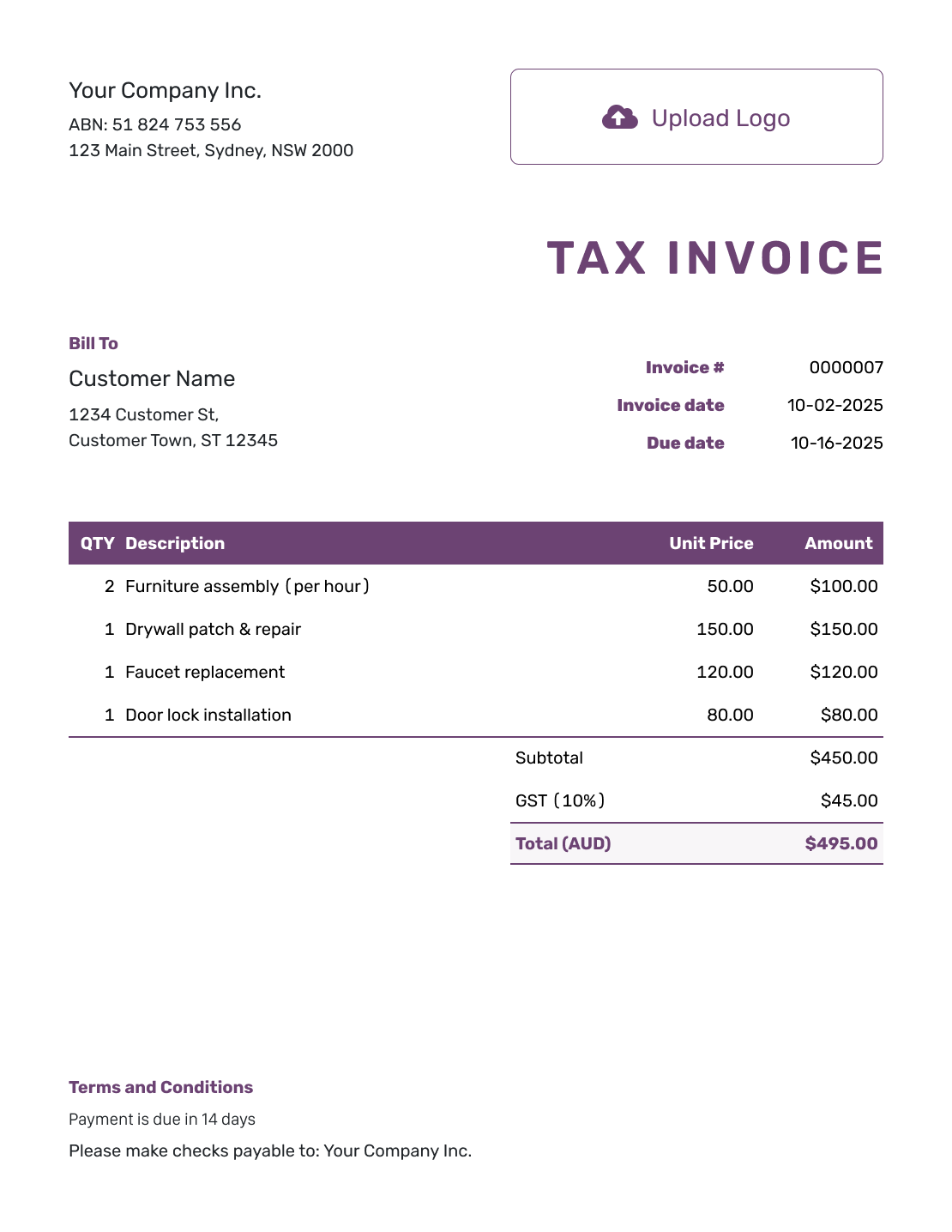
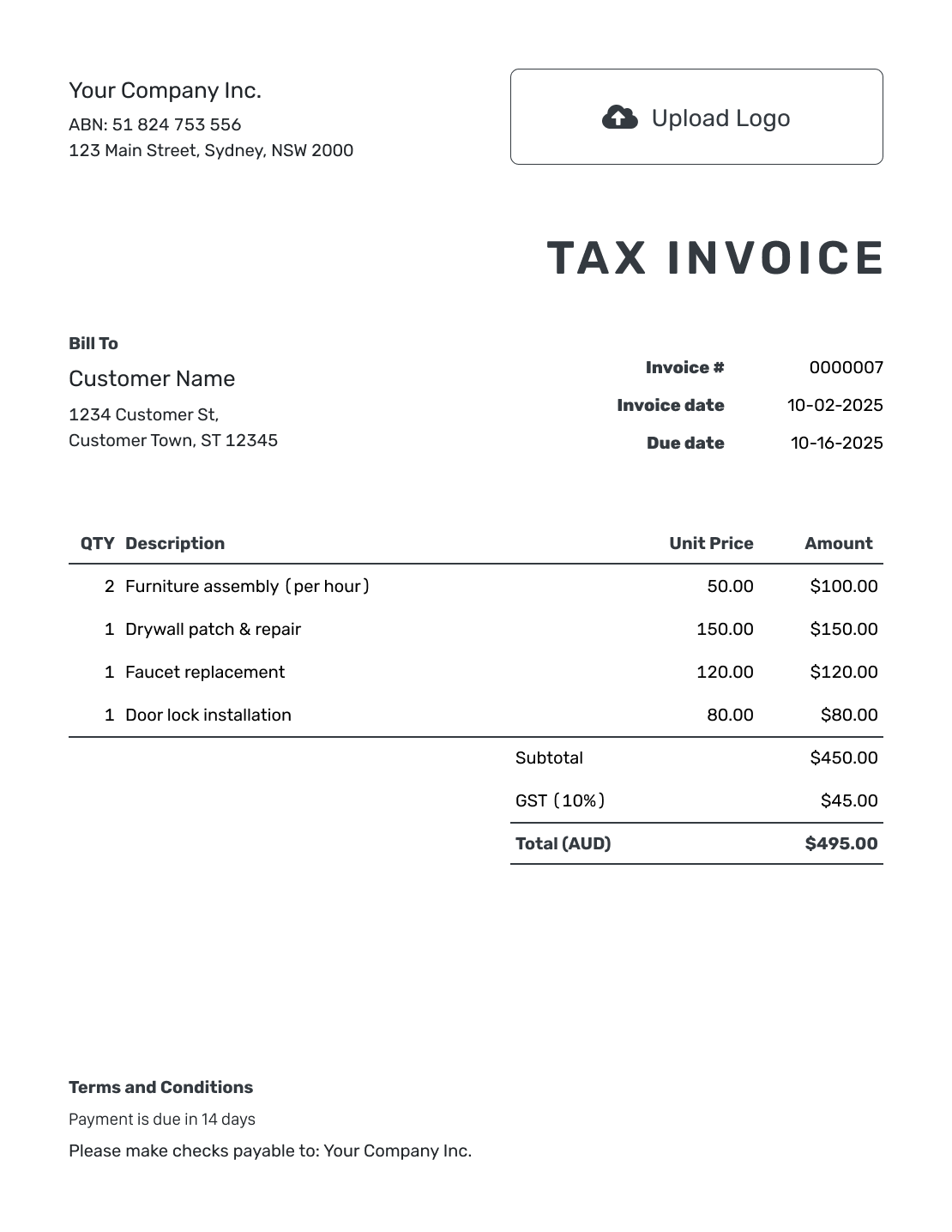
Use the Right Invoice for Your GST Status
For taxable sales by a GST-registered business, use a tax invoice showing the GST. If you are not registered for GST, use an ordinary invoice without GST and do not call it a tax invoice.
An Australian Business Number (ABN) identifies the business; it does not by itself mean the business is registered for GST. Check whether your business is registered for GST and whether the sale is taxable. See the Australian Government’s invoicing guidance and GST guidance.
How to Create an Australian Invoice
Follow the numbered invoice fields below. Set AUD, add your ABN and check whether this sale needs a tax invoice.
- Add Your Business and ABN: Put your business name, contact details and ABN under company details.
- Add Your Logo: Choose a logo and readable colors and fonts for your business.
- Add the Customer: Enter the customer’s name and billing details.
- Set the Number and Dates: Check the invoice number, invoice date and agreed due date.
- List the Goods or Services: Show quantities and prices in AUD. Make each charge easy to identify.
- Check GST and the Total: Check whether to add GST. Docelf calculates tax from the rate you enter.
- Explain How to Pay: Add payment instructions and terms. Check the title and details before sending.
How to Fill In Australian Invoice Line Items
List the goods or services separately. Show whether the prices include GST so the customer can follow the total.
This fictional office-furniture sale uses AUD and prices before GST. It assumes a GST-registered seller and three taxable charges. The example uses the standard 10% GST rate; not every sale attracts GST.
| QTY | Description | Unit Price | Amount |
|---|---|---|---|
| 4 | Office desk | $250.00 | $1,000.00 |
| 4 | Visitor chair | $85.00 | $340.00 |
| 1 | Delivery | $60.00 | $60.00 |
| Subtotal | $1,400.00 | |
| GST (10% example) | $140.00 | |
| Total (AUD) | $1,540.00 |
The GST is $140.00 on $1,400.00 before GST, giving a $1,540.00 total. This is a line-item example, not a complete tax invoice. Check the current GST guidance for your sale.
What to Include in Australian Invoice Terms
Use Terms and Conditions to tell the customer when payment is due and how to pay. Write the month in words, such as 22 September 2026, so the date is easy to read.
Use only payment methods and policies your business accepts. Check local requirements before adding fees or other conditions. This example is for the AUD sale above; replace the placeholders before sending.
Example: Terms and Conditions
- Payment is due on [Due Date].
- Please pay AUD 1,540.00 using the payment details on this invoice.
- Use [Invoice Number] as the payment reference.
- For billing questions, contact [Billing Email or Phone].
Prepare the Invoice in AUD
Enter the charges in AUD and let Docelf calculate the total. Review the GST and payment details, then email the invoice or download a PDF.
Check the Details on Your Tax Invoice
A tax invoice needs enough detail to identify the sale and its GST treatment. Use this checklist alongside the Australian Government’s invoicing guidance.
- The words “Tax Invoice”, your business name and ABN
- The date you issued the invoice
- Descriptions, quantities where relevant, and prices for what you sold
- Which items are taxable, and how much of any partly taxable item is taxed
- The GST payable and total price
- The buyer’s identity or ABN for a total of AUD 1,000 or more, including GST
The AUD 1,540.00 example above falls in that last group, so the finished tax invoice also needs the buyer’s identity or ABN. You can include customer details on smaller invoices too. See the ATO’s tax-invoice requirements for the full rules.
Add a unique invoice number, due date and payment instructions as well. These help the customer pay the right bill.
Add Your ABN and Check the Invoice Title
Put your ABN under your business details so the customer can find it. See how to add a business registration number.
When you need a tax invoice, follow Docelf’s tax-invoice title instructions and preview the result. Do not rely on a general invoice image to show the finished Australian details.
For other billing needs, Docelf also supports USD, EUR, GBP and CAD. Your logo, fonts, colors and contact footer can match your other business documents. Attach a supporting PDF or image when it helps the customer check the charges.
More Australian Invoice Layouts
These six layouts offer other starting points for the same invoice details. Replace the sample information and preview your finished bill before sending.
-
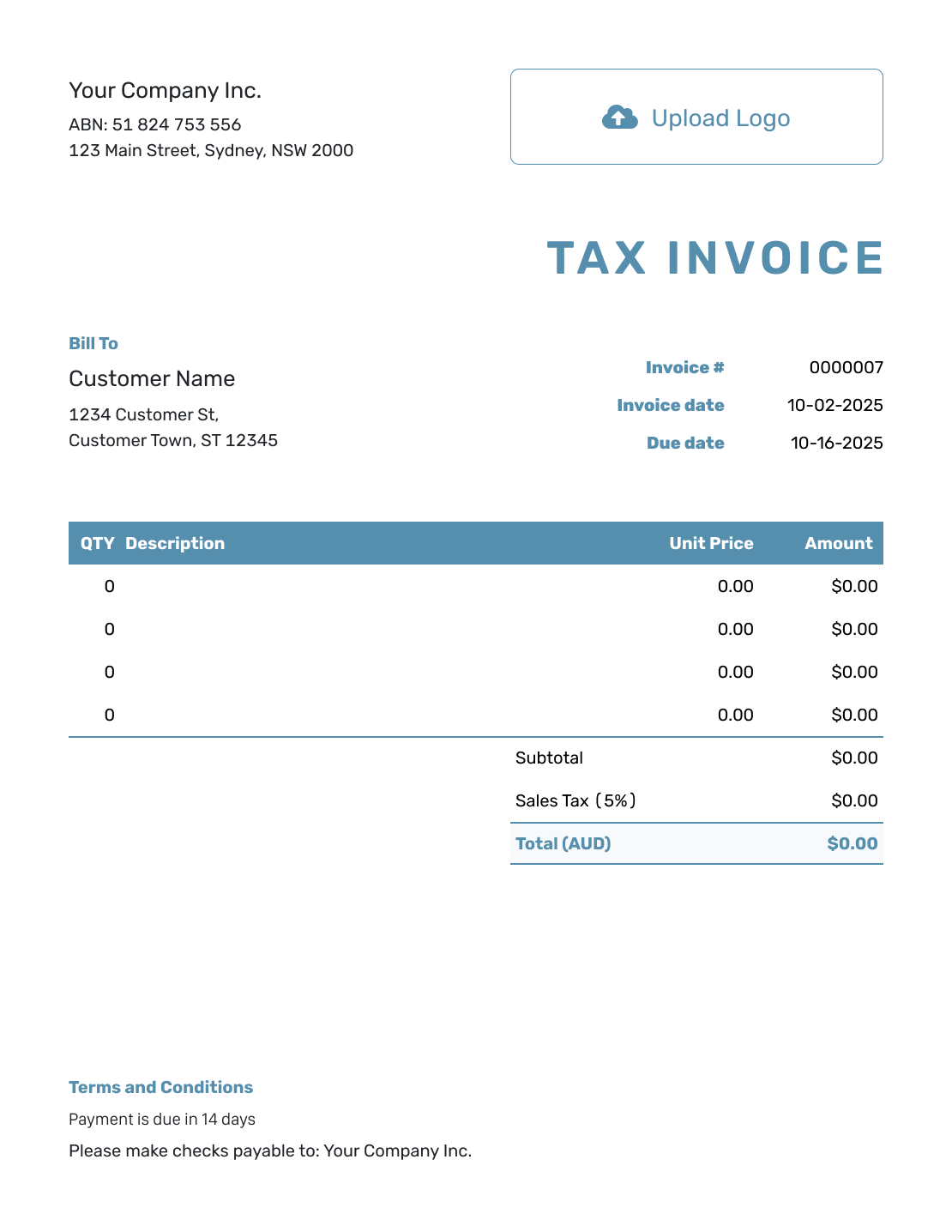
Blank Australian Invoice Layout
Create Free Invoice -
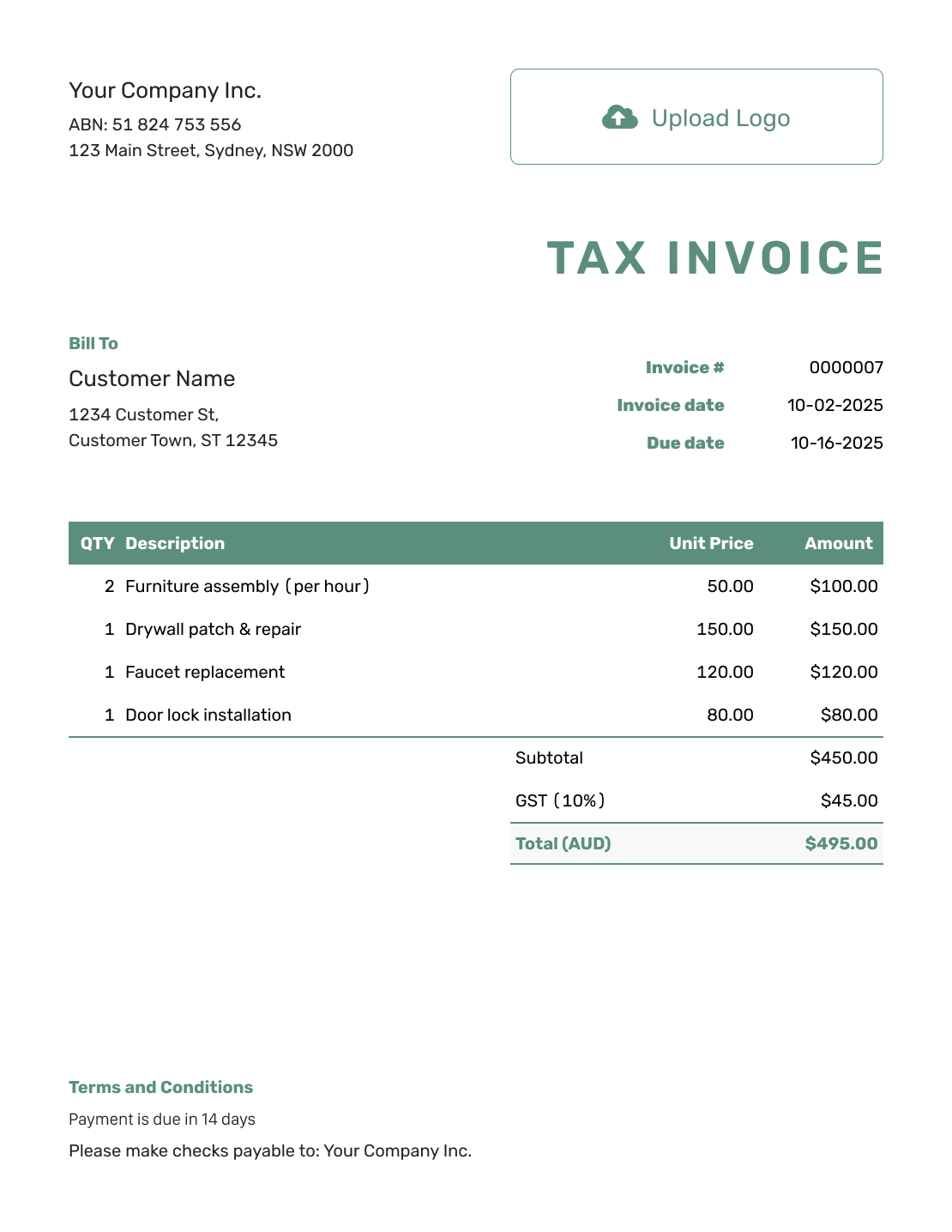
Simple Australian Invoice Layout
Create Free Invoice -
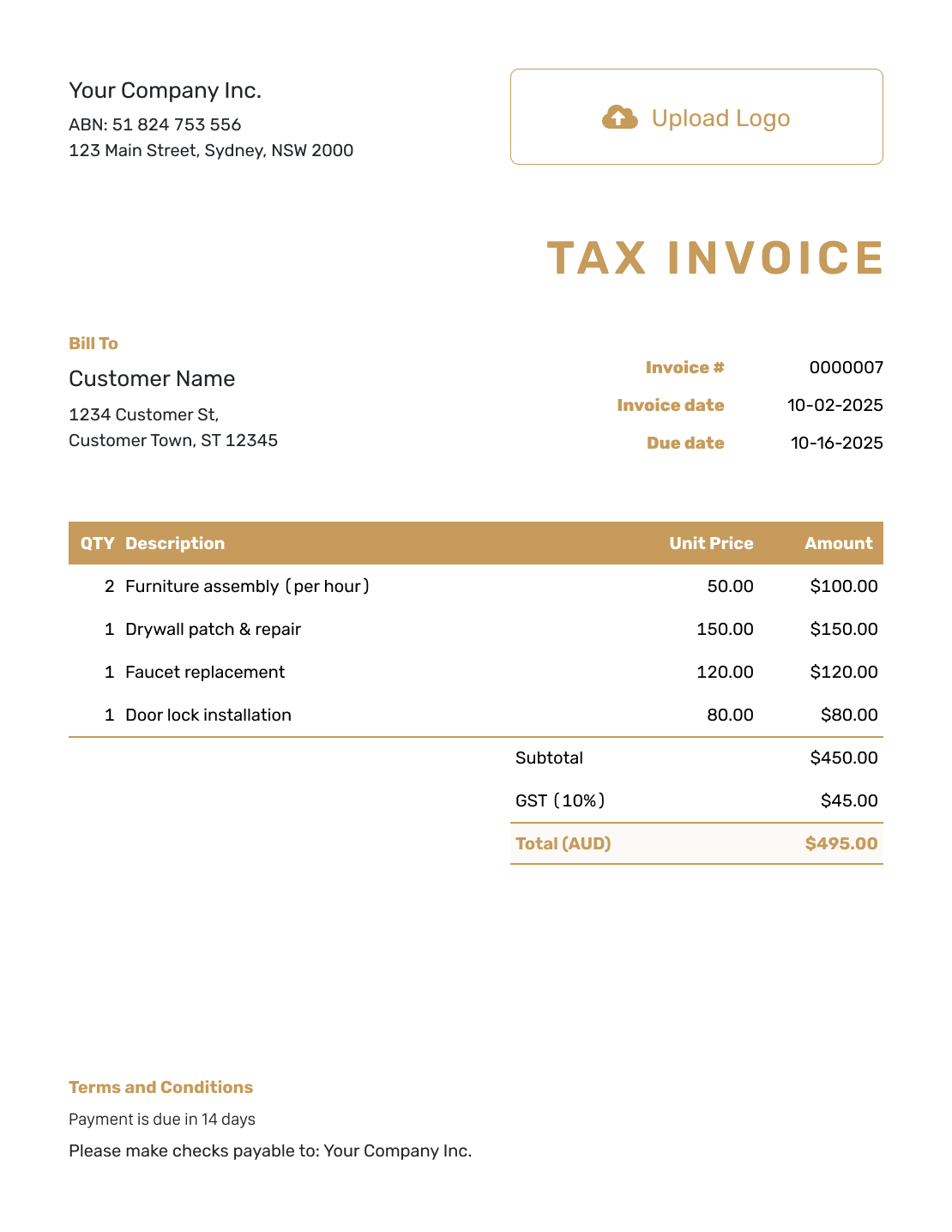
Standard Australian Invoice Layout
Create Free Invoice -
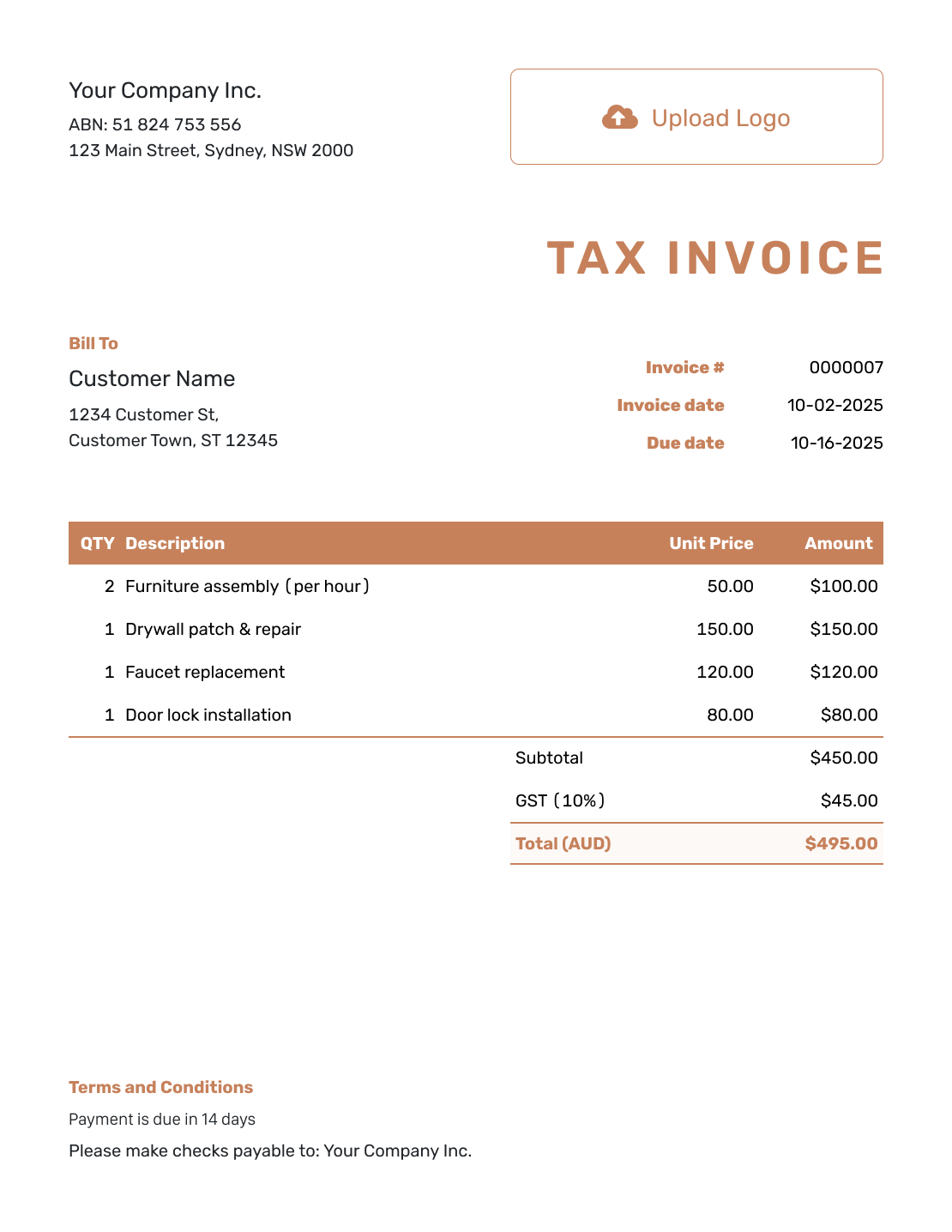
Itemized Australian Invoice Layout
Create Free Invoice -
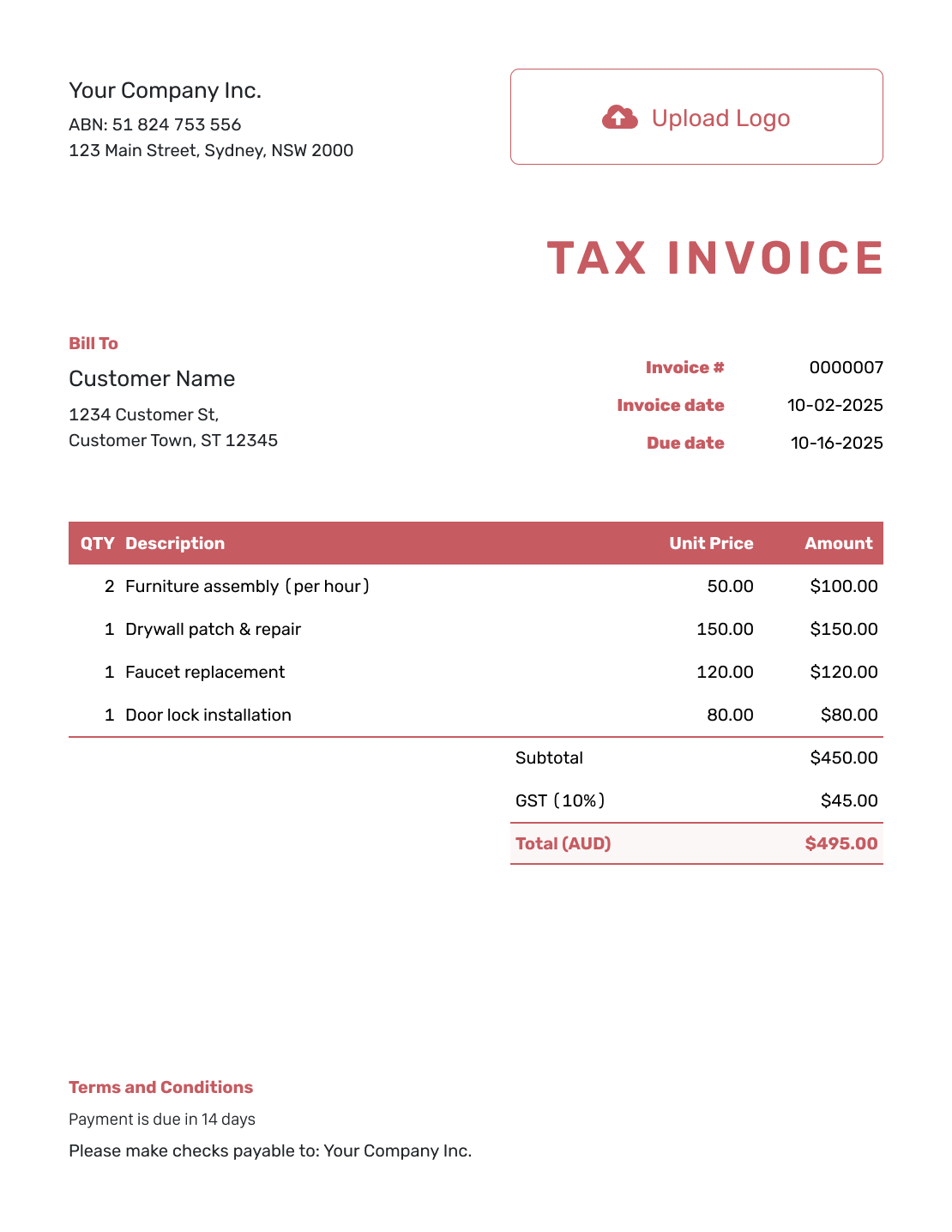
Basic Australian Invoice Layout
Create Free Invoice -
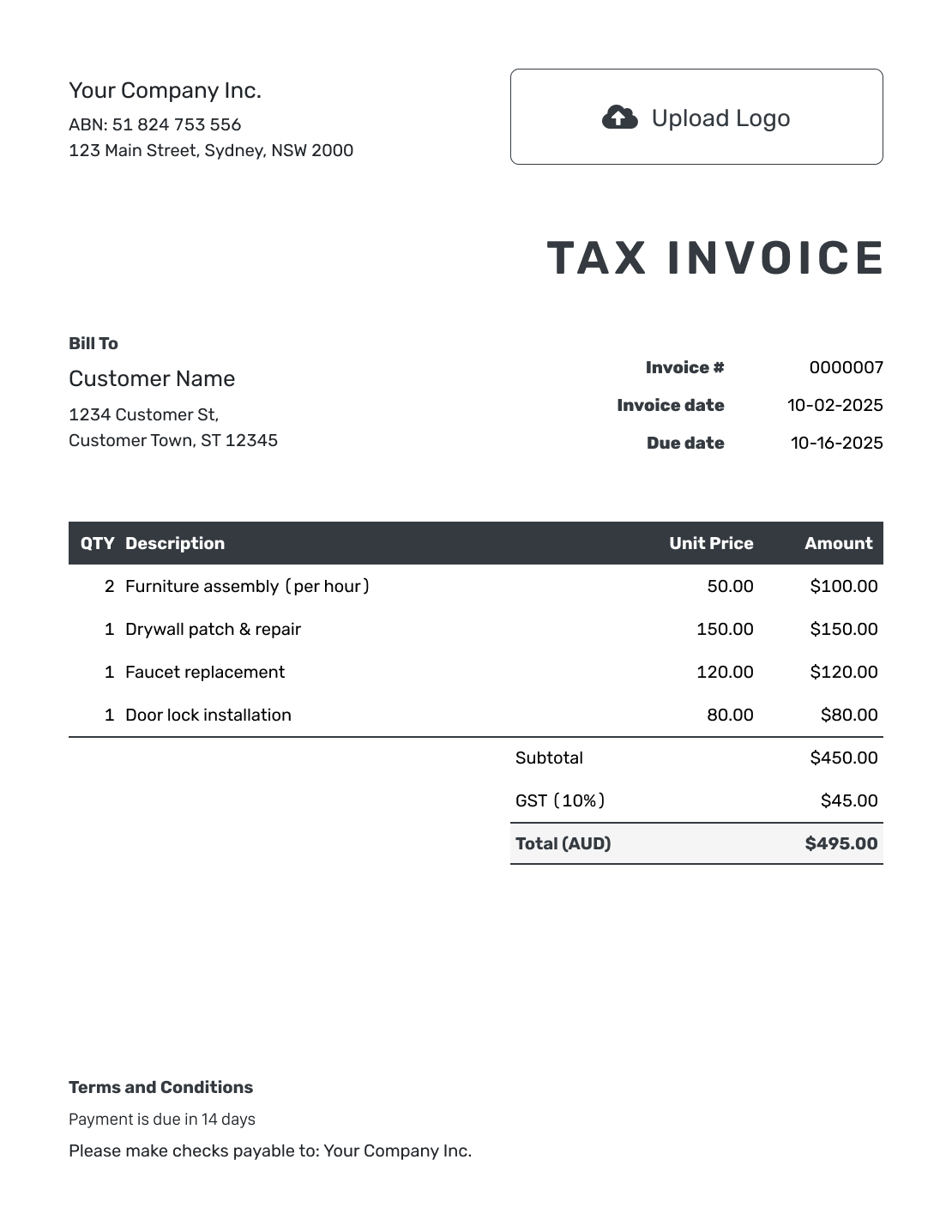
Hourly Australian Invoice Layout
Create Free Invoice
After You Send the Australian Invoice
Check the document history to see whether the invoice emailed from Docelf was delivered and opened.
Keep the Payment Record Together
- Follow up with the customer if the agreed due date passes and money is still owed.
- Record the payment amount and date when you receive it.
- Create a receipt from the invoice after recording the payment.
Prefer an Australian Invoice in a File Format?
The format pages below provide general invoice files you can adapt for Australian billing. Set the currency to AUD, add your ABN and apply the GST treatment for your sale. Check spreadsheet formulas if you add or remove rows.
Australian Invoice Template FAQs
-
Can I create an Australian invoice in AUD?
Yes. Docelf supports AUD. Choose it for the invoice, add your business and customer details, and check the currency before sending.
-
Can I invoice if I am not registered for GST?
Yes. Use an ordinary invoice, do not charge GST and do not label it “Tax Invoice”. Check the Australian Government’s invoice guidance for the details.
-
Where can I put my ABN in Docelf?
Add it under your business name in the company address details. You can also include it in the footer. Keep it easy to find on the invoice.
-
How do I show Tax Invoice in Docelf?
Use the title setting described in Docelf’s tax-invoice guide. Preview the invoice to check the heading. The title does not replace the other information a tax invoice needs.
-
Does every Australian invoice need 10% GST?
No. GST depends on your registration and the sale. The example on this page assumes a registered business making taxable sales. See the government GST guidance for your situation.
-
Does this template guarantee tax compliance?
No. Check the completed invoice against current requirements for your business and sale. Ask a registered tax agent when you are unsure whether to charge GST or how to show it.
Ready to Bill Your Australian Customer?
Prepare a clear bill the customer can match to the goods or work they received.
- Set the invoice currency to AUD
- Add your ABN and check the tax details
- Send the invoice with a clear due date




