Free Invoice Terms and Conditions Examples
Write payment terms customers can understand
State the due date, payment instructions and any agreed deposit terms in plain language. Clear terms help customers understand what to do before they pay and can reduce questions about the invoice.
Add the terms to your invoice in Docelf, then review them before you send it.
14-day free trial. No credit card required.

Create the invoice. Send it. Get back to work.
Choose an Invoice Layout for Your Terms
Choose a layout for your invoice, then add your payment terms. These previews open the invoice creator. The wording below is a starting point to adapt for your customer.
-
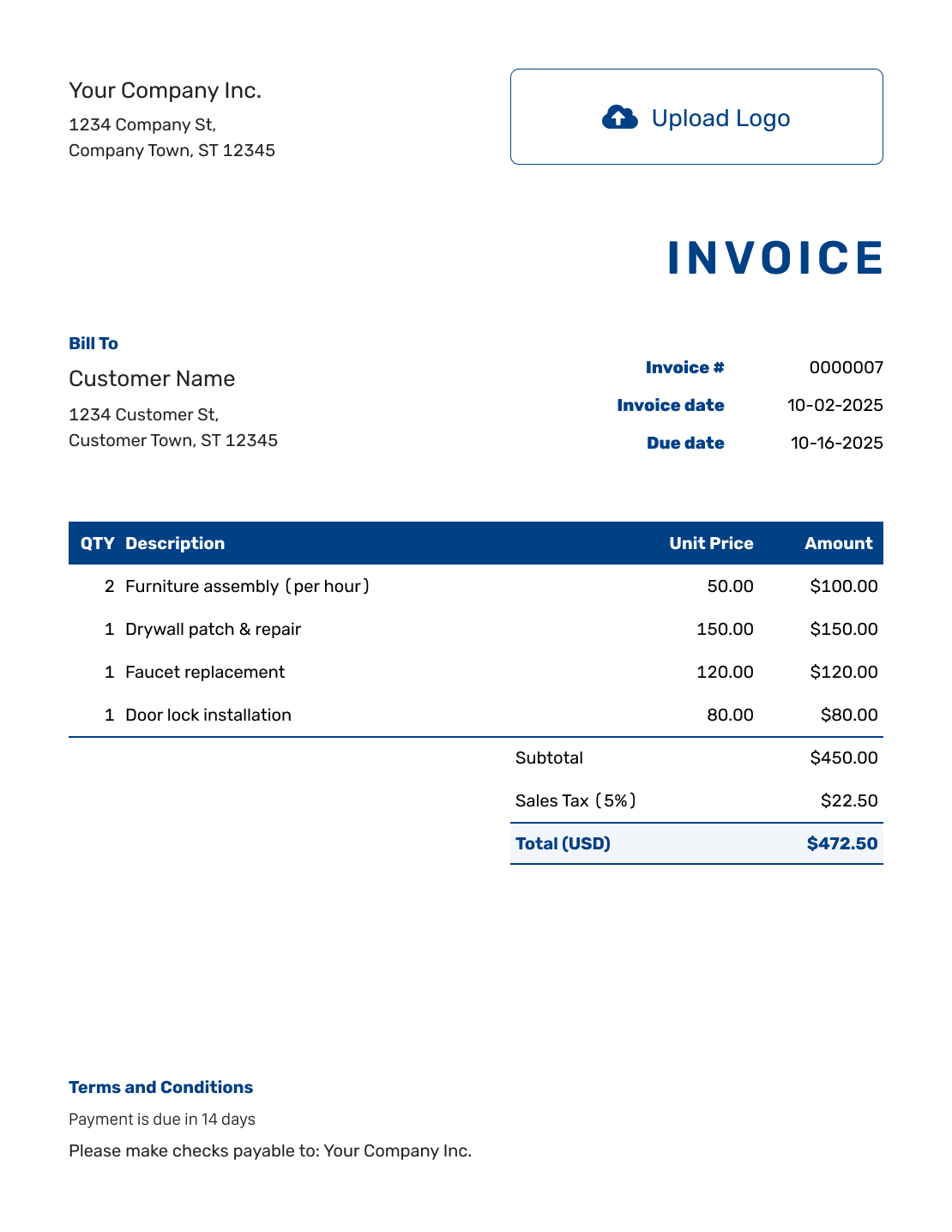
Sample Invoice Layout
Create Free Invoice -
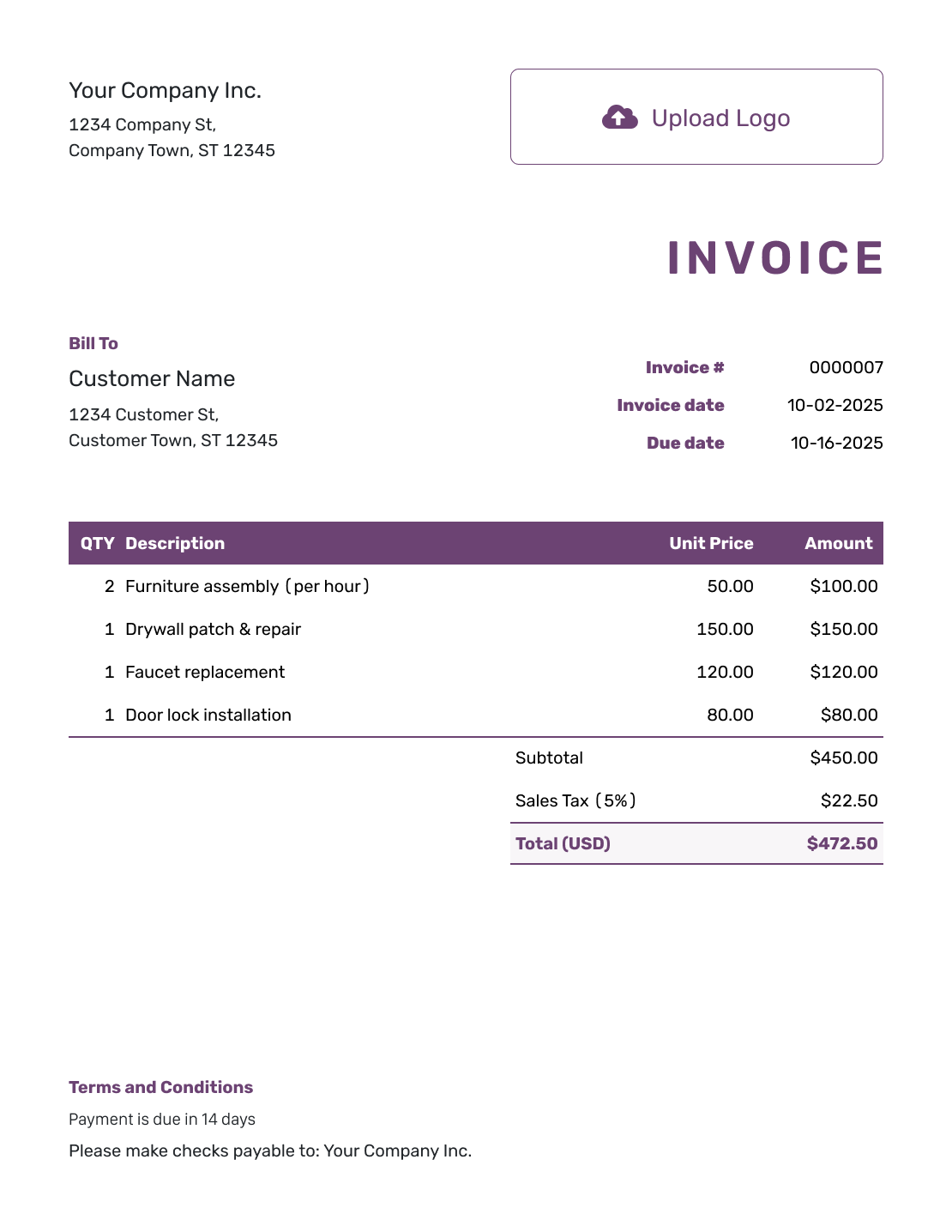
Free Invoice Layout
Create Free Invoice -
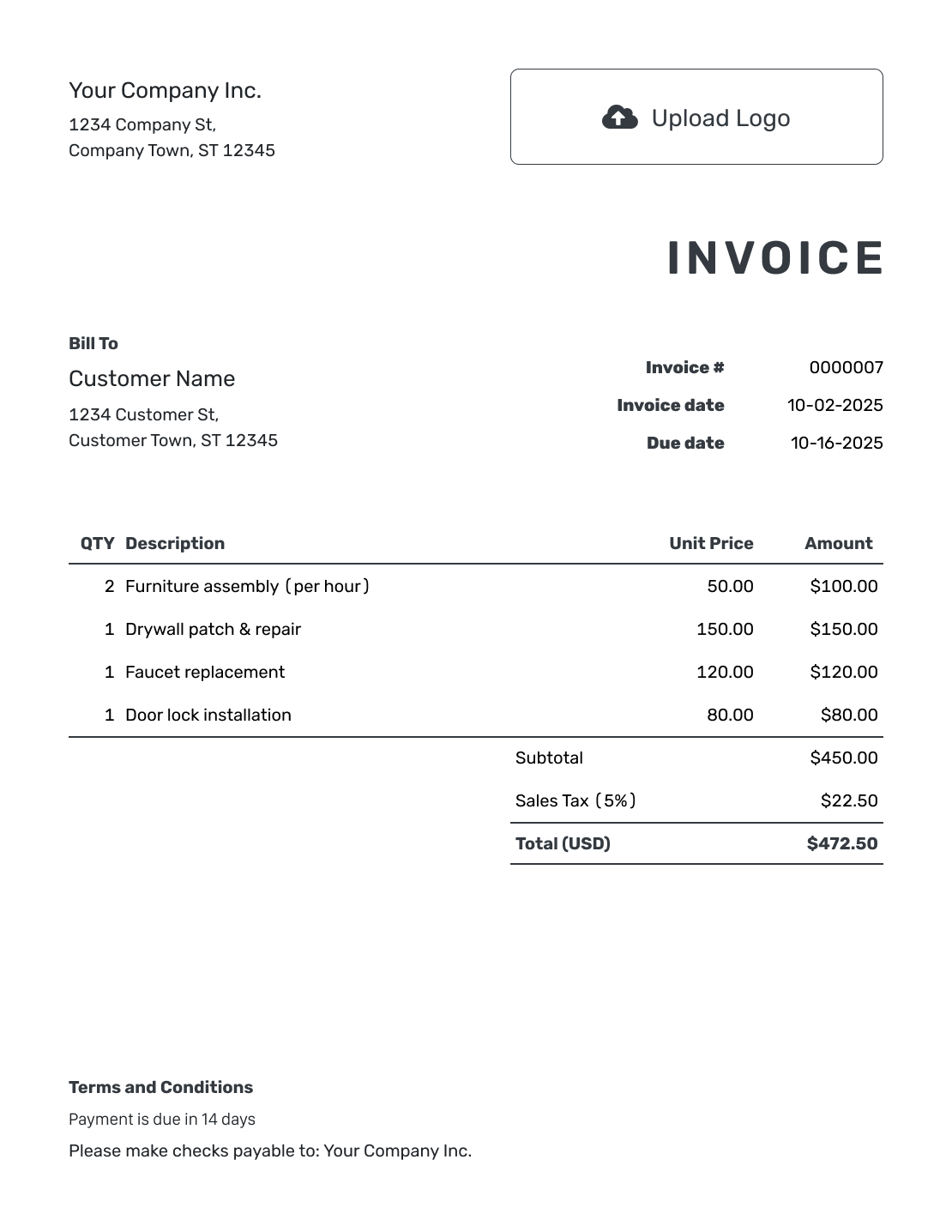
Printable Invoice Layout
Create Free Invoice
Use the payment-terms example, or browse six more invoice layouts.
What to Include in Invoice Terms
Tell the customer when payment is due and how to pay. Include a reference they can use and a way to ask billing questions.
Add the example below to the invoice’s Terms and Conditions field. Replace the bracketed text and use the payment method you accept. The 14-day period is an example; choose the timing you agreed with this customer.
These examples are wording to adapt, not legal advice. Ask a qualified local adviser to review fees, refunds or warranty conditions before you use them.
Example: Terms and Conditions
- Payment is due within 14 days of the invoice date.
- Please pay by [Accepted Payment Method] using the payment details on this invoice.
- Include [Invoice Number] as your payment reference.
- For questions about the invoice, contact [Billing Email or Phone].
How to Add Terms to Your Invoice
Use the payment terms you agreed with this customer. Keep them short and check that they match the invoice.
- Check the Agreement: Use the payment period and policies you agreed with the customer.
- Set the Due Date: Choose the date that matches the payment period.
- Add the Terms: Enter short payment instructions in Terms and Conditions.
- Include a Reference: Ask the customer to use the invoice number when paying.
- Check Any Payment: Record money already received and review the remaining balance.
- Preview the Invoice: Check that the dates, balance and terms agree before sending.
Write the Payment Timing in Plain Language
Use wording the customer can act on. A specific date is easy to find. A payment period can work too, as long as it matches the due date.
- A fixed date: Payment is due by [Due Date].
- A 14-day period: Payment is due within 14 days of the invoice date.
- Net 30: Payment is due within 30 days of the invoice date.
- Due upon receipt: Payment is due when you receive this invoice.
Choose one that matches the agreed payment timing. Do not leave “Net 30” in the terms and put a different due date elsewhere.
Keep the Due Date and Terms With the Bill
Add the terms once the charges are ready. Docelf keeps the due date with the invoice. Preview the document before you send it.
Check the Terms Against the Actual Invoice
Make sure the dates, payment details and contact information all match this bill.
The Same Due Date
Match the payment period to the invoice date and due date. Update copied terms when you change the timing.
A Payment Method You Use
Name the method and provide the details the customer needs. Do not list card payments or another option your business does not accept.
The Right Balance
If you have received a payment, record it in Docelf. Any amount stated in the terms should match the remaining balance.
A Real Billing Contact
Use an email address or phone number the customer can reach. Replace the placeholder before sending.
Add Other Policies Only When They Apply
Use the invoice for the conditions relevant to this payment. Keep longer agreements separate and refer to them when the customer needs that context.
Deposits and Payments Already Received
When you request a deposit, state the agreed amount and what it covers. Record money you have already received as a payment. Check that any balance mentioned in the terms matches the invoice.
Late-Payment Fees
Before adding a late fee, check your agreement and local requirements. Then state the amount or rate and when it applies. Do not copy a sample percentage without checking it.
Refunds, Returns and Warranties
Describe the return or warranty policy that applies to this sale. If the full policy is long, refer to the separate document instead of repeating it all on the invoice.
Questions About the Work
Tell the customer how to contact you about a charge or completed work. Keep the invitation to ask questions separate from any policy that limits a customer’s rights.
Keep Charges Out of the Terms Field
Put products, services and prices in the line-item section. Use the totals and payment record for the amount due. The terms explain what the customer should do next.
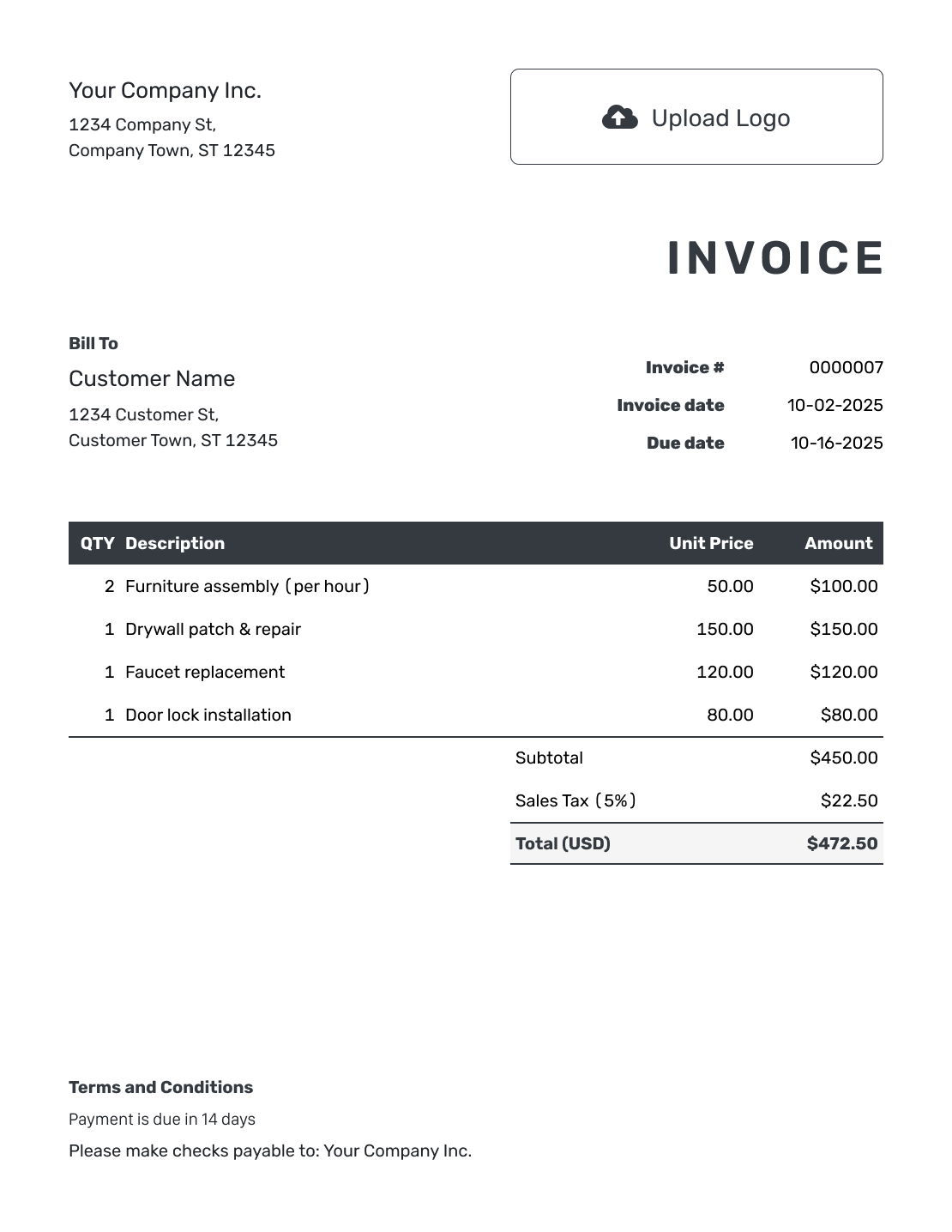
A completed invoice example shows those sections together. For a short message to send with the bill, use an invoice email example.
In Docelf, you can attach a supporting document when the customer needs more context. You can also add your logo, colors and fonts to match your business.
Review Copied Terms Before Reusing Them
Copied terms may belong to a different customer or an earlier agreement. A quick check helps you carry over only the details that still apply.
- Remove policies that do not apply to this invoice.
- Replace sample names, dates, references and payment details.
- Make the due date and any balance match the invoice.
- Check fees and other conditions against your agreement and local requirements.
More Invoice Layouts for Your Payment Terms
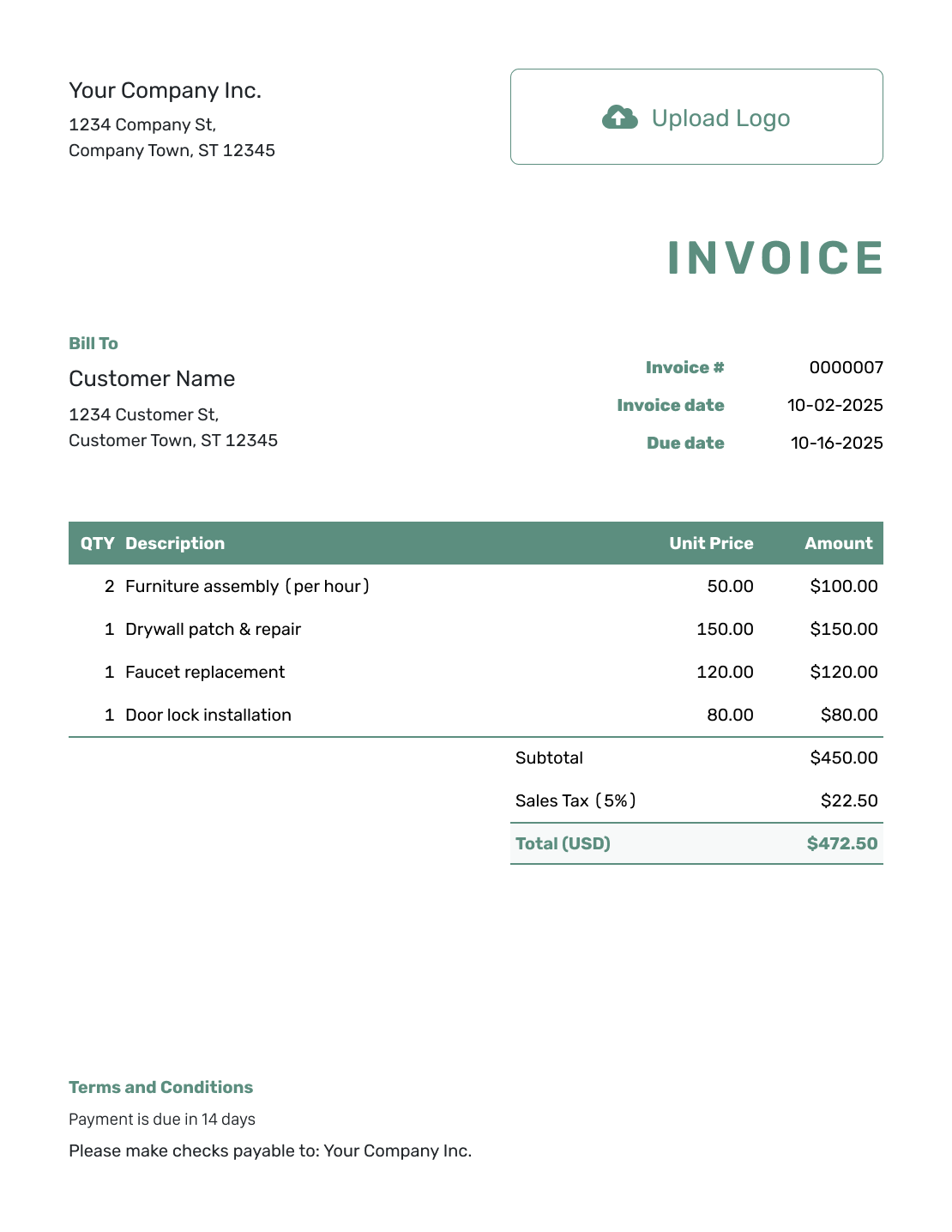
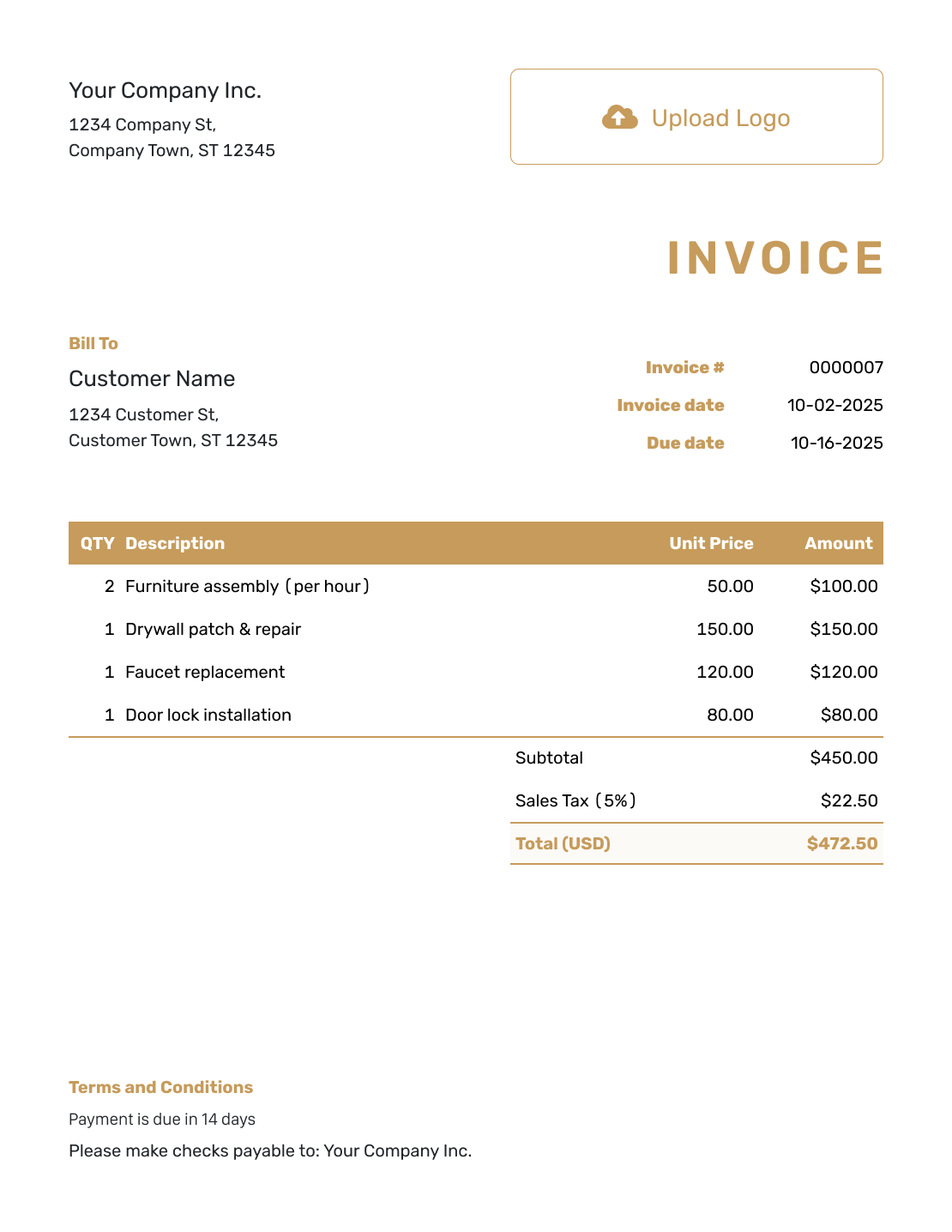
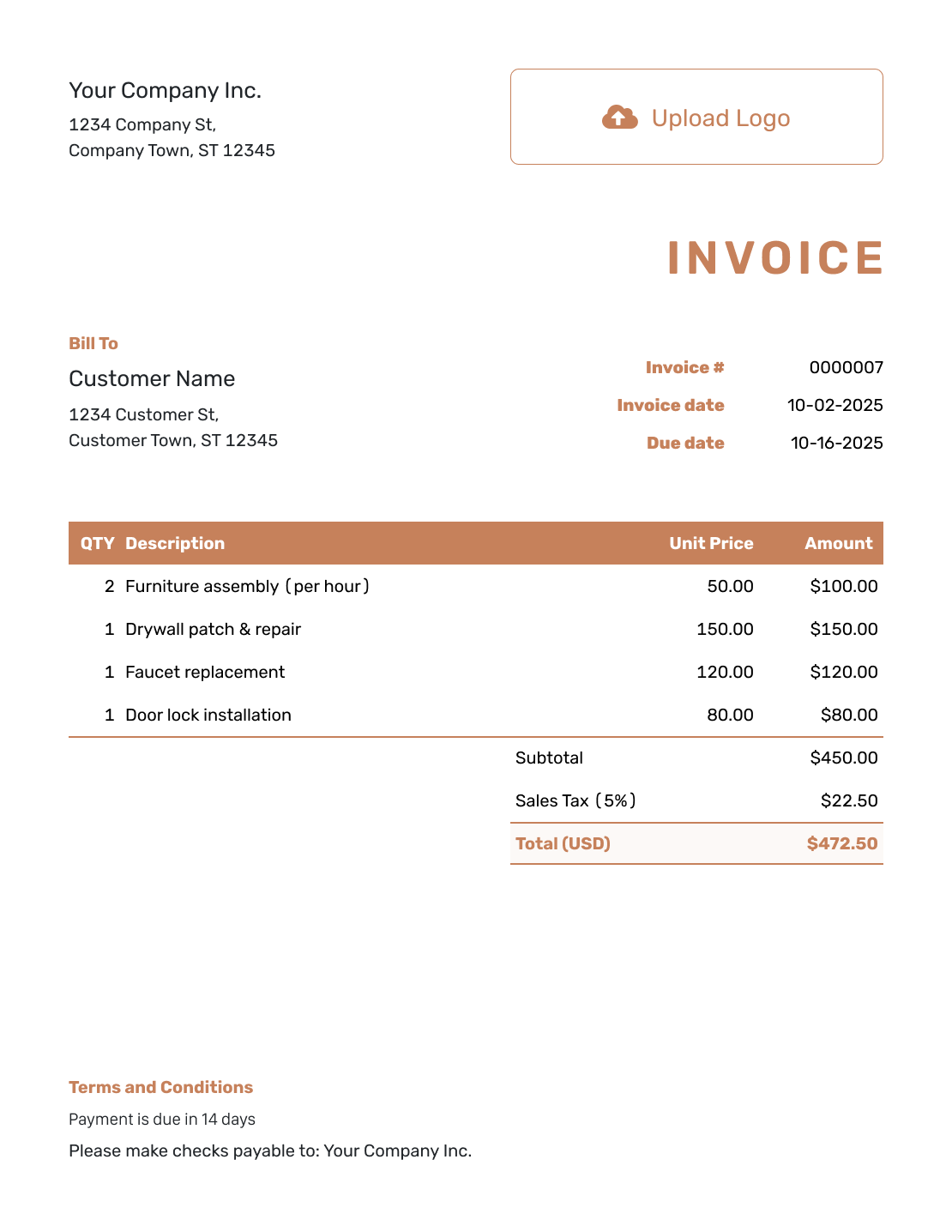
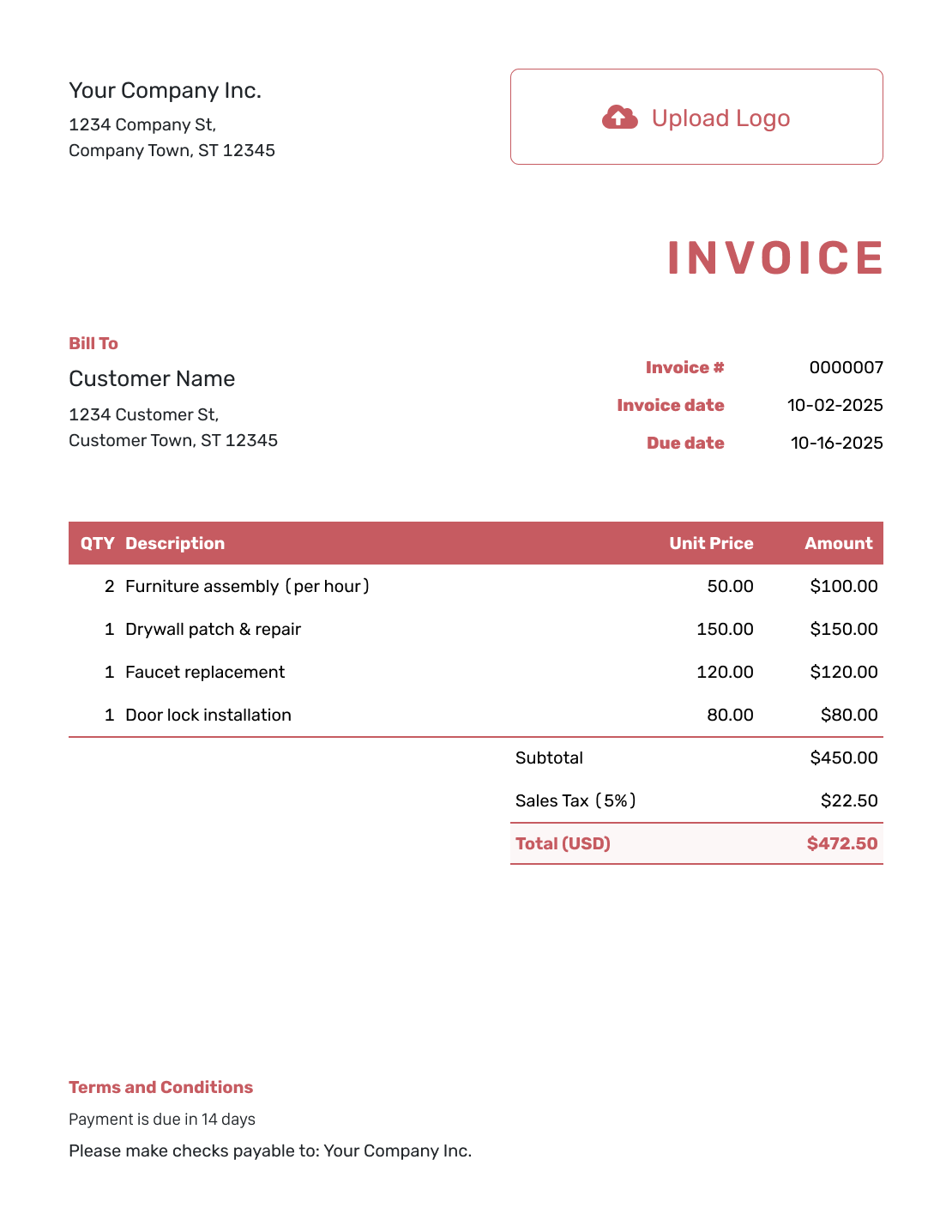
These layouts give you more ways to present the bill. Add the terms that match your customer’s payment arrangements.
Use an Invoice File or Start Online
Prefer a file you can edit yourself? Use one of these formats and replace its sample terms before sending.
More Help With Payment and Billing
Use an example to check the finished bill or find wording for the email that goes with it.
Invoice Terms and Conditions FAQs
-
What are invoice terms and conditions?
They are the short payment and policy details you include with an invoice. They tell the customer when and how to pay, which reference to use and who to contact. Add other conditions only when they fit the agreement and your business policies.
-
What does Net 30 mean on an invoice?
It means payment is due 30 days after the invoice date. You can write “Payment is due within 30 days of the invoice date” instead. Check that the due date on the invoice matches that period.
-
Should I use a due date or a payment period?
A specific due date tells the customer the exact day to pay. You can also state a period such as 14 days from the invoice date. When you include both, make sure they agree.
-
Can I add a late fee to the example?
Do not copy a percentage from another invoice. Use only a fee your business actually uses and has agreed with the customer. Have a qualified local adviser check the fee and wording before you include them.
-
Should I include a refund policy on every invoice?
Include it when it is relevant to this sale or service. Use the policy your business actually applies, not a sample return period. Check local requirements before setting refund, return or warranty conditions.
-
How do I mention a payment already received?
Record the payment on the invoice, then check the remaining balance. Use the same figures in any payment note. Writing a note does not update the payment record.
-
Where do I add the terms in Docelf?
Use the invoice’s Terms and Conditions field. Add the wording for this customer and check it in the preview. Review the due date and payment details again before emailing the invoice or downloading a PDF.
-
Are these examples a complete contract?
No. These are starting points for invoice wording, not a complete contract or legal advice. Have a qualified adviser review conditions that affect your agreement, including fees, refunds and warranties.
Ready to Add Clear Payment Terms?
Give the customer a bill with payment instructions they can follow.
- Set the payment due date
- Add terms that match your agreement
- Preview the invoice before sending




