Free Small Business Invoice Template
Create a professional invoice in minutes
Add your business details and the products or services you provided. Clear charges and a due date show customers what to pay and help your business get paid.
Email, print or download your invoice as a PDF.
14-day free trial. No credit card required.

Create the invoice. Send it. Get back to work.
Small Business Invoice Layouts
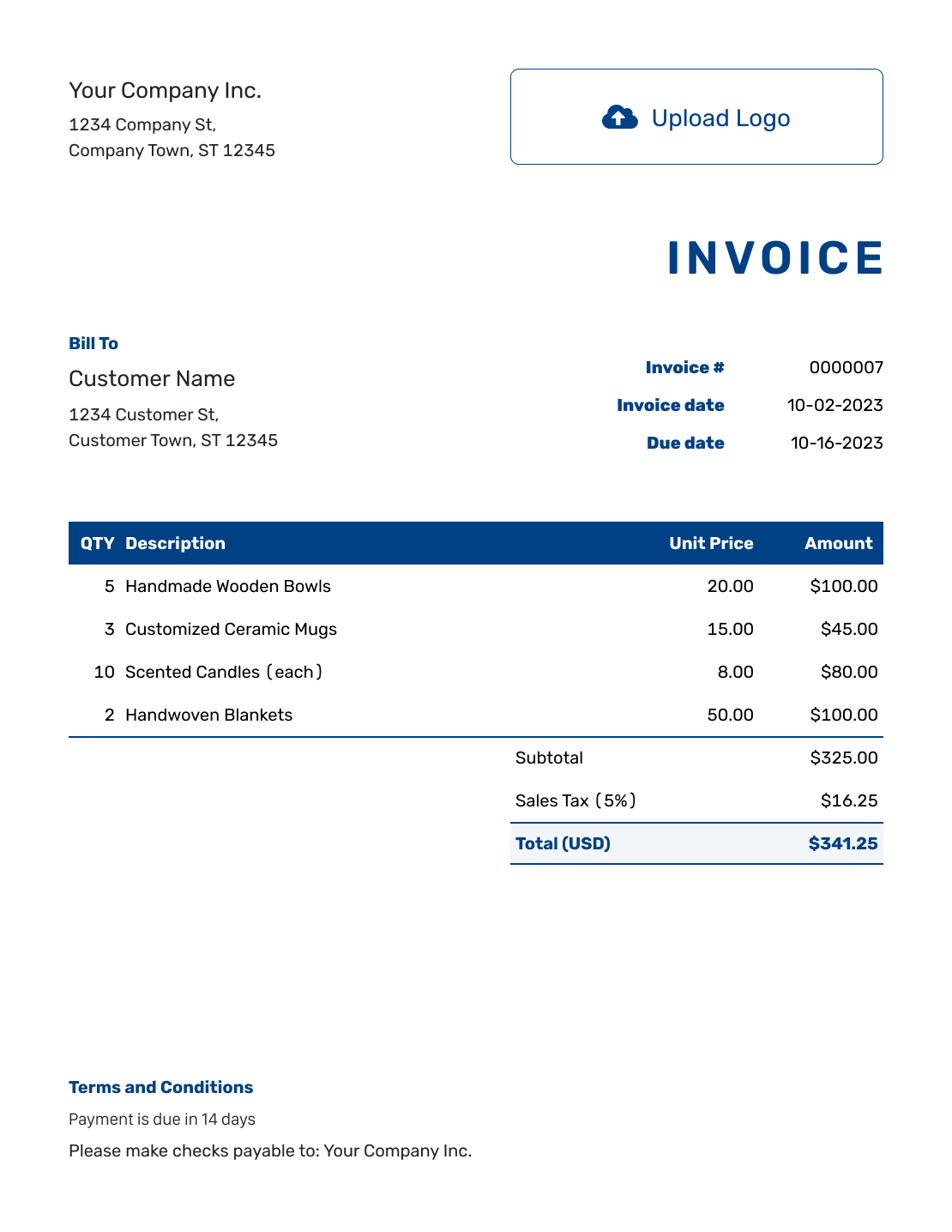
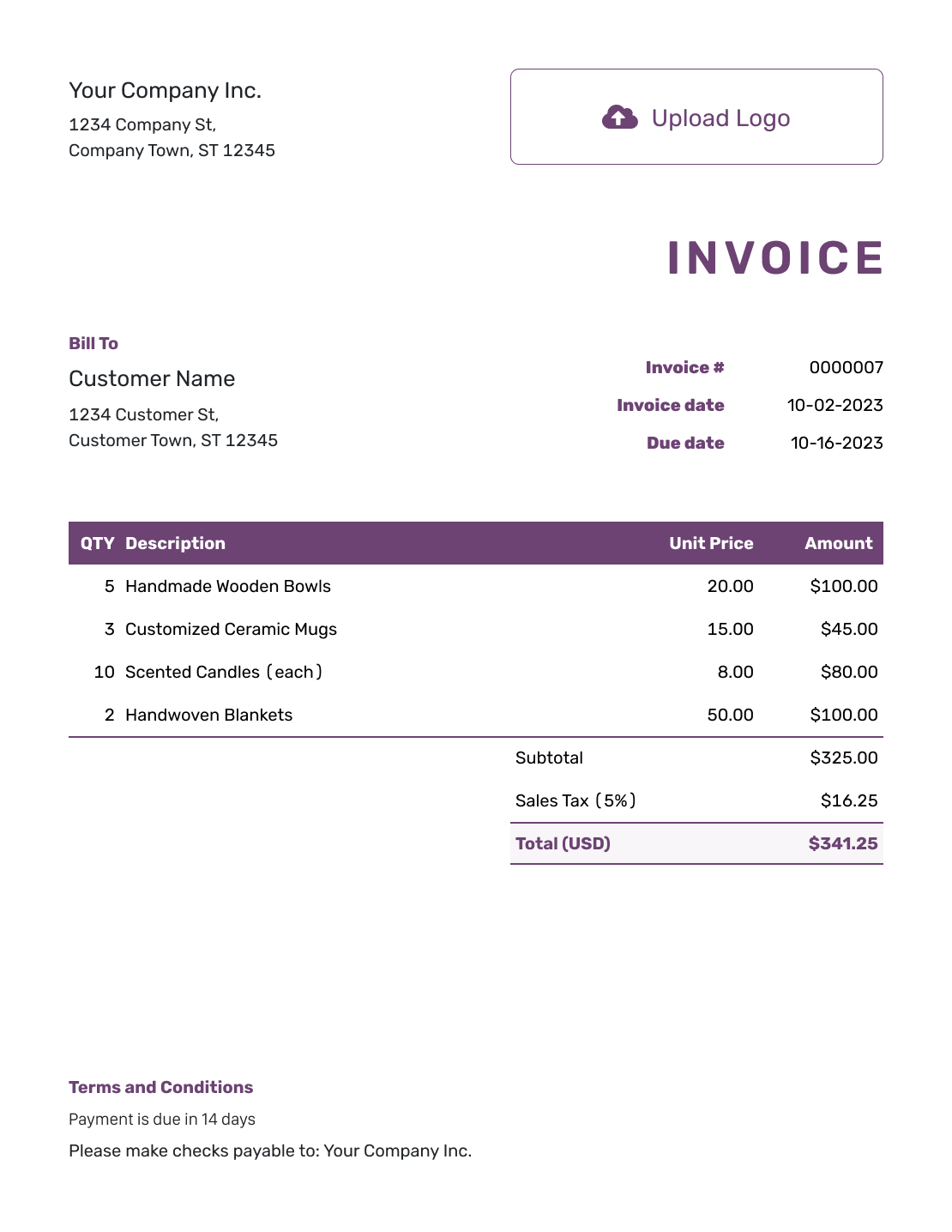
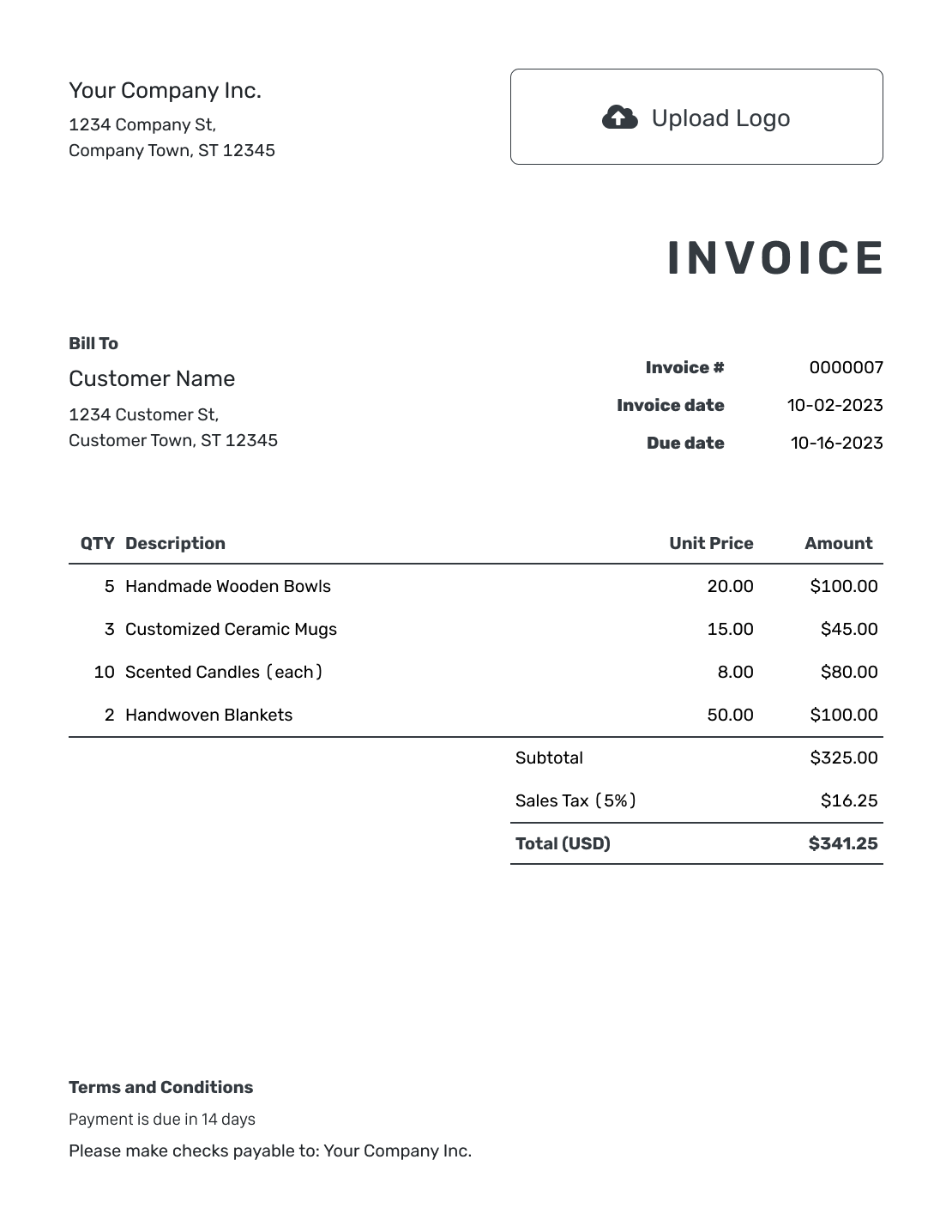
Choose a small business invoice layout for your next sale or completed job. Each preview opens the invoice editor, where you can add your customer, charges and payment instructions.
Send a Clear Bill for This Sale or Job
A small business invoice tells the customer what you supplied and what they need to pay. It can cover products, services or both. Give each product or service its own line so the customer can check the bill.
Send the invoice at the point you agreed with the customer, such as after delivery or at the end of a billing period. Name the order or work covered so they can match the bill to the purchase.
How to Create a Small Business Invoice
Start with this customer and this sale. Reuse saved details, then update anything that changed.
- Add Your Business: Enter the business name and contact details your customer recognizes.
- Add Your Logo: Use your logo and a clear, readable design.
- Choose the Customer: Select a saved customer or add the new billing details.
- Check the Number and Dates: Review the invoice number and set the invoice date and due date.
- Add Products and Services: List quantities, hours and prices for this sale or job.
- Review the Total: Add any tax or discount. Docelf calculates the amounts.
- Add Payment Details: State how to pay and review the invoice before emailing or downloading it.
How to Fill In Small Business Invoice Line Items
Use a product name for goods and a short description for services. Include the unit in the description when a quantity means hours rather than individual items.
This fictional workplace order combines products with setup work. Prices are in USD. The example adds 8% tax to all three charges.
| QTY | Description | Unit Price | Amount |
|---|---|---|---|
| 3 | Desk lamp | $24.00 | $72.00 |
| 3 | Cable tidy kit | $8.00 | $24.00 |
| 2 | Workstation setup — hours | $55.00 | $110.00 |
| Subtotal | $206.00 | |
| Sales Tax (8% example) | $16.48 | |
| Total | $222.48 |
The $206.00 subtotal plus $16.48 example tax gives a $222.48 invoice total. Use your actual prices and check which products or services are taxable. The 8% rate is not a default for small businesses.
What to Include in Small Business Invoice Terms
Use Terms and Conditions to explain how to pay. Include the payment method and the details the customer needs, such as bank information or a check mailing address. Tell them which invoice number to use as the payment reference.
Start with the terms you agreed with this customer. Add return, warranty or late-fee wording only when it reflects your policies and meets local requirements. Replace the brackets in the sample below with your own details, and make sure its payment period matches the due date on the invoice.
Example: Terms and Conditions
- Payment is due within 14 days of the invoice date.
- Pay by [Payment Method] using [Payment Details].
- Please include [Invoice Number] with your payment.
- For questions about this bill, contact [Billing Email or Phone].
Spend Less Time Entering the Same Details
Choose a saved customer and add the current charges. Docelf handles the totals and keeps the invoice with your other documents. Review it, then send it.
Four Details That Help Customers Pay
Give the customer enough information to recognize the bill and act on it. These details matter more than a complicated layout.
The Right Billing Contact
Use the billing details for the person or business paying you. For repeat customers, check that the billing email is still current.
A Recognizable Sale
Name the products or work. Add an order reference or service date when the customer buys from you often.
One Clear Due Date
Set the date you agreed with the customer. Keep the payment terms consistent with that date.
The Amount Still Due
Record money only after you receive it. A partial payment reduces what is still owed; it is not a price discount.
Reuse the Details, Not the Old Bill
When you duplicate an invoice, Docelf creates a new draft with a new number. Update the customer, dates and charges before sending it. Check saved item prices and taxes rather than assuming they still apply.
You can choose the starting number for your first invoice. Docelf then numbers new invoices in sequence. See how to duplicate a document and how document numbering works.
Already priced the work in Docelf? Create the invoice from the estimate or quote when it is time to bill. Check that the copied details match what you are charging now.
Make the Invoice Recognizable as Yours
Add your logo and choose colors and fonts that match your business. Use the footer for useful contact details, not a second copy of every payment term.
Docelf supports USD, EUR, GBP, CAD and AUD. Add an optional industry name before “Invoice” when it helps describe your business. You can attach a PDF or image when the customer needs supporting details.
After You Send the Small Business Invoice
When you email the invoice from Docelf, its document history shows delivery and opening information. Check that history before following up.
Keep the Invoice Current
- Follow up if the due date has passed and the customer still owes money.
- Record each payment amount and date so the remaining balance is clear.
- Create a receipt from the invoice after recording payment.
More Small Business Invoice Layouts
Browse the remaining layouts for your next sale or job. Each preview opens the invoice editor.
-
Blank Small Business Invoice Layout
Create Free Invoice -
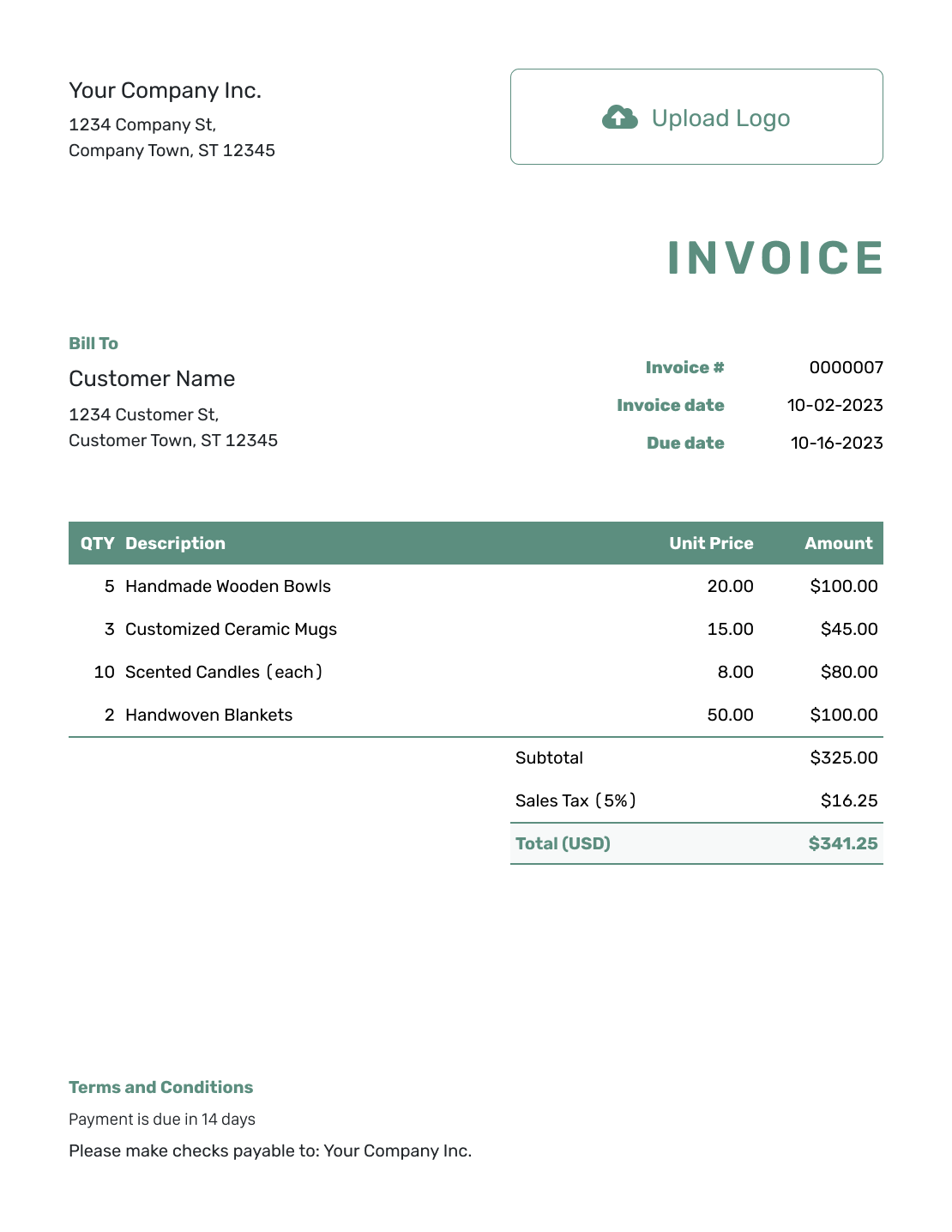
Simple Small Business Invoice Layout
Create Free Invoice -
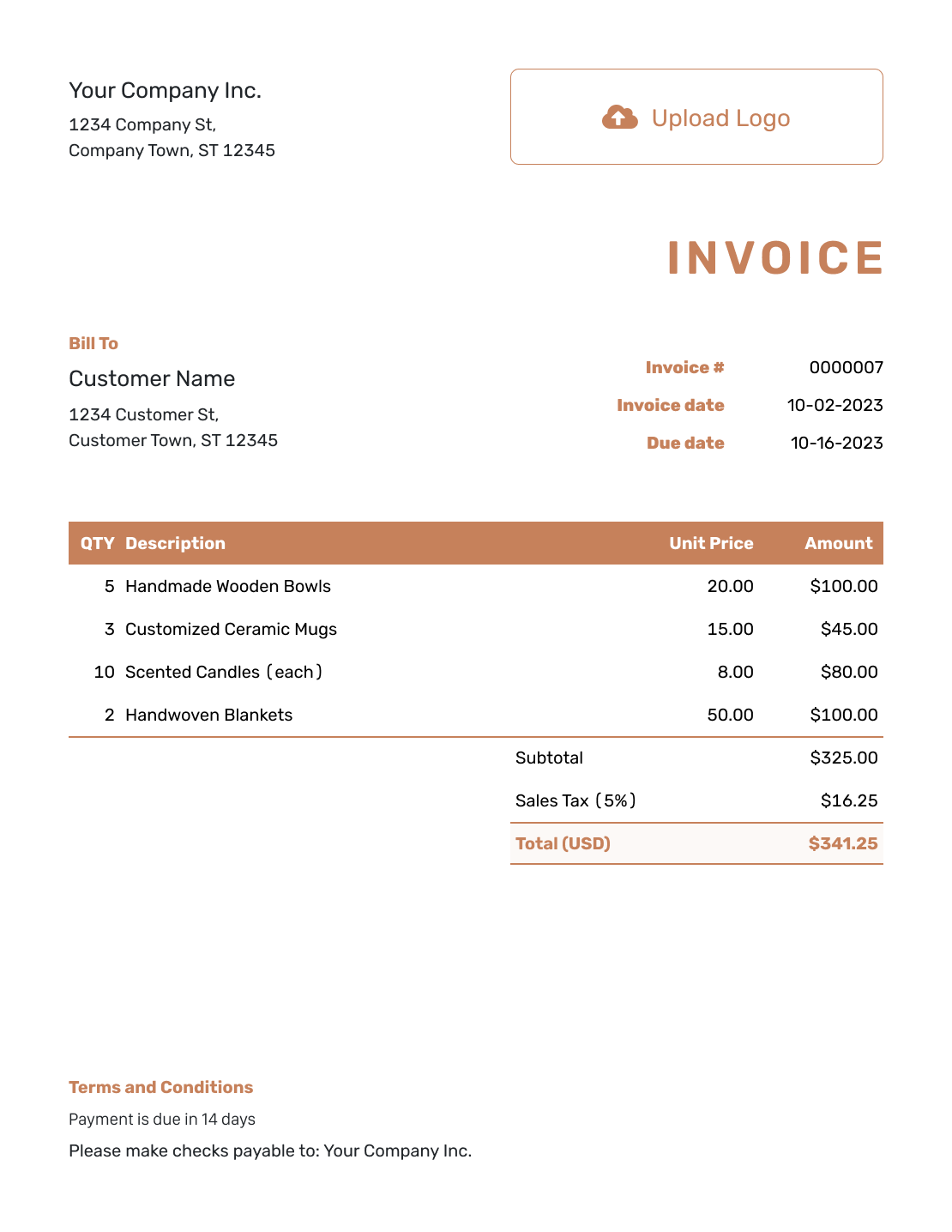
Standard Small Business Invoice Layout
Create Free Invoice -
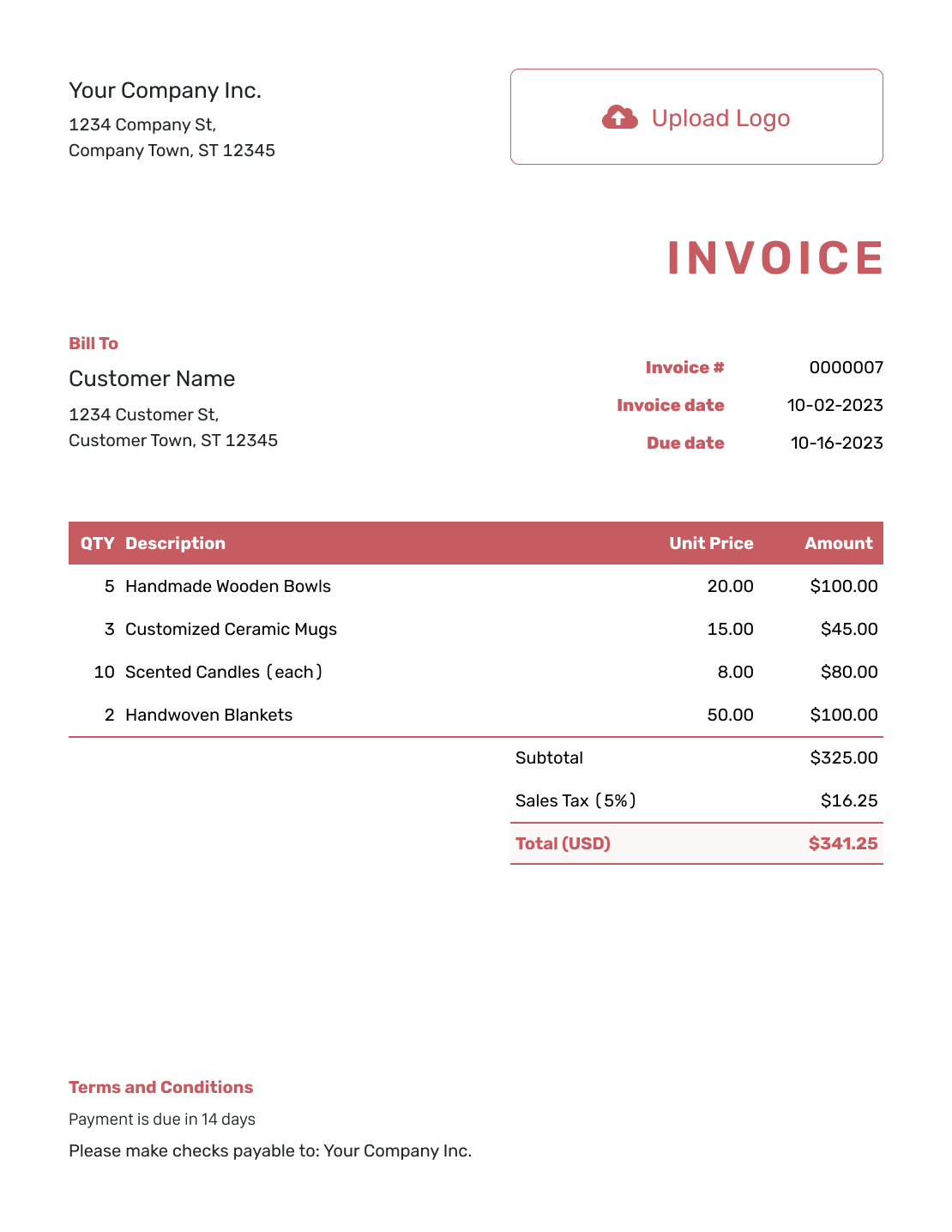
Itemized Small Business Invoice Layout
Create Free Invoice -
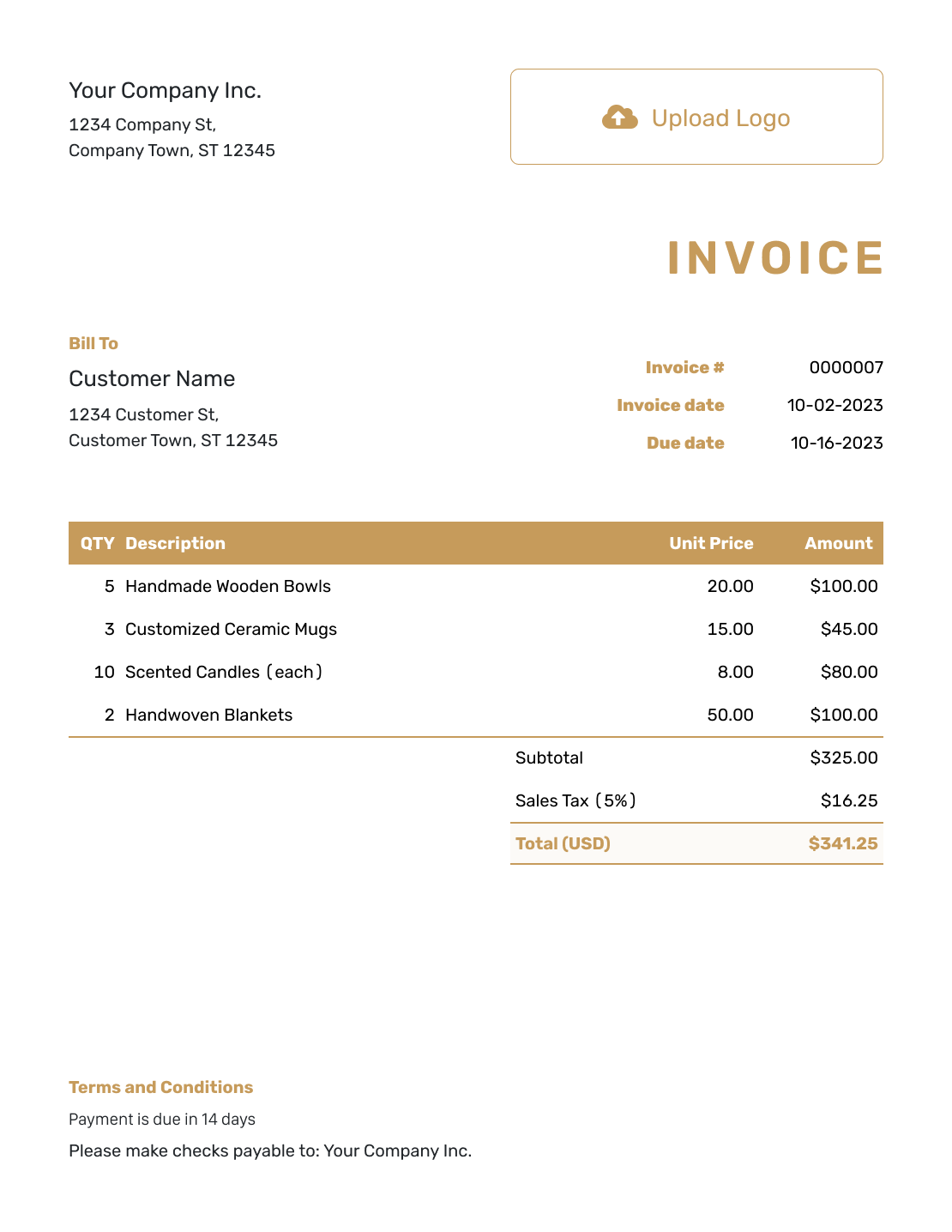
Basic Small Business Invoice Layout
Create Free Invoice -
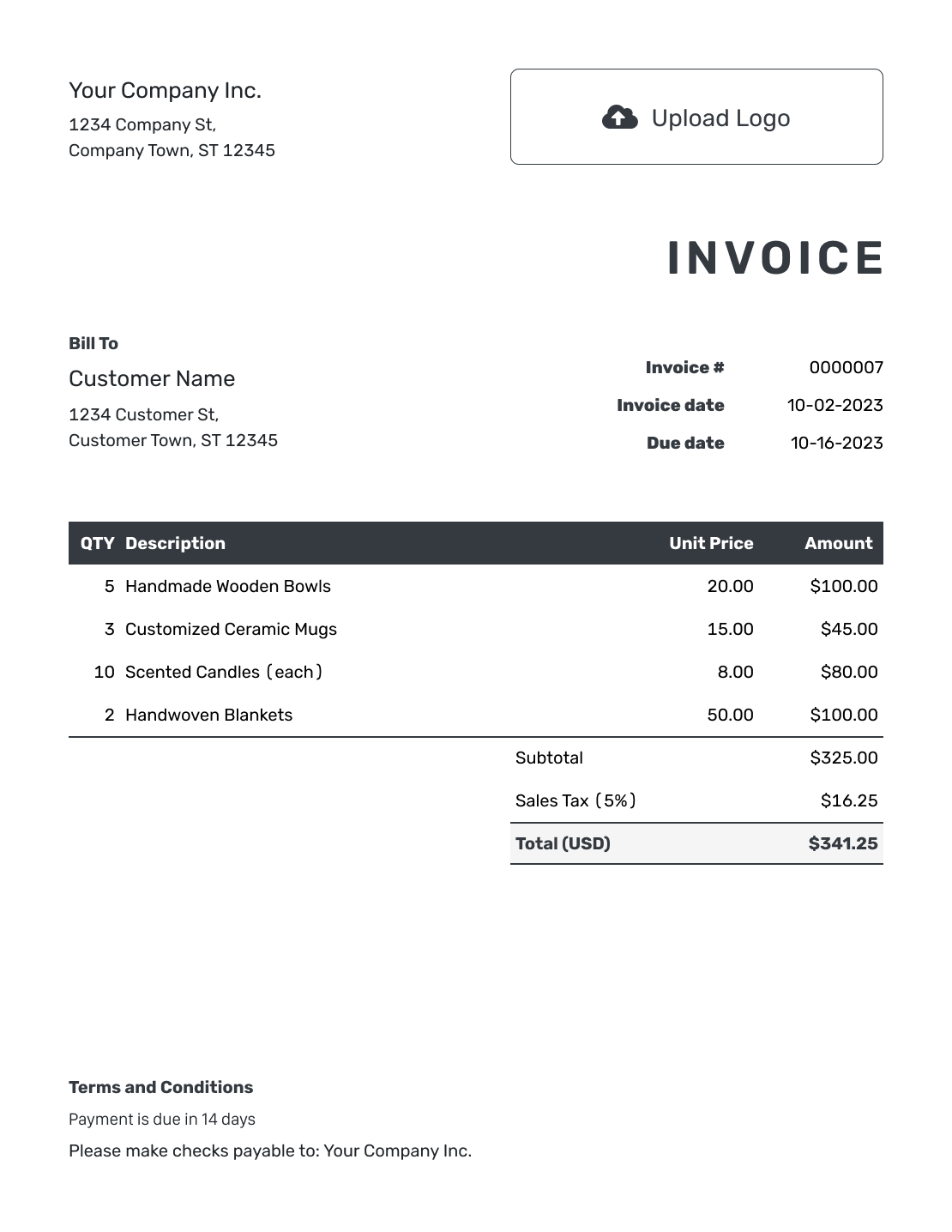
Hourly Small Business Invoice Layout
Create Free Invoice
Choose a Familiar File Format
Use Word or Google Docs for an editable document, or Excel or Google Sheets for a spreadsheet layout. Review the charges and any calculations before sending a file-based invoice.
Small Business Invoice FAQs
-
What should a small business invoice include?
Identify your business and customer. Add an invoice number and dates, then list the products or services with their prices. Show any tax or discount, the amount due and how to pay.
-
Can I put products and services on the same invoice?
Yes. List each product or service separately. Use quantities for products and label hours clearly for time-based work. The customer should be able to follow how the charges add up.
-
Can I reuse an invoice for a regular customer?
Yes. Duplicate it to create a new draft with a new number, or use saved customer and item details. Check the dates, prices and work covered before sending the new invoice.
-
What should I do when a customer pays only part?
Record the amount and date of that payment on the invoice. Docelf keeps track of the remaining balance and payment status. Do not enter the payment as a discount.
-
Is Docelf accounting software?
No. Docelf is business document software. It helps you create, send and organize invoices and other documents. It does not replace your accounting records or accounting software.
-
Can I create invoices on my phone?
Yes. Docelf works on phones, tablets and desktop computers. You can create the invoice on the device you use for work.
-
Is the invoice date the same as the date of the work?
Not necessarily. The invoice date identifies when you issue the bill; a service date or billing period identifies the work it covers. Include the work date in the description when it helps the customer recognize the charge. Set the due date to match the agreed payment terms.
Ready to Send the Next Bill?
Finish the invoice while the sale or job is still fresh, then get back to running your business.
- Reuse saved customer and item details
- Let Docelf calculate taxes and totals
- Email the invoice or download a PDF




