Free Itemized Invoice Template
Create a professional itemized invoice in minutes
Break products or services into line items with quantities, prices and totals. Customers can check each charge, see how they add up to the total and pay the correct amount.
Email, print or download your invoice as a PDF.
14-day free trial. No credit card required.

Create the invoice. Send it. Get back to work.
Choose a Layout With Room for Each Charge
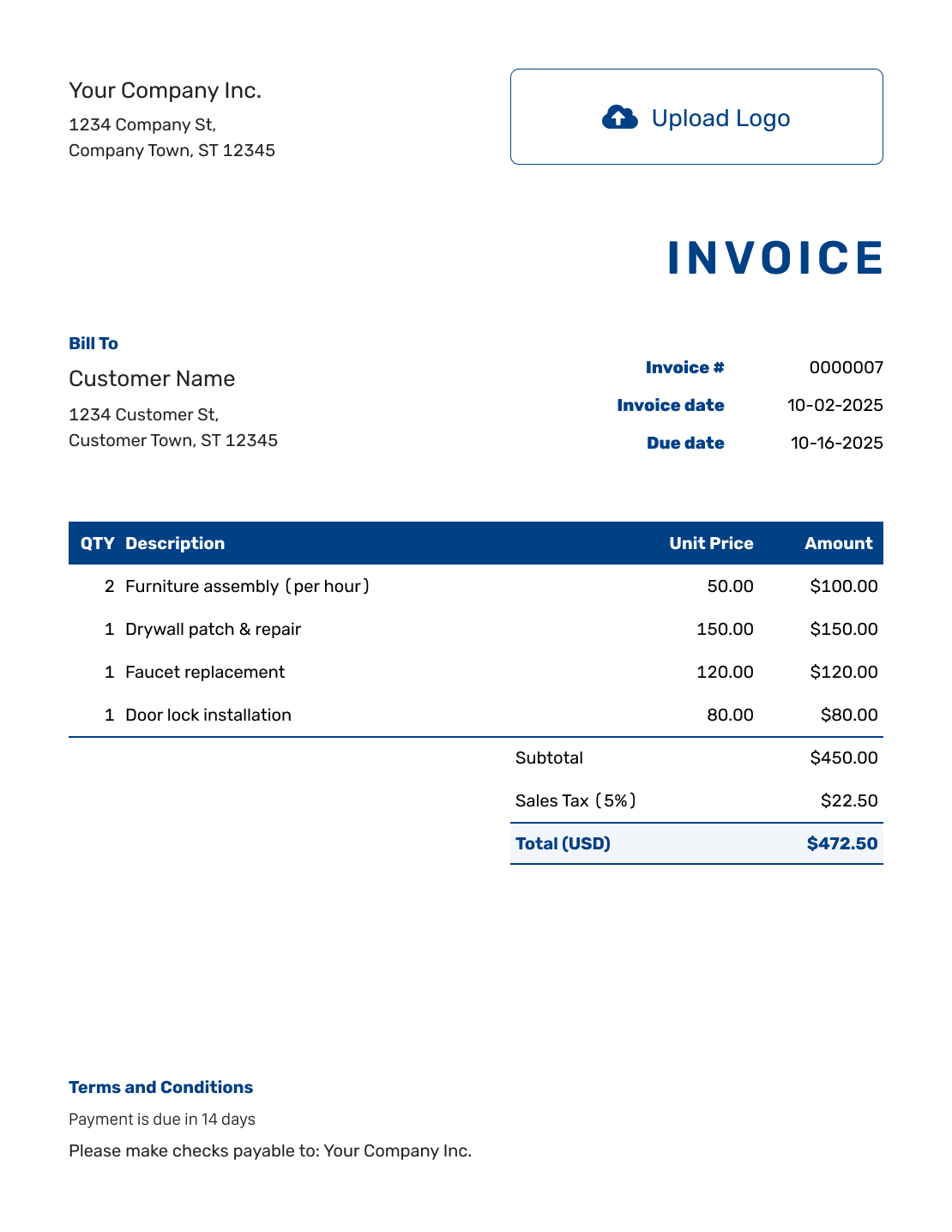
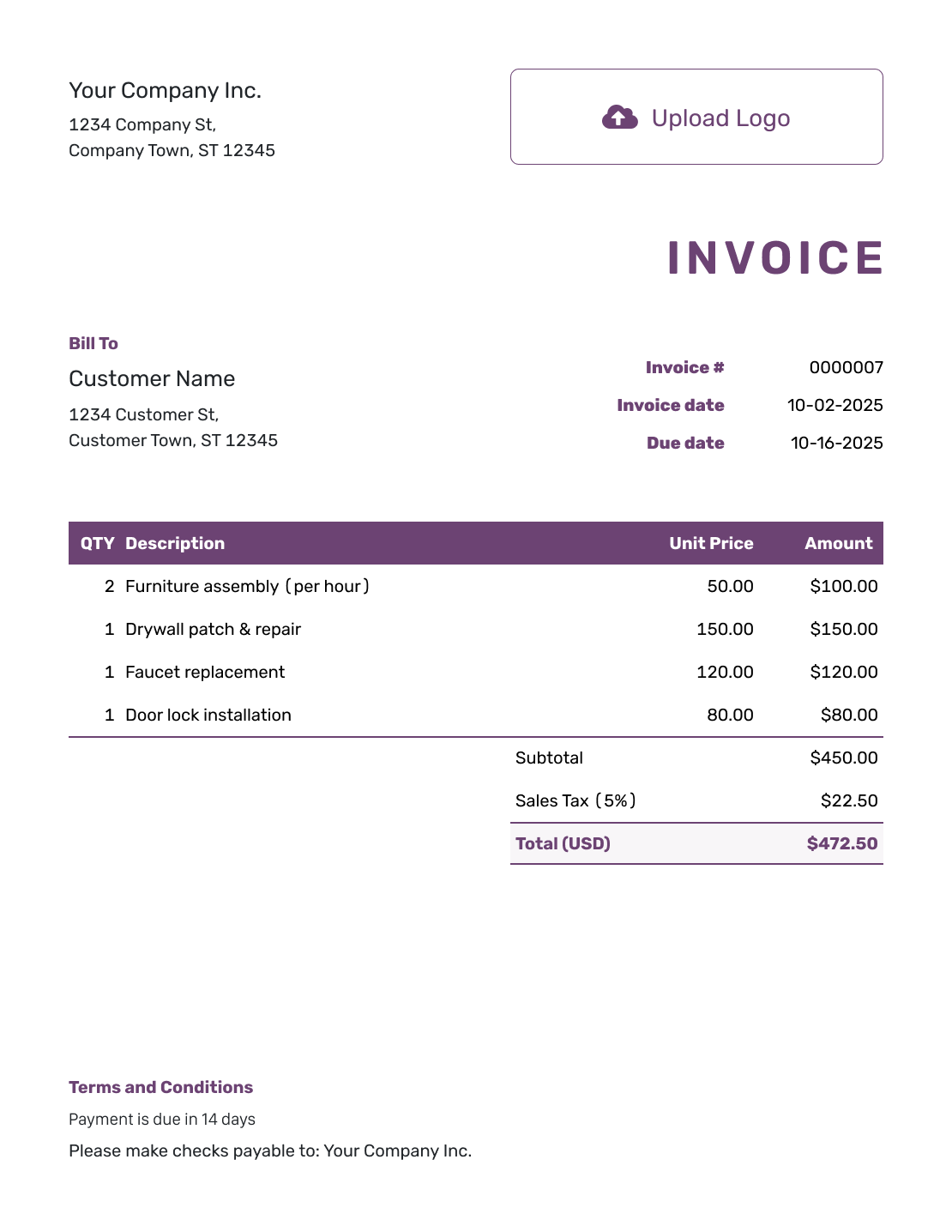
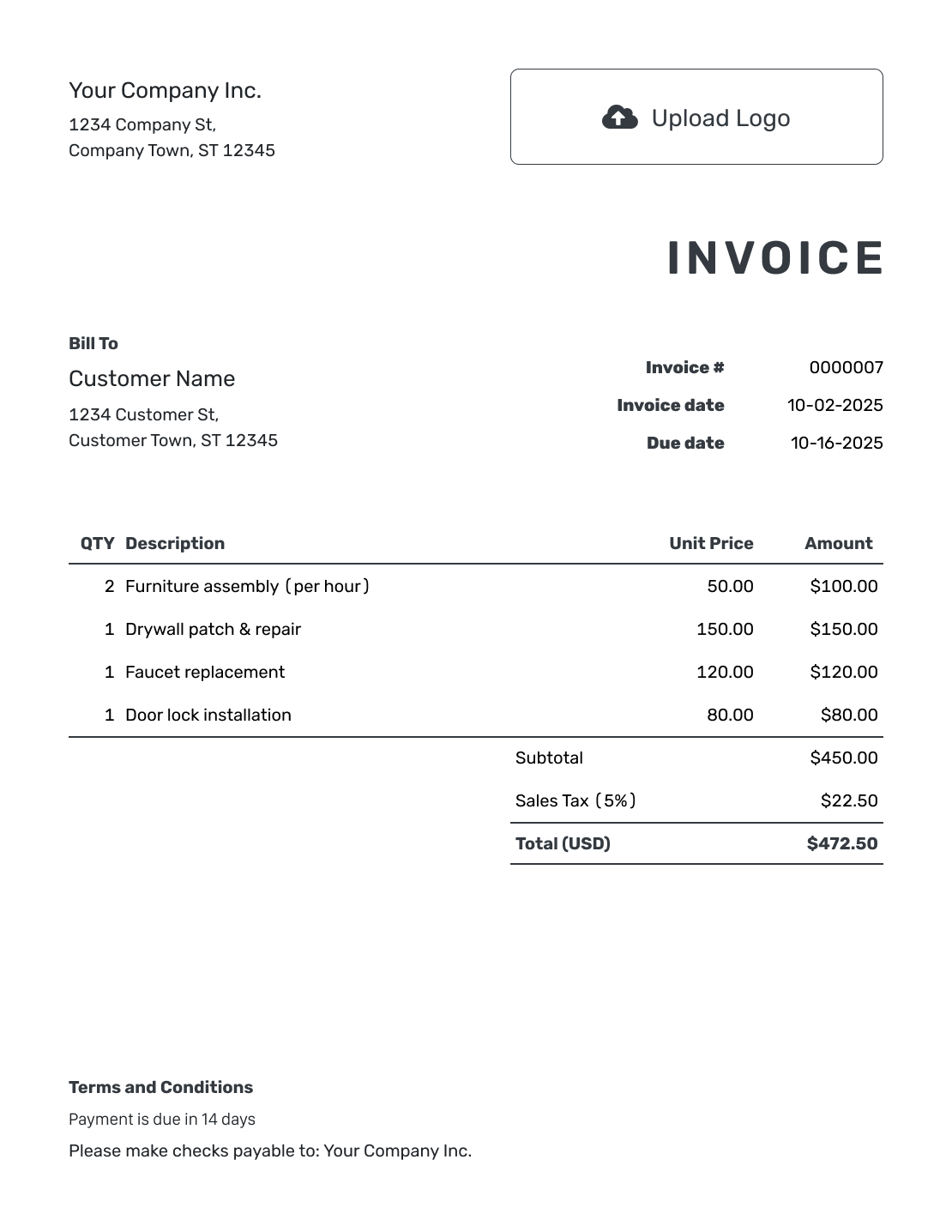
Compare the invoice previews before opening the editor. An itemized bill can use any readable layout that keeps descriptions, quantities and amounts together.
How to Create an Itemized Invoice
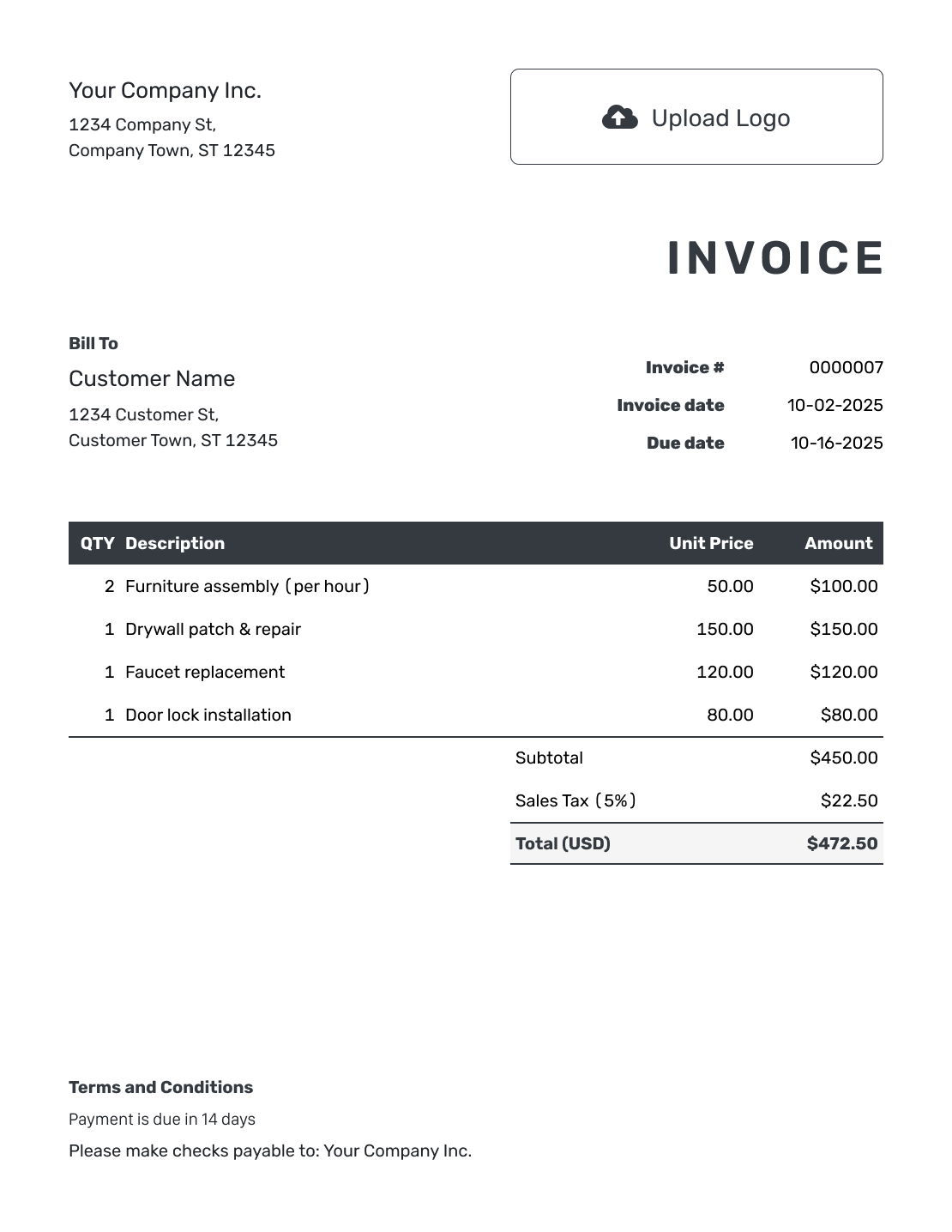
Build the breakdown one charge at a time. The numbered fields show how the line items connect to the rest of the invoice.
- Add Your Billing Details: Enter your business name and a contact for questions about the charges.
- Add Your Logo: Use your logo without taking attention away from the item list.
- Select the Customer: Check the customer’s billing details and any requested order reference.
- Check the Number and Dates: Check the invoice number, invoice date and agreed due date.
- Itemize the Charges: Give products, labor and extras their own quantities, descriptions and unit prices.
- Check the Breakdown: Review the line amounts, subtotal, applicable tax and invoice total.
- Add Terms and Conditions: Explain how to pay and whom to contact. Review the invoice, then email it or download a PDF.
How to Calculate an Itemized Invoice
Multiply each quantity by its unit price, then add the line amounts for the subtotal. Separate products and services so the customer can check both what was supplied and how each charge was calculated.
This network-setup example uses US dollars. The router, cables, installation time and printer setup are separate charges. An illustrative 8% tax applies to all four lines.
| QTY | Description | Unit Price | Amount |
|---|---|---|---|
| 1 | Wireless router | $95.00 | $95.00 |
| 2 | Network cables | $12.50 | $25.00 |
| 2.5 | Network installation — hours | $80.00 | $200.00 |
| 1 | Printer connection and test | $30.00 | $30.00 |
| Subtotal | $350.00 | |
| Sales Tax (8% example) | $28.00 | |
| Invoice Total | $378.00 |
The four line amounts add up to $350.00. With $28.00 in example tax, the invoice total is $378.00. For your own bill, check which charges need tax and use the applicable rate.
What to Include in Itemized Invoice Terms
Use the Terms and Conditions field to explain when and how to pay. A billing contact gives the customer somewhere to ask about an individual charge.
This sample goes with the network-setup bill above. Use the agreed due date and replace the bracketed payment method and contact with your own details.
Example: Terms and Conditions
- Payment is due on the invoice due date.
- Charges cover the equipment and network-setup services listed above.
- Pay by [Accepted Payment Method] and use the invoice number as your payment reference.
- For a question about a charge, send its description to [Billing Email].
Let the Breakdown Explain the Bill
List each charge with its quantity and price. Docelf calculates the line amounts and total. Send a breakdown that shows how the charges add up.
Split Charges Where the Difference Matters
More lines are useful only when they explain something the customer needs to know.
- Separate products from labor when they use different billing units.
- Use hours with an hourly rate rather than an unexplained lump sum.
- Name agreed extras instead of grouping them under “Miscellaneous.”
- Avoid adding a package price and its included parts as separate charges.
- Show a received payment once so it does not reduce the balance twice.
Keep Long Job Records Outside the Item List
Keep the line description focused on what you are charging for. Attach a timesheet, job record or longer breakdown when the customer needs the full details.
You can attach a supporting file in Docelf. Keep the invoice readable on its own, with the quantity, price and amount still visible for every billed line.
Choose a Readable Style for the Breakdown
Add your logo and choose colors and fonts that keep rows easy to scan. An optional industry name can appear before “Invoice.” Use the footer for a billing contact, not a second copy of the item list.
Set one currency for the invoice: Docelf supports USD, EUR, GBP, CAD and AUD. Review the PDF before sending, especially when descriptions wrap onto another line.
More Invoice Layouts
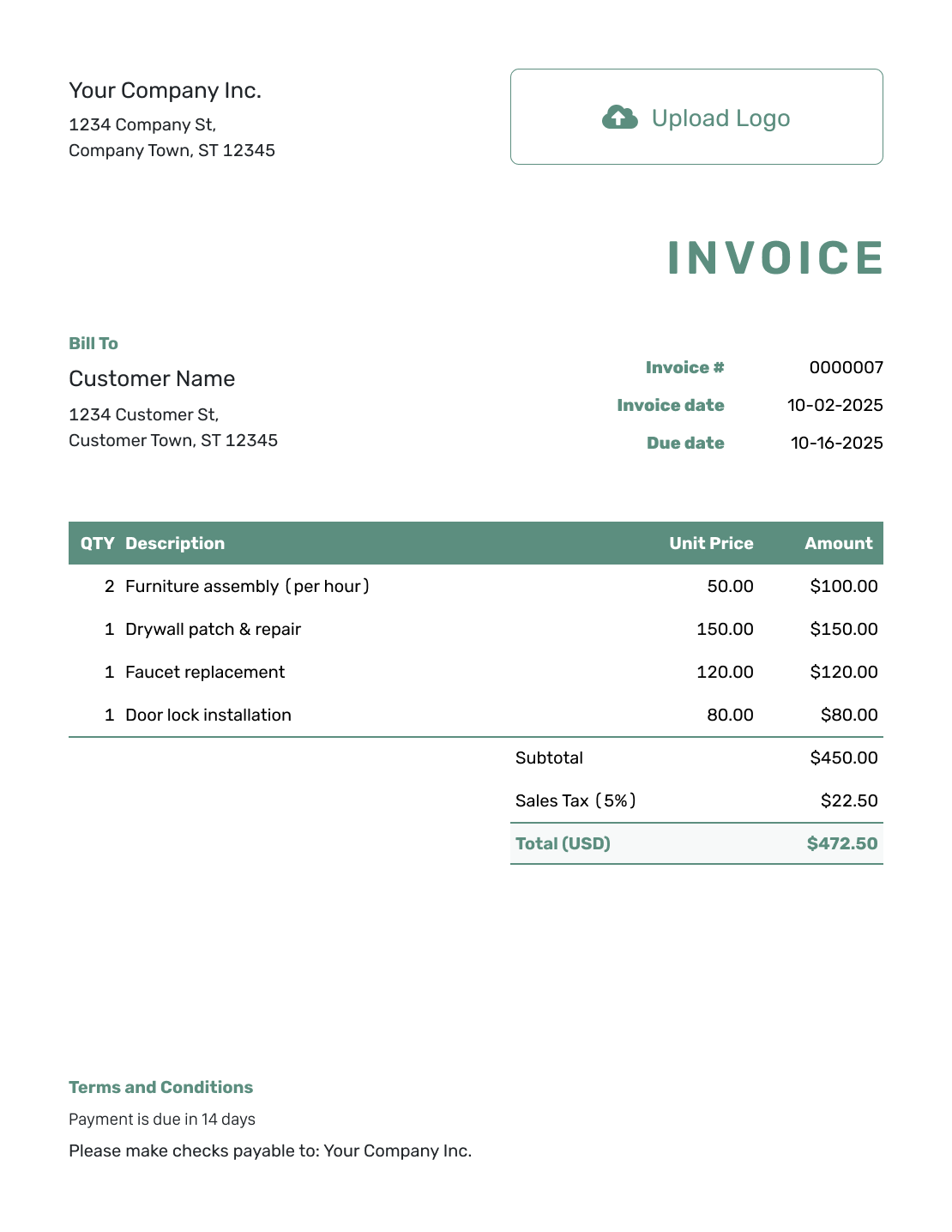
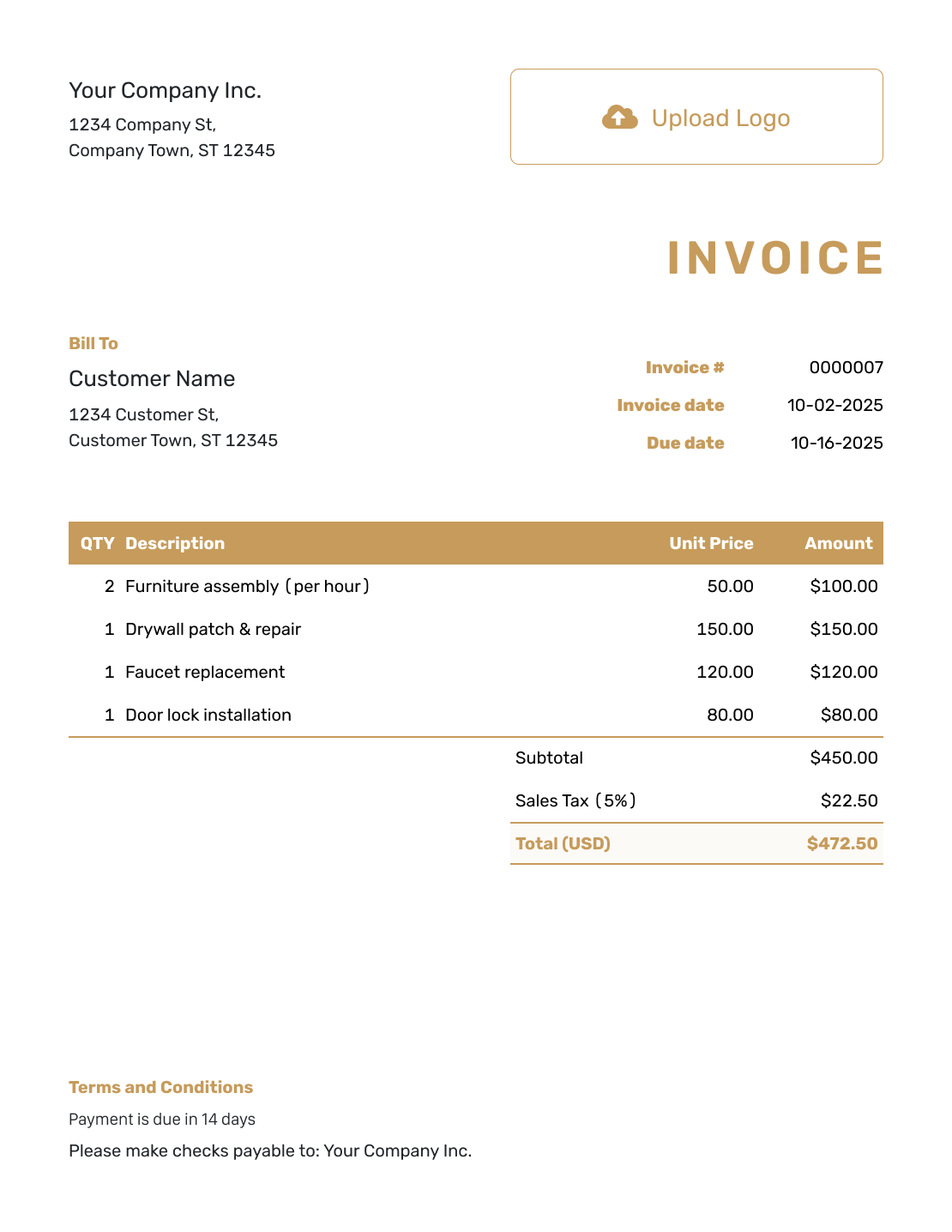
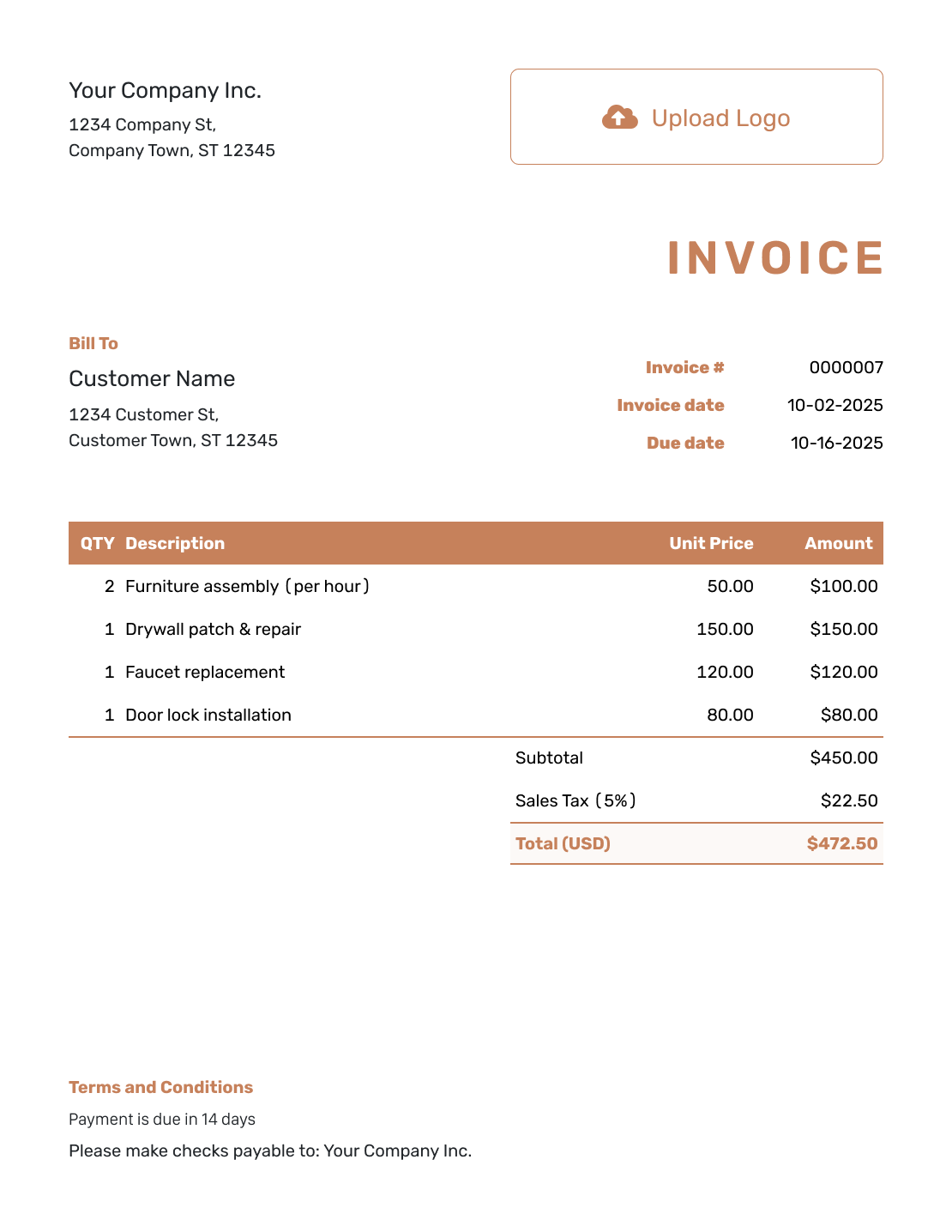
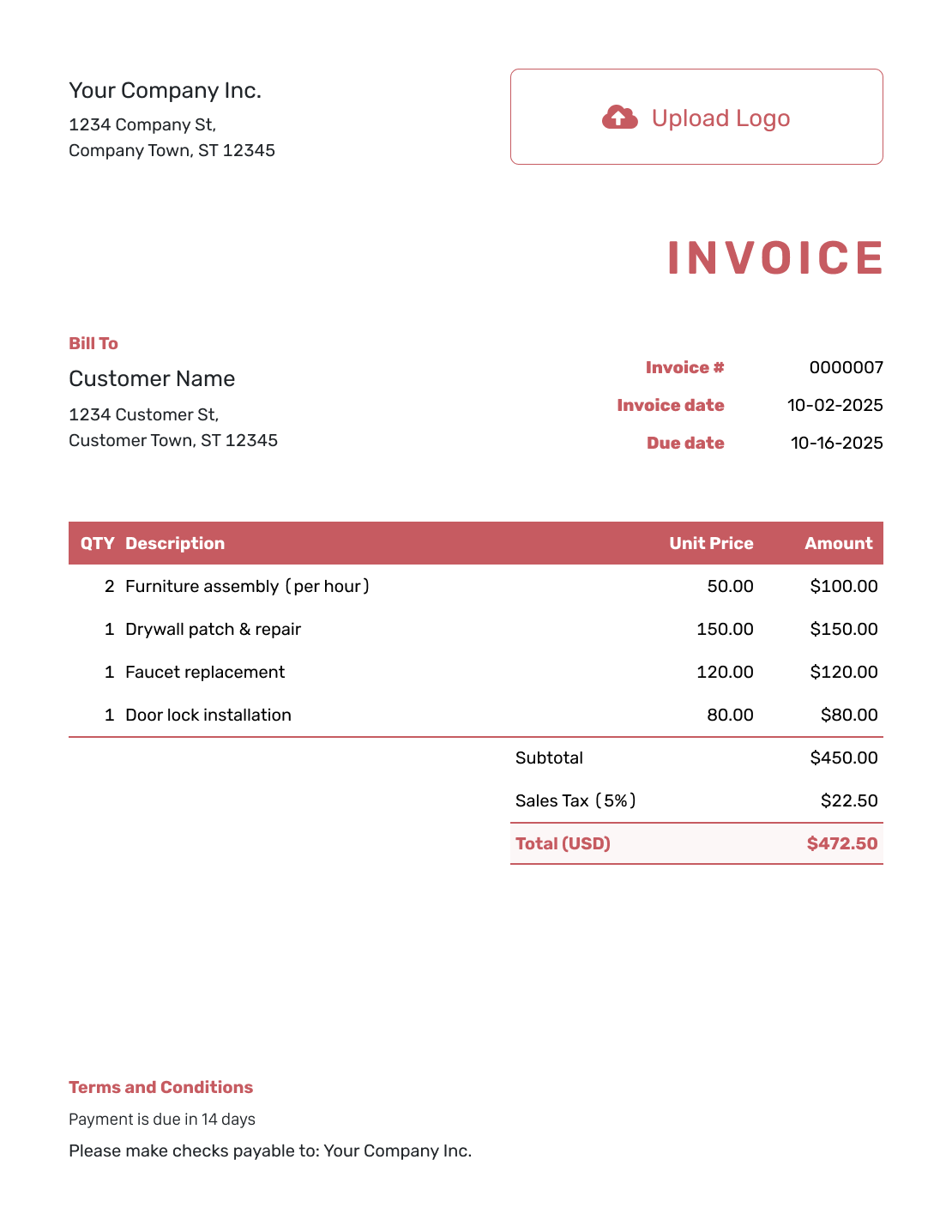
These six previews open the same invoice editor. Add your own billing details after opening it.
Track the Balance After Each Payment
The invoice total shows the full charge. The remaining balance shows what is still unpaid after recorded payments.
- Check the invoice history to see whether the customer opened the emailed invoice.
- Record each payment with its amount and date, then review the remaining balance.
- Create a receipt from the invoice to confirm a recorded payment.
Build an Itemized Invoice in a File
Excel and Google Sheets provide a spreadsheet route for quantities and rates. Word and Google Docs are alternatives when you prefer a document layout. Check the finished calculations in any format.
Itemized Invoice Template FAQs
-
What is the difference between an invoice and an itemized invoice?
An itemized invoice shows each charge rather than just a total. Each line has a description, quantity, unit price and amount. Like any invoice, it asks the customer to pay.
-
How detailed should each line item be?
Include enough detail to identify the product or service and the billing unit. Use a service date or job reference when it helps. Attach a longer record rather than placing a whole job report in one description.
-
Can I show fractional hours?
Use the actual hours you are billing with the agreed hourly rate. For example, 2.5 hours at $80.00 per hour gives a $200.00 line amount. Make the unit clear in the description.
-
Where do discounts and taxes belong?
Put products and services in the item rows. Show any discount and tax in the totals area. If you offer a discount, check how it affects the taxable amount under the rules that apply to your charges. The main example shows $28.00 in tax on a $350.00 subtotal.
-
How do I show a deposit or partial payment?
Record the money received as a payment on the invoice. Keep the invoice total separate from the remaining balance. Do not also subtract the same payment as a discount or negative service line.
Show What Each Charge Covers
Send a breakdown the customer can check without a separate explanation.
- List the quantities and agreed unit prices
- Review discounts, tax and the amount due
- Email the itemized invoice or download a PDF




