Free Purchase Order Template
Create a professional purchase order in minutes
Send your vendor a clear purchase order showing what you need, the quantities, prices and delivery details. Make it easy for them to review the order and know exactly what you need.
Email, print or download your purchase order as a PDF.
14-day free trial. No credit card required.
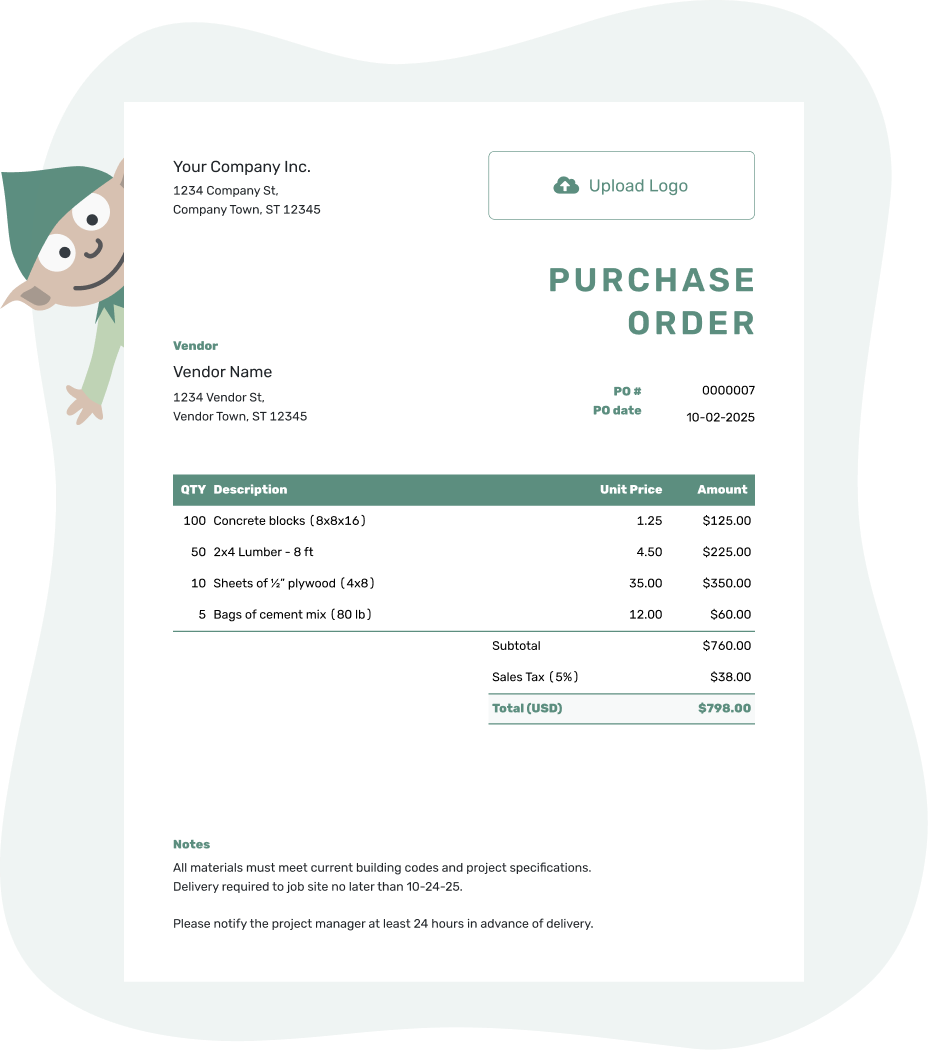
Create a professional purchase order. Send it. Get back to work.
Popular Purchase Order Templates
A purchase order template gives you a ready-made place for the order details. Choose a starting point below, then replace the sample information with your own.
-
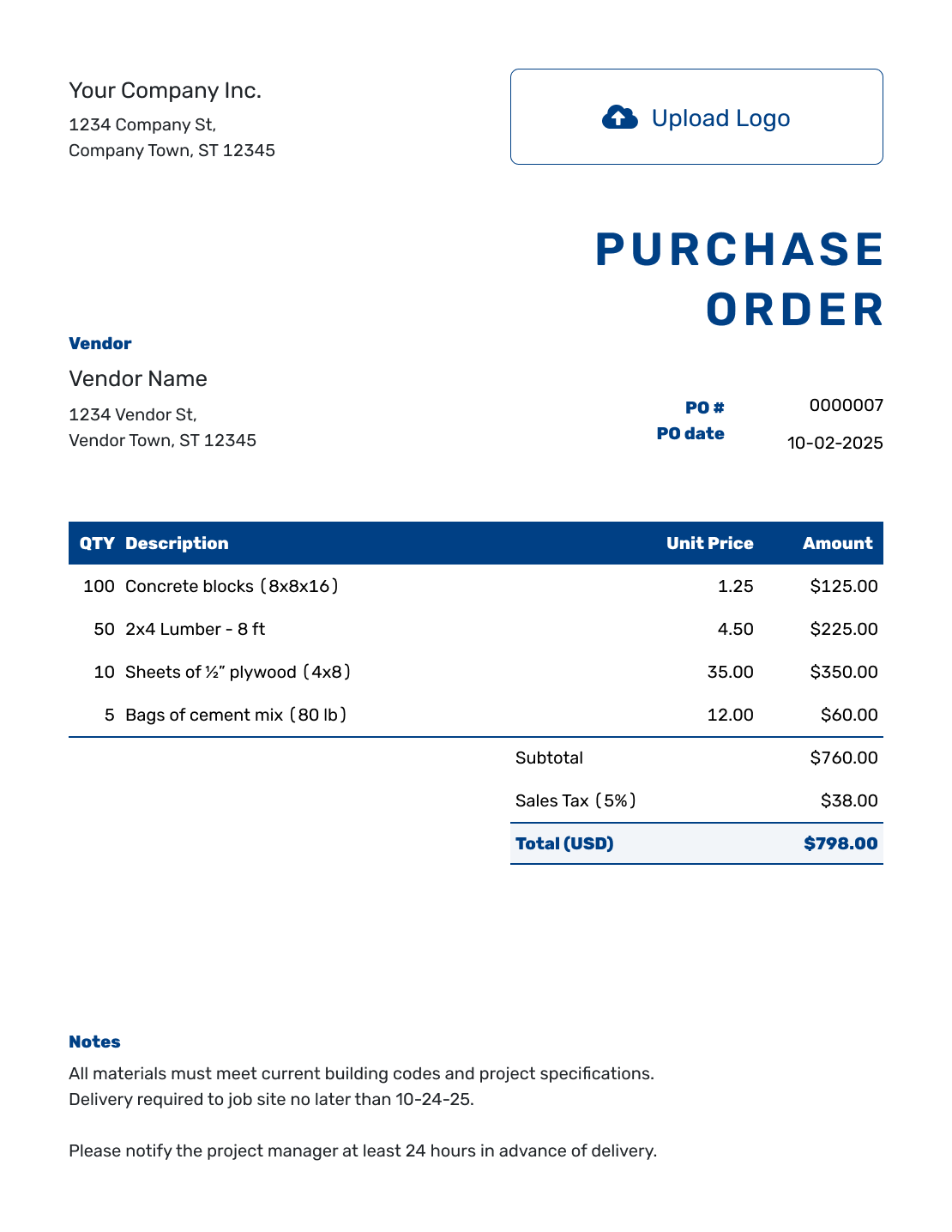
Blank Purchase Order Template
See a filled example, then start with a clean order and add the details you need.
View Blank Purchase Order Template -
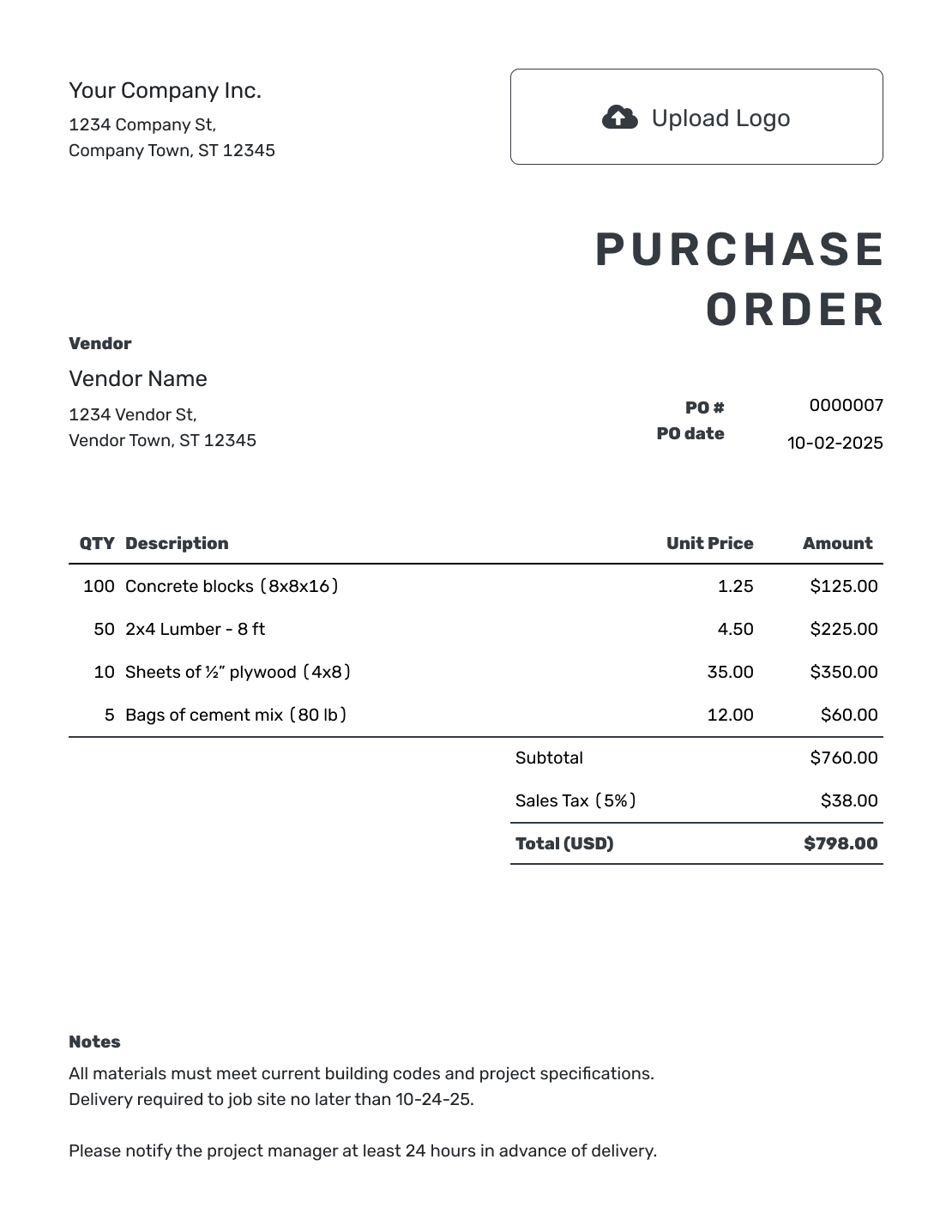
PDF Purchase Order Template
Create a purchase order you can download, print, or attach to an email.
View PDF Purchase Order Template -
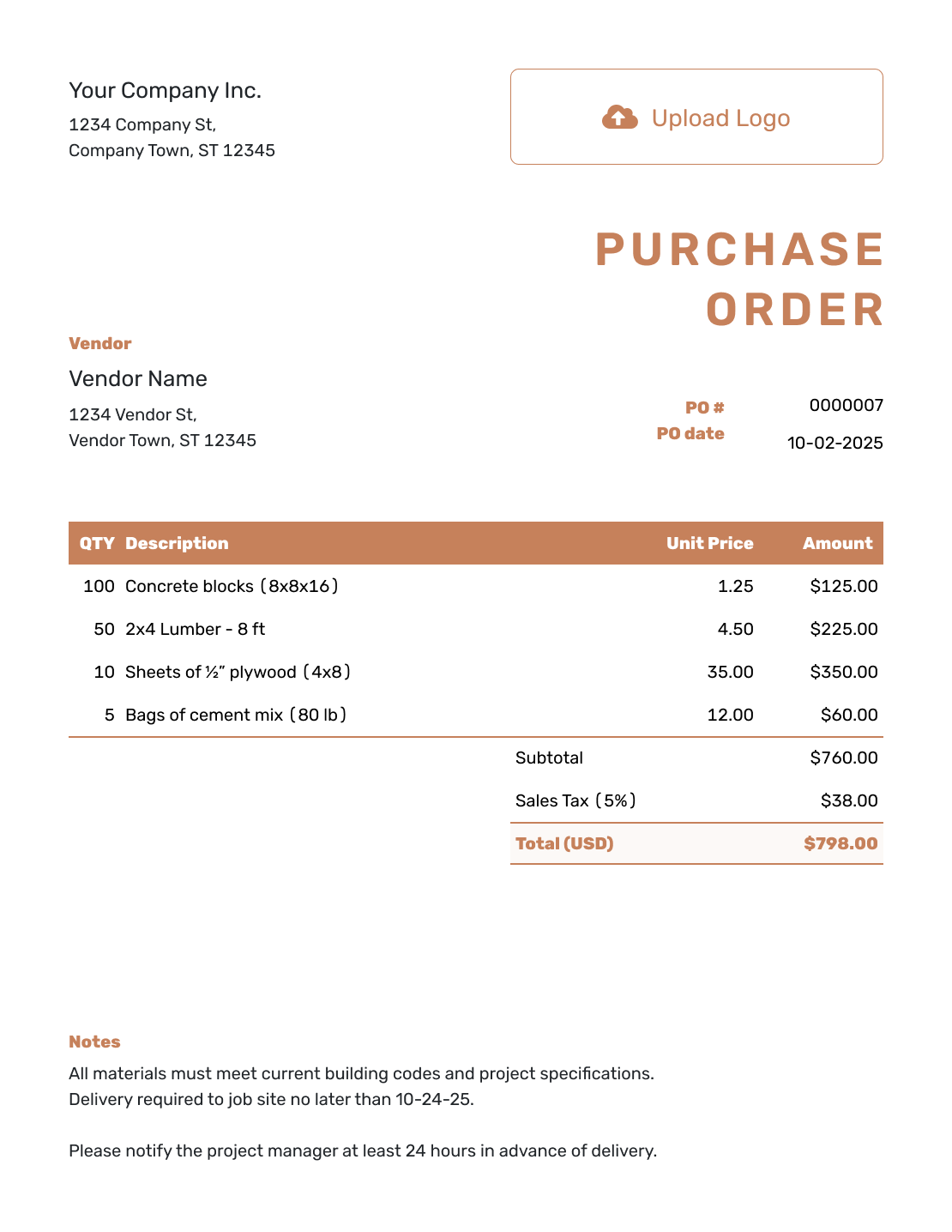
Construction Purchase Order Template
Order materials or services and keep the job details with the order.
View Construction PO Template
Purchase Order Templates by File Format
Word and Google Docs suit orders where you want to adjust the wording and page layout. Excel and Google Sheets give you rows and formulas for quantities and prices. Open a format page below to choose its file template.
- Word Purchase Order Template
- Google Docs Purchase Order Template
- Excel Purchase Order Template
- Google Sheets Purchase Order Template
- Other Purchase Order Formats
For regular orders, create the purchase order with Docelf to reuse vendor and item details and calculate totals automatically. The finished order can be emailed, printed, or downloaded as a PDF.
What Is a Purchase Order?
A purchase order, often called a PO, is the document you send when you are ready to order from a vendor. It shows what you need and the agreed price. It also tells the vendor where and when to deliver.
It is useful for larger purchases, repeat orders, or purchases your business needs to approve before the vendor ships products or starts work. Contractors, office managers, and other small-business buyers can use the same basic structure.
Not every small purchase needs a PO. Use one when a written record will help the vendor fill the order correctly or help you check the bill later.
How to Create a Purchase Order
Start with the vendor's agreed prices and delivery details. The steps below cover what belongs on the order; your logo, colors, and fonts can match your other business documents.
- Business Details: Enter your business name and contact details.
- PO Number and Date: Add a unique PO number and the order date.
- Vendor: Choose a saved vendor or enter their details.
- Delivery: Add a ship-to address if needed; put delivery dates and instructions in Notes.
- Items: List products or services with identifying details.
- Prices and Total: Enter quantities, unit prices, and any tax or discount. Docelf calculates the total.
- Notes and Sending: Add agreed payment terms in Notes. Review, then email, print, or download the PDF.
How to Fill In Purchase Order Line Items
Make the unit clear so the vendor knows whether you want individual items, boxes, or hours of work. Include a product code or size when the name alone could mean more than one thing. Add a separately charged delivery service as an item in the table.
This fictional office-supply order, PO-1042, is in US dollars. It orders paper, pens, and labels for one delivery. All three items use an illustrative 5% sales tax; use the rate and tax treatment that apply to your own order.
| QTY | Description | Unit Price | Amount |
|---|---|---|---|
| 10 | Letter-size copy paper — 500-sheet ream | $6.00 | $60.00 |
| 4 | Black ballpoint pens — box of 12 | $9.00 | $36.00 |
| 3 | Address labels — pack of 100 sheets | $18.00 | $54.00 |
| Subtotal | $150.00 | |
| Sales Tax (5% illustrative) | $7.50 | |
| Order Total | $157.50 |
The quantity of 4 means four boxes of pens, or 48 pens altogether. The $157.50 is the value ordered; it does not record a payment.
What to Include in Purchase Order Notes
Use Notes for instructions that do not belong in the item rows: a requested delivery date, receiving hours, or a contact for questions. You can also ask the vendor to put the PO number on the invoice, so you can match it to the right order.
Adapt this sample to the office-supply order above. Include only instructions and payment terms you actually use. If the vendor needs a specification or drawing, attach it as a PDF or image rather than squeezing it into the item description.
Example: Notes
- PO-1042: Please deliver the office supplies together to the ship-to address.
- Reception accepts deliveries Monday–Friday, 9 a.m.–4 p.m. Please confirm the delivery date by email.
- Please include PO-1042 on your invoice.
Ready to Send the Order?
Turn the agreed details into an order your vendor can fill. Docelf calculates the total, and you choose when to send it.
Check the Order Before You Send It
A quick review is easier while the vendor's quote or price list is still in front of you. Check these details against what you agreed:
- The vendor's contact details and your PO number
- Product codes, units, quantities, and agreed prices
- Any tax or discount and the final order total
- The ship-to address, requested delivery date, and payment terms
Saving or editing the order does not email it. When it is ready, choose to send it to the vendor.
After You Send the Purchase Order
Check the document history to see when the emailed order was delivered and opened. Confirm the delivery arrangements with your vendor, and note any agreed changes to the order.
When the goods arrive or the work is finished, compare what you received with the PO. If something differs, resolve it with the vendor before approving the bill.
Purchase Order or Invoice?
Your business sends a purchase order to the vendor to place an order. The vendor sends an invoice to request payment. If you are selling to a customer, the invoice is the document you send.
Use the PO number to match the vendor's invoice to the order. Compare quantities, prices, and the agreed terms before you pay.
More Purchase Order Templates
Create and keep your orders in one place. The online preview leads to the online guide; the other five open the purchase order editor.
-
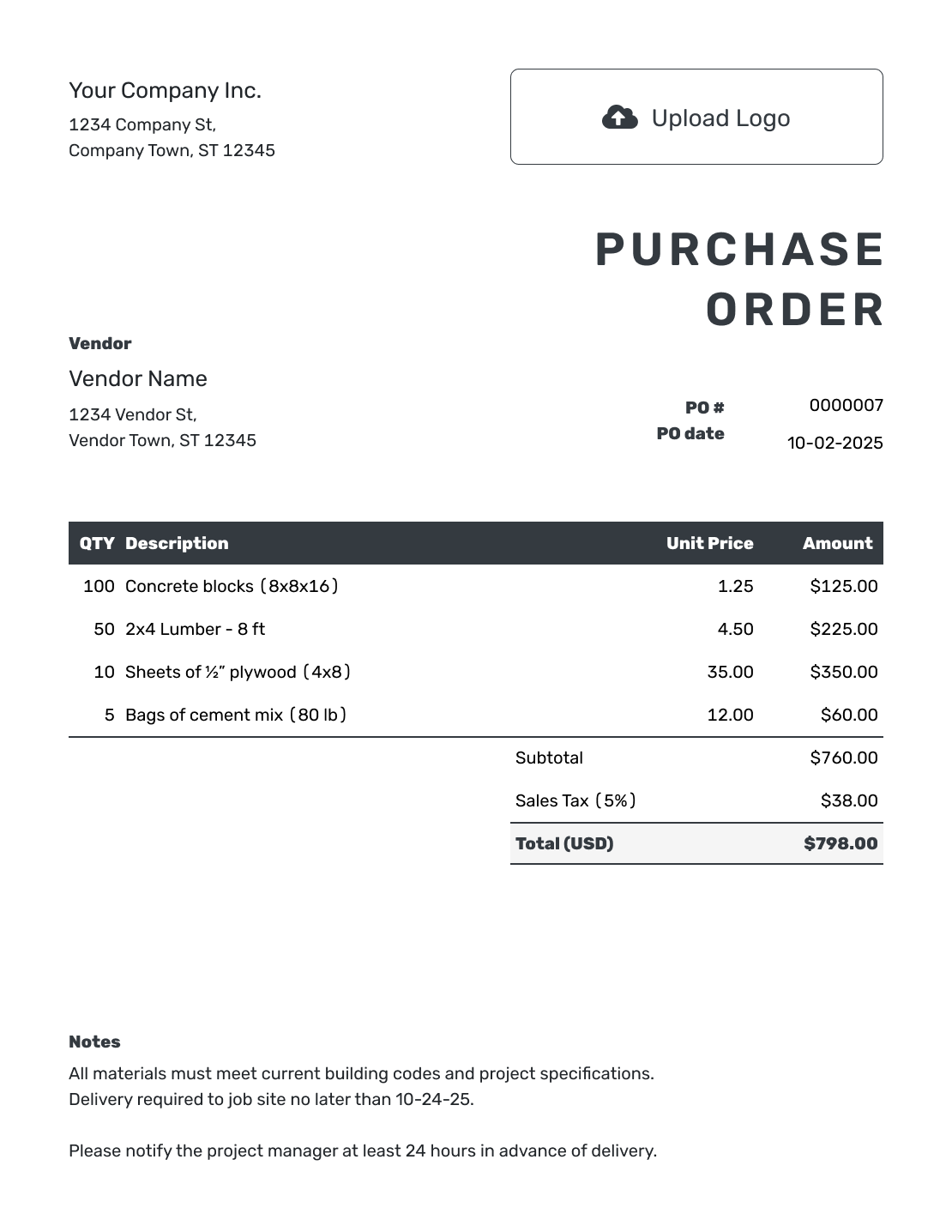
Online Purchase Order Template
Create and send the order online. See when the vendor opens it and keep it easy to find.
View Online Purchase Order Template -
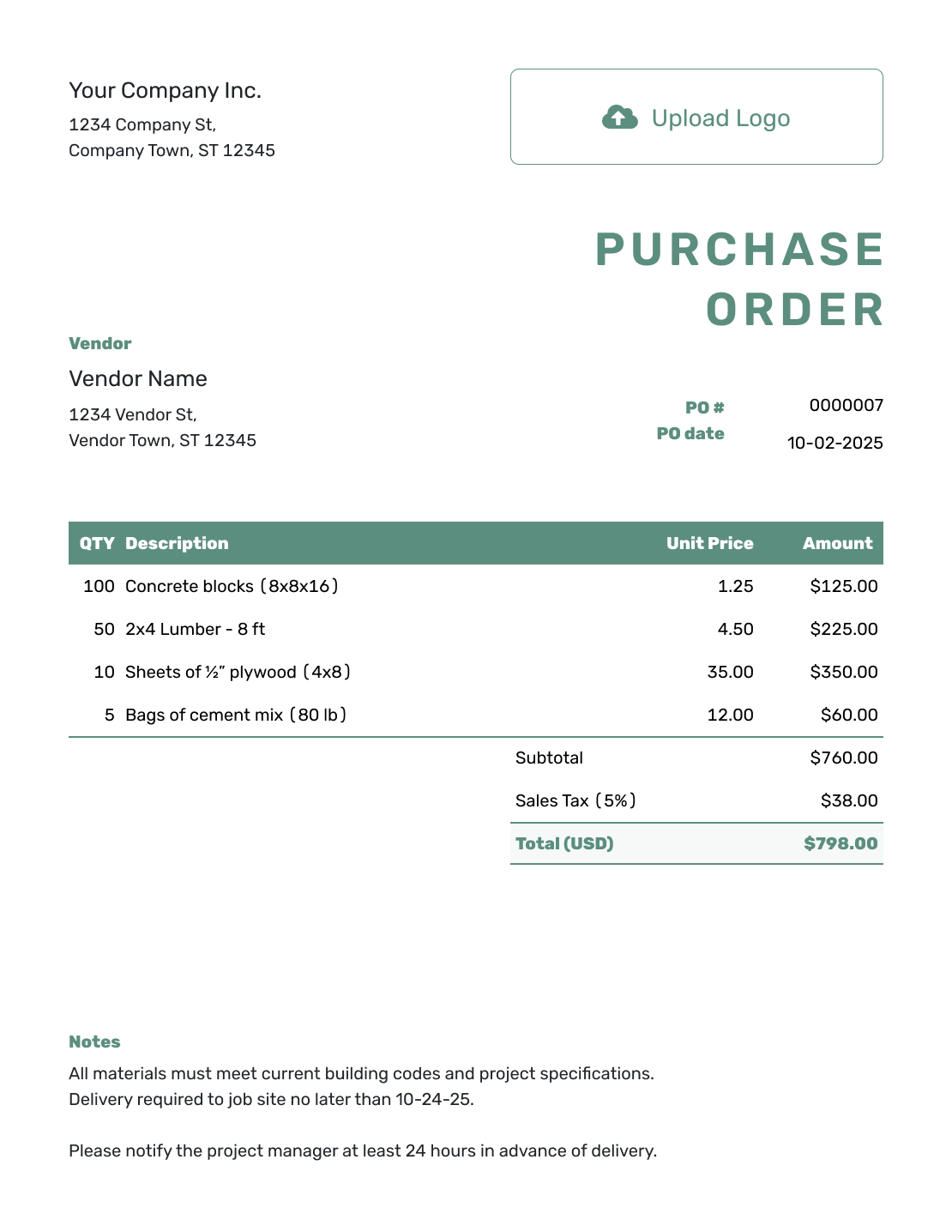
Free Purchase Order Template
Create Free Purchase Order -
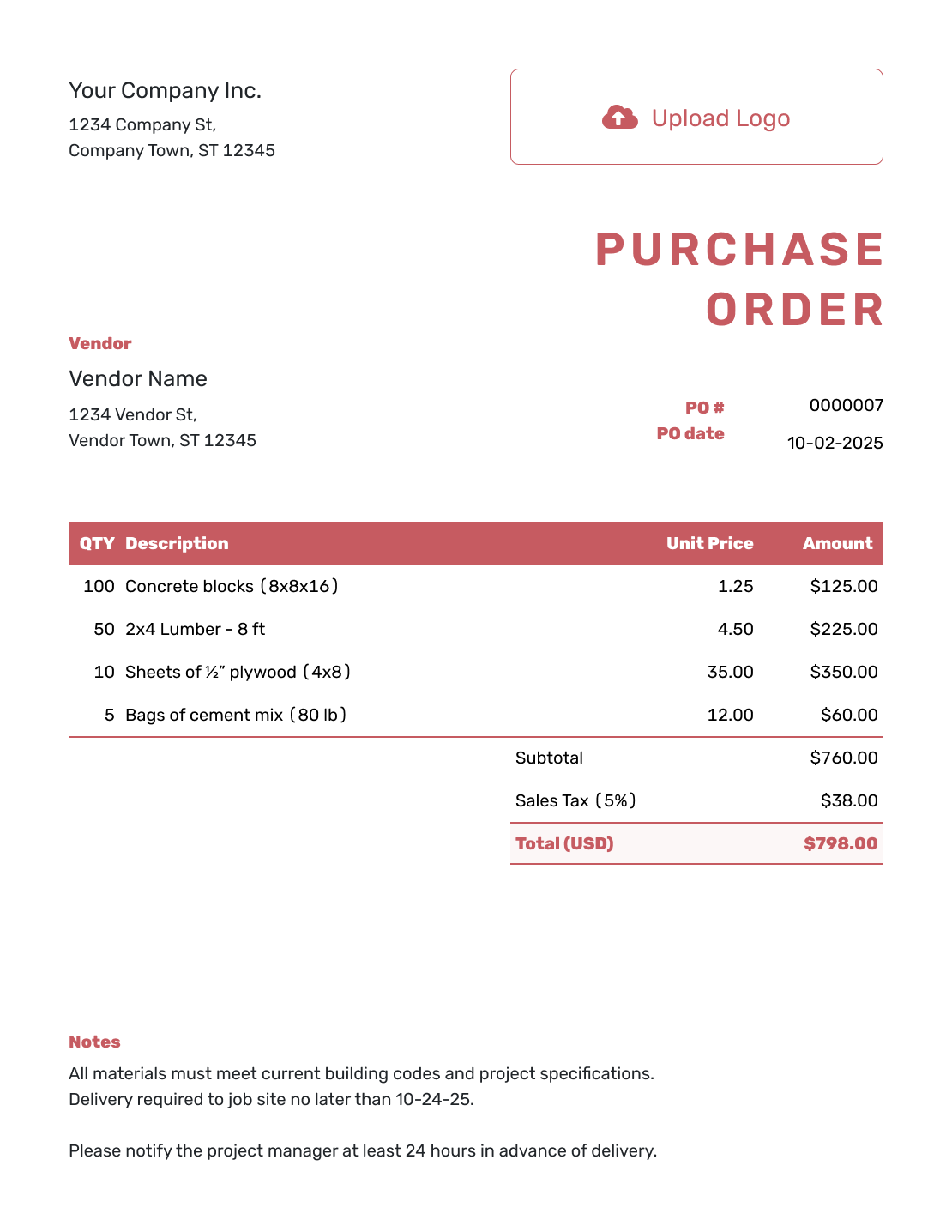
Purchase Order Form Template
Create Free Purchase Order -
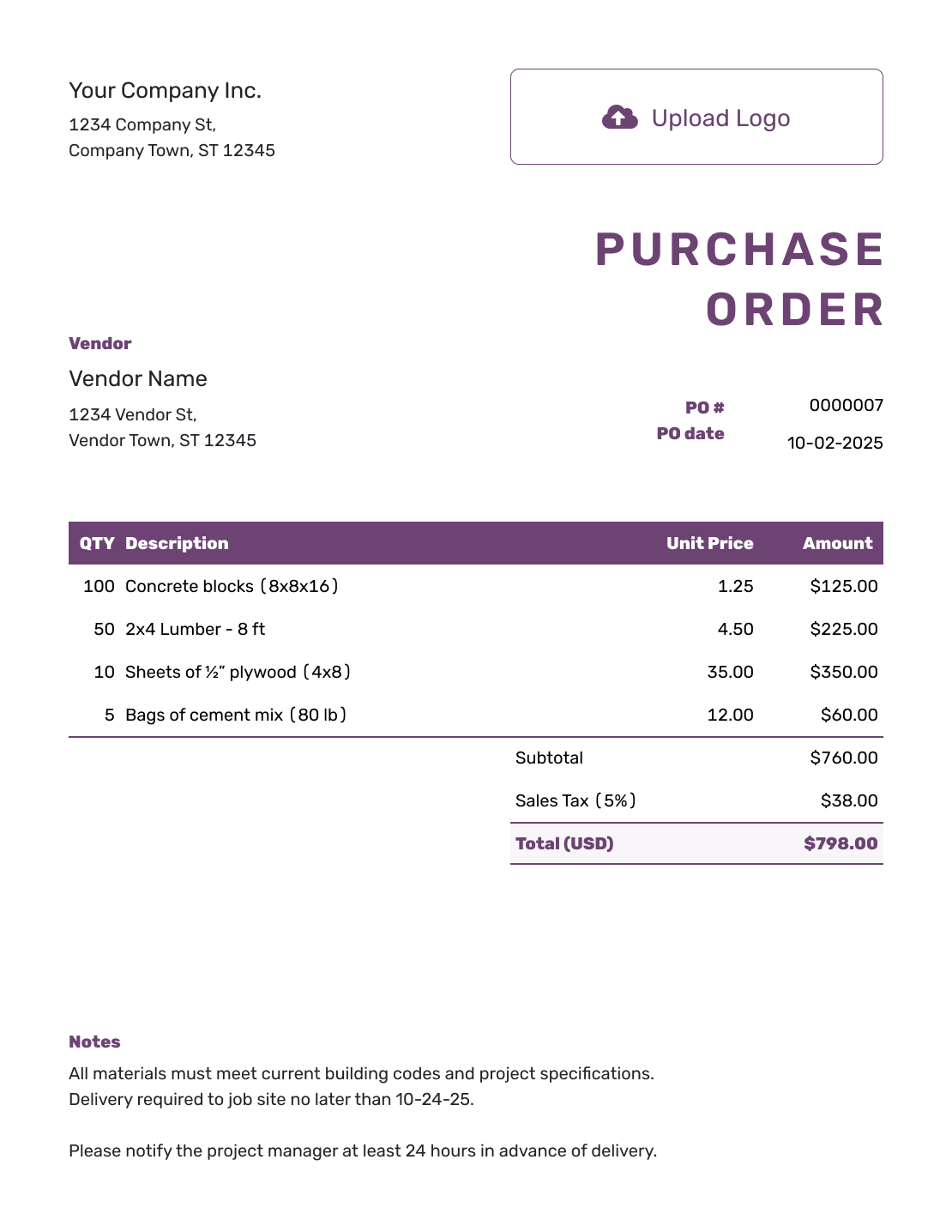
Sample Purchase Order Template
Create Free Purchase Order -
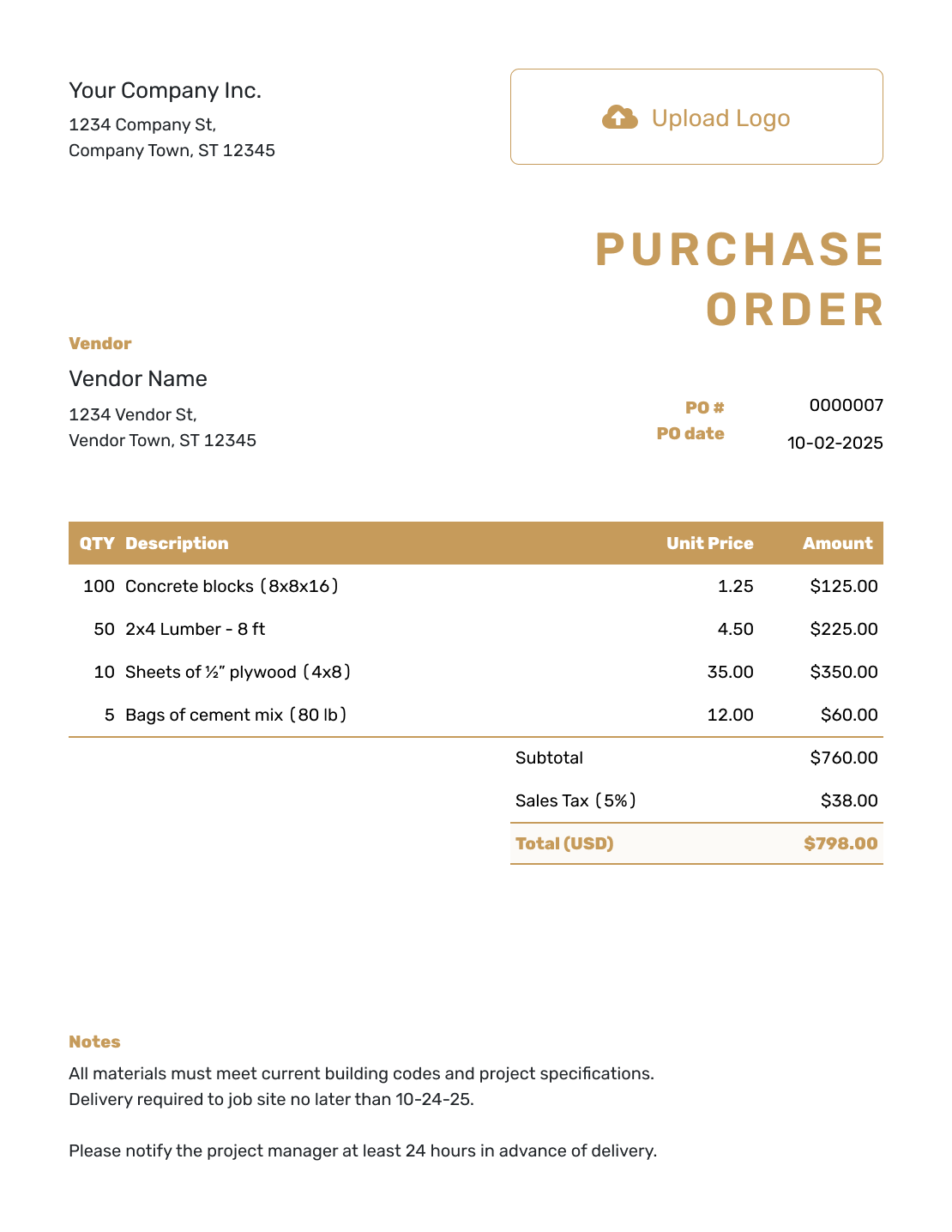
Purchase Order Example
Create Free Purchase Order -
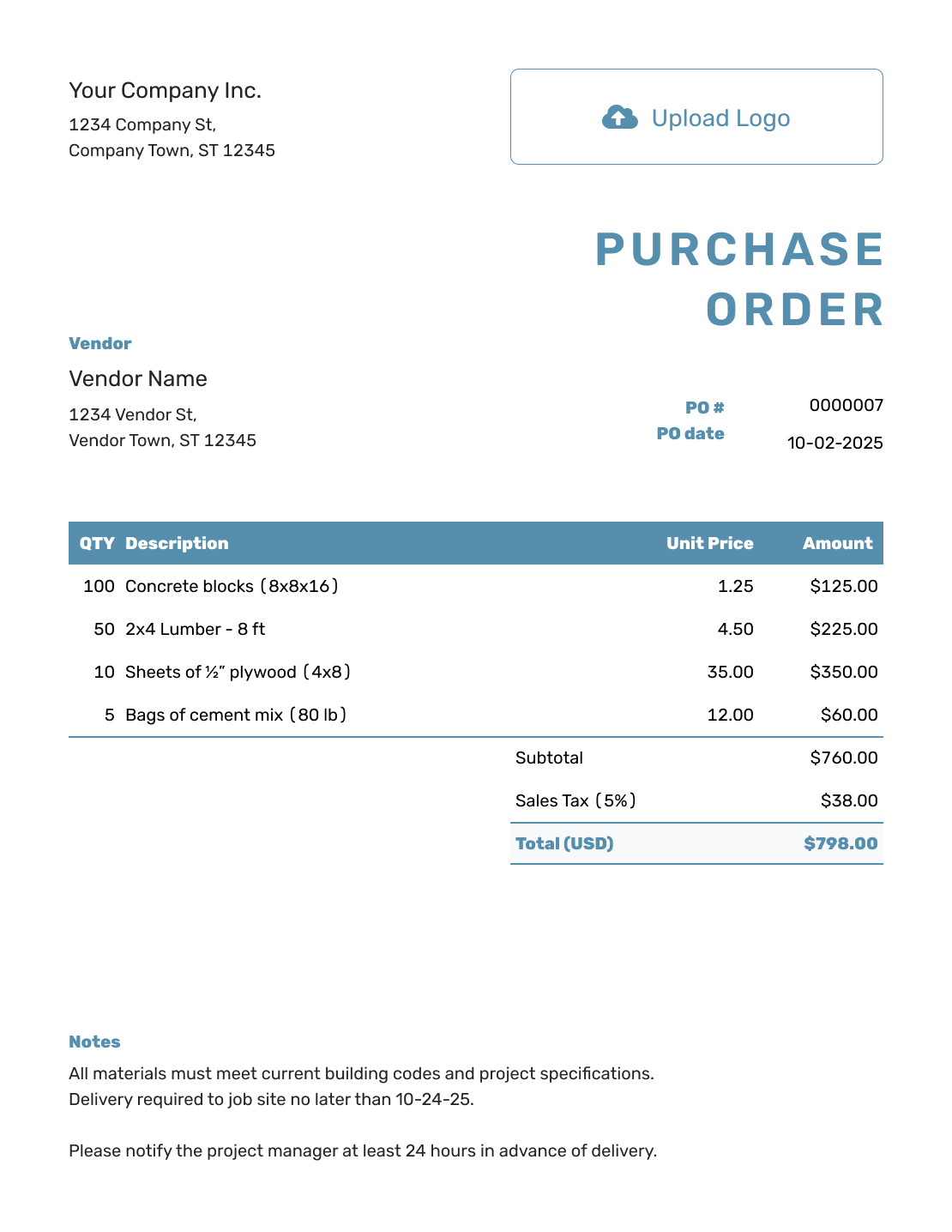
Purchase Order With Notes
Create Free Purchase Order
Purchase Order Templates and Tools
For goods, choose the product guide; for work you are hiring a vendor to do, choose services. Construction and contractor guides cover job-site orders. A blanket order can cover repeat purchases under agreed prices, dates, and limits.
- Purchase Order Types
- Construction Purchase Order Template
- Contractor Purchase Order Template
- Product Purchase Order Template
- Service Purchase Order Template
- Blanket Purchase Order Template
- Purchase Order Management System
- Small Business Purchase Order Template
- Purchase Order Software
The management and software guides explain ways to keep purchase order documents organized. Choose the small-business guide for everyday purchasing.

Purchase Order FAQs
-
What is a PO number?
A PO number is a unique reference for a purchase order. You and the vendor can use it when discussing the order or checking the vendor's invoice. Give each new order its own number.
-
Can I use a purchase order for services?
Yes. Describe the work and agreed price, then add the dates, location, and terms the vendor needs. For hourly work, show hours and the hourly rate; for a fixed fee, describe what that fee covers.
-
Can I download a purchase order as a PDF?
Yes. Finish the purchase order, then download the PDF, print it, or attach it to an email. You can also email the purchase order directly from Docelf.
-
Does my vendor need a Docelf account?
No. Your vendor can view and download a purchase order you email from Docelf without an account. You can see email delivery and opening information in the document history.
-
Can I reuse a previous purchase order?
Yes. Duplicate an order to create a new draft with a new document number. Check the vendor, quantities, prices, and delivery instructions for the new order before sending. You can also reuse saved vendor and item details when starting a new PO.
-
Can I attach a specification to the order?
Yes. Docelf supports PDF, JPG, GIF, PNG, and WebP attachments up to 5 MB each. Attached files appear with the purchase order, and the vendor can download them.
-
Can I create a purchase order on my phone?
Yes. Docelf works on phones, tablets, and computers. Create or check a purchase order at the job site or in the office.
-
Which currencies can I use on a purchase order?
Docelf supports US dollars, euros, British pounds, Canadian dollars, and Australian dollars.
Ready to Place the Order?
Give your vendor a clear order and get back to running your business.
- Create and send your purchase order in minutes
- Let Docelf calculate the total
- Reuse saved vendor and item details




