Free Service Purchase Order Template
Create a professional purchase order in minutes.
Describe the work you need and add the price. Send a clear order that makes it easy for your vendor to do the job right.
Email, print or download your purchase order as a PDF.
14-day free trial. No credit card required.
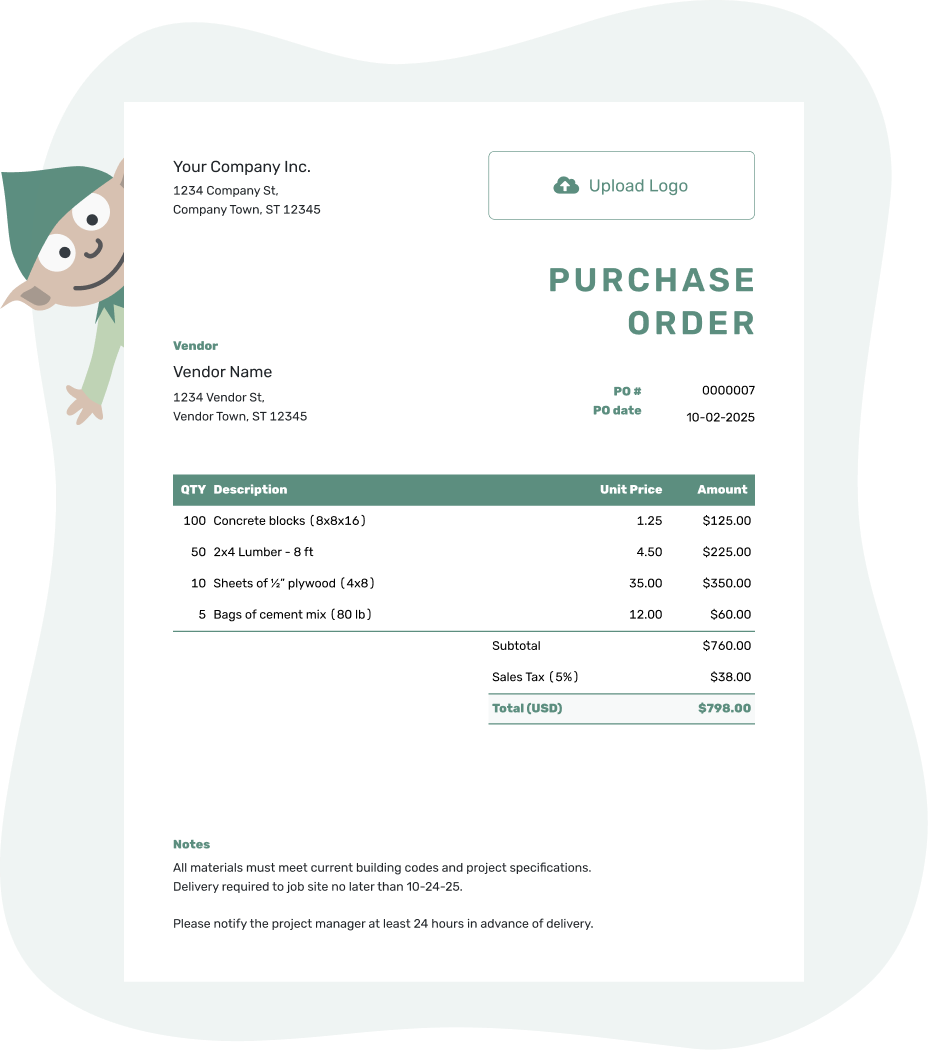
Create a professional purchase order. Send it. Get back to work.
Service Purchase Order Examples
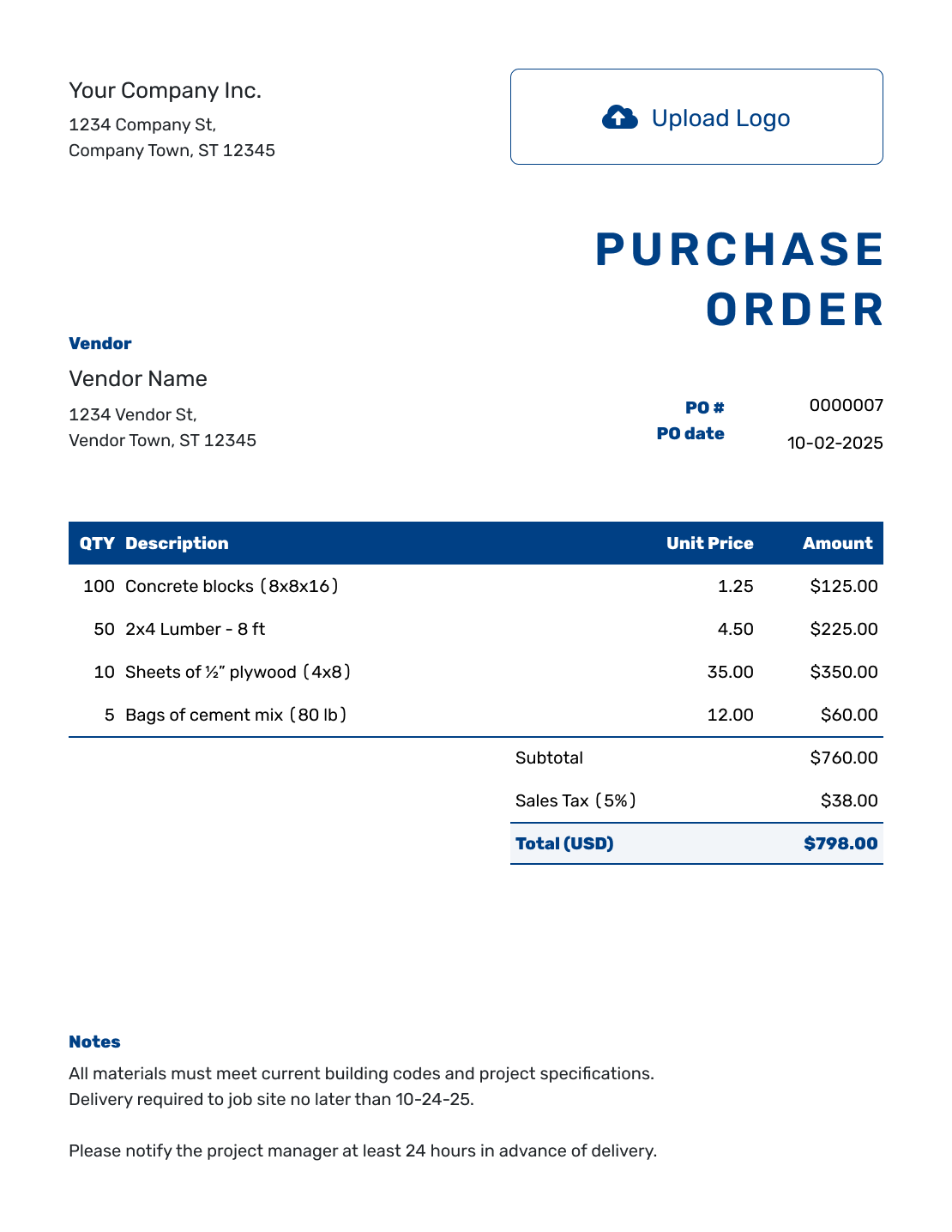
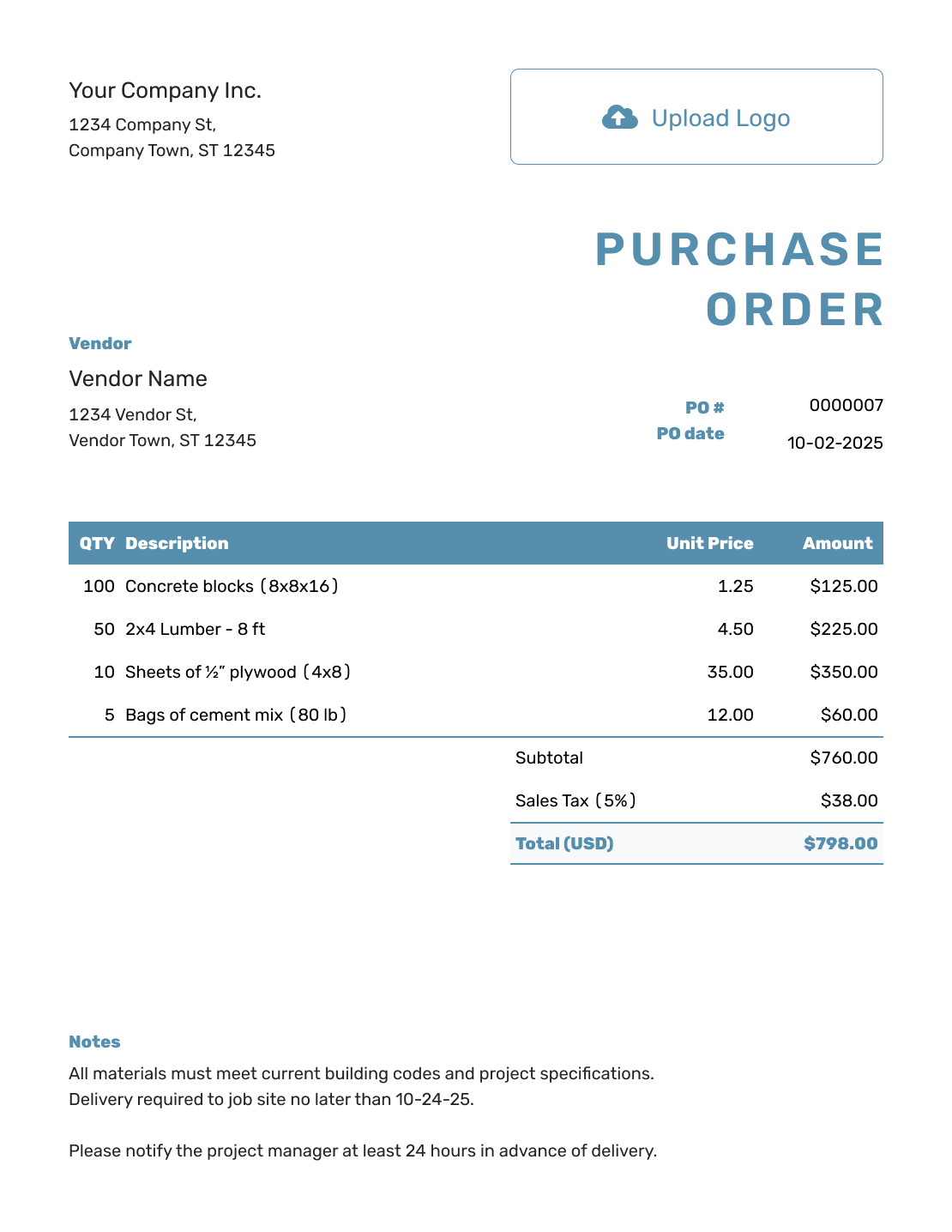
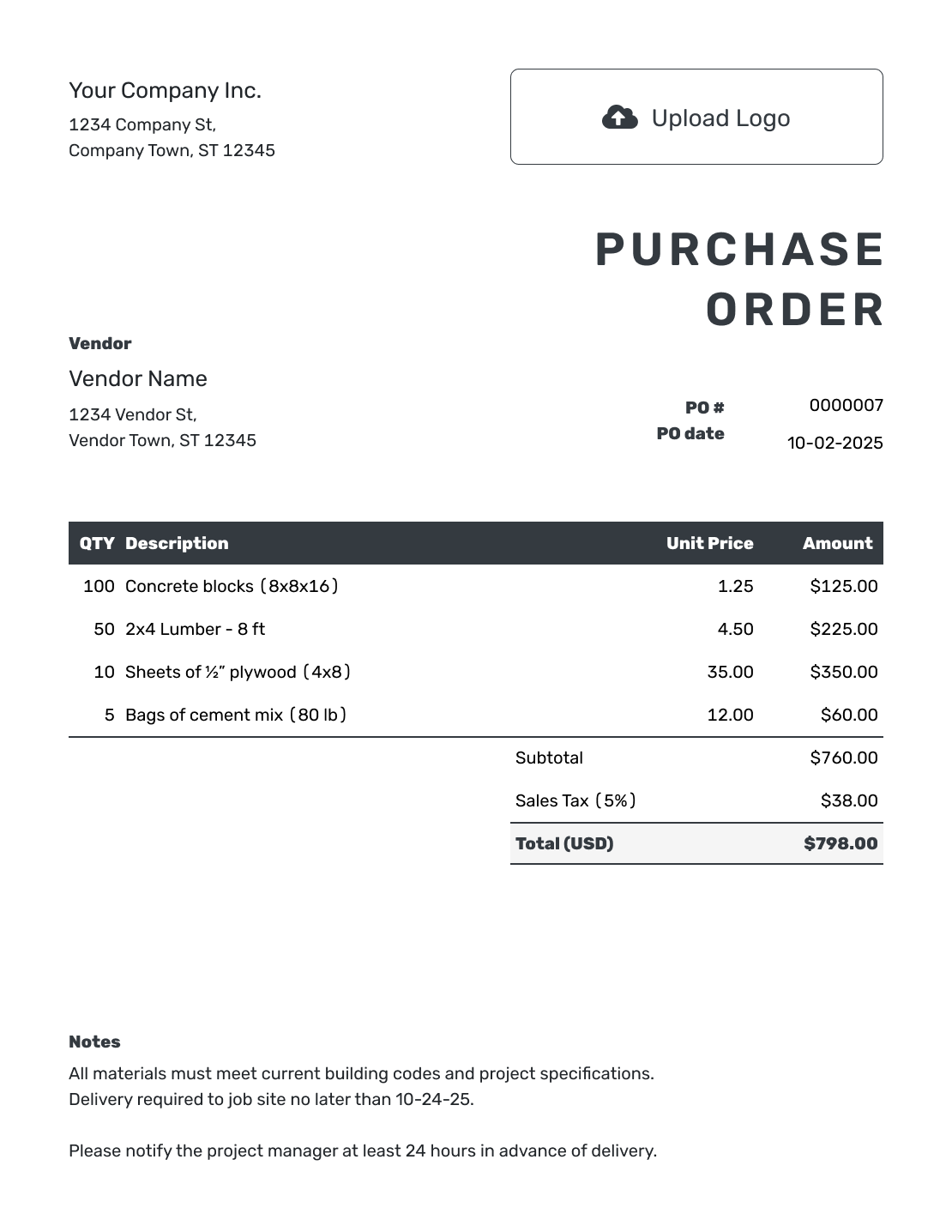
Browse these layouts before filling in your service order. Each preview opens the same purchase order editor, where you can add the work and agreed price.
Put the Work in Writing Before It Starts
A service purchase order tells a vendor what work your business is ordering and the agreed price. The useful detail is the work itself: what the vendor will deliver, when it is due, and where it will happen.
Use one for consulting, freelance projects, maintenance, repairs, cleaning, installation, or support. A clear scope gives you and the vendor the same starting point when the work begins and the invoice arrives.
How to Create a Service Purchase Order
Start with the vendor’s agreed scope and price. Use the item table for the charges and Notes for the schedule and instructions.
- Add Your Business: Enter your business name, address, and contact details.
- Add Your Logo: Add your business logo if you have one.
- Add the Vendor: Enter the vendor details.
- Number and Date: Add a unique PO number and the order date.
- Describe and Price the Work: List each service and the result the vendor will deliver. Use hours and hourly rates, or quantity 1 for each fixed-fee service.
- Check the Total: Check tax and the total. Check the scope and price against the vendor’s proposal.
- Add Notes and Send: Put service dates and the location or remote-delivery details in Notes. Name the person who will check the work and any agreed spending limit. Choose to email the PO, print it, or download a PDF.
How to Fill In Service Purchase Order Line Items
Make the pricing unit clear in each description. For hourly work, the quantity is the number of hours ordered. For a fixed-fee task, use quantity 1 and describe what that fee includes.
This fictional office-cleaning order uses US dollars. General cleaning is priced by labor-hour, carpet cleaning has a fixed fee, and interior windows are priced individually. The illustrative 8% tax applies to all three services; use the tax treatment that applies to your order.
| QTY | Description | Unit Price | Amount |
|---|---|---|---|
| 6 | General office cleaning — labor-hours | $45.00 | $270.00 |
| 1 | Carpet cleaning — meeting room, fixed fee | $180.00 | $180.00 |
| 12 | Interior window cleaning — per window | $8.00 | $96.00 |
| Subtotal | $546.00 | |
| Sales Tax (8% illustrative) | $43.68 | |
| Order Total | $589.68 |
What to Include in Service Purchase Order Notes
Use Notes for instructions that do not have a price of their own, such as site access, deadlines, the person checking the work, and the reference the vendor should put on the invoice. Add payment terms or spending limits only when you and the vendor have agreed to them.
For the cleaning order above, these notes keep the visit and invoice tied to the same job. Adapt the sample to your service rather than copying instructions that do not apply.
Example: Notes
- PO 1042: office cleaning at 18 Maple Street on October 7, 2026, after 6 p.m.
- Contact the office manager for access and a walkthrough when the listed work is complete.
- Confirm any extra work and its price with the office manager before starting it.
- Reference PO 1042 on the invoice.
Send the Vendor a Clear Service Order
Put the agreed work into Docelf and let it calculate the total. Review the order, then send it to your vendor.
What to Include on a Service Purchase Order
Before sending the order, check the details that could change what the vendor does or charges. Keep the full proposal attached when the PO needs a longer scope.
Scope and Deliverables
Name the work and the expected result. For a design project, that might mean three finished files; for maintenance, it might mean the equipment serviced and the report supplied.
Pricing and Limits
Make it clear whether the price is hourly, fixed, or tied to a milestone. List agreed expenses separately and state any limit in Notes so the vendor knows when to check with you.
Schedule and Location
State the service date or start and completion dates. Include site access and working hours for an on-site job, or a deadline and delivery method for remote work.
Completion and Invoicing
Explain what counts as finished and who will check it. Include agreed payment terms and any job, project, or department reference your team needs to process the invoice.
Hourly, Fixed-Fee, or Milestone Pricing?
Use the pricing method you agreed on with the vendor, then make the limit or expected result easy to spot.
Hourly Services
Use the estimated hours as the quantity and the hourly rate as the unit price. If the hours are a ceiling rather than an estimate, say so in Notes. For a spending limit, state whether it includes tax and agreed expenses.
Fixed-Fee Services
Use quantity 1 for each fixed-fee task and describe what is included. Give agreed reimbursable expenses their own lines. Keep optional work out of the ordered total until you have agreed to buy it.
Milestone or Project Pricing
Use a separate line for each ordered phase or deliverable, with its agreed amount. Put the target dates and invoicing schedule in Notes so the vendor can see which result goes with each stage.
Service Purchase Order or Service Agreement?
A service purchase order records the specific work your business approved, the price, dates, and purchasing details. It gives the vendor a PO number to reference on the invoice and helps your team match the bill with the approved work.
A separate service agreement may still be useful when the relationship needs broader terms beyond the order itself. Reference the agreement, proposal, or statement of work by name and date on the PO. You can attach the scope to keep it available with the order.
Keep the documents consistent. If the attached scope says one price and the PO says another, the paperwork has created the question it was supposed to answer.
After You Send the Service Purchase Order
Docelf’s document history shows when the emailed PO is delivered and opened. Follow up with the vendor to confirm the service date or discuss a change; an opened PO does not confirm that the work is booked or complete.
When the vendor finishes, compare the result with the ordered scope. Use the PO number to match the vendor’s invoice, then check the hours, rates, agreed expenses, and total before paying.
Ordering Goods, Trade Work, or Repeat Services?
For physical goods, use a product PO. The contractor guide helps with trade work on a job, while a blanket PO can cover repeated services from the same vendor under agreed limits.
More Purchase Order Templates
Return to the main purchase order guide, compare common PO types, or choose a template for construction or small-business purchasing.
Service Purchase Order Template FAQs
-
What is a service purchase order?
A service purchase order is a document a buyer sends to a vendor to order work. It records the scope and price, with the dates, location, and completion details the vendor needs.
-
What should a service purchase order include?
Start with your business and vendor details, a unique PO number, and the order date. Describe the services with quantities and prices. Use Notes for the schedule, location, agreed terms, and instructions for completing and invoicing the work.
-
Can I use a service purchase order for consultants or freelancers?
Yes. Describe the result you are buying, such as a report, design files, or a defined number of consulting hours. Add the deadline and agreed price so the vendor can see what the order covers.
-
How do I show service pricing on a purchase order?
For hourly work, enter the hours as the quantity and the hourly rate as the unit price. For a fixed-fee task or milestone, use quantity 1 and the agreed fee. State any spending limit in Notes and explain whether tax and expenses are included.
-
Can one purchase order include services and products?
Yes. One purchase order can include services and related products when they are part of the same purchase. Keep labor, fees, materials, parts, and expenses on clear separate lines so the vendor can invoice them correctly.
-
Is a service purchase order the same as a service agreement?
No. A service purchase order records the specific work and price your business approved. A separate agreement may cover broader terms for the working relationship. You can reference the agreement, proposal, or statement of work on the purchase order.
-
Can I download, print, or email the service purchase order?
Yes. You can email the service purchase order from Docelf and see when your vendor opens it. The vendor can view and download it without a Docelf account. You can also print the PO or download it as a PDF; saving a draft does not send it.
-
What if the vendor needs to do extra work?
Agree on the added scope, price, and any new deadline before the extra work starts. Update the PO and send the revised copy so both sides are working from the same details. Check the vendor’s later invoice against that agreed order.
Put the Agreed Service on the Order
Give your vendor the details needed to start the right work at the agreed price.
- Describe the service and what it includes
- Check the quantities, rates, and calculated total
- Review the instructions and send the PO




