Free Product Purchase Order Template
Create a professional purchase order in minutes.
List the products you need, with a quantity and price for each. Send an easy-to-read order that helps your vendor get the items and quantities right.
Email, print or download your purchase order as a PDF.
14-day free trial. No credit card required.
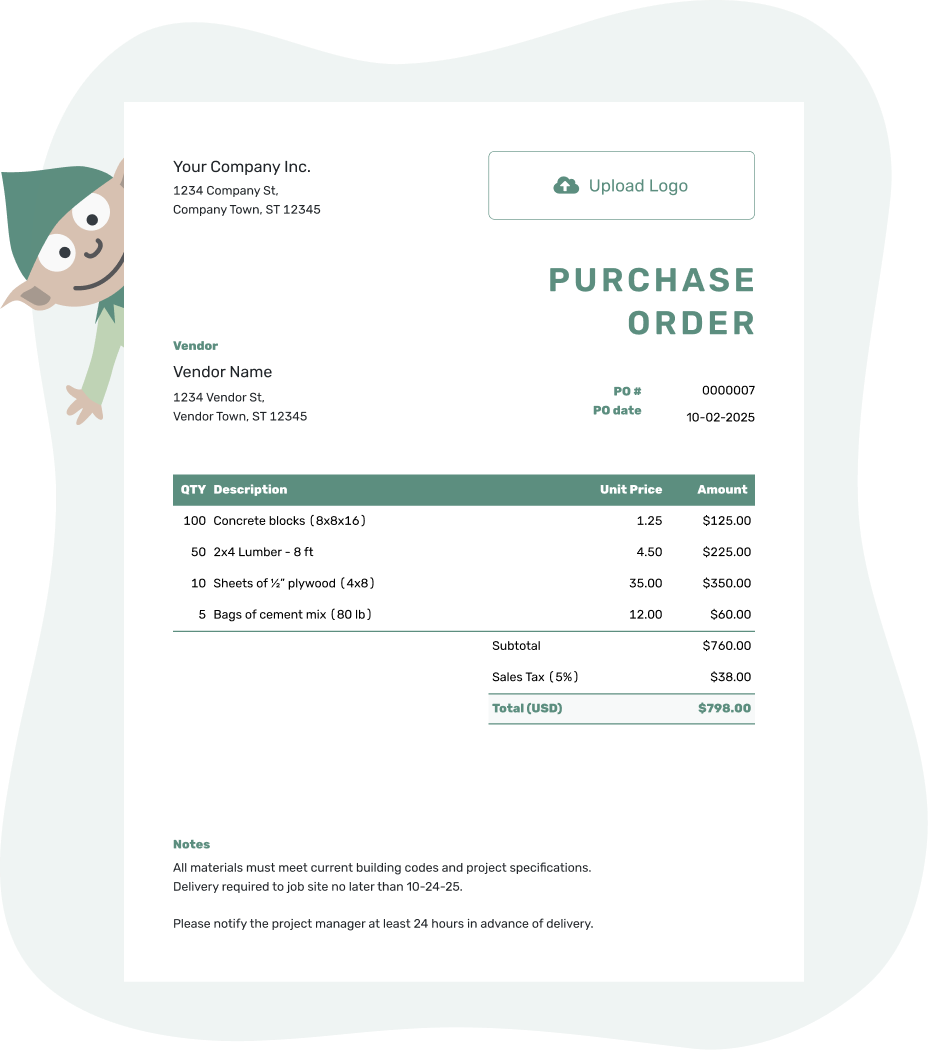
Create a professional purchase order. Send it. Get back to work.
Product Purchase Order Examples
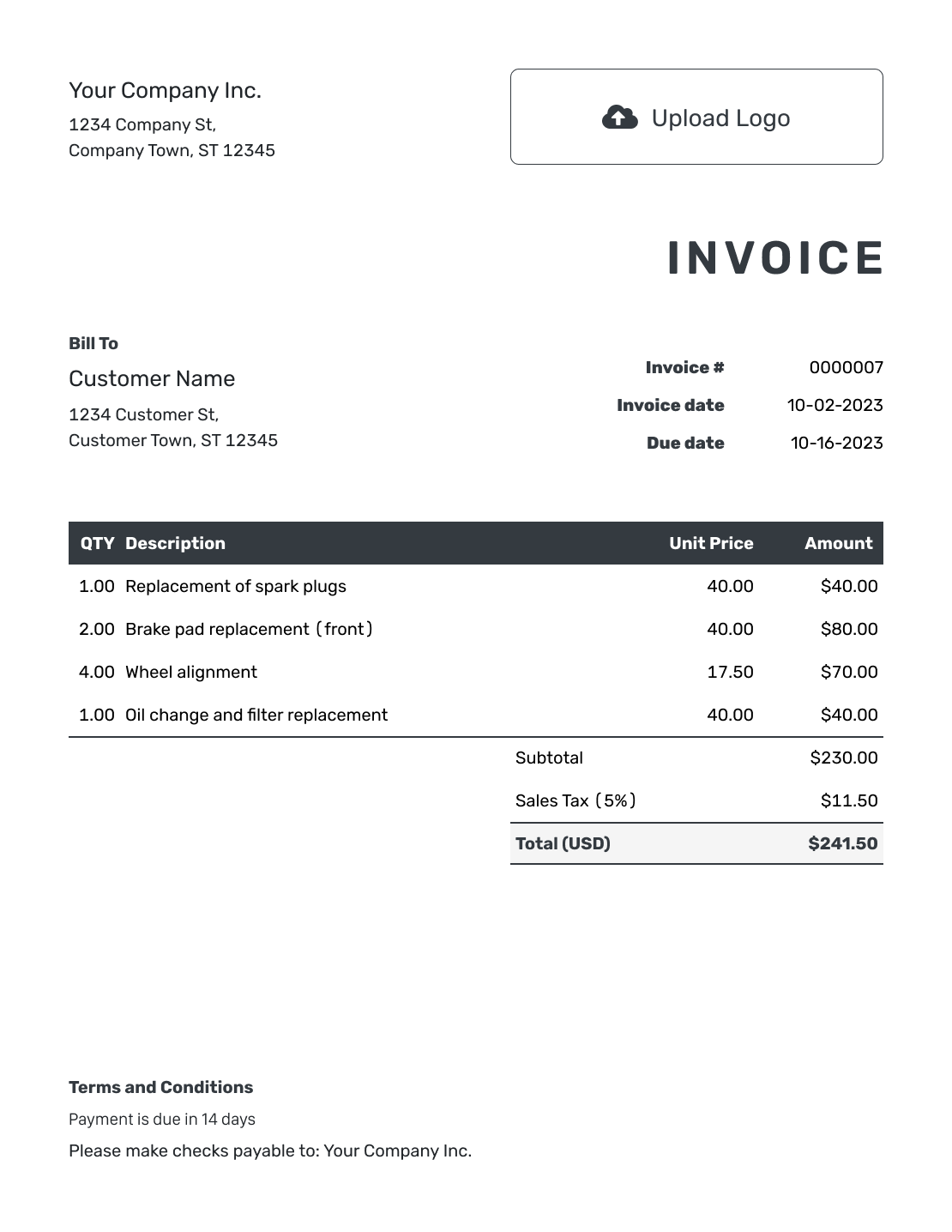
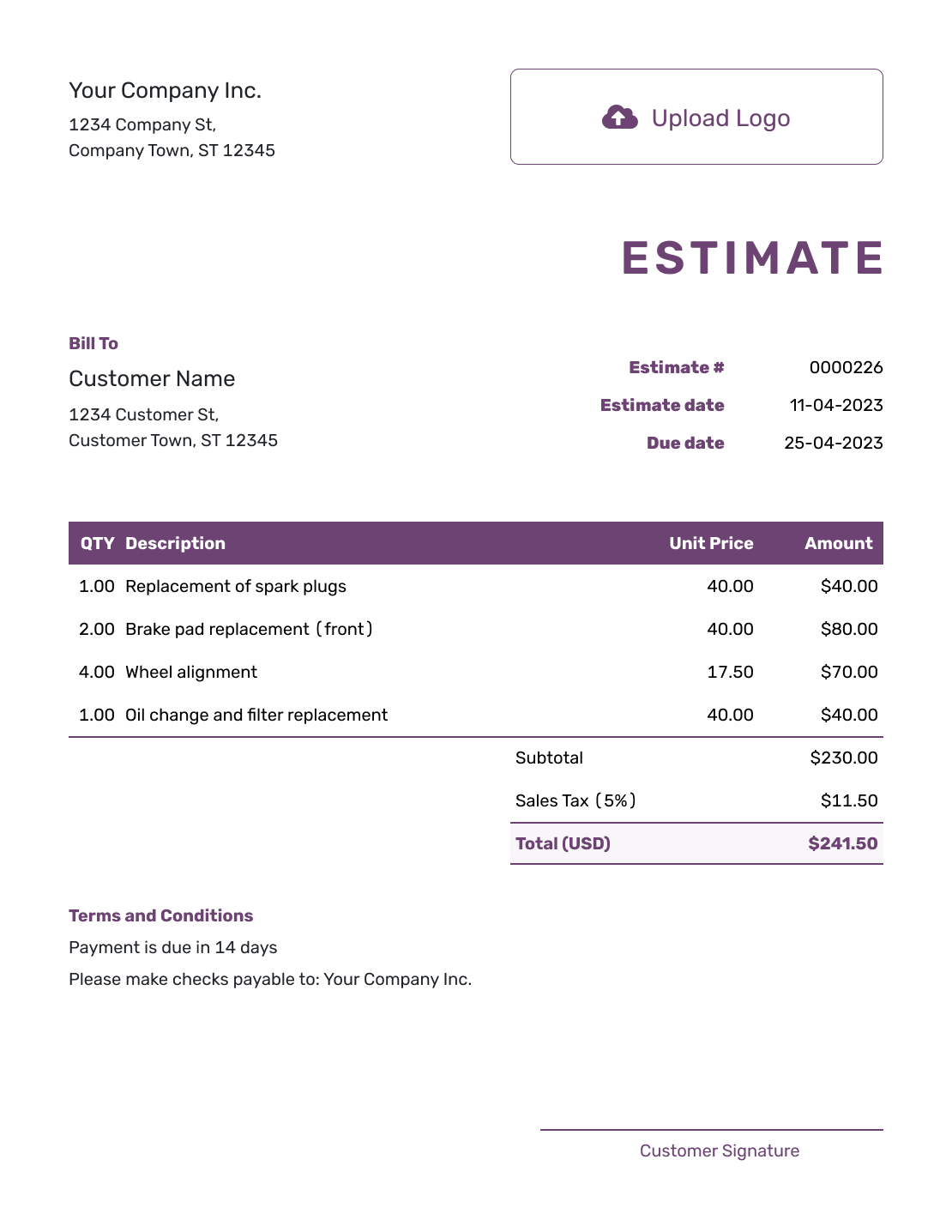
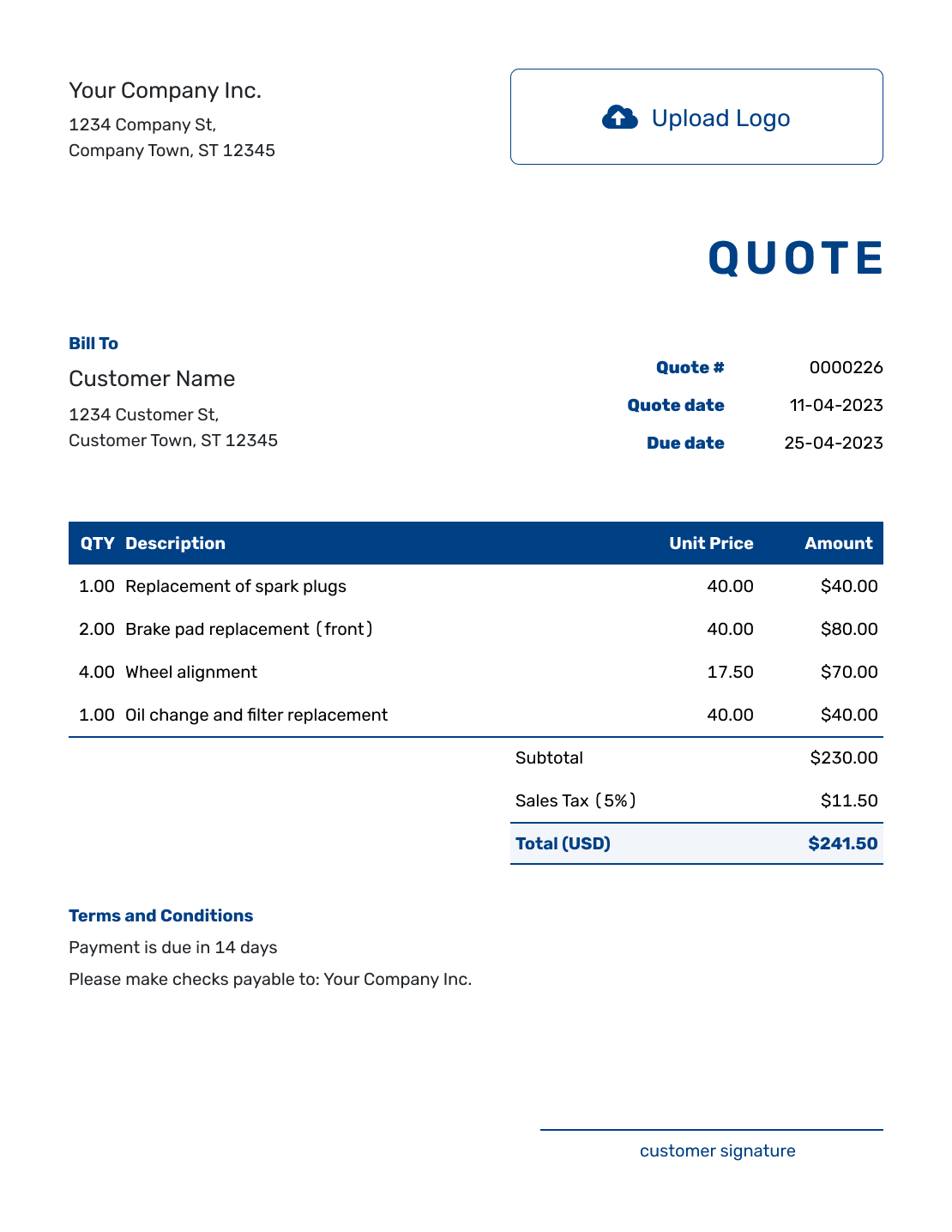
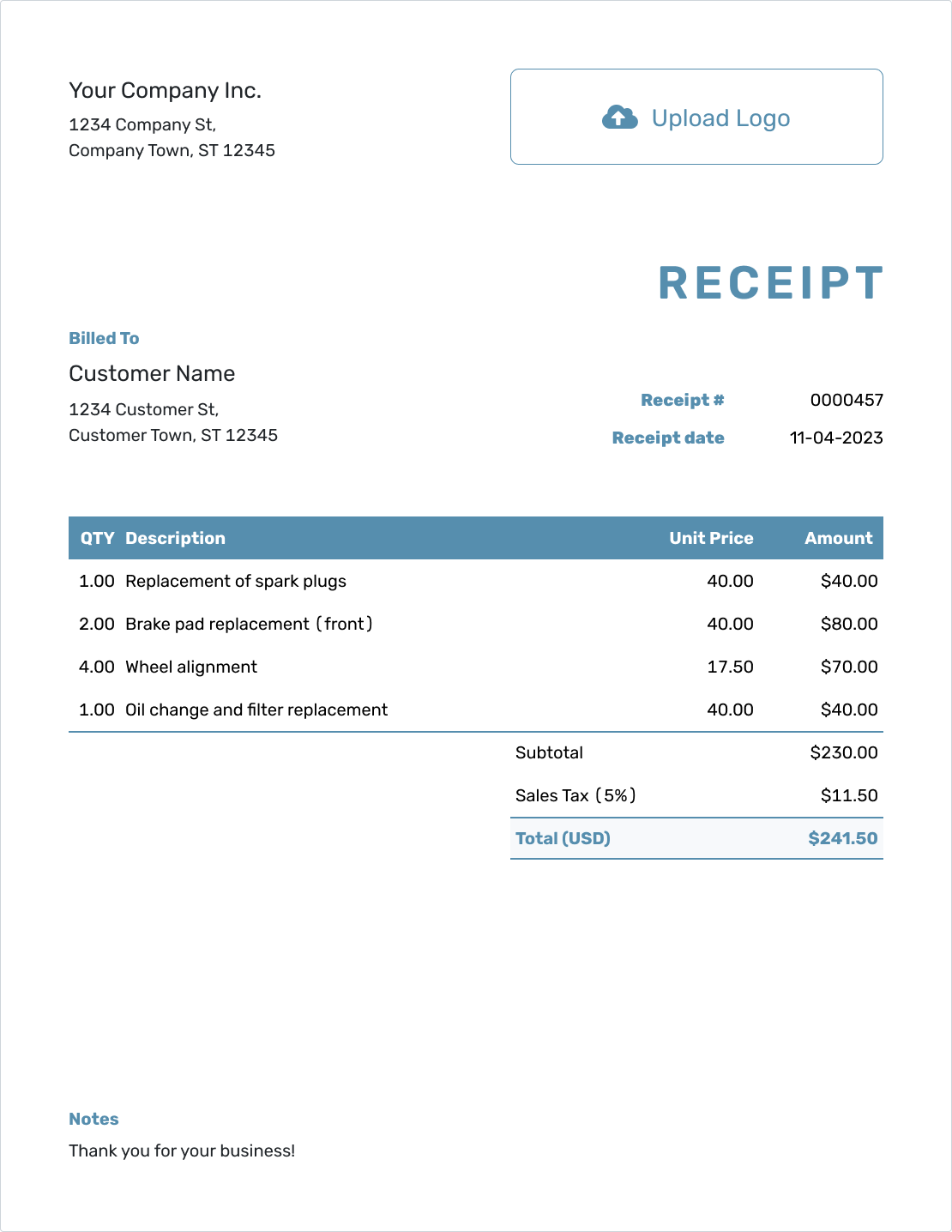
These previews show ways to present a product order. Each opens the same purchase order editor, where you add your vendor and the goods you need.
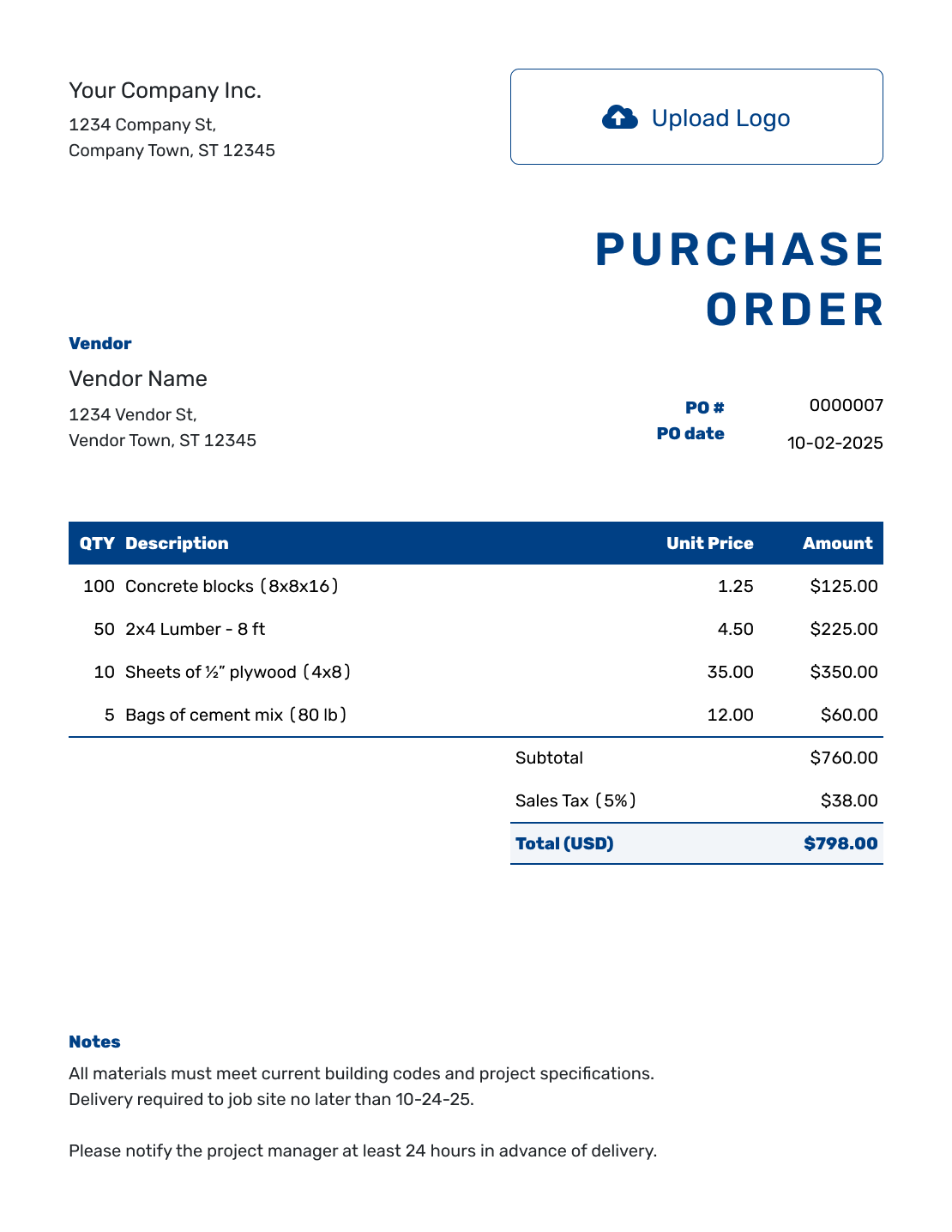
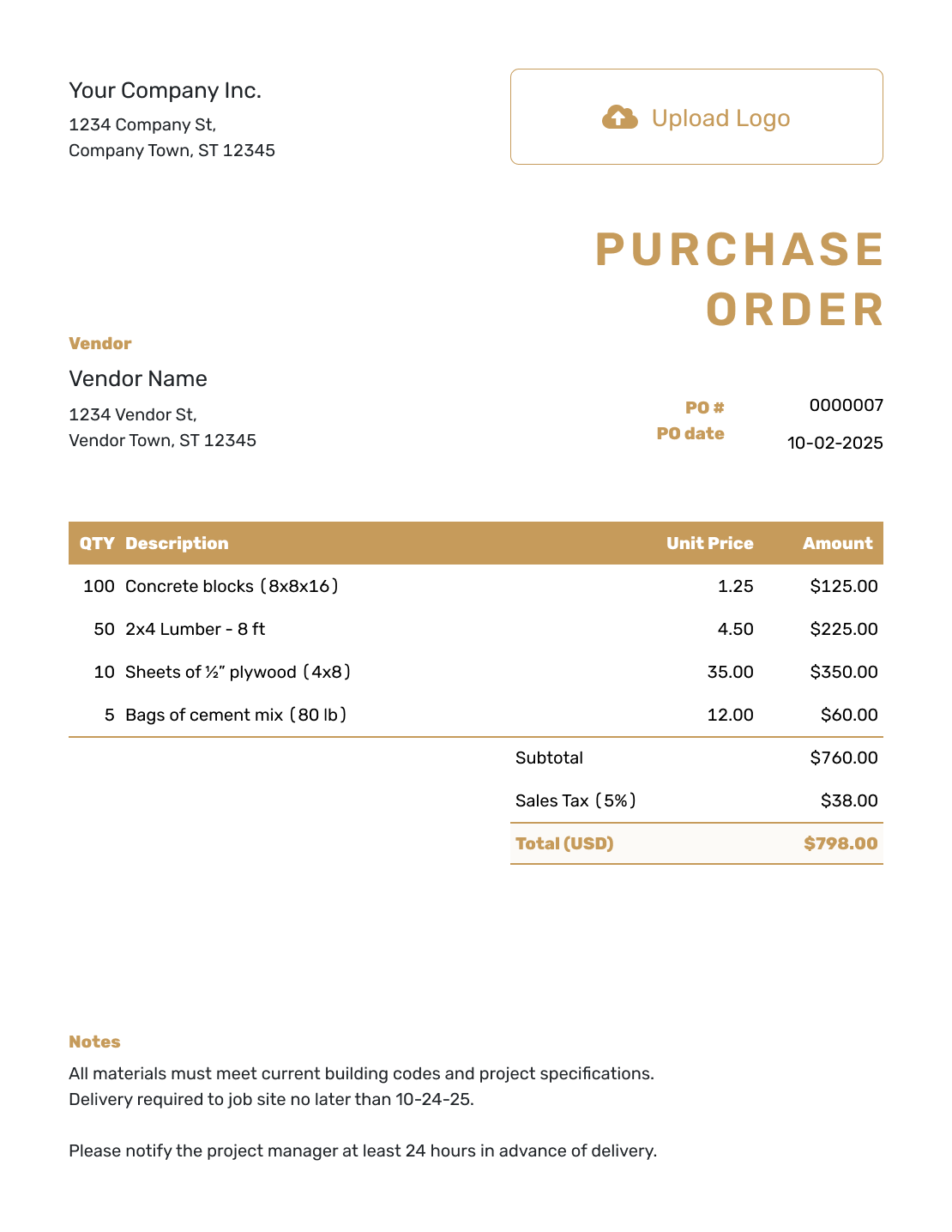
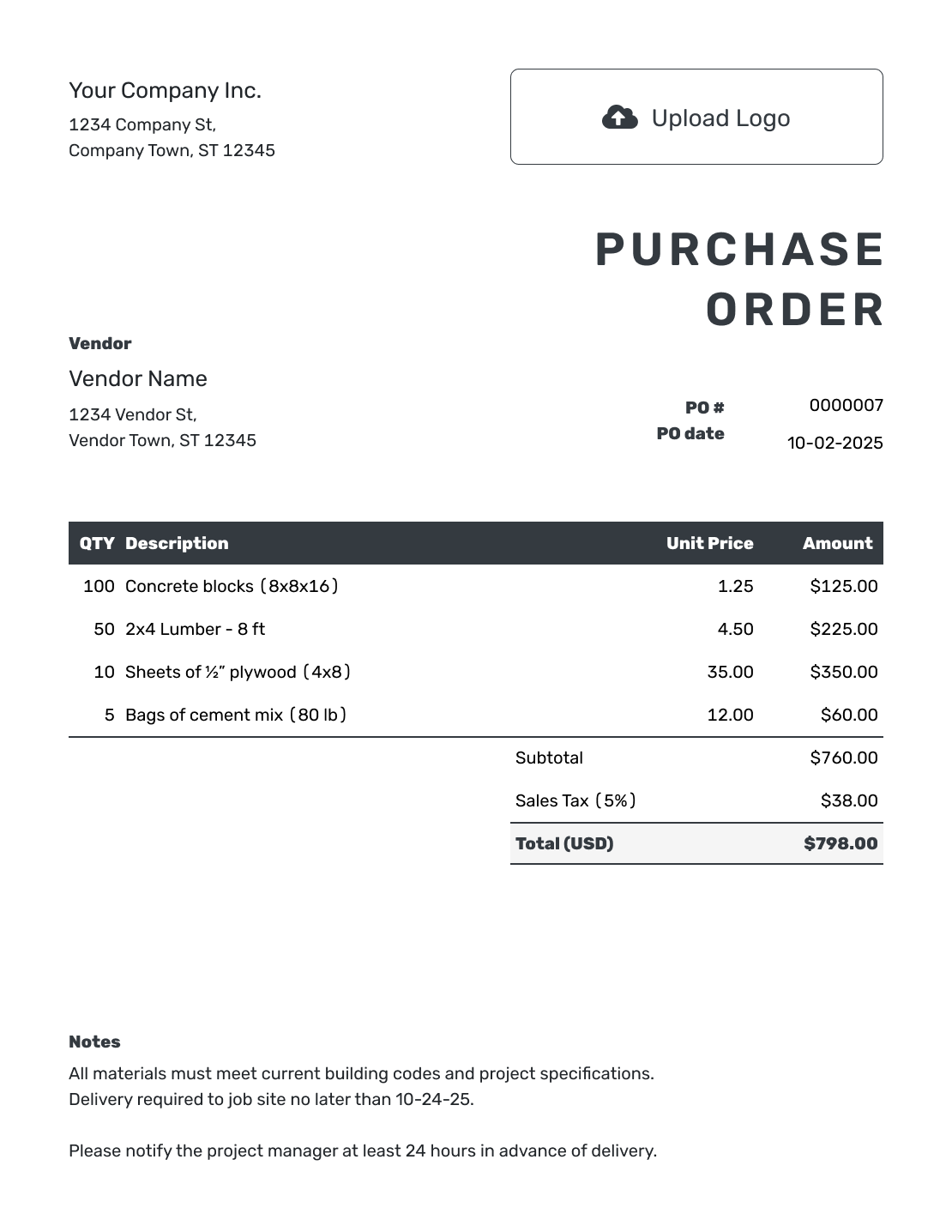
Give the Vendor the Exact Products to Send
A product purchase order records the physical goods your business wants to buy before the vendor fills the order. Use it for stock, office and cleaning supplies, materials, replacement parts, tools, or equipment. It gives both businesses a record of the agreed items, prices, and delivery details.
It is especially useful for bulk purchases, orders that need your business's approval, or deliveries to a warehouse, store, office, or job site. Your PO states what you ordered; the vendor's invoice later asks you to pay for it.
How to Create a Product Purchase Order
Have the vendor's quote or catalog nearby so you can check product codes, pack sizes, and agreed prices as you enter the order.
- Add Your Business: Enter your business name, address, and contact details.
- Add Your Logo: Add your business logo if you have one.
- Add the Vendor: Enter the vendor's company, address, and contact details.
- Number and Date: Add a unique PO number and the order date.
- Describe Each Product: Include the name, product code, and size or model. State whether you are ordering each item or a pack. Enter quantities and unit prices. Add a shipping charge as its own item.
- Check the Total: Enter any applicable tax or discount and check the total.
- Add Delivery Details and Send: Add the ship-to address. Put the requested date and receiving instructions in Notes. Check the products and delivery details. Email the order, print it, or download a PDF.
How to Fill In Product Purchase Order Line Items
“Ten filters” may sound clear until the vendor carries six models. Use the vendor's product code where you have it, then add the size, color, grade, or model that identifies the right version. Include the unit in the description so the quantity means the same thing to both businesses.
In this fictional order for packing supplies, four packs of 25 boxes means 100 boxes. The unit price is the price per pack, not per individual box. Prices are in US dollars, and the illustrative 8% tax applies to all four lines; use the tax treatment that applies to your actual order.
| QTY | Description | Unit Price | Amount |
|---|---|---|---|
| 4 | Corrugated shipping boxes, 12 × 9 × 6 in. — pack of 25 | $32.00 | $128.00 |
| 2 | Kraft packing paper, 24 in. × 900 ft. — roll | $24.00 | $48.00 |
| 3 | Clear packing tape, 48 mm × 100 m — pack of 6 rolls | $18.00 | $54.00 |
| 1 | Delivery to the ship-to address | $20.00 | $20.00 |
| Subtotal | $250.00 | |
| Sales Tax (8% illustrative) | $20.00 | |
| Order Total | $270.00 |
Delivery is an ordinary item and is included in the subtotal. The $270.00 order total states the value ordered, not an amount already paid.
What to Include in Product Purchase Order Notes
Use Notes for directions the vendor needs beyond the item descriptions and ship-to address. A requested delivery date, receiving hours, and a contact for questions help the vendor plan the shipment. Include your agreed payment terms here when needed.
Say whether substitutions, partial shipments, or back orders are acceptable. Adapt the sample below to your arrangements; include only instructions you actually use. Attach a specification, drawing, or product list if the vendor needs more detail.
Example: Notes
- PO-2047: packing supplies for the ship-to address shown above.
- Deliver to the receiving entrance, Monday–Friday, 9 a.m.–4 p.m.
- Contact the buyer before substituting a product or sending a partial shipment. Confirm a new date for any back-ordered items.
- Include PO-2047 on the packing slip and invoice.
Ready to Order the Products?
Enter the products at the agreed prices and let Docelf calculate the total. Review the order, then send it to your vendor.
Check the Order Before the Boxes Start Moving
Compare product codes, quantities, pack sizes, and prices with the vendor's quote or catalog. Check the ship-to address and requested delivery date, especially when the goods go somewhere other than your business address.
Make sure the order shows both businesses' contact details, a unique PO number, and the order date. Name the person the vendor should contact if an item is unavailable or delayed, and include any agreed delivery method or handling requirements.
Match the Delivery and Invoice to Your Order
After emailing the PO from Docelf, check its document history to see when the vendor opened it. Contact the vendor to confirm availability, delivery timing, and any agreed changes.
When the goods arrive, compare the products and quantities with the PO and packing slip. Use the PO number to match the vendor's invoice with the order, then check prices and charges before paying.
For the next purchase, reuse saved vendor and product details or duplicate the PO as a new numbered draft. Check the quantities, current prices, and delivery instructions before sending the new order.
Product, Service, or Blanket Purchase Order?
Choose the purchase order type based on what the vendor will provide and whether the purchase happens once or repeats over time.
Use a product PO for physical goods. Use a service purchase order for labor or professional work. Use a blanket purchase order when the same vendor will supply approved products or services repeatedly under agreed dates, prices, or limits.
More Purchase Order Templates
Choose a template for the way your business buys, or return to the main guide for formats, purchase order types, and step-by-step help.
Product Purchase Order Template FAQs
-
What is a product purchase order?
A product purchase order is a document you send to a vendor to order physical goods. It records the products, quantities, prices, shipping details, delivery date, and terms your business approved.
-
What should a product purchase order include?
Include both businesses' details, a PO number and date, and the products with their quantities, units, and prices. Add applicable tax or discounts and list a charged delivery service as an item. Check the total, ship-to address, requested delivery date, and any payment terms or instructions in Notes.
-
Can I use this template for inventory purchases?
Yes. Use the template for inventory, supplies, wholesale goods, raw materials, parts, tools, equipment, and other physical products your business buys from a vendor.
-
Should I include SKUs or product codes on the purchase order?
Include a SKU, vendor item number, part number, or model when it helps identify the exact product. Add the unit, size, color, grade, or packaging details when the vendor sells similar versions.
-
What is the difference between a product and service purchase order?
A product purchase order covers physical goods and focuses on item descriptions, quantities, unit prices, and shipping. A service purchase order covers work and focuses on the scope, rates or agreed price, dates, location, and deliverables.
-
Can I add instructions for substitutions, partial shipments, or back orders?
Yes. Use Notes to say whether substitutions, partial shipments, or back orders are acceptable. Include a contact person for questions and ask the vendor to confirm any changes before shipping.
-
Can I download, print, or email the product purchase order?
Yes. You can email the product purchase order from Docelf and see when the vendor opens it. You can also print the order or download it as a PDF.
-
Where do I put a shipping charge?
Add shipping as an ordinary item with a description, quantity, and price. It contributes to the subtotal, just like the products. Put delivery instructions in Notes and use the ship-to address for the destination.