Free Contractor Purchase Order Template
Create a professional purchase order in minutes.
List the materials or equipment you need for the job. Send a clear, complete order that makes it easy for your vendor to get it right.
Email, print or download your purchase order as a PDF.
14-day free trial. No credit card required.
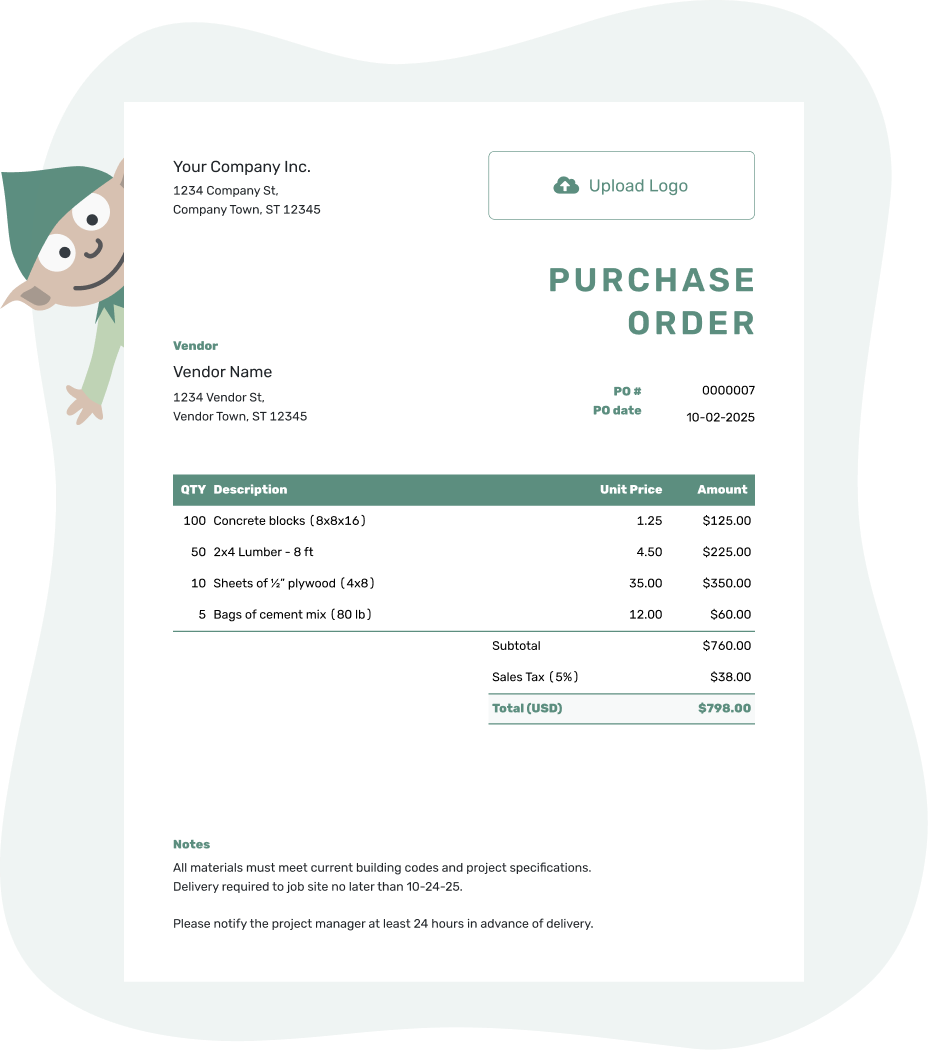
Create a professional purchase order. Send it. Get back to work.
Contractor Purchase Order Examples
Browse the examples, then add the details for your own job. Each preview opens the same purchase order editor.
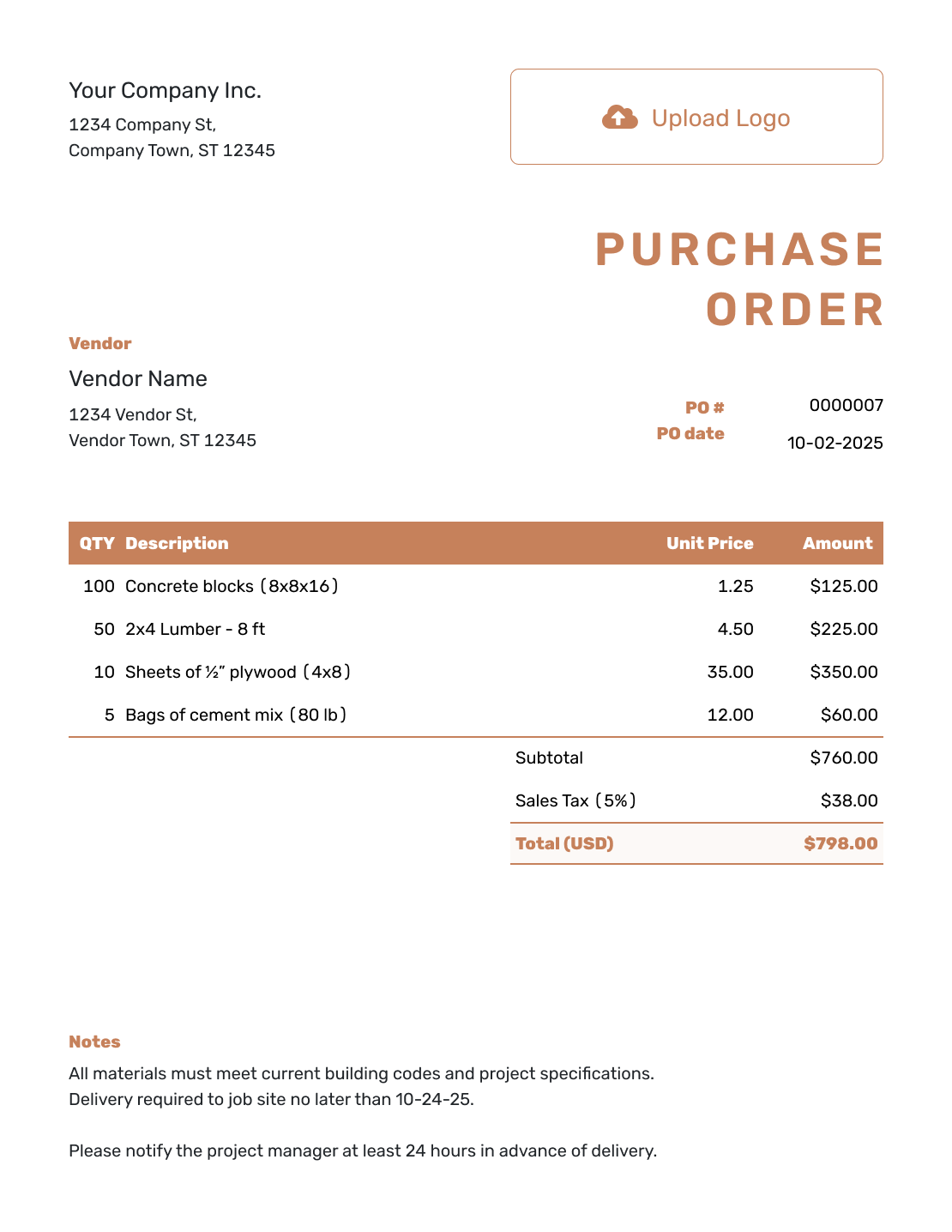
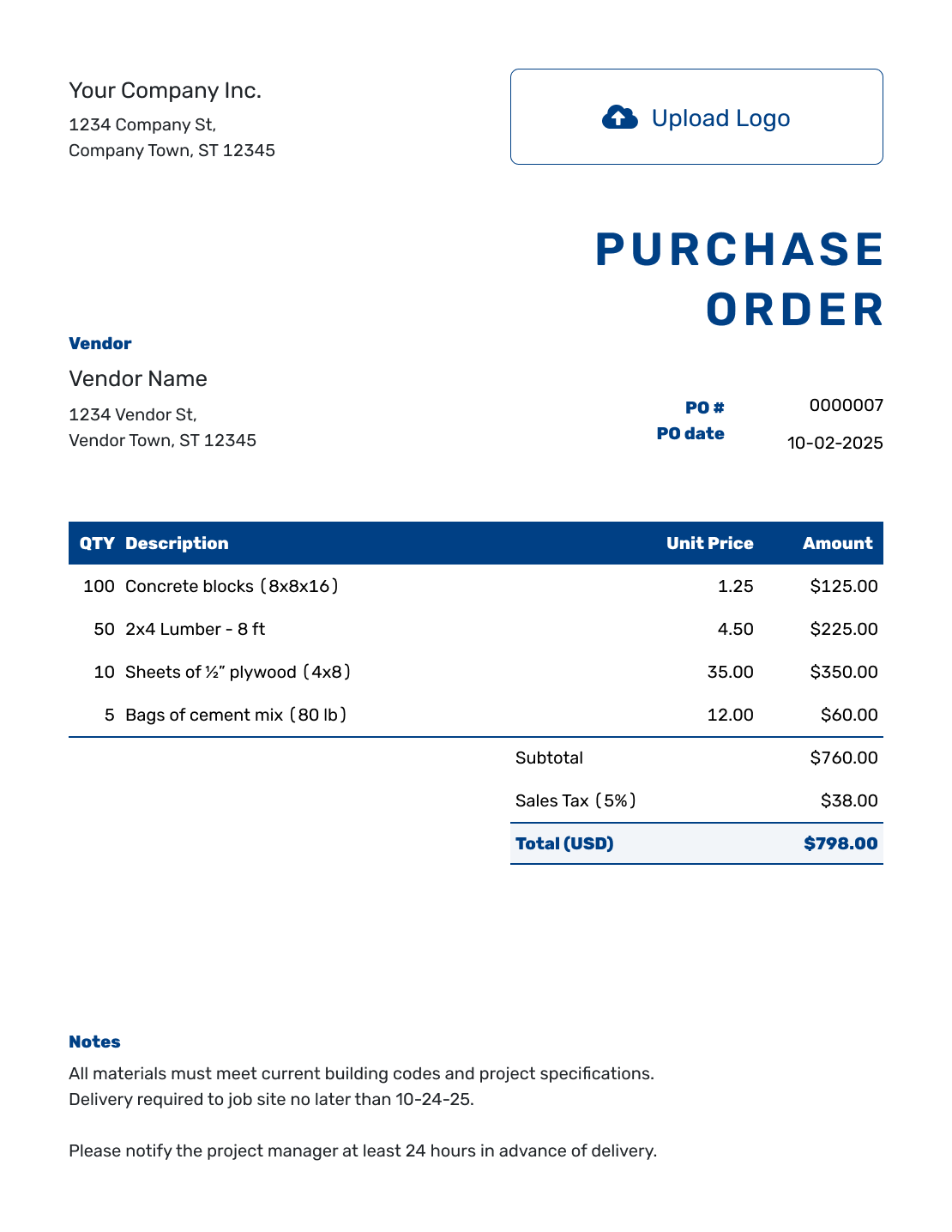
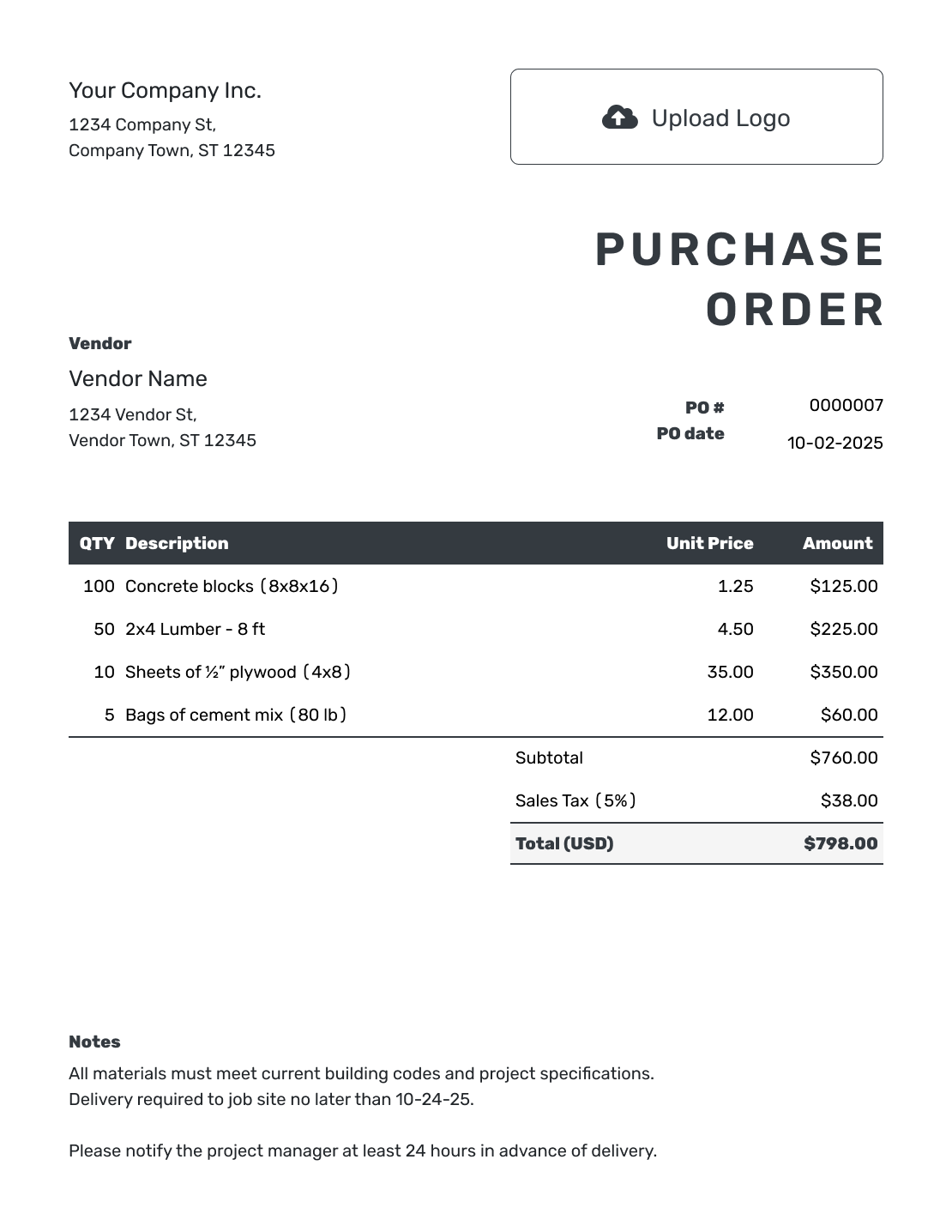
Order What the Job Needs Before the Crew Is Waiting
A contractor purchase order records what you are buying from a vendor before materials arrive, equipment goes out on rent, or subcontractor work begins. Tie it to the right job so the vendor knows what to supply and your team knows where the cost belongs.
Use it for materials, parts, supplies, tools, rentals, or a defined piece of work. Each vendor needs their own order, with the agreed quantities and prices. The job reference connects that order with your customer, project, estimate, or work order.
How to Create a Contractor Purchase Order
Start with the vendor's agreed prices and your job details. Add only the delivery, rental, or service instructions that apply to this purchase.
- Add Your Business: Enter your business name, address, and contact details.
- Add Your Logo: Add your business logo if you have one.
- Add the Vendor: Enter contact details for your vendor or subcontractor.
- Check the Number and Date: Check the PO number and order date.
- Describe the Purchase: List the materials, equipment, or work you need with quantities and unit prices. Give delivery charges their own item row.
- Check the Total: Review applicable tax and the total.
- Add Job Details and Send: Add the site address and delivery, rental, or service dates. Use Notes for the job reference, agreed terms, and site instructions. Review, then email, print, or download the order.
How to Fill In Contractor Purchase Order Line Items
Use the vendor's product name or code and state the unit being ordered. Twenty-four sheets and twenty-four packs are very different purchases. Give separately priced delivery its own item row so it is included in the subtotal.
This fictional order buys drywall supplies for job REN-214, a Maple Avenue renovation. Prices are in US dollars, with an illustrative 8% tax on all four charges. Use the tax treatment that applies to your own order.
| QTY | Description | Unit Price | Amount |
|---|---|---|---|
| 24 | Drywall, 1/2 in. × 4 ft. × 8 ft. — sheets | $14.50 | $348.00 |
| 6 | All-purpose joint compound — 4.5-gallon pails | $19.00 | $114.00 |
| 2 | Drywall screws, 1-1/4 in. — 5 lb. boxes | $24.00 | $48.00 |
| 1 | Delivery to the Maple Avenue job site | $45.00 | $45.00 |
| Subtotal | $555.00 | |
| Sales Tax (8% illustrative) | $44.40 | |
| Order Total | $599.40 |
The order total is the value you are ordering. Check the vendor's invoice and the delivered quantities against the PO before paying.
What to Include in Contractor Purchase Order Notes
Use Notes for the job reference, site contact, requested delivery window, and agreed payment or order instructions. Keep the ship-to address in the separate address field. Notes can explain which entrance to use, where to unload, or whom to contact before substituting a product.
Adapt this sample to the drywall order above. Include only instructions and terms you actually use, and confirm the requested delivery time with the vendor.
Example: Notes
- Job REN-214: Maple Avenue renovation.
- Requested delivery: October 5, 2026, between 8 and 10 a.m. Use the driveway entrance and call the site contact before unloading.
- Contact us before substituting any product.
- Please include PO 1042 and job REN-214 on your invoice.
Ready to Place the Job Order?
Turn the agreed purchase into an order for the right job. Docelf calculates the total as you add items. Review it, then email the vendor or download a PDF.
What to Include on a Contractor Purchase Order Template
Before sending, check the details below against the vendor's quote or your agreement. The right materials at the wrong address still make for a long morning.
Contractor and Vendor Details
Include your business information, the vendor or subcontractor, and the name of the person responsible for questions about the order.
PO, Customer, and Job References
Check the PO number and order date. In Notes, add the job number or customer reference your team uses; include a cost code or related estimate number when it helps identify the purchase.
Materials, Rentals, and Work
For materials, specify the size, model or part number, unit, and quantity. For rentals, show the rental period and rate. For subcontractor work, describe the scope and agreed price. Apply any agreed discount and applicable tax, then check the total.
Site, Schedule, and Terms
Check the site address, requested date, and contact details. Use Notes for access instructions and agreed payment terms. Complete any approval your business requires before sending the order.
Keep Every Purchase Tied to the Right Job
Contractors often buy from the same vendor for several customers in the same week. Use one consistent job name or number on the PO, delivery ticket, and your own records. Ask the vendor to carry both the job reference and PO number onto the invoice.
For a similar purchase, duplicate the previous PO to create a new draft with a new document number. Update the job, site, dates, quantities, and prices before sending. Reuse saved vendor and item details when you need a different starting point.
Use the Right Purchase Order for the Work
A contractor purchase order can cover products, services, or both. Start with the purchase, then add the job details that make the order useful in the field.
Use the product template for materials, parts, supplies, or equipment. Use the service template for subcontractor labor, repairs, testing, inspections, design work, or another clearly defined scope.
Contractor or Construction Purchase Order?
A contractor purchase order is built around the trade business placing the order. It works well for electricians, plumbers, landscapers, painters, remodelers, cleaners, HVAC companies, general contractors, and other businesses buying for individual jobs.
A construction purchase order puts more emphasis on a construction project, job site, phase, cost code, scheduled delivery, and project-specific controls. Use it when the project details are as important as the vendor and line items.
Both can cover materials, equipment, and subcontractor services. Choose the page closest to how you organize the purchase, then add the details your vendor and crew need.
Make the Purchase Order Look Like Your Contractor Business
Add your logo and use your business colors and fonts. Keep your phone number and email easy to find so the vendor can ask about an unavailable item or delivery detail. You can prepare and send the order from your phone, tablet, or computer.
More Purchase Order Templates
Choose a guide for construction projects or everyday small-business purchases, explore the software, or return to the main purchase order guide.
After You Send the Contractor Purchase Order
Check document history to see whether the email was delivered and opened. Opening the PO is not confirmation that the vendor can fill it, so confirm availability and the delivery or service schedule directly with them.
Check delivered materials or completed work against the PO and note any shortages or differences. Check the vendor's invoice against the same quantities, prices, and PO number. Docelf does not automatically link a purchase order to that invoice.
Contractor Purchase Order Template FAQs
-
What is a contractor purchase order?
A contractor purchase order is a document a contractor sends to a vendor or subcontractor before materials, equipment, or services are supplied. It records the job reference, approved items or work, prices, location, dates, and terms.
-
What should a contractor purchase order include?
Identify your business, the vendor, the PO number, and the order date. List the materials or work with quantities and prices. Add the ship-to address, then use Notes for the job reference, requested date, and agreed instructions or payment terms.
-
Can I use the template for materials and equipment rentals?
Yes. Use a separate line for each material or piece of equipment. State the unit price or rental rate and quantity; for a rental, also name the start and end dates. Put delivery or pickup instructions and the job reference in Notes.
-
Can I send a purchase order to a subcontractor?
Yes. Describe the work you have agreed on, the price or rate, and what the subcontractor needs to deliver. Add the service dates and location. Keep any agreed payment terms and completion requirements in Notes or the referenced agreement.
-
How should I use job numbers on contractor purchase orders?
Use a consistent job reference in Notes, such as REN-214 in the example. Ask the vendor to put both that reference and the PO number on the invoice. The job reference identifies the work; the PO number identifies this particular order.
-
What is the difference between a contractor and construction purchase order?
A contractor purchase order is a broad trade-business order for materials, rentals, or subcontractor work tied to a job. A construction purchase order usually places more emphasis on a construction project, site, phase, cost code, and scheduled deliveries.
-
Can I email, print, or download the contractor purchase order?
Yes. You can email the contractor purchase order from Docelf and see when the vendor opens it. You can also print the order or download it as a PDF.
-
Does the vendor need a Docelf account to view the order?
No. The vendor can view and download the purchase order you email without a Docelf account. Creating or editing the PO does not email it; you choose when to send it.
Give the Vendor a Complete Order for the Job
Put the purchase in writing while the job details and agreed prices are close at hand.
- Identify the vendor and job
- List the items and check the calculated total
- Review the site instructions, then send the order