Free Small Business Purchase Order Template
Create a professional purchase order in minutes.
List the supplies your business needs, with a quantity for each. Send an easy-to-read order that helps your vendor get the items and quantities right.
Email, print or download your purchase order as a PDF.
14-day free trial. No credit card required.
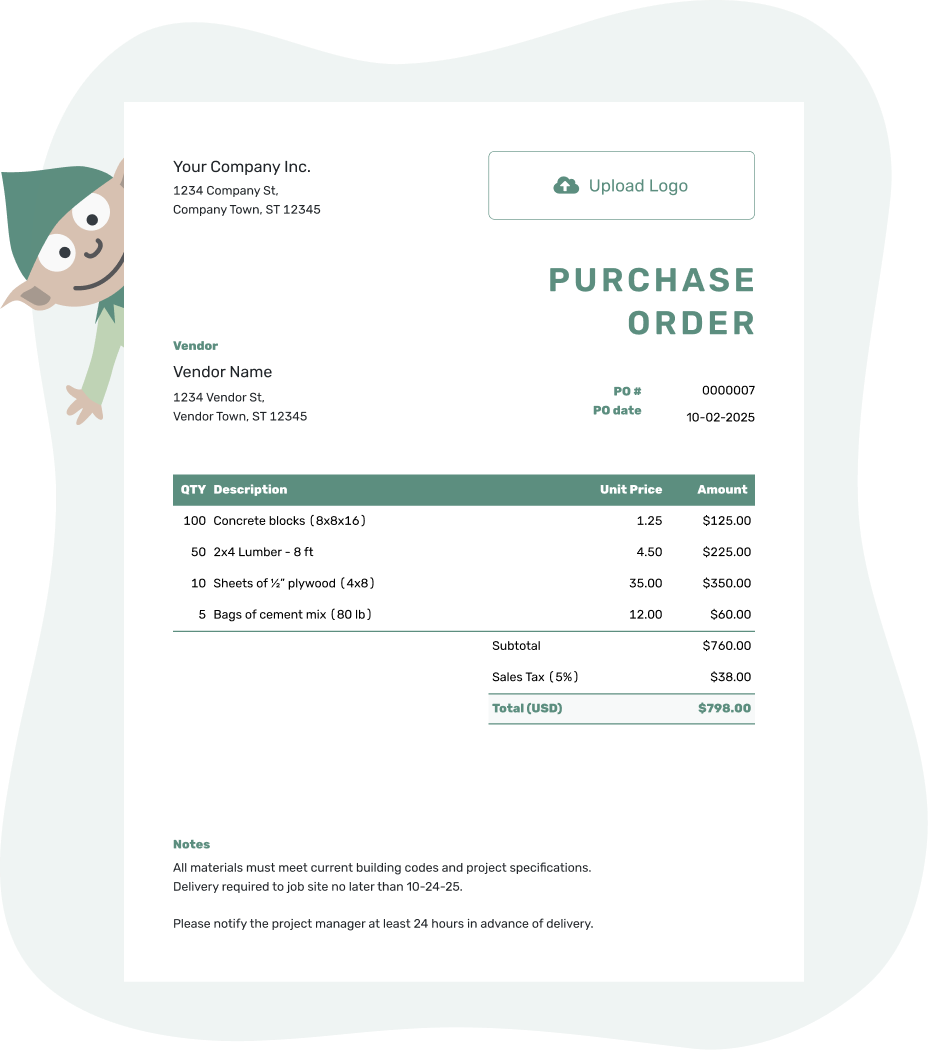
Create a professional purchase order. Send it. Get back to work.
Small Business Purchase Order Examples
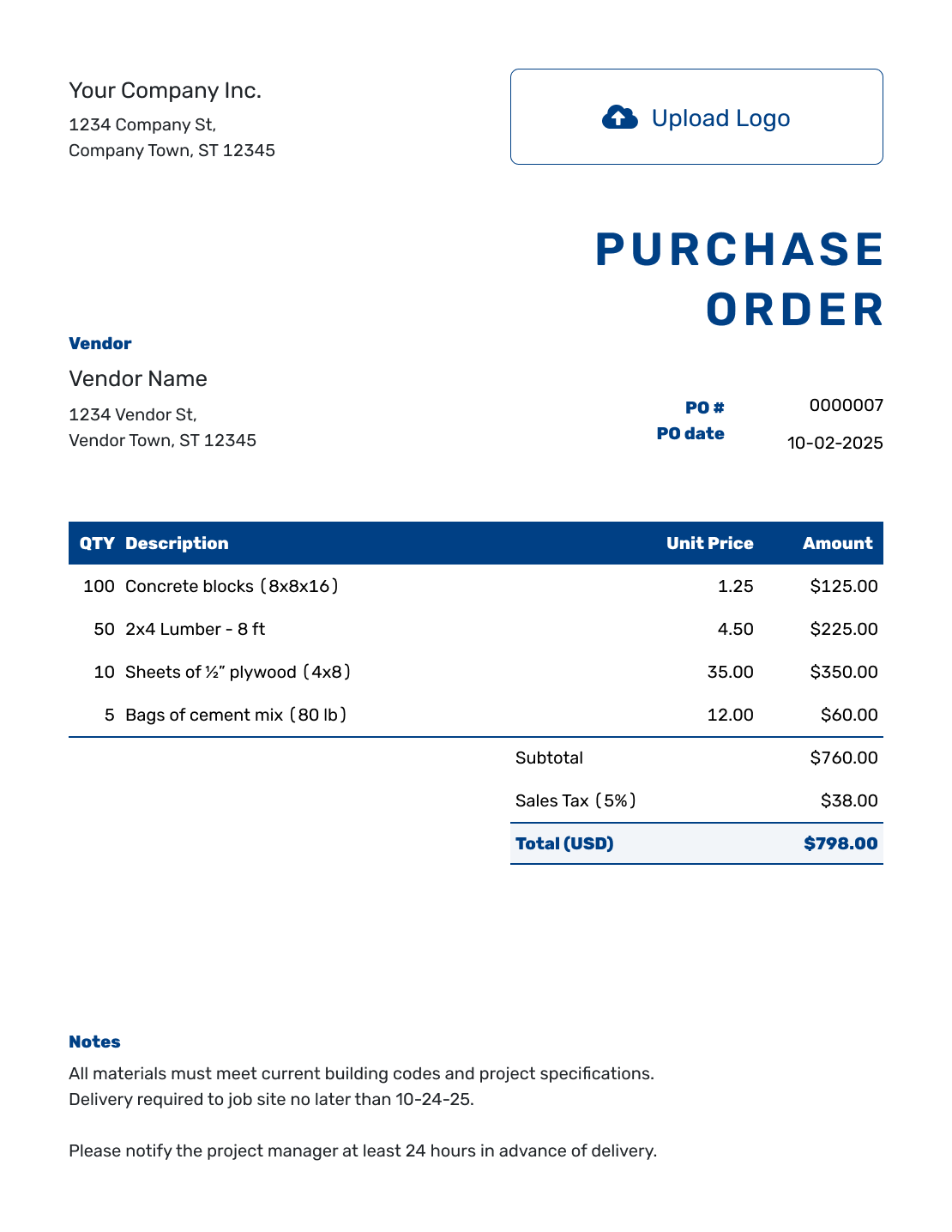
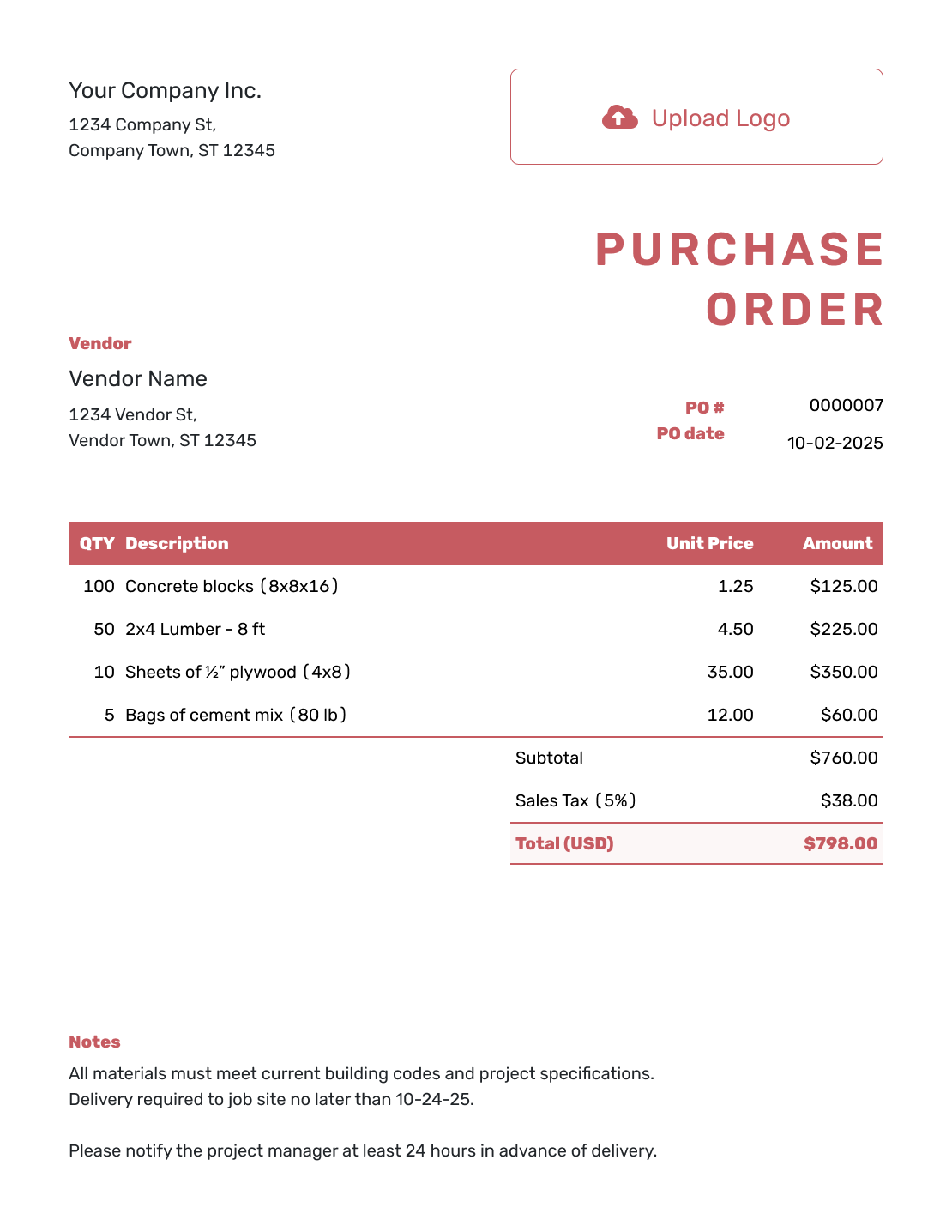
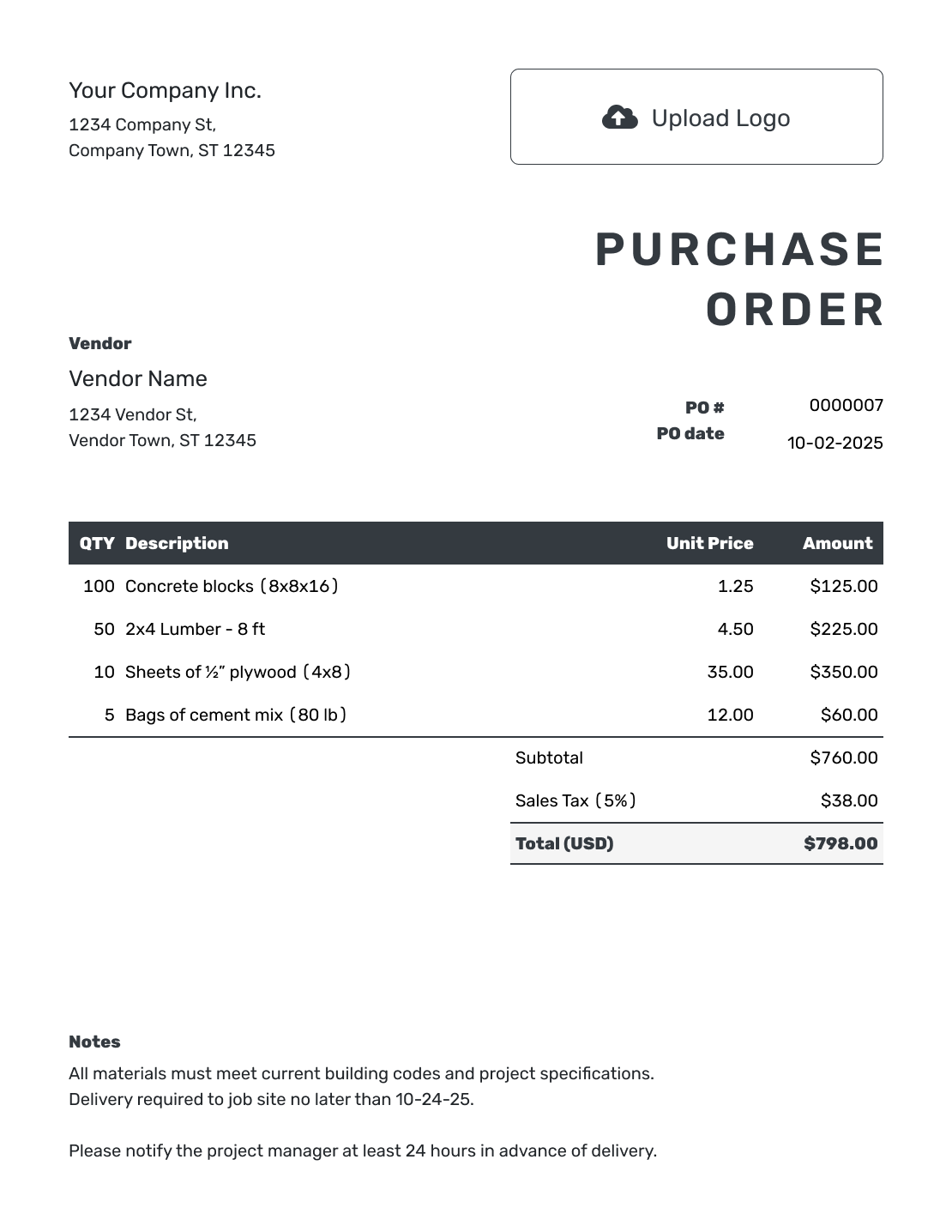
These three previews open the same purchase order editor. Choose one to start, then add the details for your own vendor and order.
Put the Purchase in Writing Before You Order
You do not need a purchasing department to use purchase orders well. A PO gives your business and vendor the same record of what you are buying, the agreed price, and where it should go.
It is useful for stock, supplies, equipment, rentals, repairs, or outside services. You may not need one for every coffee run or routine low-value expense. Use one when the order needs approval, belongs to a customer job, or needs more detail than a quick phone call.
How to Create a Small Business Purchase Order
Start with the vendor’s agreed prices and the quantity your business needs. Docelf calculates the totals as you enter the order. Before sending, check the vendor, quantities, prices, ship-to address, and requested date.
- Add Your Business: Enter your business name, address, and contact details.
- Add Your Logo: Add your business logo if you have one.
- Add the Vendor: Choose a saved vendor or enter the vendor’s name, address, and contact details.
- Number and Date: Check the PO number and enter the order date.
- Describe the Purchase: List each product or service with quantities and unit prices. Specify sizes, pack quantities, or the work required. Put any delivery charge on its own item row.
- Check the Total: Enter applicable tax or discounts and check the total.
- Add Notes and Send: Add a separate ship-to address if the order goes to a different location. Add delivery instructions and agreed payment terms in Notes. Review, then email, print, or download the PDF.
Show Exactly Which Supplies You Need
A quantity of “6” is only useful when the vendor knows whether it means six boxes or six packs. Put the pack size, dimensions, or product code in the description and use the vendor’s price for that unit.
This fictional small shop is ordering packing supplies in US dollars. Delivery is an ordinary item included in the subtotal. The illustrative 8% tax applies to every line in this example; use the rate and taxable items that apply to your purchase.
| QTY | Description | Unit Price | Amount |
|---|---|---|---|
| 6 | Shipping cartons, 12 × 9 × 6 in — packs of 25 | $18.00 | $108.00 |
| 4 | Packing tape, 48 mm × 66 m — rolls | $3.50 | $14.00 |
| 2 | Mailing labels, 4 × 6 in — packs of 100 | $8.00 | $16.00 |
| 1 | Delivery to the shop | $12.00 | $12.00 |
| Subtotal | $150.00 | |
| Sales Tax (8% illustrative) | $12.00 | |
| Order Total | $162.00 |
The six packs contain 150 cartons. The order total is the value you are ordering, not a record of payment or confirmation that the supplies have arrived.
Use Notes for the Details Behind the Order
Use the Notes field for the requested delivery date, access instructions, agreed payment terms, and a project or approval reference. The ship-to address tells the vendor where to deliver; Notes can explain which entrance to use or who can answer a question.
For the packing-supply order above, a short note is enough. Adapt the instructions to arrangements your business and vendor actually use.
Example: Notes
- PO-2026-014: packing supplies for the shop stockroom.
- Deliver to the rear stockroom entrance, Monday–Friday, 10 a.m.–4 p.m.
- Contact the buyer before substituting a different carton size.
- Please include PO-2026-014 on the packing slip and invoice.
Ready to Put the Order in Writing?
Turn the vendor’s prices into an order you can check. Docelf calculates the total, and you choose when to send it.
What to Include on a Small Business Purchase Order
Before sending the order, check that someone else in your business could understand it. These details help a colleague answer a vendor question or check the bill while you are busy.
Business and Vendor Details
Add both business names, addresses, and contact details. Include a vendor representative or your own purchasing contact when someone specific should handle questions.
PO Number and Approval Reference
Check the PO number and order date. Put the requester, approver, project, customer job, or budget reference in Notes when your business uses one.
Products, Services, and Prices
Check descriptions, quantities, units, prices, and tax. For equipment, add the model number. For services, describe the work, dates, rate, and expected deliverables.
Delivery, Terms, and Notes
Check the ship-to address or service location and the instructions in Notes. Attach a relevant specification or vendor quote if it helps identify what you are ordering.
Set Up a Purchase Order Process Your Team Will Actually Use
A small team needs a few clear purchasing habits. Decide who can authorize an order and how they will confirm it before anyone sends the PO. This is your internal process; Docelf does not route purchase orders for approval.
- Decide when a PO is required: You might use one for purchases over a set amount, repeat vendor orders, custom products, outside services, or anything that needs approval.
- Keep each order identifiable: Check that each PO has a unique number. Do not reuse a canceled order’s number for a different purchase.
- Name the approver: Decide who may approve the purchase and what information they need before saying yes.
- Send the PO before the vendor acts: The order works best when the vendor receives it before shipping products or starting work.
- Ask for the PO number on the invoice: The vendor can use that reference so you can match the bill to the order.
- Keep the records together: Keep the PO, delivery record, vendor invoice, and related notes together in your own purchasing records.
Match the Purchase Order, Delivery, and Vendor Invoice
The purchase order records what you ordered. The delivery or completed work shows what you received. The vendor’s invoice shows what the vendor wants you to pay.
- Check the PO: Confirm the agreed items or services, quantities, prices, and terms.
- Check what arrived: Compare the shipment or completed work with the order. For the example above, six packs should contain 150 cartons.
- Check the invoice: Match the PO number and compare the billed quantities, prices, tax, and delivery charge.
If something differs, ask the vendor before approving payment. Docelf does not automatically link a PO to the vendor’s invoice; the PO number gives you a reference for this check.
Choose the Purchase Order That Fits the Purchase
Use a product PO for physical goods, a service PO for outside work, or a blanket PO when the same vendor will fill repeat orders under agreed limits.
After You Send the Purchase Order
Docelf’s document history shows when your emailed PO was delivered and opened. An opened PO does not confirm that the vendor agreed to the order or shipped it. Contact the vendor to confirm the requested date and resolve any changes.
Keep the vendor’s invoice, payment record, and any receipt with your purchasing records. Docelf helps with documents; it does not replace your accounting records.
For a repeat purchase, reuse saved vendor and item details or duplicate the PO as a new numbered draft. Check the current prices, quantities, dates, and Notes before sending the new order.
More Purchase Order Templates
Return to the main purchase order guide, choose a file format, or use a page built for contractor and online purchasing.
Small Business Purchase Order Template FAQs
-
What is a small business purchase order?
A small business purchase order is a document your business sends to a vendor to order products or services. It records what you want to buy, the agreed quantities and prices, and the delivery details.
-
Does a small business need purchase orders?
You may not need one for every expense. A PO is useful when an order needs approval, has several items, belongs to a customer job, or needs clear delivery instructions. Decide which purchases need one and use that rule consistently.
-
Can I use a purchase order for a one-off purchase?
Yes. It can help with a single equipment purchase, custom product, repair, or outside service. Agree on the price and what is included before sending the order.
-
How should a small business number purchase orders?
Give each order a unique reference and keep your numbering consistent. Do not reuse the number of a canceled order for a different purchase. Ask the vendor to include the PO number on the invoice so you can match the records.
-
Who should approve a small business purchase order?
Decide who can authorize purchases before orders go out. The owner might approve every order, or a manager might approve purchases up to a set amount. Handle that approval through your own process; Docelf does not provide approval workflows.
-
What should a small business purchase order include?
Include your business and vendor details, the PO number and date, and item descriptions with quantities and prices. Add the ship-to address and applicable tax. Put delivery charges on item rows and use Notes for delivery instructions, agreed terms, and useful references.
-
Can a small business purchase order include products and services?
Yes. One purchase order can include products and services from the same vendor. Show quantities and unit prices for goods. For work, describe the scope, rate or agreed price, service dates, and expected deliverables.
-
How do I match a purchase order with a vendor invoice?
Use the PO number to find the order, then compare the invoice with the PO and what arrived or was completed. Check quantities, prices, tax, delivery charges, and terms. Ask the vendor about any differences before approving payment.
-
Can I email, print, or download the purchase order?
Yes. You can email the PO from Docelf, print it, or download a PDF. A PDF is useful if the vendor wants the order attached to an email. Saving or editing the order does not send it; you choose when to email it.
-
Can I reuse a purchase order for a repeat order?
Yes. Duplicate the previous PO to create a new draft with a new document number. Review the vendor details, quantities, prices, dates, and Notes before sending it. A previous order is a starting point, not confirmation of the vendor’s current prices.
Get the Next Order Ready for Your Vendor
Put the agreed purchase on one clear document while the details are close at hand.
- Reuse saved vendor and item details
- Check quantities, prices, and delivery instructions
- Email the order or download a PDF