Free Online Purchase Order Template
Create a professional purchase order in minutes.
Start your purchase order with the items you need and the quantity of each. Send a clear order that’s easy for your vendor to fill correctly.
Email, print or download your purchase order as a PDF.
14-day free trial. No credit card required.
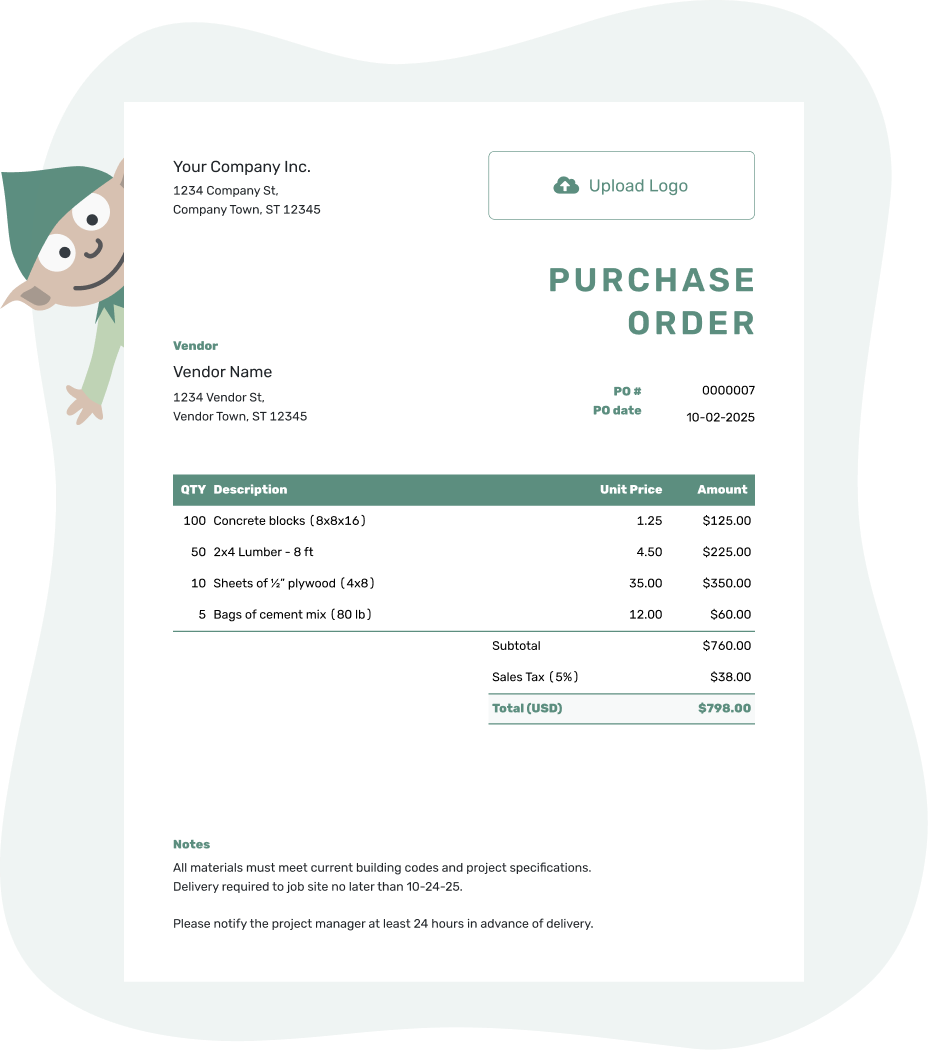
Create a professional purchase order. Send it. Get back to work.
Online Purchase Order Examples
These previews show three ways to present an online purchase order. Each opens the same Docelf editor, where you can add your vendor and order details.
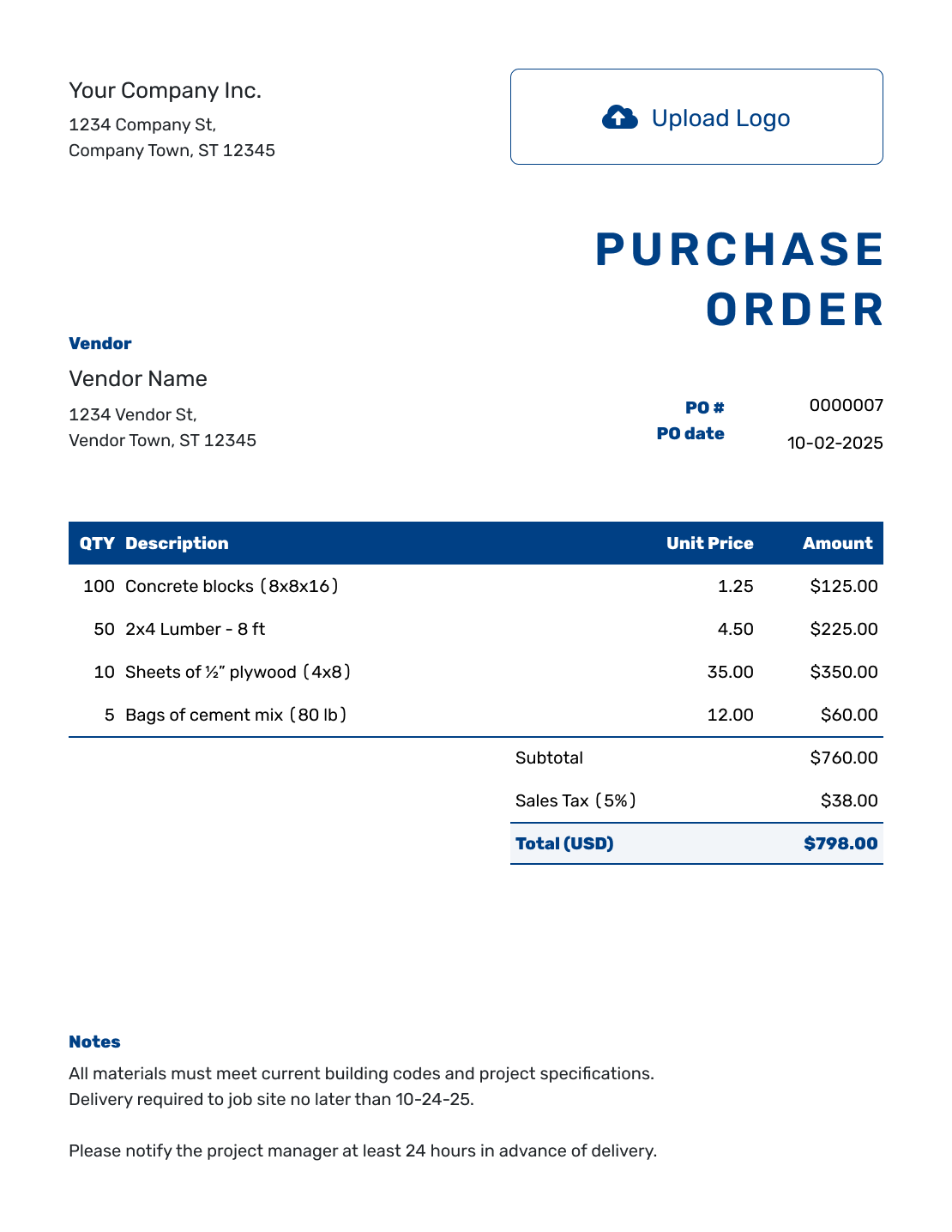
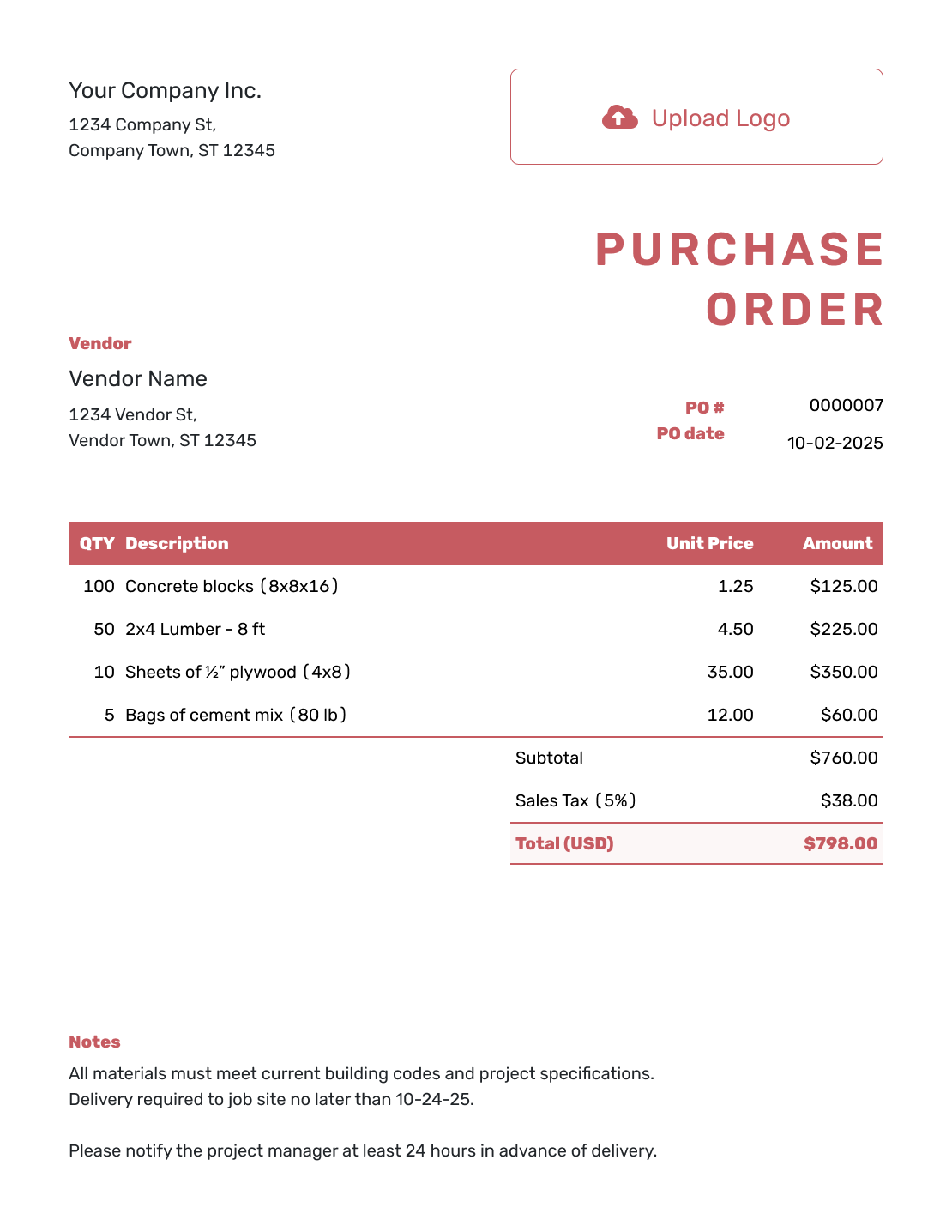
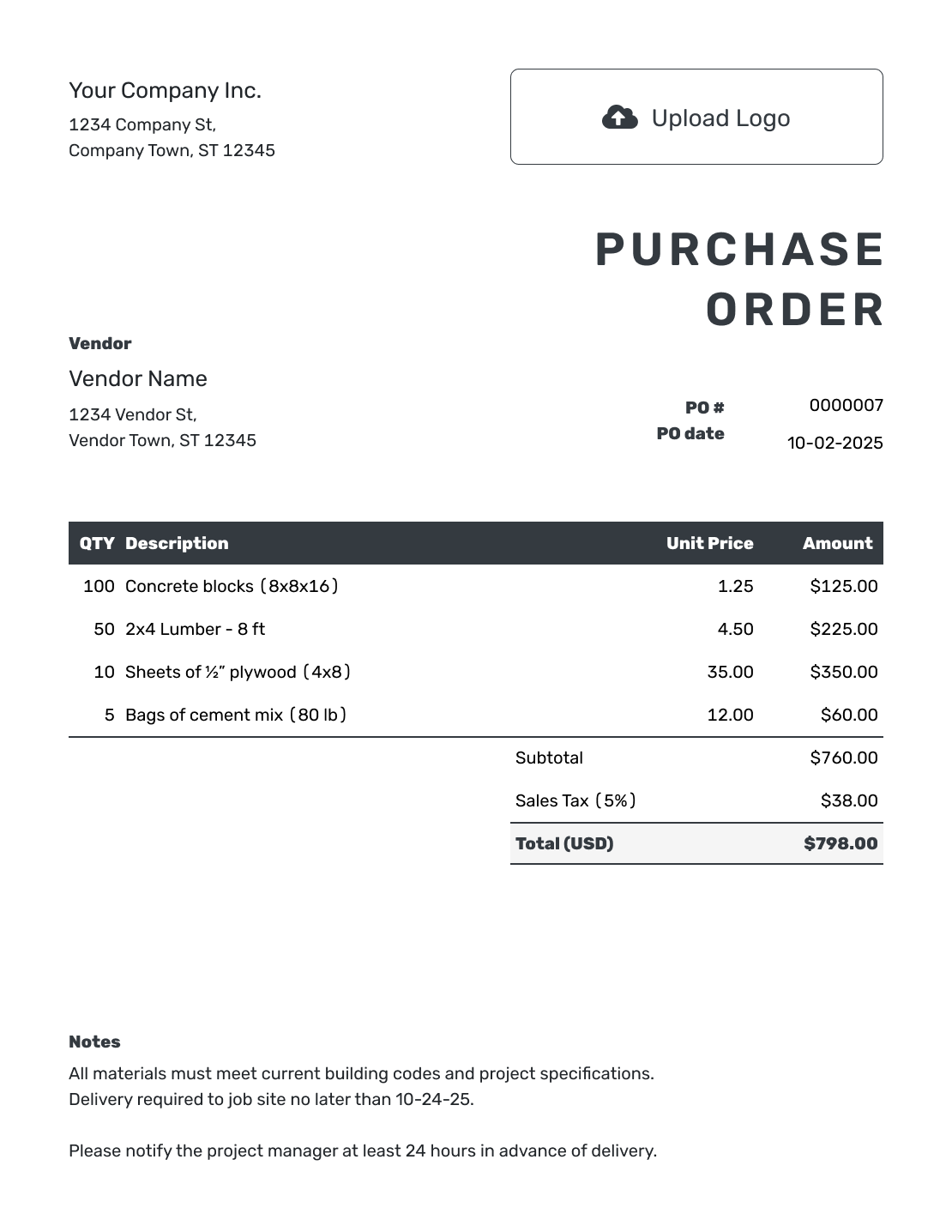
Create the Order Where You Work
An online purchase order is a document you complete in your browser to order products or services from a vendor. Docelf keeps the order with your other business documents, so you can return to it from a phone, tablet, or computer.
Keep the vendor quote or agreed prices nearby as you enter the order. You can reuse saved vendor and item details, then check that the quantities, prices, and delivery instructions fit this purchase.
How to Create an Online Purchase Order
Work from the top of the order to the bottom. Docelf updates the total while you work. Creating or saving the purchase order does not email it; you choose when to send it.
- Add Your Business: Enter your business name, address, and contact details.
- Add Your Logo: Add your business logo if you use one.
- Choose the Vendor: Select a saved vendor or enter new vendor details.
- Number and Date: Check the PO number and enter the order date.
- Describe the Purchase: List each product or service with quantities and unit prices. Give separately charged shipping its own item row.
- Check the Total: Check any tax or discount and the calculated total.
- Notes and Send: Add the ship-to address. Put the requested delivery date and order instructions in Notes. Check the details, then email, print, or download the order.
How to Fill In Online Purchase Order Line Items
Use the vendor's item names or part numbers and make the unit clear. Ordering 12 packs of cartons means something different from ordering 12 individual cartons. A separately charged delivery service belongs in the item table, so it contributes to the subtotal.
This fictional order restocks a small business's packing supplies. Prices are in US dollars, with an illustrative 8% tax on all three items. Use the agreed prices and the tax treatment that applies to your purchase.
| QTY | Description | Unit Price | Amount |
|---|---|---|---|
| 12 | Shipping cartons, 12 × 12 × 12 inches — packs of 20 | $24.00 | $288.00 |
| 6 | Packing tape, 2-inch width — packs of 6 rolls | $18.00 | $108.00 |
| 1 | Delivery to the ship-to address | $30.00 | $30.00 |
| Subtotal | $426.00 | |
| Sales Tax (8% illustrative) | $34.08 | |
| Order Total | $460.08 |
What to Include in Purchase Order Notes
Notes give the vendor the instructions that do not belong in a priced item. For the packing-supply order, identify the receiving point and ask the vendor to use the PO number on the invoice.
Use the sample below as a starting point and keep only instructions that apply to your order.
Example: Notes
- Deliver the packing supplies to the rear receiving door at the ship-to address.
- Please contact us before substituting a different carton size or tape width.
- Include PO [PO Number] on your invoice.
Ready to Place the Order Online?
Add the items you need and where they should go. Docelf calculates the total. Review the order, then send it to your vendor.
Use the Online Template for Products or Services
An online purchase order can cover physical goods, vendor services, or a mix of both. The important part is giving the vendor enough detail to act without another round of emails.
Ordering Products
Add item descriptions or SKUs, quantities, units, unit prices, shipping details, and the requested delivery date. Include sizes, colors, packaging, or part numbers when they prevent mistakes.
Ordering Services
Describe the work, rate or agreed price, dates, location, deliverables, expenses, and completion terms. Attach supporting details when the scope needs more room.
Online Purchase Order or Downloadable File?
Word and Excel are useful when you need a separate editable file. The online editor keeps your order and saved vendor details together; its PDF download gives you a finished copy for a project folder or another record.
- Create a Purchase Order Online
- Word Purchase Order Template
- Excel Purchase Order Template
- PDF Purchase Order Template
Need a tool for creating and organizing purchase orders over time rather than one order right now? Compare the features on the purchase order software page.
After You Send the Online Purchase Order
The document history shows when the emailed purchase order was delivered and opened. That tells you about the email, not whether the vendor has accepted the order or shipped the goods. Confirm availability and the requested delivery date with the vendor directly.
If you agree on changes, update the order and choose to resend it. When the goods arrive or the work is completed, compare them with the order. Use the PO number to match the vendor's invoice and check the quantities and prices before paying.
For a repeat purchase, duplicate the previous order to create a new draft with a new document number. Check the new order date, quantities, prices, and delivery details before sending it.
More Purchase Order Templates
Choose a different format, compare editable layouts, or return to the main purchase order guide.
Online Purchase Order Template FAQs
-
What is an online purchase order template?
An online purchase order template is a purchase order you complete in a browser instead of editing a separate file. It records what you want to buy from a vendor, the quantities and prices, and the delivery details.
-
How do I create a purchase order online?
Add your business and vendor details, then check the PO number and order date. List each product or service with its quantity and unit price. Add delivery instructions in Notes, check the total, and choose whether to email, print, or download the order.
-
Does saving the purchase order send it to my vendor?
No. Creating, editing, or saving the purchase order does not email it. You must choose to send it. Your vendor can view and download the received order without a Docelf account.
-
Can I see when my vendor opens the purchase order?
Yes. Check the document history for delivery and viewing information after emailing the purchase order from Docelf. An opening record does not confirm vendor acceptance or shipment.
-
Can I download or print an online purchase order?
Yes. You can download the completed order as a PDF or print it. Keep the copy with your project, delivery, or accounting records.
-
Can I create an online purchase order on my phone?
Yes. Docelf works on phones, tablets, and desktop computers, so you can create or review an order where you work.
-
Can I use an online purchase order for products and services?
Yes. Describe products with their size, part number, or pack quantity when useful. For services, describe the work, rate or agreed price, dates, location, and expected result. You can attach supporting details when the scope needs more room.
-
What is the difference between an online template and a downloadable purchase order template?
The online template keeps the order in Docelf, with automatic calculations, saved vendor details, and the option to email it. A downloadable Word or Excel template is a separate file you edit and store yourself. A PDF is a finished copy of the order.




