Free Editable Purchase Order Template
Start with a template that's easy to edit.
Add your items and edit the descriptions to match what you need. Send a clear order that’s easy for your vendor to fill correctly.
Email, print or download your purchase order as a PDF.
14-day free trial. No credit card required.
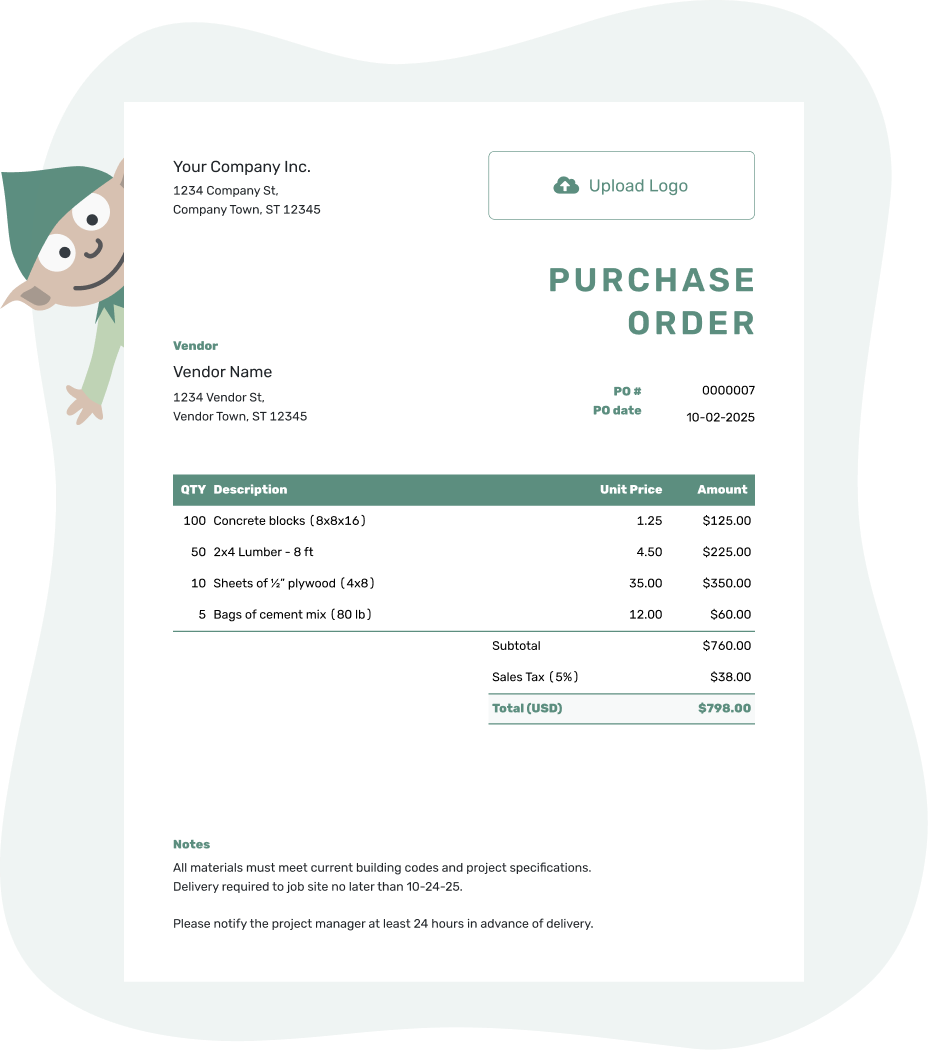
Create a professional purchase order. Send it. Get back to work.
Editable Purchase Order Examples
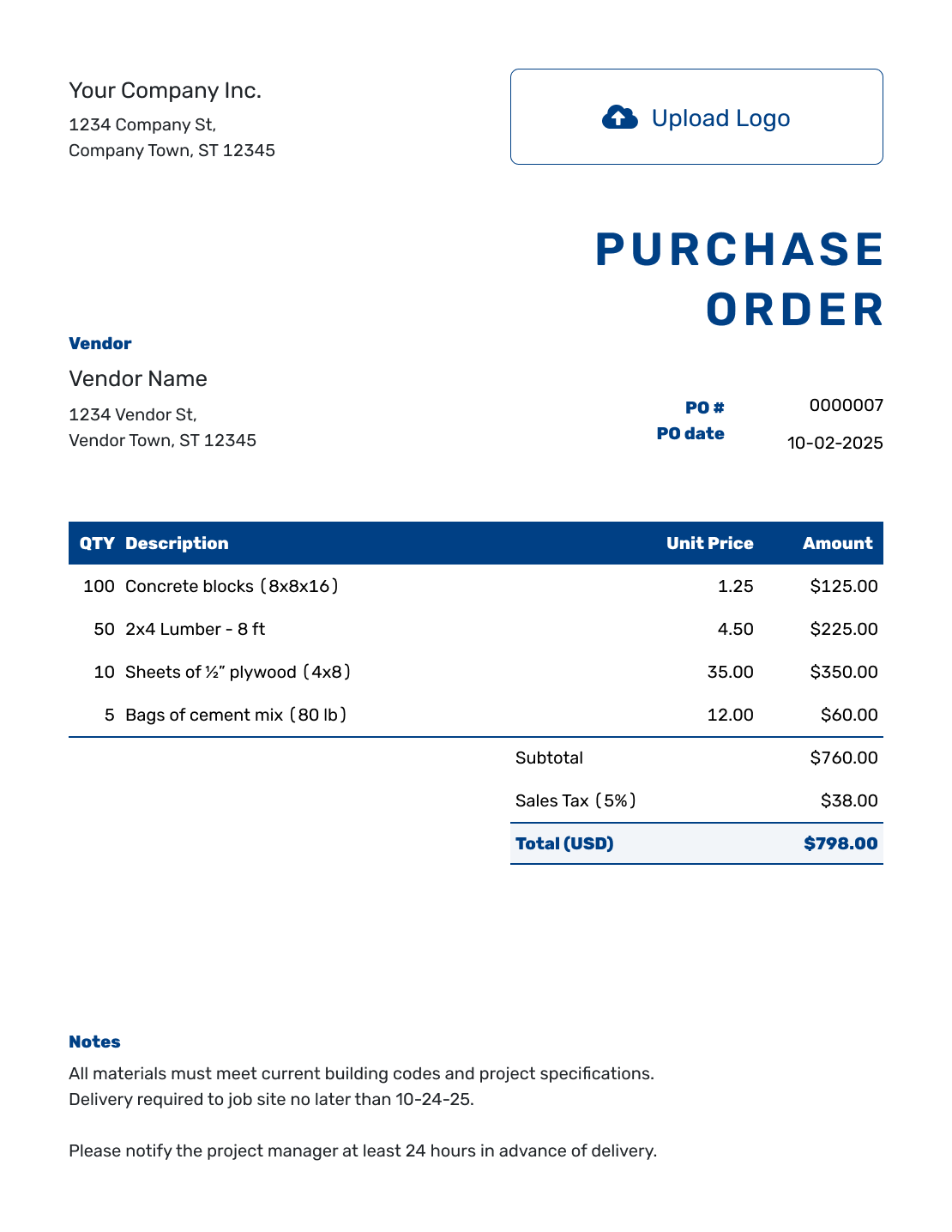
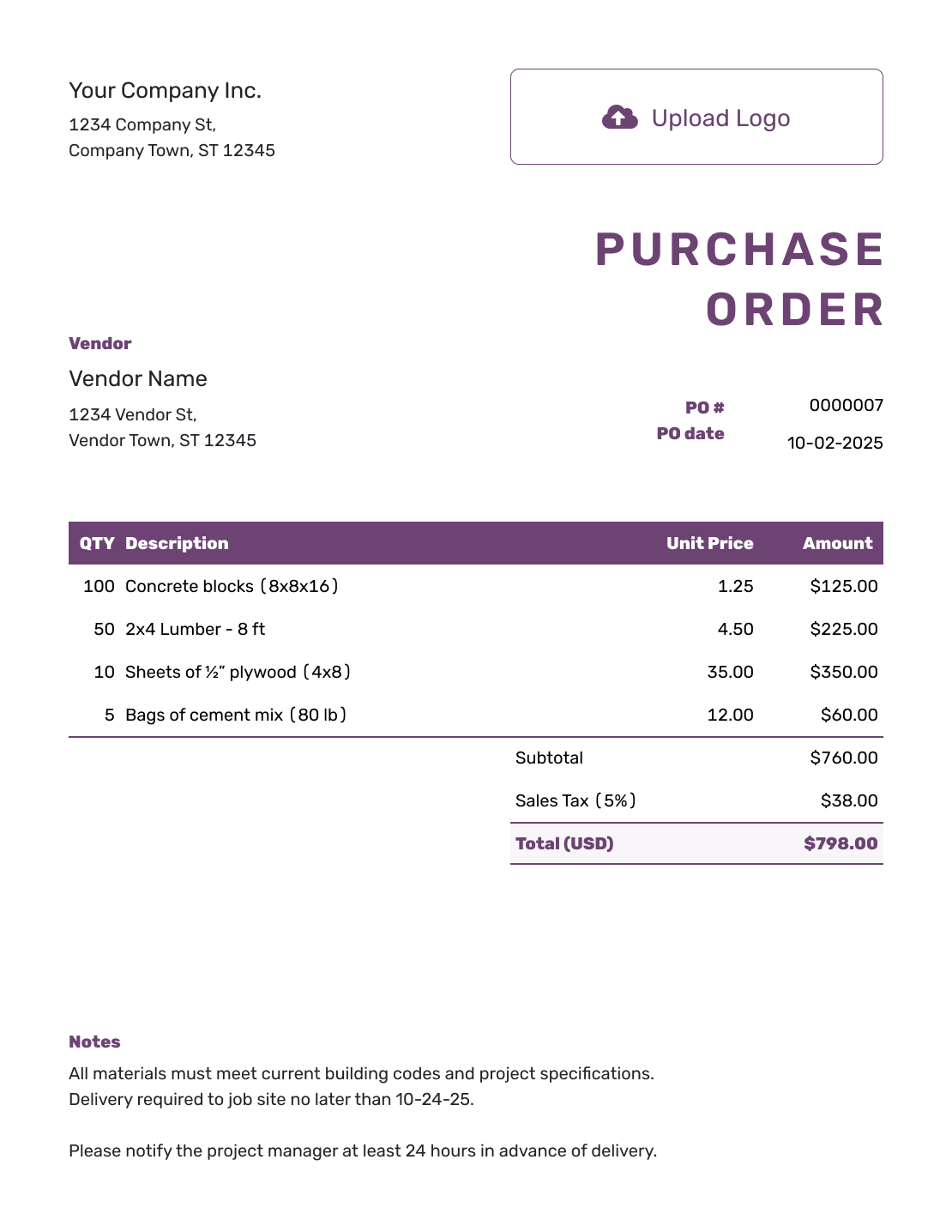
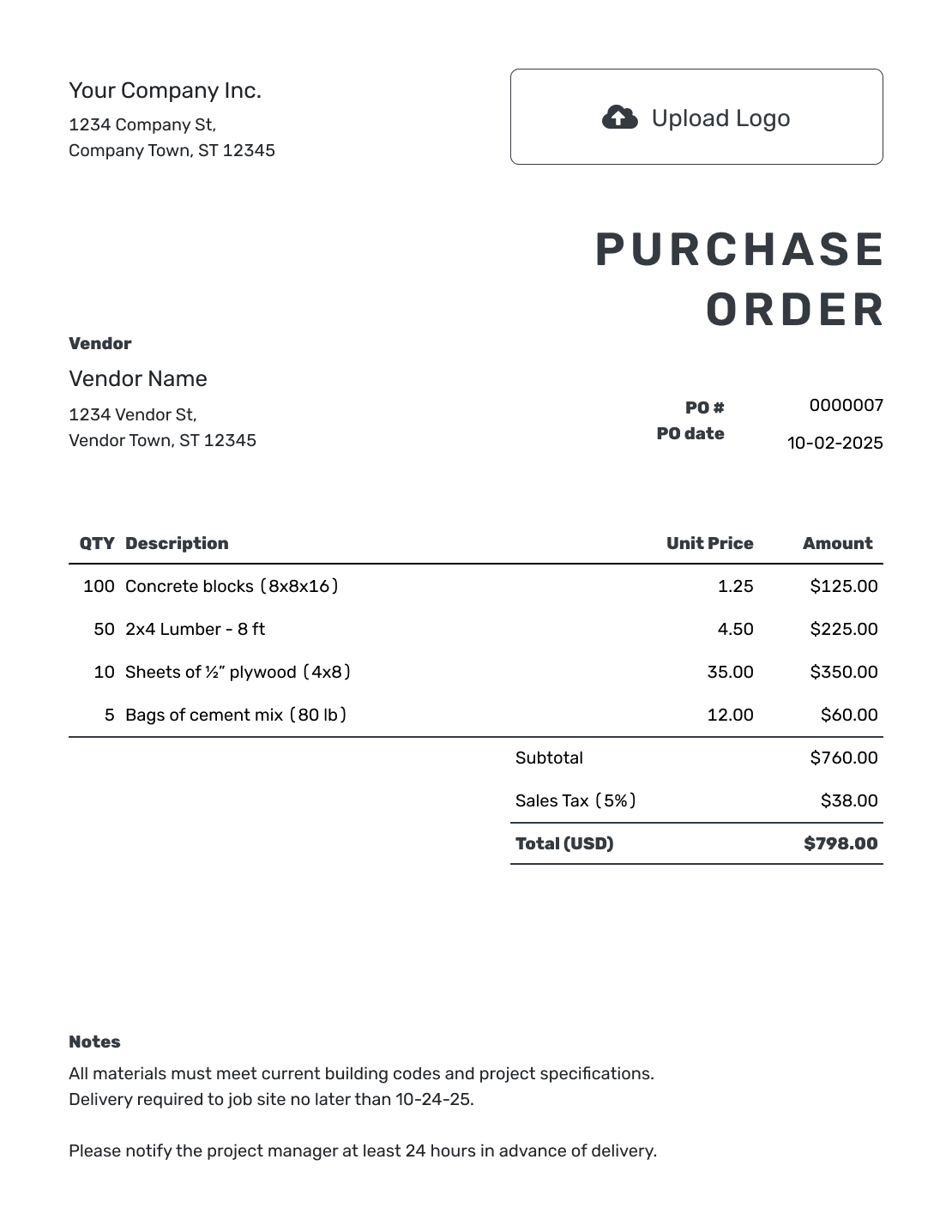
Each preview opens the same purchase order editor. Add your order details there and make any changes before sending the vendor a finished copy.
Change the Order Without Rebuilding It
An editable purchase order lets you prepare the purchase as the details become clear. Change the quantity, correct a description, or update the delivery address in the draft. Docelf recalculates the line amounts and total when you change quantities or prices.
Save vendor, product, and service details for later orders. When the draft is ready, preview it as one complete document so a new delivery instruction or item change does not get missed.
Creating, editing, or saving the purchase order does not email it to the vendor. You choose when to send the document.
How to Create an Editable Purchase Order
Edit the draft as you confirm the purchase. Review the vendor, item details, total, and delivery arrangements together before sending; changing one can affect the others.
- Add Your Business: Enter your business name, address, and contact details.
- Add Your Logo: Add your business logo if you use one.
- Choose the Vendor: Select a saved vendor or enter new vendor details.
- Number and Date: Add a unique PO number and the order date.
- Edit the Items: Change descriptions, quantities, or prices to match your order.
- Check the Total: Check the calculated total.
- Notes and Send: Update the delivery address. Put the requested date, delivery instructions, and agreed payment terms in Notes; attach supporting details if needed. Review, then email, print, or download the PDF.
How to Check Line Items After an Edit
Check the description as well as the number when an order changes. If you increase cartons, the quantity should count cartons rather than the individual products inside them.
This fictional packaging order is in US dollars. The mailers are priced per carton, the labels per roll, and delivery has its own item. The illustrative 8% tax applies to all three charges; use the tax treatment that applies to your purchase.
| QTY | Description | Unit Price | Amount |
|---|---|---|---|
| 8 | Padded mailers, 6 × 10 in — cartons of 100 | $34.00 | $272.00 |
| 6 | Shipping labels, 4 × 6 in — rolls of 500 | $12.00 | $72.00 |
| 1 | Delivery to the ship-to address | $24.00 | $24.00 |
| Subtotal | $368.00 | |
| Sales Tax (8% illustrative) | $29.44 | |
| Order Total | $397.44 |
What to Include in Editable Purchase Order Notes
Use Notes to keep the vendor-facing instructions with the current order. For a replacement order, name the earlier PO and say what changed so the vendor can distinguish a revision from an additional purchase.
This sample assumes the packaging order replaces PO-218 after its mailer quantity changed. Use replacement wording only when that is your intention, and confirm the change directly with the vendor.
Example: Notes
- This order replaces PO-218; it is not an additional order.
- Padded mailers increased to 8 cartons of 100. Other quantities are unchanged.
- Please use the PO number shown on this replacement order on your invoice.
Ready to Edit the Order?
Adjust the draft as the purchase takes shape. Docelf updates the totals, and you decide when the order is ready to send.
What Can You Edit on a Purchase Order?
Update the order information and supporting details before sending. Keep extra references in descriptions or Notes when they help the vendor identify the purchase.
Business and Vendor Details
Edit the business and vendor contact information. Add your logo and choose colors and fonts to match your other documents.
Products, Services, and Prices
Edit descriptions, quantities, unit prices, discounts, and taxes. Include a part number or unit in the description when useful. Docelf calculates the amounts and total; separately charged shipping belongs in an item row.
Delivery and Job Details
Change the ship-to address when the destination changes. Use Notes for the requested date, delivery contact, or job reference that the vendor needs.
Notes and Attachments
Update agreed payment terms and order instructions in Notes. Attach relevant specifications or other supporting files. Docelf accepts PDF, JPG, GIF, PNG, and WebP files up to 5 MB each.
Keep a Sent Order and Its Replacement Clear
If you need a separate revision after sending, keep the original and duplicate it. The duplicate becomes a new draft with a new PO number. Make the changes and name the original PO in Notes, as in the sample above.
Tell the vendor whether the new copy replaces the earlier order or adds to it. Confirm the change directly before relying on the revised instructions, then send the updated document. Seeing that an emailed PO was opened does not mean the vendor accepted the change.
Ask the vendor to quote the current PO number on the invoice. You can then compare the invoice with the right order and check its quantities and prices.
Edit Online or Keep a Separate File?
Use the online editor when you want to adjust a draft, reuse saved vendor and item details, and download a finished PDF. Make your changes in the order before downloading a fresh copy.
If you want a file to edit in your own document or spreadsheet software, the Word and Excel pages below offer those separate templates. The form guide helps with the completion sequence; the online guide covers browser-based creation and sending.
Editable Purchase Order or Another Format?
Choose the page that matches what you need to do with the order.
More Purchase Order Templates
Return to the main purchase order guide or choose a template for the kind of purchase or business you manage.
Editable Purchase Order Template FAQs
-
What is an editable purchase order template?
An editable purchase order template gives you a ready-made purchase order that you can change while preparing the order. You can update the vendor, line items, quantities, prices, delivery details, terms, and notes before you send it.
-
How do I create an editable purchase order?
Add the buyer and vendor, PO number and date, then the items and prices. Check the ship-to address and put delivery directions in Notes. Preview the complete order after your changes, then choose to email it or download a PDF.
-
What can I edit on the purchase order?
You can edit the business and vendor information, number and date, descriptions, quantities, prices, taxes, discounts, ship-to address, Notes, branding, and attachments. Put a separately charged delivery service in the item table. Docelf calculates the line amounts and total.
-
Can I revise a purchase order after I send it?
For a separate revised copy, duplicate the sent order. Docelf creates a new draft with a new PO number. Make your changes and name the earlier PO in Notes. Tell the vendor whether this replaces the earlier order or adds to it, confirm the change directly, then send the new copy.
-
Does Docelf recalculate the total when I edit prices or quantities?
Yes. Docelf recalculates line amounts and the total when you change quantities, unit prices, discounts, or taxes. A shipping charge entered as an ordinary item is included in the subtotal.
-
Can I print or download the editable purchase order?
Yes. Finish your changes, then print the order or download the PDF. To change the document later, edit the order in Docelf and download a fresh PDF. Word and Excel templates are available separately from the format links above.
-
Can I email the purchase order to a vendor?
Yes. Email the completed order from Docelf and check its delivery and opening information in the document history. The vendor can view and download it without a Docelf account. Editing or saving the order does not email it; you choose to send it.
-
What is the difference between an editable and fillable purchase order?
A fillable purchase order lets you enter information into defined fields. An editable purchase order emphasizes changing the content itself, such as adding line items, correcting prices, updating delivery instructions, and revising terms before sending.
Finish the Changes and Send the Order
Get the current order ready for the vendor to work from.
- Update the descriptions, quantities, and delivery details
- Review the recalculated total
- Send the finished order when you are ready