Free PDF Purchase Order Template
Create a PDF that's ready to send.
Add your items and delivery details to create a purchase order PDF. Send a clear, professional order that makes it easy for your vendor to fill it correctly.
Create the purchase order in Docelf, then email, print or download the PDF.
14-day free trial. No credit card required.
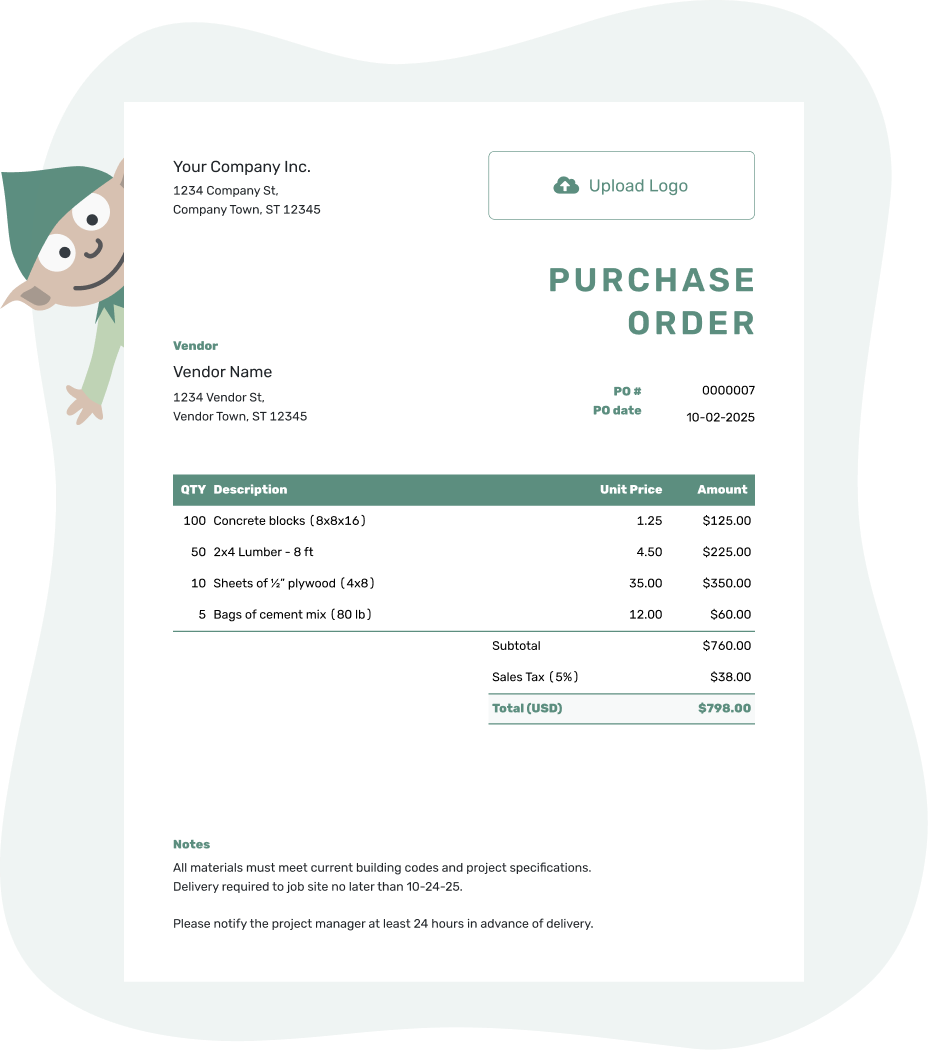
Create a professional purchase order. Send it. Get back to work.
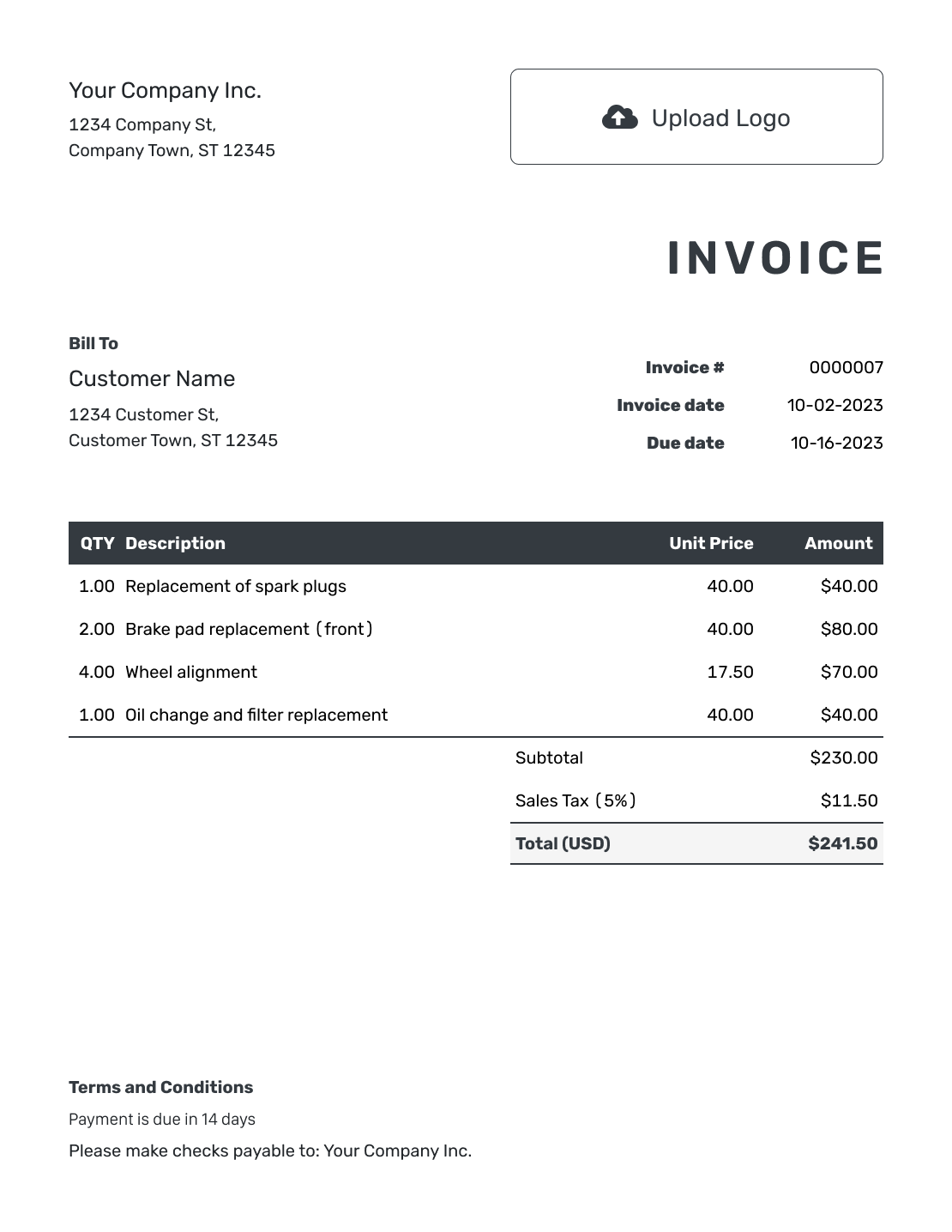
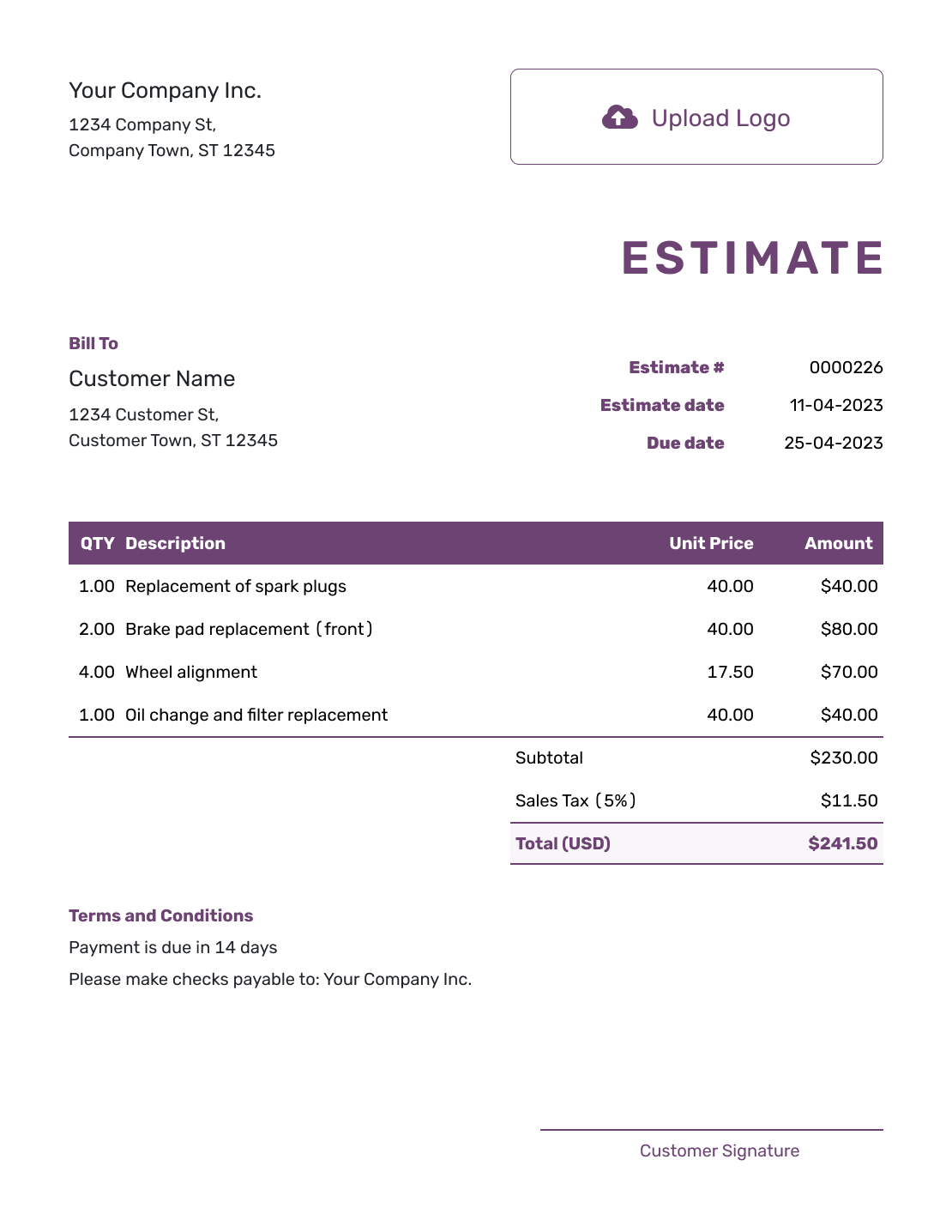
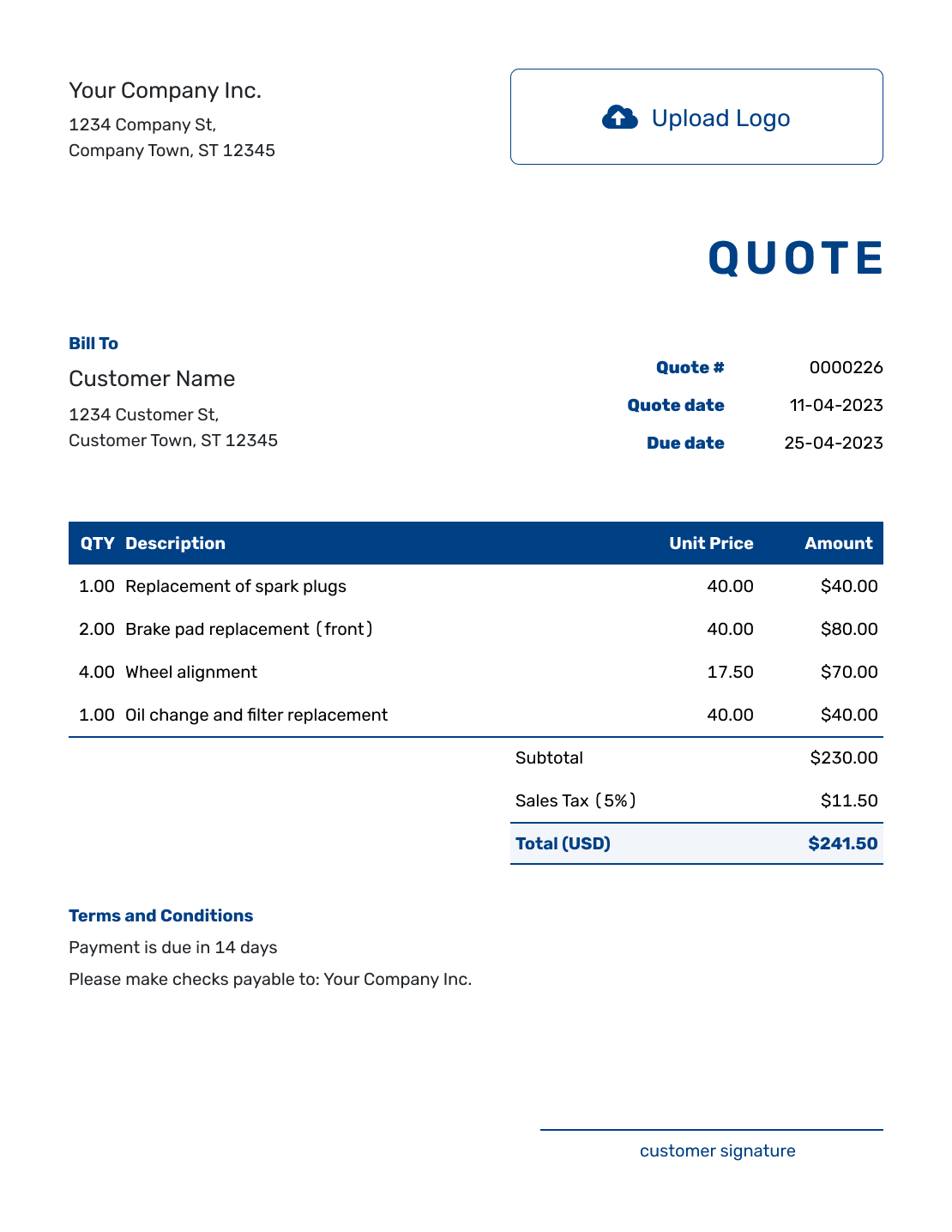
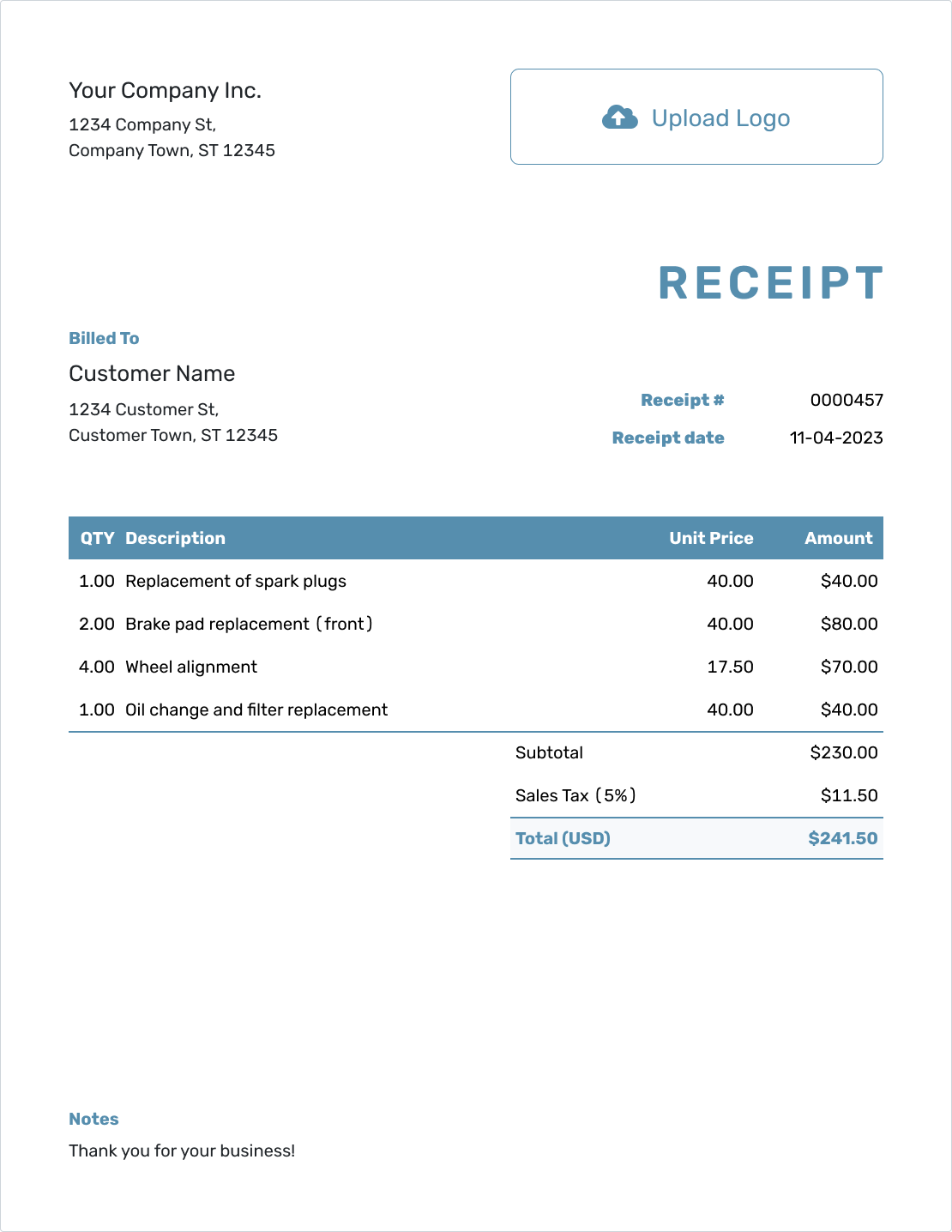
PDF Purchase Order Examples
Each preview opens the online purchase order editor. Fill in the order there, then download the completed PDF. These links do not download a blank fillable PDF.
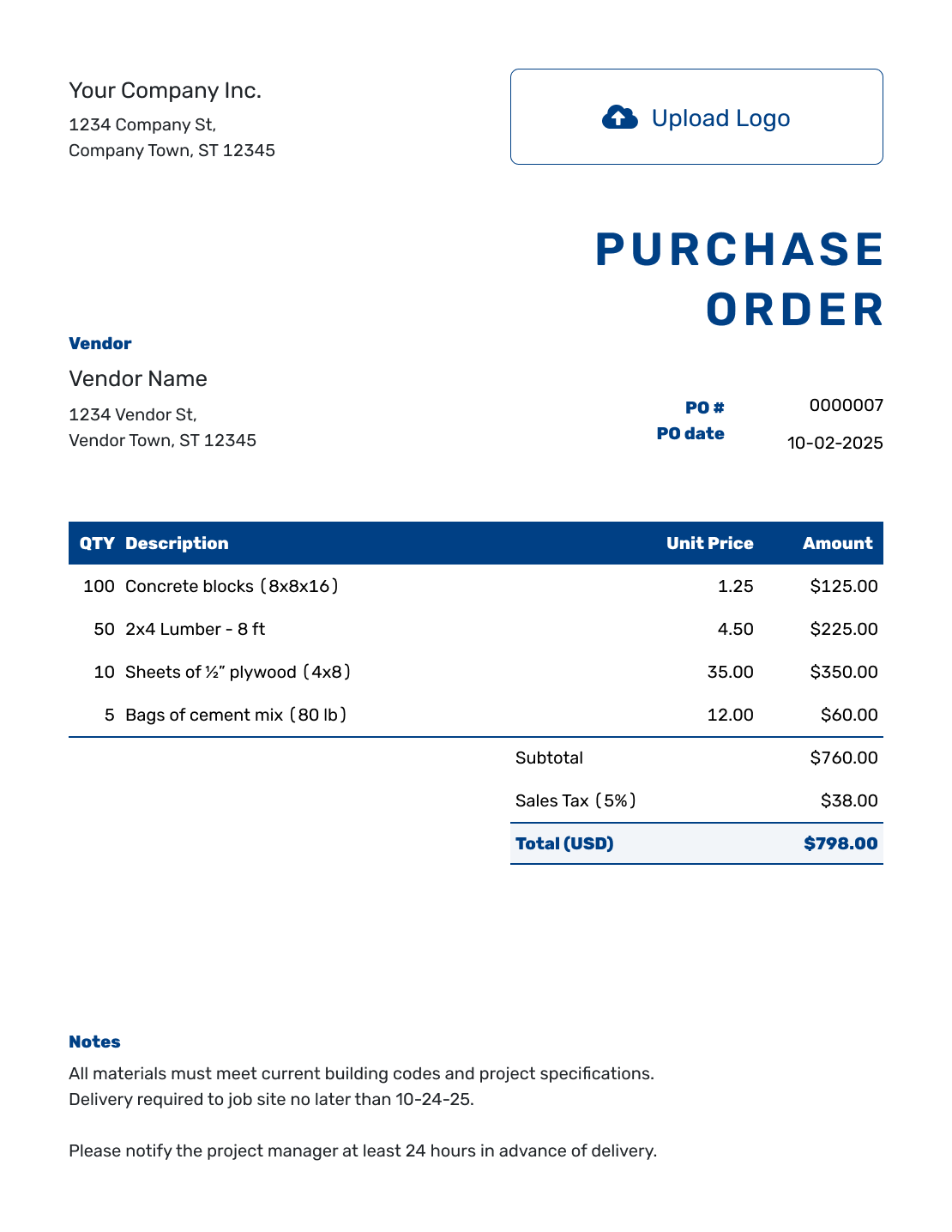
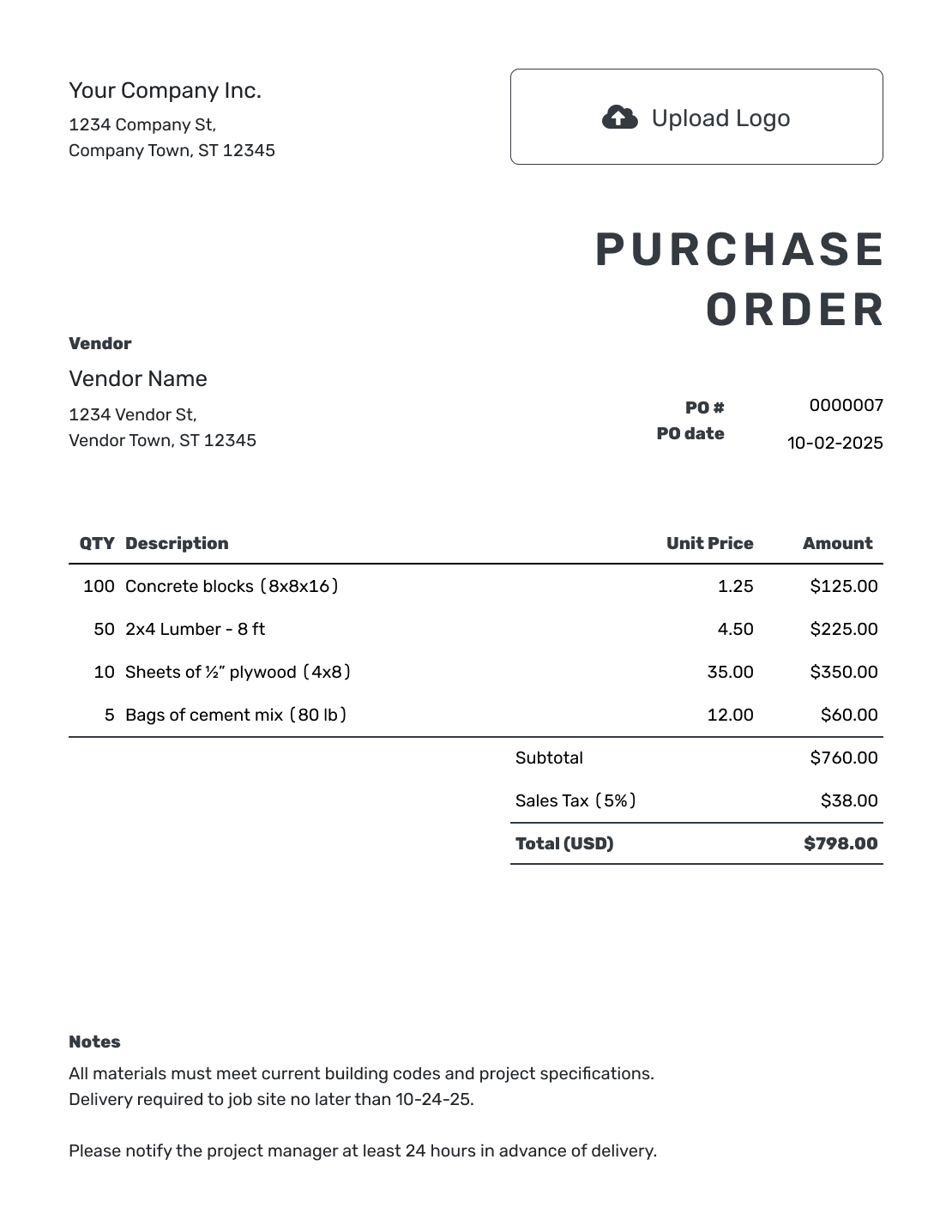
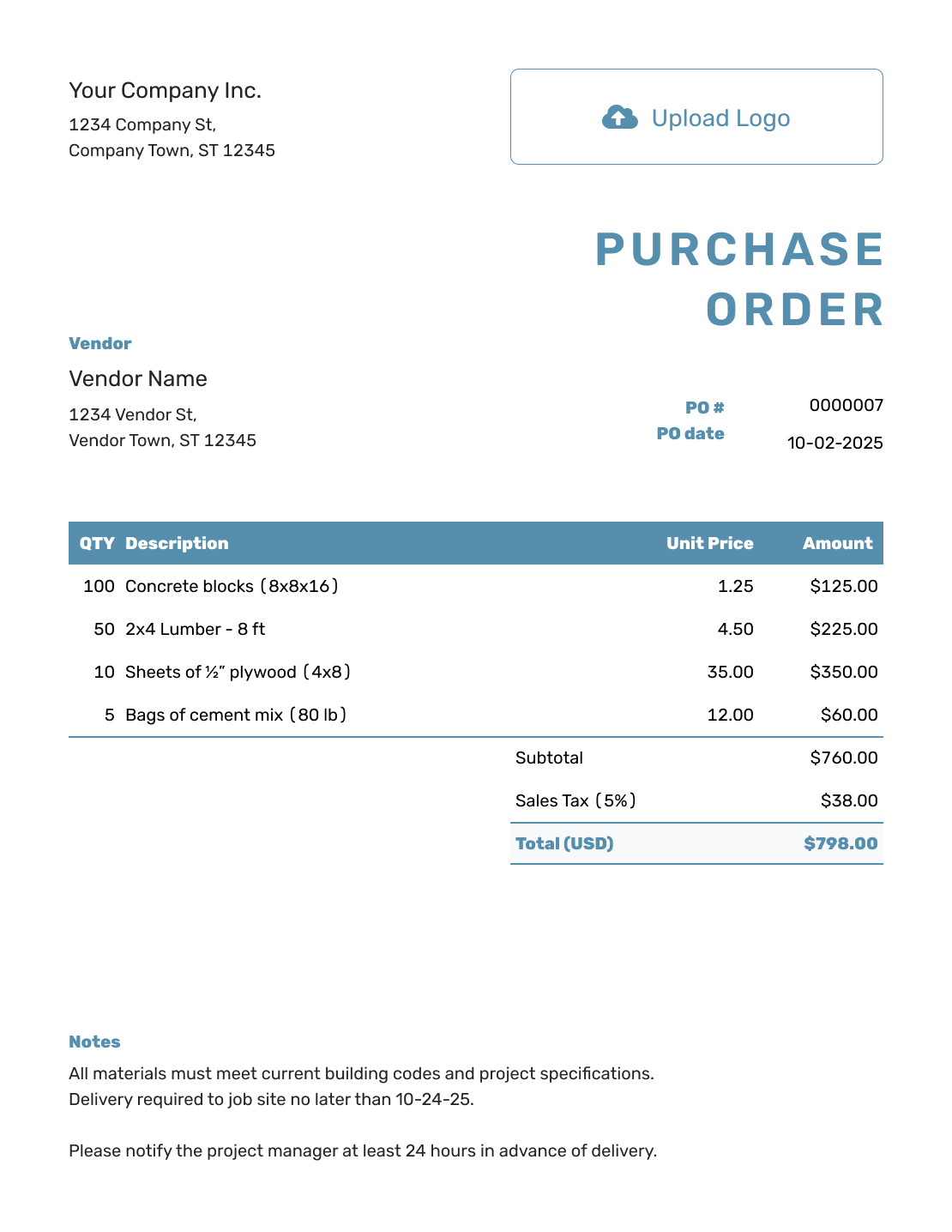
How to Create a PDF Purchase Order
Create the order in Docelf first. Once the details are correct, download the PDF as the finished copy for your vendor and your records.
- Add Your Business: Enter your business name, address, and contact details.
- Add Your Logo: Add your business logo if you use one.
- Choose the Vendor: Select a saved vendor or enter new vendor details.
- Number and Date: Check the PO number and enter the order date.
- List the Items: Add each product or service with its quantity and unit price. Give charged shipping its own item row.
- Check the Total: Check tax, any discount, and the final total.
- Notes and Download: Add the ship-to address. Put the requested delivery date and order instructions in Notes. Download the PDF, print it, or choose to email the order from Docelf.
Keep an Editable Order and a Finished PDF
The order in Docelf is where you make changes. The downloaded PDF is a separate copy to email, print, or keep with your purchase records. Editing the order later does not update a PDF you already downloaded.
Add your logo, colors, and fonts before exporting. If you need company or vendor signatures, add those fields to the purchase order and use your usual signing process for the finished copy.
Ready to Download the Order?
Complete the order in Docelf and let it calculate the total. Review the delivery details, then download the PDF for your vendor.
Why Send a Purchase Order as a PDF?
A PDF keeps the order in a fixed layout. It is useful when you need a vendor copy, a signature, or a record of exactly what you sent.
Easy to Email
Attach the PDF to an email or send the purchase order directly from Docelf. The vendor receives a clear copy of the items and delivery instructions.
Ready to Print
Print the purchase order for a job folder, approval packet, delivery desk, or vendor who still likes paper.
Simple to Sign
Print the PDF for a handwritten signature, or use your usual electronic-signature tool if your purchasing process calls for one.
Easier to File
Save the PDF with the quote, delivery record, and vendor invoice so the purchase is easier to check later.
PDF, Editable, Word, or Online?
Use PDF for the finished vendor copy. If you need a separate file to edit, choose Word or browse the editable options. You can also keep working on the order in the online editor and download a new PDF when it is ready.
Check the Purchase Order Before You Export It
Review the order details first, then open the downloaded PDF once before sending it. This catches an old address or a cut-off line while you can still correct the source.
- Confirm the vendor's name and email address, your business details, and the PO number and date.
- Check item descriptions, pack sizes or units, quantities, prices, applicable tax, and the order total.
- Put any separately charged shipping in the item table. Check the ship-to address and requested delivery date.
- Use Notes for delivery instructions, agreed payment terms, and a project reference when relevant.
- Check every PDF page: long descriptions, totals, Notes, and any signature fields should be readable.
Keep supporting files with the order when they help explain the purchase. In Docelf, you can attach PDF, JPG, GIF, PNG, or WebP files up to 5 MB each; recipients can download them with the document.
Send a Corrected Copy When the Order Changes
If you change a quantity, price, or delivery instruction after exporting, edit the purchase order in Docelf and download a fresh PDF. Keep the copy you sent, and tell the vendor what changed when you send the replacement.
A filename such as PO-1042-Vendor-Revised.pdf makes a corrected copy easier to recognize. Ask the vendor to use the current version so an earlier attachment does not become the order they fill.
More Purchase Order Templates
Choose a format you can edit, browse other finished layouts, or return to the main purchase order guide.
PDF Purchase Order Template FAQs
-
What is a PDF purchase order template?
It is a way to create a purchase order and save the finished document as a PDF. The PDF gives your vendor the items, quantities, prices, and delivery instructions in a fixed layout.
-
How do I create a purchase order PDF?
Complete the purchase order in Docelf, including the vendor, items, prices, and delivery details. Put additional order instructions in Notes. Review the total, then download the PDF and check each page before sending it.
-
Is this a fillable PDF purchase order?
You fill out and customize the purchase order in Docelf, then download the finished PDF. To make a change, edit the purchase order in Docelf and download a new copy instead of editing the PDF itself.
-
Can I print the PDF purchase order?
Yes. Download the completed order and print it for a signature, job folder, delivery desk, or vendor record. Check the print preview so all item rows, totals, and Notes are included.
-
Can I email a PDF purchase order to a vendor?
Yes. Attach the downloaded PDF to your email, or email the purchase order directly from Docelf. When you send from Docelf, the document history shows delivery and viewing information. Your vendor can view and download the received document without a Docelf account.
-
Can I sign a PDF purchase order?
You can add company and vendor signature fields before downloading. Print and sign the PDF or use your usual electronic-signature tool when your purchasing process requires a signature.
-
Can I customize the purchase order before downloading the PDF?
Yes. Add your logo and choose colors and fonts. You can also change the vendor, item details, ship-to address, and Notes before downloading the finished copy.
-
Does an old PDF update when I edit the order?
No. A downloaded PDF is a separate copy. After editing the order in Docelf, download a new PDF and send the corrected version to anyone who needs it.
Create the Vendor Copy as a PDF
Keep the purchase details together and finish with a PDF you can send or file.
- Enter the vendor and delivery details
- Review the items and calculated total
- Download and check the finished PDF