Free Professional Purchase Order Template
Send a purchase order that's easy to read.
Add your items and quantities to a purchase order with a ready-made layout. Send a clear, professional order that makes it easy for your vendor to fill it correctly.
Email, print or download your purchase order as a PDF.
14-day free trial. No credit card required.
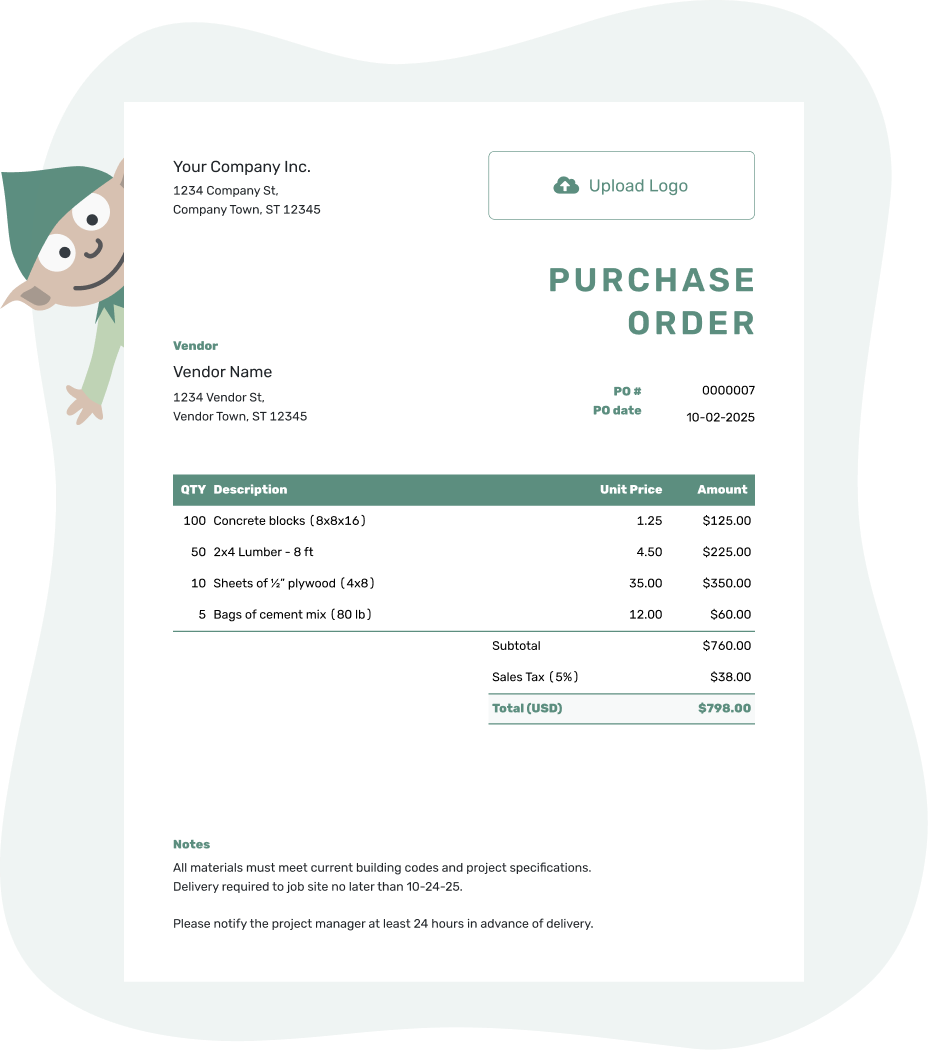
Create a professional purchase order. Send it. Get back to work.
Professional Purchase Order Examples
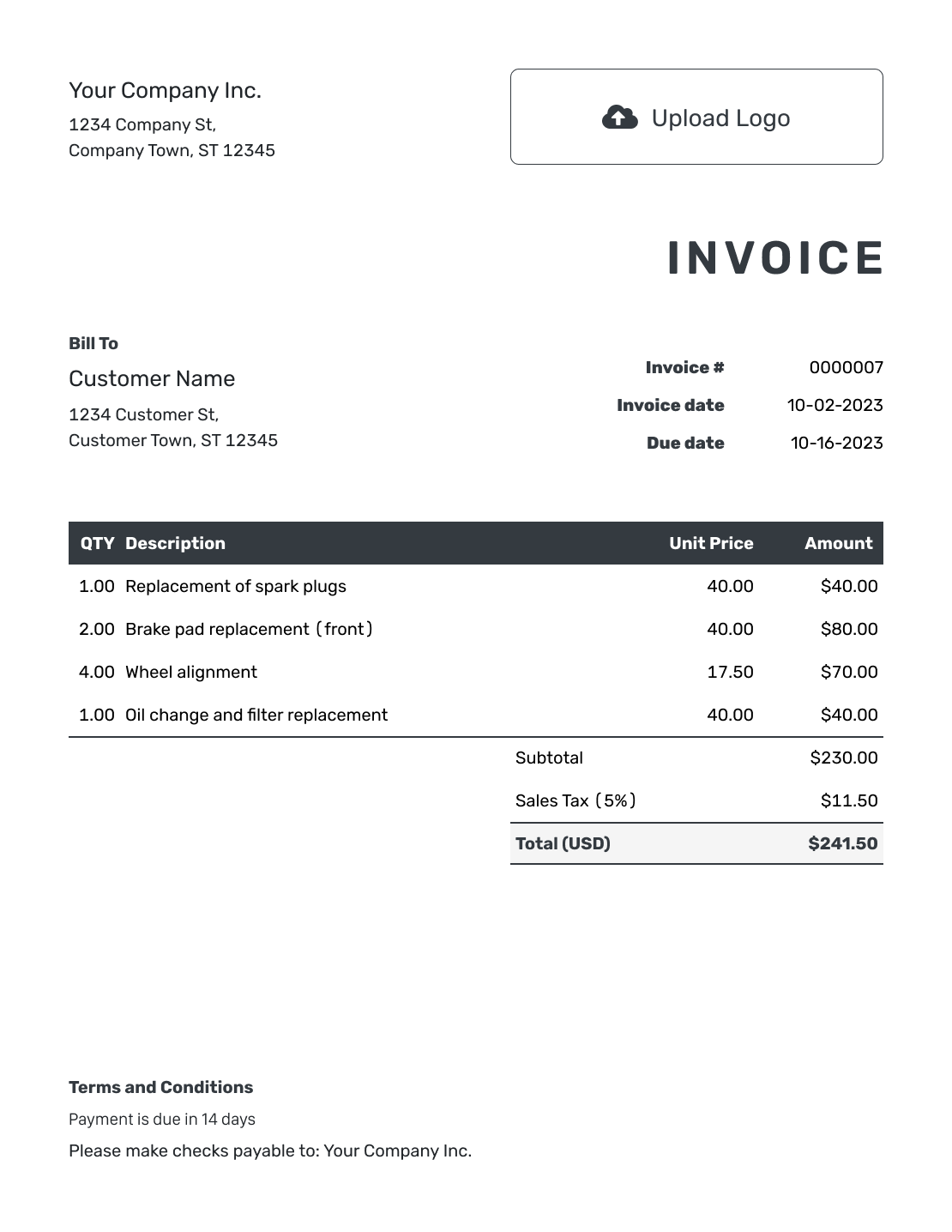
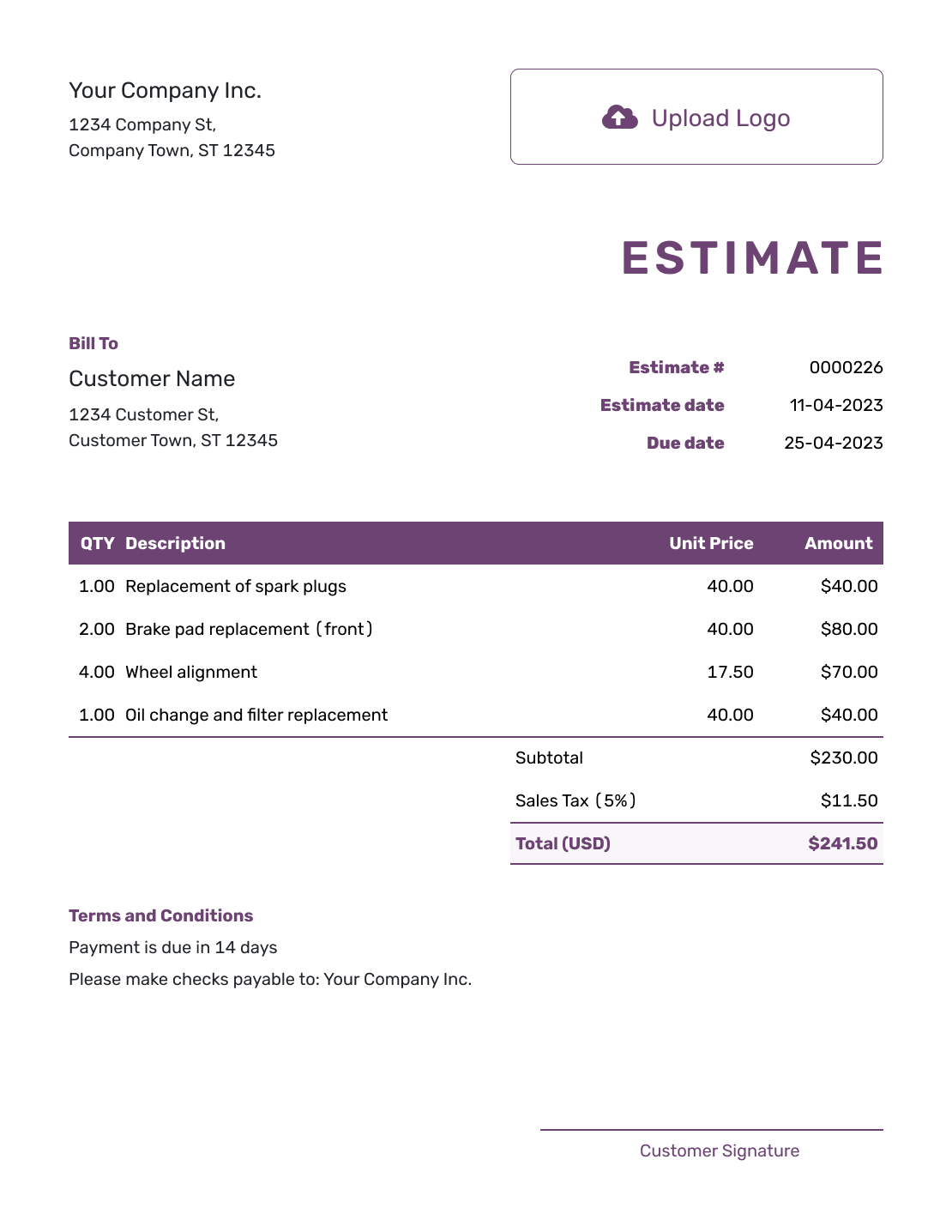
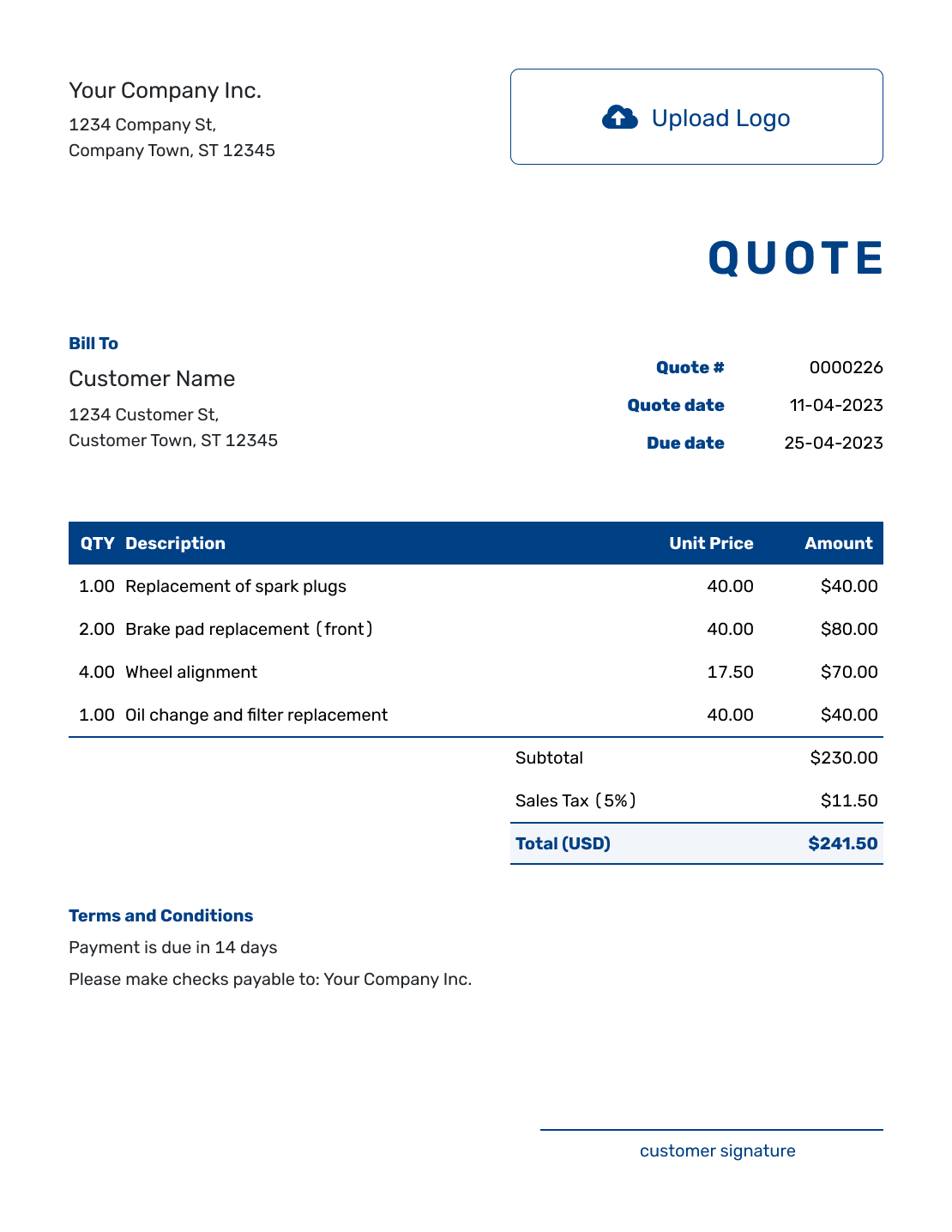
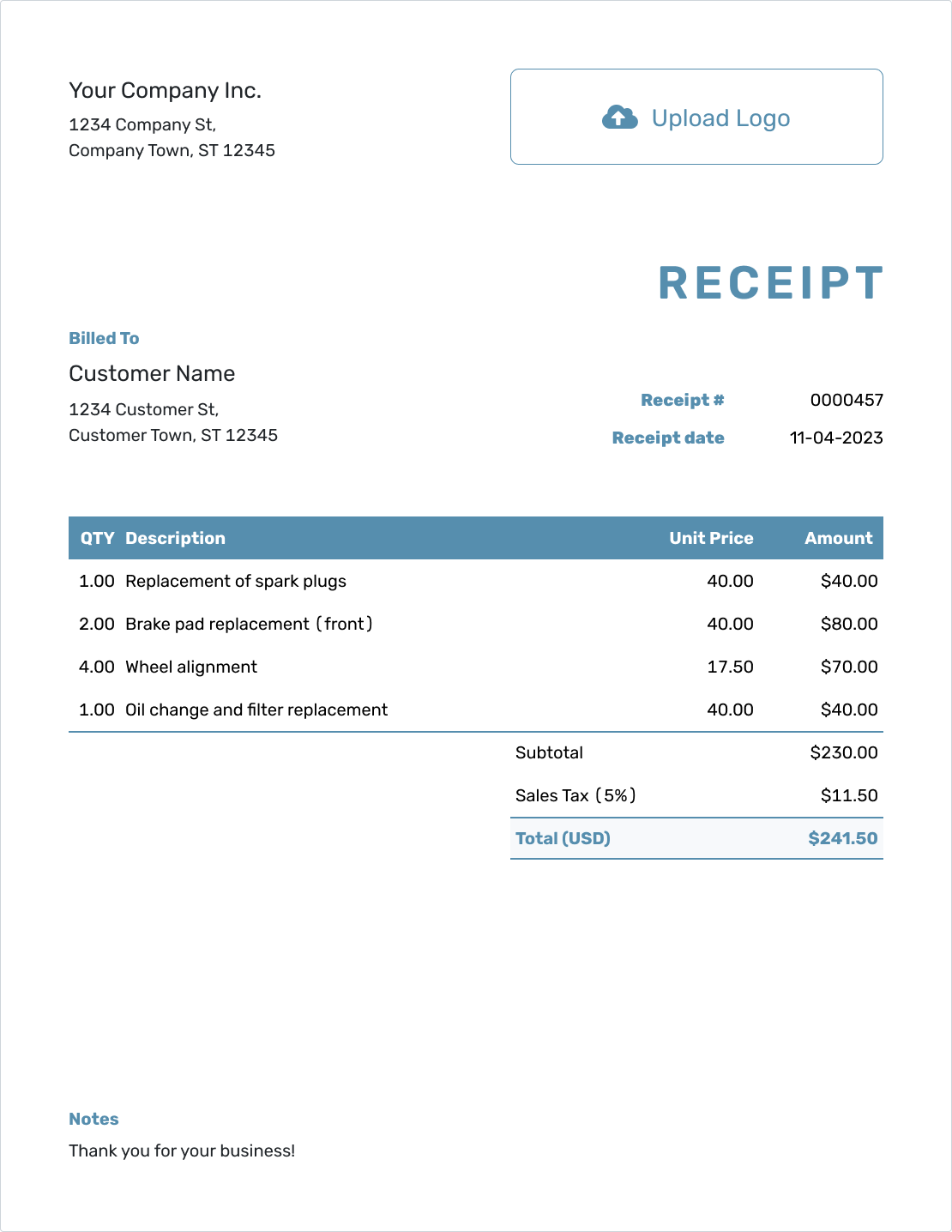
These previews show ways to present a complete order. Each opens the same purchase order editor, where you can add your branding and the details for this vendor.
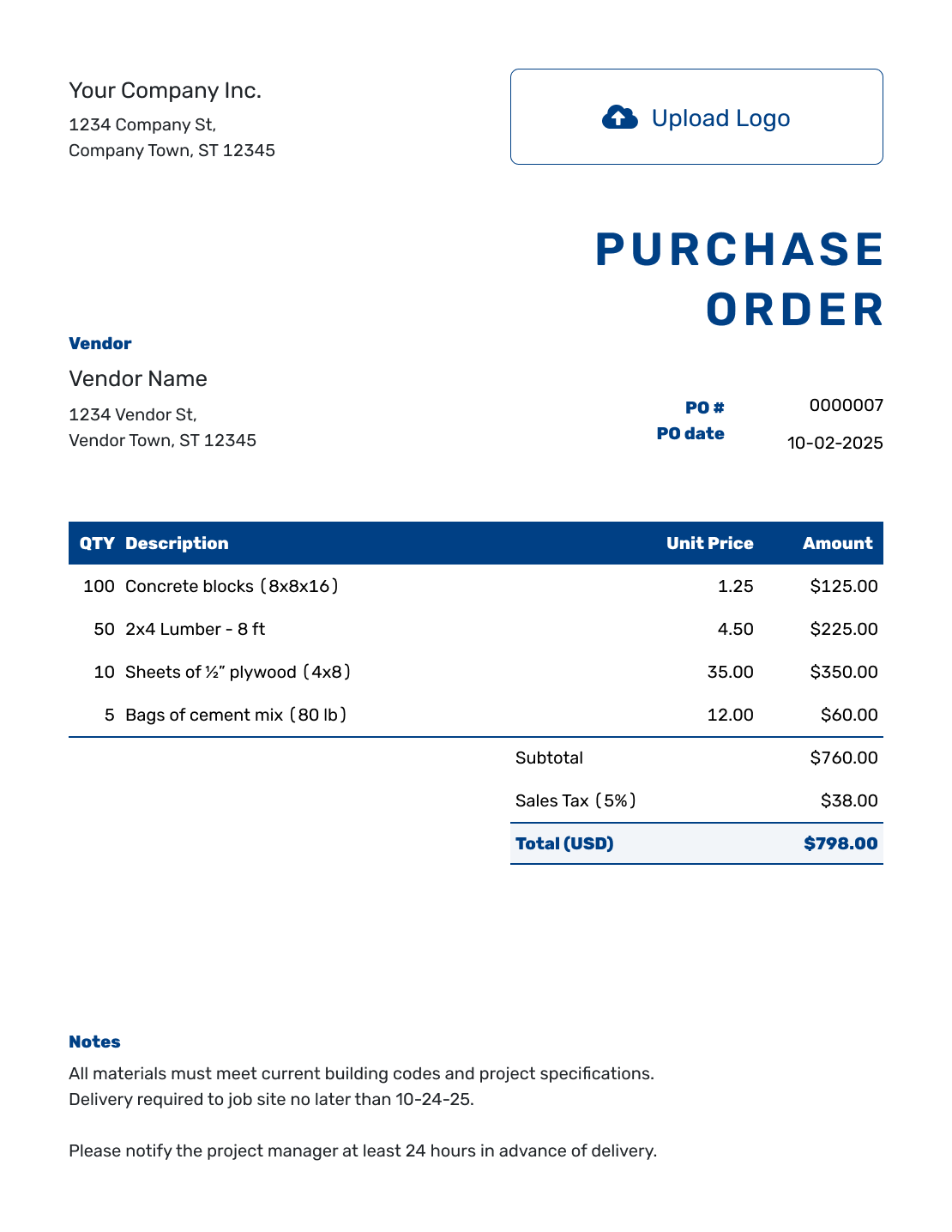
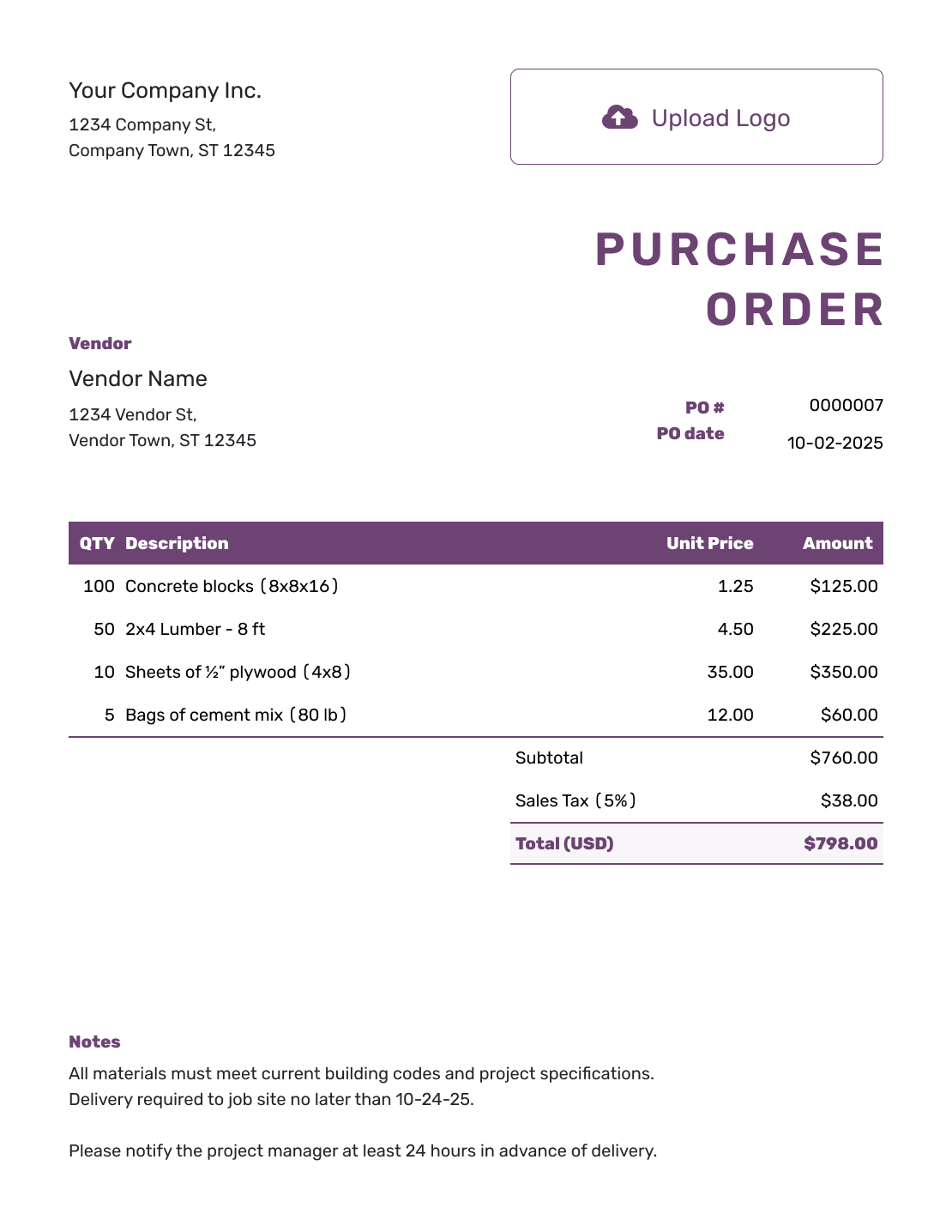
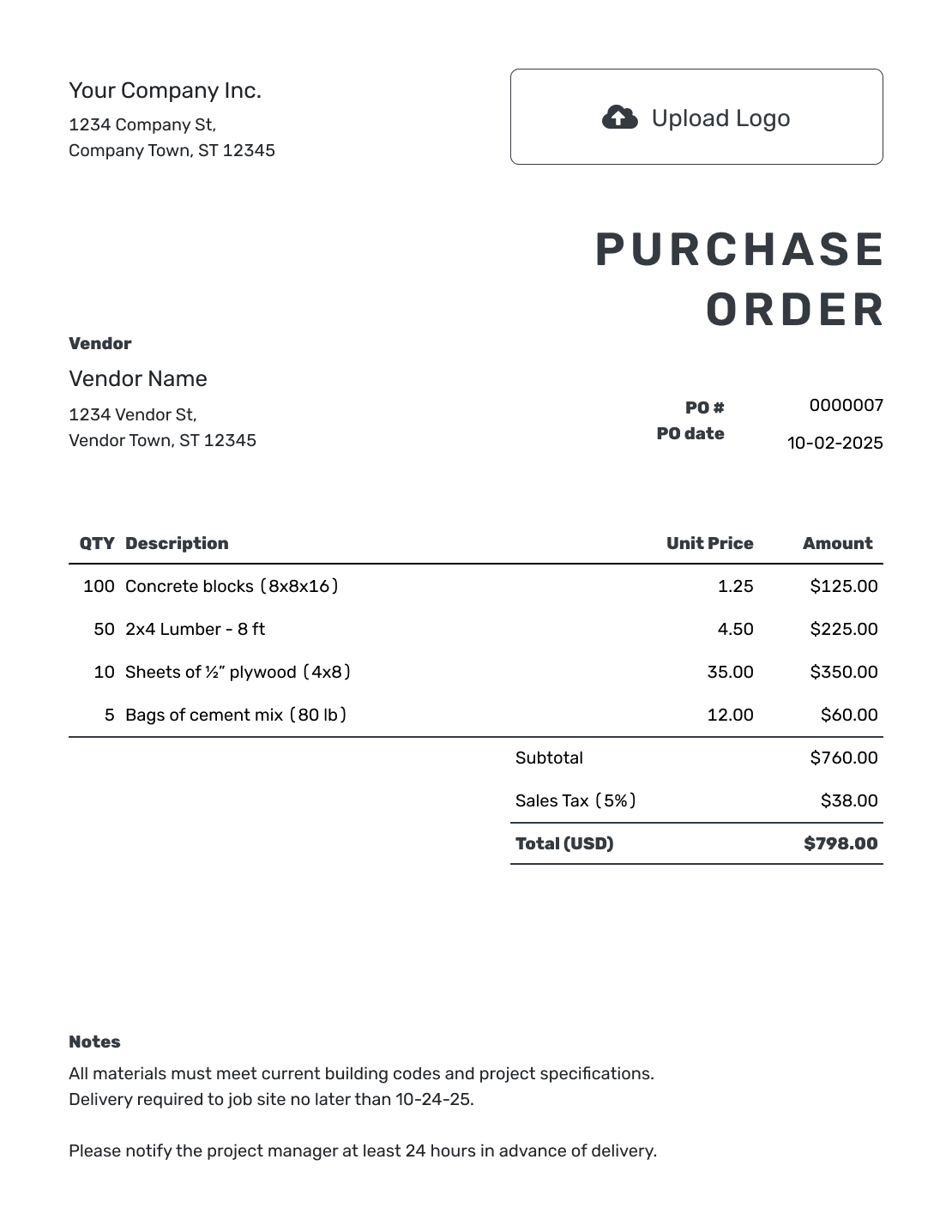
Make the Order Easy to Recognize and Fill
A professional purchase order gives the vendor a clear record of what your business is buying. Your logo and colors help identify the buyer; specific item descriptions and delivery instructions help the vendor fill the order correctly.
Keep the layout tidy, but do not shrink important details to make everything fit. A second page is better than a first page nobody can read. Use the same business name and contact details that appear on your other documents.
How to Create a Professional Purchase Order
Start with the vendor’s agreed prices and specifications. A professional order makes those details easy to check, whether it is viewed on a phone or printed for the warehouse.
- Your Business: Enter your business name and contact details.
- Add Your Logo: Add your logo if you use one, and choose readable fonts and colors.
- Add the Vendor: Enter the vendor's company, address, and contact details.
- Number and Date: Add a unique PO number and the order date.
- List the Purchase: Describe each product, service, or rental with quantities and unit prices. List charged delivery as its own item.
- Check the Total: Add any tax or discount, then check the total.
- Notes and Send: Add the delivery address. Use Notes for the requested date and agreed payment and delivery instructions. Review the order, then email it or download a PDF.
How to Write Clear Purchase Order Line Items
Name the product and the specification the vendor needs to pick it. Include a part number, size, finish, or pack size where useful. For a service, describe the work and say whether the price covers an hour, a visit, or the whole job.
This fictional office order uses US dollars. The chairs and desks have specific finishes, and delivery with assembly is a separately priced service. The illustrative 8% tax applies to all three items; use the tax treatment that applies to your order.
| QTY | Description | Unit Price | Amount |
|---|---|---|---|
| 4 | Task chair TC-40 — black fabric, each | $180.00 | $720.00 |
| 2 | Desk D-120 — 48-inch top, oak finish, each | $275.00 | $550.00 |
| 1 | Office delivery and assembly — complete order | $130.00 | $130.00 |
| Subtotal | $1,400.00 | |
| Sales Tax (8% illustrative) | $112.00 | |
| Order Total | $1,512.00 |
What to Include in Professional Purchase Order Notes
Use the Notes field for instructions that apply to the whole order. The delivery entrance, receiving hours, order contact, and agreed payment terms belong here rather than in every item description.
Adapt this sample to your actual arrangement. Put the delivery address in the separate ship-to address and keep any charged delivery service in the item table.
Example: Notes
- PO-1042: office furniture order. Please include this PO number on your invoice.
- Deliver to the ship-to address through the rear loading entrance, Monday–Friday, 9 a.m.–3 p.m.
- Contact our office before dispatch to agree a delivery time. Delivery and assembly are included as a separate item above.
Ready to Put Your Name on the Order?
Give your vendor an order that is easy to recognize and check. Docelf calculates the line amounts and total as you enter the purchase details.
What Makes a Purchase Order Look Professional?
A polished purchase order uses a consistent structure and makes the important details obvious. Your vendor should not need to decode your layout before processing the order.
Clear Business Identity
Place your business name, logo, address, and contact details where the vendor can recognize the buyer immediately.
Specific Order Details
Use clear descriptions, quantities, units, prices, dates, and delivery instructions. Add part numbers, job numbers, or scope details when they prevent confusion.
Easy-to-Check Totals
Check the subtotal, applicable tax or discount, and order total. Any charged shipping belongs in the item table and contributes to the subtotal.
Useful Order Instructions
Use Notes for agreed payment terms and delivery instructions. Include an order contact so the vendor knows whom to ask about a change.
Before sending, check the logo, PO number, vendor details, ship-to address, and requested delivery date. Keep any internal approval process separate from the document you send.
When Consistent Presentation Helps
A first order with a new vendor benefits from a clear business identity and order contact. Detailed purchases also need a job or project reference, especially when several people will check the order, receive it, and review the invoice.
Use a unique PO number on every order and ask the vendor to put it on the invoice. That shared reference helps your team match the paperwork later.
Professional, Simple, Blank, or Editable?
Professional, simple, blank, and editable describe different ways to approach the order. These guides use the same Docelf editor; choose the advice that fits the purchase.
Check the Order After You Send It
Email the PO from Docelf and use its document history to see email delivery and opening information. The vendor can view and download it without an account. An opening shows that the document was viewed; confirm quantities, timing, and any agreed changes with the vendor directly.
When the goods arrive or the work is finished, compare them with the PO. Use the PO number to match the vendor’s invoice and check the quantities and prices before payment. This is a check you make; Docelf does not automatically link a purchase order to an invoice.
For the next order, reuse saved vendor, product, and service details. Duplicating a purchase order creates a new draft with a new document number. Check the new quantities, prices, dates, and instructions before sending it.
More Purchase Order Templates
Choose another format, return to the main purchase order guide, or start with a template for the type of purchase you are making.
Professional Purchase Order Template FAQs
-
What is a professional purchase order template?
It is a clear, consistent layout for an order you send to a vendor. Your business identity, item specifications, total, and delivery instructions help the vendor recognize the buyer and fill the order.
-
What makes a purchase order look professional?
Use a readable logo, consistent fonts and colors, and specific item descriptions. Keep the PO number, total, and delivery instructions easy to find. Clear information matters more than decoration.
-
Can I add my logo and brand colors?
Yes. Add your business logo and choose colors and fonts that match your other documents. Check the finished preview to make sure the text and order details are easy to read.
-
What should a professional purchase order include?
Include your business and vendor details, PO number, order date, items, quantities, unit prices, and total. Add the ship-to address and requested delivery date. Use Notes for instructions and agreed payment terms; any charged shipping goes in the item table.
-
Can I use a professional purchase order for products and services?
Yes. Identify products by their size, finish, part number, or other useful specification. For a service, describe the work, location, dates, and whether the price covers an hour, a visit, or the whole job.
-
Can I email, print, or download the purchase order?
Yes. You can email it from Docelf, print it, or download a PDF. Creating or saving the PO does not email it; you choose when to send the document.
-
Can I reuse the template for the next order?
Yes. Reuse saved vendor, product, and service details, or duplicate an earlier PO as a new numbered draft. Review the items, prices, delivery details, and Notes for the new purchase.
-
What is the difference between a professional and simple purchase order?
Both need accurate order details. The professional guide emphasizes consistent branding and presentation; the simple guide focuses on straightforward purchases. Both open the same Docelf editor.
Send an Order Your Vendor Can Work From
Put the finished purchase details into a clear document your vendor can use.
- Add recognizable business details and branding
- List the exact items, quantities, and delivery instructions
- Review the total, then email the order or download a PDF