Free Blank Purchase Order Template
Add your order details to a blank template.
Start with a blank purchase order and add the items you need. Send a clear order that’s easy for your vendor to fill correctly.
Email, print or download your purchase order as a PDF.
14-day free trial. No credit card required.
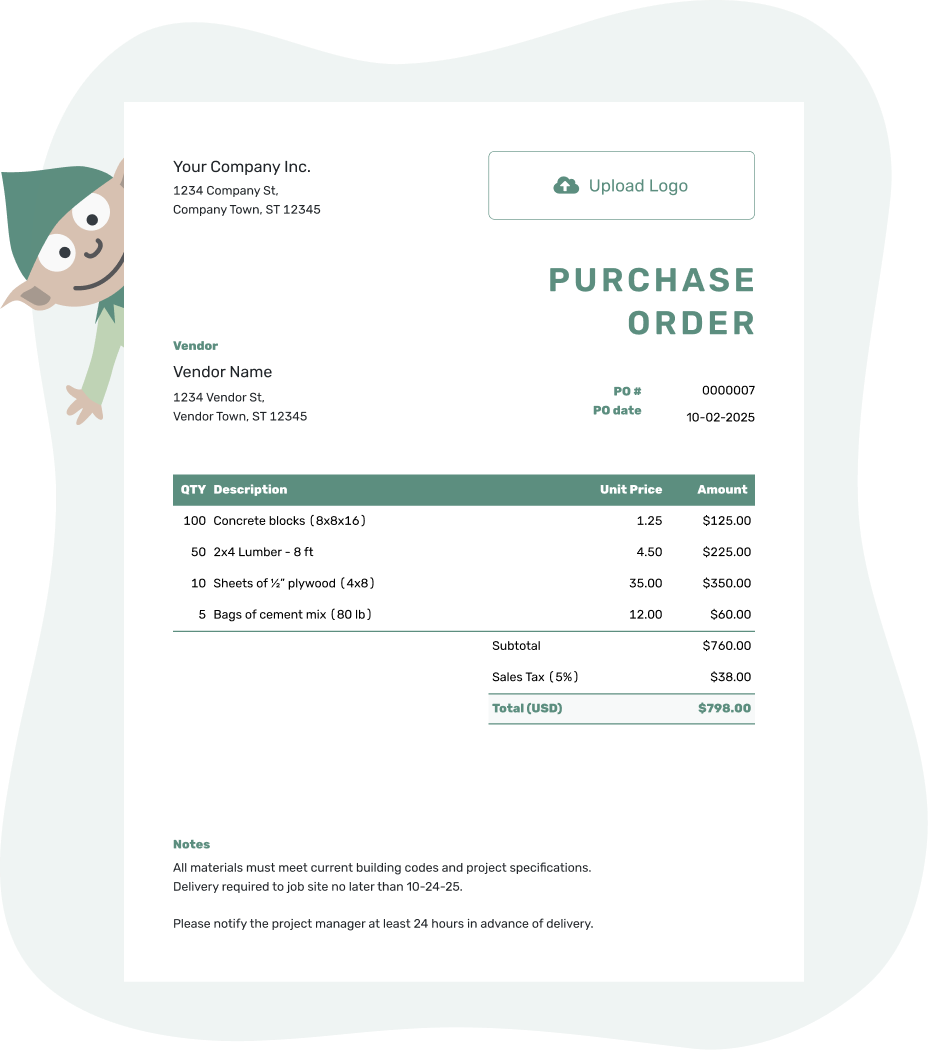
Create a professional purchase order. Send it. Get back to work.
Blank Purchase Order Examples
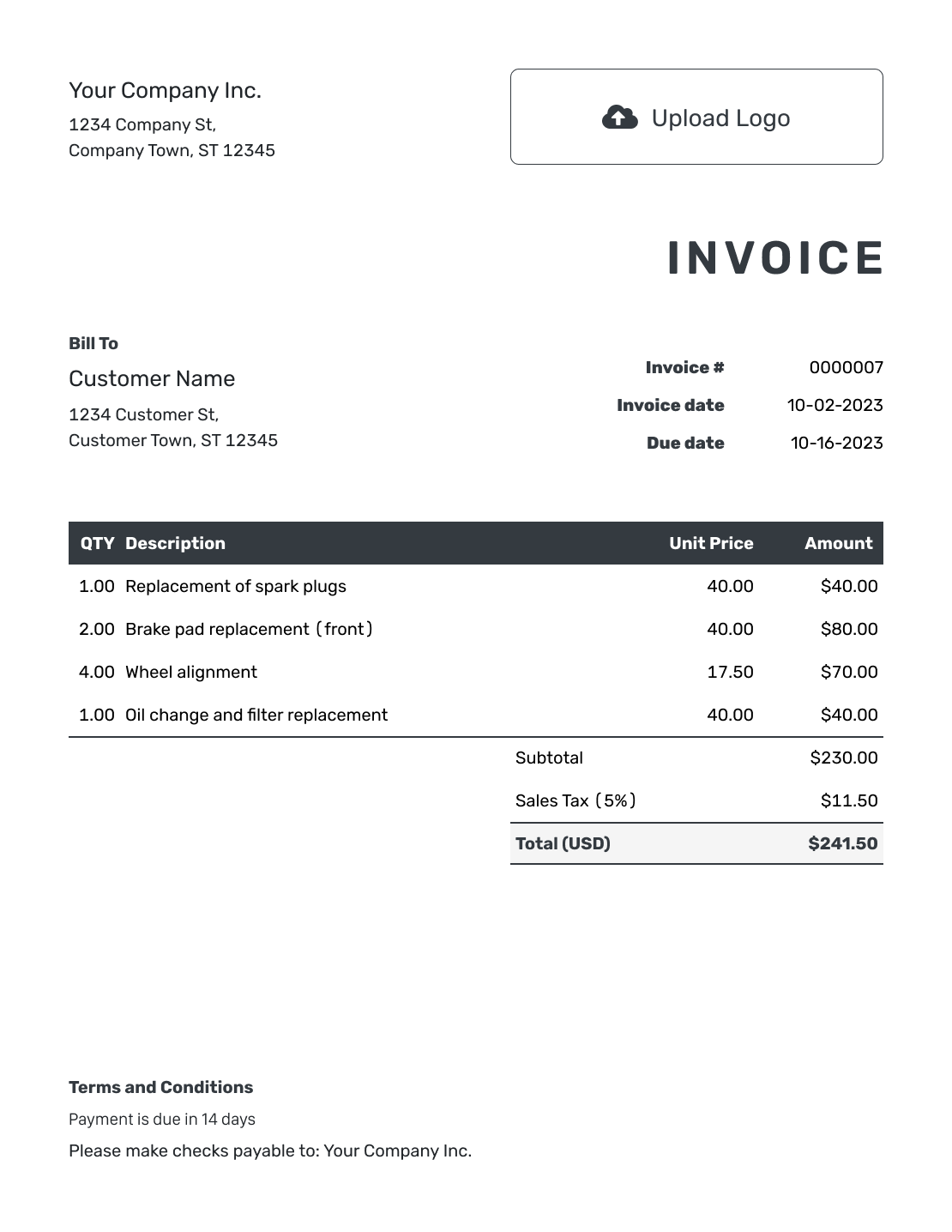
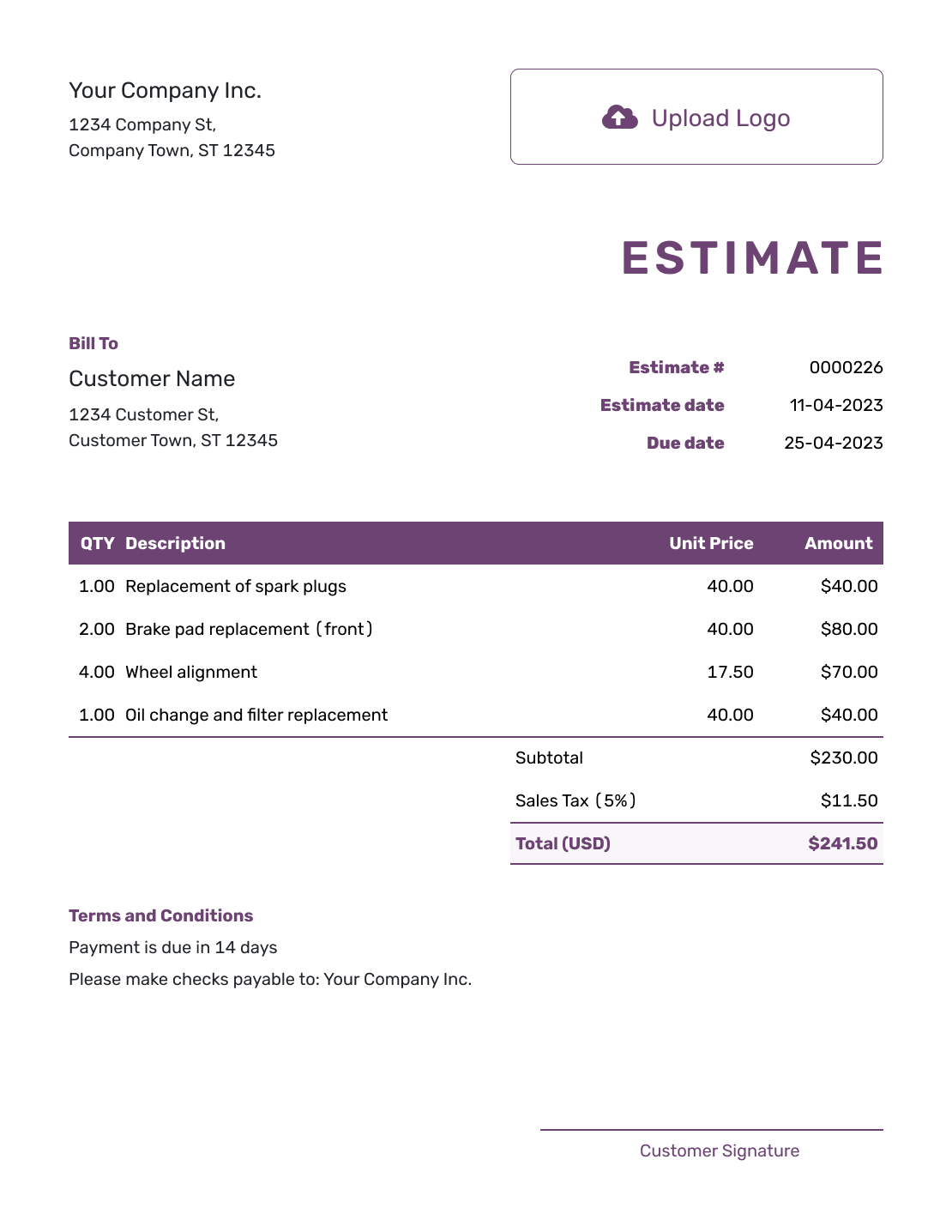
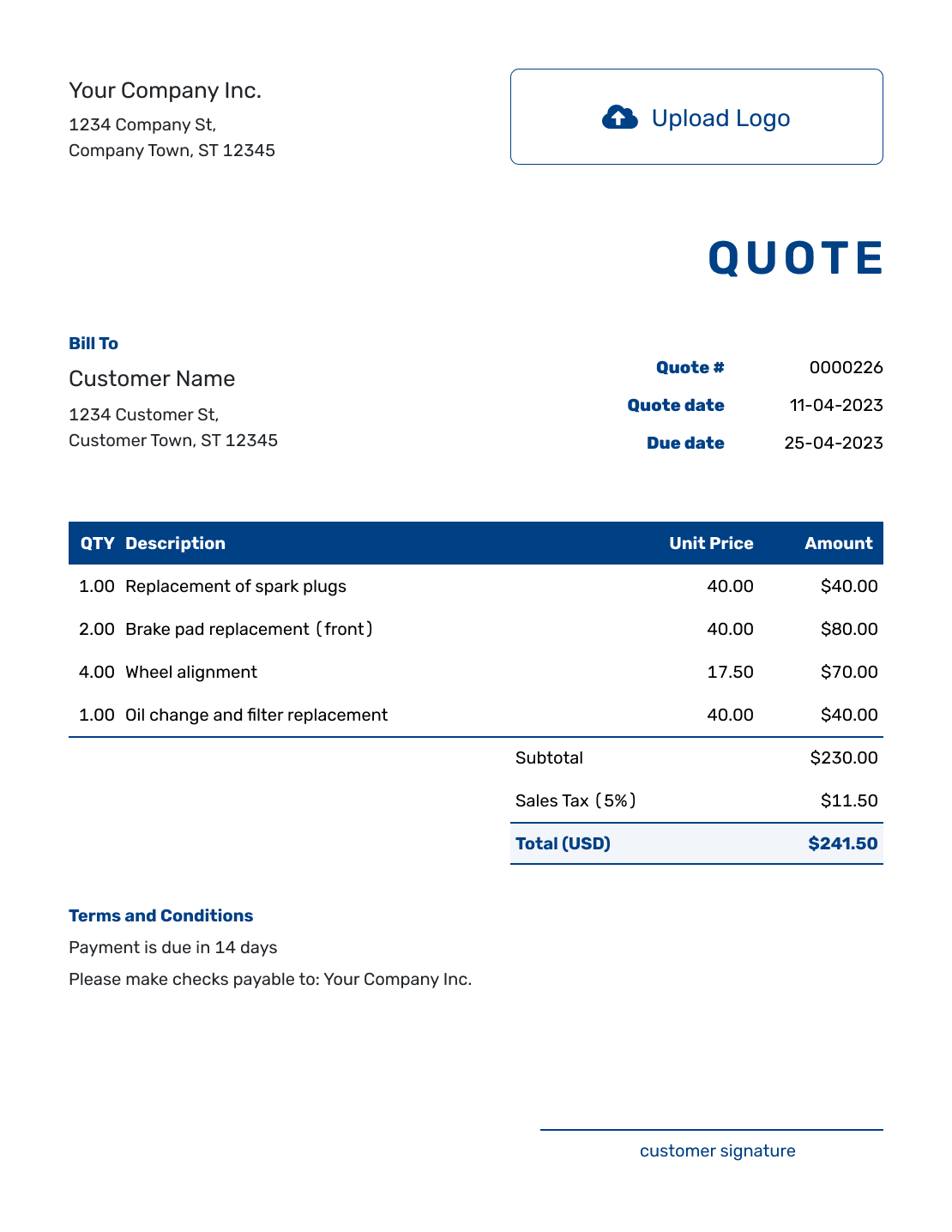
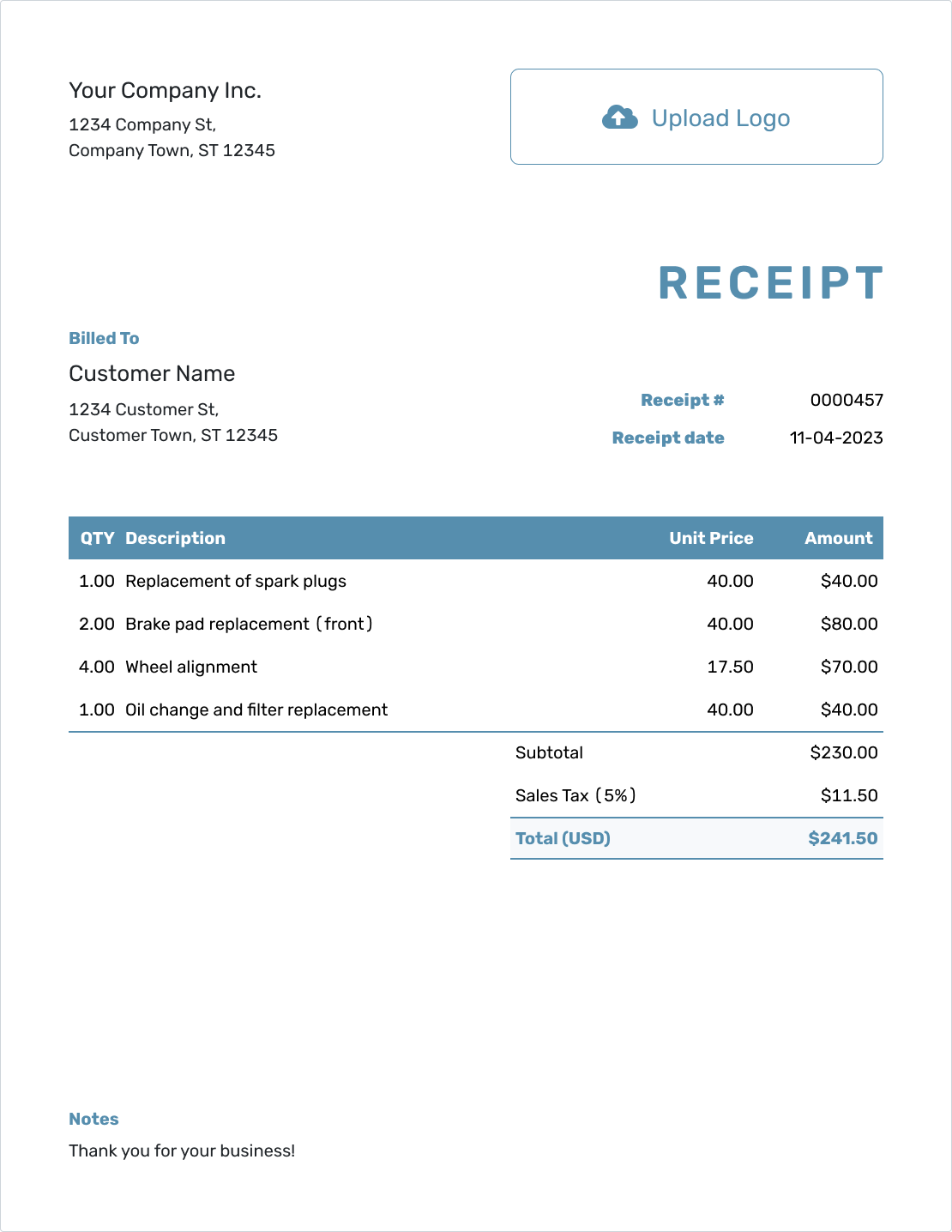
These previews show ways to present your order. Each opens the same purchase order editor, where you enter your own vendor and purchase details.
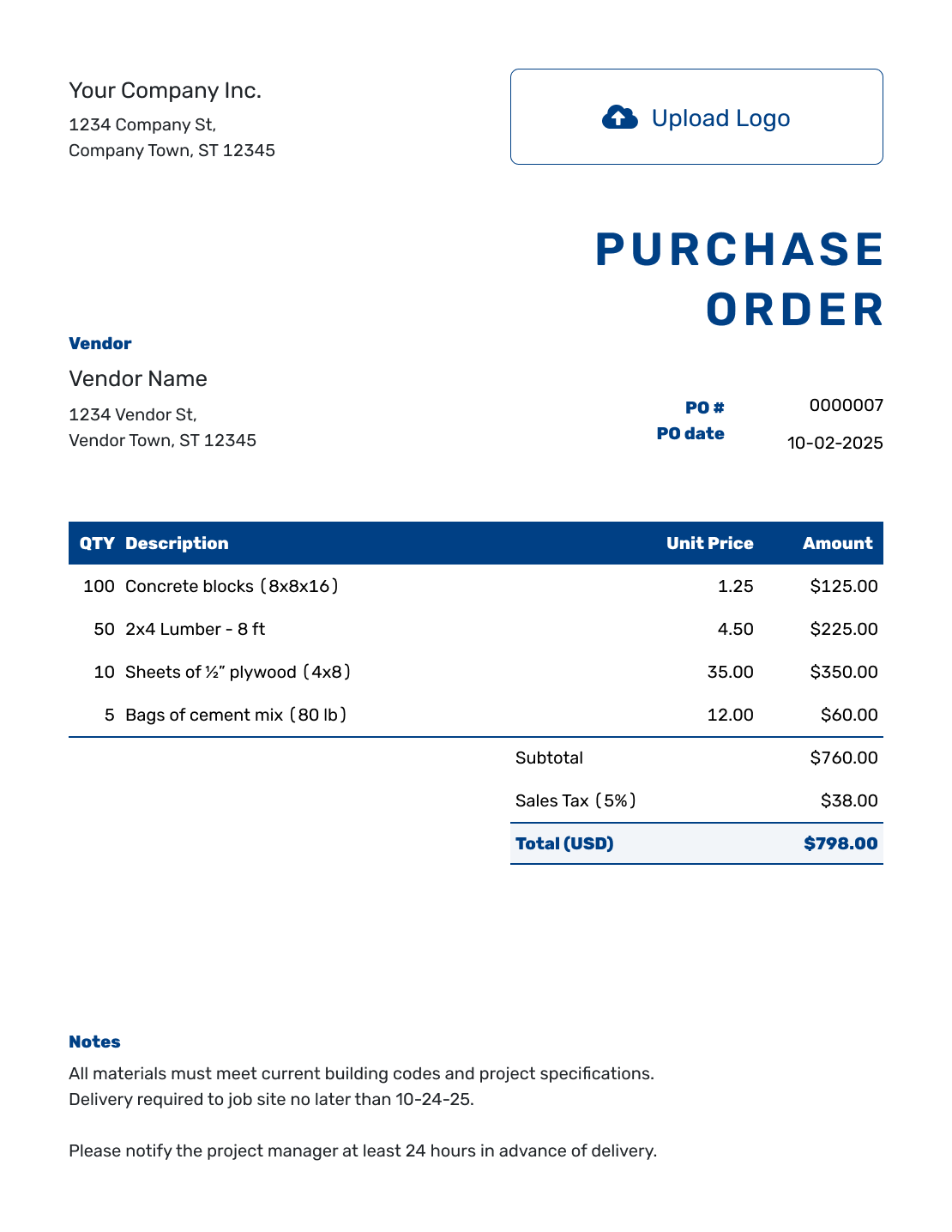
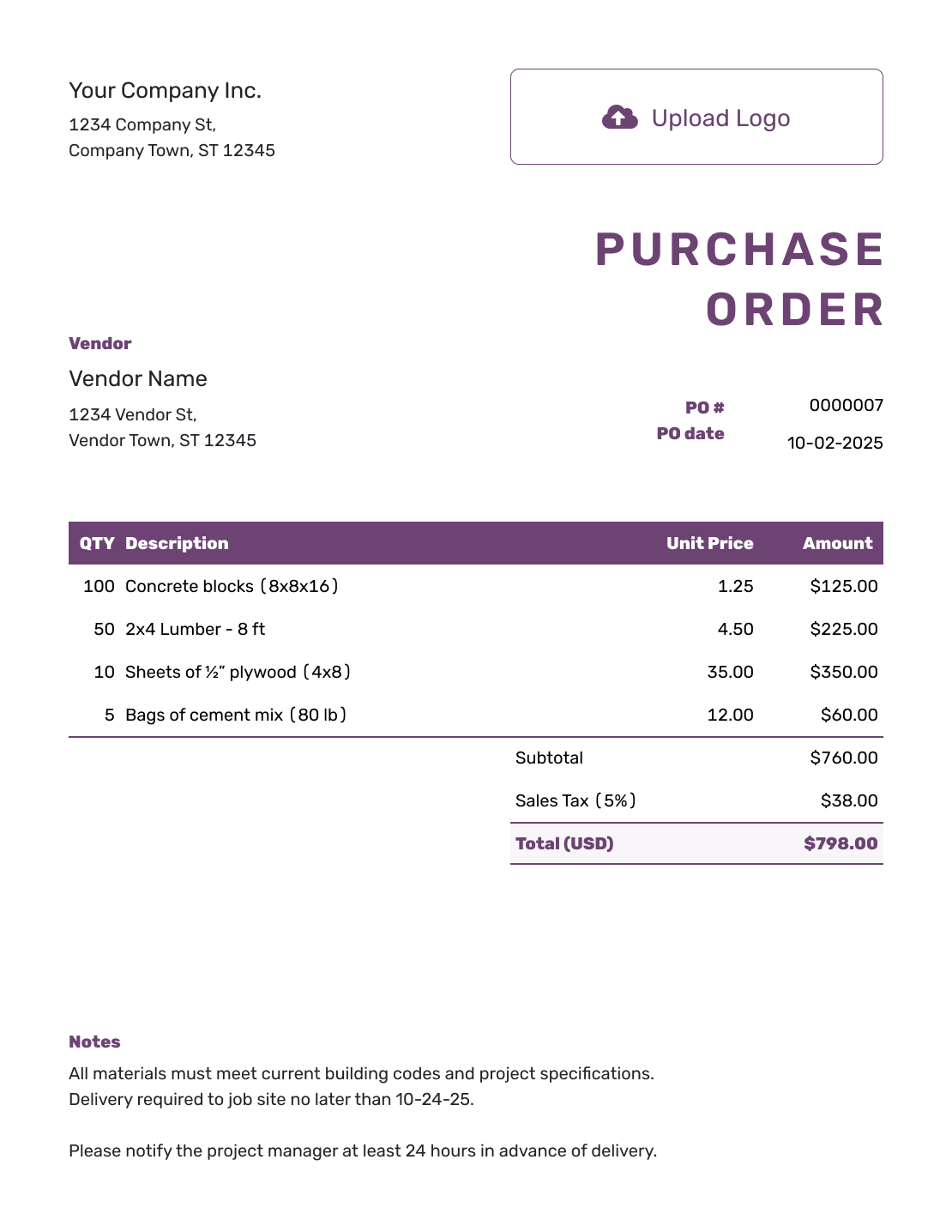
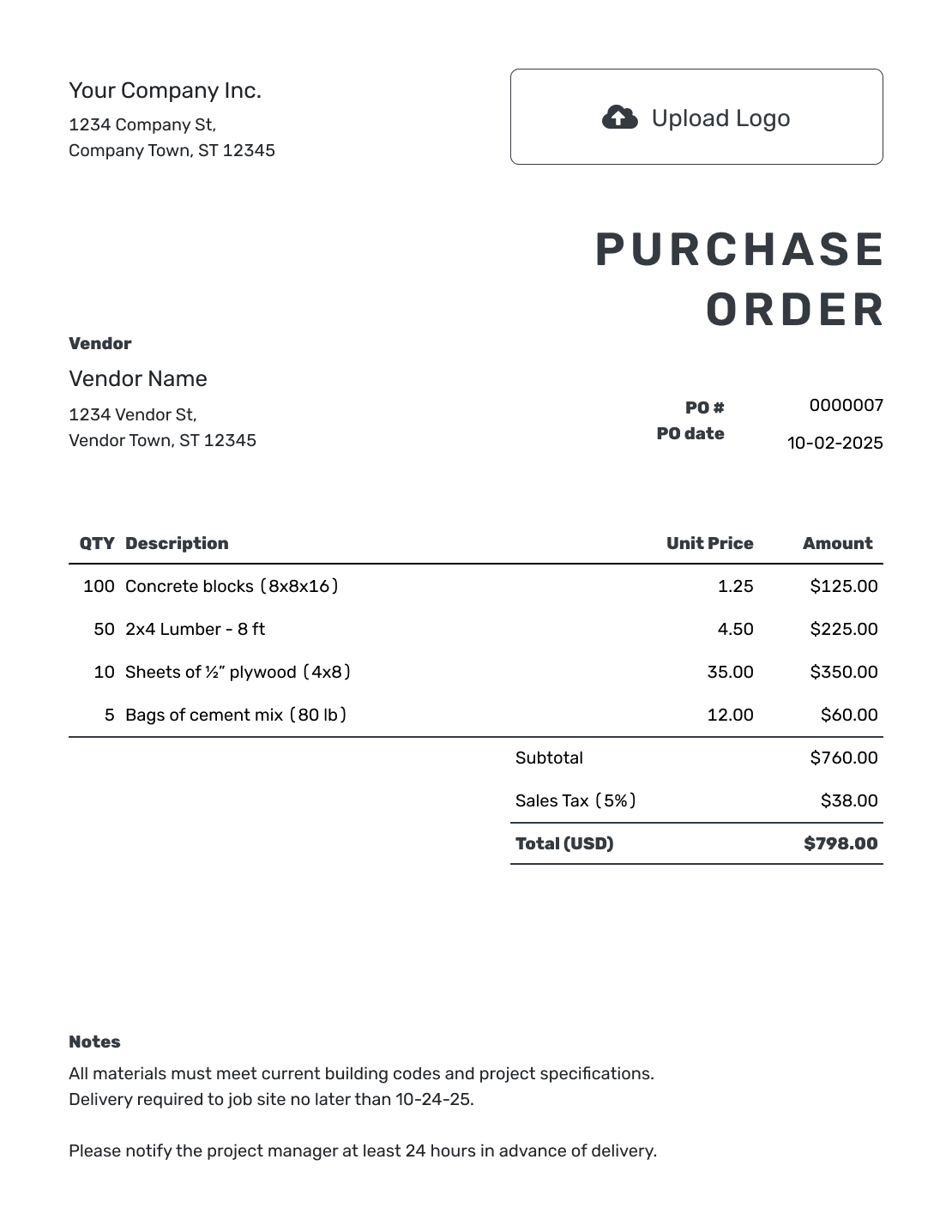
Fill In the Order Without Building the Form
A blank purchase order template gives you a place for the order details without making you rebuild the layout. Start with an empty order when the vendor or purchase changes, then add only the information that applies.
You can order products, materials, rentals, or services. For a repeat purchase, duplicating a previous order may save more time: Docelf creates a new draft with a new document number. Check the copied details before sending it.
How to Fill Out a Blank Purchase Order
Work from the top of the page to the bottom. By the time you finish, the vendor should know who placed the order, what you ordered, and where it needs to go.
- Add Your Business: Enter your business name, address, and contact details.
- Add Your Logo: Add your business logo if you use one.
- Add the Vendor: Enter the vendor's company, address, and contact details.
- Number and Date: Add a unique PO number and the order date.
- Describe the Purchase: List each product or service with quantities and unit prices. Put any delivery charge on its own item row.
- Check the Total: Add applicable tax and discounts, then check the total.
- Notes and Review: Add the delivery address. Put the requested date, payment terms, and order instructions in Notes. Check the details, then email, print, or download the order.
How to Fill In Blank Purchase Order Line Items
Make the unit clear so the vendor knows whether you mean individual items, packs, or boxes.
This fictional packing-supply order uses US dollars and an illustrative 8% tax on all three charges. Delivery is an item and is included in the subtotal.
| QTY | Description | Unit Price | Amount |
|---|---|---|---|
| 4 | Shipping cartons, 12 × 10 × 8 in — packs of 25 | $32.00 | $128.00 |
| 6 | Packing tape, 2 in wide — rolls | $4.50 | $27.00 |
| 1 | Delivery to the workshop | $15.00 | $15.00 |
| Subtotal | $170.00 | |
| Sales Tax (8% illustrative) | $13.60 | |
| Order Total | $183.60 |
What to Include in Purchase Order Notes
Use Notes for directions that do not belong in the item descriptions: the requested delivery date, access instructions, a job reference, or agreed payment terms. Adapt this sample to your order and include only terms you actually use.
Example: Notes
- PO-1042: deliver the packing supplies to the workshop address shown above.
- Requested delivery: October 6, 2026, between 9 a.m. and noon. Use the side entrance.
- Please include PO-1042 on your invoice.
Ready to Fill In the Order?
Add the vendor, line items, and delivery details. Docelf handles the totals.
What to Include on a Blank Purchase Order Template
You may not need every optional field on every order, but these details give most vendors enough information to process the purchase correctly.
Buyer and Vendor Details
Include both business names, addresses, and contact details. Add a billing contact or vendor representative when the order should go to a specific person.
PO Number and Dates
Use a unique PO number, order date, and requested delivery date. Ask the vendor to place the PO number on the invoice.
Line Items and Prices
List each item or service, quantity, unit, unit price, and line total. Add part numbers, SKUs, sizes, colors, or scope details when they prevent confusion.
Delivery, Terms, and Notes
Use the separate ship-to address when delivery goes somewhere other than your business address. Put the requested date, delivery instructions, agreed payment terms, and job reference in Notes. Attach specifications when the vendor needs more detail.
Keep Your Business Details Clear
Add your logo and choose fonts and colors that match your other business documents. Keep the business name, item descriptions, and total easy to find.
Before sending, check the vendor, quantities, unit prices, total, ship-to address, and requested date. The template keeps the layout in place; you still need to confirm that the order details are right.
Blank, Simple, Form, or Editable?
Blank, form, simple, and editable describe different ways to approach the same ordering task. These guides use the same Docelf editor; choose the guidance that fits the order you need to prepare.
More Purchase Order Templates
Choose a different layout or return to the main guide for purchase order types, formats, and step-by-step help.
After You Send the Order
The document history shows when your emailed purchase order was delivered and opened. Your vendor can view and download it without a Docelf account.
When the goods arrive, compare them with the order. Use the PO number to match the vendor’s invoice with the purchase order and check the quantities and prices before payment.
Blank Purchase Order Template FAQs
-
What is a blank purchase order template?
It is an unfilled order layout for your business, vendor, PO number, items, prices, and delivery details. Add the information for the purchase you are placing.
-
How do I create a blank purchase order?
Open the editor and enter your business, vendor, PO number, and order date. List what you are buying with quantities and prices, then add the ship-to address and useful Notes. Review the completed order before sending it.
-
What fields should a blank purchase order include?
Include both businesses, a unique PO number, the order date, item descriptions, quantities, unit prices, applicable tax, and the order total. Give the delivery address and requested date. Put any delivery charge on its own item row and order instructions in Notes.
-
What is the difference between a blank purchase order and a purchase order form?
The terms often describe the same unfilled document. Blank emphasizes starting with your own order details; form emphasizes the fields you complete. Both guides here use the same purchase order editor.
-
Can I use a blank purchase order for products and services?
Yes. For products, describe the size, model, or pack quantity and give the delivery details. For services, describe the work, rate or agreed price, dates, location, and deliverables. Use a separate line for each differently priced item or service.
-
Can I print or download the finished purchase order?
Yes. After you fill in the blank template, you can print the purchase order or download it as a PDF. You can also email the purchase order directly from Docelf.
-
Can I email a blank purchase order to a vendor?
Fill in the purchase order first, then email it to your vendor from Docelf. Creating or saving it does not send it; you choose when to email the finished order.
-
Can I reuse details from an earlier order?
Yes. You can reuse saved vendors and items, or duplicate a purchase order as a new draft with a new document number. Check the vendor, quantities, prices, delivery details, and Notes before sending the new order.
Fill In Your Next Order
Start with the purchase in front of you and give the vendor the details needed to fill it.
- Add the vendor and the products or services
- Let Docelf calculate the order total
- Review, then email or download the finished order