Free Purchase Order Form Template
Keep every order detail easy to find.
Fill in the form with the items you need and the delivery address. Send a clear, complete order that makes it easy for your vendor to get it right.
Email, print or download your purchase order as a PDF.
14-day free trial. No credit card required.
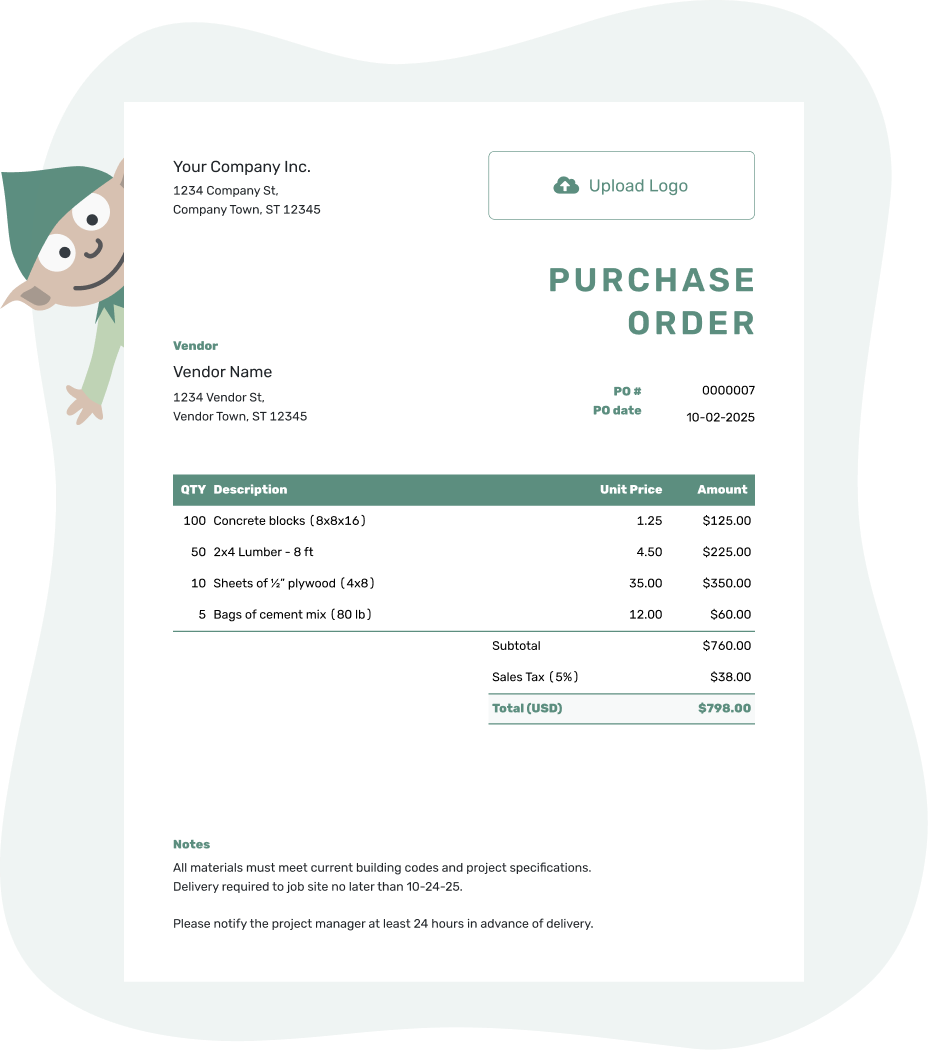
Create a professional purchase order. Send it. Get back to work.
Purchase Order Form Examples
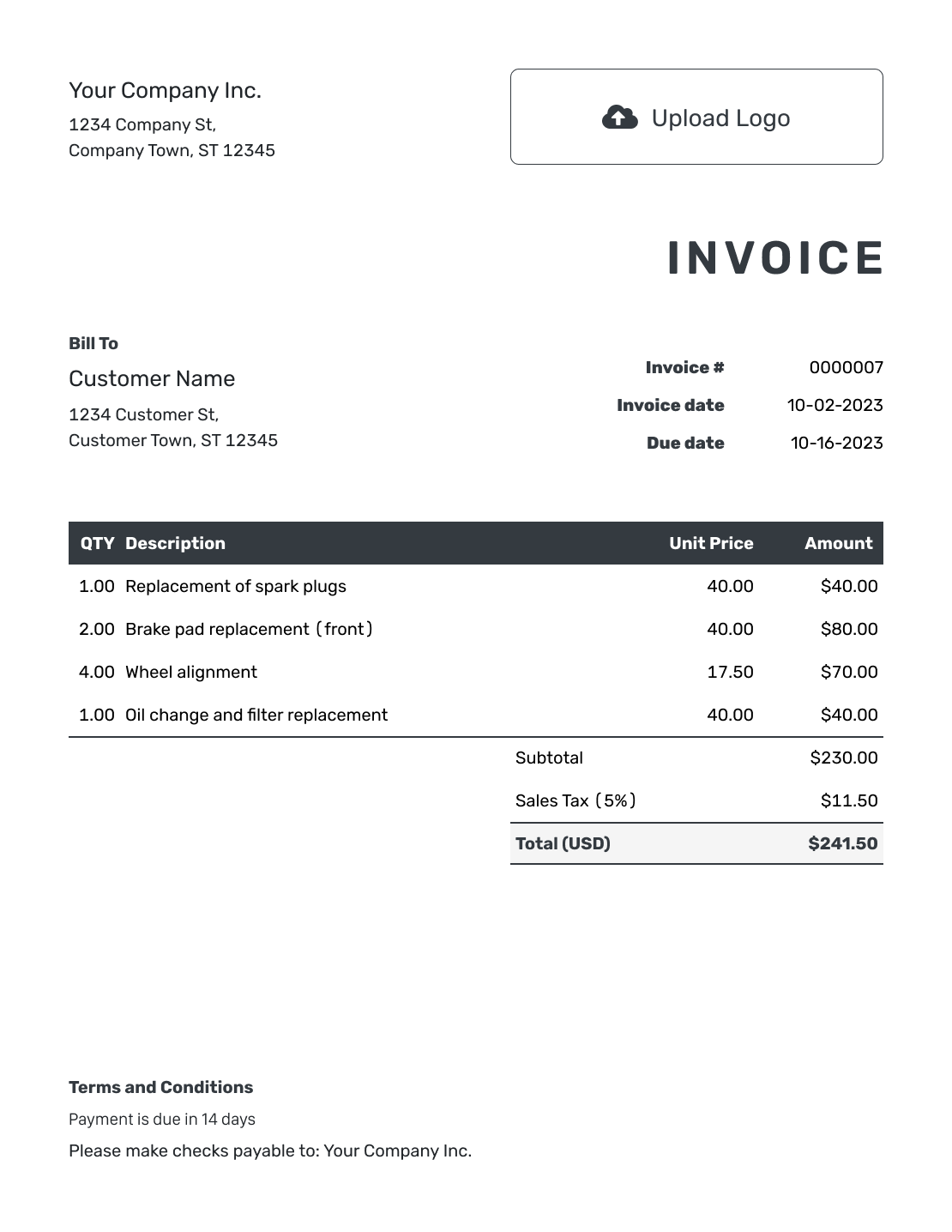
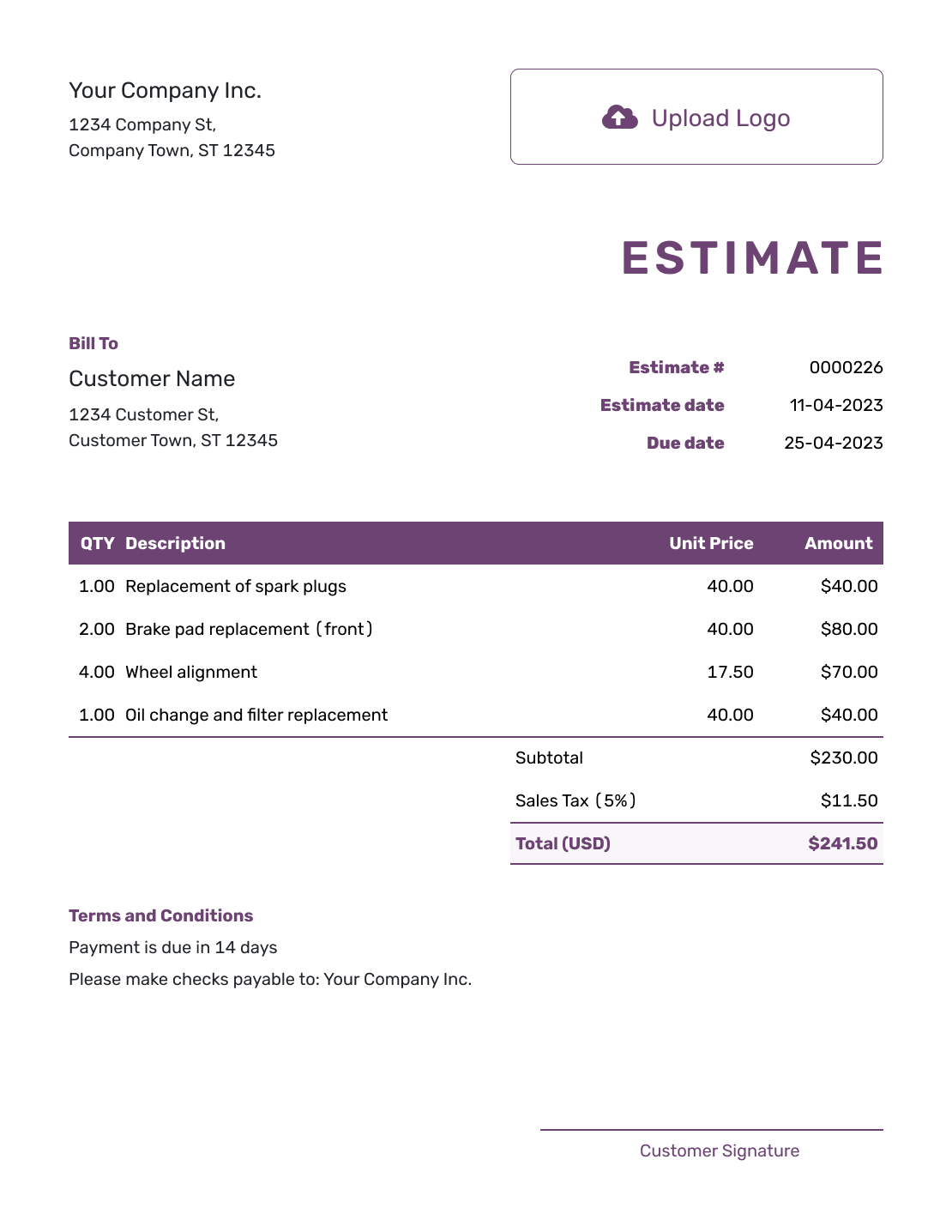
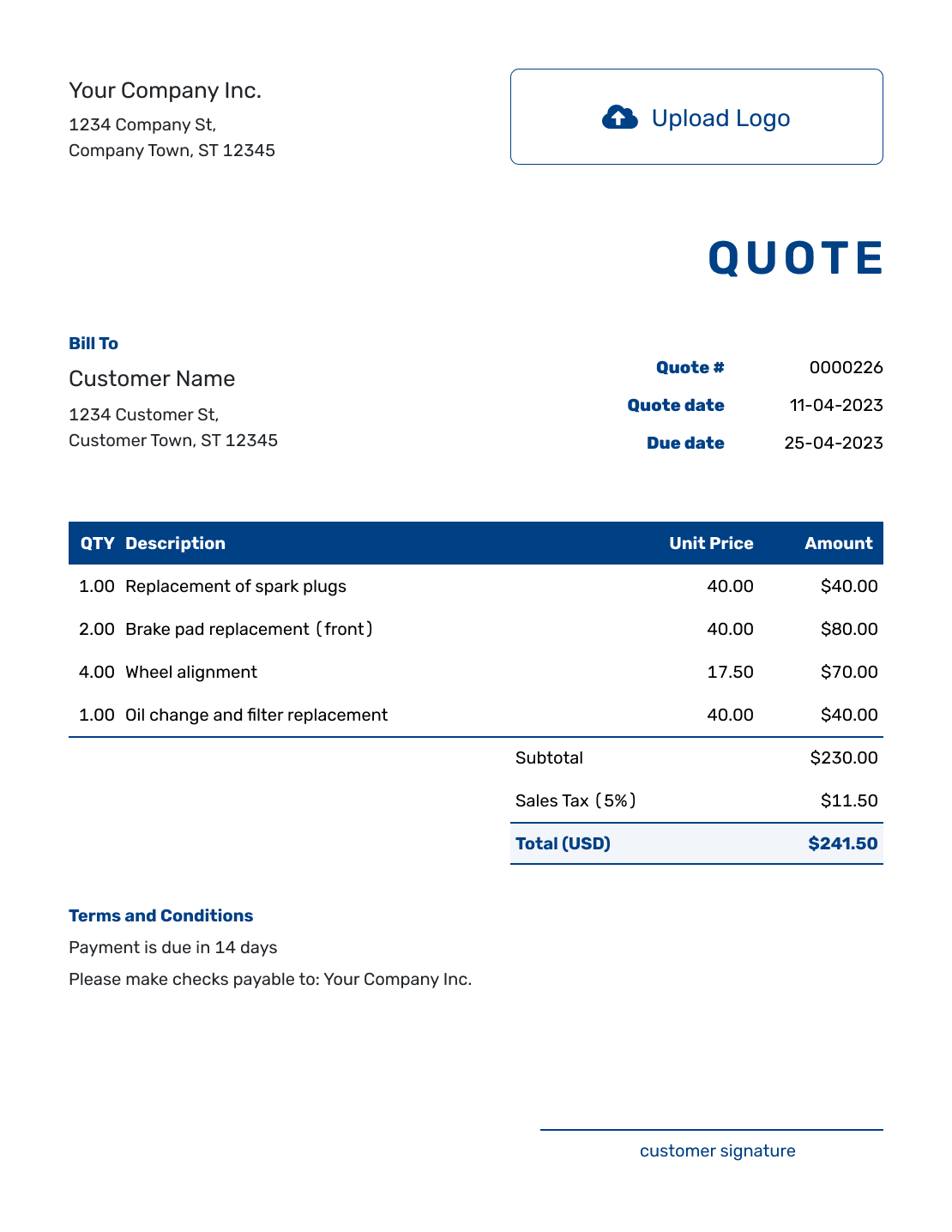
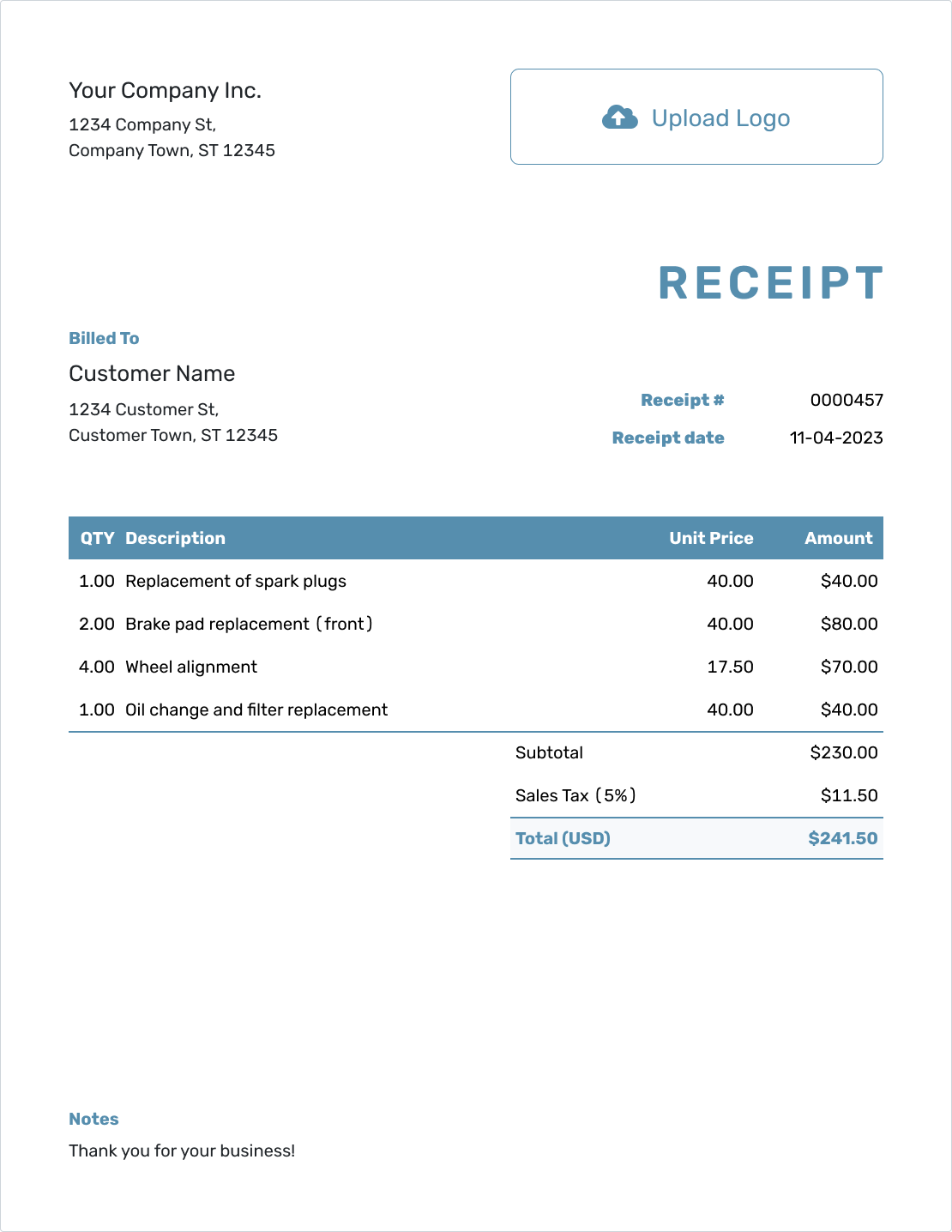
These previews show ways to present your order. Each opens the same purchase order editor, where you enter your own vendor and purchase details.
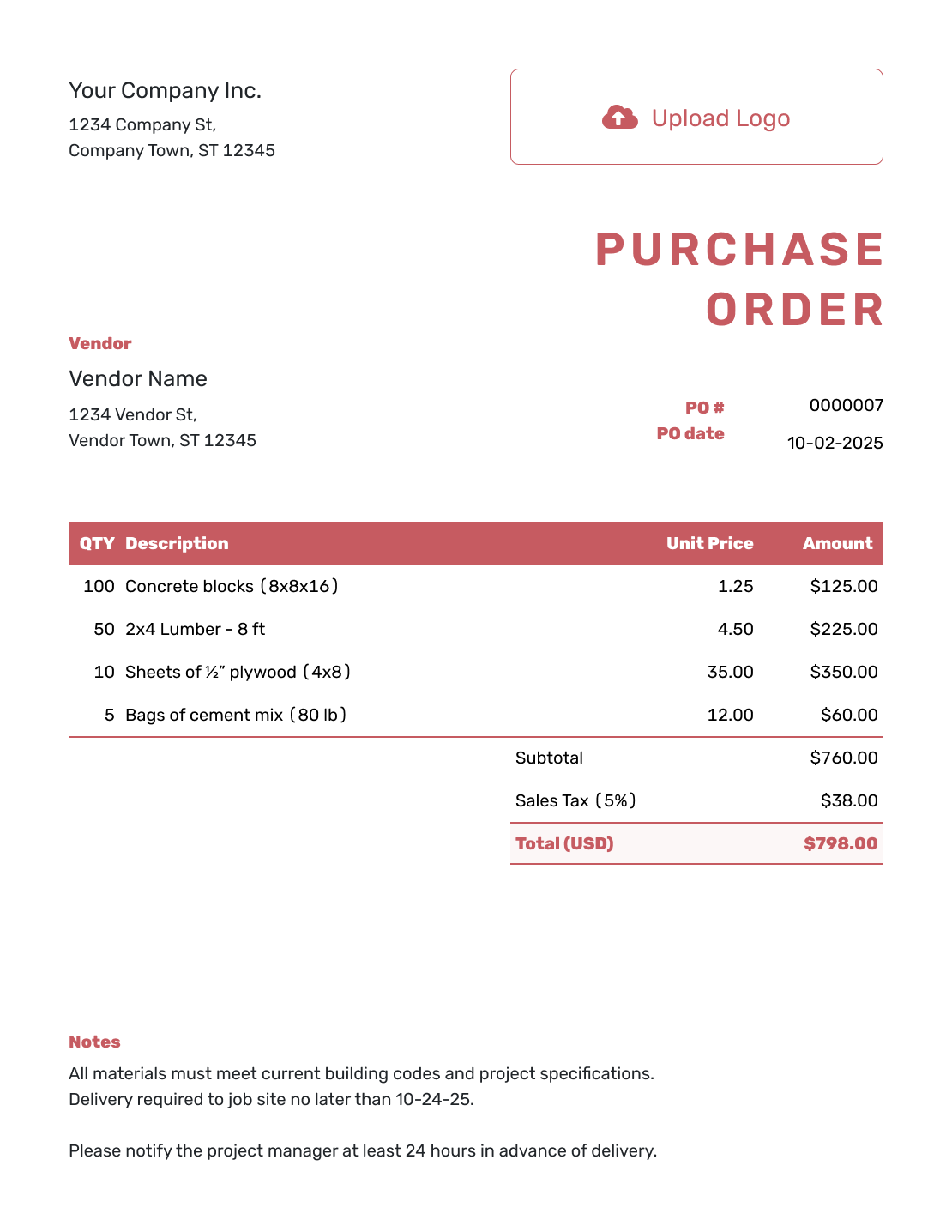
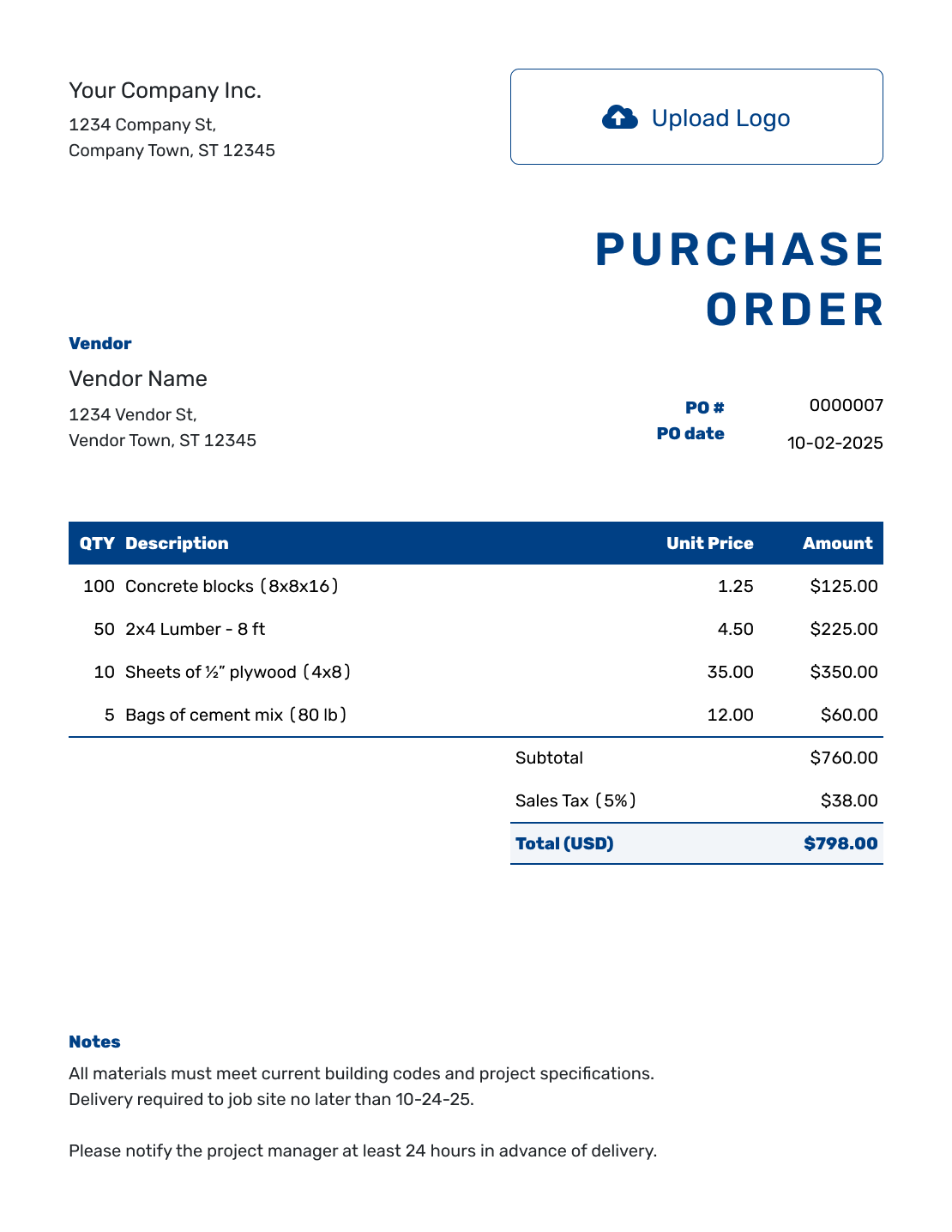
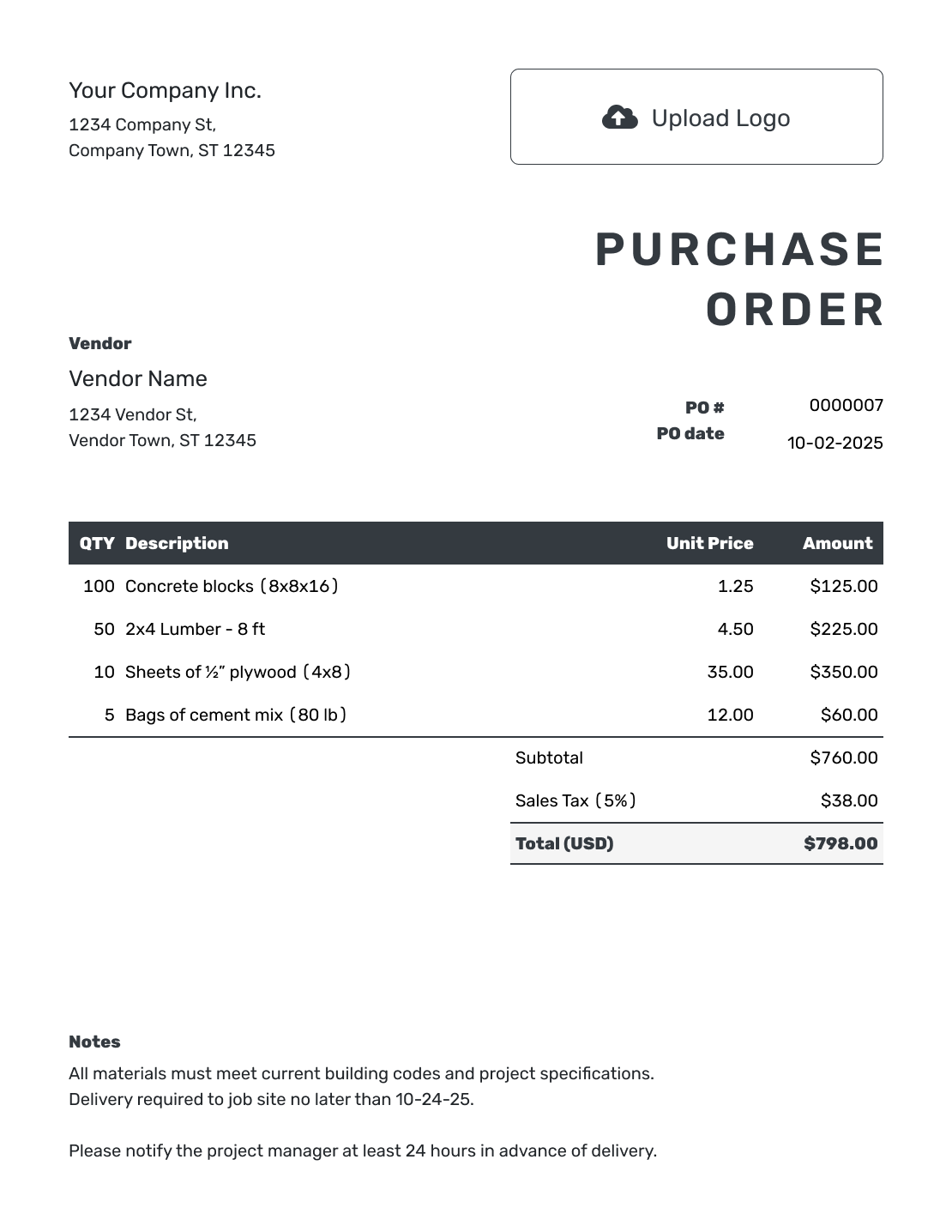
Keep Every Order in the Same Clear Format
A purchase order form gives each detail a consistent place, so you and the vendor can find the order number, items, and delivery instructions quickly. It is useful when several people prepare purchases or you regularly order from the same vendor.
A form and a blank template can be the same document. Here, both open the same purchase order editor. The form guide focuses on completing and checking each part before the order goes out.
How to Fill Out a Purchase Order Form
Complete the form from top to bottom. Before you send it, the vendor should be able to see who placed the order, what you ordered, what it costs, and where it needs to go.
- Add Your Business: Enter your business name, address, and contact details.
- Add Your Logo: Add your business logo if you use one.
- Add the Vendor: Enter the vendor's company, address, and contact details.
- Number and Date: Add a unique PO number and the order date.
- Describe the Purchase: List each product or service with quantities, unit prices, and any part numbers or work details. Put any delivery charge on its own item row.
- Check the Total: Add applicable tax and discounts, then check the total.
- Notes and Send: Add the delivery or service address. Put the requested date, payment terms, and instructions in Notes. Check the order, then email, print, or download it.
How to Complete the Item Table
Describe each item precisely enough for the vendor to supply the right version.
This fictional staff-uniform order uses US dollars. The sizes stay on separate rows because the vendor needs a quantity for each size; the illustrative 8% tax applies to the full subtotal.
| QTY | Description | Unit Price | Amount |
|---|---|---|---|
| 8 | Navy cotton polo shirt — medium | $18.00 | $144.00 |
| 6 | Navy cotton polo shirt — large | $18.00 | $108.00 |
| 1 | Delivery to the office | $12.00 | $12.00 |
| Subtotal | $264.00 | |
| Sales Tax (8% illustrative) | $21.12 | |
| Order Total | $285.12 |
Use Notes for Delivery and Order Instructions
Notes gives the vendor the directions that apply to the whole order. Keep item specifications in the descriptions, put delivery charges in the item table, and use the separate ship-to address for the destination. Adapt this sample to the terms you have agreed with your vendor.
Example: Notes
- PO-2084: 14 navy polo shirts, with sizes and quantities listed above.
- Requested delivery: October 8, 2026. Please label each package with its shirt size.
- Please reference PO-2084 on the invoice. Contact the buyer before substituting a size or color.
Ready to Complete the Form?
Add the vendor, order details, and terms. Docelf handles the totals.
What Fields Should a Purchase Order Form Include?
Use these groups to check that the vendor has the details needed to fill the order. Complete any checks required by your business before sending it.
Buyer and Vendor Information
Include both business names, addresses, and contact details. Add the person placing the order and the vendor representative when the purchase should go through specific contacts.
PO Number, Dates, and References
Use a unique PO number, order date, and requested delivery date. Add a project, customer, department, or job number when your team needs to connect the purchase to other records.
Items, Quantities, and Prices
List each product or service, quantity, unit, unit price, and line total. Use SKUs, model numbers, sizes, colors, rates, or scope details when they prevent mistakes.
Delivery and Supporting Details
Use the separate ship-to address for delivery. For service work, give the work location and dates in Notes. Add agreed payment terms and attach any specifications the vendor needs.
Which Details Depend on the Purchase?
The vendor and item details, PO number, date, and total belong on most orders. Add other information when it helps someone supply or check this purchase.
- Use the ship-to address for goods; give the work location and dates in Notes for services
- Add a job number, cost code, department, or customer reference in Notes when your team uses one
- Include agreed discounts and applicable tax; list freight or delivery as an item
- Add company and vendor signature fields or attach specifications when needed
If a blank detail could cause confusion, explain it in Notes—for example, “Collect from vendor; no delivery required.” Any deposit or spending limit should reflect your actual agreement, rather than an assumed form requirement.
Who Completes and Checks the Form?
The buyer prepares the purchase order and sends it to the vendor. In a small business, the same person may request the items, check the price, and send the order. With a larger team, agree who handles each part.
- Requester: Gives the item specifications, quantities, and delivery needs.
- Person checking the purchase: Reviews the budget, vendor, price, and agreed terms.
- Buyer: Checks the PO number, fills any gaps, and sends the order.
- Vendor: Supplies the order and uses the PO number on the invoice.
These are roles in your business’s purchasing process. Arrange internal approval outside Docelf before sending the order; Docelf does not manage approval workflows.
Reuse the Form for the Next Purchase
Save vendor and item details so you do not have to retype them. When a previous order is a useful starting point, duplicate it: Docelf creates a new draft with a new document number.
Check the copied quantities, prices, dates, delivery address, and Notes. Keep a consistent PO-number pattern and review the new order before sending it. Creating, editing, or saving the form does not email it.
Form, Blank, Simple, or Editable?
Blank, form, simple, and editable describe different ways to approach the same ordering task. These guides use the same Docelf editor; choose the guidance that fits the order you need to prepare.
More Purchase Order Templates
Choose another layout, browse file formats, or start with a purchase order designed for products or services.
Check the Order After Sending
Use the document history to see when your emailed purchase order was delivered and opened. That records the email and document view, rather than the arrival of the goods.
Check the goods or services against the order, then use its PO number to find the matching vendor invoice. Compare quantities, prices, and agreed terms before approving payment.
Purchase Order Form FAQs
-
What is a purchase order form?
It is the document a buyer completes to order products or services from a vendor. Its fields identify the businesses, order number and date, items, quantities, prices, and delivery details.
-
What should a purchase order form include?
Include both businesses, a unique PO number, the order date, clear item descriptions, quantities, unit prices, applicable tax, and the total. Add the ship-to address and useful Notes, such as the requested date or agreed payment terms. Delivery charges belong in the item table.
-
Who fills out a purchase order form?
The buyer completes and sends the form. Your team may divide the preparation and checking between a requester, approver, and buyer. Any internal approval takes place outside Docelf before you send the order.
-
When should I use a purchase order form?
Use one when a written order will help the vendor supply the right goods or services. A consistent form is especially useful for repeat purchases, team handoffs, and orders with specific sizes, dates, or delivery instructions.
-
What is the difference between a purchase order form and a blank template?
The terms overlap. Form emphasizes the fields you complete; blank emphasizes an empty starting point. Both pages here open the same Docelf purchase order editor.
-
Can I use the form for products and services?
Yes. For products, include specifications, quantities, unit prices, and delivery details. For services, describe the work, rate or agreed price, dates, location, and deliverables.
-
Can I print, download, or email the completed form?
Yes. You can print it, download a PDF, or email it to your vendor from Docelf. The vendor can view and download the emailed purchase order without a Docelf account.
-
Does saving the form send it to the vendor?
No. Creating, editing, or saving the purchase order does not email it. You choose when to send the finished document.
Complete the Form and Send the Order
Give the vendor one clear order to work from.
- Enter the items, quantities, and agreed prices
- Add the ship-to address and useful Notes
- Review the form, then email it or save a PDF