Purchase Order Software
Create and send purchase orders in one place.
Enter your items and prices, and let Docelf calculate your purchase order total. Send a clear, complete order that makes it easy for your vendor to get it right.
Email, print or download your purchase order as a PDF.
14-day free trial. No credit card required.
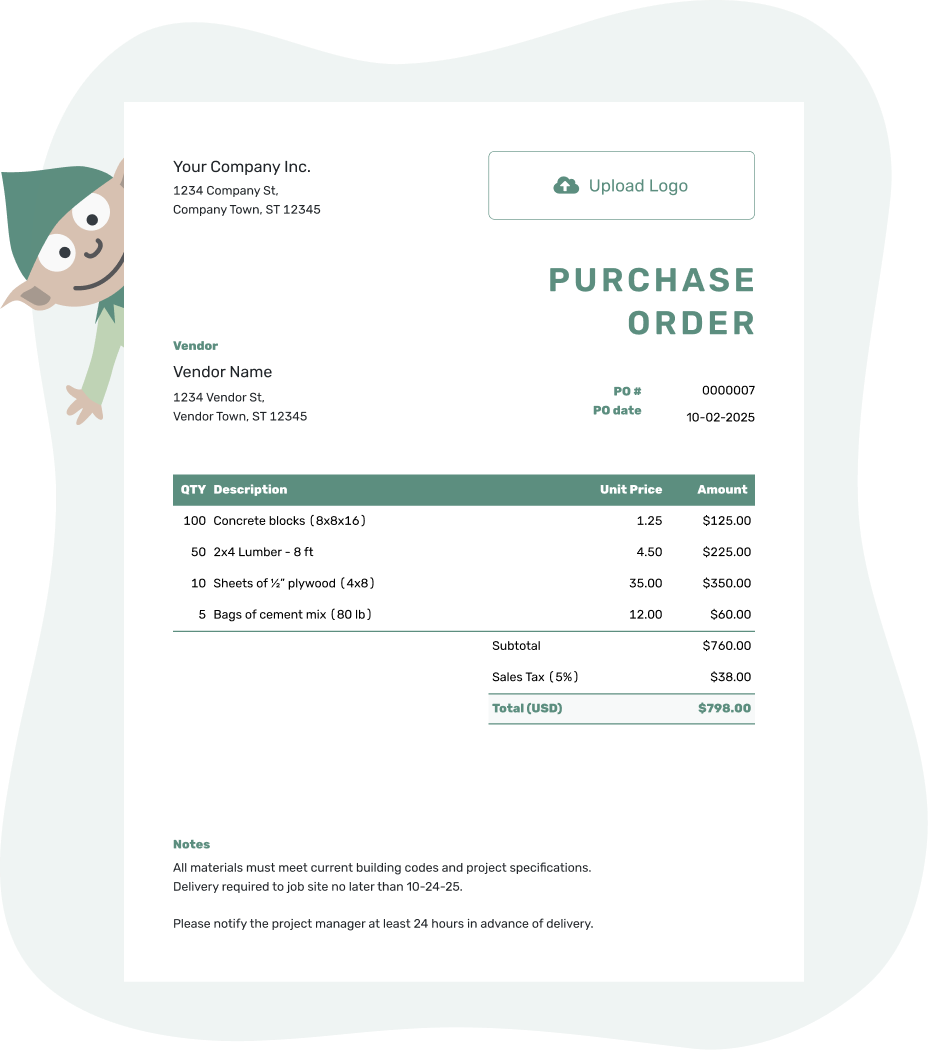
Create a professional purchase order. Send it. Get back to work.
Purchase Order Software Examples
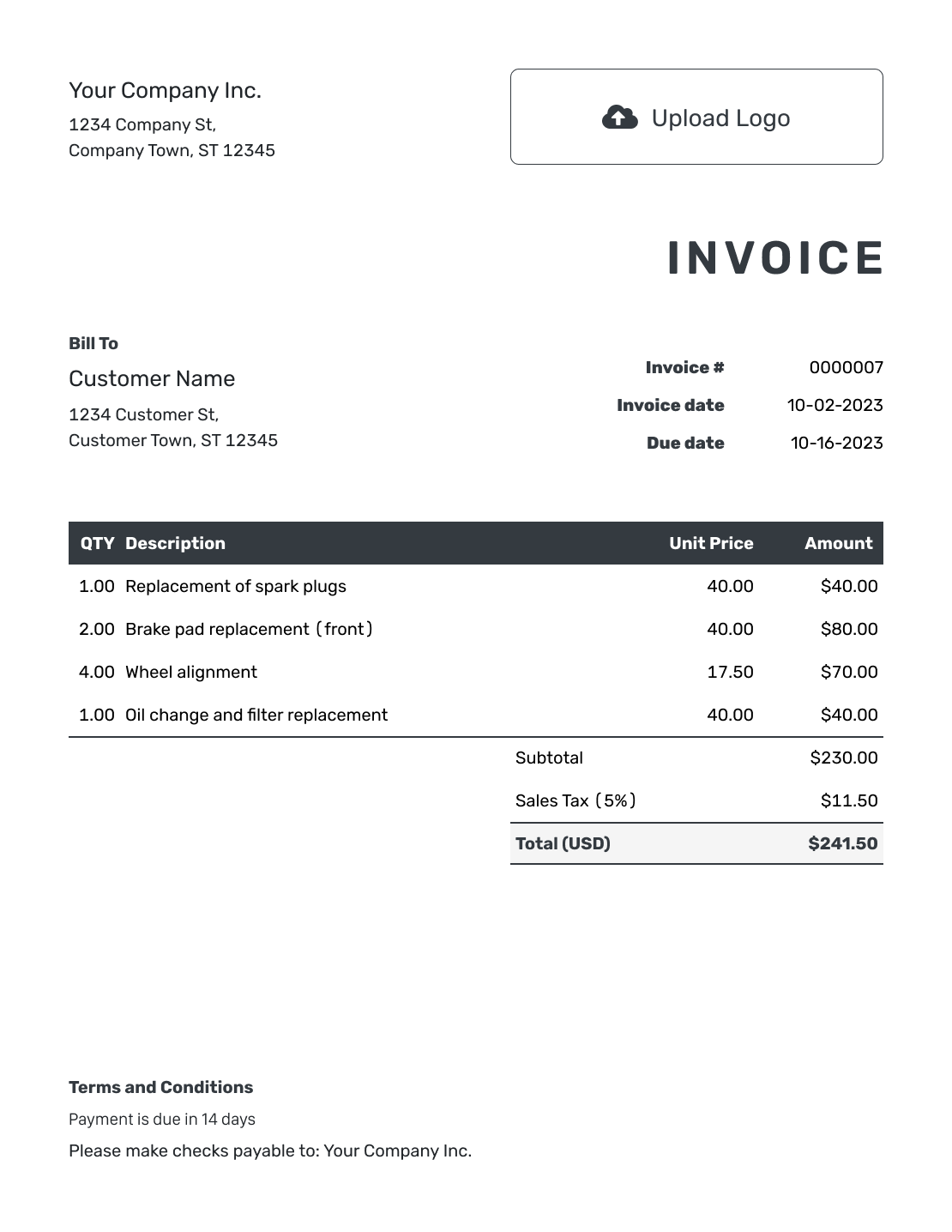
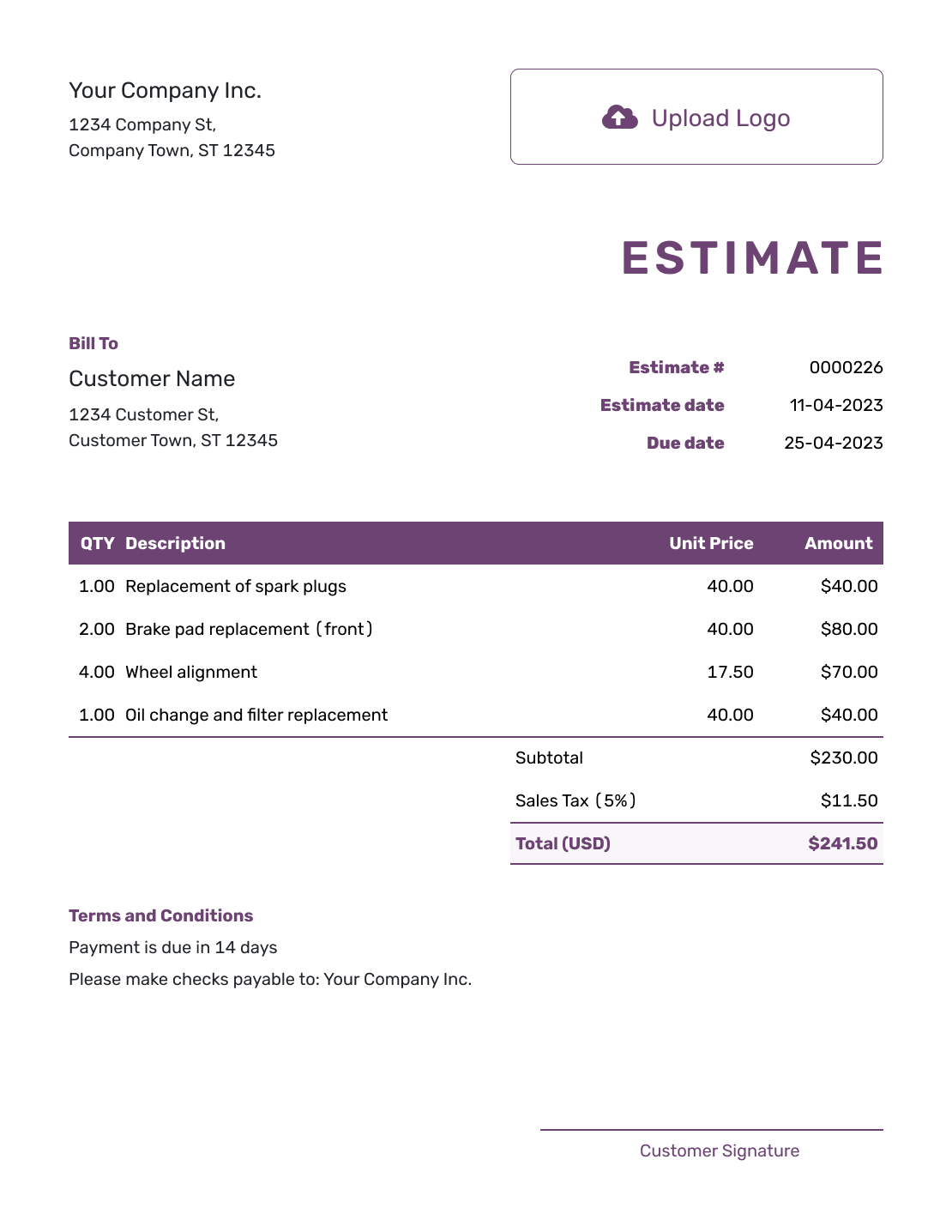
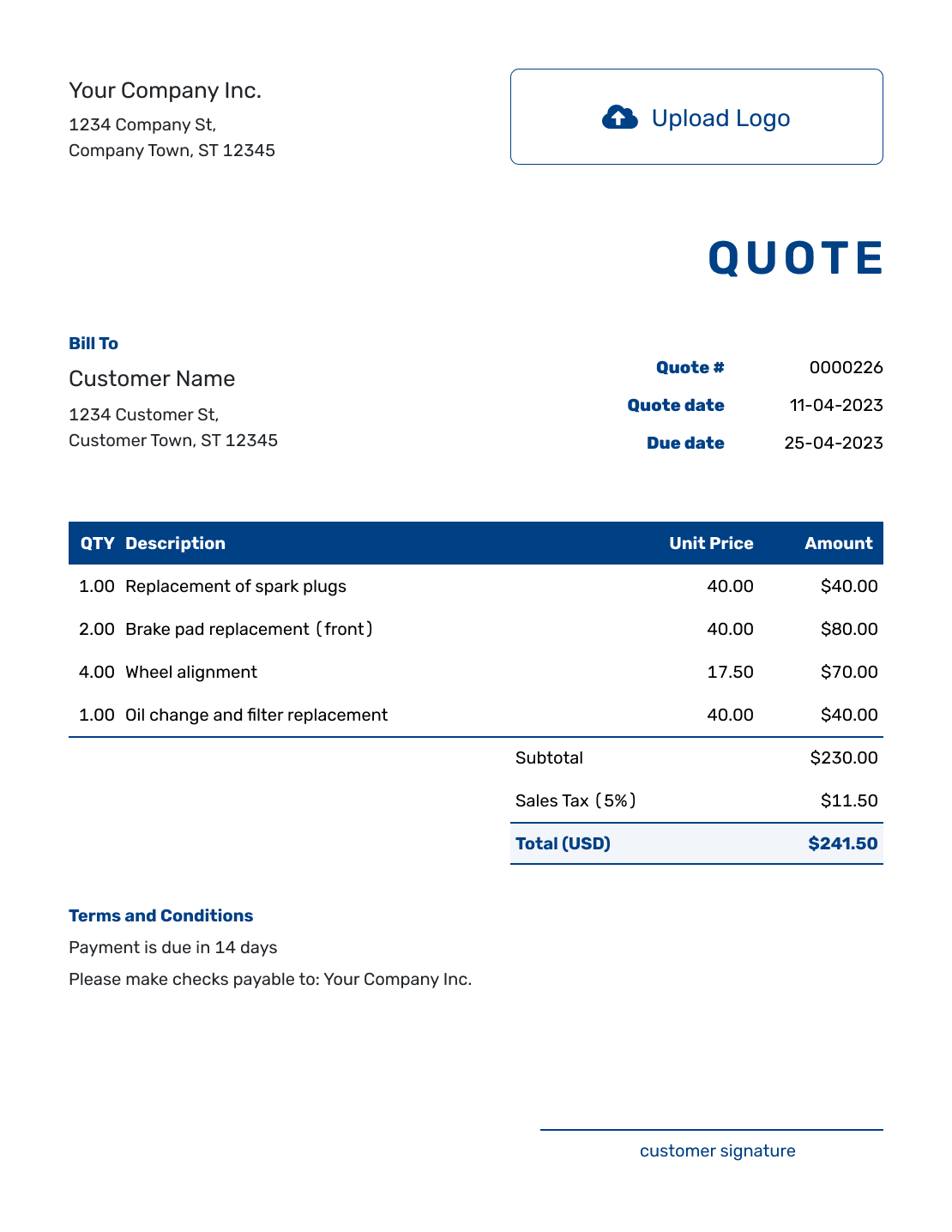
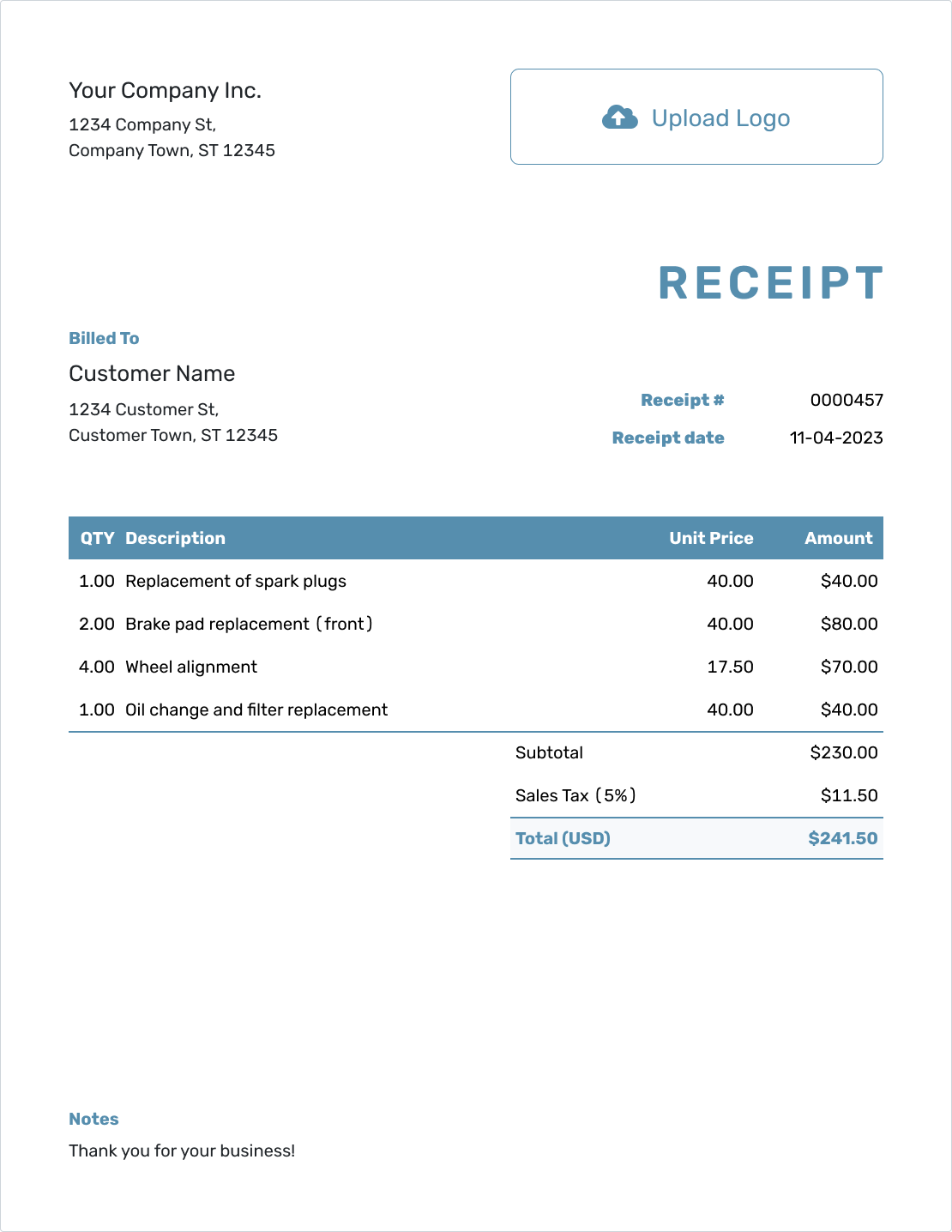
See how your order can look before you fill it in. Each preview opens the same purchase order editor, where you enter your own vendor and order details.
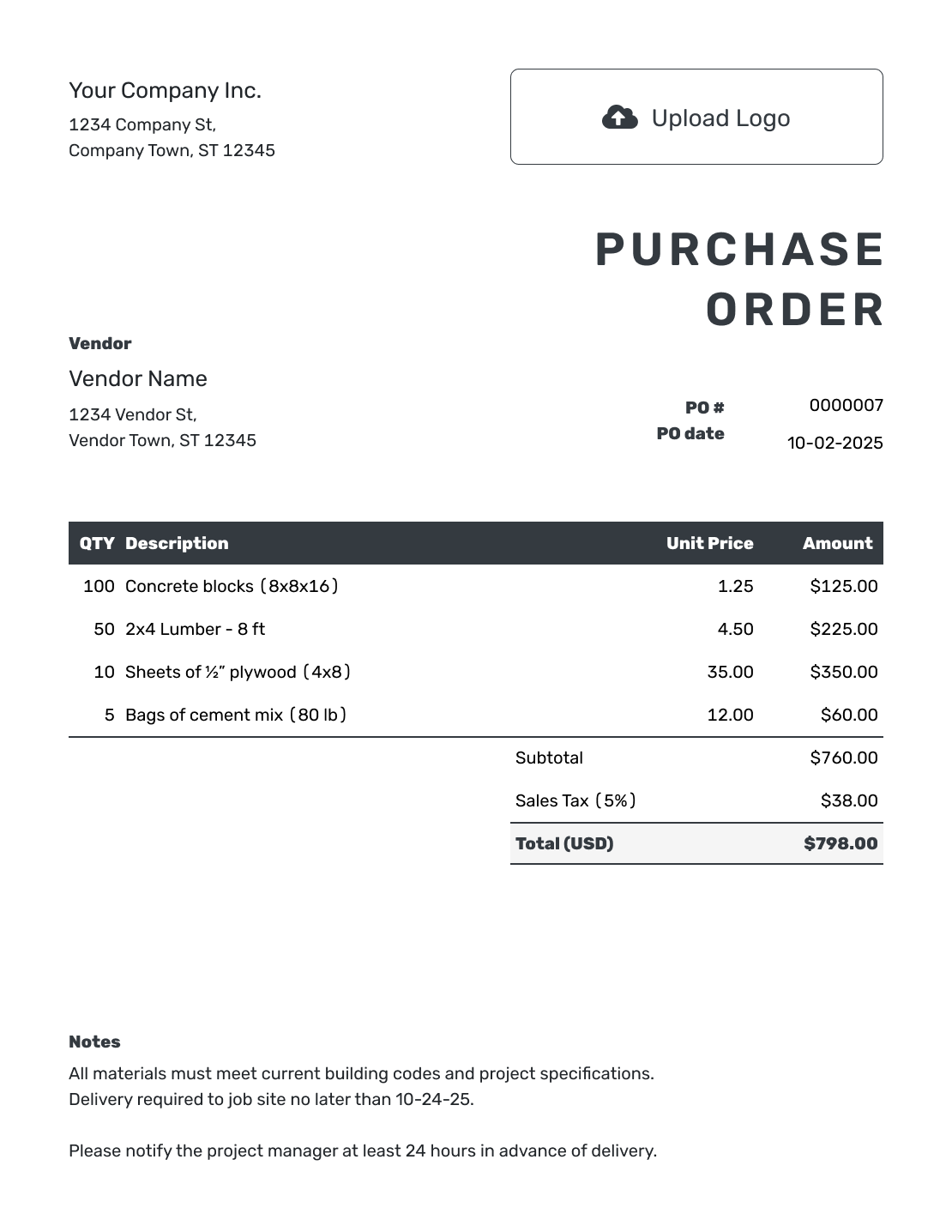
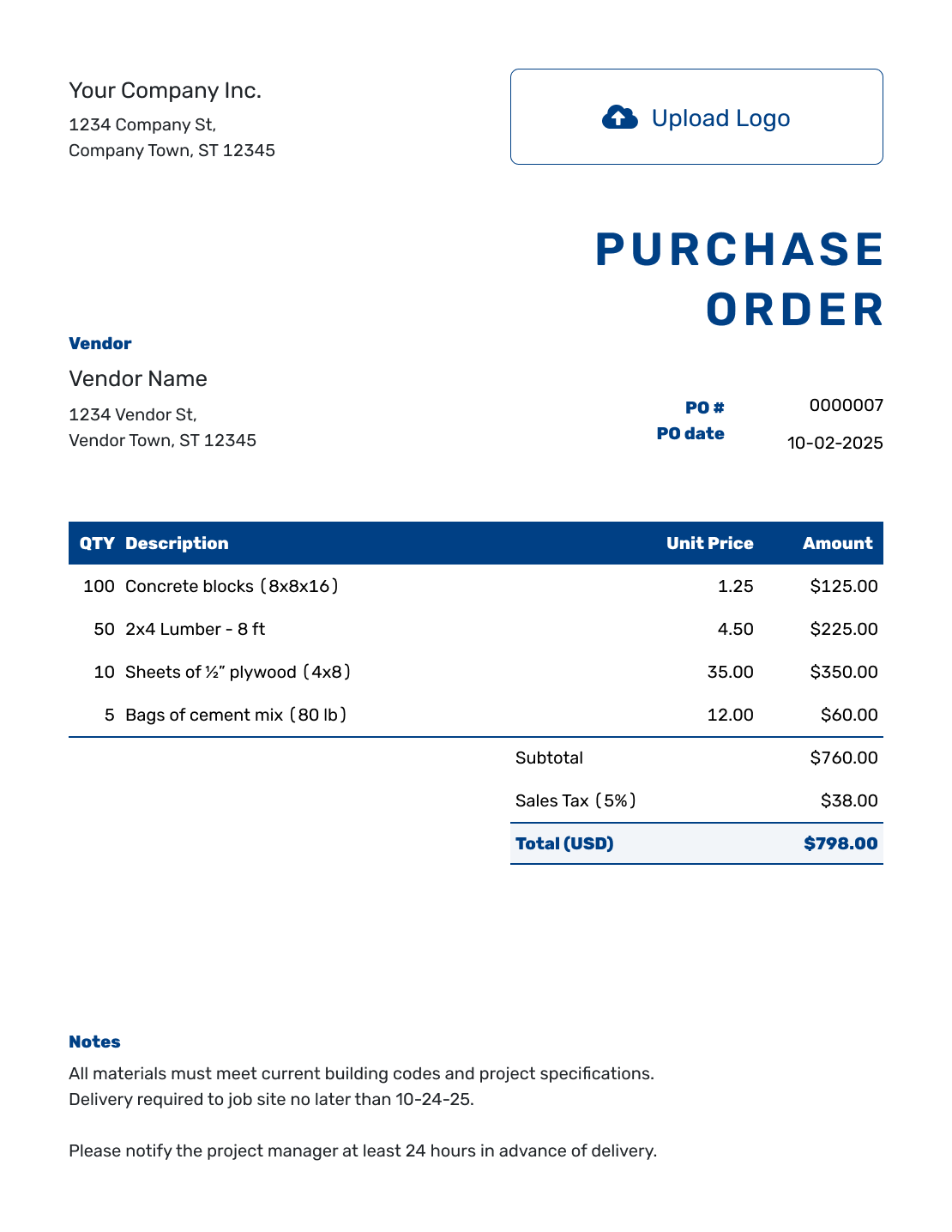
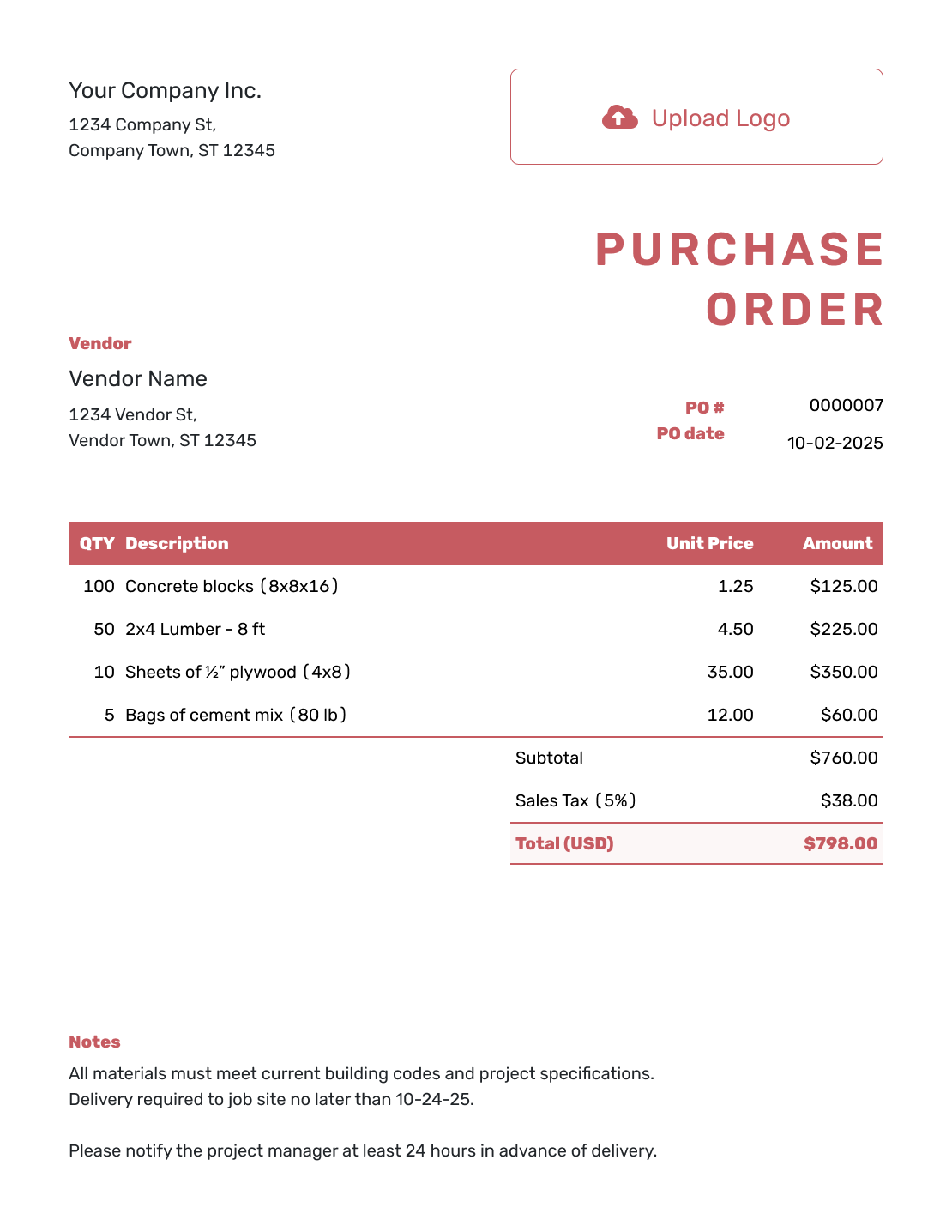
Keep Repeat Orders Out of Old Files
Purchase order software gives you a place to prepare an order, send it to the vendor, and keep a copy. Docelf suits a small business ordering supplies, a contractor buying materials, or an office manager arranging a service. Saved vendors and items help when the next purchase looks much like the last one.
Docelf handles the purchase order document. It does not provide inventory tracking, shipment tracking, purchasing approval workflows, or accounting. If those jobs are part of your buying process, keep the appropriate tools alongside it.
How to Use Purchase Order Software
Have the vendor's agreed prices and delivery details nearby. You enter the order details; Docelf calculates the line amounts, subtotal, tax, discounts, and total from what you enter.
- Your Business: Add your business name and contact details.
- Your Logo: Customize the logo, colors, and font if needed.
- The Vendor: Choose a saved vendor or enter the vendor details for this order.
- Number and Date: Check the PO number and use the date you place the order.
- Items and Prices: Enter descriptions, quantities, and agreed unit prices. Add shipping as an item if charged.
- Check the Total: Check any discount, tax, and total.
- Add Notes and Send: Add a separate ship-to address when the goods go somewhere other than your business address. Add delivery instructions and agreed terms in Notes. Check the order, then choose to email it, print it, or download a PDF.
Enter the Quantities and Prices, Then Check the Total
Be clear about the unit you are buying. Two packs of tape are different from two rolls. Use the vendor's product description and pack size so the quantity and price refer to the same thing.
This fictional PO 2048 orders packing supplies in US dollars. Enter the first three columns below; Docelf calculates the amounts. Shipping is an ordinary item and is included in the subtotal. All three charges use an illustrative 8% sales tax here; apply the tax treatment for your own order.
| QTY | Description | Unit Price | Amount |
|---|---|---|---|
| 20 | Flat-pack shipping cartons, 12 x 9 x 4 in — each | $2.50 | $50.00 |
| 2 | Packing tape — packs of 6 rolls | $18.00 | $36.00 |
| 1 | Shipping to the business receiving address | $14.00 | $14.00 |
| Subtotal | $100.00 | |
| Sales Tax (8% illustrative) | $8.00 | |
| Order Total | $108.00 |
The $108.00 is the value ordered. It does not record a payment or confirm that the supplies have arrived.
Use Notes for the Delivery Instructions
The ship-to address tells the vendor where the order goes. Notes can add the requested delivery date, receiving instructions, and a reference to put on the invoice. Include only instructions and terms that apply to this purchase.
For PO 2048, the buyer could use the wording below. Replace the sample date and receiving details with your own.
Example: Notes
- Requested delivery: October 6, 2026.
- Use the receiving entrance at the ship-to address, Monday–Friday, 9 am–4 pm.
- Please quote PO 2048 on your invoice.
Put Your Next Order Together
Use the prices agreed with your vendor. Docelf calculates the totals while you fill in the order. Review it, then send the vendor a clear copy.
Purchase Order Software, Template, or Accounting Platform?
Choose based on how often you order and what needs to happen after you send the PO. A single occasional purchase may only need a file template; repeat orders benefit from saved details.
Purchase Order Software
Useful for regular orders to familiar vendors. Docelf reuses saved details, handles calculations, and keeps your purchase orders with your other business documents.
Purchase Order Template
Useful for an occasional order or when you prefer Word, Excel, Google Docs, Google Sheets, or PDF. You manage the files yourself and check any spreadsheet formulas when editing.
Accounting Platform
Consider this when purchasing needs to connect with bookkeeping. Check that the platform and plan support the purchase-order features you need. Docelf does not replace your accounting system.
Reuse the Order, Then Check What Changed
For a similar purchase, duplicate an earlier PO. Docelf creates a new draft with a new document number. Keep the useful details, then update quantities, prices, the order date, delivery instructions, and any Notes copied from the old order.
Check the vendor and ship-to address, too. Software can do the math. It cannot tell that the boxes are headed to last month's job site. Creating, editing, or saving the document does not email it; you choose when to send it.
After You Send the Purchase Order
Check the document history to see when an emailed PO was delivered and opened. This is email activity, not confirmation that the vendor accepted the order or shipped the goods. Contact the vendor directly for order confirmation and delivery updates.
When the vendor's invoice arrives, use the PO number to match it to your order. Compare the quantities and prices with the PO and what you received before arranging payment. Docelf does not automatically link a purchase order to an invoice or convert it into one.
More Purchase Order Tools and Templates
Create one purchase order online, compare management options, or choose a page for your business and the way you already work.
Purchase Order Software FAQs
-
What is purchase order software?
Purchase order software helps you prepare and keep the document you send to a vendor when ordering goods or services. In Docelf, you enter the order details, review the calculated total, and choose when to send it.
-
What is the difference between purchase order software and a template?
A template gives you a reusable file or layout. Software also saves vendor and item details for later orders. Docelf downloads finished purchase orders as PDFs; Word, Excel, Google Docs, and Google Sheets templates are separate file options.
-
Can purchase order software replace accounting software?
Docelf does not replace accounting software. Use it for purchase order documents and keep bookkeeping in your accounting system. It does not track stock, shipments, or purchasing approvals.
-
Can I email a purchase order and see when the vendor opens it?
Yes. Email it directly from Docelf and check its document history for delivery and opening information. The vendor can view and download the purchase order without a Docelf account.
-
Can purchase order software save vendor and item details?
Yes. Save and reuse vendor details and products or services, including descriptions, unit prices, and taxes. Check that saved prices and tax settings still apply to the new order.
-
Can I download or print purchase orders?
Yes. Review the finished purchase order, then download it as a PDF or print a copy. You can add company and vendor signature fields when the order needs them.
-
Can I use purchase order software on my phone?
Yes. Docelf works on phones, tablets, and desktop computers. You can prepare an order while checking supplies on site, then review it before sending it to the vendor.