QuickBooks Purchase Order Alternative
Create orders without accounting software.
Add your items and quantities in Docelf to start your purchase order. Send a clear order that’s easy for your vendor to fill correctly.
Email, print or download your purchase order as a PDF.
14-day free trial. No credit card required.
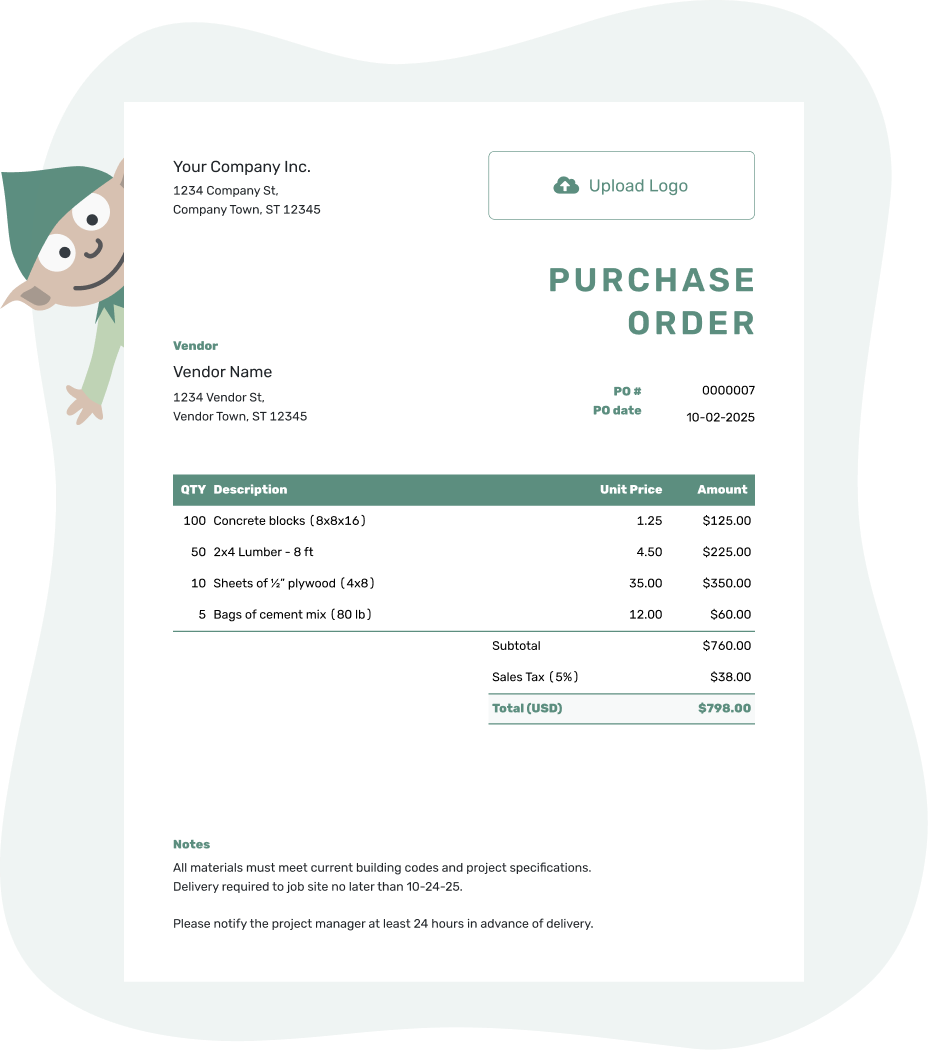
Create a professional purchase order. Send it. Get back to work.
QuickBooks Purchase Order Alternative Examples
These are Docelf purchase order previews. Every card opens the same online editor; none is a QuickBooks file or import template.
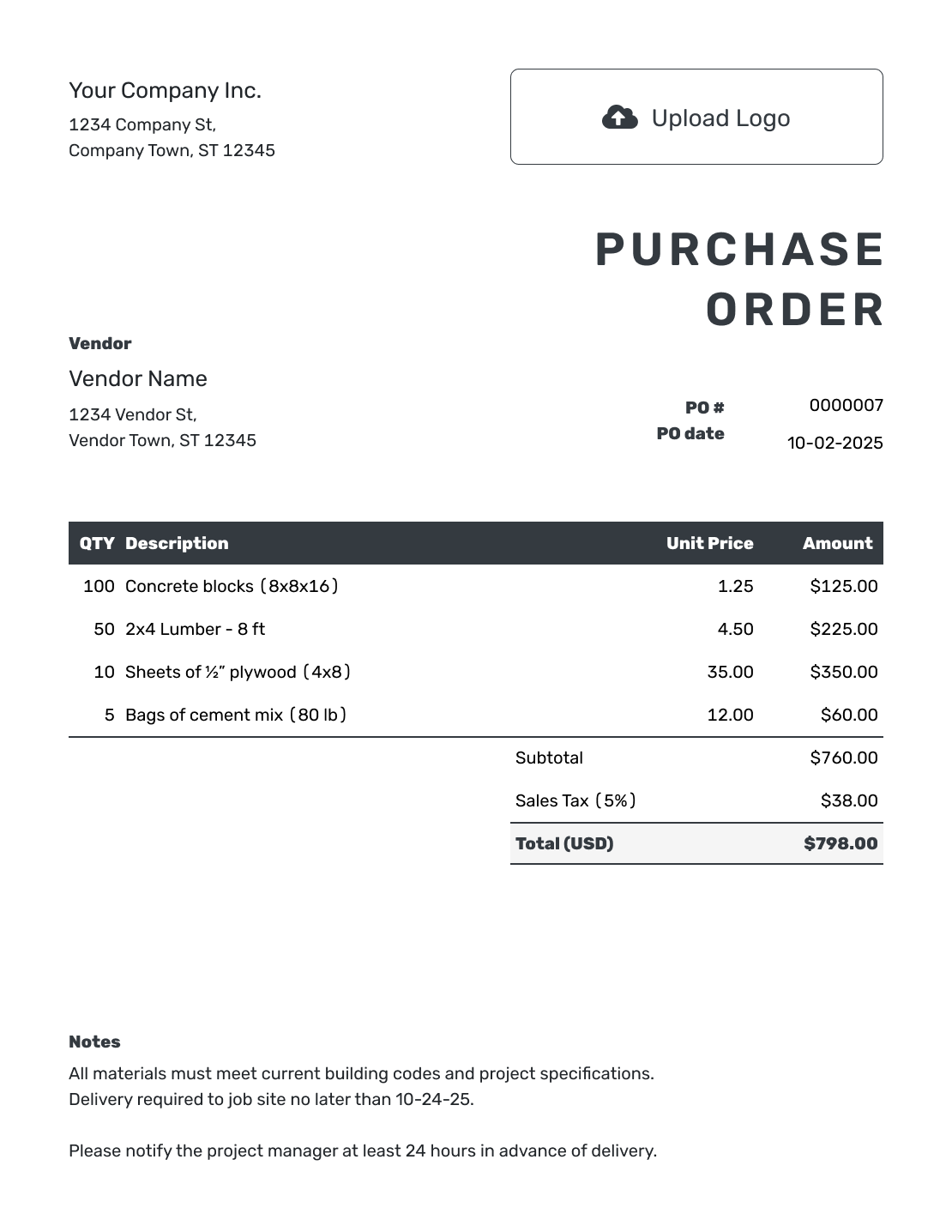
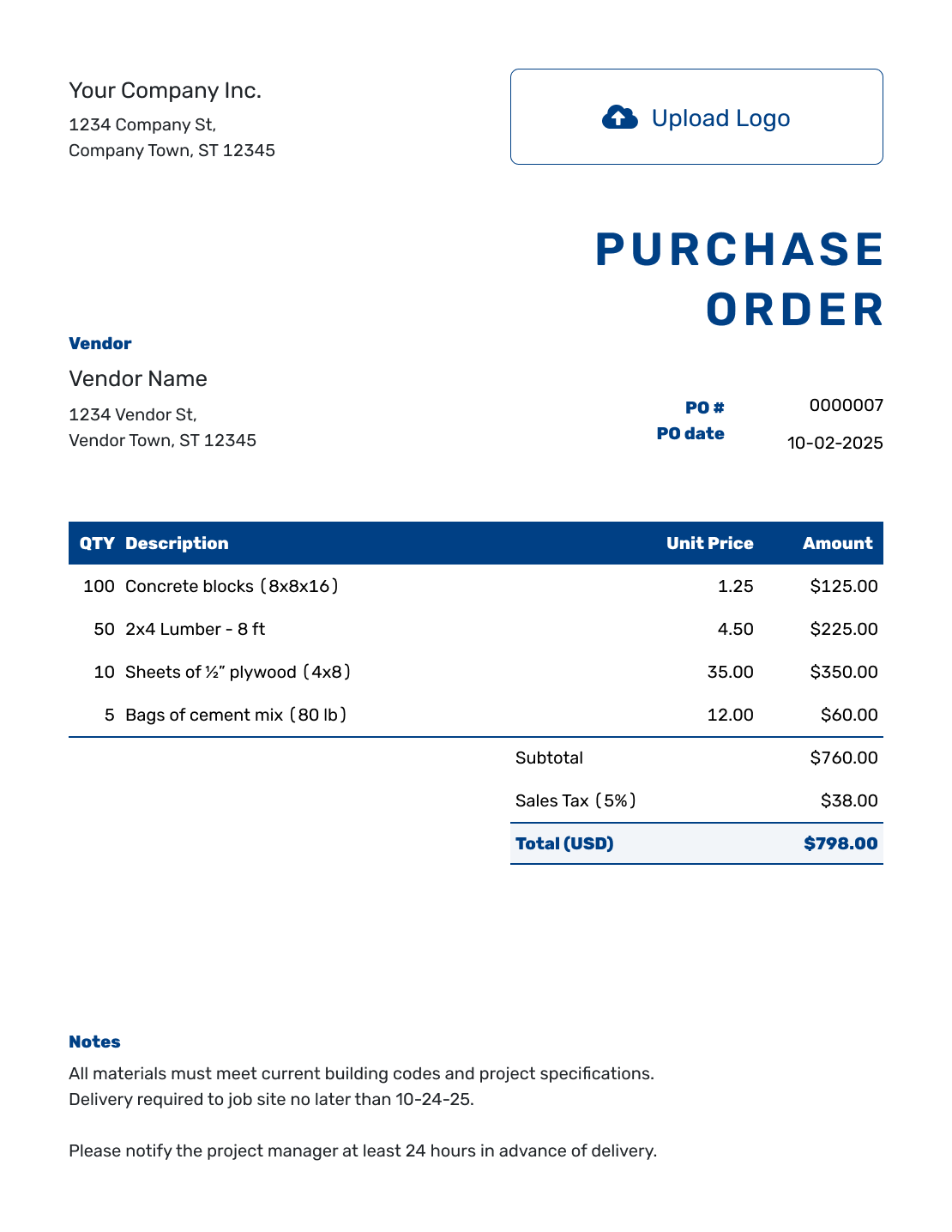
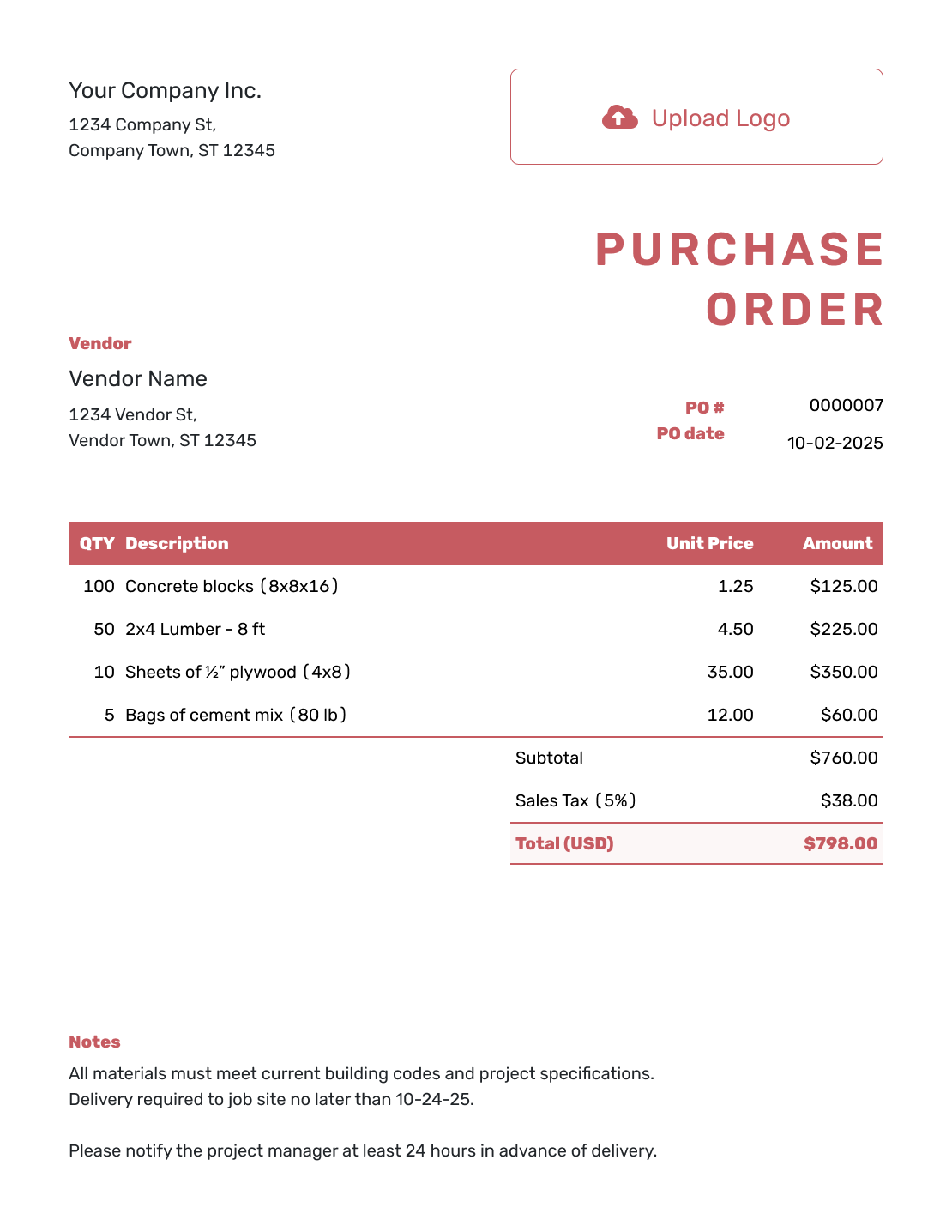
Looking for a QuickBooks Purchase Order Template?
This page offers a way to create the purchase order in Docelf. It is useful when you need a vendor-facing document and keep your accounting in a separate system. It does not provide a QuickBooks template file.
Docelf is business document software. It lets you save vendor and item details, calculate order totals, and send the PO from your phone, tablet, or computer. Decide how you will handle the later invoice and accounting records before using a separate document tool.
Decide What You Need the Purchase Order Tool to Do
Start with the work you expect the software to handle. The table separates the document tasks covered by Docelf from the purchasing and accounting work you would handle elsewhere.
| Your task | What Docelf covers | What you handle separately |
|---|---|---|
| Prepare the order | Vendor and item details, quantities, prices, taxes, discounts, and automatic totals | Agree the purchase and obtain any internal approval |
| Send the vendor a copy | Email the PO, see email delivery and opening history, print it, or download a PDF | Confirm the vendor can supply the order and meet the requested timing |
| Receive the purchase | Keep the PO as the record of what you ordered | Check deliveries or completed services; Docelf does not track shipments or inventory |
| Check the vendor’s invoice | Use the PO number as a reference when comparing documents | Match and check the invoice yourself; Docelf does not convert or automatically link a PO to an invoice |
| Keep the books | Organize purchase orders with your other Docelf business documents | Keep accounting records and financial reporting in your accounting system |
If you need the PO to update your accounting records automatically, check that process in your current product and plan before moving the document work to a separate tool.
How to Create a Purchase Order Without QuickBooks
Use the details agreed with the vendor. Work through the order, then check the finished document before choosing to send it.
- Add Your Business: Enter your business name, address, and contact details.
- Add Your Logo: Add your business logo if you use one.
- Choose the Vendor: Select a saved vendor or enter new vendor details.
- Number and Date: Add a unique PO number and the order date.
- List the Purchase: Describe each product, service, or rental with quantities and unit prices. Put charged shipping in its own item row.
- Check the Total: Add applicable tax or discount, then check the total.
- Notes and Send: Add the delivery address. Put the requested date and order instructions in Notes. Review the order, then email the PO or download a PDF.
Ready to Send the Purchase Order?
Enter the purchase details and let Docelf calculate the total. Review the order, then send the vendor a copy.
Keep the Document Work in One Place
You can create invoices, estimates, quotes, receipts, and purchase orders in the same Docelf account. Reuse saved vendor, product, and service details when you order again, or duplicate an earlier PO as a new draft with a new document number.
Add your logo, colors, and fonts so the order looks consistent with your other documents. A saved or edited PO is not emailed automatically; you decide when it is ready to send.
What Your Purchase Order Should Include
The vendor needs enough detail to supply the right order. A reference and a specific description are usually more useful than a long explanation of your internal process.
Buyer and Vendor Details
Add both business names, addresses, and contact details. Include the person handling the order when the vendor needs a specific contact.
PO Number and Dates
Use a unique PO number, order date, and requested delivery date. Ask the vendor to include the PO number on the invoice.
Items, Quantities, and Prices
List each product or service, quantity, unit, unit price, and line total. Add SKUs, part numbers, hours, or scope details when they prevent confusion.
Delivery and Notes
Add the separate ship-to address or service location. Use Notes for agreed payment terms, delivery instructions, and the order contact. Attach a relevant specification when useful.
Before sending, check the vendor, quantities, prices, total, ship-to address, and requested delivery date. A separately charged shipping service belongs in the item table and contributes to the subtotal.
Match the Order When the Invoice Arrives
Ask the vendor to put your PO number on the invoice. Keep a record of what actually arrived or which services were completed, then compare that record and the PO with the invoice before payment.
For example, if a PO orders 12 cartons and only 10 arrive, record the two-carton shortage and contact the vendor. Check whether the invoice covers the delivered quantity or the full order before passing it to the person handling payment. The PO itself is not proof of delivery or payment.
Docelf’s email history tells you whether the emailed document was delivered or opened. It does not confirm vendor acceptance, shipment, or completion. Confirm those details with the vendor directly.
More Ways to Create and Manage Purchase Orders
Use these guides for creating one order online, choosing document software, completing the form, or organizing purchase order records.
QuickBooks Purchase Order Alternative FAQs
-
Is there an alternative to QuickBooks for purchase orders?
Yes. Docelf lets you create and send purchase orders as business documents. It calculates totals, saves vendor and item details, and provides email delivery and opening history. Keep your accounting process separate.
-
Do I need accounting software to create a purchase order?
No. You can create the order in Docelf using your vendor’s agreed items, prices, and delivery details. You still need a separate process for checking the delivery, reviewing the vendor’s invoice, and keeping your accounting records.
-
Is Docelf a replacement for QuickBooks?
Docelf can cover the purchase-order document task, but it is not accounting software. It does not provide inventory tracking, shipment tracking, approval workflows, or automatic PO-to-invoice links.
-
Should I use Docelf or QuickBooks for purchase orders?
Use the table above to check whether creating and sending a separate PO covers your needs. If the PO must connect with your accounting records, check the capabilities of your current accounting product and plan before changing that process.
-
Can I email a purchase order to a vendor?
Yes. Email it from Docelf when it is ready. The vendor can view and download the document without a Docelf account. Creating or saving the PO does not email it.
-
Can I download the purchase order as a PDF?
Yes. Download the finished PO as a PDF for printing, your records, or a separate email. This page provides a Docelf document, not a QuickBooks template file.
-
Can I see when a vendor opens the purchase order?
Yes. When you email the PO from Docelf, its document history shows email delivery and opening information. This does not confirm vendor acceptance or shipment of the order.
QuickBooks is a trademark of Intuit Inc. Docelf is not affiliated with or endorsed by Intuit Inc.
Create the Purchase Order in Docelf
Put the order details in writing and give the vendor a clear copy to work from.
- Reuse saved vendor and item details
- Check quantities, prices, and delivery instructions
- Email the finished PO or download a PDF




