Purchase Order Management System
Keep vendor orders easy to find.
Start your purchase order with your vendor’s details and the items you need. Send a clear order that’s easy for your vendor to fill correctly.
Email, print or download your purchase order as a PDF.
14-day free trial. No credit card required.
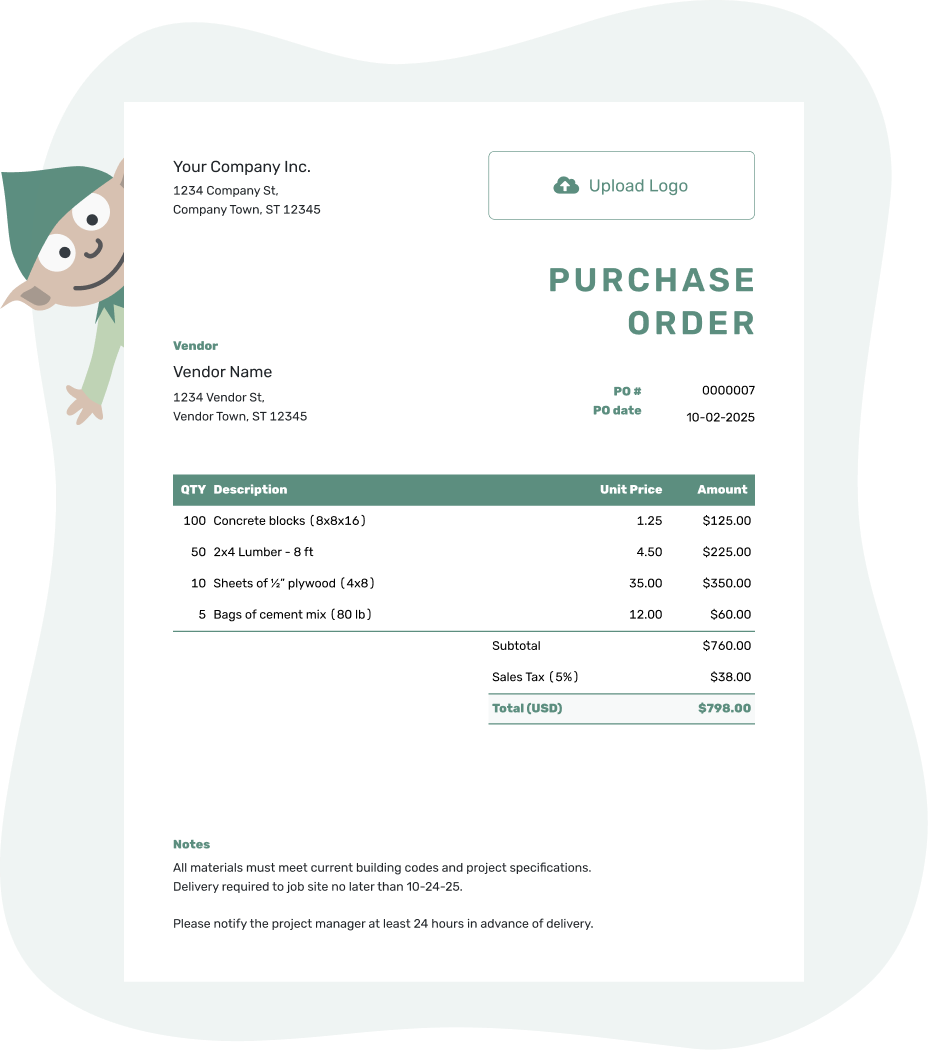
Create a professional purchase order. Send it. Get back to work.
Purchase Order Management System Examples
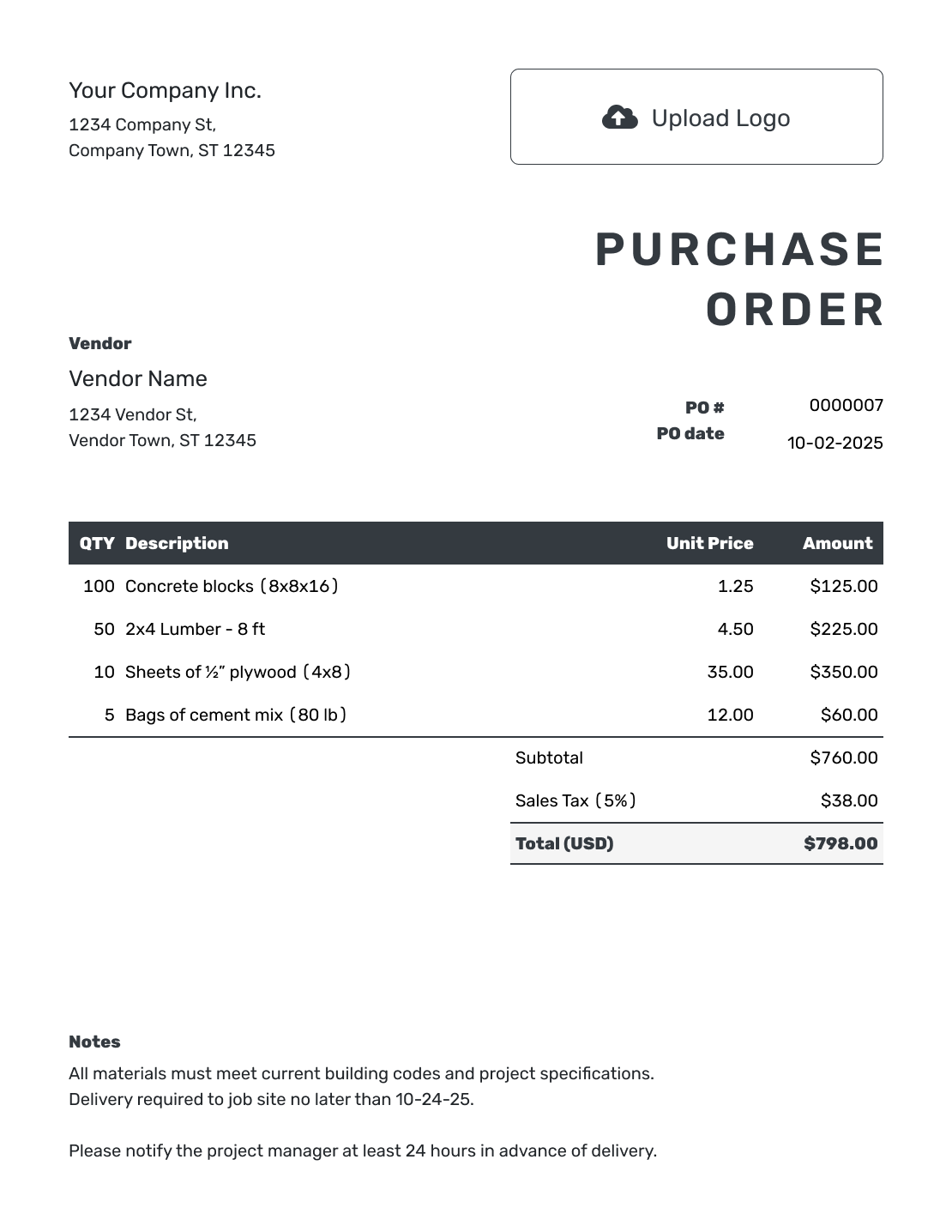
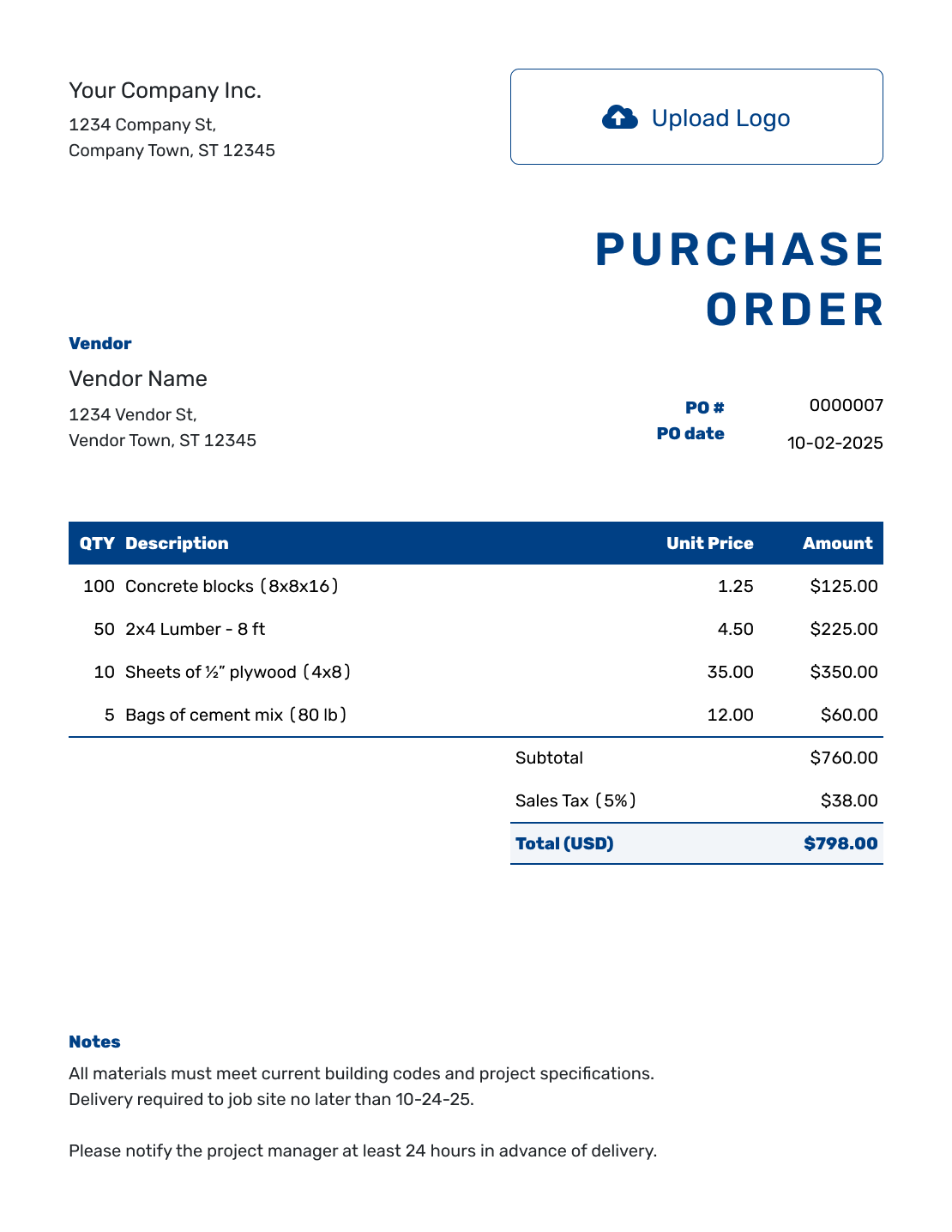
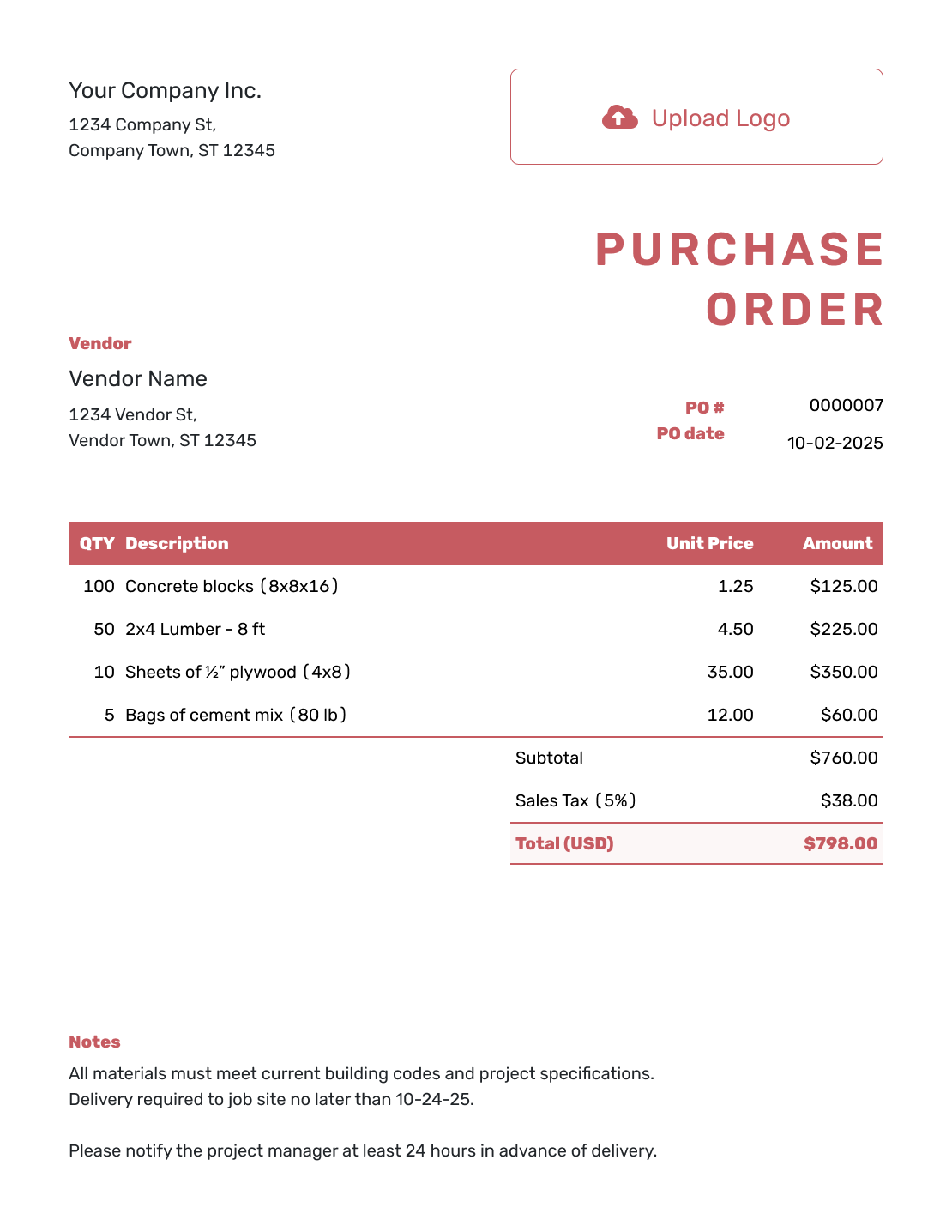
These examples show ways to present a vendor order. Each opens the same purchase order editor, where you enter your own order details.
Keep Each Order Easy to Find and Check
Purchase order management is the process of preparing, sending, and keeping vendor orders so you can check them later. A consistent PO number connects the order to delivery records, changes, and the vendor's invoice.
Docelf keeps the purchase order documents together and lets you reuse saved vendors, products, and services. You enter the quantities and prices; Docelf calculates line amounts and totals, including any tax and discount you add.
You handle purchasing approval, delivery checks, and invoice matching as part of your own process. Docelf supports the document work without tracking stock or running your accounting.
How to Manage Purchase Orders
Follow the order from the decision to buy through to the vendor's bill. Decide who will send it and who will check what arrives, even if you handle both jobs yourself.
Confirm the vendor and price. Get any approval your business requires before ordering.
- Add Your Business: Enter your business name and contact details.
- Add Your Logo: Add your logo if you use one.
- Add the Vendor: Enter the vendor’s name and contact details.
- Identify the Order: Add a unique PO number and the order date.
- List What You Need: Describe each product or service with its quantity and price. Put separately charged delivery in its own item row.
- Check the Total: Check the order’s quantities, prices, applicable tax, any discount, and total.
- Set Delivery Details: Add the ship-to address or service location. Use Notes for the requested date, instructions, and agreed payment terms. Check the order, then choose to email it or download a PDF to send.
Use Notes to Keep the Order Connected
Notes give the vendor directions that do not fit in an item description. A job reference, delivery instruction, and request to include the PO number on the invoice help both businesses keep the paperwork together.
Use only instructions and terms that apply to your order. For example, these Notes could accompany PO-2026-042 for a workshop supply delivery.
Example: Notes
- Job reference: workshop supplies. Deliver to the ship-to address on this order.
- Please contact our office to arrange the delivery time and confirm any unavailable items before dispatch.
- Include PO-2026-042 on the delivery note and invoice.
Start With an Order You Can Check Later
Enter what you need from the vendor. Docelf calculates the total and keeps the purchase order with your other documents. Review it before sending.
Compare the Order, Delivery, and Vendor Invoice
A matching PO number helps you find the right documents; it does not prove that every item arrived. Compare the goods or completed work with the order. Record shortages or unfinished work with your order records.
Use the PO number to compare the vendor's bill with the order and what you received. Check the quantities and prices, and ask the vendor about differences.
In this fictional example, PO-2026-042 orders 24 boxes of workshop gloves. The first delivery contains 20 boxes, but the vendor's invoice lists all 24.
| Record | What It Shows | What to Check |
|---|---|---|
| Purchase order | 24 boxes ordered | The box size and agreed price per box |
| Delivery record | 20 boxes received | Whether the remaining 4 boxes are due later |
| Vendor invoice | 24 boxes billed | Whether billing the full order matches your agreement |
Ask the vendor to confirm the remaining delivery and explain the billed quantity. If the invoice is wrong, request a corrected copy. Keep the reply with the order records so the person checking the next delivery knows what is still due.
This is a manual check. Docelf does not automatically link purchase orders to vendor invoices or track deliveries.
Keep Revisions Clear and Records Together
Save the sent PO with the related approval, delivery record, vendor invoice, and correspondence in your usual order records. Include the PO number in downloaded filenames so someone else can find the same purchase without opening several files.
When a quantity, price, or date changes, keep a copy of the order you sent before revising it. Explain the change in Notes, send the revised order, and ask the vendor to confirm which version they will use. Saving an edit in Docelf does not email it.
For the next order, saved vendor and item details reduce repeated typing. Check that the address, specification, and price are still current rather than carrying last month's delivery details into a new purchase.
Choose Software for the Work You Need It to Do
Docelf fits the document side of purchasing: creating clear orders, reusing vendor details, sending POs, and keeping the finished documents together. You can email an order and see delivery and opening information in its history. That tells you about the email, not the shipment.
If you need software to send purchases through several approvers, enforce budgets, or update stock when goods arrive, look for those specific capabilities in a purchasing or accounting system. The same applies if you want automatic checks between the PO, the goods received, and the vendor invoice.
Docelf does not provide those approval, inventory, or invoice-matching functions. Keep them in the system or manual process your business uses for that work.
More Purchase Order Tools and Templates
Explore the software features, create an order online, or get practical guidance for small-business purchases.
Purchase Order Management System FAQs
-
What is a purchase order management system?
A purchase order management system helps a business prepare, send, keep, and find vendor orders. The PO number lets you connect each order with its delivery records, agreed changes, and vendor invoice.
-
What should a purchase order management system include?
Look for clear item and delivery details, automatic totals, reusable vendor information, and orders you can find again. If you need several people to approve each purchase, stock updates, or automatic invoice checks, confirm those capabilities separately; Docelf does not provide them.
-
How should a small business manage purchase orders?
Decide who may approve a purchase, who sends the PO, and who checks the goods or completed work. Use a unique number for each order and keep its related records together. A small team can use the same simple process for every vendor.
-
Can Docelf track purchase orders?
You can see delivery and opening information in the history of a purchase order emailed from Docelf. This tracks the document email, not the shipment. Opening the PO does not confirm vendor acceptance or delivery of the order.
-
How do I assign purchase order numbers?
Use a unique number for each purchase order and keep your numbering pattern consistent. A reference such as PO-2026-042 identifies one order; put any job or department reference in Notes when it helps you find the purchase later.
-
How do I match a purchase order with a vendor invoice?
Find the PO using the number on the vendor's invoice. Compare descriptions, quantities, prices, and terms with the order, then check what arrived or was completed. Ask about any difference, including a full-order invoice for a partial delivery. Docelf does not match or link these documents automatically.
-
Is Docelf purchase order management accounting software?
No. Docelf is document software for creating, sending, and organizing purchase orders. Keep bookkeeping, stock records, and purchasing approvals in the system or process you use for those tasks.
-
Can I email, print, or download purchase orders?
Yes. Email the purchase order from Docelf, print it, or download a PDF. The vendor can view and download an emailed purchase order without a Docelf account. You choose when to send it; creating or editing the document does not send it.
-
Can I reuse a purchase order for a repeat order?
Yes. Duplicate an earlier purchase order to create a new draft with a new number. Check the copied items, prices, delivery details, and Notes before sending. Keep the original order as the record of the earlier purchase.
Put Your Next Vendor Order in Writing
Give the vendor a clear order and keep a useful record for when the delivery arrives.
- Reuse saved vendor and item details
- Check the quantities, total, and delivery instructions
- Email the purchase order or download a PDF




