Free Blanket Purchase Order Template
Create a professional purchase order in minutes.
List the items you plan to buy regularly and their prices. Send a clear, complete order that makes it easy for your vendor to get each delivery right.
Email, print or download your purchase order as a PDF.
14-day free trial. No credit card required.
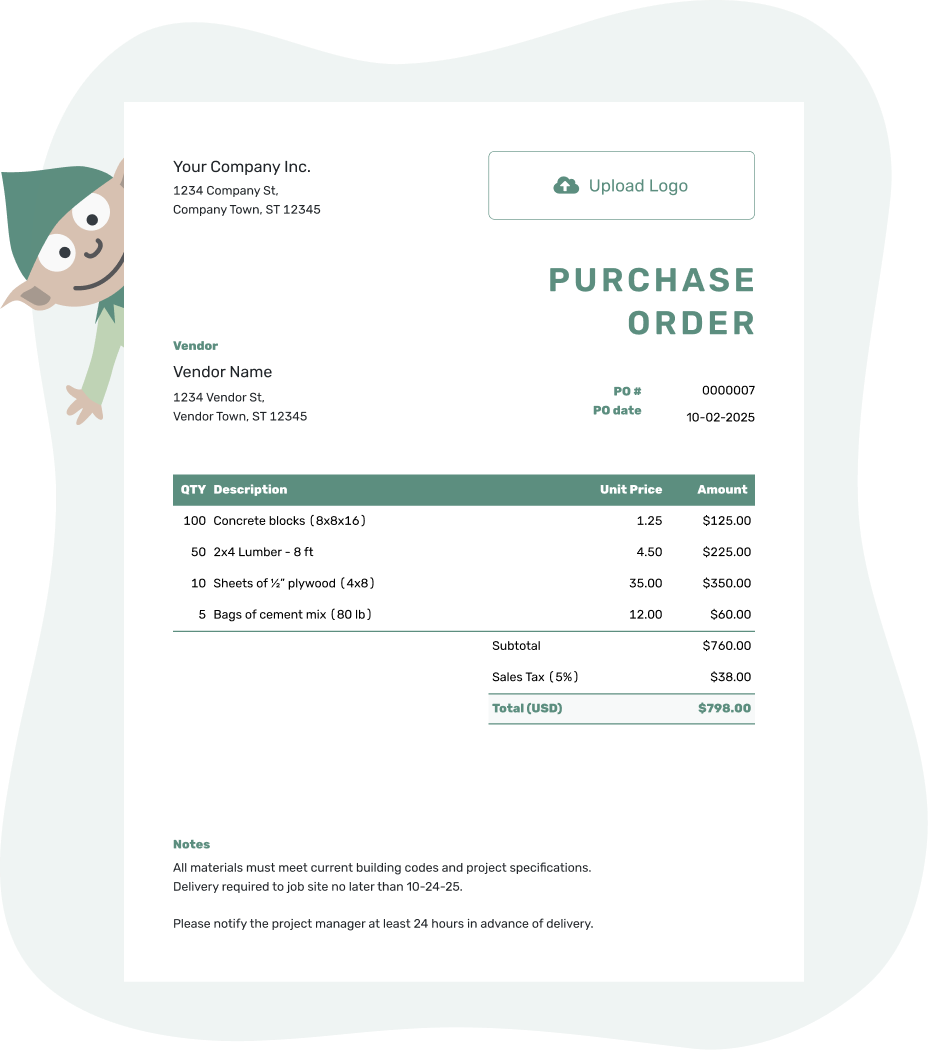
Create a professional purchase order. Send it. Get back to work.
Blanket Purchase Order Examples
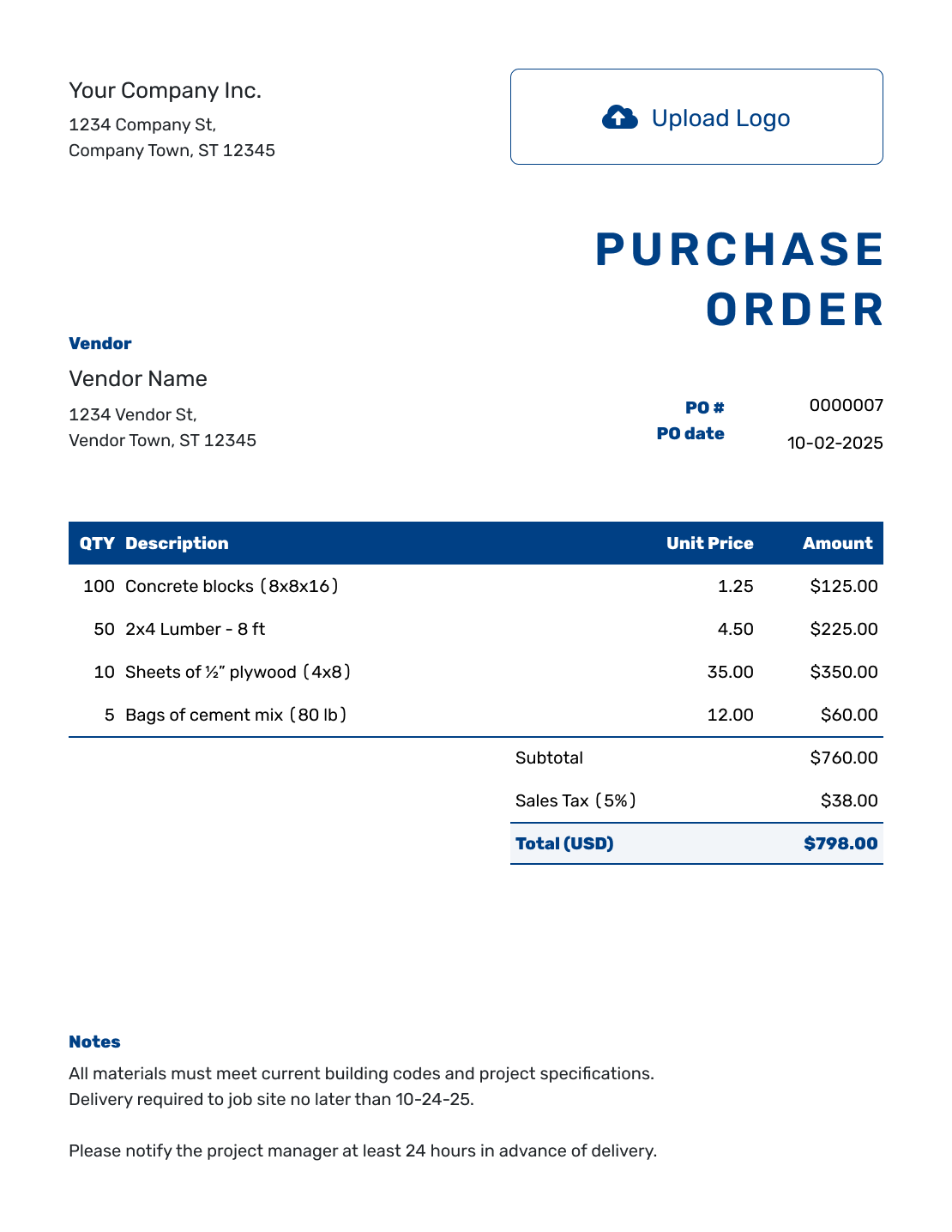
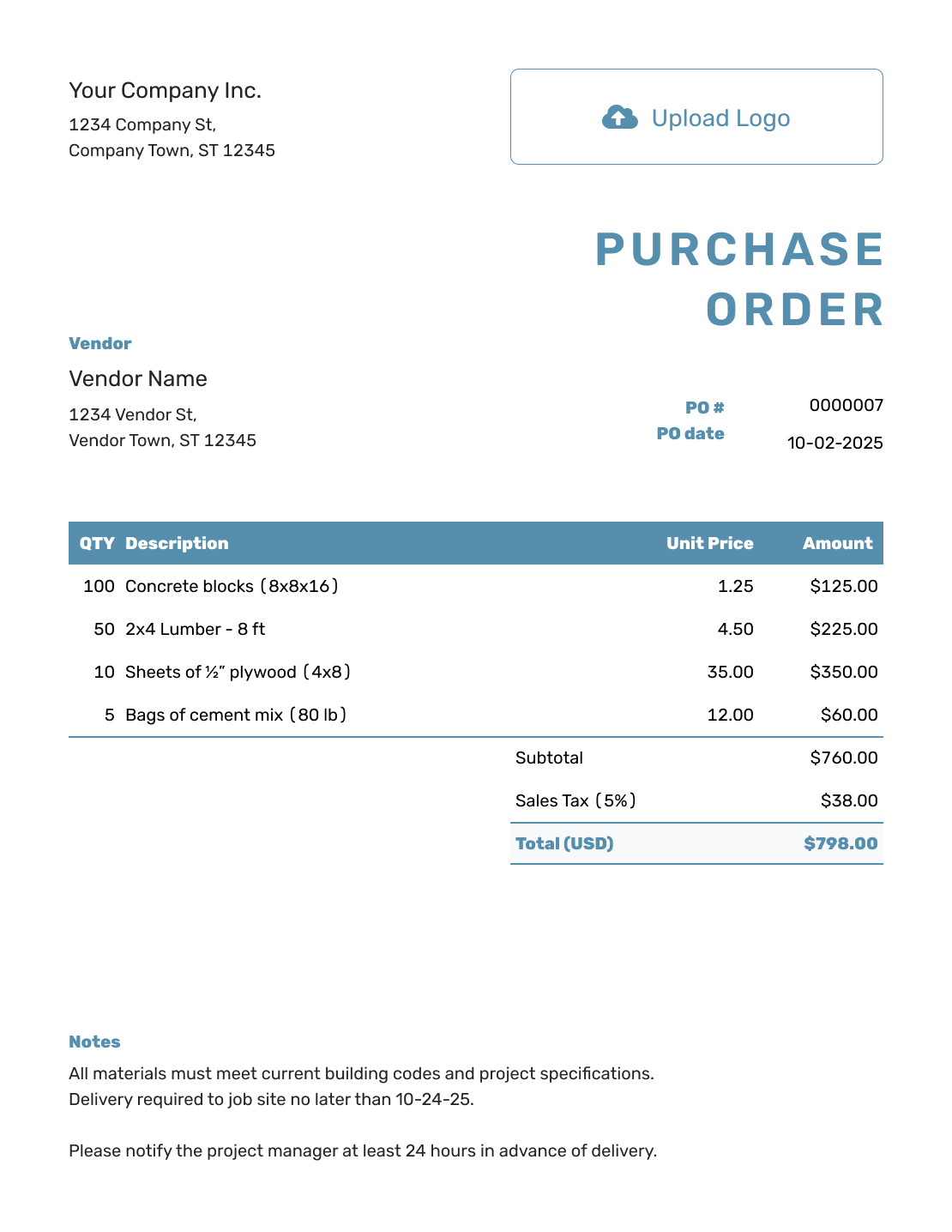
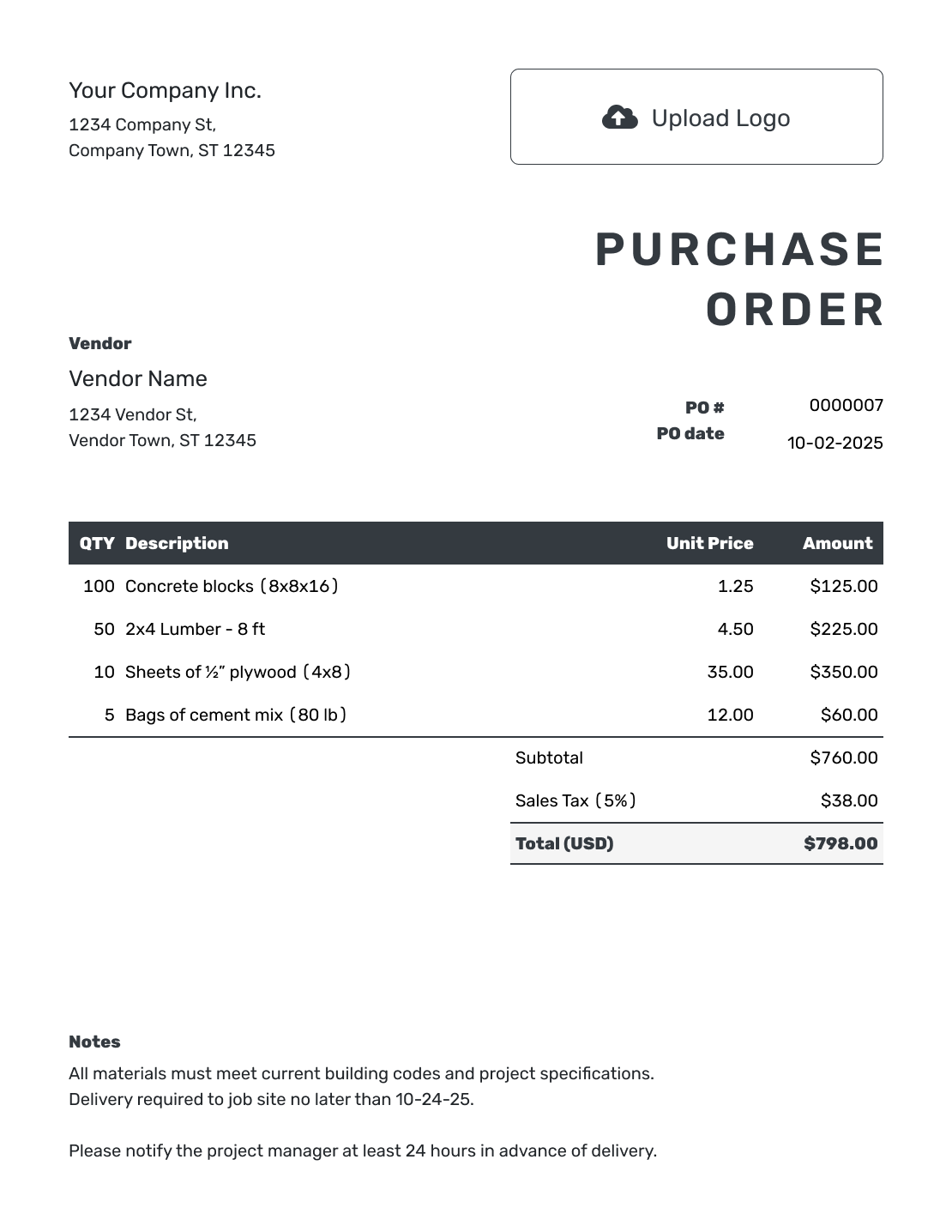
Browse these three previews, then add the details of your arrangement. Every preview opens the same purchase order editor; explain the blanket terms in Notes.
What Is a Blanket Purchase Order?
A blanket purchase order covers repeat purchases from one vendor during a set period. It records the agreed products or services, prices, and limits before you know every delivery date or quantity.
A release is an individual order under that arrangement. It tells the vendor what you need now, where it should go, and when it is needed. Give each release its own reference and include the blanket PO number so the paperwork stays together.
Docelf helps you create and send the purchase-order document. You and the vendor still agree on the blanket terms, place each release, and check purchases against the limits.
How to Create a Blanket Purchase Order
Start with the vendor and agreed purchases. Use Notes for the arrangement’s dates, limits, and instructions, and make clear whether the document sets the blanket terms or places a specific release.
- Add Your Business: Enter the name, address, and contact details the vendor should use.
- Add Your Logo: Add your business logo if you have one.
- Add the Vendor: Choose a saved vendor or enter the vendor’s details and useful account reference.
- Check the PO Number and Date: Add the PO number and order date.
- Describe the Purchases: List covered products or services and agreed unit prices. Label any planned quantities clearly.
- Check the Total: Check prices and totals.
- Add Notes and Send: In Notes, state the arrangement’s start and end dates, limits, authorized buyers, and how each release will be placed. Add lead times, packaging, and any release-specific delivery date. Enter the ship-to address. Ask for the blanket PO and release references on invoices, then email or save a PDF.
How to List Items for a Blanket PO Release
Keep the agreed unit prices separate from the quantities ordered in a particular release. State the blanket spending limit in Notes; the line-item total shows the value of the quantities on this document, not a running balance for the arrangement.
This fictional packing-supplies release, R01, refers to blanket PO BPO-26014. It orders three products in US dollars, all taxed at an illustrative 8%. The blanket arrangement has a $3,000.00 limit including tax; this release orders $682.56 of supplies.
| QTY | Description | Unit Price | Amount |
|---|---|---|---|
| 20 | Corrugated shipping boxes — bundle of 25 | $18.00 | $360.00 |
| 6 | Packing tape — carton of 6 rolls | $24.00 | $144.00 |
| 4 | Kraft packing paper — 500-foot roll | $32.00 | $128.00 |
| Subtotal | $632.00 | |
| Sales Tax (8% illustrative) | $50.56 | |
| Order Total | $682.56 |
The total is the value ordered in release R01, not proof of payment or delivery. Check your own tax treatment. If delivery has a separate charge, add it as an item so it contributes to the subtotal.
What to Include in Blanket Purchase Order Notes
Use Notes to explain the agreement and connect each release to it. State whether a limit includes tax and delivery charges, and distinguish an estimated quantity from a quantity the vendor should ship now.
Adapt the sample to the arrangement you have actually agreed. Keep a longer price list or agreement as an attachment when that makes the order easier to read.
Example: Notes
- Blanket PO BPO-26014 applies from October 1 through December 31, 2026. Total purchases must not exceed $3,000.00 including tax and delivery.
- Release R01 orders only the quantities listed above, totaling $682.56. Please deliver to the stated ship-to address by October 8, 2026.
- Only the warehouse manager may place further releases. Please confirm availability before dispatch and quote BPO-26014 and the release reference on each invoice.
Put the Repeat-Order Details in Writing
Record the agreed purchases and explain the blanket terms in Notes. Review the document, then email it to your vendor.
What to Include on a Blanket Purchase Order Template
A standard PO describes one defined purchase. A blanket PO also needs to describe the boundaries for future releases.
Buyer, Vendor, and Authorized Contacts
Include both businesses, the vendor representative, and the people or departments allowed to place releases. Add account, location, job, or department references when they help route the order.
PO Number and Effective Dates
Use a unique blanket PO number and list the start date, end date, and any review or renewal date. State what happens to unused quantities or spending allowance at the end of the period.
Approved Items, Services, and Pricing
Describe what the vendor may supply. Include item numbers, service descriptions, units, rates, fixed prices, discount rules, or a price list reference when they apply.
Quantity and Spending Limits
State the maximum total value, maximum quantities, per-release limits, or category limits. Say whether the limit includes tax and delivery charges.
Release Instructions
Explain how individual orders will be placed, who may place them, what information each release needs, and whether the vendor must confirm availability or price before fulfillment.
Delivery, Invoicing, and Terms
Record agreed delivery locations, lead times, packaging requirements, freight terms, payment terms, and cancellation arrangements. Ask the vendor to show both the blanket PO number and release reference on each invoice.
When a Blanket Purchase Order Works Best
Use a blanket PO when you expect repeated purchases from the same vendor and can agree on the terms and limits before the exact schedule is known.
- Office, cleaning, packaging, or shop supplies ordered throughout the year
- Inventory or materials released in smaller quantities as demand changes
- Recurring maintenance, landscaping, cleaning, or other routine services
- Equipment rentals or deliveries that happen on several dates
- Approved vendor purchases for one department, location, project, or job
For one purchase with a known quantity, price, and delivery date, use a standard purchase order. When work needs a detailed agreement or changing scope, keep that agreement with the product or service PO as an attachment.
Keep Repeat Orders Inside the Agreed Limits
After you send the blanket PO, keep a separate record of releases and their value. Before placing the next release, check that it falls within the effective dates and the agreed quantity or spending limit.
- Use the same blanket PO number on every release, delivery record, and vendor invoice
- Give each release its own date or reference number
- Review cumulative quantities or spending against the approved maximum
- Confirm changes to prices, products, locations, or authorized buyers in writing
- Close, replace, or renew the blanket PO when the effective period ends
Keep release approvals, delivery checks, and cumulative spending in your own purchasing records. Use the PO number to match the vendor’s invoice before payment; Docelf does not convert or automatically link a purchase order to an invoice.
More Purchase Order Templates
Choose a purchase order for one product order, a service arrangement, or a broader way to organize multiple POs.
Blanket Purchase Order Template FAQs
-
What is a blanket purchase order?
A blanket purchase order covers repeated purchases from the same vendor during a defined period. It sets the approved products or services, pricing, limits, delivery arrangements, and terms that apply to later releases.
-
What is the difference between a blanket and standard purchase order?
A standard purchase order normally covers one defined purchase or delivery. A blanket purchase order covers multiple releases over time under agreed products or services, prices, dates, and limits.
-
What should a blanket purchase order include?
Identify the buyer, vendor, unique blanket PO number, and effective dates. List the covered products or services with agreed prices and quantity or spending limits. Use Notes for authorized contacts, release and delivery instructions, payment terms, and invoice requirements.
-
What is a release against a blanket purchase order?
A release is an individual order placed under the blanket PO. It tells the vendor what quantity or service is needed now, where it should go, and when it is required. The release should refer to the blanket PO number.
-
Does a blanket purchase order need a spending limit?
A clear maximum helps you check repeat purchases. Write the agreed total amount or quantity limit in Notes, including whether tax and delivery count toward it. Check each release against your own record of earlier purchases.
-
When should I use a blanket purchase order?
Use one when you expect repeat purchases from the same vendor, can agree on prices and terms upfront, and do not yet know every release date or exact quantity. Common uses include supplies, recurring maintenance, inventory, materials, and rentals.
-
Can a blanket purchase order cover services?
Yes. A blanket PO can cover recurring services such as maintenance, cleaning, landscaping, repairs, or professional support. Define the approved work, rates, schedule or release process, maximum value, locations, and completion requirements.
-
Can I email, print, or download the blanket purchase order?
Yes. Create the blanket purchase order in Docelf, then email it to the vendor, print it, or download a PDF. When you email it from Docelf, you can see when the vendor opens it.
-
Does Docelf manage blanket PO releases and spending limits?
Docelf creates and organizes purchase-order documents and calculates their totals. Record blanket terms in Notes, then manage release references and cumulative spending in your own purchasing records.
Give Your Vendor a Clear Basis for Repeat Orders
Put the agreed details where both you and the vendor can find them for the next release.
- List the covered products or services and prices
- Explain the blanket period and limits in Notes
- Review the purchase order and email the vendor copy




