Free Construction Purchase Order Template
Create a professional purchase order in minutes.
List the materials you need and add the job site address. Send an easy-to-read order that helps your vendor deliver the right materials to the right place.
Email, print or download your purchase order as a PDF.
14-day free trial. No credit card required.
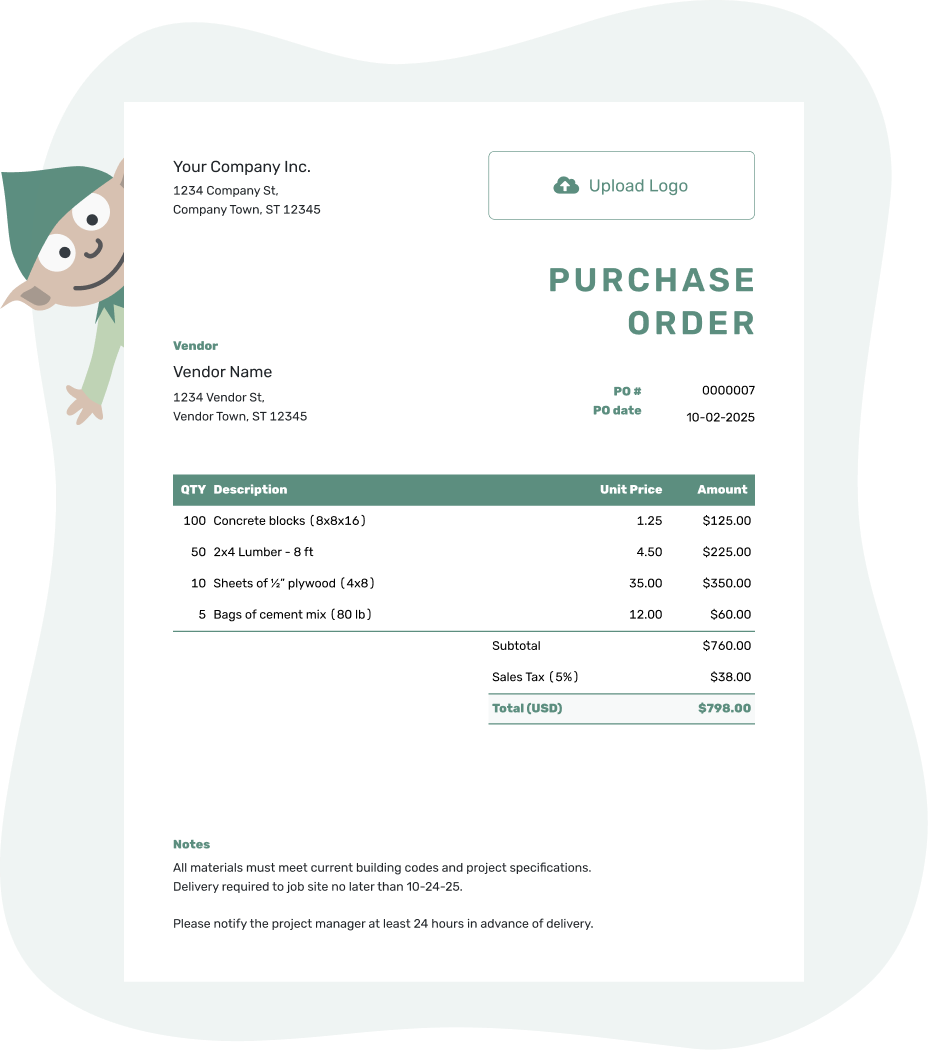
Create a professional purchase order. Send it. Get back to work.
Construction Purchase Order Examples
These three previews open the same purchase order editor. Add your project and vendor details, then list the materials or work you are ordering.
-
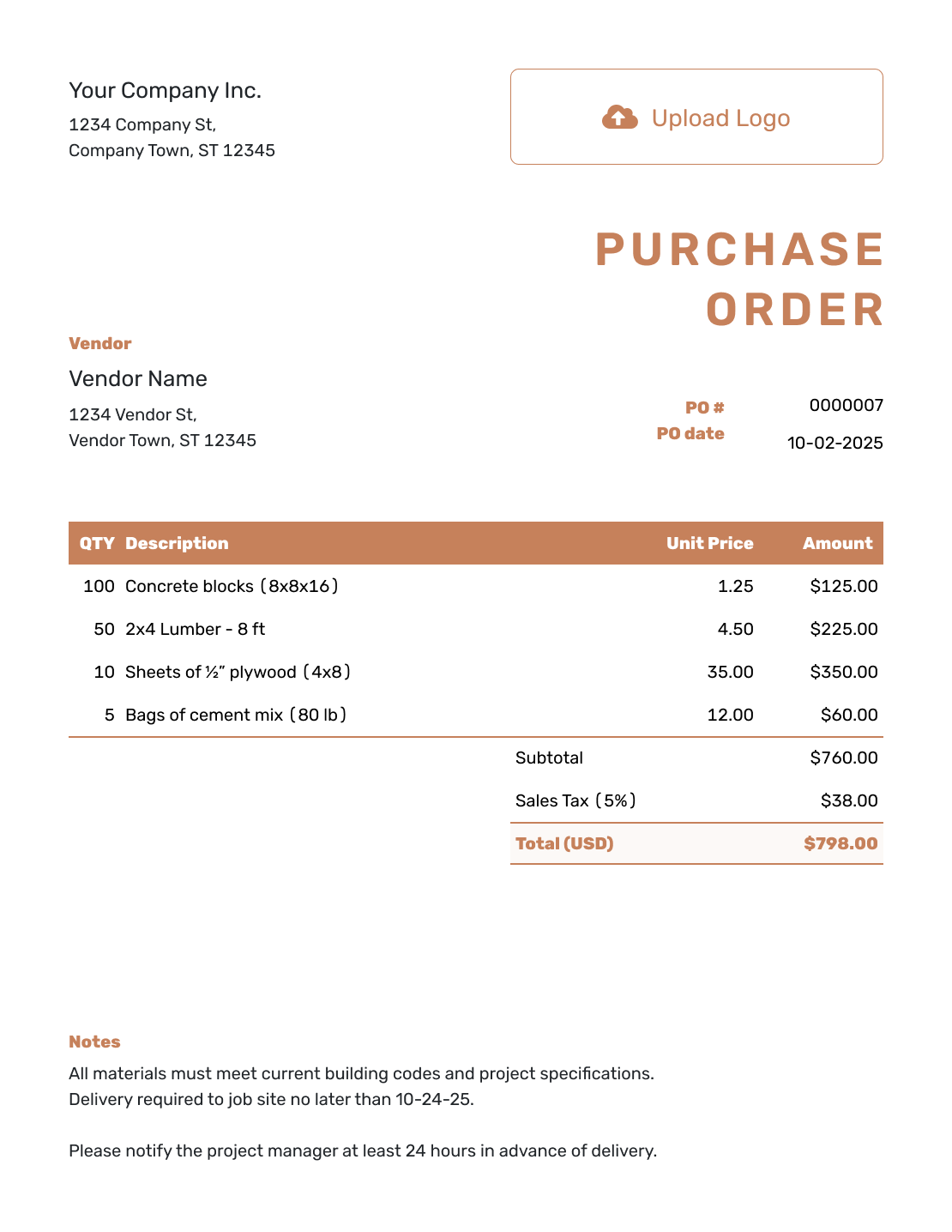
Construction Purchase Order Template
Order materials or services with the project, job number, site, and delivery details in one place.
Create Construction PO -
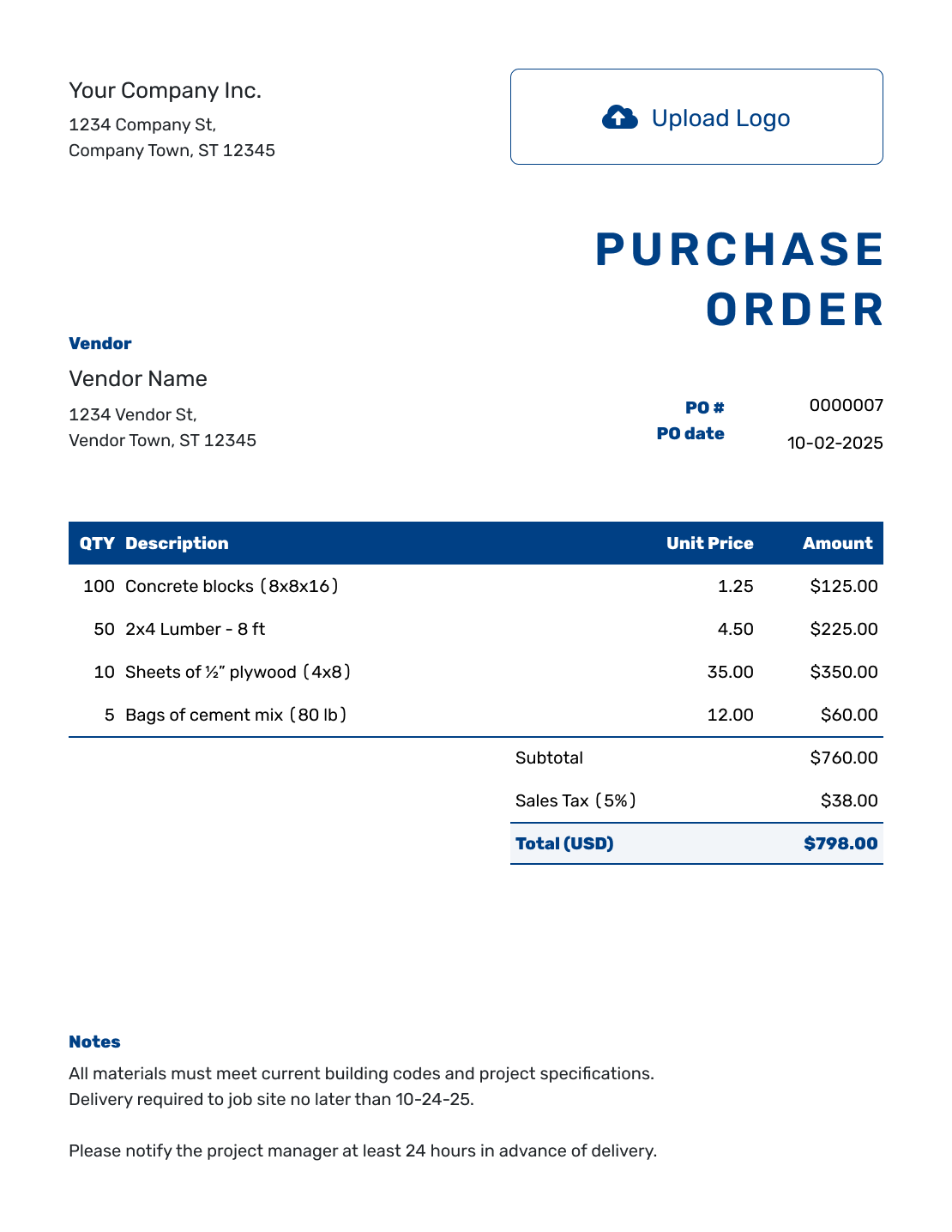
Professional Construction Purchase Order
Send a clear, branded order that your vendor and project team can review quickly.
Create Construction PO -
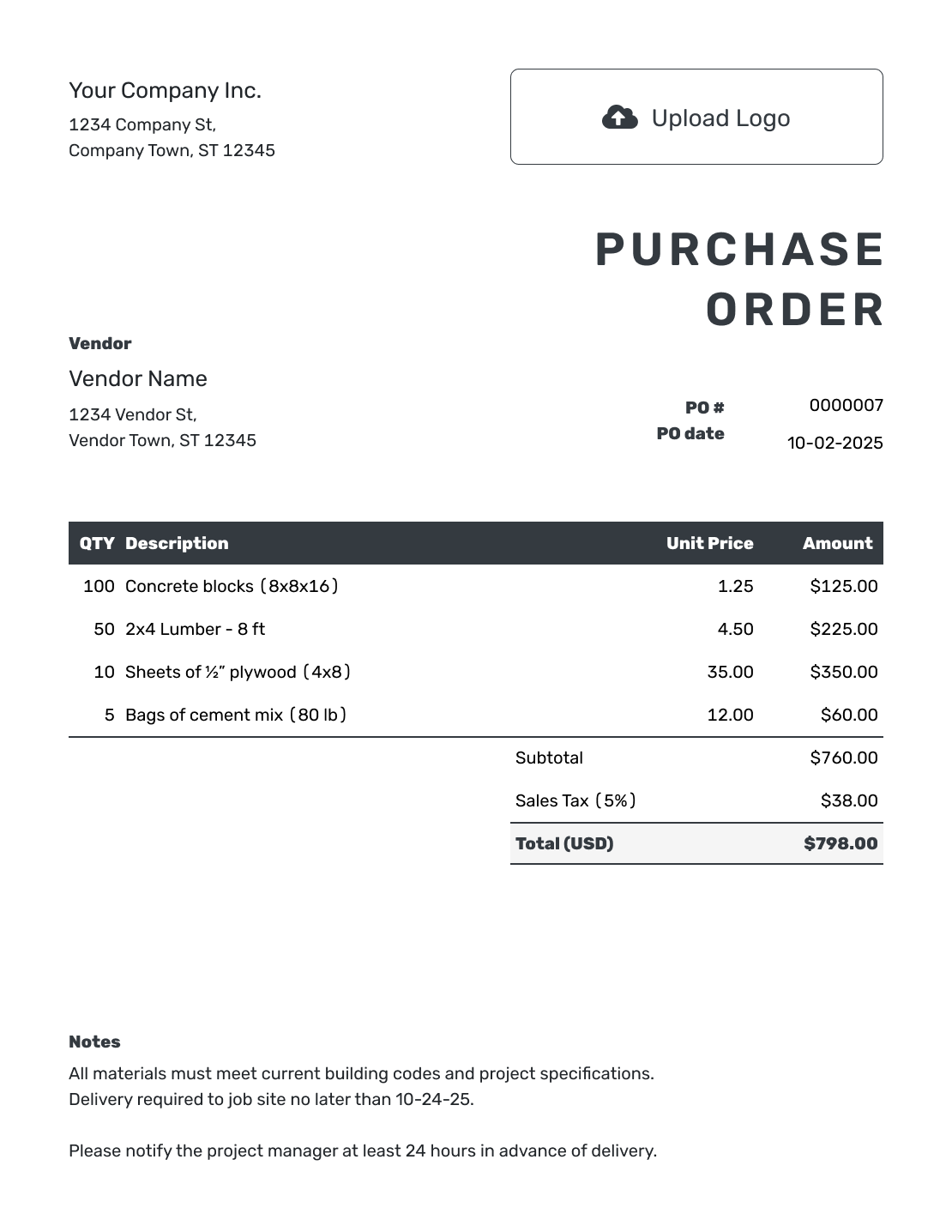
Digital Construction Purchase Order
Email the order from Docelf and see when the vendor opens it before the delivery or work begins.
Create Construction PO
Keep Every Purchase Connected to the Job
A construction purchase order tells a vendor what to supply for a specific project and at what price. It keeps the order tied to the job before materials arrive, equipment goes out on rent, or subcontracted work begins.
The project name and job number help your team identify the purchase later. The material specifications and delivery instructions help the vendor fill it correctly. Use a cost code or phase only when your team uses one to organize the work.
How to Create a Construction Purchase Order
Use the quantities and prices agreed with the vendor. Keep the job-site address separate from your office address, and put project references and delivery instructions in Notes.
- Add Your Business: Enter the business name, address, and contact details.
- Add Your Logo: Use the logo from your other business documents.
- Choose the Vendor: Select a saved vendor or enter the vendor's details.
- Check the Number and Date: Use a unique PO number and the order date.
- List the Purchase: Describe each item or service with its quantity, unit, and price.
- Check the Total: Add delivery as an item. Review applicable tax, any agreed discount, and the total.
- Add Site Details and Send: Set the ship-to address and add project instructions in Notes. Review, then email, print, or download the PO.
How to Fill In Construction Purchase Order Line Items
Give each material its own line, with the size, grade, and unit the vendor uses. A quantity of 24 sheets is different from 24 packs. For a rental or service, use the agreed rental period, hours, or fixed scope instead.
This fictional framing-material order is priced in US dollars. The delivery charge is an ordinary item included in the subtotal. An illustrative 8% tax applies to all four items; use the tax treatment that applies to your order.
| QTY | Description | Unit Price | Amount |
|---|---|---|---|
| 80 | 2 × 4 × 8 ft kiln-dried SPF lumber, No. 2 grade — pieces | $4.50 | $360.00 |
| 24 | 7/16 in OSB sheathing, 4 × 8 ft — sheets | $18.00 | $432.00 |
| 4 | 3 1/4 in framing nails — 5 lb boxes | $32.00 | $128.00 |
| 1 | Job-site delivery of framing materials | $95.00 | $95.00 |
| Subtotal | $1,015.00 | |
| Sales Tax (8% illustrative) | $81.20 | |
| Order Total | $1,096.20 |
What to Include in Construction Purchase Order Notes
Use Notes for the job reference and instructions the vendor needs beyond the item descriptions. Add the requested delivery window, site contact, entrance, and unloading directions. The separate ship-to address identifies where the order should arrive.
Adapt the sample to your site and the arrangements you actually use. Add a cost code, payment terms, or a reference to an attached drawing when it helps. Keep detailed project agreements with the order rather than squeezing them into a material description.
Example: Notes
- Project: Riverside addition, job RIV-206, framing phase. PO-1042.
- Requested delivery: October 6, 2026, 8–10 a.m., to the ship-to address. Use the east gate and check with the site supervisor before unloading.
- Keep sheet materials covered. Contact the purchaser before substituting a size or grade.
- Please include PO-1042 and job RIV-206 on the packing slip and invoice.
Ready to Place the Job Order?
Keep the material order and site instructions together. Docelf calculates the totals as you add the items. Review the order, then send it to the vendor.
Check the Project Details Before You Send
A clear order saves the vendor a call and helps the site team prepare for delivery. Check the details that matter for this purchase.
Project and Purchasing Reference
Check the job number and project name against your records. Include the customer or contract reference and cost code when used. Name the person the vendor should contact about the purchase.
Access and Unloading
Confirm that the requested date and delivery window suit the site. Give the vendor the entrance, access limits, site contact, and material drop-off location so the driver can plan the delivery.
Specifications and Scope
Check sizes, grades, units, and quantities against the vendor's quote. For rentals or work, check the period or scope instead. Attach a drawing or scope sheet when a short description is not enough.
Agreed Prices and Limits
Use the agreed unit prices and payment terms. Obtain any required project approval through your normal process before sending. State a spending limit in Notes if the vendor must contact you before doing additional work.
Ordering Equipment or Subcontracted Work
The same PO can cover building materials, equipment, or services from one vendor. For mixed purchases, separate materials, rentals, and labor so each price has a clear basis.
For equipment such as a lift, excavator, generator, or temporary fencing, state the rental period and rate. Include delivery and pickup arrangements, plus any agreed fuel, usage, or other fees. A rental description should make the start and end dates easy to find.
For subcontracted work such as electrical installation, concrete work, or cleanup, describe the scope and agreed price. Add the service location, schedule, and deliverables. Use milestones, a not-to-exceed amount, retainage, or completion terms only when they are part of the actual agreement and meet applicable local requirements.
Fabricated items such as windows, cabinets, or steel may need a drawing reference as well as quantities. Site services such as testing, hauling, surveying, or security need a clear description of the service and where it will be provided.
Changed the Quantity, Price, or Scope?
A larger material quantity, longer rental, or changed scope needs an updated order. Agree on the change with the vendor and follow your project's approval process before sending the revision.
Save a PDF of the original order, then show the revised quantity, price, dates, or scope clearly. Send the revision explicitly and tell the vendor which version to use. Use a separate change order or contract amendment when your project requires one.
A PO records the purchase. It does not replace a construction contract, subcontract, insurance requirement, lien document, or other agreement your project may need.
After You Send the Construction Purchase Order
Check the document history to see when the emailed PO was delivered and opened. An open status shows that the vendor viewed the document; confirm stock availability, substitutions, and the delivery date directly with the vendor.
When materials arrive, compare the delivery with the ordered items and quantities. Use the PO number to match the vendor's invoice to the order, and check its prices and charges before paying. Docelf does not track the shipment or automatically link the vendor's invoice.
Choose the Purchase Order Closest to the Work
Use this construction guide when site details, phases, or scheduled deliveries shape the order. For trade-business purchases across smaller jobs, try the contractor guide. The product and service guides focus on what the vendor will supply.
More Purchase Order Templates
Return to the main guide, compare purchase order types, or choose a simpler layout for everyday orders.
Construction Purchase Order Template FAQs
-
What is a construction purchase order?
A construction purchase order is a document a buyer sends to a vendor or subcontractor to order materials, equipment, rentals, or work for a specific project. It records the job, items or scope, prices, site details, and agreed terms before delivery or work begins.
-
What should a construction purchase order include?
Include the buyer and vendor, PO number, order date, and a clear description of the items or work. Add quantities, agreed prices, applicable tax, and the total. Use the ship-to address for the site and Notes for the job reference, delivery instructions, and agreed payment terms.
-
Should I add a job number and cost code to the PO?
Add them when your business tracks costs by project, phase, trade, or budget category. Put the reference in Notes and ask the vendor to repeat it on the invoice. This helps your team assign the purchase to the right job.
-
Can I use a construction PO for job-site deliveries?
Yes. Use the separate ship-to address for the site. In Notes, add the requested delivery window, site contact, entrance, access restrictions, and unloading instructions. A charged delivery service belongs in the item table and is included in the subtotal.
-
Can a purchase order cover subcontractor work?
Yes. Describe the agreed scope, price or rate, dates, and location. Include deliverables or milestones when they help define the work. A PO can reference the subcontract or scope sheet; it does not replace an agreement your project requires.
-
Can I use it for construction equipment rentals?
Yes. Include the equipment description, quantity, rental rate, start and end dates, delivery and pickup details, job site, fuel or usage terms, and any approved fees or limits.
-
What should I do when the quantity, price, or scope changes?
Agree on the change with the vendor and follow your project's approval process. Save the original as a PDF, revise the affected details, and explicitly send the updated PO. Tell the vendor which version to use, or follow a separate change-order process when required.
-
Can I email, print, or download the construction purchase order?
Yes. You can email the PO from Docelf, print it, or download a PDF. Editing or saving it does not send it to the vendor; choose to send when it is ready. The document history shows email delivery and opening information.
-
How do I match the PO to the vendor's invoice?
Ask the vendor to include the PO number on the invoice. Compare the billed items, quantities, prices, and delivery charge with your order and what was supplied. This is a manual comparison; Docelf does not convert or automatically link a PO to an invoice.
Send an Order the Site and Vendor Can Use
Put the agreed purchase in writing so the vendor has the details needed to fill it.
- Identify the job and vendor
- List material specifications, quantities, and prices
- Add site instructions and send the order




