Free Example Invoice Template
See how a finished invoice comes together
See where the billed work, totals and payment details appear on a finished invoice. The example makes the structure easier to understand before you create your own.
Review the example below, then create your own invoice in Docelf.
14-day free trial. No credit card required.

Create the invoice. Send it. Get back to work.
See What a Finished Invoice Looks Like
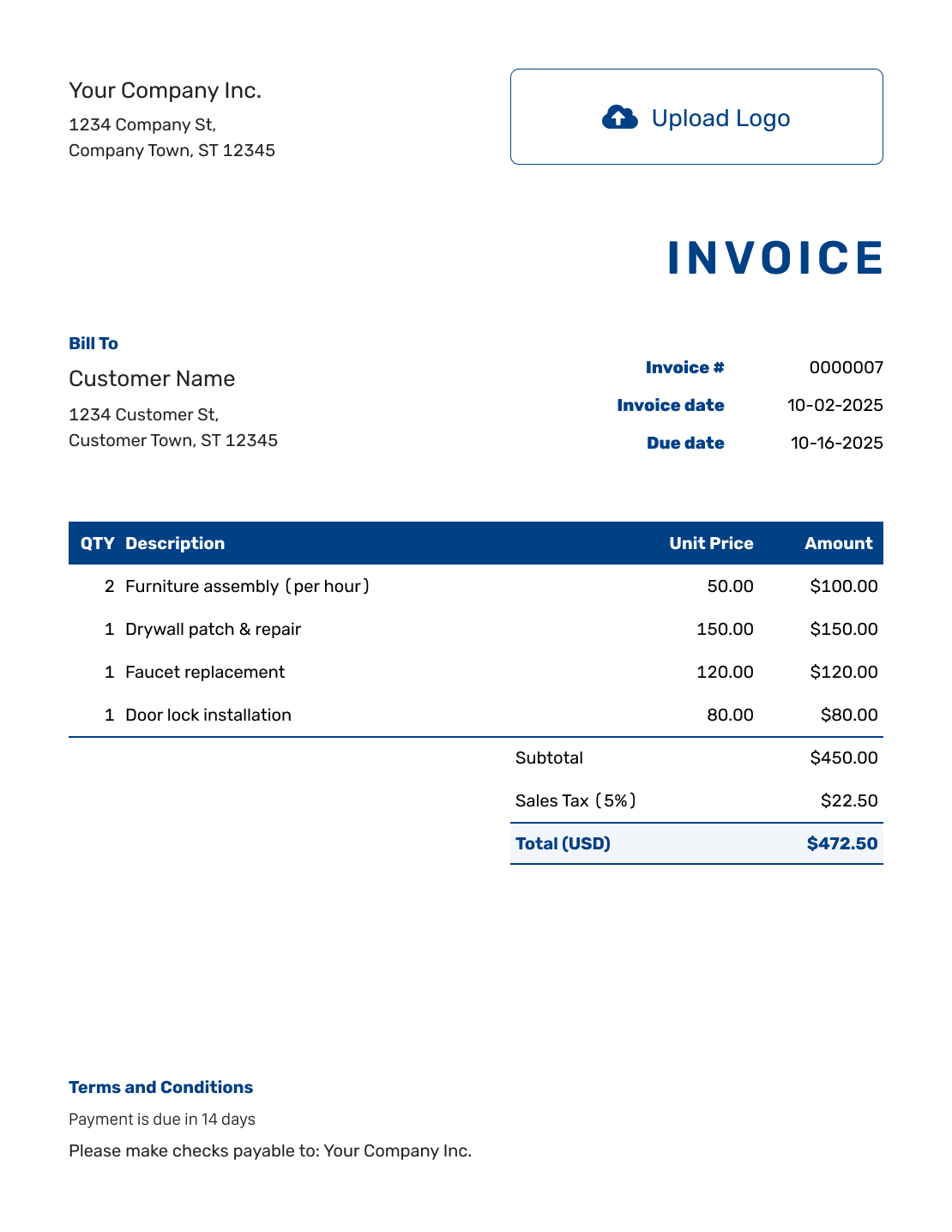
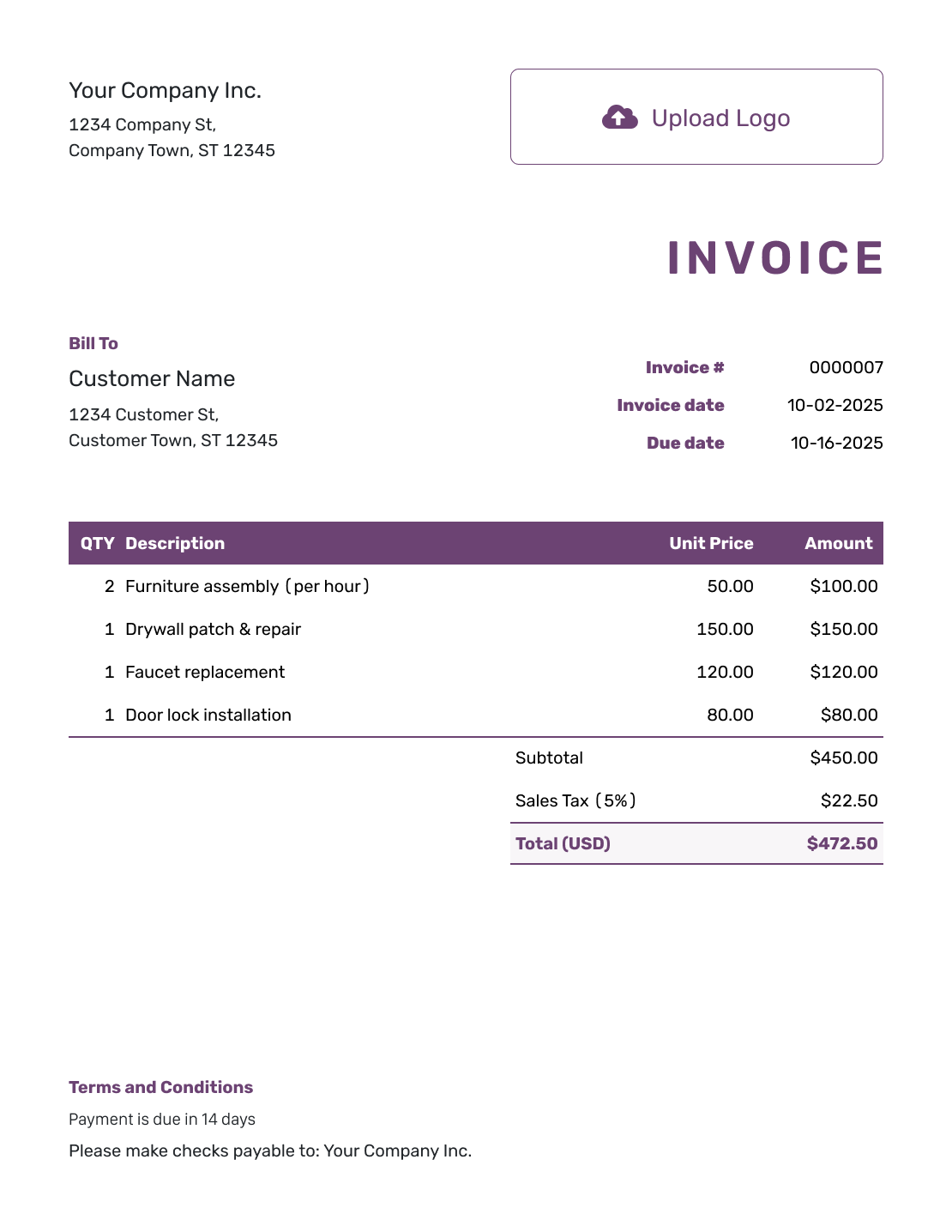
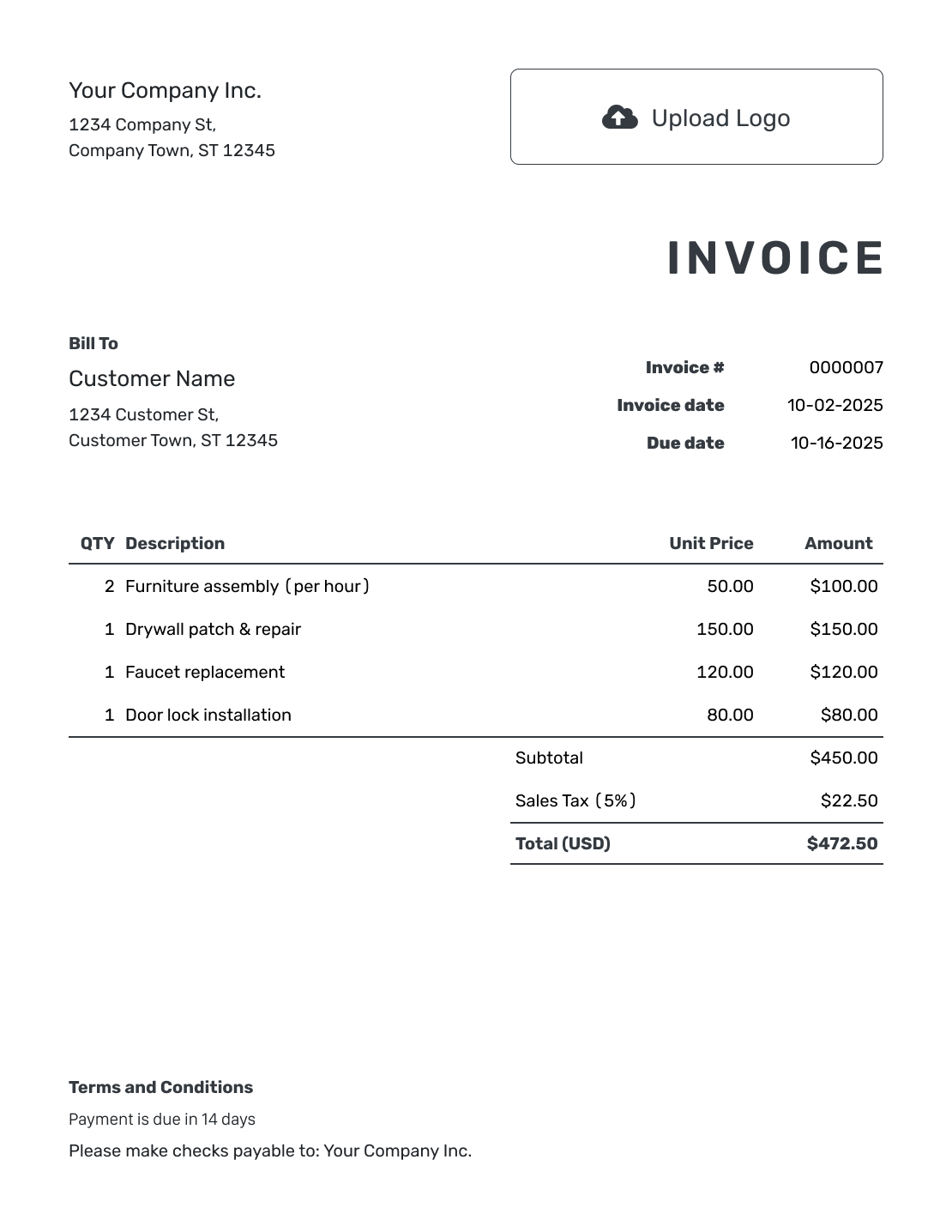
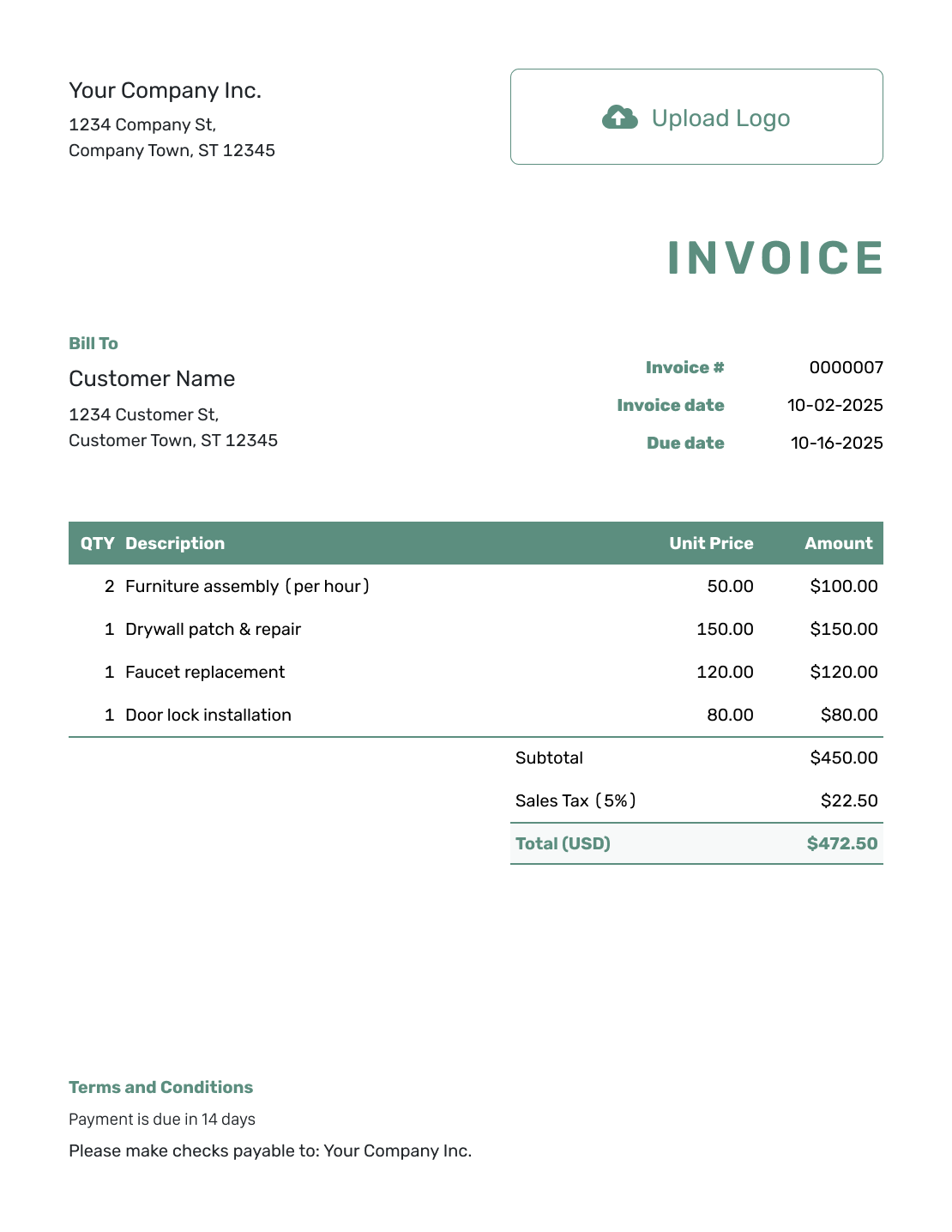
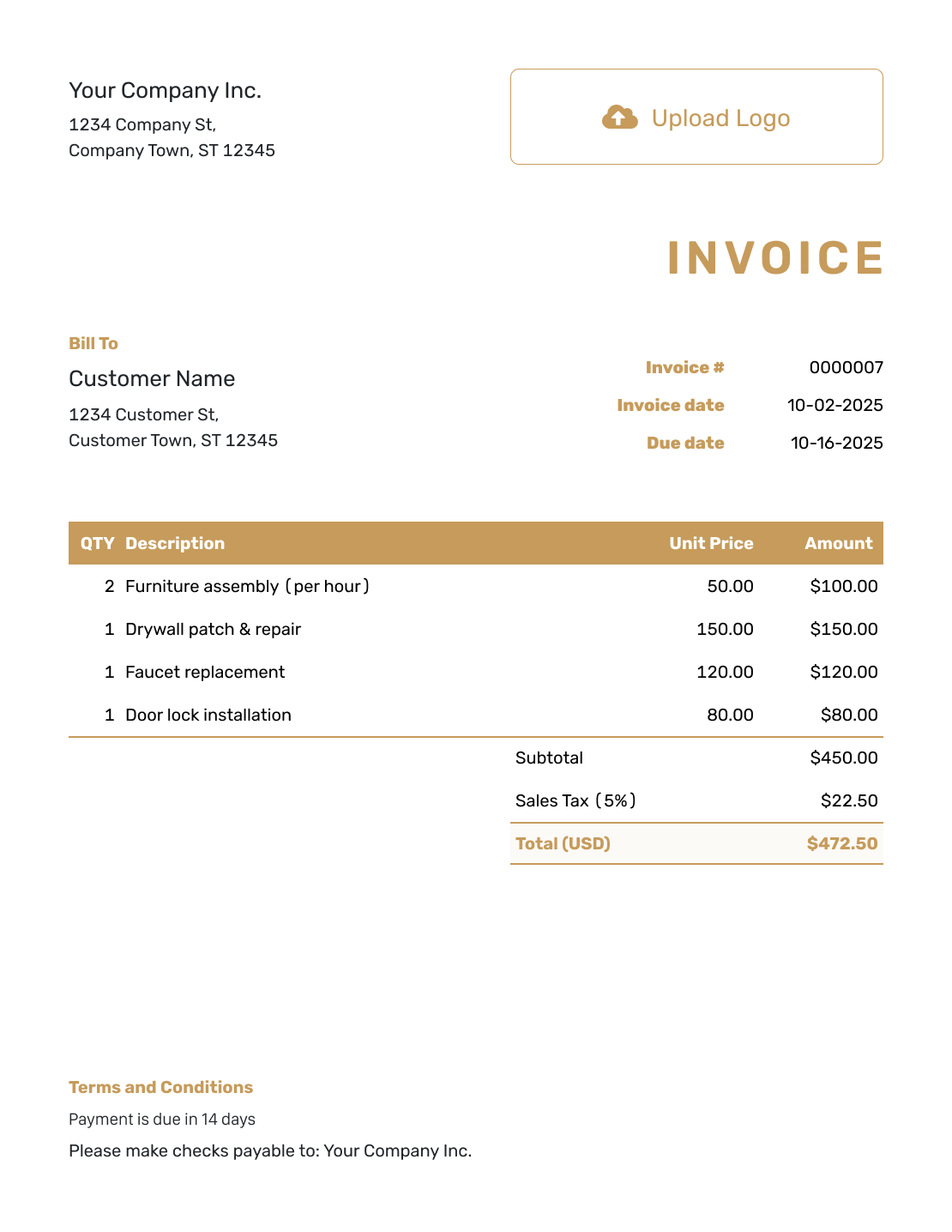
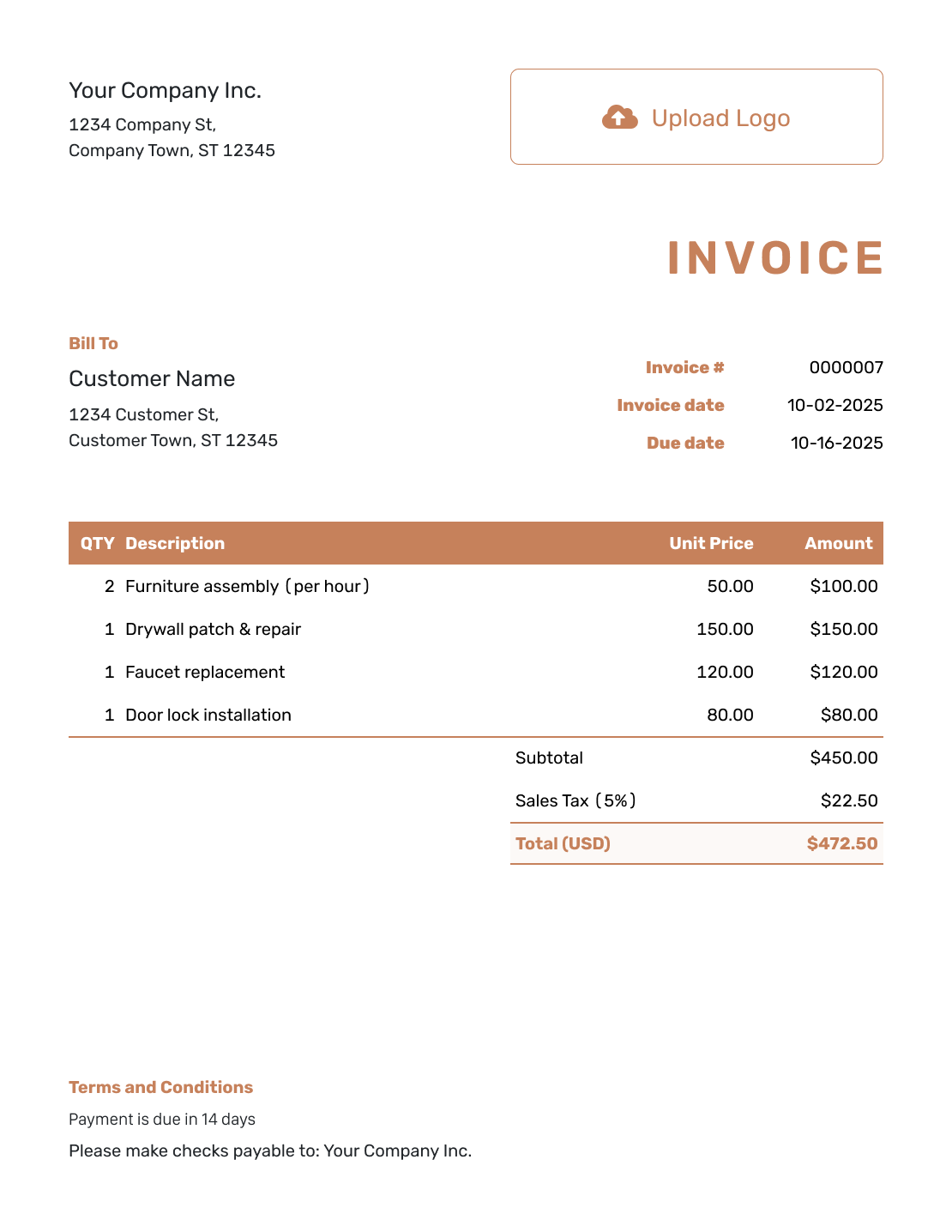
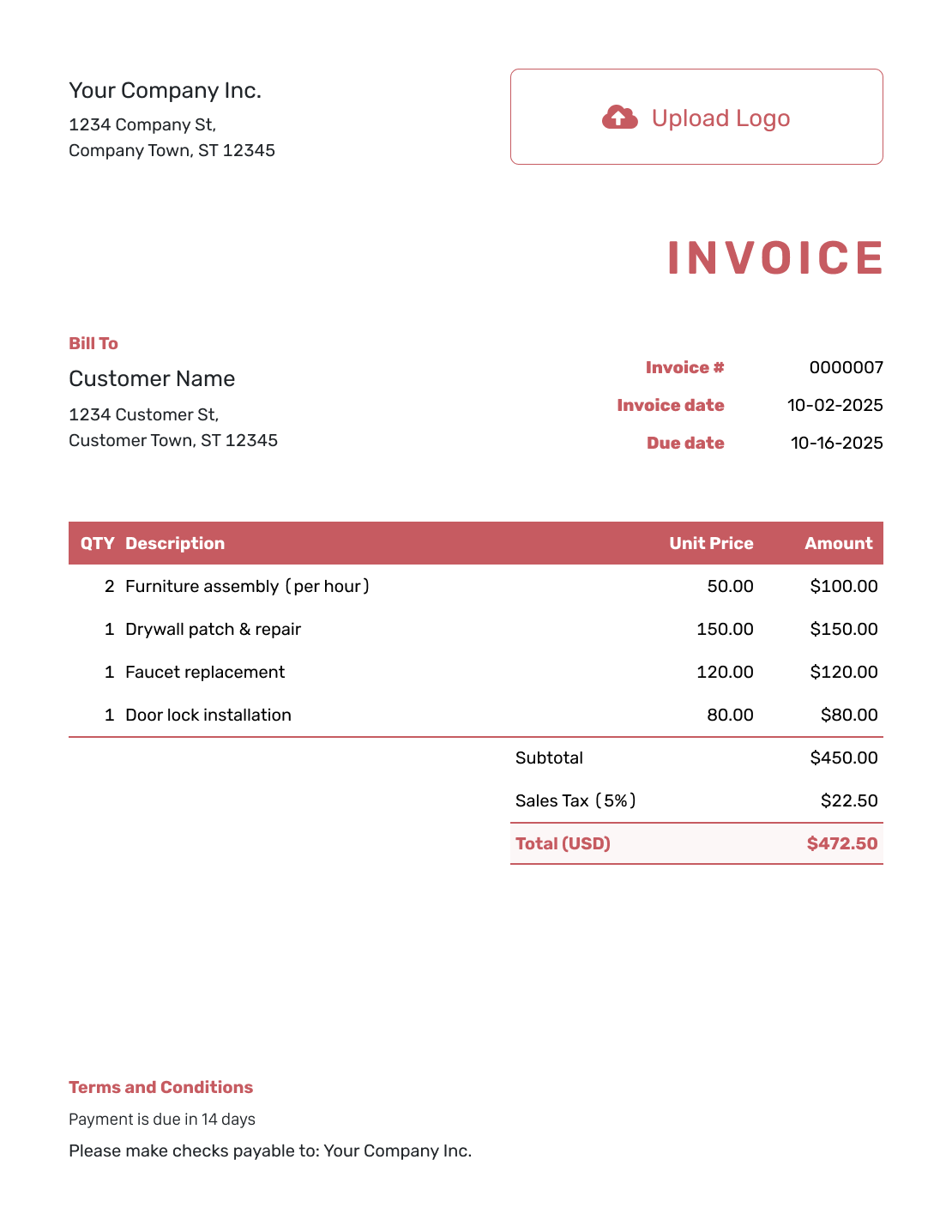
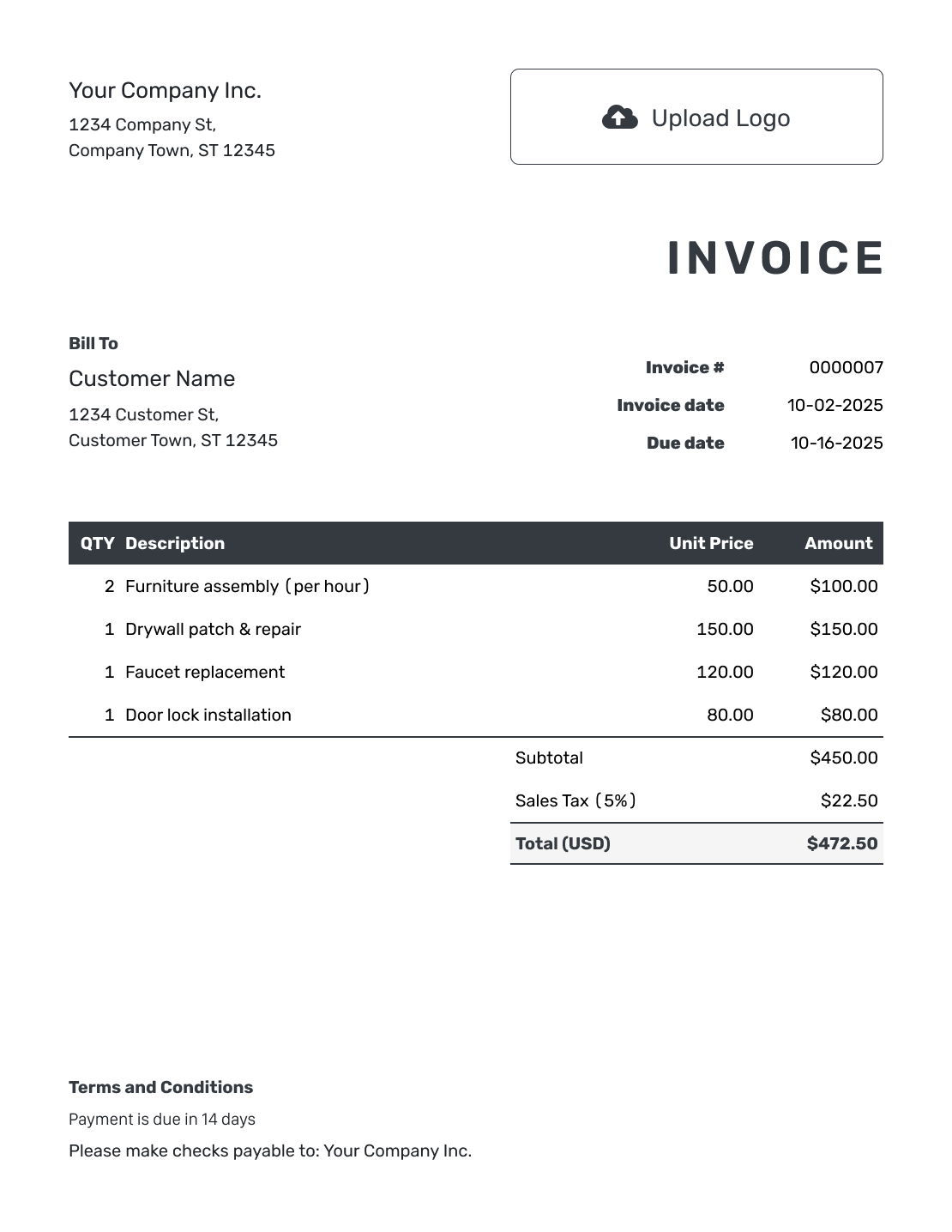
These three invoice templates show where the customer details, charges and payment terms go. Use them as a guide for your own invoice.
Replace the sample details before sending. Check the prices and any tax for your own sale.
How the Example Invoice Line Items Add Up
This fictional office-supplies order shows how the charges, total and payment terms fit together. Maple Desk Supplies delivered the order to Cedar Lane Studio on September 8, 2026. The figures below are separate from the preview images.
Invoice INV-1042 is dated September 8, 2026. The $162.00 invoice is due on September 22, 2026.
Multiply each quantity by its unit price, then add the line amounts. The example adds 8% sales tax to the $150.00 subtotal.
| QTY | Description | Unit Price | Amount |
|---|---|---|---|
| 10 | Printer paper — packs | $6.00 | $60.00 |
| 2 | Ink cartridges | $35.00 | $70.00 |
| 1 | Desk organizer | $20.00 | $20.00 |
| Subtotal | $150.00 | |
| Sales Tax (8% example) | $12.00 | |
| Invoice Total | $162.00 |
The three line amounts total $150.00. Adding $12.00 in illustrative tax gives an invoice total of $162.00. Use the tax rate and taxable items that apply to your own sale.
What the Example Invoice Terms Tell the Customer
Use the Terms and Conditions field to tell the customer when and how to pay. Here, the payment instructions ask for the $162.00 shown in the totals above.
Keep the due date and payment reference consistent with the invoice. Replace the sample details when you write your own terms.
Example: Terms and Conditions
- Payment of $162.00 is due by September 22, 2026.
- Please pay by bank transfer using the payment details provided with this invoice.
- Use INV-1042 as your payment reference.
- Contact Maple Desk Supplies with any questions about the order or charges.
How to Turn the Example Into Your Own Invoice
Start a new invoice in Docelf and fill it with the real sale or service details. You do not need to recreate the sample by hand.
- Identify Your Business: Add your name, contact details and logo.
- Choose the Customer: Use the correct customer and billing details.
- Check the Number and Dates: Check the invoice number. Set the invoice date and agreed payment due date.
- Replace the Sample Items: Enter what you provided, with quantities and unit prices.
- Check Taxes and Totals: Add any tax or discount that applies to this bill.
- Record Any Payment: Enter money already received, then check the balance.
- Review and Send: Check the payment instructions, then email or download the invoice.
Use Your Own Details. Skip the Arithmetic.
Add the actual products or services in Docelf. The line amounts and totals update for you. Review the invoice before sending it.
Read the Invoice From Top to Bottom
Your customer should be able to find these four answers on the invoice.
Who Is Billing Me?
Your business name and contact details identify the sender. The customer’s billing details show who the invoice is for.
Which Sale or Job Is This?
Use the invoice number, date and a recognizable description. Add an order or service reference when it helps.
How Did You Reach This Amount?
Give each product or service its own line with a quantity and price. In the example, the separate tax row explains how the $150.00 subtotal becomes $162.00.
What Do I Need to Pay?
Make the amount due and payment deadline easy to find. Include the payment instructions the customer needs.
Adapt the Example for Services or Hourly Work
For a fixed-price job, use one line that names the agreed service. For hourly work, show the hours in the quantity column and the hourly rate as the unit price.
Keep any separately billed materials or expenses on their own lines. A fully itemized invoice helps when the customer needs more detail.
Add your logo, colors and fonts in Docelf. Keep the charges easy to read. Choose USD, EUR, GBP, CAD or AUD to match your invoice.
Check the Sample Details Are Gone
Before sending, check the fields that are easy to overlook when you start from an example.
- Use the actual business, customer and billing contact.
- Replace sample dates, references and item descriptions.
- Check taxes and discounts rather than copying the example.
- Record only payments you have received.
- Use your own payment instructions and terms.
Browse More Invoice Layout Examples
Browse six more invoice layouts. Open the invoice creator when you are ready to add your own details.
Choose the File or Template You Need
Use an editable file to work outside Docelf, or choose a more specific invoice page for guidance.
Invoice Example FAQs
-
What does a completed invoice look like?
It identifies the business and customer, gives an invoice number and dates, and lists the charges. The totals show the invoice amount and any unpaid balance. Payment instructions tell the customer how to pay.
-
Can I copy the figures from this invoice example?
No. The names, dates, quantities, prices and tax rate are made-up examples. Use the structure, but replace the figures with the details for your sale or service. Check any tax that applies to your business.
-
When would the invoice total and balance due differ?
They differ when you have recorded a payment toward the invoice. The invoice total stays the same, while the balance shows what is still owed. Record the amount and payment date in Docelf; a payment is not a discount on the sale.
-
Should I show hours or a quantity of one for a service?
Use the unit that matches how you charged. For hourly work, show the hours and hourly rate. For an agreed fixed-price service, use a quantity of one and describe what the fee covers.
-
Which details should I replace before sending my invoice?
Replace the sample names, dates, descriptions and amounts with your own details. Check the payment instructions and terms too. Give this invoice its own number rather than keeping the sample number.
-
Is the office-supplies example a paid invoice?
No. The example requests payment of $162.00. In Docelf, the invoice is marked Paid when the payments you record cover it in full. After recording a payment, you can create a receipt from the invoice to confirm the amount received.
-
Can I create an invoice like this in Docelf?
Yes. Add your business and customer details, enter the items and set the due date. Docelf calculates the charges and total. Record any payment you have received, then review the remaining balance before sending.
Ready to Create the Real Invoice?
Use the example as a guide and send a bill that reflects your own work.
- Add your customer and actual charges
- Check the total and payment due date
- Email the invoice or download a PDF




