Free Deposit Invoice Template
Create a professional deposit invoice in minutes
Request the agreed deposit and show what it covers before the next stage begins. The customer can see what to pay, making the advance easier for you to collect.
Email, print or download your invoice as a PDF.
14-day free trial. No credit card required.

Create the invoice. Send it. Get back to work.
Invoice Layouts for Requesting a Deposit
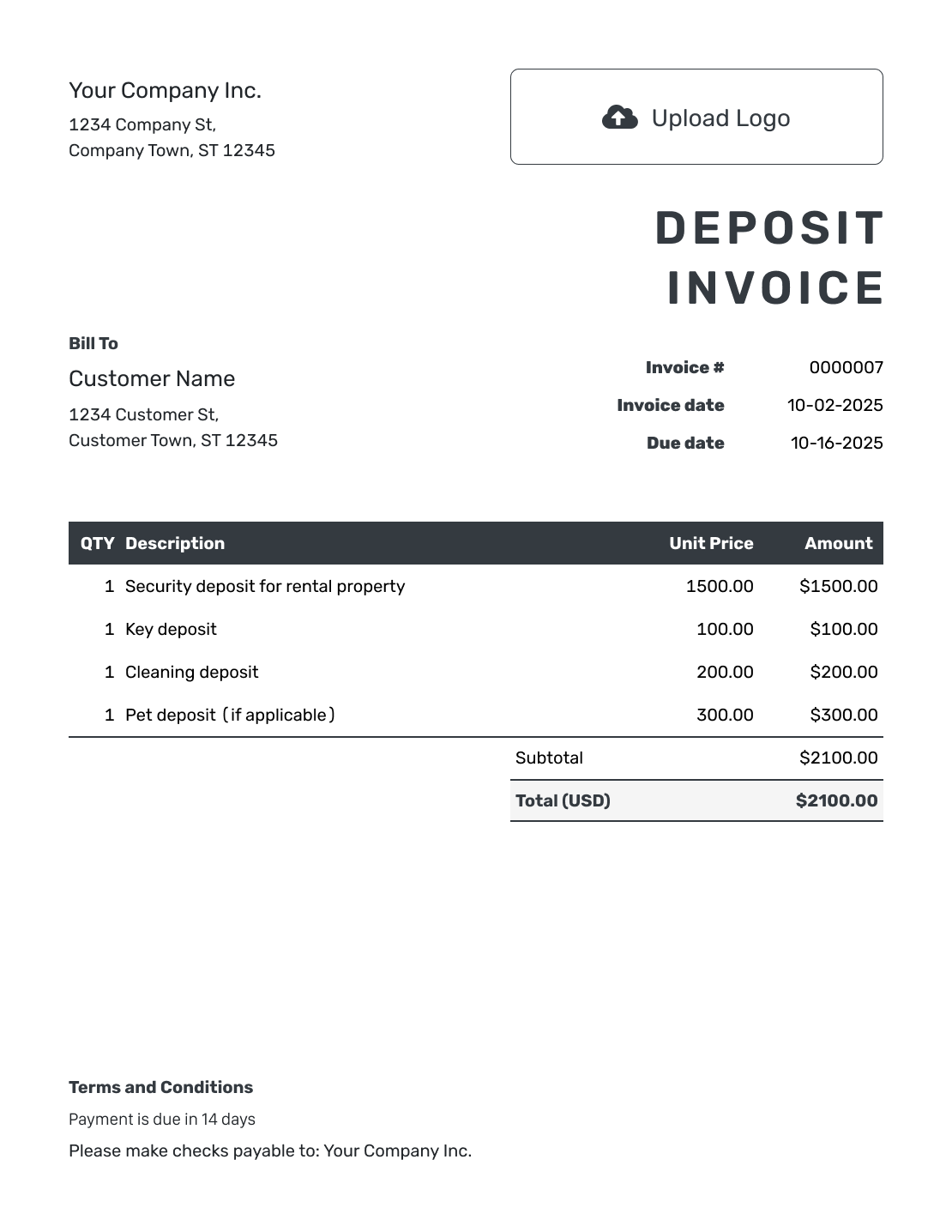
Choose a layout, then replace the sample charges with the agreed deposit. The invoice should show what the customer needs to pay now. Keep later payments clearly separate.
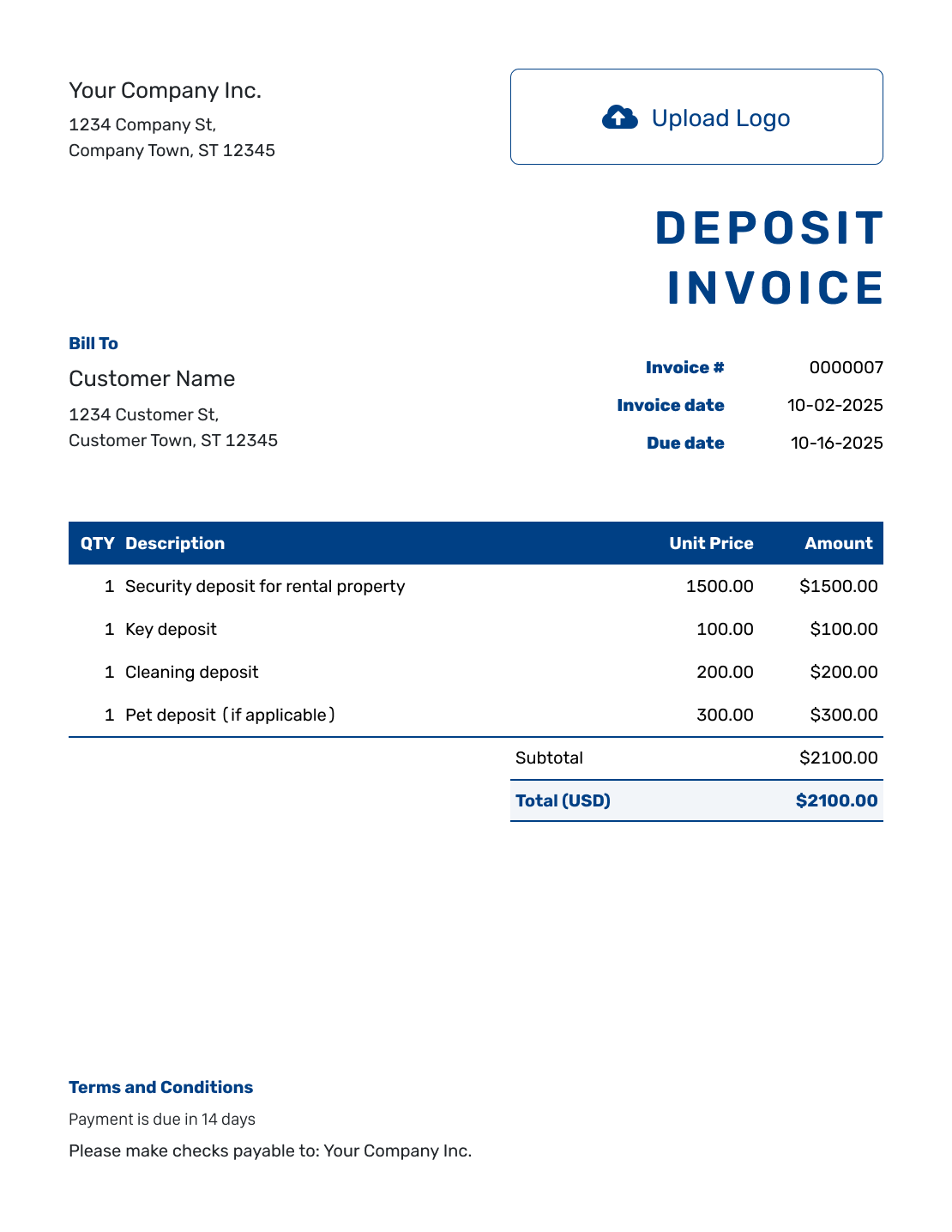
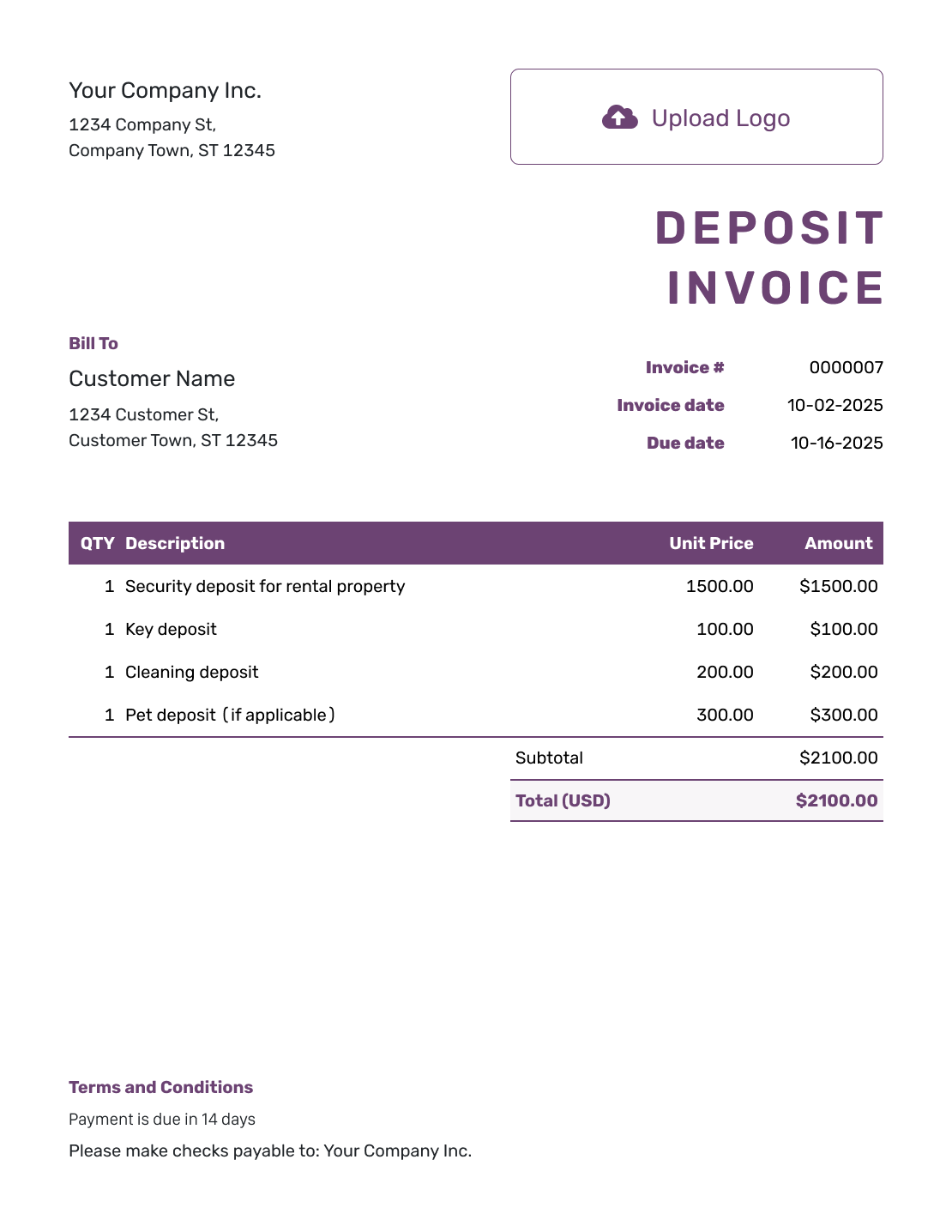
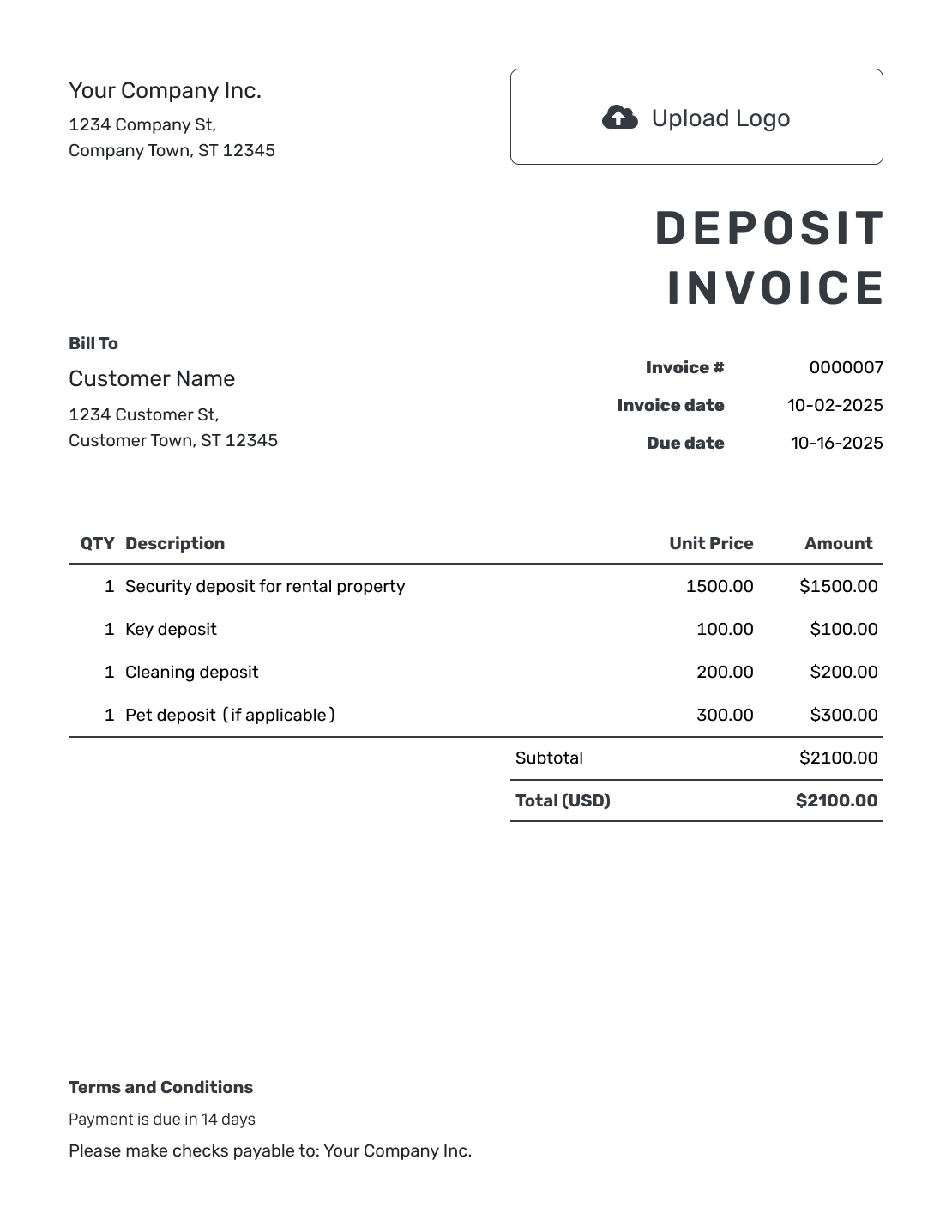
Request the Agreed Advance, Not the Whole Job Price
A deposit invoice asks for an upfront payment before an order, booking or stage of work begins. State whether the deposit is a fixed amount or a percentage, and explain what it covers.
Show the full order or contract reference for context. Make the invoice total the amount due now, not the full price with a note asking the customer to pay less.
This page focuses on an advance toward a purchase or service. A refundable security deposit may need different wording and tax handling. Check the agreement and local requirements before using the same example for it.
How to Create a Deposit Invoice
Use the agreed payment schedule as your starting point. Make it clear that this invoice requests the deposit only.
- Add Your Business: Enter the business name and contact details from the order or agreement.
- Add Your Logo: Use the same logo and design as your quote or other documents.
- Choose the Customer: Check the billing details for the person paying the advance.
- Set the Number and Dates: Set the deposit due date and check the invoice number and date.
- List the Deposit Charges: Describe what each advance covers. Include the order or project reference.
- Check the Amount Due Now: Apply tax when required. Keep future charges out of this invoice total.
- Add Deposit Terms: Use Terms and Conditions for payment, later billing and agreed refund terms. Review the invoice, then email it or download a PDF.
How to Fill In Deposit Invoice Line Items
Write “Deposit” in each description so the customer knows these are advance charges. For a percentage deposit, show the agreed percentage and what that portion covers.
This fictional cabinet order costs $1,200.00 before tax and requires a 50% advance. The three lines below show the deposit for each part of the order, not its full price. The USD example assumes 8% tax is due on the advance.
| QTY | Description | Unit Price | Amount |
|---|---|---|---|
| 1 | Deposit — cabinet doors (50%) | $300.00 | $300.00 |
| 1 | Deposit — drawer fronts (50%) | $200.00 | $200.00 |
| 1 | Deposit — finish work (50%) | $100.00 | $100.00 |
| Subtotal | $600.00 | |
| Sales Tax (8% example) | $48.00 | |
| Deposit Due Now | $648.00 |
The customer pays $648.00 now, including $48.00 example tax. The remaining $600.00 before tax will be billed at the agreed stage; it is not due on this invoice. The tax rate and timing are examples. Check whether tax is due on your deposit and when to charge it.
What to Include in Deposit Invoice Terms
Use Terms and Conditions to explain what the advance covers, when it is due and how it affects later billing. Include the cancellation or refund policy you agreed with the customer.
Do not add a “non-refundable” rule just because this is a deposit invoice. Use the actual agreement and check local requirements. Adapt this wording to the order and payment schedule.
Example: Terms and Conditions
- This invoice requests the agreed 50% advance for order [Order Reference].
- Deposit payment is due by [Due Date] using the payment details shown.
- The remaining $600.00 before tax will be billed at [Agreed Stage].
- Cancellation and refund conditions are those agreed in [Agreement Reference], subject to applicable law.
Make the Advance Easy to Identify
Show the deposit amount and what it covers. Docelf calculates the invoice total. Send it with the due date you agreed with the customer.
Show the Deposit Clearly on Later Billing
When the deposit has its own invoice, refer to that invoice number on the later bill and list the remaining charges. Record each payment on the invoice it pays.
For the cabinet order above, the remaining charges are $300.00 for doors, $200.00 for drawer fronts and $100.00 for finish work. At the same illustrative 8% tax rate, the later invoice totals $648.00. Once the deposit invoice is paid, its $648.00 has already been recorded; it is not another payment on the later invoice.
If you use one invoice for the full job instead, record the advance as a partial payment on that invoice. Keep that approach separate from billing the deposit on its own invoice.
Match the Deposit Invoice to the Order
Use your logo, colors and fonts so the invoice looks like the quote or order the customer already knows. Add the reference in the description or terms and use the footer for your contact details.
Attach a relevant PDF or image when it helps explain the advance. Choose the agreed currency from USD, EUR, GBP, CAD or AUD. An optional industry name can appear before “Invoice,” but the line items should still say what the deposit covers.
After You Send the Deposit Invoice
After emailing the deposit invoice from Docelf, check whether the customer opened it. Record the deposit only when you receive the money.
Record the Advance When It Arrives
- Match the payment to the deposit invoice and record its amount and date.
- Check whether the payment clears this deposit invoice or leaves part unpaid.
- Create a receipt from the invoice after recording the payment.
More Deposit Invoice Layouts
These six layouts also open the invoice editor, ready for your own details.
-
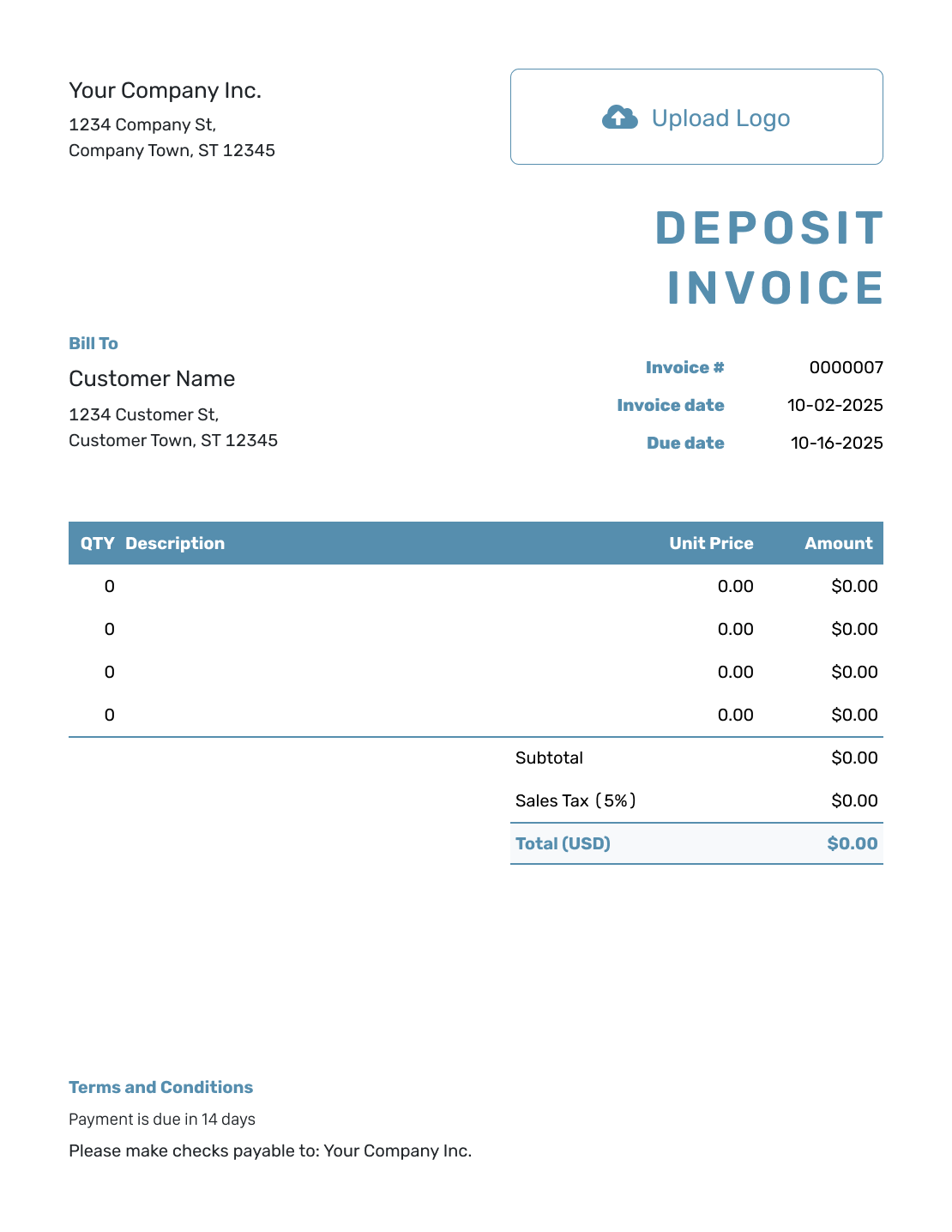
Blank Deposit Invoice Layout
Create Free Invoice -
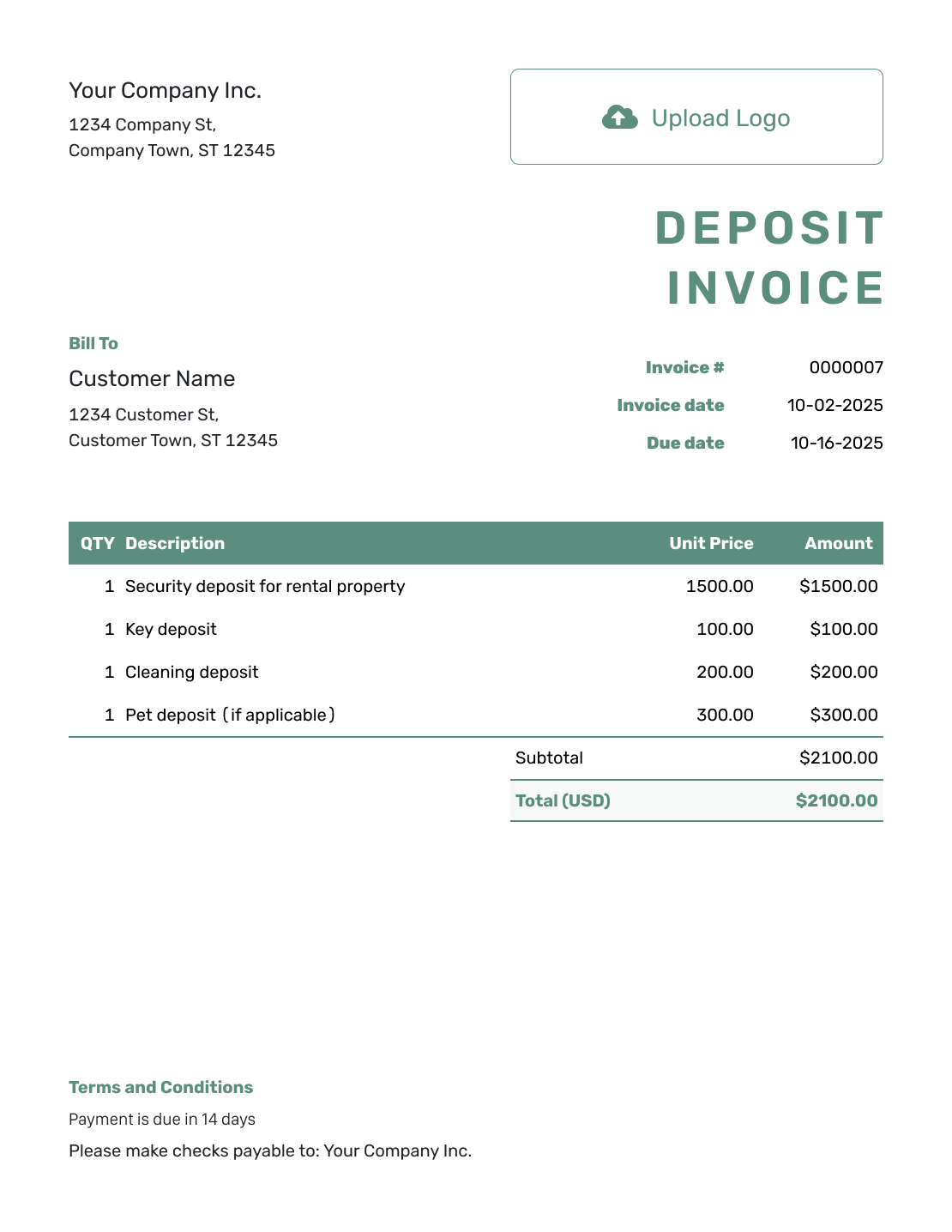
Simple Deposit Invoice Layout
Create Free Invoice -
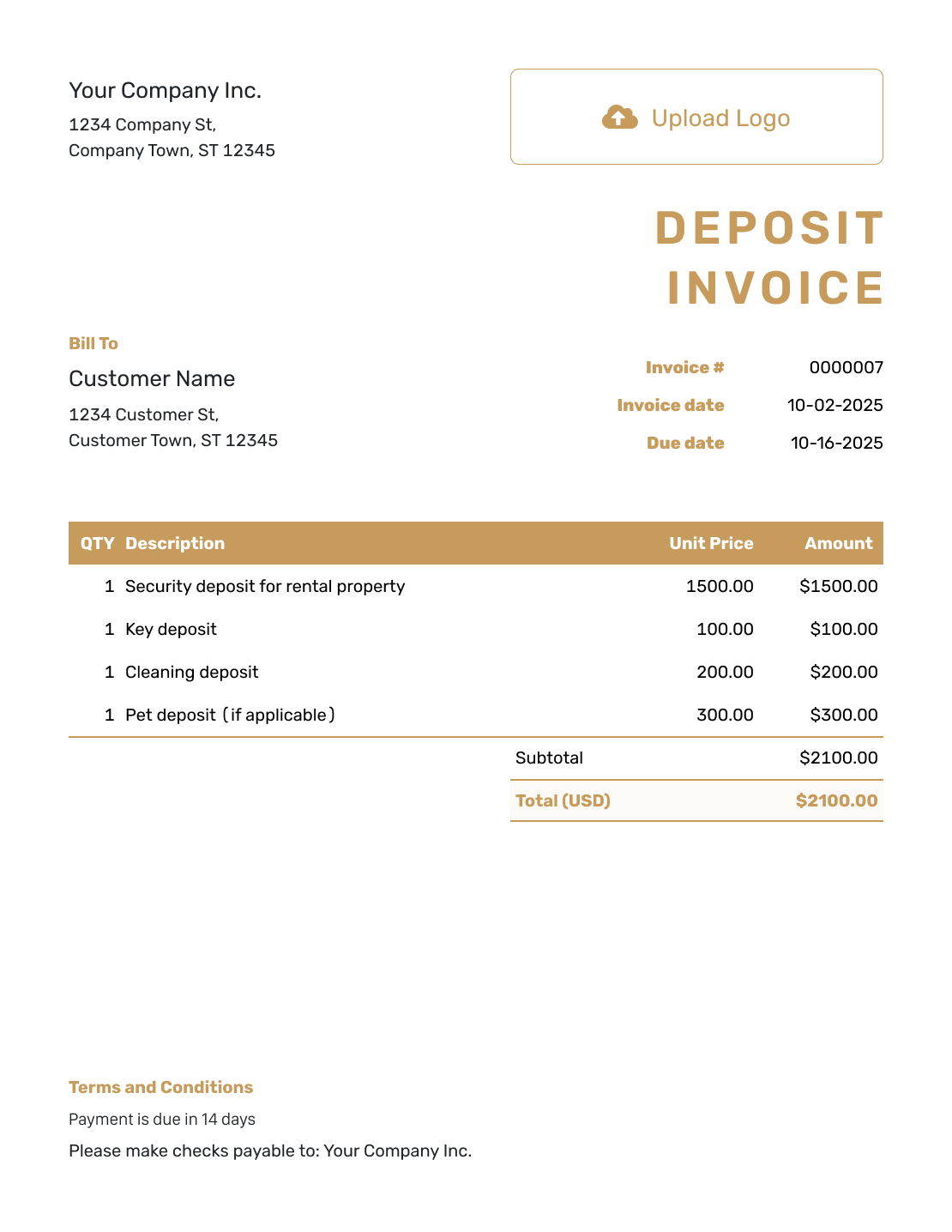
Standard Deposit Invoice Layout
Create Free Invoice -
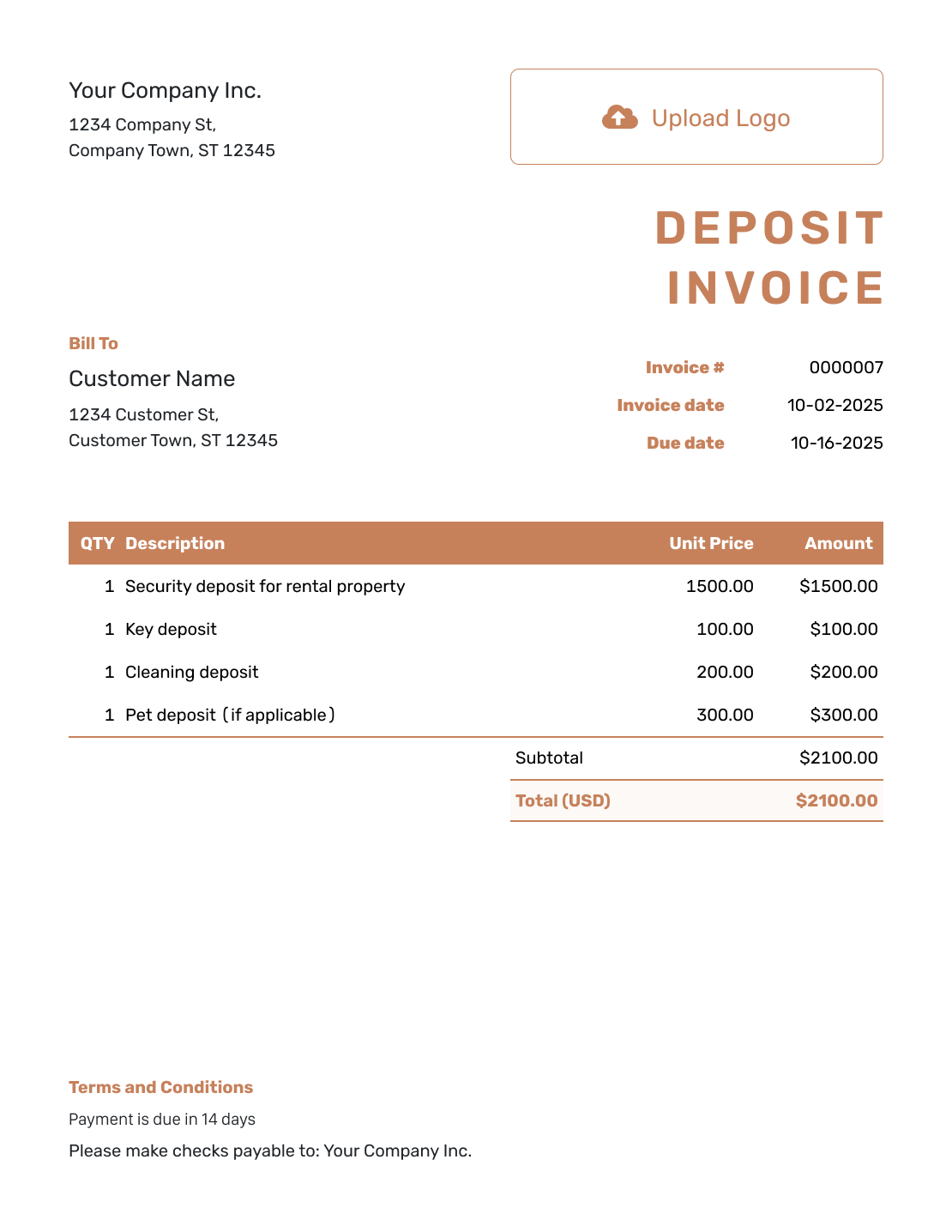
Itemized Deposit Invoice Layout
Create Free Invoice -
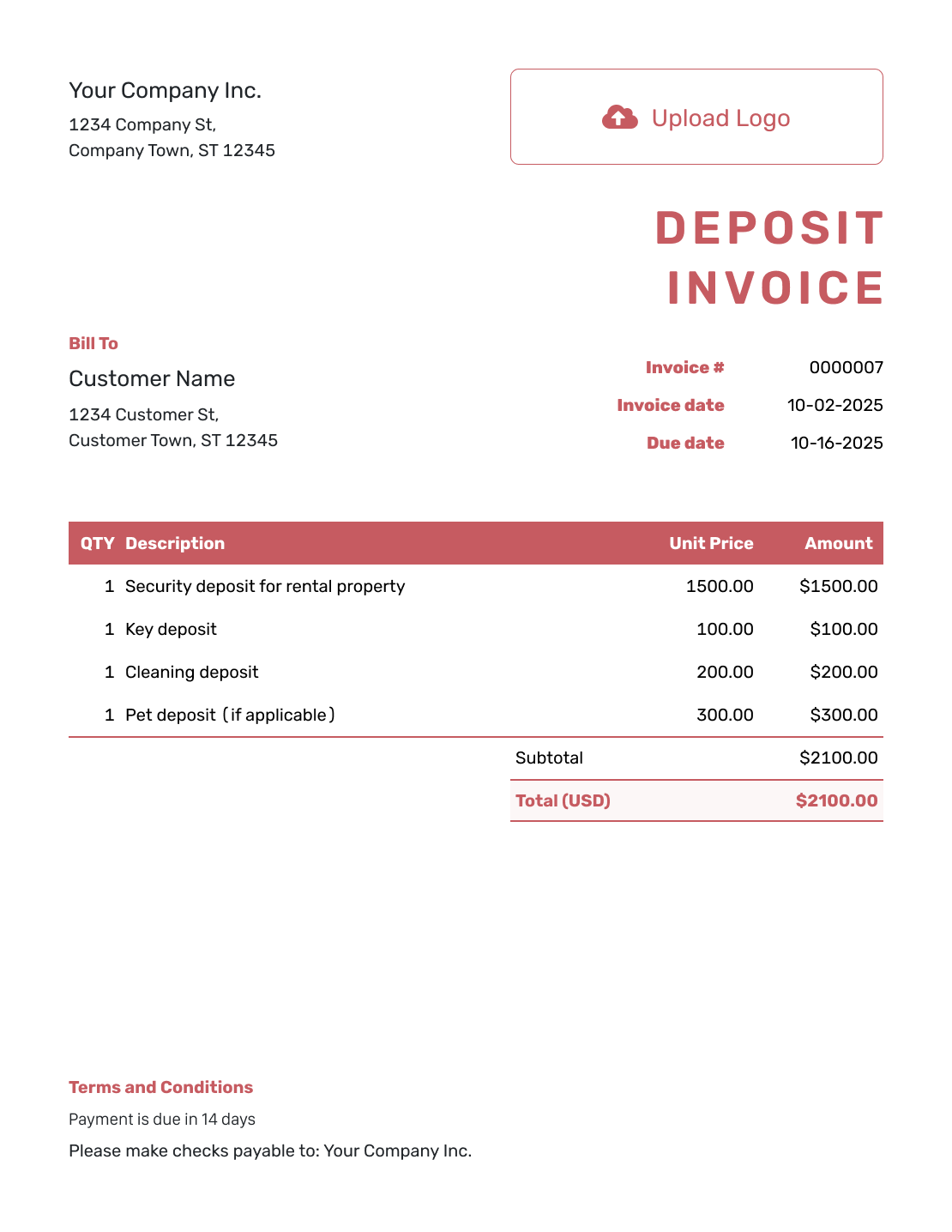
Basic Deposit Invoice Layout
Create Free Invoice -
Hourly Deposit Invoice Layout
Create Free Invoice
Prefer a Deposit Invoice in Word or a Spreadsheet?
Use a file template below and label the advance clearly. Check that the total requests only the deposit, not the full order price.
Deposit Invoice FAQs
-
What is a deposit invoice?
It is an invoice requesting an agreed advance payment. It should name the order or work, explain what the deposit covers and show the amount due now.
-
Should I show the full job price as the invoice total?
Not on an invoice that requests only the deposit. Show the full price as context in the description or terms, and keep the invoice total limited to the amount due now.
-
Can a deposit be a percentage of the price?
Yes. State the agreed percentage and the price it is based on. Show the resulting deposit amount clearly. This page uses 50% as an example, not a rule for every job.
-
Should I mark a deposit invoice as paid when I send it?
No. Sending the invoice asks for payment. Record the amount and date only after you receive the money. Docelf marks an invoice Paid when it is fully paid.
-
How do I avoid charging the deposit again on the final invoice?
Check the earlier deposit invoice and payment record. Identify that advance when preparing the final bill and request only what remains. Do not apply the same payment to two invoices.
-
Is a deposit always non-refundable?
Do not assume that. Use the cancellation and refund terms agreed for the order, and check the local requirements that apply. A sample invoice does not decide whether a deposit can be kept.
-
How do I prepare separate deposit and final invoices in Docelf?
Create each invoice for the charges due at that stage. Refer to the deposit invoice when you prepare the final bill, and check what has already been paid. Docelf tracks recorded payments and the remaining balance on each invoice.
Ready to Request the Deposit?
Give the customer one clear amount to pay before the next stage starts.
- Explain what the agreed advance covers
- Show the deposit total and due date
- Record the payment when it arrives




