Free Past Due Invoice Email Template and Examples
Follow up on an overdue invoice clearly
Name the overdue invoice, remaining balance and requested next step in a calm message. A direct reminder can help you collect the balance sooner without sounding harsh.
Create and send the invoice in Docelf, then use the wording below if payment is overdue.
14-day free trial. No credit card required.

Write the message. Send the reminder. Keep the next step clear.
Invoice Layouts for Your Next Bill
Following up on an overdue payment? Use the invoice you already sent. Go straight to the past-due email examples.
These previews show invoice layouts for future bills, not email designs. Open the invoice generator when you need a new invoice.
-
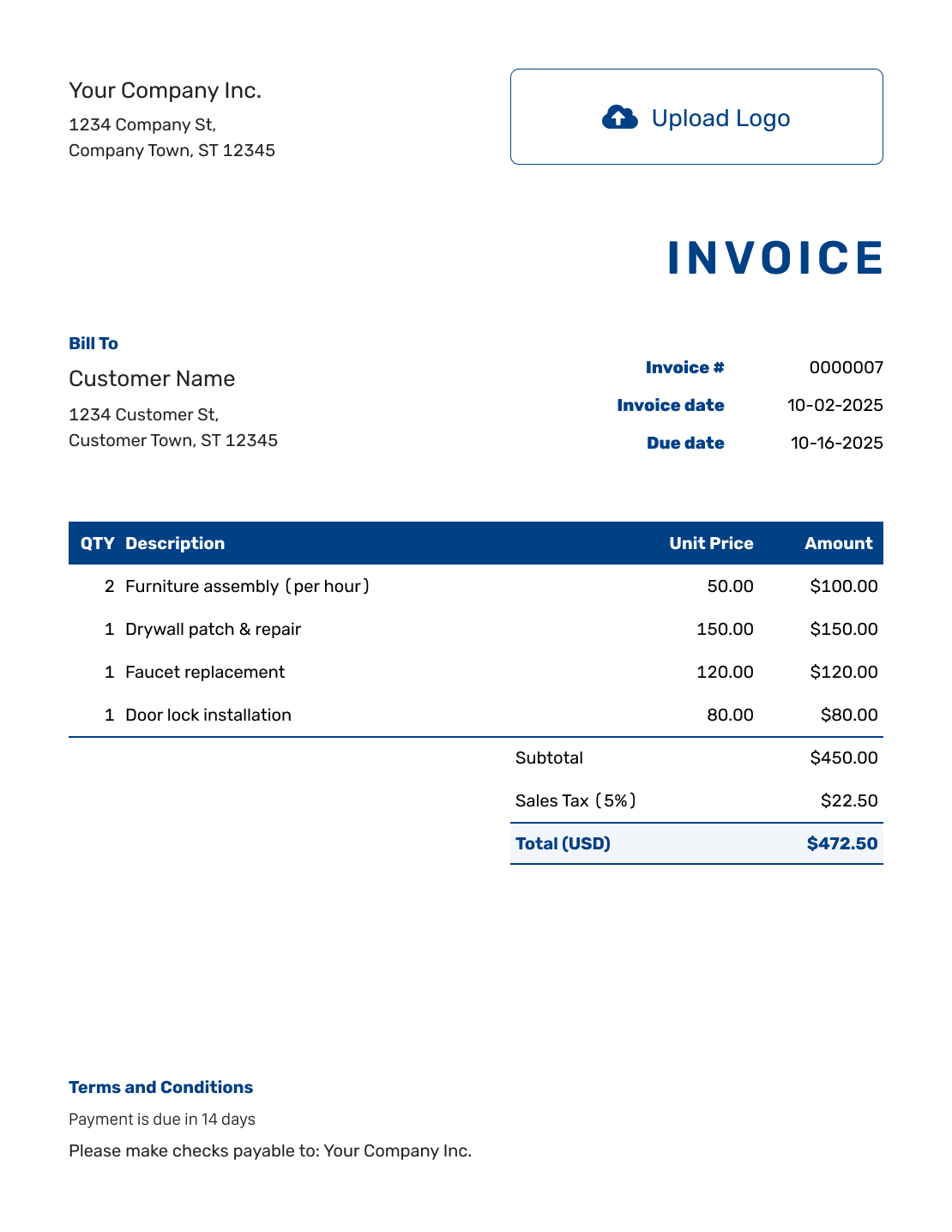
Sample Invoice Layout
Create Free Invoice -
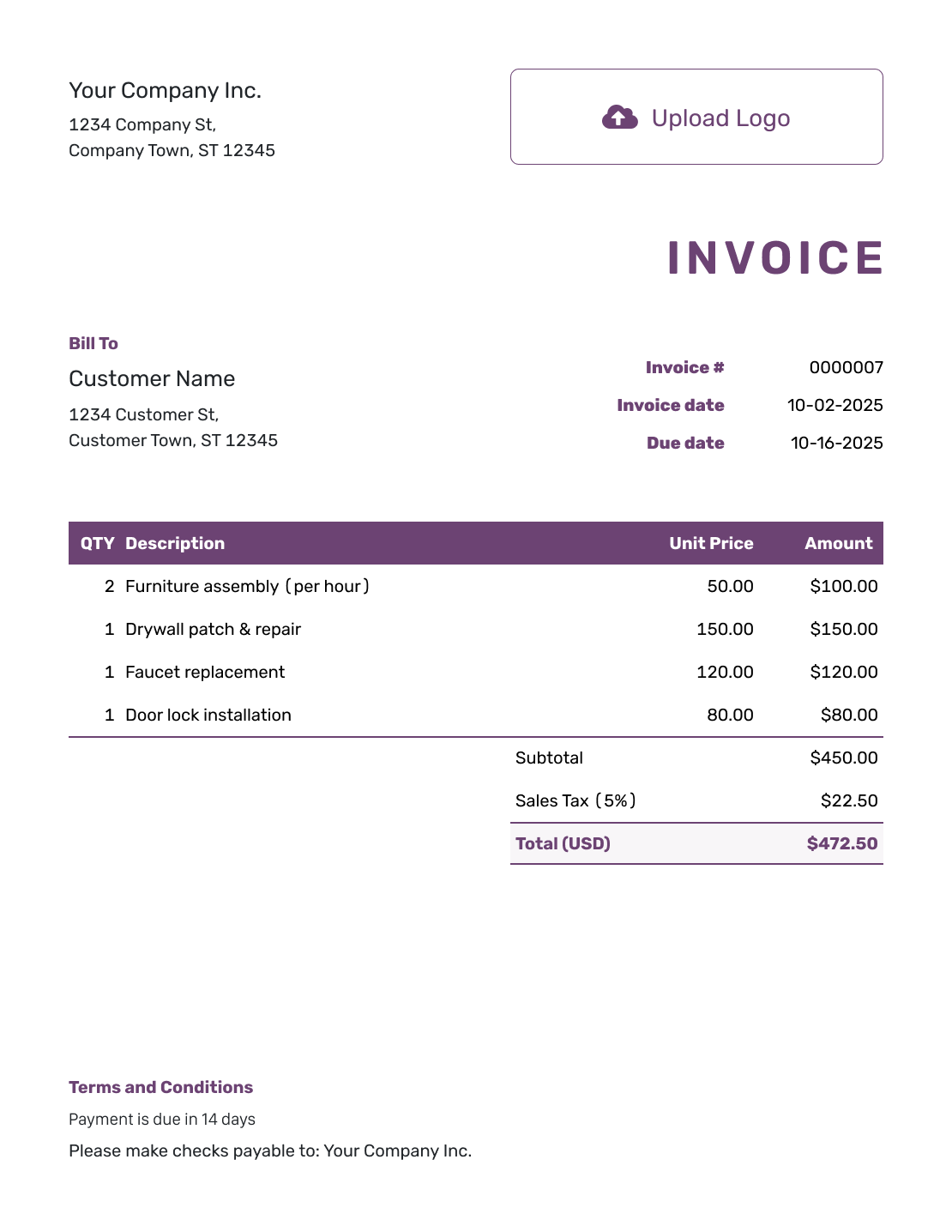
Free Invoice Layout
Create Free Invoice -
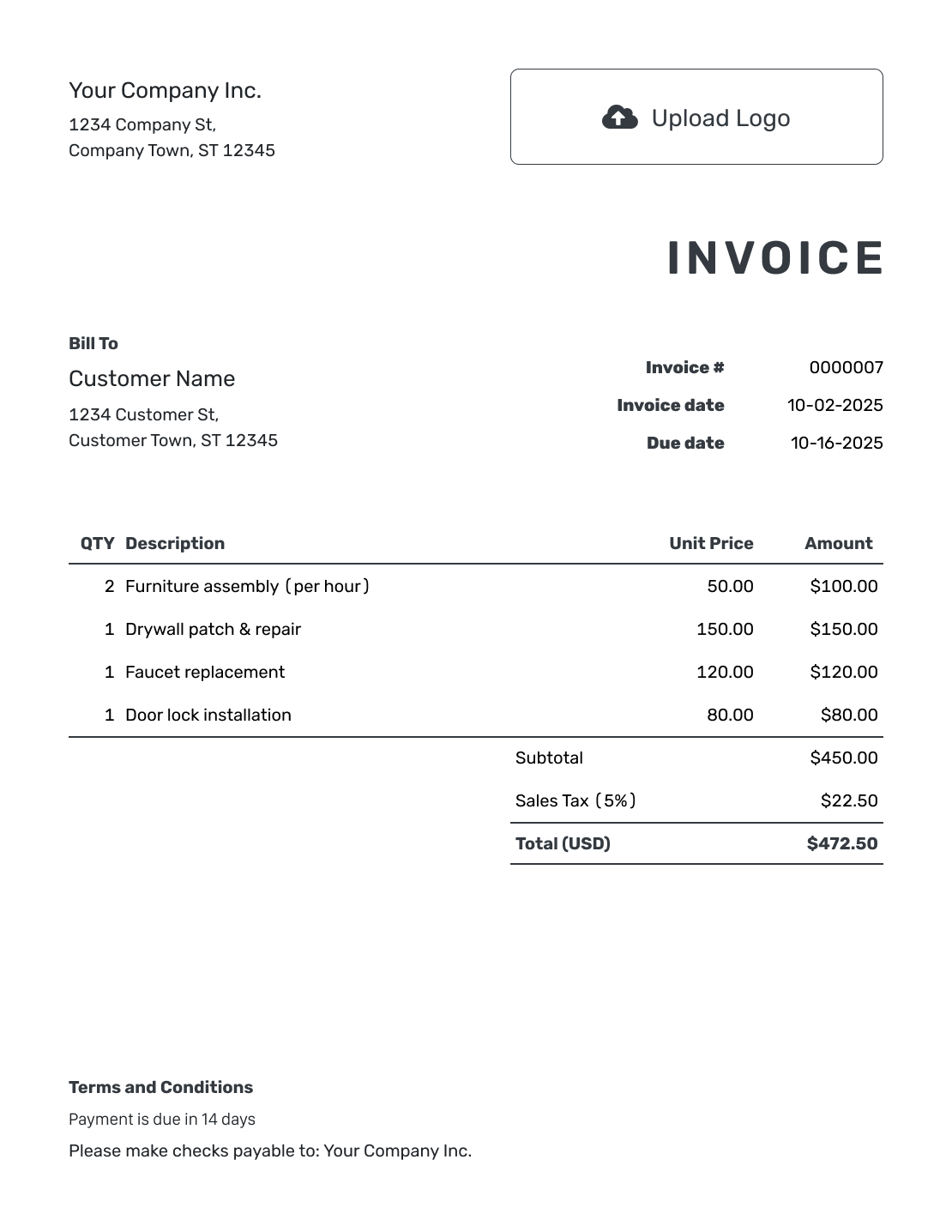
Printable Invoice Layout
Create Free Invoice
See six more invoice layouts below.
Past Due Invoice Email Examples
Choose the message that fits the conversation so far. Replace the bracketed text and check that the balance is still unpaid. These examples assume you attach a PDF of the existing invoice in your usual email app.
Choose a first reminder, firmer follow-up, final reminder or partial-payment reminder.
Start with a friendly reminder when the due date has passed and you have not yet asked about the payment.
1. Friendly First Reminder
Subject: Payment Reminder: Invoice [Invoice Number]
Hi [Customer Name],
Invoice [Invoice Number] for [Work or Order] was due on [Original Due Date]. The balance due is [Remaining Balance].
I’ve attached a copy so you have the payment details handy. Please let me know when you expect to send the payment.
Already paid? Please send the payment date or reference so I can check our records. Let me know if you have a question about the invoice.
Thank you,
[Your Name]
[Business Name]
Use a firmer follow-up after your first message goes unanswered. Give the customer a clear date to reply, without changing the invoice’s original due date.
2. Firm Follow-Up for Late Payment
Subject: Follow-Up Needed: Overdue Invoice [Invoice Number]
Hi [Customer Name],
I’m following up on my email from [Previous Email Date] about invoice [Invoice Number]. Its original due date was [Original Due Date], and [Remaining Balance] is still unpaid.
Please reply by [Reply Date] with the date you expect to pay. The attached invoice includes the payment instructions.
If you have a question about a charge, please tell me which one.
Thank you,
[Your Name]
[Business Name]
Use a final reminder when earlier emails have gone unanswered and this will be your last email reminder. Keep the request specific, without threats.
3. Final Reminder After Earlier Follow-Ups
Subject: Final Email Reminder: Invoice [Invoice Number]
Hi [Customer Name],
I haven’t received a reply to my earlier emails about invoice [Invoice Number]. The balance of [Remaining Balance] was due on [Original Due Date]. This is my final email reminder.
Please pay the balance or contact me by [Reply Date] to discuss it. The attached invoice has the payment instructions.
You can reply to this email or call [Phone Number]. Please send the payment reference if you have already paid.
Regards,
[Your Name]
[Business Name]
In this example, all amounts are in US dollars. The invoice total is $540.00. The customer has paid $200.00, leaving $340.00 due. Replace all three amounts with your own figures before sending.
4. Reminder After a Partial Payment
Subject: Remaining Balance on Invoice [Invoice Number]
Hi [Customer Name],
Thank you for your $200.00 payment on [Payment Date] for invoice [Invoice Number]. The original total was $540.00, so the remaining balance is $340.00.
The invoice was due on [Original Due Date]. Please let me know when you expect to pay the remaining $340.00.
The attached invoice has the payment instructions. Please reply if your records show a different balance.
Thank you,
[Your Name]
[Business Name]
How to Write a Past Due Invoice Email
Open the existing invoice in Docelf and check your payment records. Use that invoice for the reminder rather than creating a second bill for the same work.
- Check the Customer: Confirm the customer’s billing contact and email address.
- Use the Existing Invoice: Keep the same invoice number and original due date.
- Confirm the Balance: Check the payment record in Docelf. Add any missing payments before using the remaining balance.
- Check Payment Instructions: Check the payment instructions in Terms and Conditions against what you and the customer agreed.
- Write the Reminder: Add the invoice number to the subject. Replace the placeholders in your chosen message.
- Check and Send: Download and attach the invoice PDF. Check the recipient and attachment before sending.
Keep the Original Invoice Terms Clear
Use the invoice’s original due date in your reminder. A reply deadline does not replace it. Confirm any new payment date with the customer in writing.
Put payment instructions on the invoice so the customer does not need to ask for them. Include only policies your business uses. Check local requirements before including late fees or other conditions.
These example Terms and Conditions are for a new invoice. Adjust them to match your agreement with the customer. Do not add new terms to an overdue invoice as though the customer had already agreed to them.
Example: Terms and Conditions
- Payment is due on [Due Date].
- Please pay by [Accepted Payment Method] and include [Invoice Number] as your payment reference.
- For questions about this invoice, contact [Billing Contact] at [Email or Phone].
Make the Next Invoice Easy to Pay
Set the due date in Docelf so your customer knows when to pay. Docelf calculates the total. Email the invoice or download a PDF.
After You Send the Reminder
Docelf shows delivery and opening details for invoices you email from it. Those details do not cover a separate reminder sent from your email app. An opened invoice does not mean the customer has paid.
Keep the Balance Up to Date
- Check for a reply or payment before sending another reminder.
- Record each payment amount and date in Docelf so you can see what remains.
- After recording a payment, create a receipt from the invoice for the customer.
You can add a note to the payment record for a reference or a short explanation. Docelf marks a fully paid invoice as Paid. Once the balance is zero, stop sending payment reminders.
Help the Customer Recognize Your Invoice
Add your logo to future invoices in Docelf so customers can recognize your business. Choose fonts and colors that match your other documents. You can also put an industry name before the invoice title. Keep your billing email or phone number in the footer so customers know where to ask a question.
Use the currency you agreed on with the customer. Docelf supports US dollars, Australian dollars, Canadian dollars, British pounds and euros. You can also attach the agreed work details, a breakdown of the charges or a reference image.
More Invoice Layouts for Future Bills
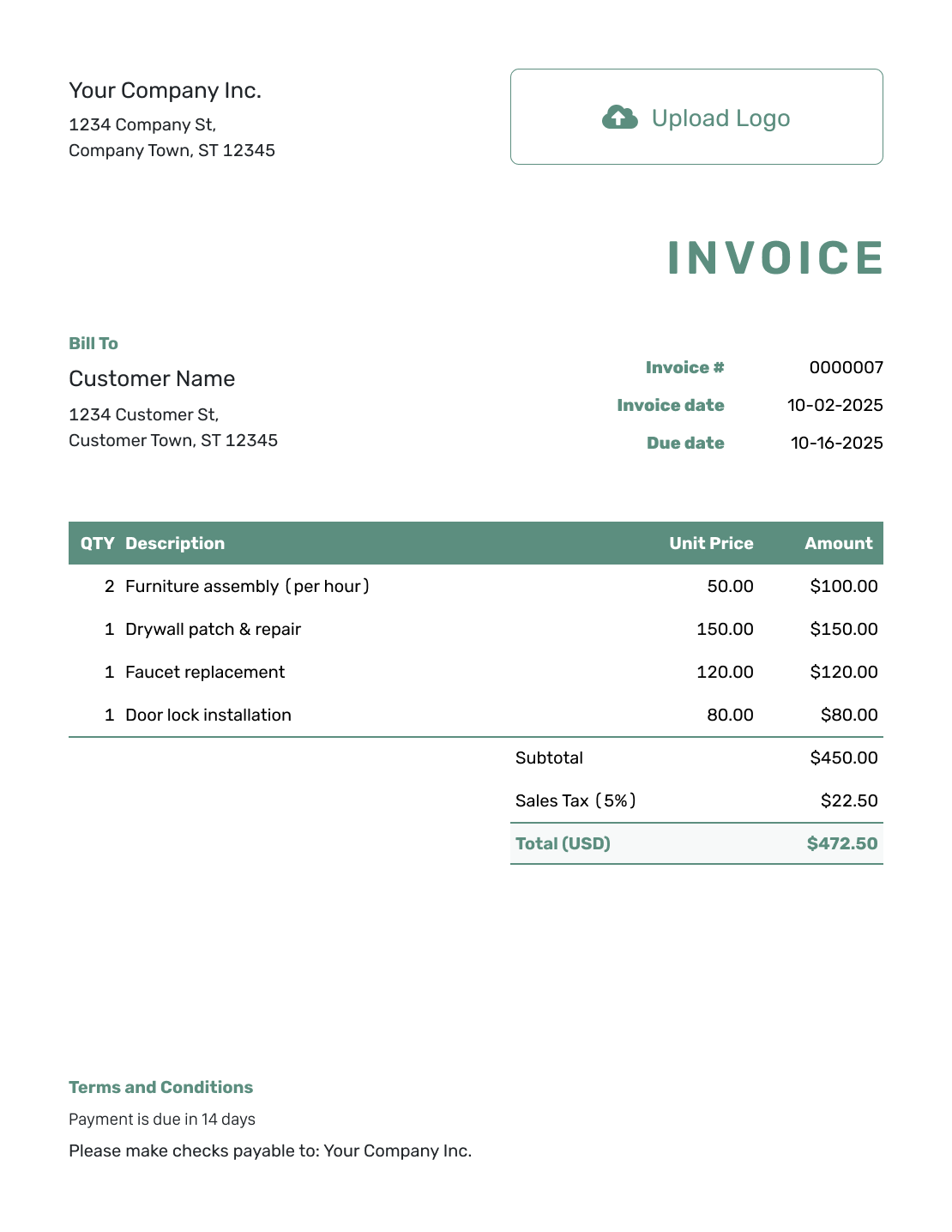
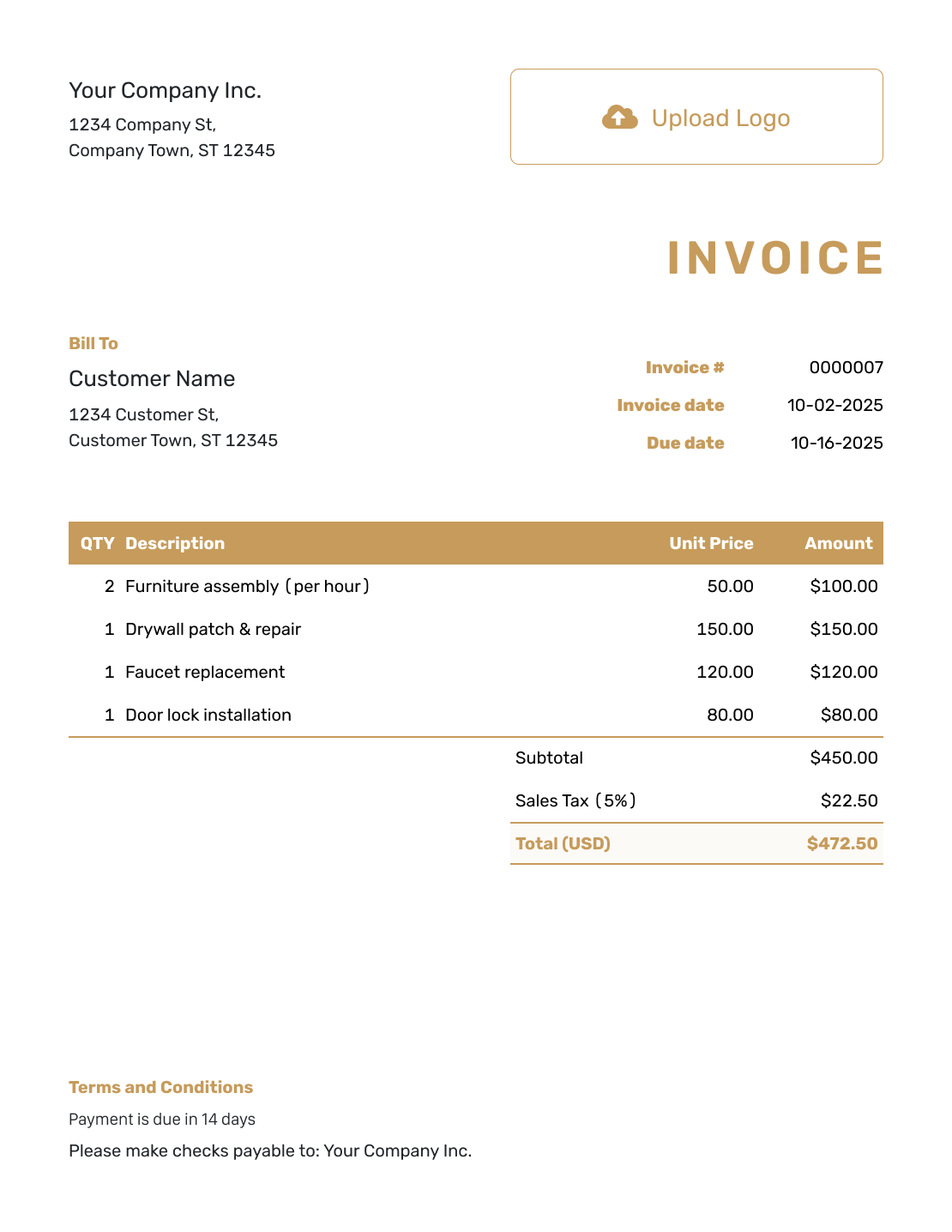
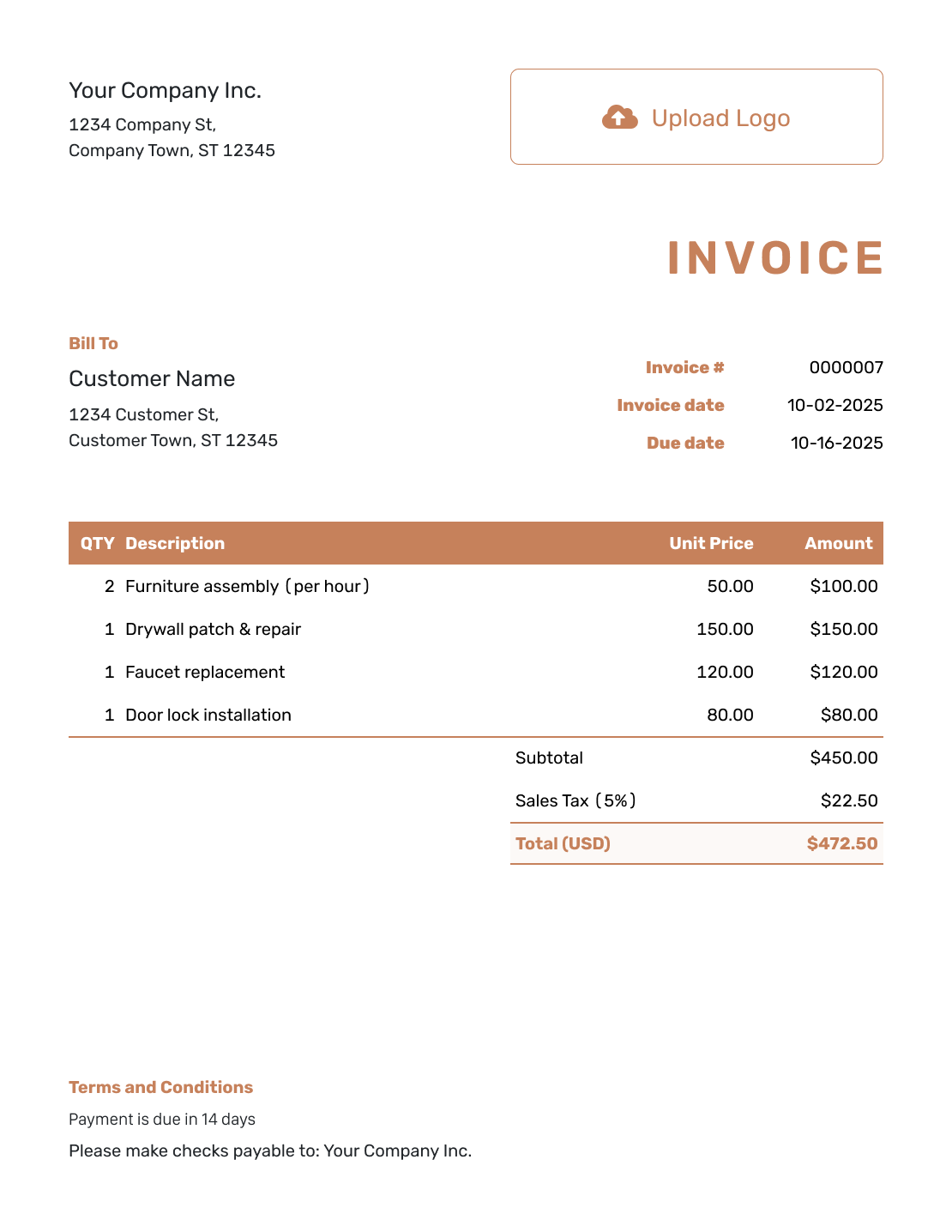
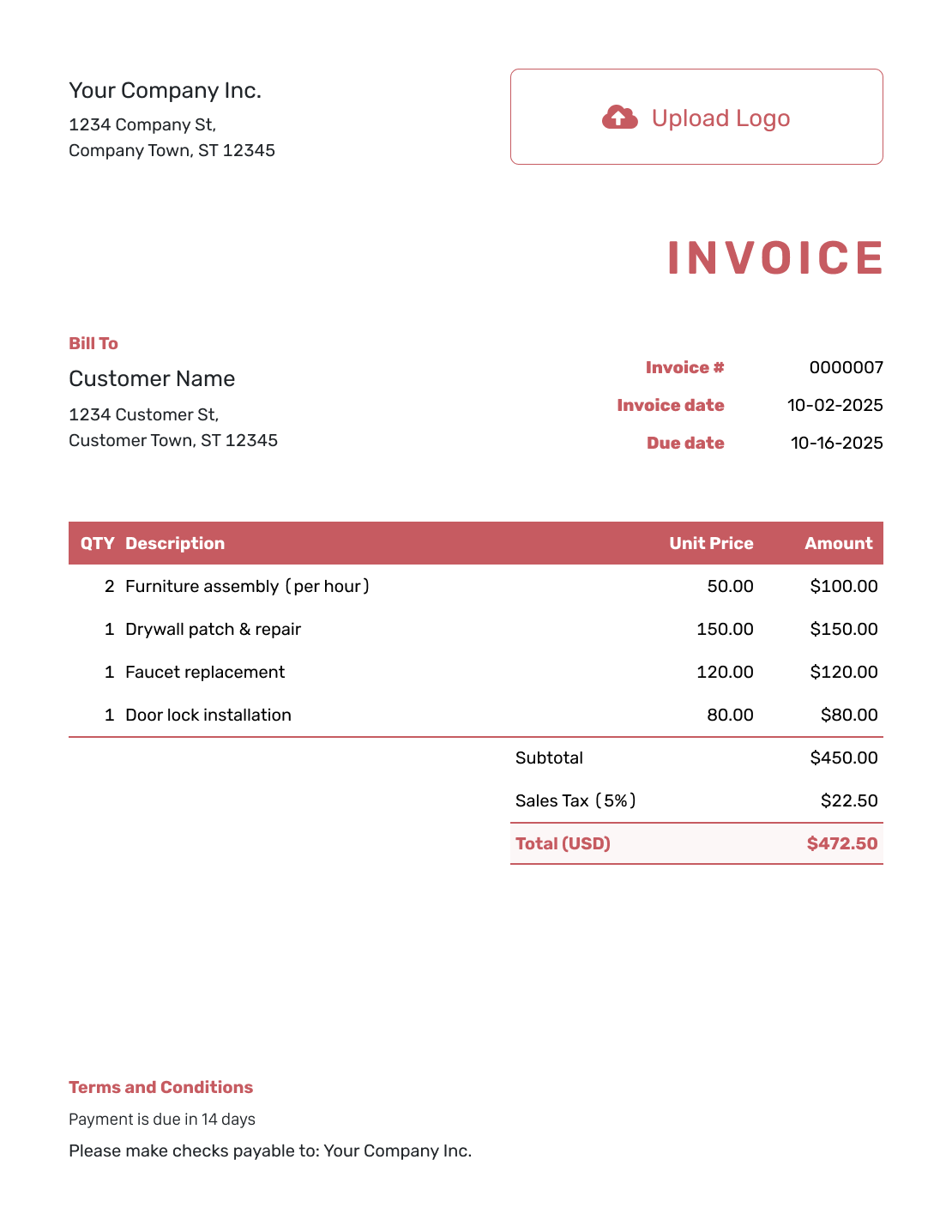
These additional layouts are for future invoices. For an overdue reminder, keep using the existing invoice number and send a copy of that bill.
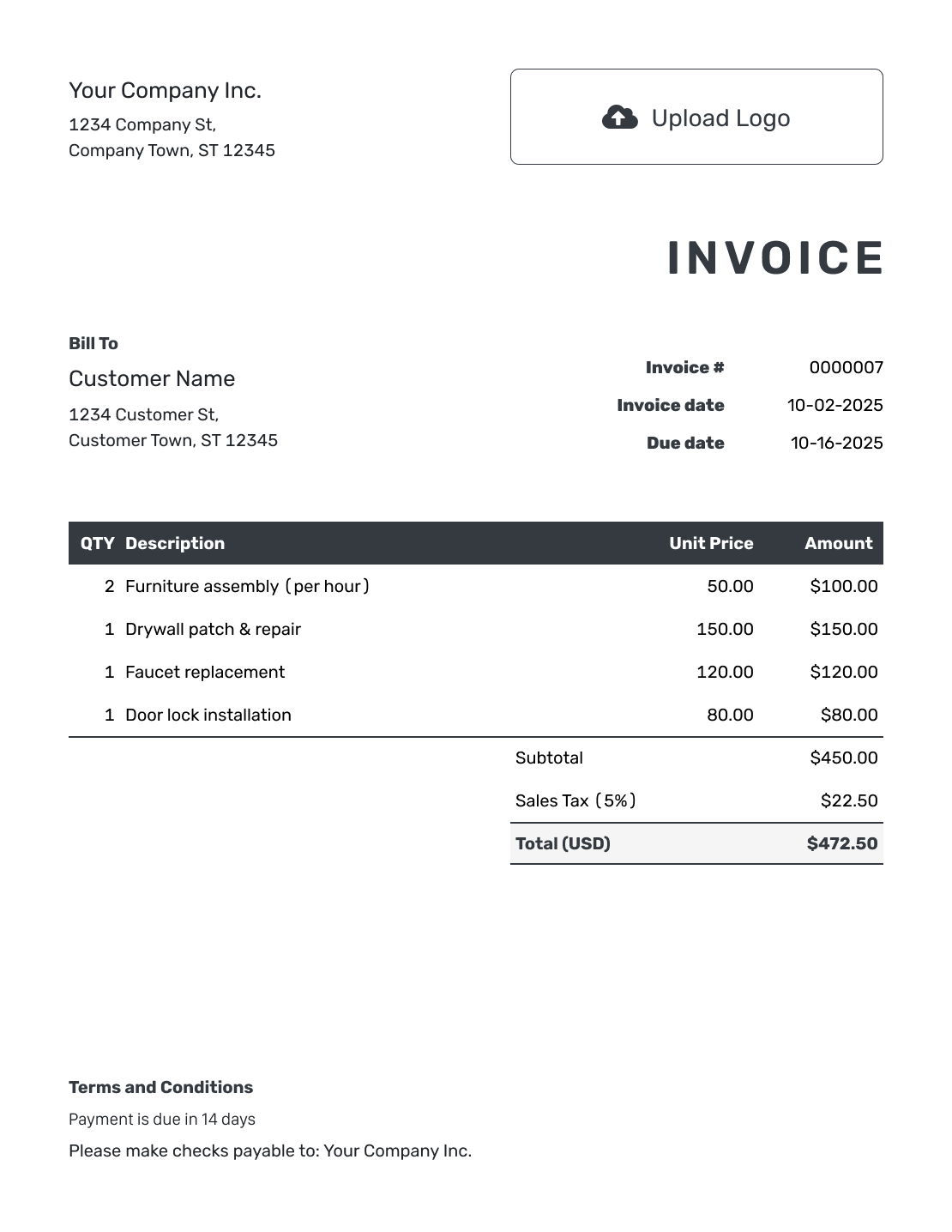
Invoice File Formats for Future Bills
Prefer to create future invoices in a file? Use Word or Google Docs to edit the document. Use Excel or Google Sheets for quantities and totals. For this reminder, send a copy of the invoice you already issued.
Past Due Invoice Email FAQs
-
When should I send a past-due invoice email?
Check that the original due date has passed and that a balance remains unpaid. Review any payment or message from the customer before sending the first reminder. For later follow-ups, check the reply or payment date you discussed. Avoid sending the same message repeatedly.
-
Should I create a new invoice when the old one is overdue?
No. For a reminder about the same charges, refer to the existing invoice number and send a copy of that invoice. Creating a second bill can make it unclear which invoice the customer should pay. Use a new invoice for new charges, not just because an earlier bill is late.
-
What amount should I request after a partial payment?
Ask for the remaining balance, not the original total. A $200.00 payment on a $540.00 invoice leaves $340.00 to pay. Record the payment in Docelf, then use that balance in your reminder.
-
What should I do if the customer says they already paid?
Ask for the payment date, amount and reference. Check them against your payment records before sending another reminder. Once you confirm the payment, record it against the invoice. Tell the customer whether any balance remains.
-
How should I reply if the customer questions a charge?
Ask which charge they have a question about. Check it against the work or order you agreed on and explain it in your reply. Resolve the question before sending another reminder. Confirm when the customer expects to pay.
-
What should a final past-due reminder include?
Mention your earlier messages and include the original due date and remaining balance. Ask for payment or a reply by a specific date. Give the customer a way to contact you, and keep the request factual rather than threatening. This example is a payment reminder, not a legal notice or advice on debt collection.
Ready for Your Next Invoice?
Give your customer an invoice that clearly shows what they owe.
- Set a clear payment due date
- Email the invoice or download a PDF
- Record payments and see the remaining balance




