Free Standard Invoice Template
Create a professional standard invoice in minutes
Use a familiar invoice structure to bill products or services without making the task complicated. An easy-to-find total and due date show customers what to pay and help you get paid.
Email, print or download your invoice as a PDF.
14-day free trial. No credit card required.

Create the invoice. Send it. Get back to work.
Choose a Familiar Invoice Structure
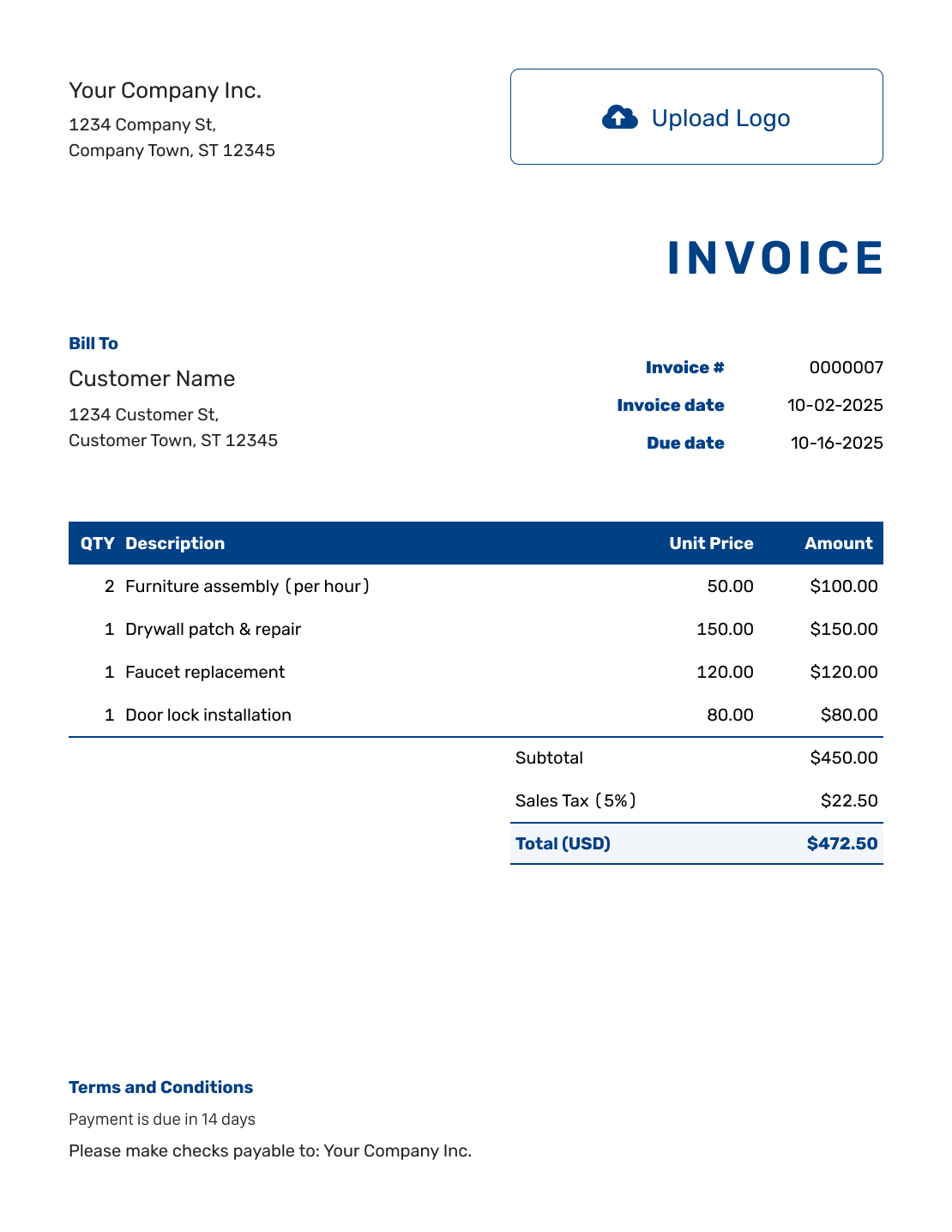
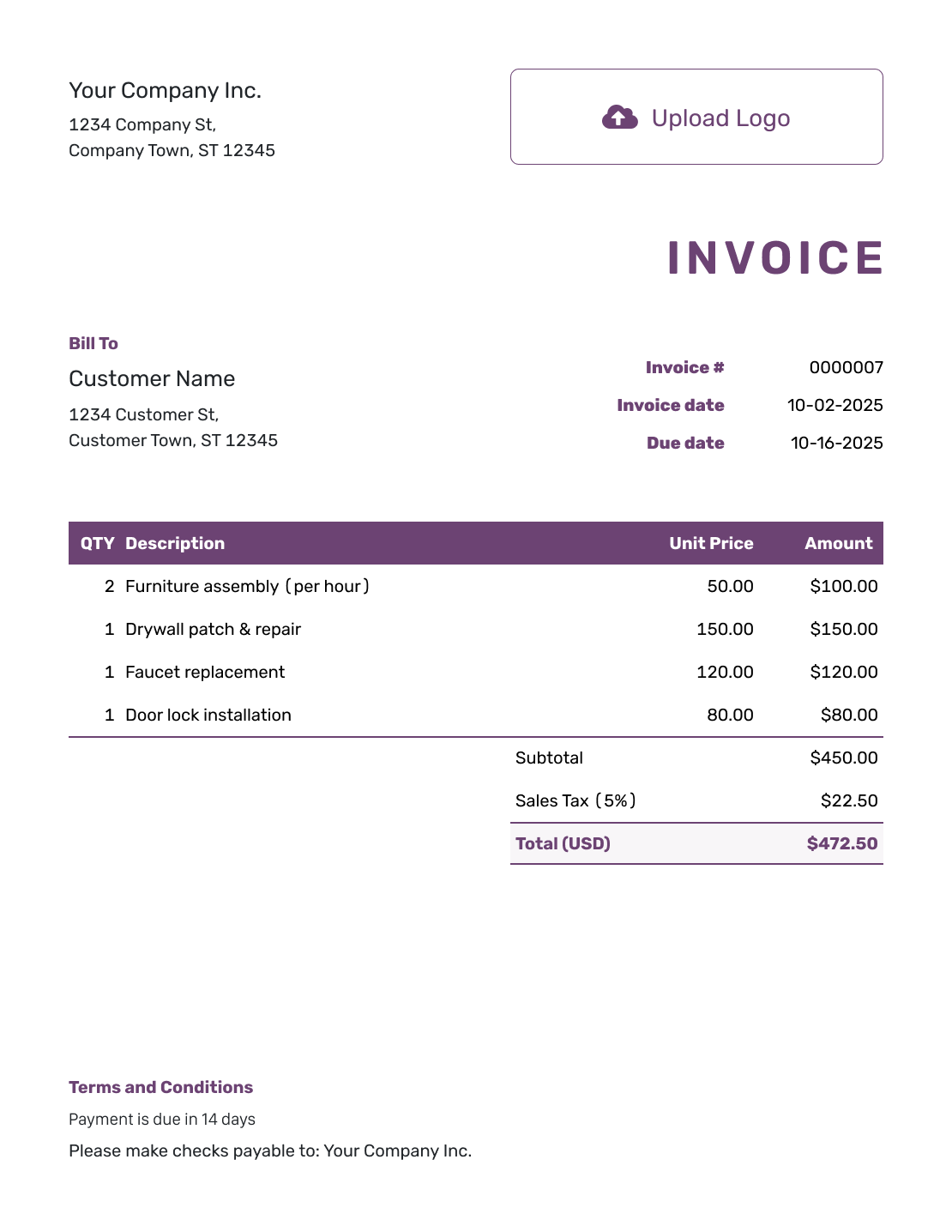
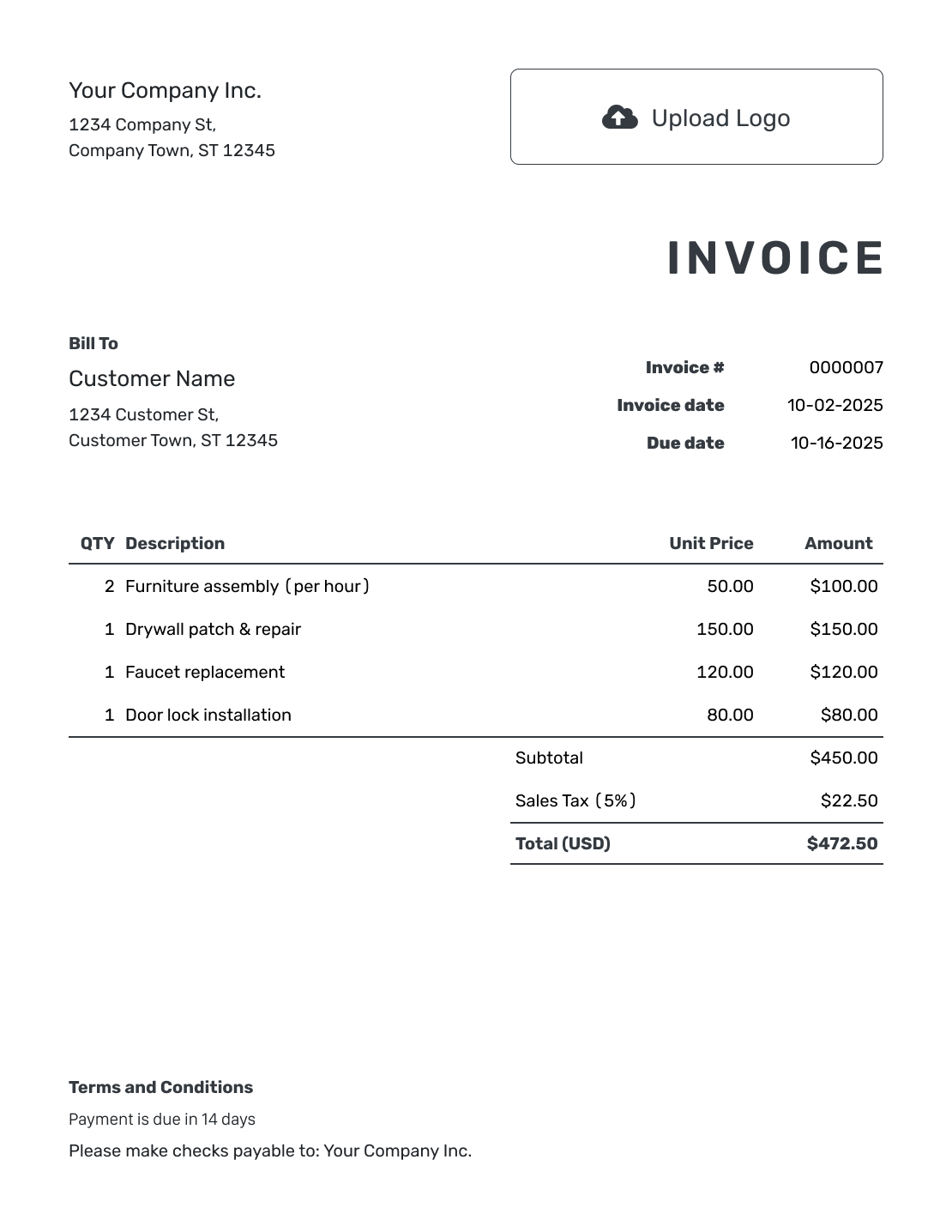
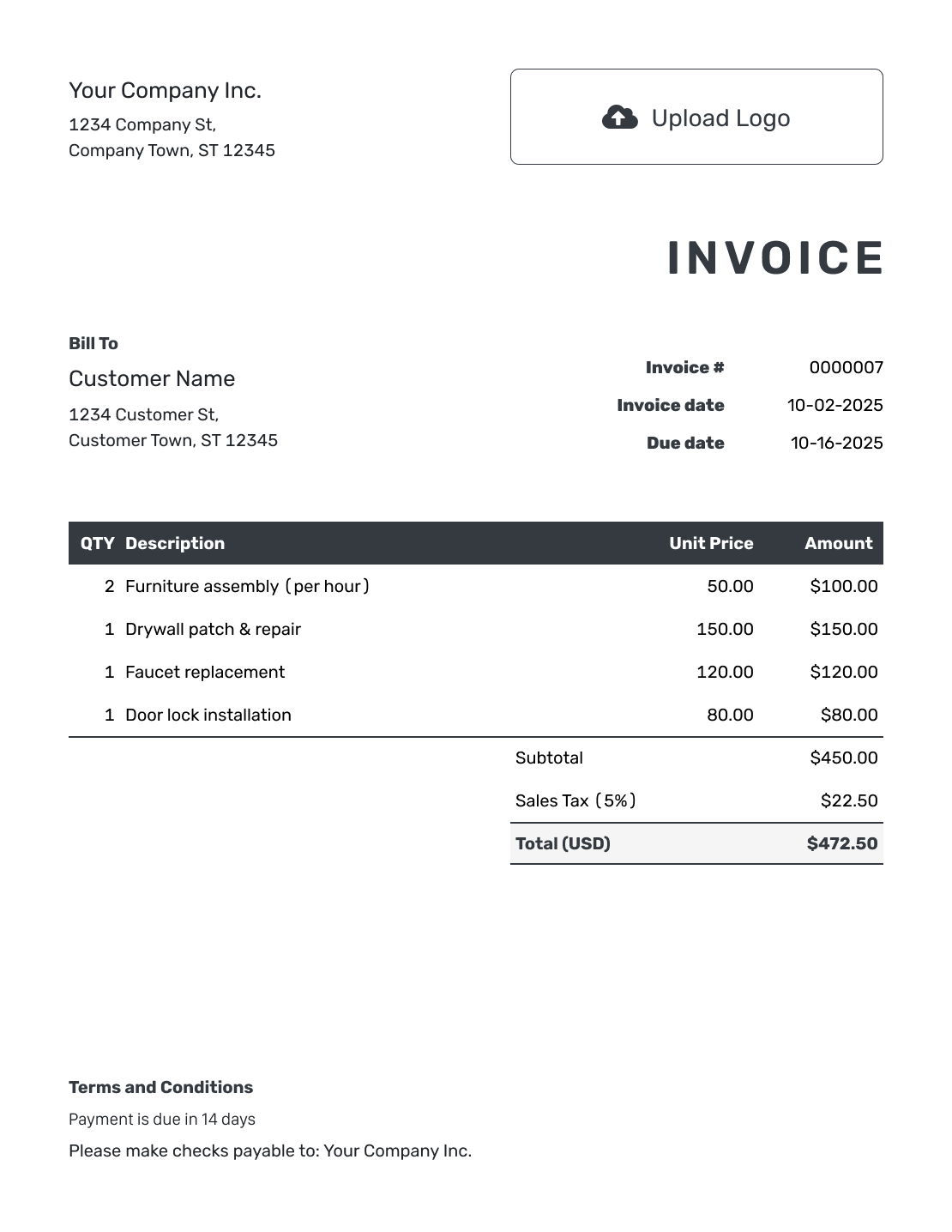
Compare familiar layouts for customer details, charges and totals. Each preview opens the same invoice editor, where you can enter the details for this order.
How to Create a Standard Invoice
Work from the business details at the top to the payment instructions at the bottom. The numbered example shows each part.
- Identify Your Business: Enter the business name and contact details that belong on every bill.
- Add Your Logo: Use your logo and a readable font that matches your other documents.
- Add the Customer: Check the customer’s name, address and billing contact.
- Check the Invoice Reference: Review the invoice number, issue date and agreed due date.
- List the Sale: Add each product or service with a description, quantity and unit price.
- Check the Totals: Review the subtotal, any tax or discounts, and the amount due.
- Add Payment Terms: Use Terms and Conditions for payment instructions. Review the invoice, then email it or download a PDF.
Fill In the Line Items and Check the Total
Show each product or service on its own line so the customer can check the charge. Quantity counts the units supplied; use 1 for a fixed charge such as logo setup or delivery.
This fictional workwear example bills for shirts, logo setup and delivery in US dollars. It assumes all three charges are taxable at an illustrative 6%.
| QTY | Description | Unit Price | Amount |
|---|---|---|---|
| 6 | Embroidered work shirts | $24.00 | $144.00 |
| 1 | Embroidery logo setup | $35.00 | $35.00 |
| 1 | Order delivery | $15.00 | $15.00 |
| Subtotal | $194.00 | |
| Sales Tax (6% example) | $11.64 | |
| Total | $205.64 |
What to Include in Standard Invoice Terms
Use Terms and Conditions for the payment instructions the customer needs after checking the charges. Keep routine wording consistent, but review the payment method and order reference for each invoice.
The example below uses a 30-day payment period for a business order. Use it only when that matches the agreement, and set the invoice due date to match. Replace the payment and contact placeholders before sending.
Example: Terms and Conditions
- Payment is due within 30 days of the invoice date.
- This invoice covers the items and services listed for [Order Reference].
- Pay by [Accepted Payment Method] using the invoice number as the reference.
- Send billing questions to [Billing Email or Phone].
Use the Same Clear Order on Every Bill
Use a layout the customer can follow. Docelf calculates the total from the charges you add. Check the due date before sending.
Give Each Part of the Invoice a Clear Job
The heading and customer details identify who is billing and who should pay. The item list explains the charges, with quantities and prices beside each description. The summary brings the subtotal, any tax or discount, and the amount due together.
Keep payment instructions in the terms rather than repeating the item list. A customer who has checked the total can then find how and when to pay.
Keep References Consistent From Order to Invoice
Include the order reference your customer requested. Keep your invoice number separate so you can identify both the order and the bill.
For the next order, duplicate an invoice in Docelf to create a new draft with a new number. Review dates and prices before sending. See how document numbering works.
Check What This Customer Needs on the Invoice
“Standard” describes the layout, not a promise that it meets every billing requirement. Check your customer’s instructions and the local rules that apply.
Add your logo and choose readable colors and fonts. You can add an industry name before “Invoice” to identify your work.
Use the footer for contact details. Attach a supporting file when the customer needs more information.
Docelf supports USD, EUR, GBP, CAD and AUD.
More Invoice Layouts to Compare
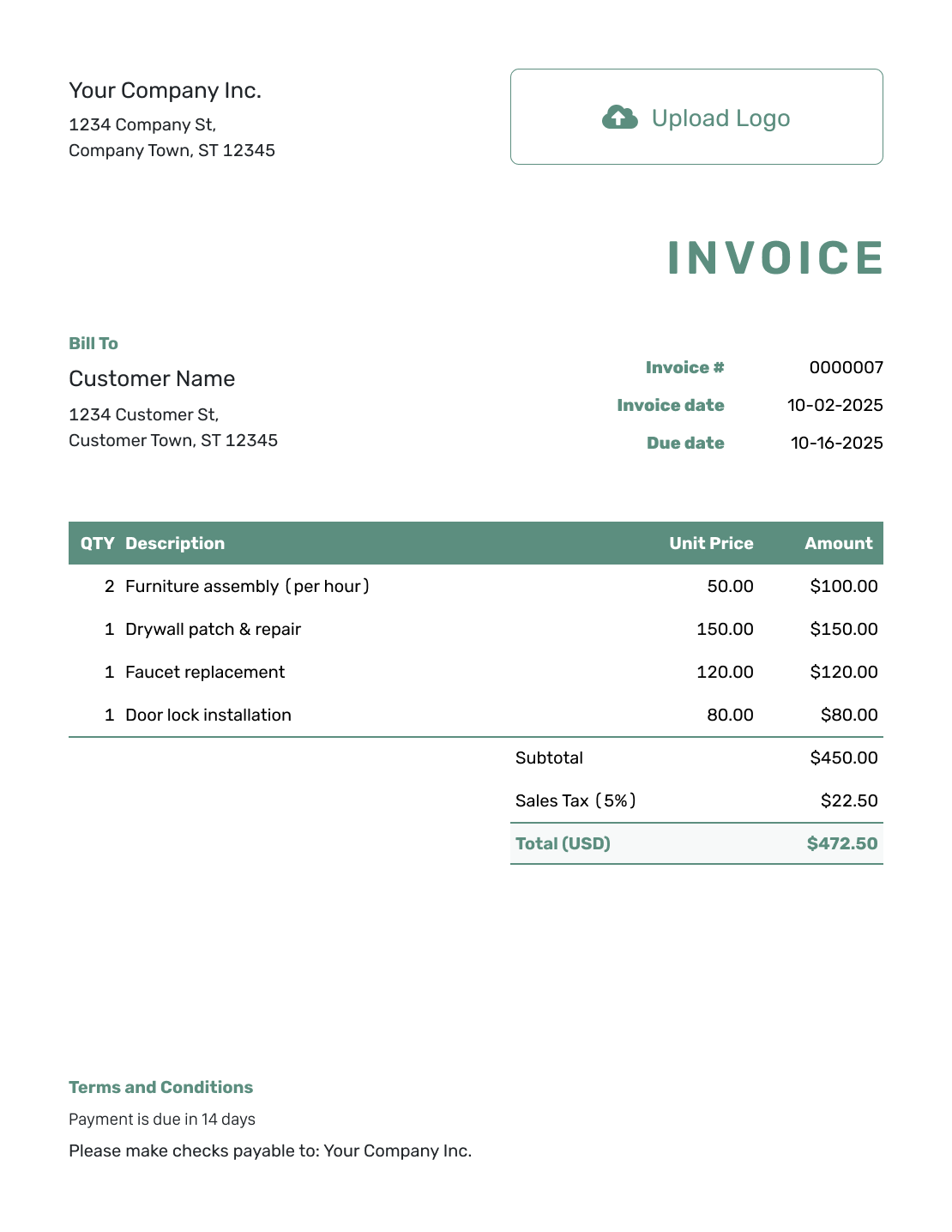
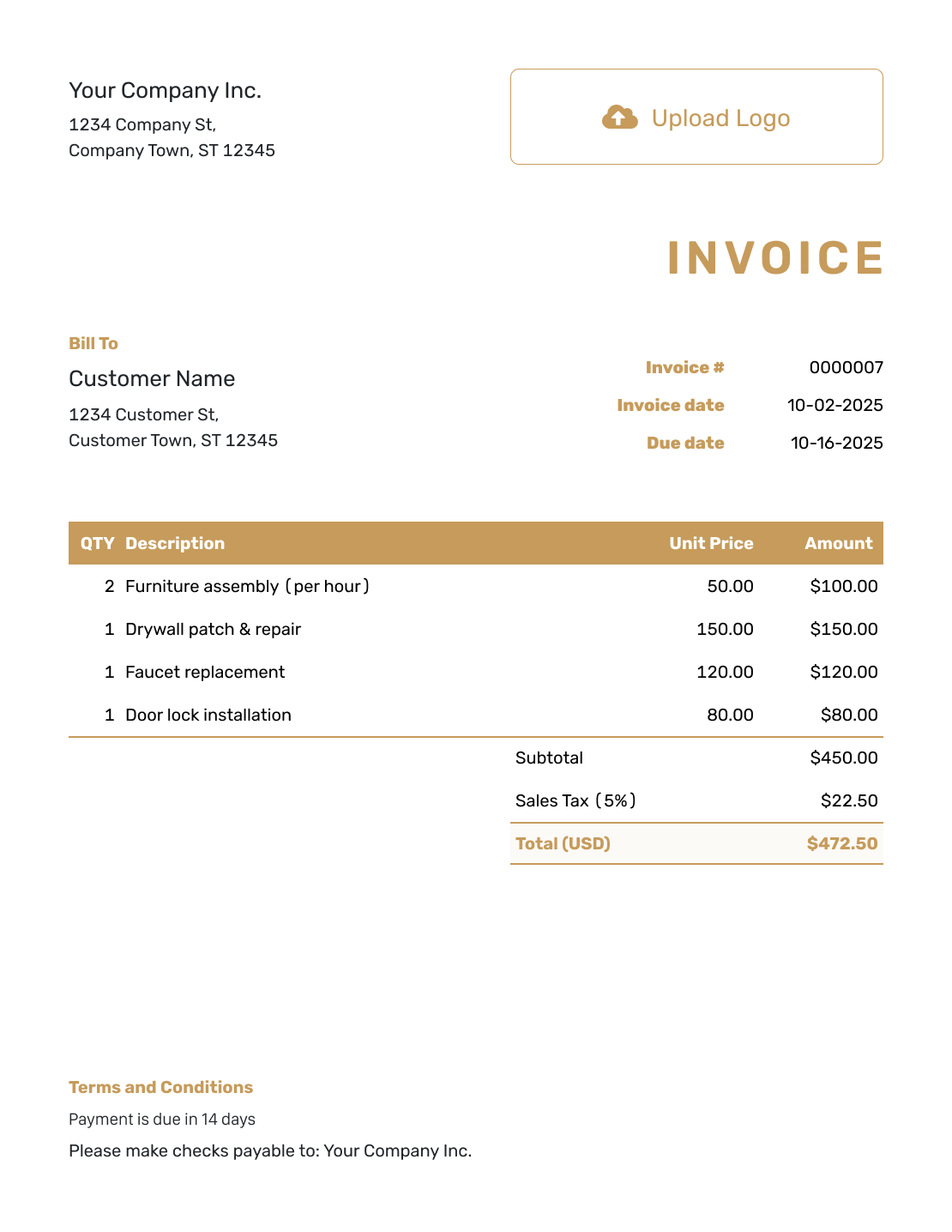
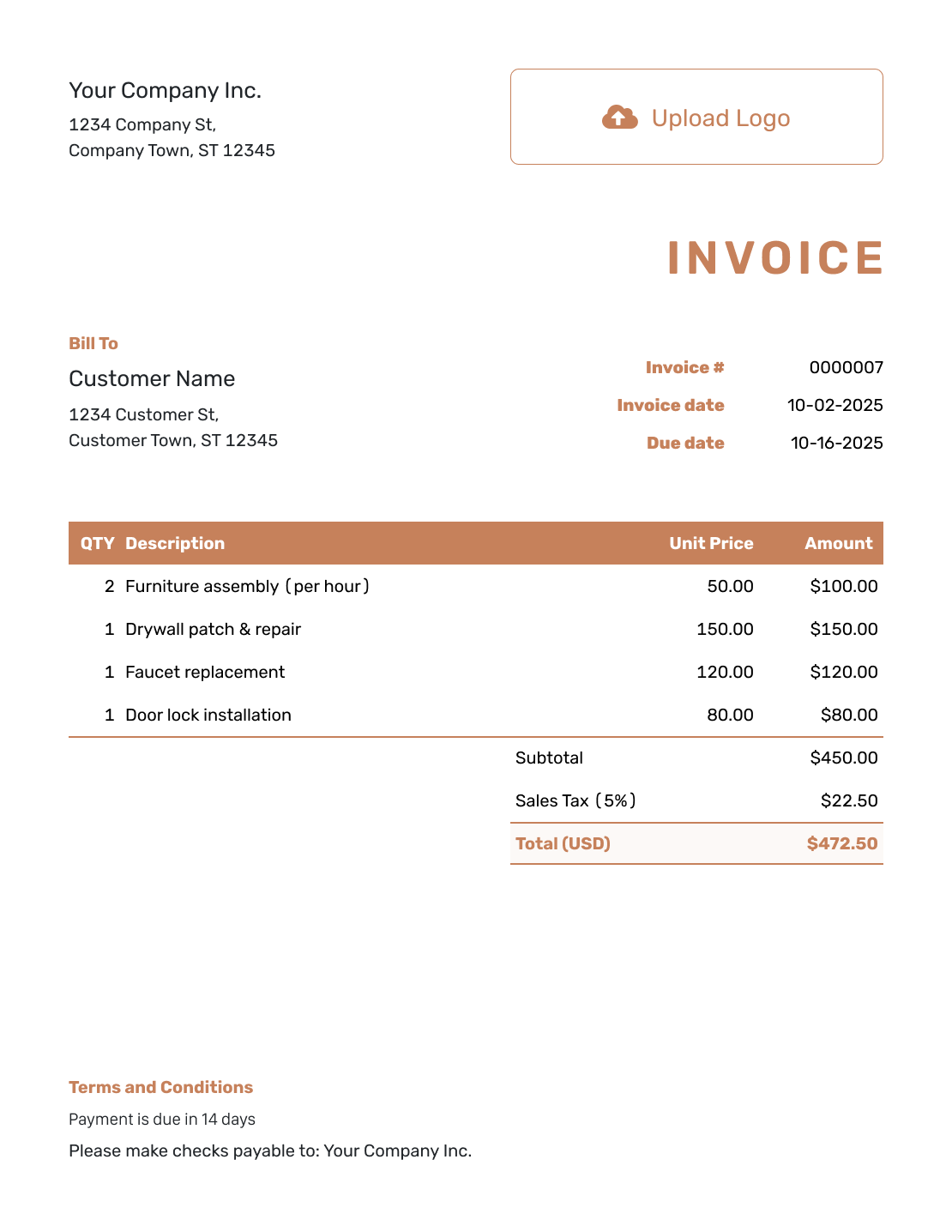
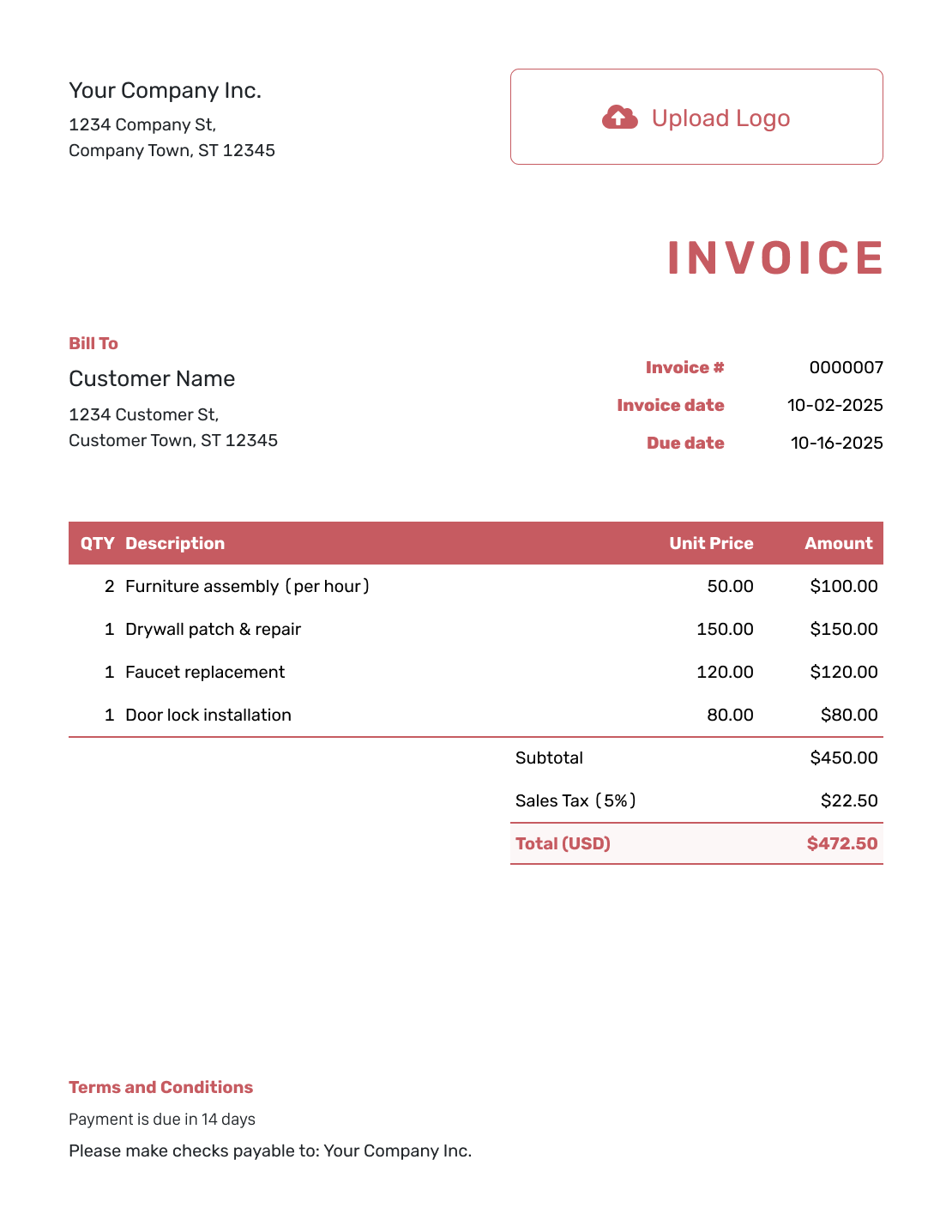
These six previews offer other ways to present the same billing details. Each opens the invoice editor.
Keep the Invoice Number With the Payment
A consistent reference helps you identify the right bill when the customer pays or asks a question.
- Check delivery and opening information for the invoice emailed from Docelf.
- Record the payment amount and date against that invoice.
- Create a receipt from the invoice to confirm the recorded payment.
Use the Standard Structure in a Separate File
Choose a document or spreadsheet format you already use. Keep the same clear sequence of customer details, charges, totals and payment instructions in the finished file.
Standard Invoice Template FAQs
-
What is a standard invoice format?
A standard invoice follows a familiar layout. It starts with your business and customer details, followed by the invoice number and dates. The charges and total show what is due. Payment instructions tell the customer how to pay.
-
Does standard mean the invoice is suitable everywhere?
No. “Standard” describes the layout, not a set of rules that applies everywhere. Check your customer’s billing instructions and any local requirements before sending.
-
Where should I put an order reference?
Put the customer’s order reference in the description or Terms and Conditions where it clearly identifies the order. Keep it separate from your invoice number.
-
Can I use the same structure for every customer?
Yes, but review each customer’s details and payment agreement. Reuse the layout, not outdated names, dates or charges. A duplicated Docelf invoice becomes a new draft with a new number.
-
Does a standard invoice need Net 30 terms?
No. The 30-day period shown here is only an example. Use the payment period you agreed with the customer and make it match the invoice due date.
Create a Familiar Bill With the Right Details
Send a bill your customer can check without searching for the payment details.
- Check the customer and invoice references
- Review each charge and the amount due
- Send the invoice with clear payment instructions




