Free Simple Invoice Template
Create a professional simple invoice in minutes
Keep the invoice focused on the billed work, amount due and due date. Customers can quickly see what they owe and pay the bill without sorting through extra details.
Email, print or download your invoice as a PDF.
14-day free trial. No credit card required.

Create the invoice. Send it. Get back to work.
Find a Layout for a Short, Clear Bill
Use the previews to compare invoice layouts before opening the editor. Keep the finished bill focused on the work, the amount due and the payment instructions.
-
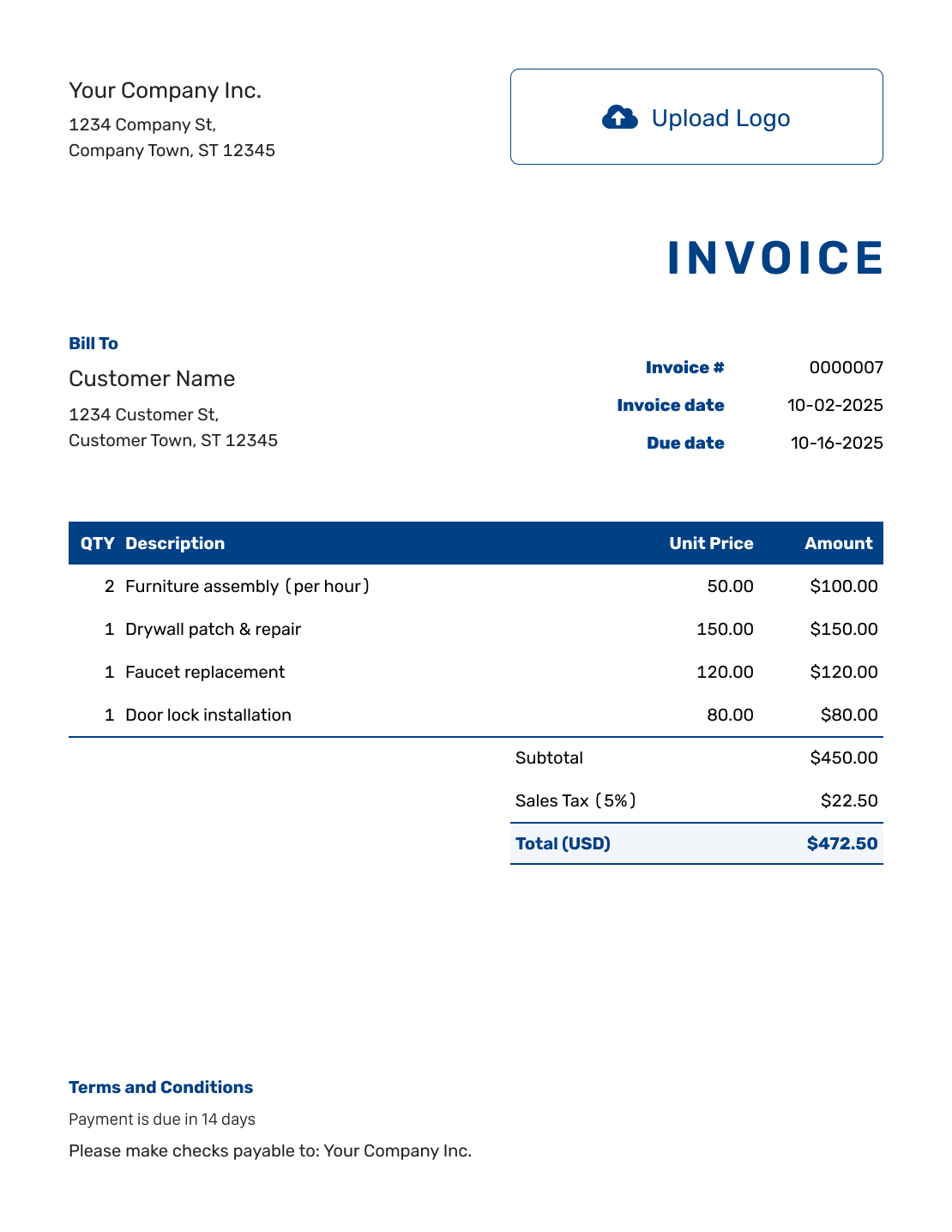
Sample Invoice Layout
Create Free Invoice -
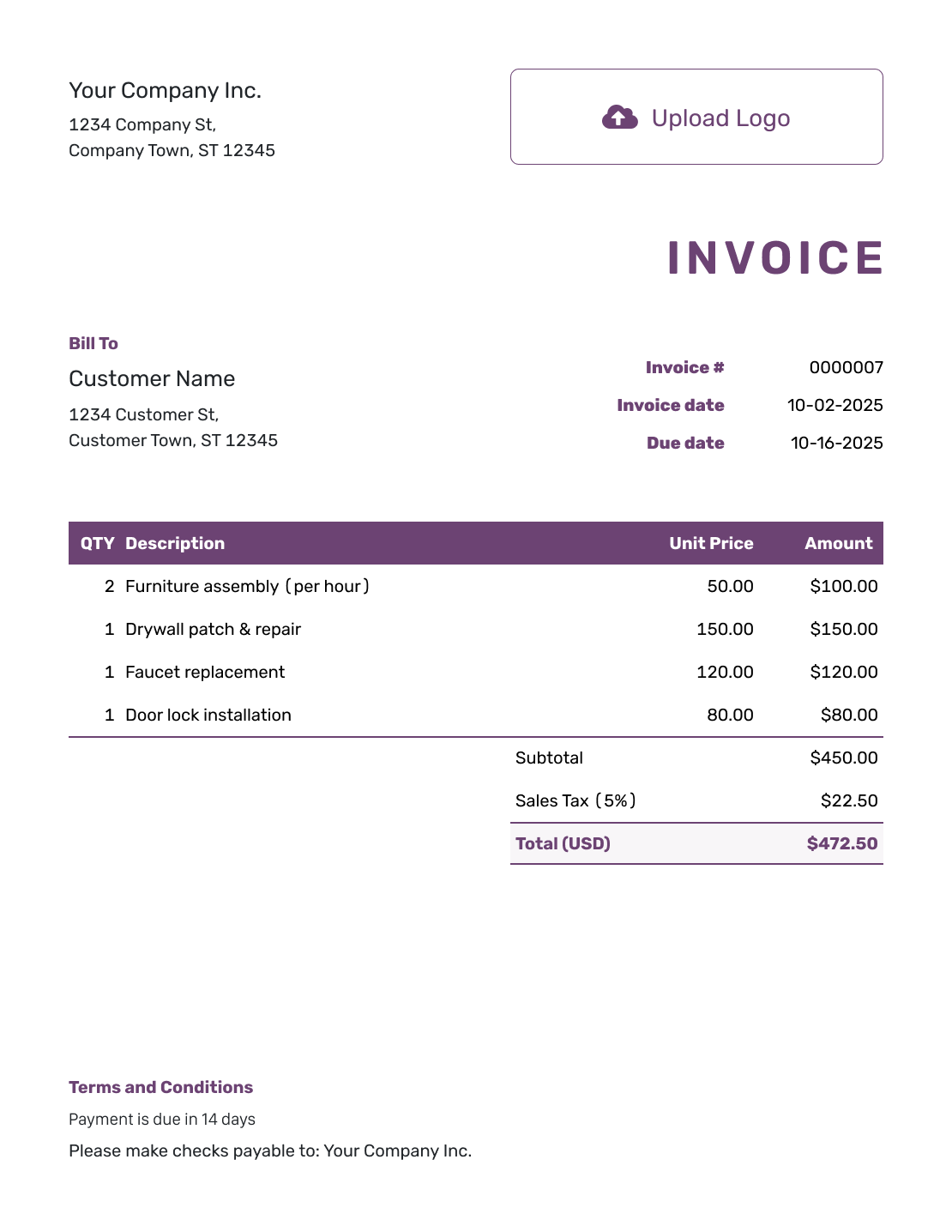
Free Invoice Layout
Create Free Invoice -
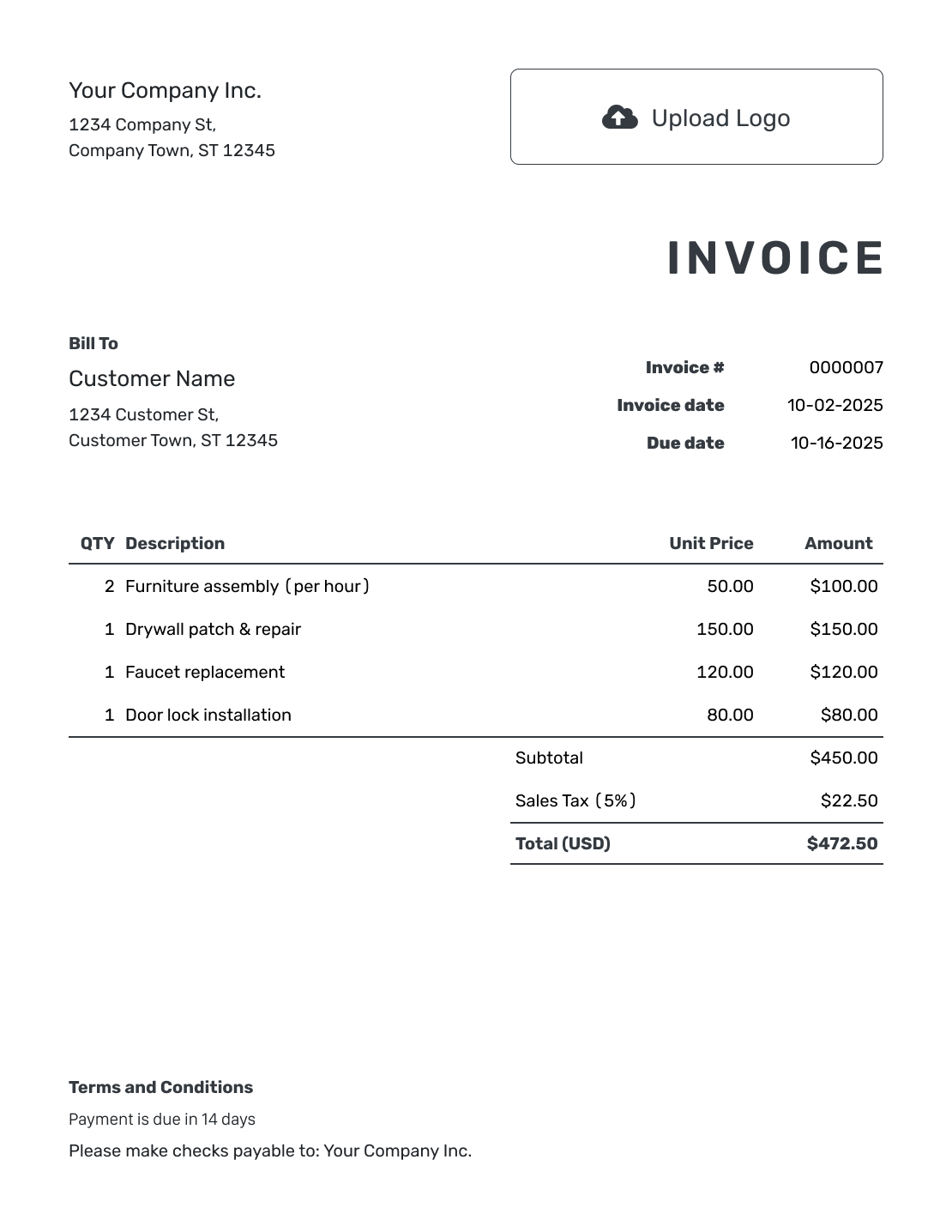
Printable Invoice Layout
Create Free Invoice
See six more invoice layouts below.
How to Create a Simple Invoice
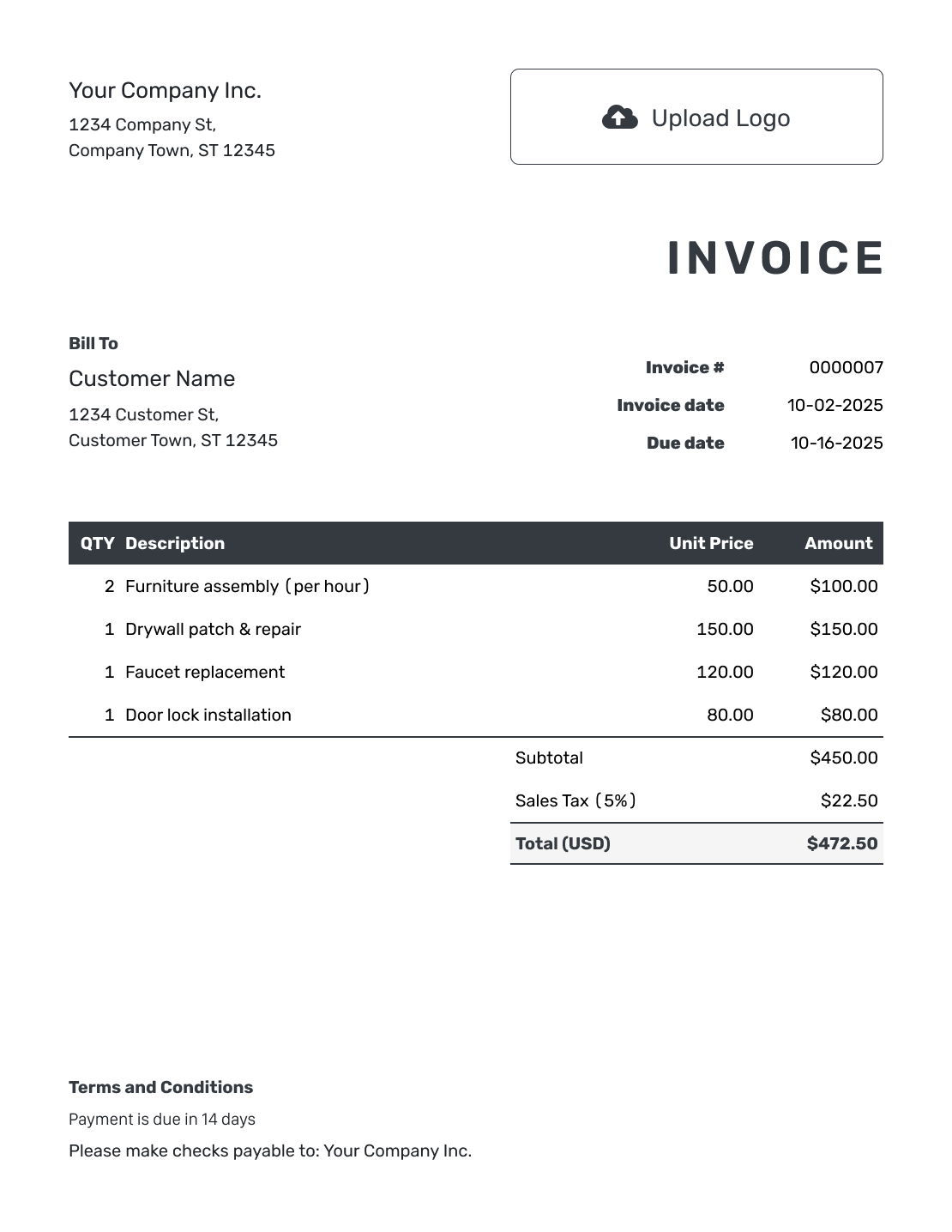
Keep the bill brief without leaving out payment details. Follow the numbered fields to complete it.
- Name Your Business: Add your business name and the contact details for billing questions.
- Add a Logo: Use a logo only when it helps the customer recognize your business.
- Choose the Customer: Check the billing name and address for this invoice.
- Set the Number and Dates: Check the invoice number and invoice date. Set the agreed payment due date.
- List the Work Briefly: Use short, recognizable descriptions with the quantity and price.
- Check the Total Due: Add applicable tax or discounts and review Docelf’s calculation.
- State How to Pay: Add payment instructions in Terms and Conditions. Check the bill, then email it or download a PDF.
Use Short Line Items Without Hiding the Charges
Simple does not mean one unexplained amount. Put the main service and agreed extras on their own lines, with descriptions the customer can read at a glance.
This example bills for apartment cleaning and two agreed extras. The prices are in US dollars, with an example 8% tax on all three services.
| QTY | Description | Unit Price | Amount |
|---|---|---|---|
| 1 | Apartment cleaning | $95.00 | $95.00 |
| 1 | Oven cleaning | $30.00 | $30.00 |
| 1 | Refrigerator cleaning | $20.00 | $20.00 |
| Subtotal | $145.00 | |
| Sales Tax (8% example) | $11.60 | |
| Total | $156.60 |
What to Include in Simple Invoice Terms
A short set of Terms and Conditions can be enough for an everyday service bill. State when payment is due, how to pay and whom to contact with a question.
This example covers the payment details for a short service bill. Use only terms you agreed to and replace the bracketed details.
Example: Terms and Conditions
- Payment is due upon receipt.
- Pay using [Accepted Payment Method and Payment Details].
- Please include the invoice number with payment.
- For billing questions, contact [Billing Email or Phone].
Keep the Invoice Short, Not Incomplete
List what you provided. Docelf calculates the total. Send a clear bill without a long write-up.
Keep the Details That Help the Customer Pay
Keep a detail when it explains a charge or tells the customer what to do next.
- Use “Oven cleaning” rather than a long description of routine cleaning steps.
- Keep agreed extras visible instead of folding them into an unexplained total.
- Include a service date or address when it distinguishes this job from another.
- Keep the due date and payment method on the bill.
- Attach a longer job record only when the customer needs it.
Choose a Simple Invoice for a Straightforward Bill
A simple invoice suits a short service visit or a small order with only a few charges. When the customer needs to check many parts, hours or extras, use the itemized invoice guide for a fuller breakdown.
Do not remove a necessary detail just to fit a short layout. The aim is a bill the customer can understand, not the smallest possible number of words.
Add Your Business Style Without Extra Text
A logo can help customers recognize a short invoice. Choose colors and fonts that keep the amounts easy to read. Put your website or billing contact in the footer.
Docelf supports USD, EUR, GBP, CAD and AUD. You can add an industry name before “Invoice” when it helps identify your work.
Keep the main charges clear on their own. Attach a supporting file only when the customer needs extra detail.
Keep the Next Step Simple Too
Once the bill is sent, keep the payment record just as clear.
- Check delivery and opening information in Docelf.
- Record the payment amount and date when the customer pays.
- Create a receipt from the invoice to confirm the recorded payment.
More Layouts for Your Simple Invoice
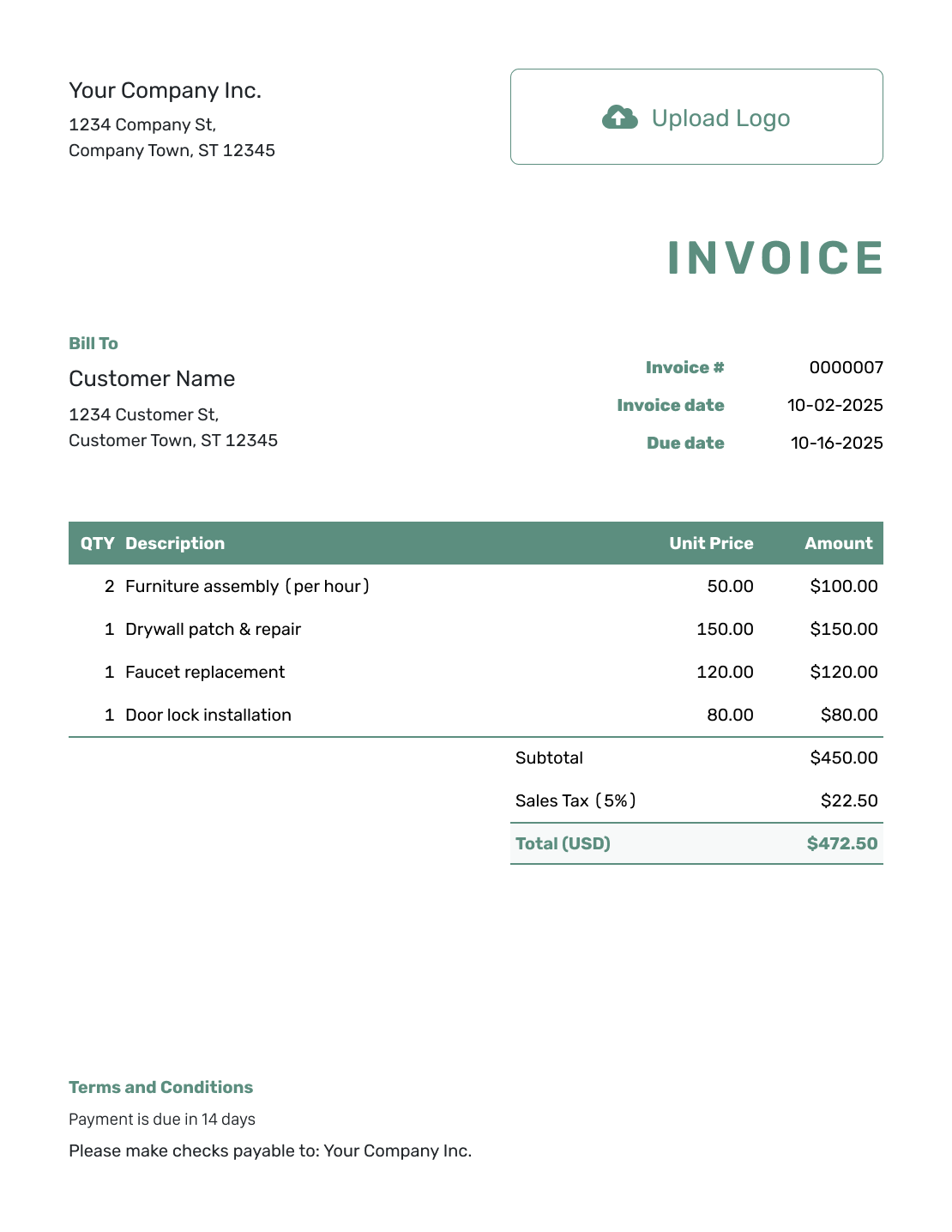
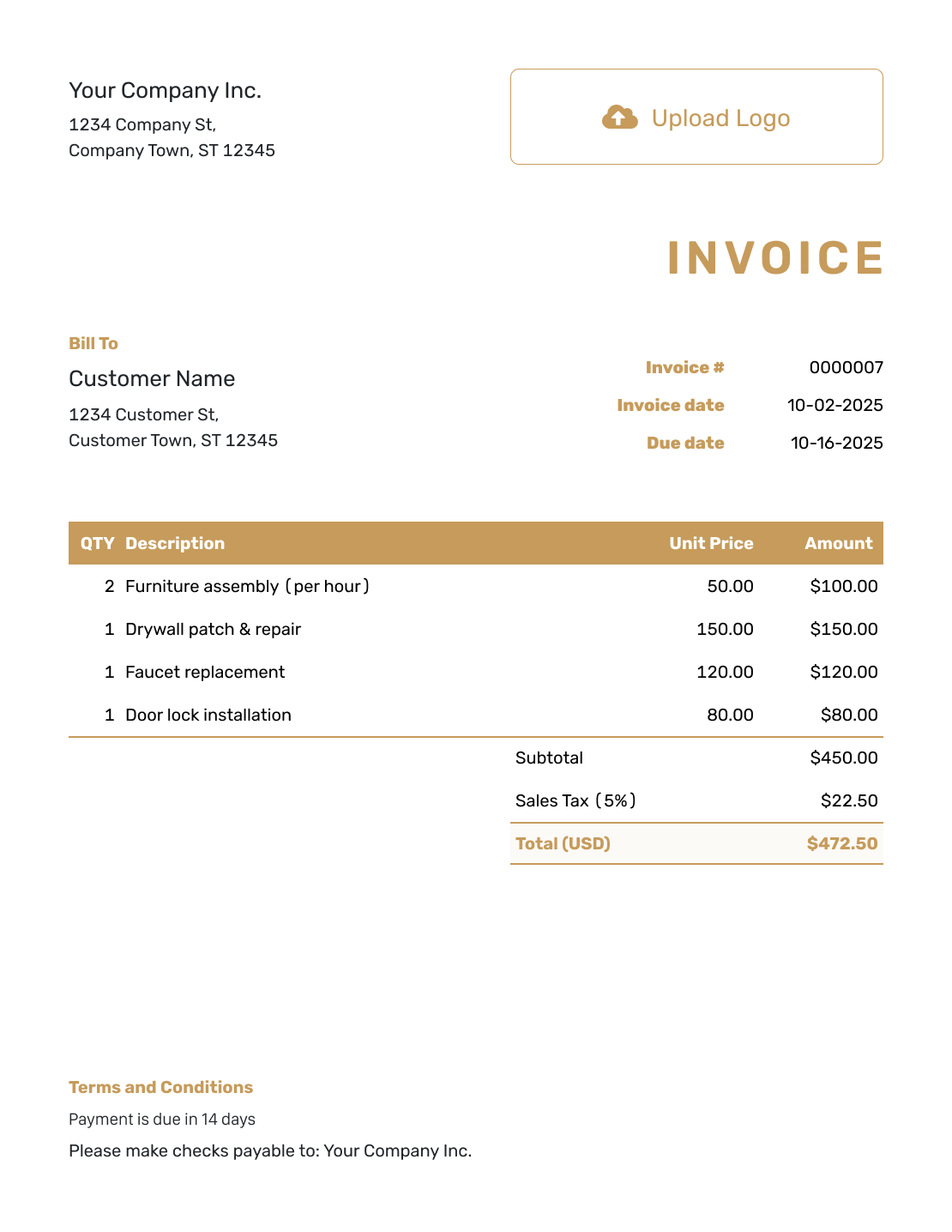
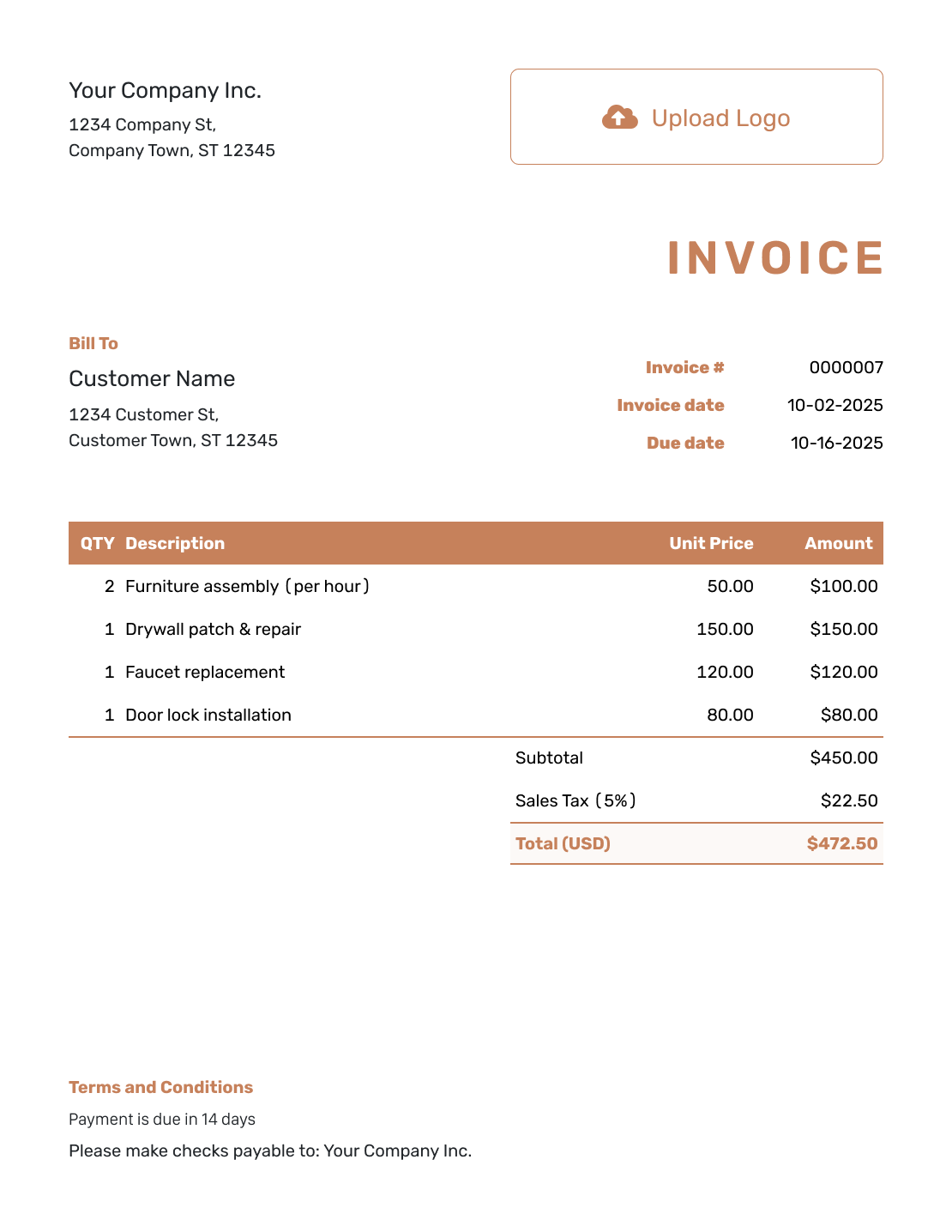
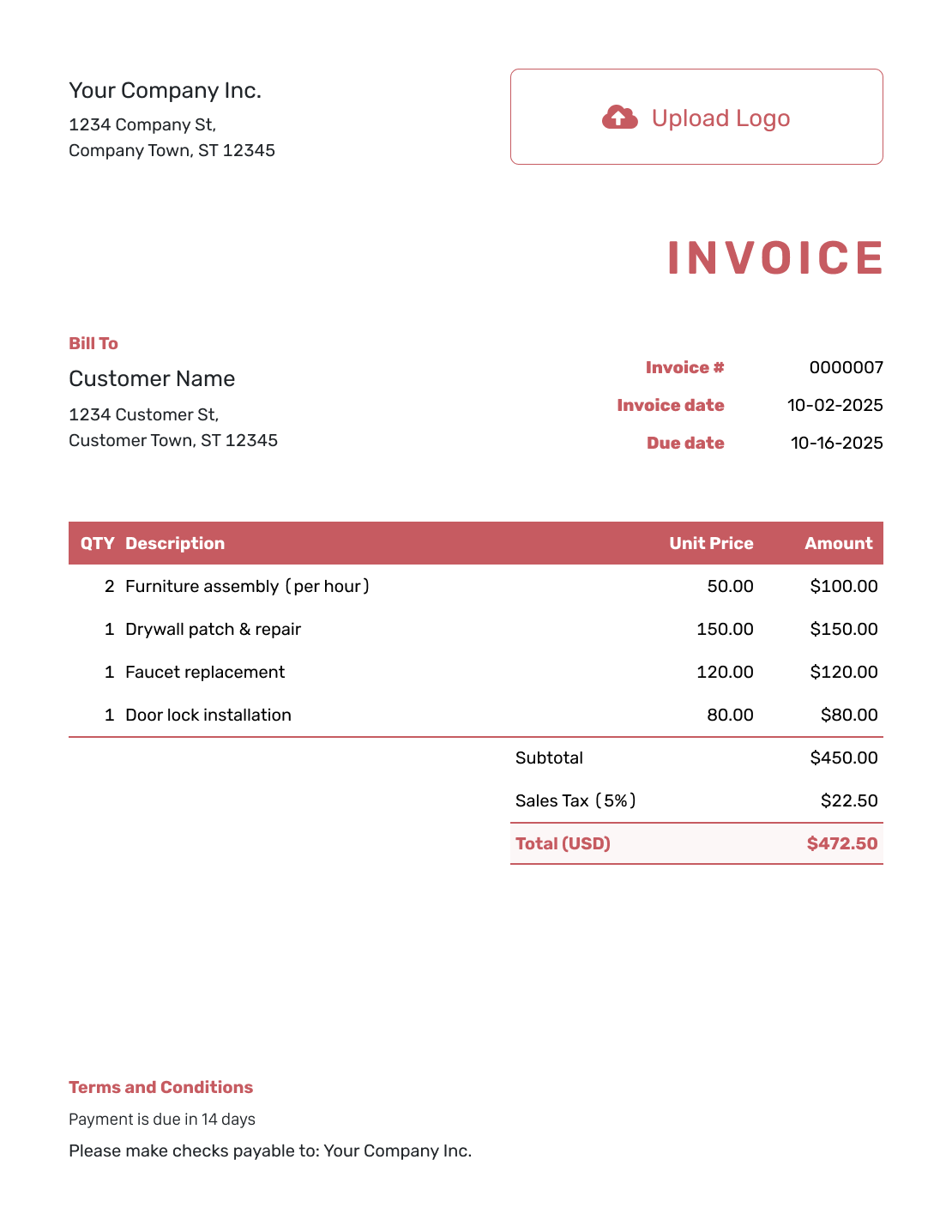
Compare the remaining layouts before adding your own details. Each preview opens the same invoice editor.
Use a Simple Invoice in Your Usual Format
Choose Word or Google Docs for a document, or Excel or Google Sheets for a spreadsheet. Keep the final wording and calculations easy to check in whichever format you use.
Simple Invoice Template FAQs
-
What should a simple invoice include?
Start with your business and customer details. Add the invoice number, invoice date and due date. List the charges and show the total. Include clear payment instructions.
-
Can a simple invoice have several line items?
Yes. Several short, clear lines can be easier to read than one vague total. Keep each service or product recognizable and show its quantity and price.
-
Should I leave tax off to keep the invoice simple?
No. Simplicity is about clear wording and layout, not omitting a charge that applies. Show the relevant tax in the totals area. The rate used in this page’s example is illustrative, not a default for your business.
-
Do I need a long description of the completed work?
Use enough detail to identify what the customer is paying for. You do not need to describe every routine step. Add a service date or address when it distinguishes this job. Attach a longer record only when the customer needs it.
-
How is a simple invoice different from a blank invoice?
Simple describes a short, focused finished bill. Blank describes a template that still needs its billing details. You can start with a blank template and create a simple invoice from it.
Send the Bill Without Adding More Paperwork
Give the customer the details they need, then get back to work.
- Use brief, recognizable charge descriptions
- Show a clear total and payment due date
- Email, print or download the finished invoice




