Free English Invoice Template
Create a clear invoice in English
Present products, services and payment details in clear English. Straightforward wording shows customers what the bill covers and what they owe, making it easier for you to get paid.
Email, print or download your invoice as a PDF.
14-day free trial. No credit card required.

Create the invoice. Send it. Get back to work.
Choose an Invoice Layout in English
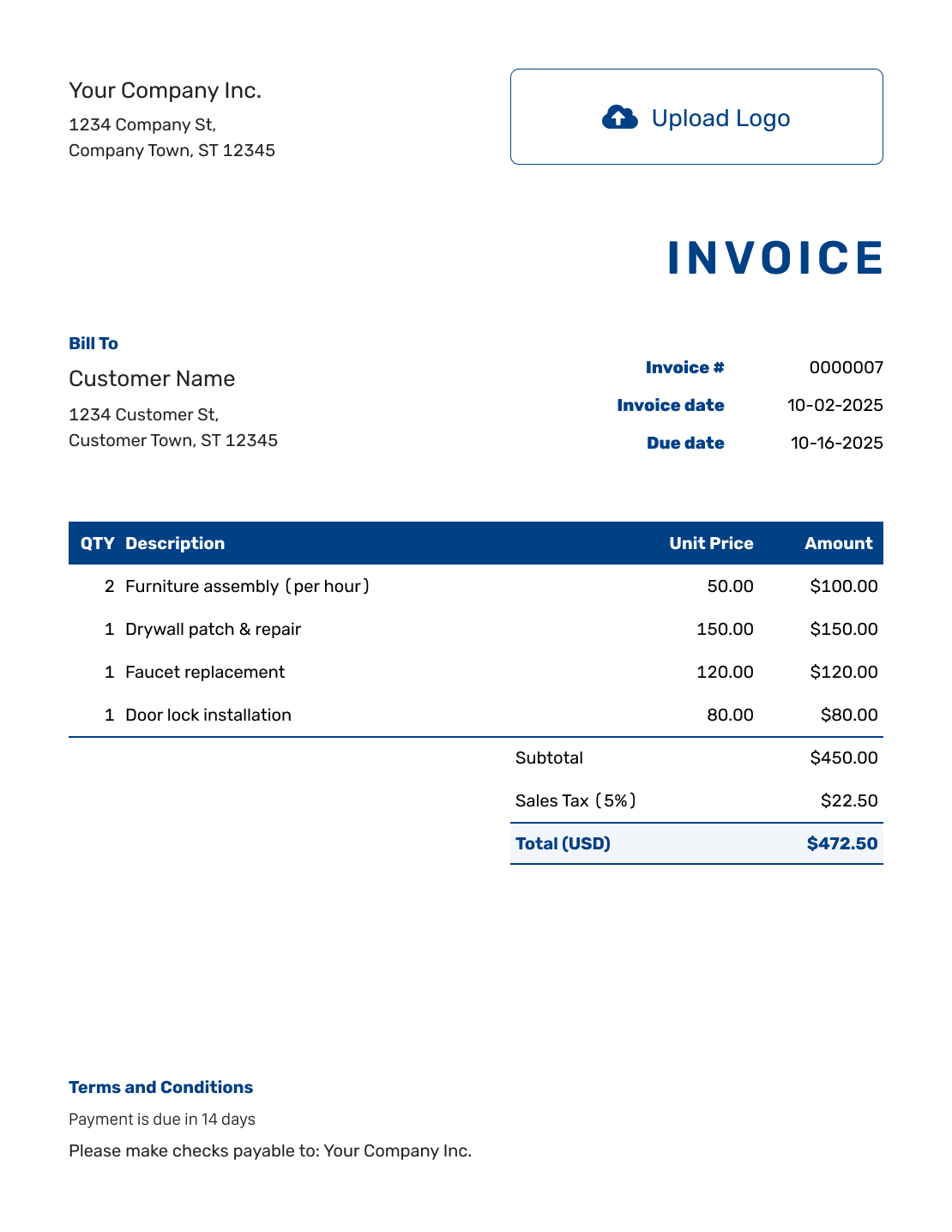
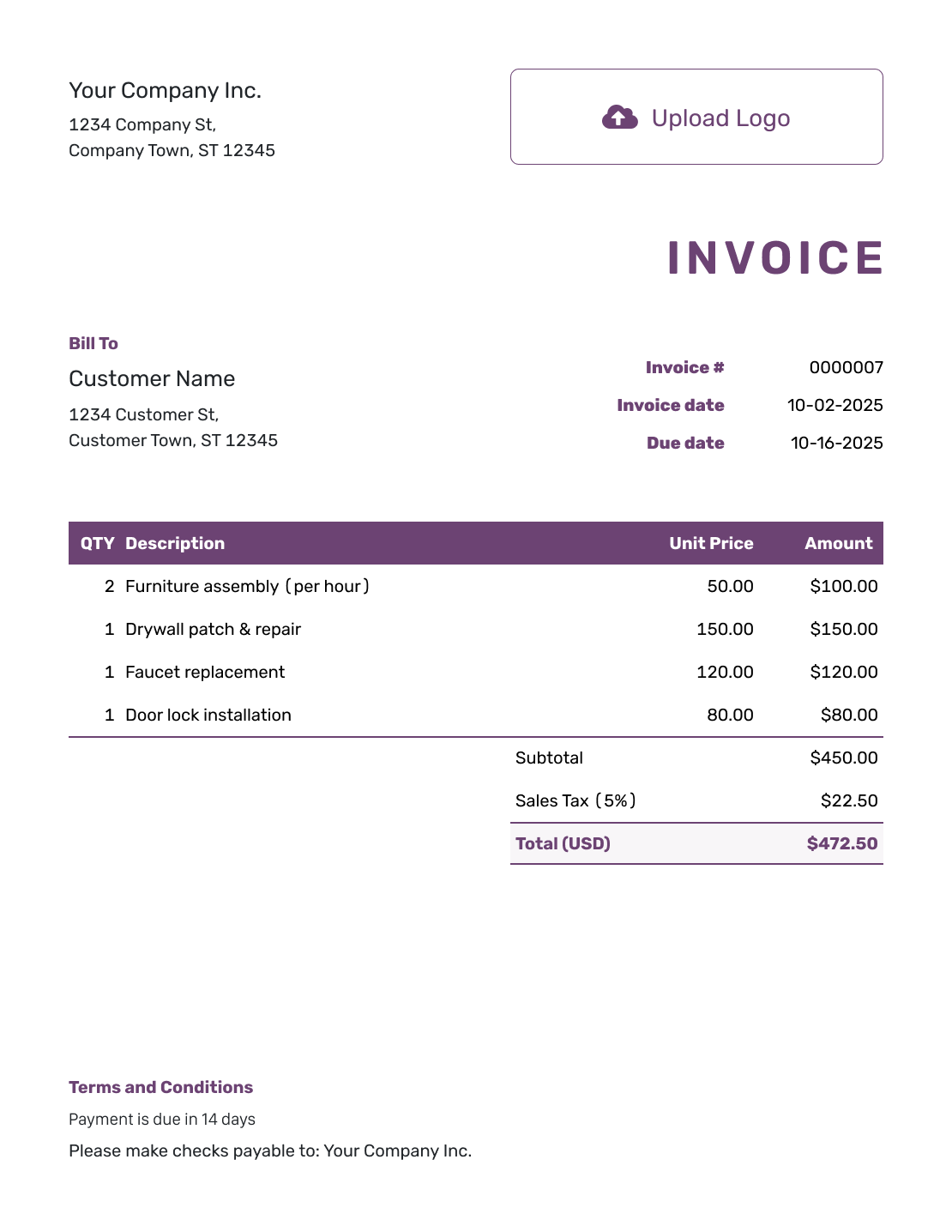
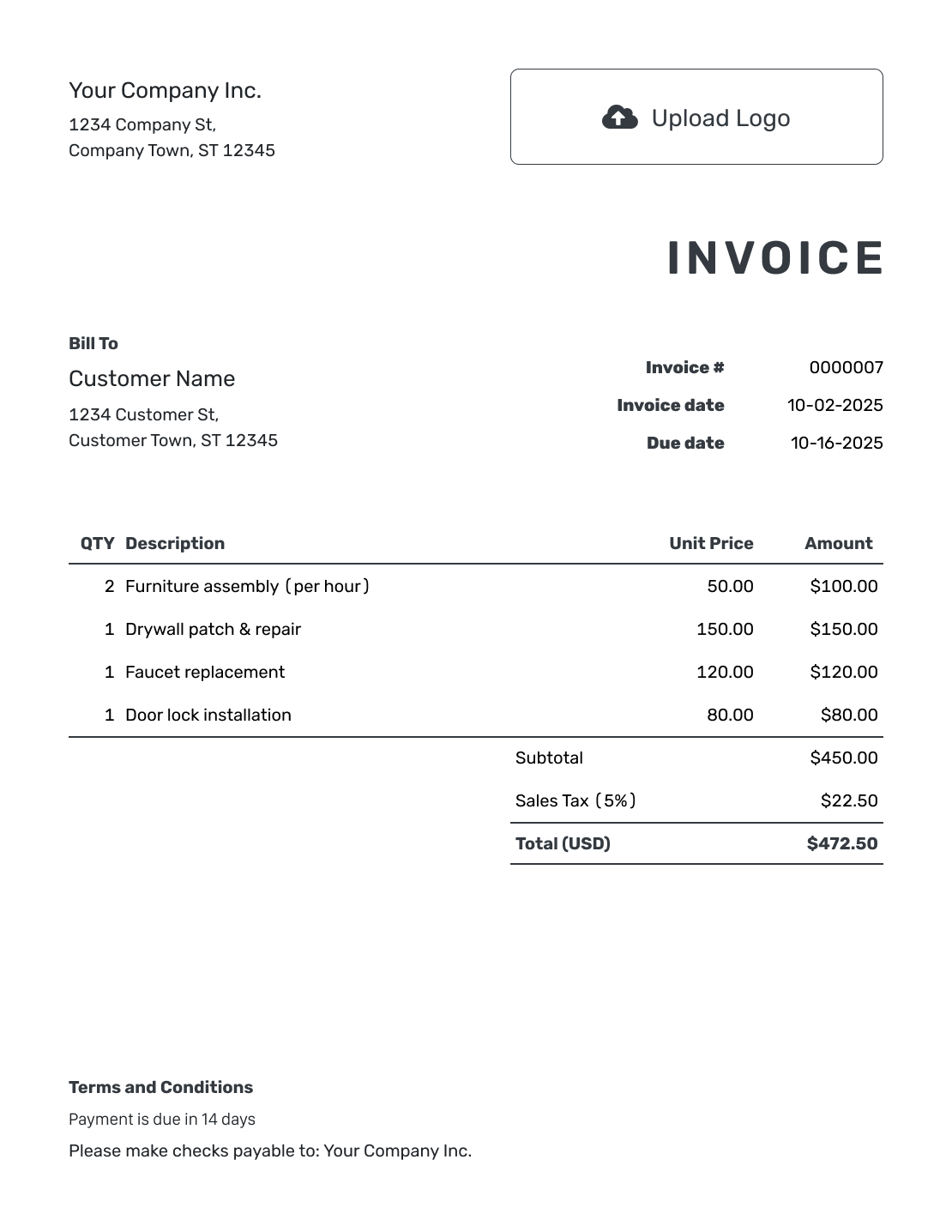
See where the customer details and charges go in each layout. Replace the sample text with descriptions your customer will recognize.
Each button opens the invoice generator. For a file you can edit in Word or a spreadsheet, use the file-format options below.
How to Create an Invoice in English
Use the numbered fields to add your details. Write the charges and payment instructions in English.
- Add Your Business: Enter your business name and the contact details your customer should use.
- Add Your Logo: Use your logo so the customer recognizes who sent the invoice.
- Add the Customer: Add the customer’s name and billing address. Include the country for an overseas customer.
- Set the Number and Dates: Check the invoice number, invoice date, and agreed due date.
- Describe Each Charge: Write each description in English. Add quantities or hours and the agreed unit prices.
- Review the Total: Check the currency and add any tax or discount. Docelf calculates the total.
- Give Payment Instructions: State how to pay and which reference to use. Check the wording before sending.
How to Write Clear English Invoice Line Items
Describe what you provided rather than using an internal code. Put different services on separate lines. When you bill by the hour or visit, say so in the description.
This fictional computer-service invoice uses USD. Each price is for one setup job or keyboard. It adds 8% sales tax to all three charges as an example. Check which taxes apply to your own sale.
| QTY | Description | Unit Price | Amount |
|---|---|---|---|
| 2 | Laptop setup — install agreed software | $75.00 | $150.00 |
| 1 | Wi-Fi setup — office network | $120.00 | $120.00 |
| 2 | USB keyboard | $25.00 | $50.00 |
| Subtotal | $320.00 | |
| Sales Tax (8% example) | $25.60 | |
| Total (USD) | $345.60 |
What to Include in English Invoice Terms
Use Terms and Conditions to tell the customer when and how to pay. Write out the month, as in 24 September 2026, so the date is clear.
Use a direct instruction such as “Please pay by bank transfer” instead of “Remittance required.” The sample terms below match the USD bill above. Replace the placeholders and use only payment methods you accept.
Check local requirements before adding late fees, refund rules, or other conditions.
Example: Terms and Conditions
- Payment is due on 24 September 2026.
- Please pay USD 345.60 by bank transfer using the bank details on this invoice.
- Use [Invoice Number] as the payment reference.
- Send billing questions to [Billing Email].
Create an Invoice Your Customer Can Read
Describe the charges in words your customer understands. Docelf calculates the total. Review the invoice, then email it.
What Do the English Invoice Labels Mean?
You do not need formal billing language. These common labels help the customer find the right details:
- Bill To: The customer who should pay the invoice.
- Invoice Number: The number that identifies this bill, not the customer’s order or account.
- Due Date: The date by which you expect payment.
- Unit Price: The price for one item, hour, or other stated unit.
- Subtotal: The sum of the line amounts before tax in this example.
- Total: The full invoice amount. If the customer has already paid part of it, show the remaining balance too.
Describe the work as you did in the customer’s order or agreement. This helps them match the bill to the repair, delivery, or job.
Help the Customer Recognize Your Business
Your logo and familiar brand colors help the customer recognize the invoice. Keep the font easy to read and put your billing email in the footer, where they can find it if they have a question. You can also add your industry name before the invoice title.
For an overseas customer, confirm the billing address and currency before you send the invoice. English wording does not mean you must bill in US dollars. Docelf supports USD, EUR, GBP, CAD, and AUD.
Save customer details and service descriptions for the next invoice. When a charge needs more explanation, attach a PDF or image with the details. Each attachment can be up to 5 MB.
More English Invoice Layouts
Choose another layout for the same English invoice details. Each preview opens the invoice generator.
-
Blank English Invoice Template
Create Free Invoice -
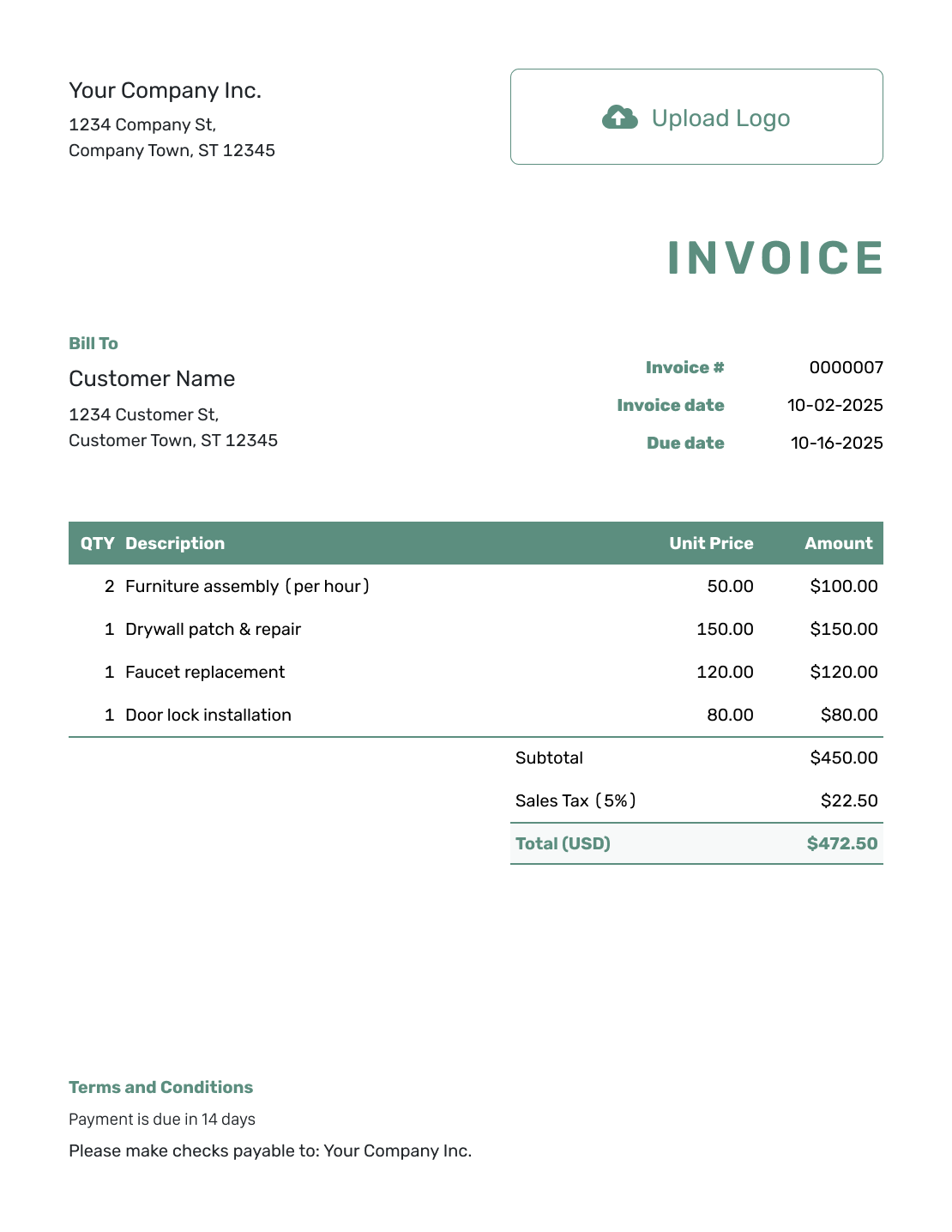
Simple English Invoice Template
Create Free Invoice -
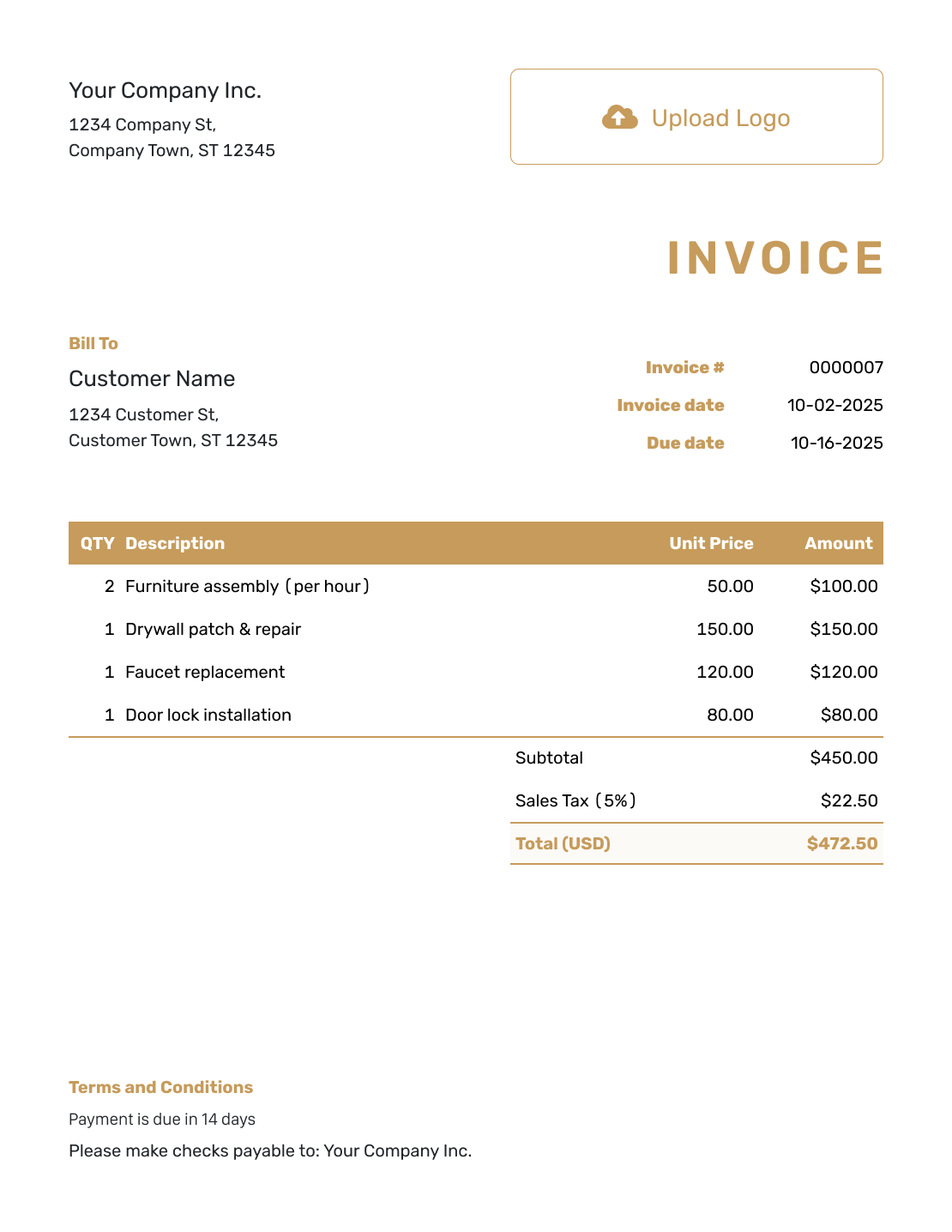
Standard English Invoice Template
Create Free Invoice -
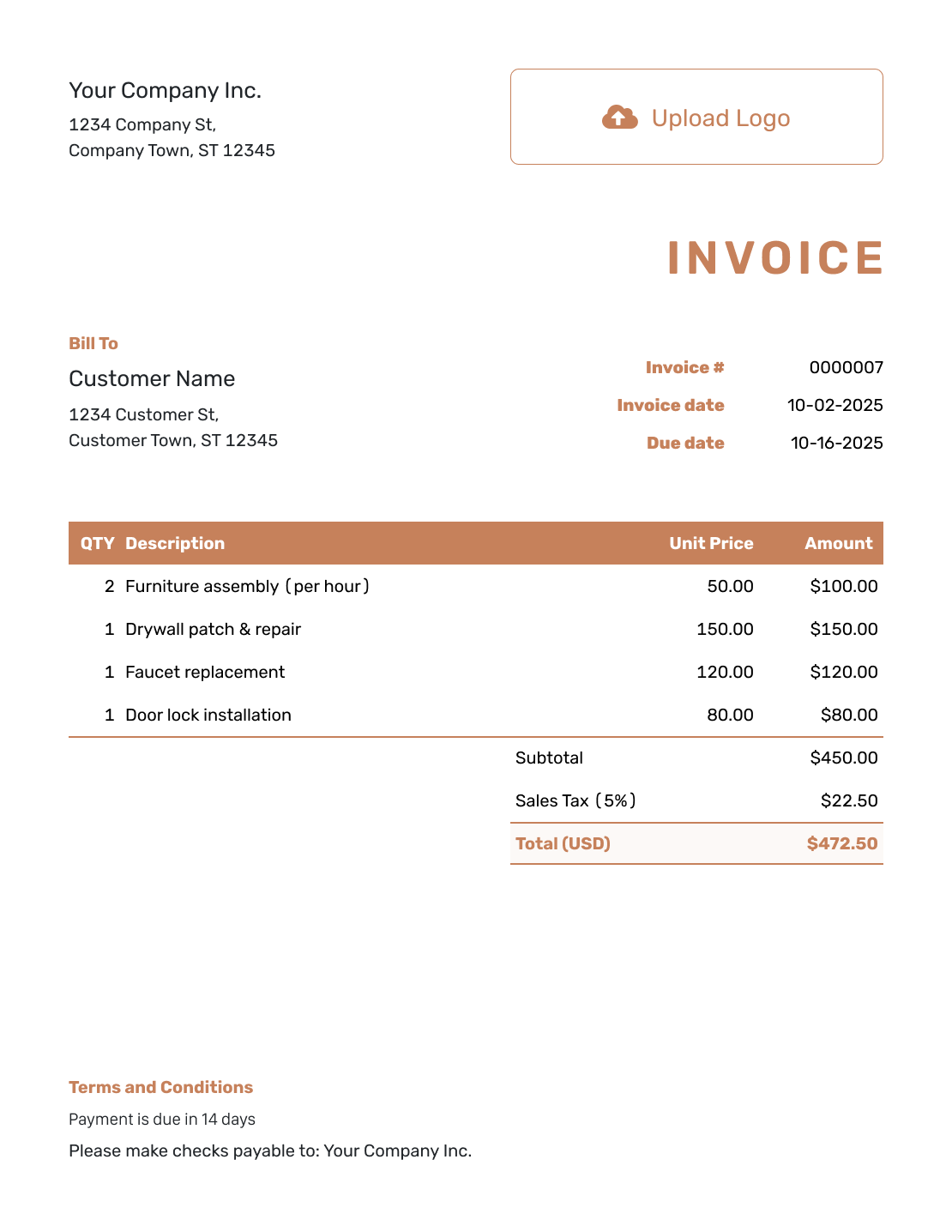
Itemized English Invoice Template
Create Free Invoice -
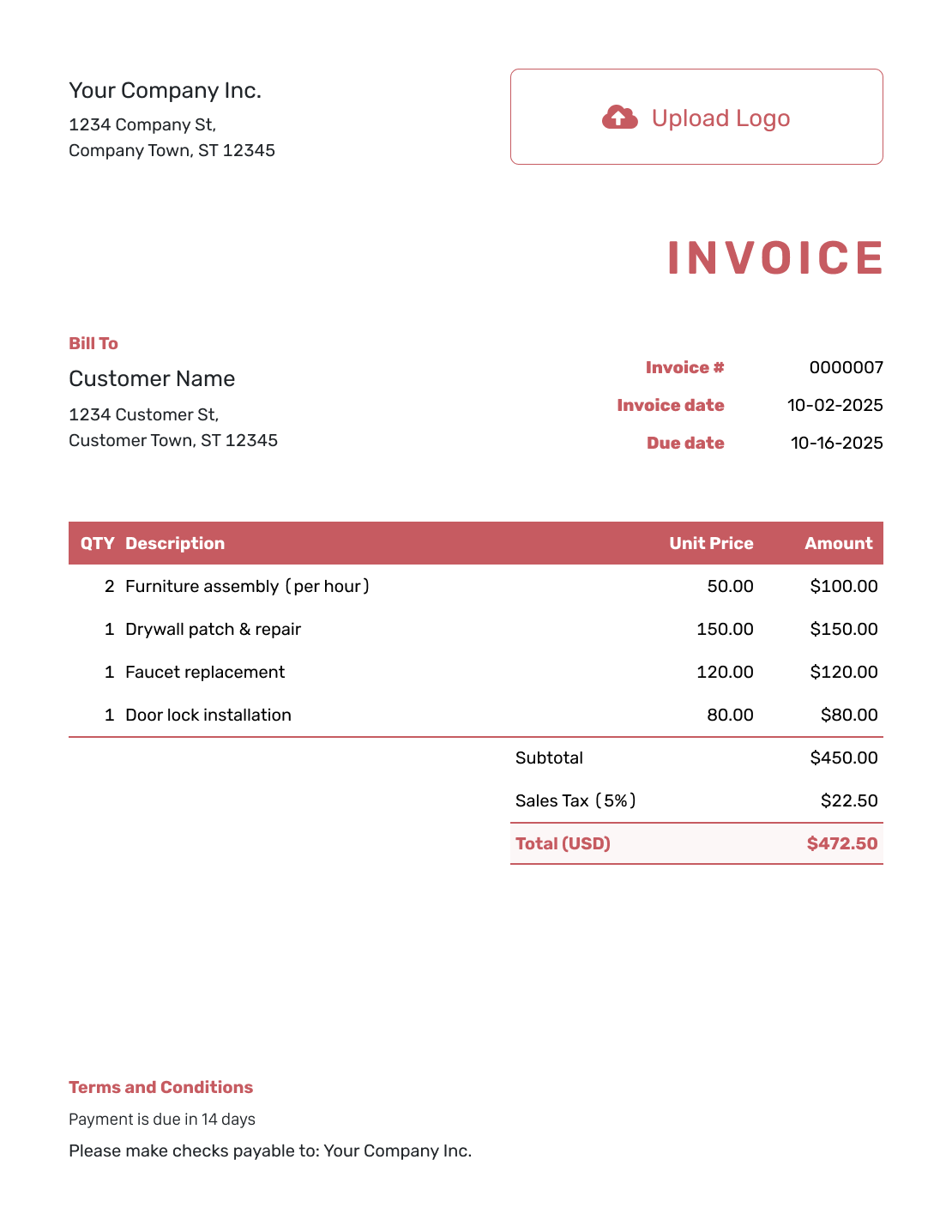
Basic English Invoice Template
Create Free Invoice -
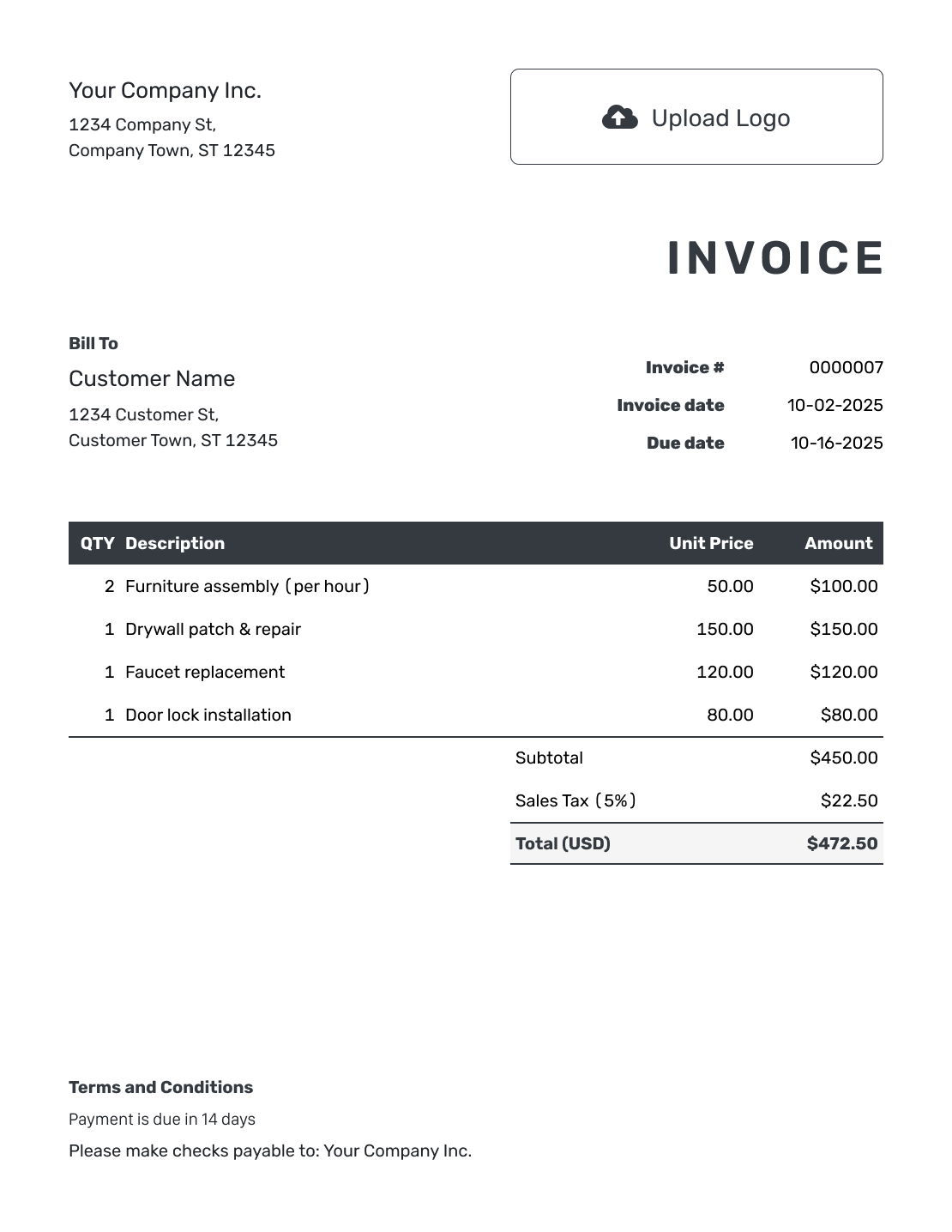
Hourly English Invoice Template
Create Free Invoice
Prefer an English Invoice in Word or a Spreadsheet?
Choose a format you already use. Use Word or Google Docs to edit a document. Use Excel or Google Sheets to work with charges in a spreadsheet.
Send the Invoice and Keep the Payment Record
Already have an estimate or quote in Docelf? Create the invoice from it without entering the customer and items again. Check that the descriptions match what you provided.
Email the invoice from Docelf to see when it reaches your customer and when they open it. Follow up if the due date passes and they have not paid.
When your customer pays, record the amount and date on the invoice. Docelf keeps track of any remaining balance. You can then create a receipt from the invoice.
English Invoice Template FAQs
-
Is an English invoice template only for England or the UK?
No. English describes the language of the invoice, not a UK tax format. Use it when your customer reads English. Check the invoice requirements that apply to your business and sale.
-
How do I describe a service in clear English?
Name the work rather than using an internal code. Add the date, location, or billing period when it helps identify the job. For example, “Laptop setup — install agreed software” tells the customer more than “IT services.”
-
Can an English invoice use a currency other than US dollars?
Yes. Docelf supports USD, EUR, GBP, CAD, and AUD. Choose the currency you agreed on with the customer. You can write the invoice in English whichever of these currencies you use.
-
Can I use an English invoice template in Word or Excel?
Yes. Follow the Word or Excel link to find a template in that format. Google Docs and Google Sheets templates are available too. Add your descriptions and payment terms in English. Check the dates, currency, and totals before sharing the file.
-
Can I email the English invoice or download a PDF?
Yes. Email the completed invoice from Docelf or download it as a PDF. You can also print it. For invoices emailed from Docelf, you can see when they reach your customer and when the customer opens them.
Ready to Send a Clear English Invoice?
Make it easy for your customer to see what they owe.
- Describe the work in plain English
- Let Docelf calculate the invoice total
- Email the invoice or download a PDF




