Free Receipt Templates by Format
Choose a file format or create the receipt online
Choose a document or spreadsheet format that fits how you work. You can start with the right layout and finish a clear receipt without rebuilding it from scratch.
Email, print or download your receipt as a PDF.
14-day free trial. No credit card required.
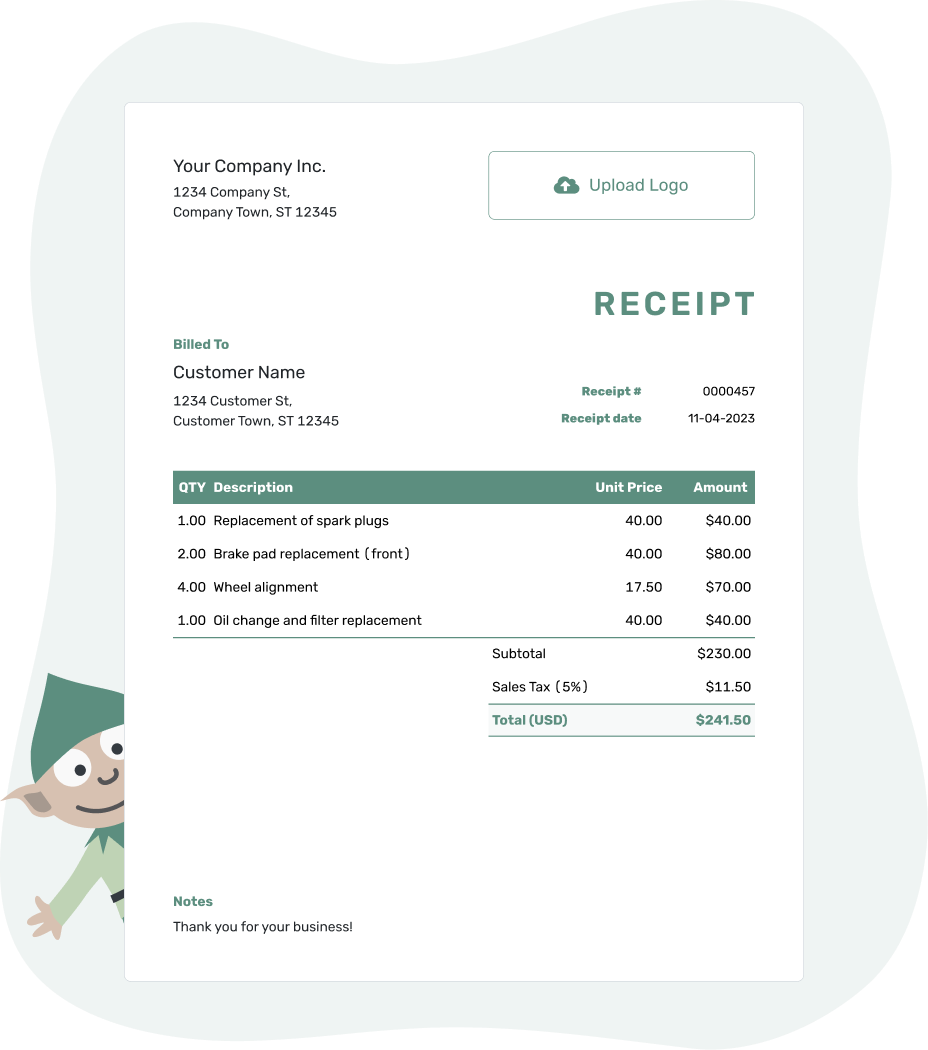
Record the payment. Send the receipt. Get back to work.
Find a Receipt Format That Suits You
A familiar format is a good place to start. Browse the previews below, then choose a file to edit or create the receipt in your browser.
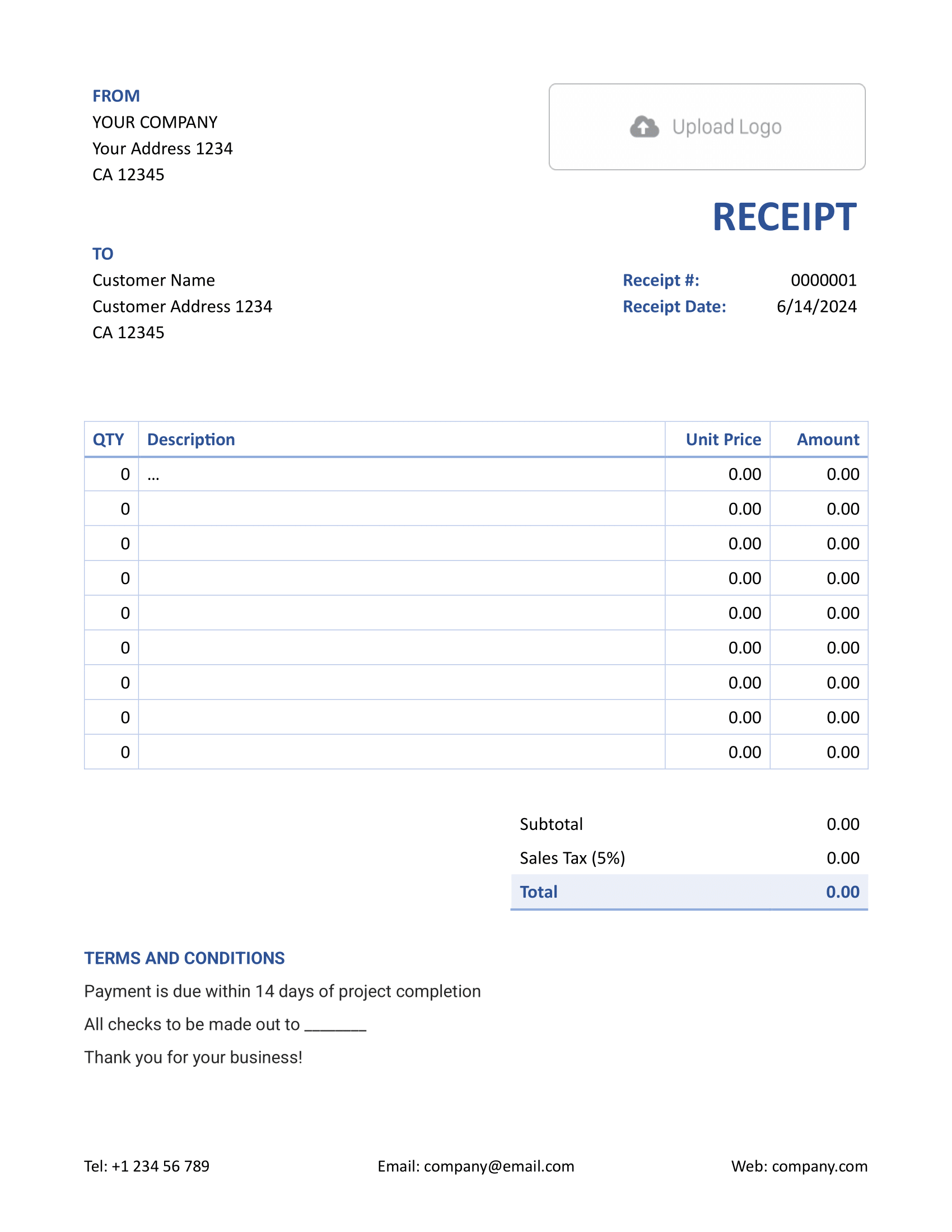
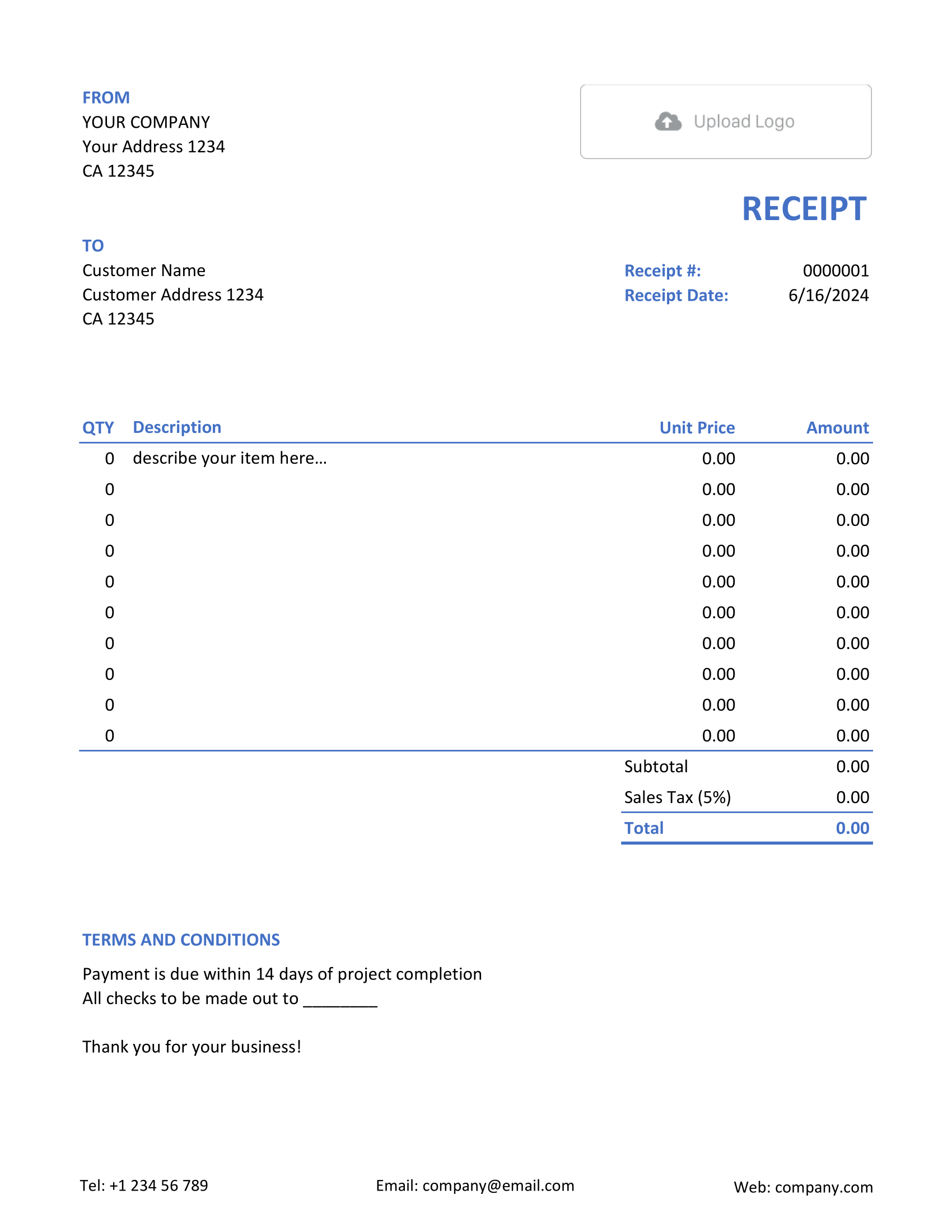
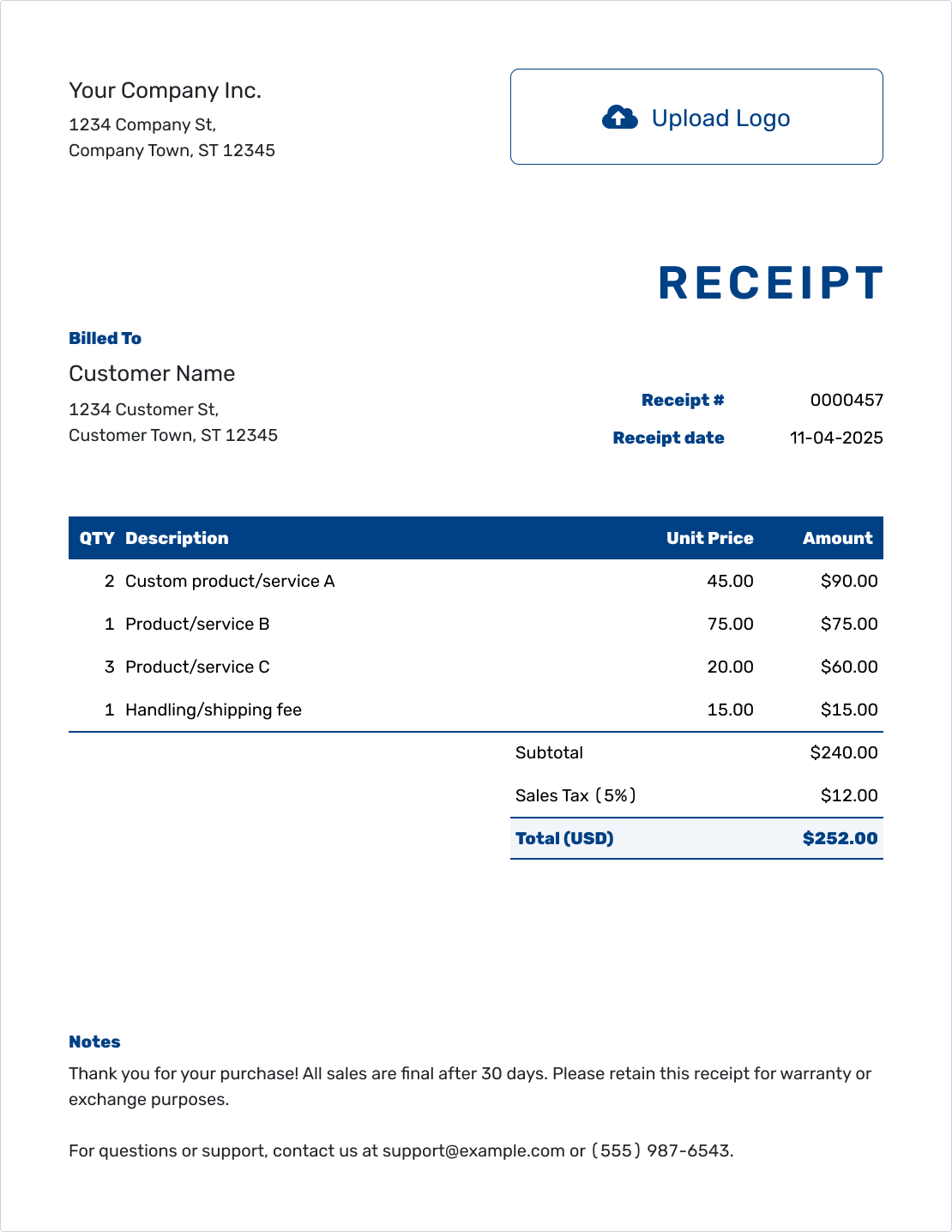
Compare the Receipt Formats
The main choice is where you like to work. Word and Google Docs give you a document; Excel and Google Sheets give you a spreadsheet. A PDF is the finished copy you share.
| Option | Useful For | What to Check |
|---|---|---|
| Word or Google Docs | Edit descriptions, payment notes and the layout. | Check totals after changing prices and page breaks after editing the layout. |
| Excel or Google Sheets | Work with item rows, quantities, prices and formulas. | Review the formulas after adding rows or changing the tax rate. |
| Docelf online | Create and email receipts using saved customer and item details. | Confirm the payment date, amount and method before sending. |
| Share or print the finished receipt. | Keep the editable original as well as the PDF you send. |
Choose Word, Excel or a Google Template
Already comfortable with one of these apps? Open its template page and choose a layout. Keeping a blank copy gives you a clean starting point for the next payment.
- Word Receipt Template
- Google Docs Receipt Template
- Excel Receipt Template
- Google Sheets Receipt Template
The file templates and Docelf are separate ways to create your receipt. Docelf downloads the finished receipt as a PDF, rather than exporting a Word or Excel file.
The Details Stay the Same in Every Format
Whichever format you choose, the payment should be just as easy to understand. These are the details worth checking before the receipt goes to your customer:
- Replace sample business and customer details.
- Add a unique receipt number. Use the payment date as the receipt date.
- Show what the payment covered, with quantities and prices where useful.
- Check tax, discounts, the amount paid and any remaining balance.
- Record the payment method. Add a reference when it helps match the payment.
Notes are handy for an order number or the period a payment covers. Keep them about money received, not a request to pay. The completed receipt example shows how the details fit together.
You don't need to type everything again when you've already created the invoice in Docelf. Record the payment there and create its receipt. The customer and item details carry over, and the two documents stay connected.
Keep the Receipt With the Payment
Prefer to leave the file setup behind? Docelf calculates the totals and keeps the receipt with your other documents. Email it or download a PDF when it's ready.
Rather Work Online?
Working from your phone or moving between computers? The online guides show how to create and share a receipt in your browser.
Choose the Detail Your Receipt Needs
A simple sale may only need a short receipt. When your customer needs to see each product or service, an itemized layout gives the breakdown more room.
Professional and Official Receipt Layouts
These layouts keep the focus on the payment, with different ways to present your business details.
Receipt Logs and Letters
A receipt log helps you look back through several payments. A receipt letter gives you room to confirm one payment in your own words.
Find a Receipt for the Payment You Received
Once you've chosen a format, look for guidance that fits the payment. Rent, a product sale and a service visit each call for slightly different details.
Receipt Template Format FAQs
-
What is a receipt format?
It's the file or layout you use to record a payment. Word and Excel are editing options. An itemized layout shows the separate charges, while a PDF is a finished copy you can share or print.
-
What is the difference between a receipt format and a receipt type?
The format is how you create or present the receipt, such as a Word file or an online document. The type tells you what the payment is for, such as rent, a donation or a sale.
-
Which receipt format should I choose?
Start with the software you know when you prefer to keep the file yourself. Docelf is another option when you'd rather have automatic totals, saved customer details and emailing in one place.
-
Can I create a receipt PDF?
Yes. After checking a receipt in Docelf, download its PDF. You can also save or export a finished Word or spreadsheet receipt as a PDF and keep the editable original for your records.
-
Can I create a receipt online without editing a file?
Yes. The Docelf editor works in your browser, so there's no Word or spreadsheet file to set up. When the receipt is ready, you can email it, print it or download a PDF.
-
Can I create a receipt from an invoice?
Yes. Record the payment on the Docelf invoice, then create its receipt. Docelf brings over the customer and item details and keeps the receipt connected to the invoice, whether the payment covers all or part of the bill.
-
Are the file templates and the online editor the same thing?
No. The Word, Excel, Google Docs and Google Sheets links open pages where you can choose a template for those apps. Docelf is the browser-based option and downloads finished receipts as PDFs.
-
Can any receipt format show a partial payment?
Yes, as long as there's room to distinguish the full total, amount received and remaining balance. Clear labels help the customer see what's paid without suggesting the whole bill is settled.
Ready to Create the Receipt Online?
Keep the payment record in Docelf and leave the separate file setup behind.
- Reuse saved customer and item details
- Record the payment and check the calculated total
- Email the receipt or download a PDF




