Free Business Receipt Templates
Choose a receipt for the payment you received
Choose the receipt that fits the payment, sale or service you need to record. You can start with the right details and give the customer clear proof without building the receipt from scratch.
Email, print or download your receipt as a PDF.
14-day free trial. No credit card required.
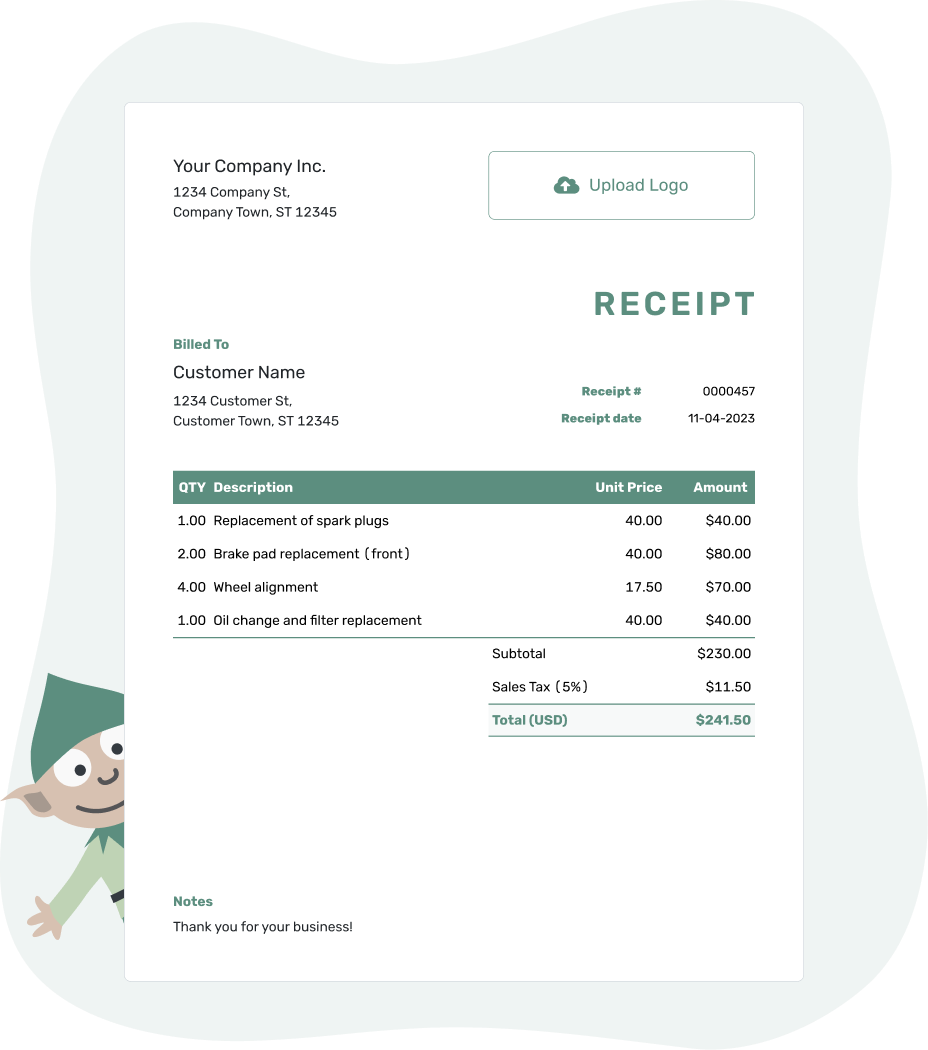
Record the payment. Send the receipt. Get back to work.
Find a Receipt for the Sale or Service
Start with what your customer paid for. A useful receipt lets them match the payment to a sale, job or invoice without searching through earlier messages.
For an existing Docelf invoice, record the payment and create the receipt from that invoice. Docelf brings over the customer and item details. For a sale without an invoice, start a new receipt with the customer and purchase details.
Everyday Business Payments
The Business page is a general starting point. Billing focuses on payment against a bill. Confirmation, Customer and Transaction help you acknowledge a payment and identify it by reference.
- Business Receipt Template
- Billing Receipt Template
- Confirmation Receipt Template
- Customer Receipt Template
- Transaction Receipt Template
Services and Work
A job name or service period helps a client recognize the payment for your work. The freelance and self-employed guides focus on your own services, while a service or work receipt also suits a one-time job.
- Services Receipt Template
- Work Receipt Template
- Self-Employed Receipt Template
- Freelance Receipt Template
Products, Sales and Orders
For goods, use the item names and quantities from the sale. An order reference connects a payment to a particular purchase. Here, an inventory receipt records payment for goods; it does not mean Docelf tracks stock levels.
Show What the Payment Settles
A receipt may cover a product, a service or both. For a furniture sale with separately priced assembly, for example, the item and assembly can each have a row. When assembly is included in the product price, describe that instead of charging for it again.
Docelf calculates the line amounts, tax, discounts and total from the charges you enter. The payment amount is the money you received this time. If the customer paid a deposit earlier, keep it separate from this payment so the remaining balance is clear.
When another payment arrives, its receipt records only that new amount. When the customer just needs another copy, send the existing receipt rather than record the same money twice.
Keep the Reference Your Customer Knows
Use the order number for a sale, the job name for a service, or the invoice number for a payment against a bill. Put a useful reference in Notes, along with the payment method and a short explanation of what the payment covered.
The receipt date is the date you received payment, even when you send the receipt later. Label a delivery date or work period separately. That keeps the payment record clear without losing the details of the sale.
- Check your business and customer details.
- Use a unique receipt number and the correct payment date.
- Match quantities, prices, discounts and tax to the bill.
- Check the amount received, payment method and remaining balance.
Finish the Record for This Payment
Keep a receipt ready when your customer needs to look back at the sale or job. Check the payment in Docelf, then email it or download a PDF.
A Receipt Confirms Payment; an Invoice Asks for It
Use an invoice when you are asking your customer to pay. Send a receipt after money arrives, including a deposit or partial payment. The receipt can show a remaining balance without becoming another bill.
Once you have sent a receipt from Docelf, its history shows whether it was delivered and opened. Keep the same customer and order reference on your records so a later payment question is easy to follow.
Need More Specific Receipt Guidance?
An industry page helps with details such as a vehicle or service address. Receipt types cover payments such as rent and donations, while formats help you choose an editing file or work online.
Business Receipt Template FAQs
-
Can one business receipt cover products and services?
Yes. When one payment covers both, describe each separately priced item or service. Keep a package together when its price already includes the work, rather than adding the included service again.
-
Which reference should I put on a business receipt?
Use the reference your customer already knows: an order number, job name or invoice number. Put it in the description or Notes so the customer can connect the payment to the right purchase or work.
-
How do I choose between a service receipt and a sales receipt?
Use a service receipt when the main purchase is work, such as assembly or a consultation. A sales receipt suits goods. The descriptions should explain the actual purchase even when it includes a mix of goods and work.
-
Does a receipt replace the original invoice?
The invoice and receipt do different jobs. The invoice shows the charge and asks for payment; the receipt confirms money received. Keep both when the payment belongs to an invoice, especially when a balance remains.
-
How do I record another payment against the same invoice?
Record the new payment on the Docelf invoice, then create its receipt. Check the balance after the earlier payments. The receipt confirms only the new amount, while the invoice keeps the full payment record.
-
Can I reuse customer details for the next receipt?
Yes. Docelf saves customer and item details for reuse. You can also duplicate a receipt to create a new draft with a new number. Review the items and prices for the new sale. Update the payment date, amount and method, then check the balance before sending.
Ready to Send the Business Receipt?
Give your customer a receipt they can match to the sale or job.
- Use the customer’s order or job reference
- Show this payment and any remaining balance
- Email the receipt or download a PDF




