Free Receipt Templates by Industry
Find a receipt that fits the payment
Choose a template for the work, product or service your customer paid for. Use the industry details to record the payment clearly and give your customer useful proof.
Email, print or download your receipt as a PDF.
14-day free trial. No credit card required.
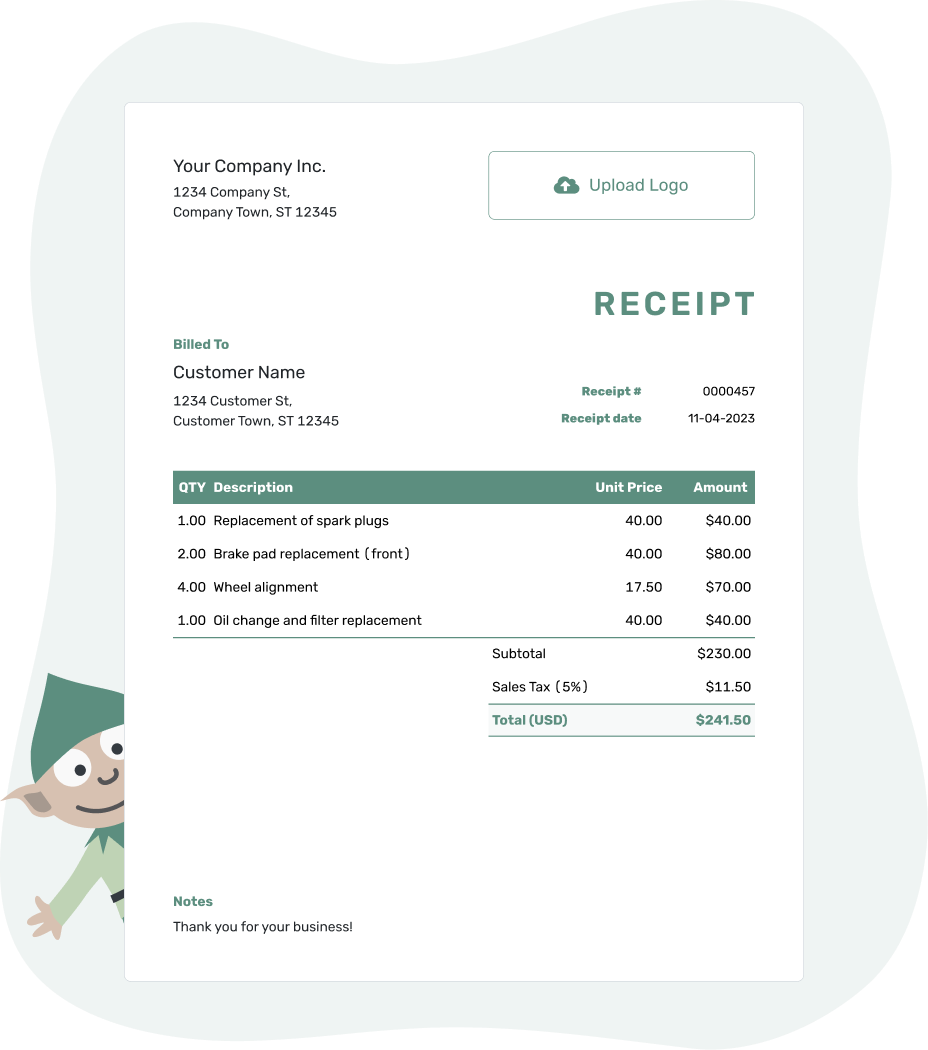
Record the payment. Send the receipt. Get back to work.
Find the Receipt for Your Kind of Work
A vehicle repair needs different details from a therapy visit or a building job. These collections help you find the right example and decide what belongs on your receipt.
More Receipts for Services and Sales
Education and Care
For tutoring, child care or camp fees, name the sessions or period the payment covers. A parent can then match the receipt to the right booking, even when they pay on a different day.
Food and Events
An order number or event name connects the payment to the right booking. Include the pickup date when it helps identify the order. For a deposit, show the amount received and what is still unpaid. Delivery or catering charges can have their own rows when they have separate prices.
Retail and Products
Describe the goods well enough that the buyer can recognize the purchase later. A furniture model, jewelry description or order reference often tells them more than a general label such as “Retail sale.”
Moving and Delivery
Use the booking or route reference to connect the money received to the move or delivery. A payment receipt records what was paid; it is not, by itself, confirmation that goods arrived.
Creative Services and Art
Choose by what the client bought. A photography session, design project and finished artwork need different descriptions, even when the same business supplies all three.
No Exact Industry Match? Start With the Payment
Start with the closest example, or create a new receipt in Docelf with your own descriptions. Notes can hold a job, order or appointment reference. You can add an industry name before the receipt title. Your logo, colors and fonts can match your other business documents.
One receipt can cover a product and a service paid for together. Give separately priced items their own rows. For a package price, describe what is included so the receipt still matches the agreed total.
For general sales and service payments, the business receipt collection offers a broader starting point.
Put the Payment Into a Receipt
Docelf calculates totals from the items, tax and discounts you enter. Check the amount received, then email the receipt or download a PDF.
Keep the Payment Easy to Check
The industry details explain the work; the payment details explain the money received. Before sending, check that the two tell the same story.
- The business and customer are identified clearly.
- The receipt has its own number and uses the date payment was received.
- The descriptions identify the goods, service or job covered.
- The amount received, payment method and any remaining balance agree with your payment record.
A service date, event date or rental period may differ from the payment date. Label it in the description or Notes rather than using it as the receipt date. This still applies when you prepare the receipt later.
For partial payments, keep earlier payments separate from the new amount received. The main receipt guide shows the fields and explains how to complete them.
Already have the invoice in Docelf? Record the payment and create its receipt. Docelf brings over the customer and item details, so you don't have to enter them again.
Choose a Different Way to Browse
Rent and donations have their own receipt types. The business collection covers everyday sales and services. For Word, Excel or Google templates, browse formats.
Industry Receipt Template FAQs
-
What does an industry receipt template help me record?
It helps you describe the payment in terms your customer recognizes. For example, a repair receipt may identify a vehicle, while a care receipt may identify the sessions covered. Both still record money received, not a new request for payment.
-
Can I adapt the receipt to my business?
Yes. Use your own business and customer details, item descriptions and Notes. You can add an industry name before the receipt title. A logo and your choice of colors and fonts help it match your other documents.
-
Should I choose by my industry or by what the customer bought?
Choose by the payment you need to explain. A photographer might use a photography receipt for a session and an art-sale receipt for a print. One receipt can cover both when they belong to the same payment.
-
What should I use when my industry is not listed?
Start with the closest service or product example, or use a general business receipt. Clear descriptions and a recognizable reference matter more than finding an exact match for your business name.
-
Do I need to re-enter an invoice to create its receipt?
No. Record the payment on your Docelf invoice, then create the receipt from it. Docelf brings over the customer and item details and keeps the documents connected. Review the amount received and any balance before sending.
-
How can I send the finished industry receipt?
Email it from Docelf, print it or download a PDF. You can check delivery and opening information in the emailed receipt's history.
Ready to Record Your Customer’s Payment?
Give your customer a receipt they can connect to the work or purchase.
- Describe the goods or services in familiar words
- Record the money received and any balance
- Email, print or download the receipt




