Free Health & Wellness Receipt Templates
Record payment for care or wellness services
Choose a receipt for the care, therapy or wellness service your client paid for. Your client gets clear proof, and you keep a record of the service payment.
Email, print or download your receipt as a PDF.
14-day free trial. No credit card required.
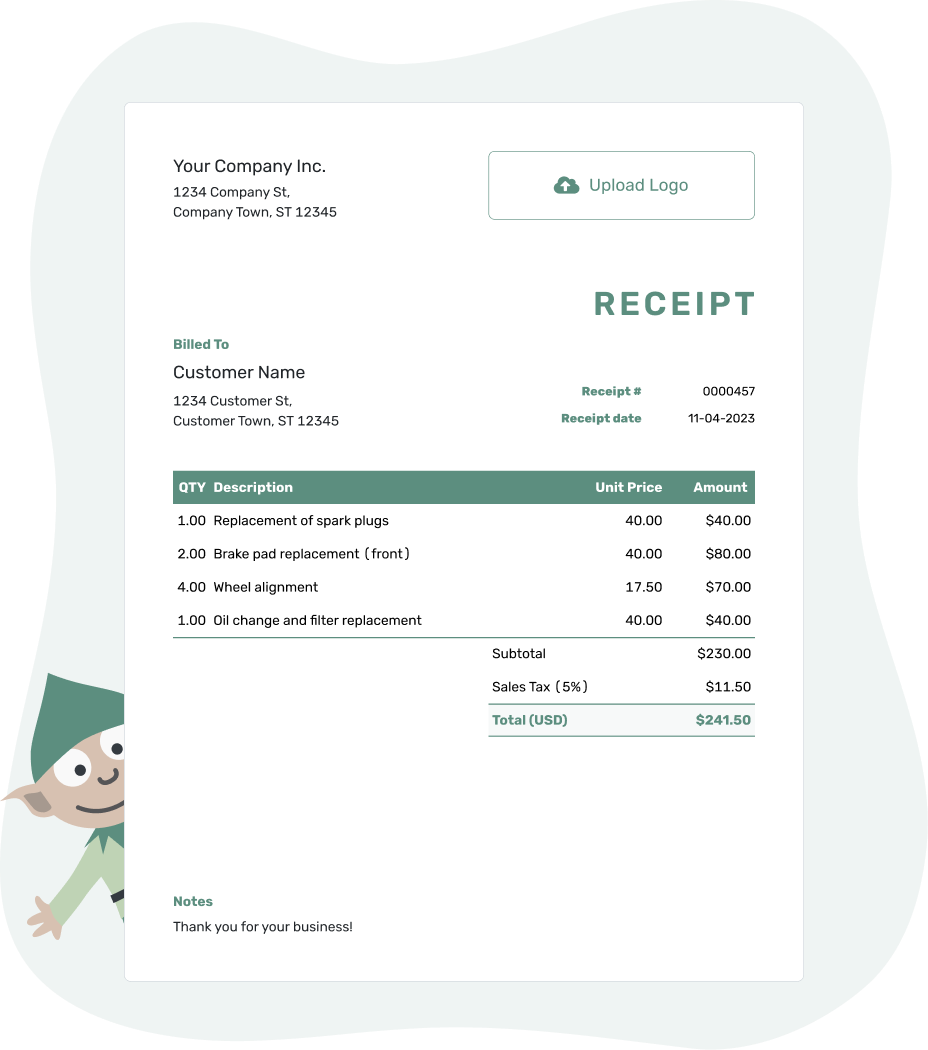
Record the payment. Send the receipt. Get back to work.
Choose a Receipt for the Service Provided
Use the massage or therapist guide for client sessions, and the veterinary guide for a pet owner’s payment. Each guide helps you connect the money received to the right visits or care.
When the payment belongs to a Docelf invoice, record it there and create the receipt from the invoice. Docelf reuses the customer and item details. Review them before sharing the receipt with the client or pet owner.
How to Create a Health or Wellness Receipt
When you start a new receipt, the appointment record helps you identify the services paid for. Docelf calculates the line amounts, tax and total so you can check the payment against the bill.
For your first receipt, choose a starting number. Docelf numbers new receipts in sequence.
- Your Business: Enter the practice or provider name and contact details.
- Your Logo: Use your logo, or leave it out.
- Who Paid: Choose a saved client or pet owner, or enter their details.
- Number and Date: Check the number. Use the date you received payment.
- The Visits: List the sessions or care covered and their prices.
- The Payment: Record the amount and payment method. Check any applicable tax or discount.
- Notes and Send: Add appointment references in Notes. Review, then email or download a PDF.
Show Which Appointments One Payment Covers
When a client pays for several appointments at once, dated rows show which visits the payment covers. One visit only needs one row.
This fictional massage-practice example uses US dollars and assumes no tax applies to these services. Use the tax treatment that applies to your own practice. A $280.00 card payment was received on September 14, 2026, so that is the receipt date.
| QTY | Description | Unit Price | Amount |
|---|---|---|---|
| 1 | Massage session — August 28, 2026, 45 minutes | $80.00 | $80.00 |
| 1 | Massage session — September 4, 2026, 60 minutes | $100.00 | $100.00 |
| 1 | Massage session — September 11, 2026, 60 minutes | $100.00 | $100.00 |
| Subtotal | $280.00 | |
| Total Paid | $280.00 |
The $280.00 card payment covers all three listed appointments in full.
Keep Service References in Notes
Notes can identify a provider, appointment or invoice when the service description needs a little context. For veterinary care, a pet’s name may help the owner match the receipt to the right visit.
Keep diagnoses and session notes in your practice records rather than the routine receipt. Before including private health details, check that Docelf and your way of sharing the receipt meet your practice's privacy requirements. The example below needs only the payment and appointment references.
Example: Notes
- Card payment of $280.00 covers the three appointments listed above.
- Provider: [Practice or Provider Name]. Invoice: WELL-2401.
- Paid in full for these appointments.
Finish the Payment Record for Your Client
Reuse saved client details in Docelf and identify the visits this payment covers. Review the receipt, then email it or download a PDF.
Separate Payment From Attendance
A client may pay after a visit or prepay for several sessions. The receipt uses the day the money arrived; appointment dates identify the services it covers.
For a prepaid package, name the package and the number of sessions purchased. Completing one of those already-paid sessions is not a new payment. Keep the attendance record separate rather than recording the package price again.
For a partial payment, show the new amount received and the remaining balance on the named invoice. When the rest arrives, create a receipt for that later payment only.
Send the Receipt to the Right Person
Check the recipient’s name and email before sending. An appointment or invoice reference helps them recognize the payment. Docelf shows delivery and opening information in the emailed receipt's history.
When someone requests another copy, send the existing receipt rather than record a new payment. For a separate new payment, Docelf can reuse saved customer and item details; review the appointments, amount and payment method before sending.
Find Another Receipt Collection
For the basic receipt fields, use the main guide. The format collection offers file-based alternatives, and the industry directory helps you find receipts for other services or purchases.
Health and Wellness Receipt FAQs
-
Can a health or wellness receipt cover more than one appointment?
Yes, when one payment covers those appointments. List the service dates and charges clearly so the client can identify each visit. Use the payment date as the receipt date, even when the appointments took place earlier.
-
Whose name should I use on the receipt?
Identify the person or organization that paid. For massage or therapy, this is often the client; for veterinary care, it is usually the pet owner. A short appointment or pet reference can explain which service the payment covered.
-
Should I include session notes or medical details?
Use a brief service description, appointment reference and payment details. Session notes and diagnoses belong in the practice's records, not the routine payment receipt.
-
Which date belongs on a receipt sent after the appointment?
Use the date you received payment as the receipt date. Label the appointment date separately in the item description or Notes. The day you prepare or send the receipt is not a replacement payment date.
-
How do I show a partial payment for care or sessions?
Show the amount received for the named service or invoice and the balance left after any earlier payments. A partial payment receipt confirms that amount without marking all the care as paid.
-
Can I create the receipt from my service invoice?
Yes. Record the payment on the Docelf invoice, then create its receipt. The customer and item details carry over. Review the appointment references and recipient before emailing it or downloading a PDF.
-
Does each prepaid session need a new payment receipt?
Completing a session already covered by a package payment is not another payment. Keep the original receipt for the package and a separate record of the sessions used. Create another payment receipt only when additional money is received.
Ready to Confirm the Care Payment?
Give your client or the pet owner a payment record they can match to the right care or sessions.
- Identify the services or appointments covered
- Record this payment and any remaining balance
- Check the recipient, then email or download a PDF




