Free Plumber Receipt Template
Create a professional plumber receipt in minutes
Show the plumbing service call and work covered by the payment. You keep a clear repair record, and your customer can see what they paid for.
Email, print or download your receipt as a PDF.
14-day free trial. No credit card required.
Record the payment. Send the receipt. Get back to work.
Plumber Receipt Examples for Repair Payments
Browse these examples before adding the repair and payment details for your own visit. Every preview opens the same receipt editor.
-
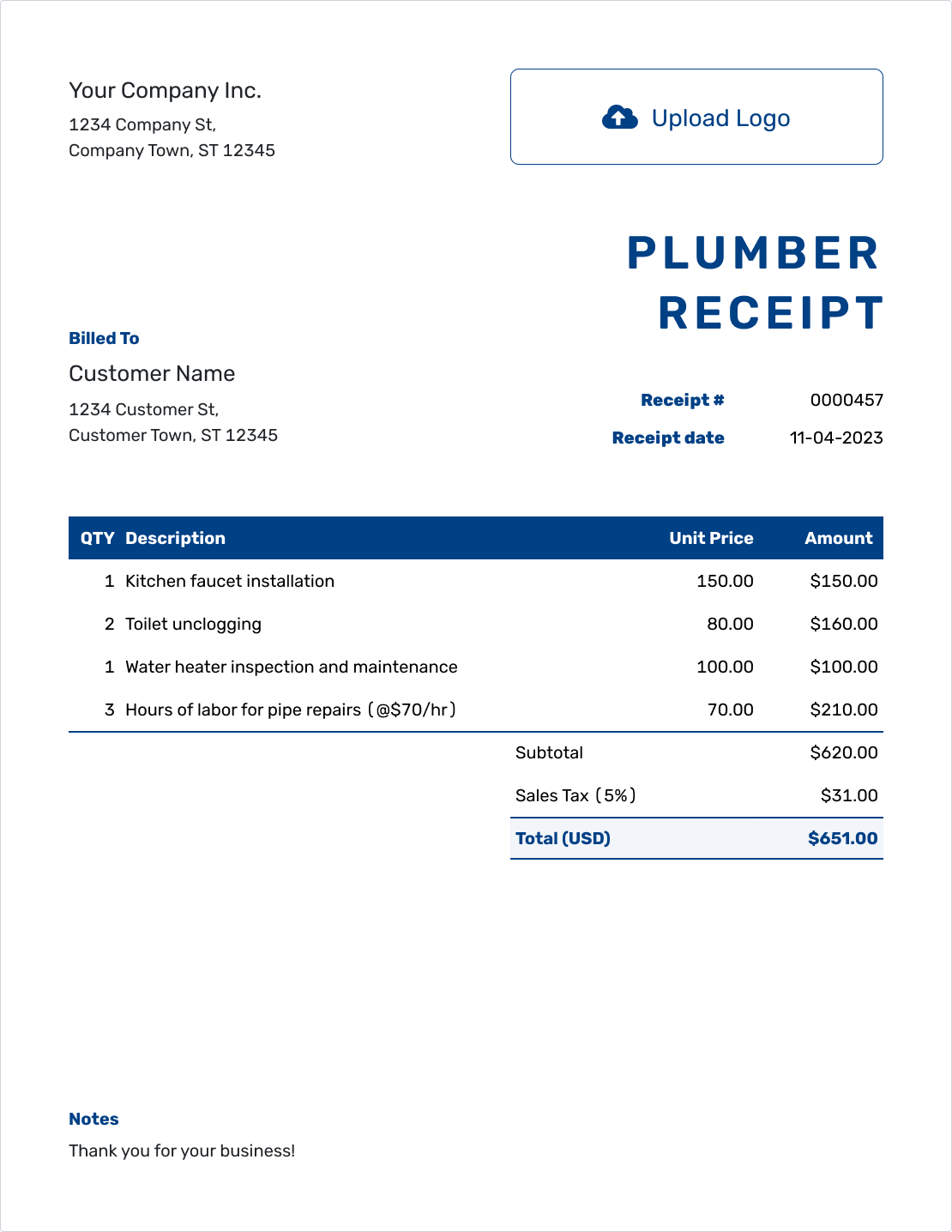
Sample Plumber Receipt Template
Create Free Receipt -
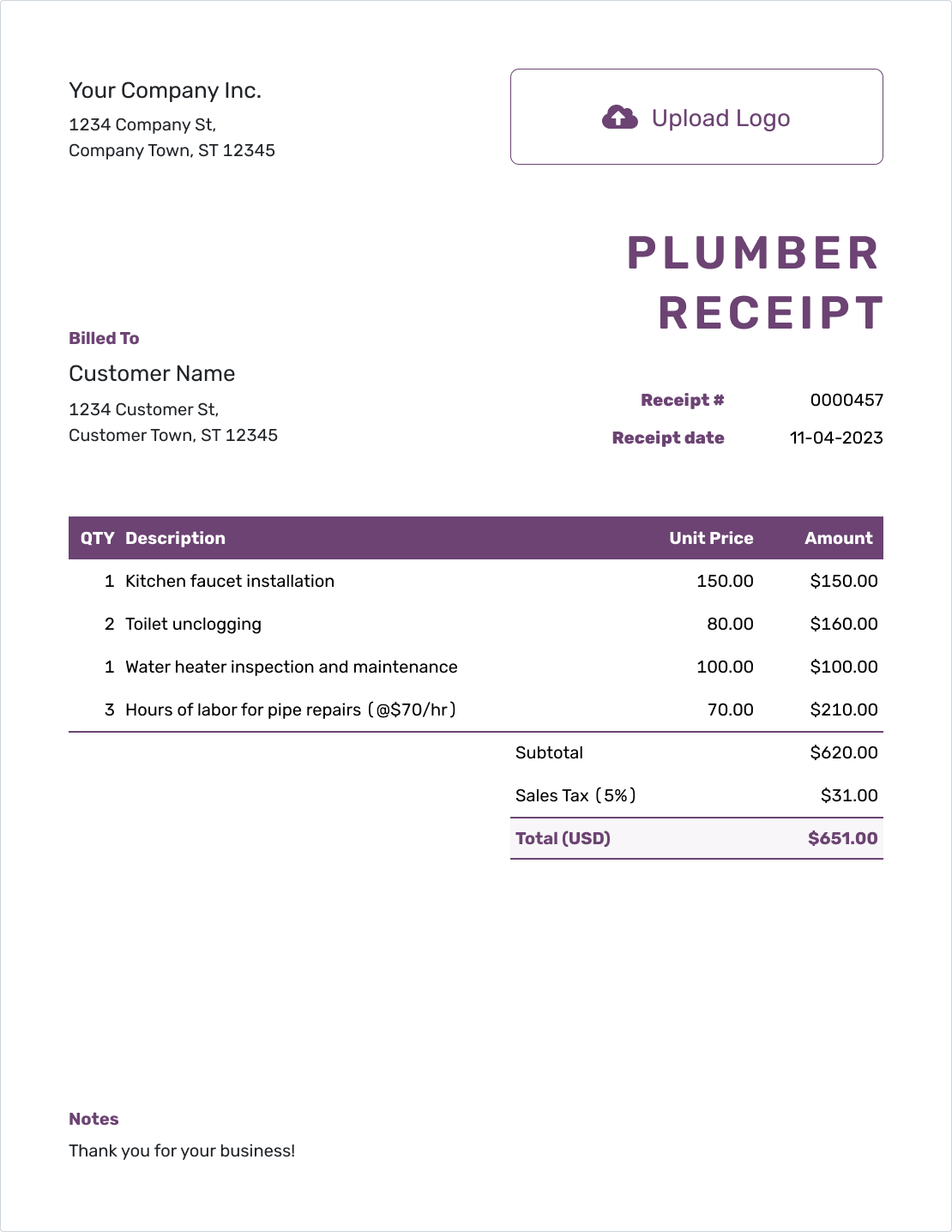
Free Plumber Receipt Template
Create Free Receipt -
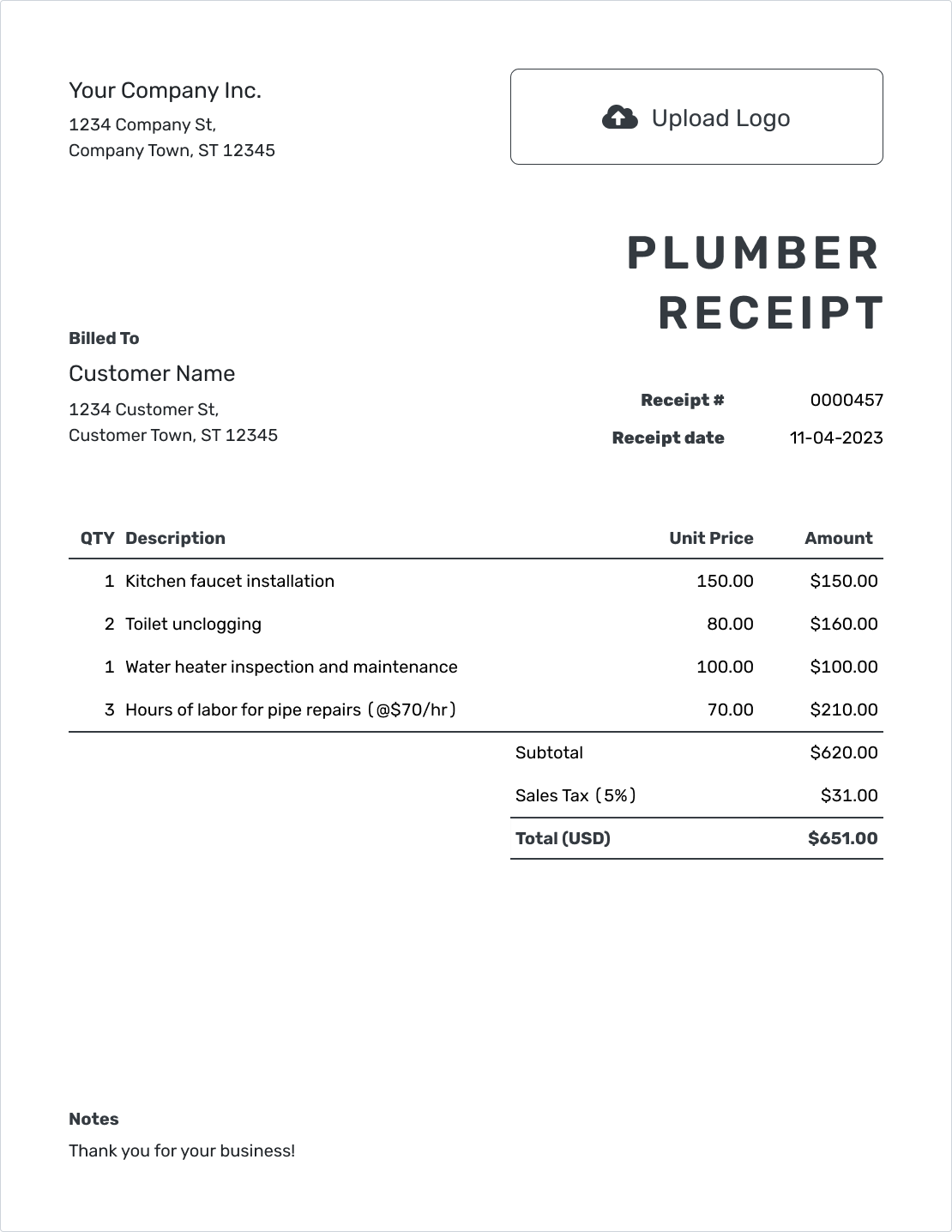
Printable Plumber Receipt Template
Create Free Receipt
Browse six more plumber receipt previews below.
How to Create a Plumber Receipt
For a repair billed in Docelf, record the payment on the invoice and create the receipt from it. Docelf reuses the customer and visit details. The steps below also work when you don’t have a Docelf invoice.
- Your Business: Enter your plumbing business name and service contact.
- Your Logo: Add your logo, or leave it out.
- The Customer: Choose the customer or enter their details.
- Number and Date: Check the number. Use the date you received payment.
- Repair and Parts: Name the fixture. List labor and supplied parts with prices.
- The Payment: Check any applicable tax or discount. Record the amount paid and payment method.
- Repair Notes: Put the service address in Notes. Review, then email or download the PDF.
Show the Plumbing Repair and Total Paid
For an hourly repair, labor hours and supplied parts can each have a row. Name the fixture so the customer recognizes the work. Docelf calculates the total from the charges and tax you enter.
This fictional USD example covers fitting a customer-supplied kitchen faucet. An illustrative 8% tax applies to the $68.00 of parts you supplied, not labor. The customer paid the full $253.44 bill in cash.
| QTY | Description | Unit Price | Amount |
|---|---|---|---|
| 1.5 | Install customer-supplied kitchen faucet — labor hours | $120.00 | $180.00 |
| 2 | Water supply lines — each | $18.00 | $36.00 |
| 1 | Replacement shutoff valve | $32.00 | $32.00 |
| Subtotal | $248.00 | |
| Sales Tax (8% on supplied parts — illustrative) | $5.44 | |
| Total Paid | $253.44 |
This receipt confirms the $253.44 cash payment for the repair in full. The prices and tax assumptions here are illustrative.
Use Notes for the Fixture, Address, and Payment
The service address and fixture name make a repair receipt useful later, especially when a landlord has several properties. Notes can also identify a customer-supplied fixture and the invoice the payment relates to.
This repair was completed on September 18, and the customer paid in cash on September 21, 2026. Use September 21 as the receipt date, even if you create or send it later. The repair date stays clearly labeled in Notes.
Example: Notes
- Cash payment of $253.44 received September 21, 2026, for invoice PLUMB-4128.
- Kitchen faucet installation at [Service Address], completed September 18, 2026.
- Faucet supplied by the customer; listed supply lines and shutoff valve supplied by us.
- Invoice PLUMB-4128 is paid in full.
Give the Customer a Receipt for the Amount Received
Use your saved customer and service details to create the receipt in Docelf. Check the repair and payment, then send your customer a copy.
Show What This Plumbing Payment Covers
Whether you billed for a diagnosis, a repair, or both, the receipt should follow that bill. A separate service-call row is useful only when you charged for the call separately. For a fixed repair price, one line can describe the visit and work included.
A repair you’ve recommended is not part of this payment unless the customer has paid a deposit for it. In that case, name the planned work and label the payment as a deposit.
Use a plumber invoice to ask for money still owed. The receipt can show a balance, but its purpose is to confirm the payment you already received.
Keep Parts and Service Information Together
Match the receipt to your business with your logo, colors, and font. You can use “Plumber Receipt” as the title and keep your service phone, email, or website in the footer. Choose the payment’s currency from USD, EUR, GBP, CAD, or AUD.
A parts record, service summary, or existing warranty document can be useful alongside the receipt. Docelf accepts PDF and image attachments up to 5 MB each. Refer to the coverage already agreed rather than writing new warranty conditions in the payment record.
For another visit to the same property, start a new receipt using saved customer and service details. Check the fixture and record the new payment with the date it arrived. Docelf lets you choose a starting receipt number and numbers new receipts in sequence.
When the Rest of the Payment Arrives
If a customer pays a repair bill in installments, record each new payment on the same Docelf invoice and create its receipt. Keep earlier receipts so the payments remain easy to follow. After you email a receipt, Docelf’s document history shows when it was delivered and opened.
More Plumber Receipt Previews
These are the remaining plumbing receipt previews. Each opens the same editor. The next section has separate templates for working in a document or spreadsheet.
-
Blank Plumber Receipt Template
Create Free Receipt -
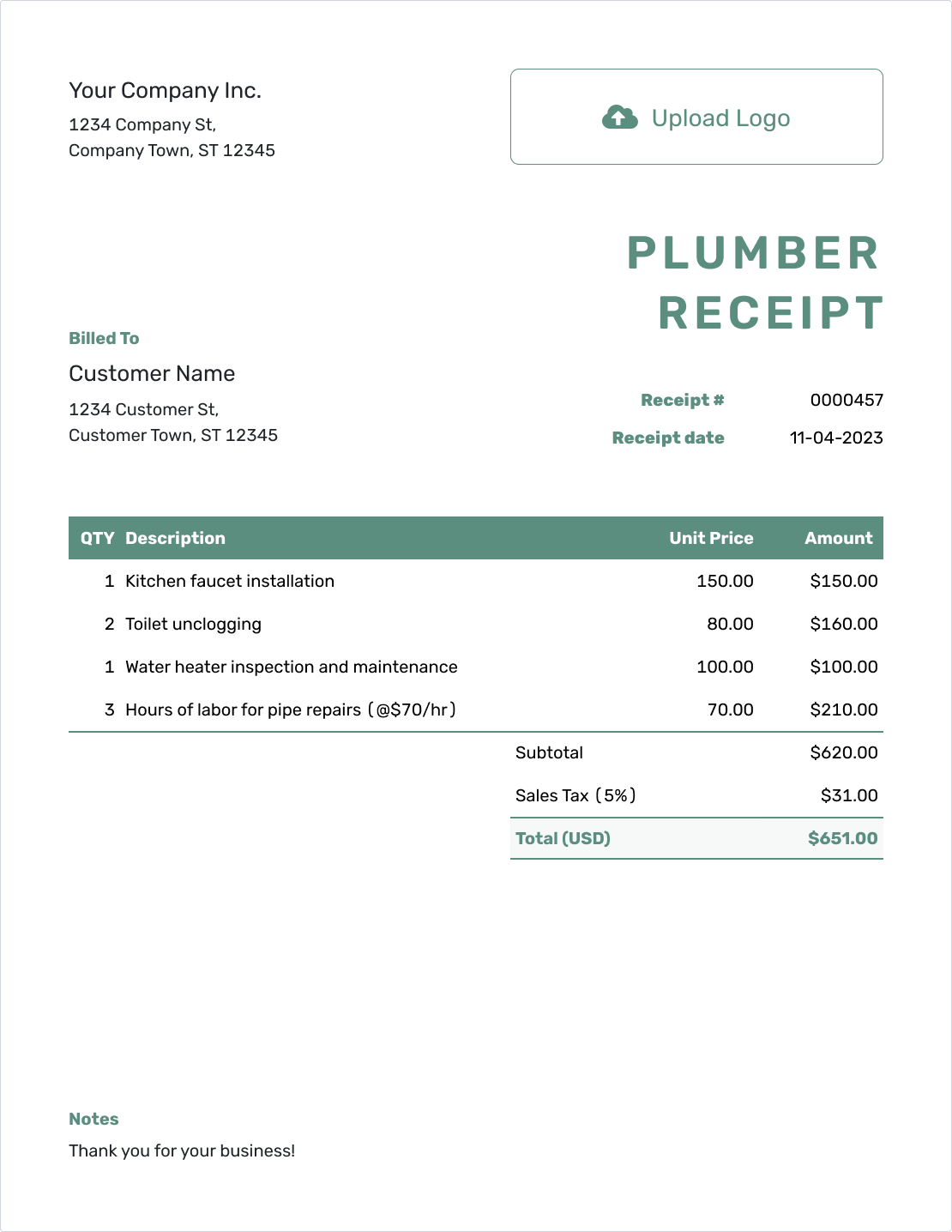
Simple Plumber Receipt Template
Create Free Receipt -
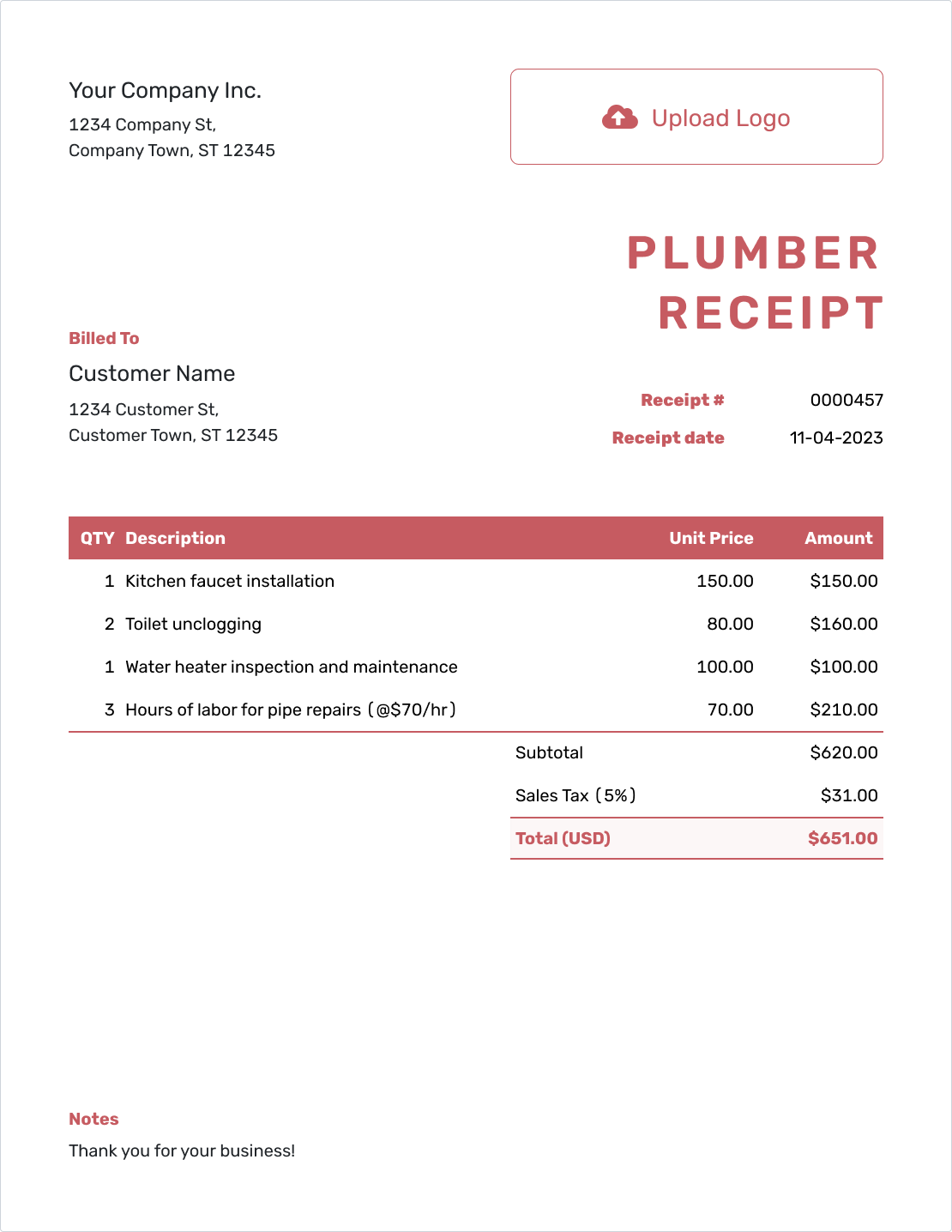
Downloadable Plumber Receipt Template
Create Free Receipt -
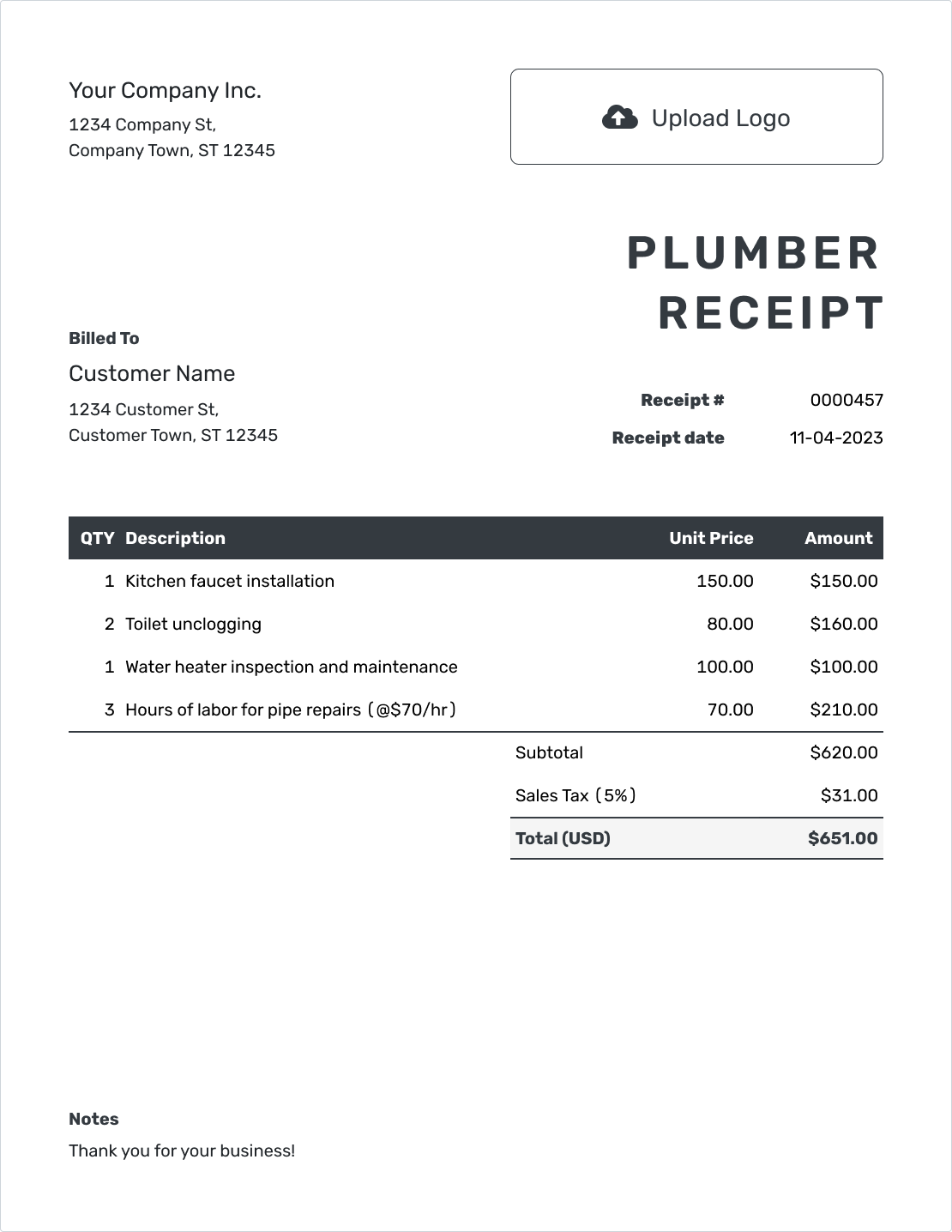
Editable Plumber Receipt Template
Create Free Receipt -
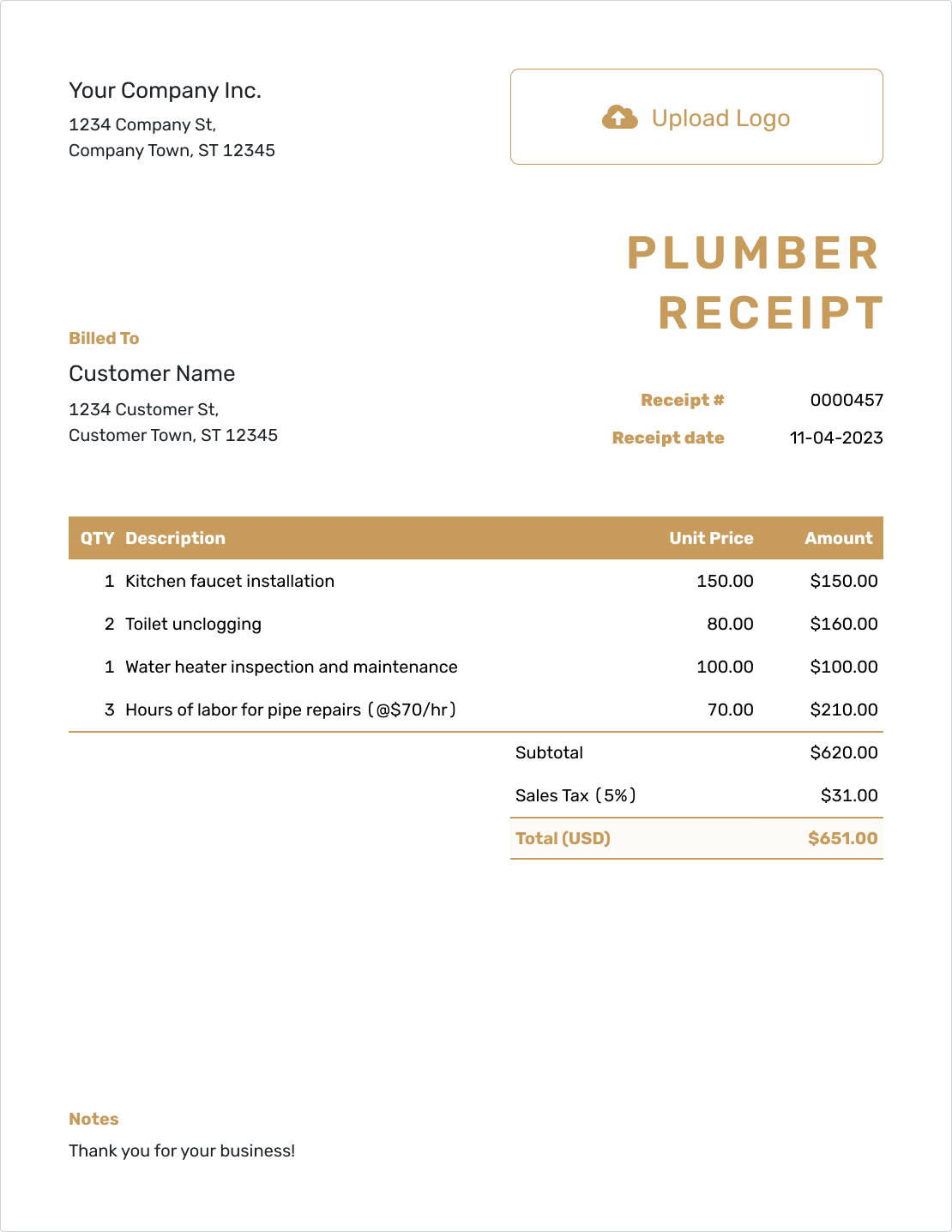
Fillable Plumber Receipt Template
Create Free Receipt -
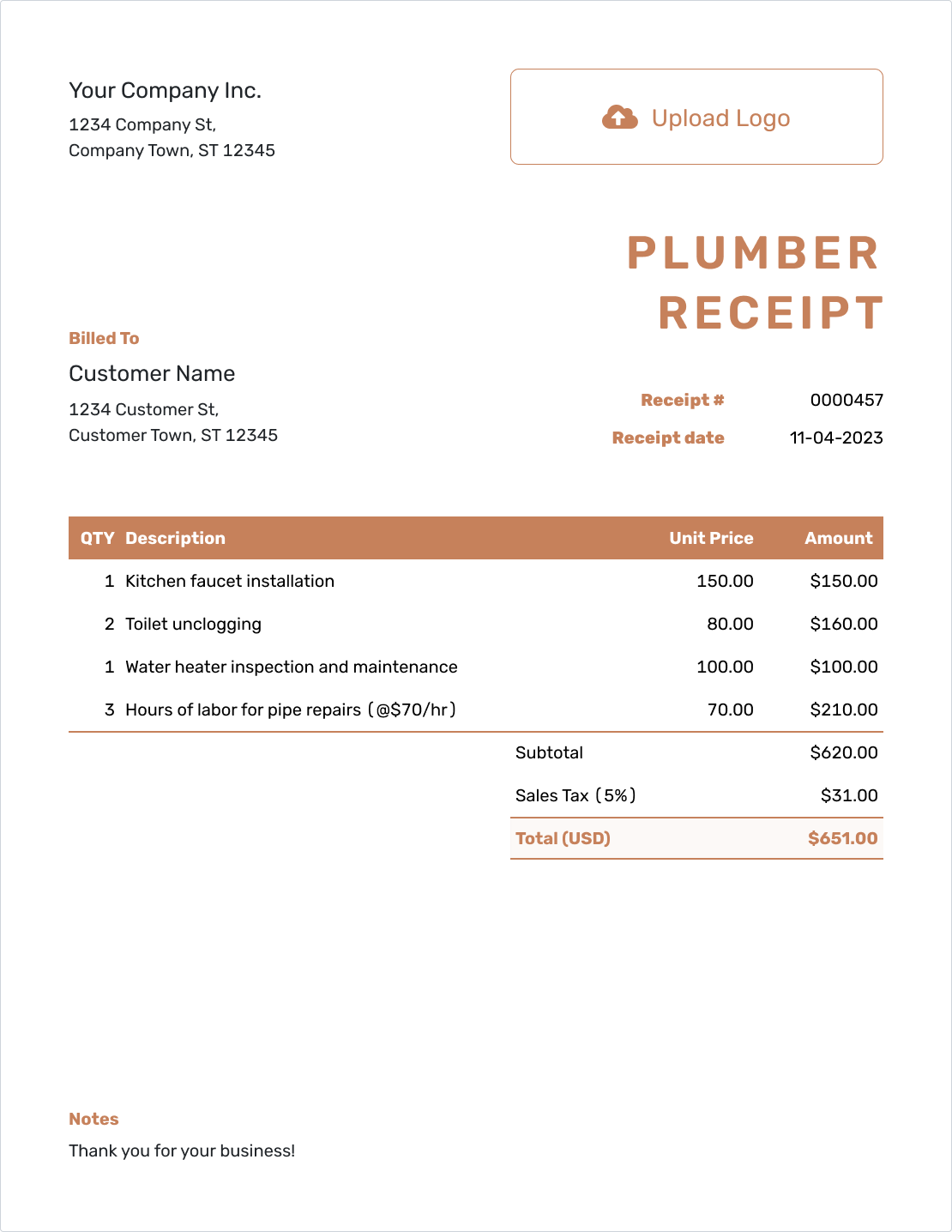
Professional Plumber Receipt Template
Create Free Receipt
Plumber Receipt Templates for Documents and Spreadsheets
Word and Google Docs let you work in a document; Excel and Google Sheets provide a spreadsheet. The links below lead to separate templates in those formats. Docelf downloads your completed receipt as a PDF.
Plumber Receipt FAQs
Here’s how to handle part payments and customer-supplied fixtures on a plumbing receipt.
-
Can I create a plumber receipt before the bill is fully paid?
Yes, after you receive a partial payment. Show the amount received and the remaining balance for the repair bill. Use “Paid in full” only once that bill is settled.
-
What amount goes on the receipt when the customer pays the balance?
Use the new payment amount and its actual payment date. Keep earlier amounts in the payment history and show a zero balance when the repair bill has been settled.
-
Do I list a faucet the customer bought themselves?
Identify it in the work description or Notes as customer-supplied. List your installation labor and any parts you sold, without adding a faucet charge. This helps explain the repair without overstating your bill.
-
Should the receipt date match the plumbing repair date?
Only when payment was received that day. Otherwise, use the payment date as the receipt date and label the repair date in Notes. Sending the receipt later does not change the date of payment.
-
Can a receipt cover just the plumbing service-call charge?
Yes, when that is the charge the customer paid. Describe the service call and what it covered. Do not make the receipt look like payment for a later repair that has not been paid for.
-
What details help a landlord match the receipt to a property?
Use the customer details from the bill and add the service address, fixture, and invoice reference. Keep the service address separate from the customer’s mailing address when they differ.
Ready to Send the Plumber Receipt?
Keep this repair payment easy for both you and the customer to check.
- Name the repair and customer-supplied items
- Record the payment and any remaining balance
- Review the receipt and send a copy




