Free Plumber Invoice Template
Create a professional plumber invoice in minutes
List the repair, installation or maintenance completed during the plumbing visit. The customer can see how the charges add up to the total and pay the right amount.
Email, print or download your invoice as a PDF.
14-day free trial. No credit card required.

Create the invoice. Send it. Get back to work.
Plumber Invoice Previews
Preview invoice layouts for a repair, installation, or drain-cleaning visit. Start your own residential or commercial invoice in Docelf with the parts and labor you provided.
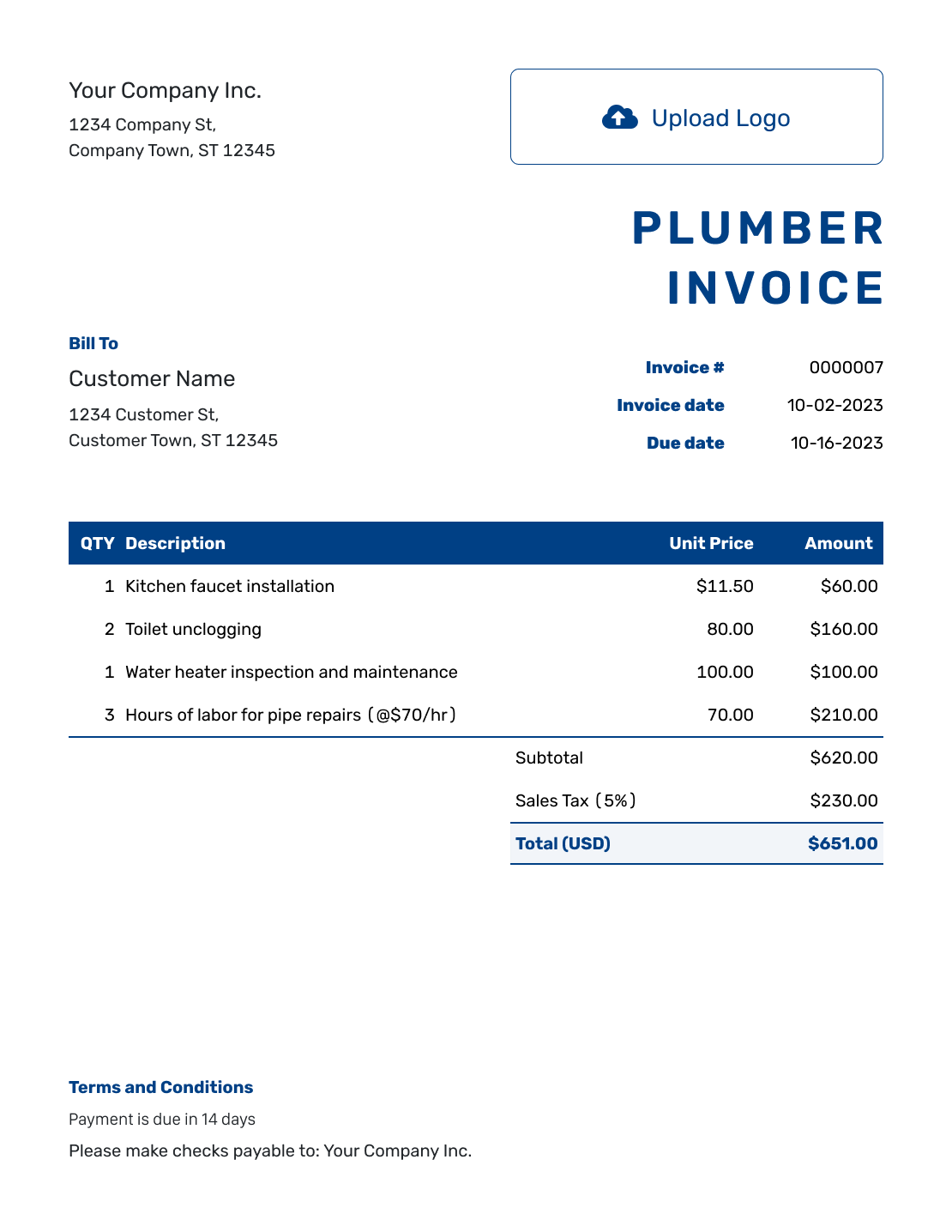
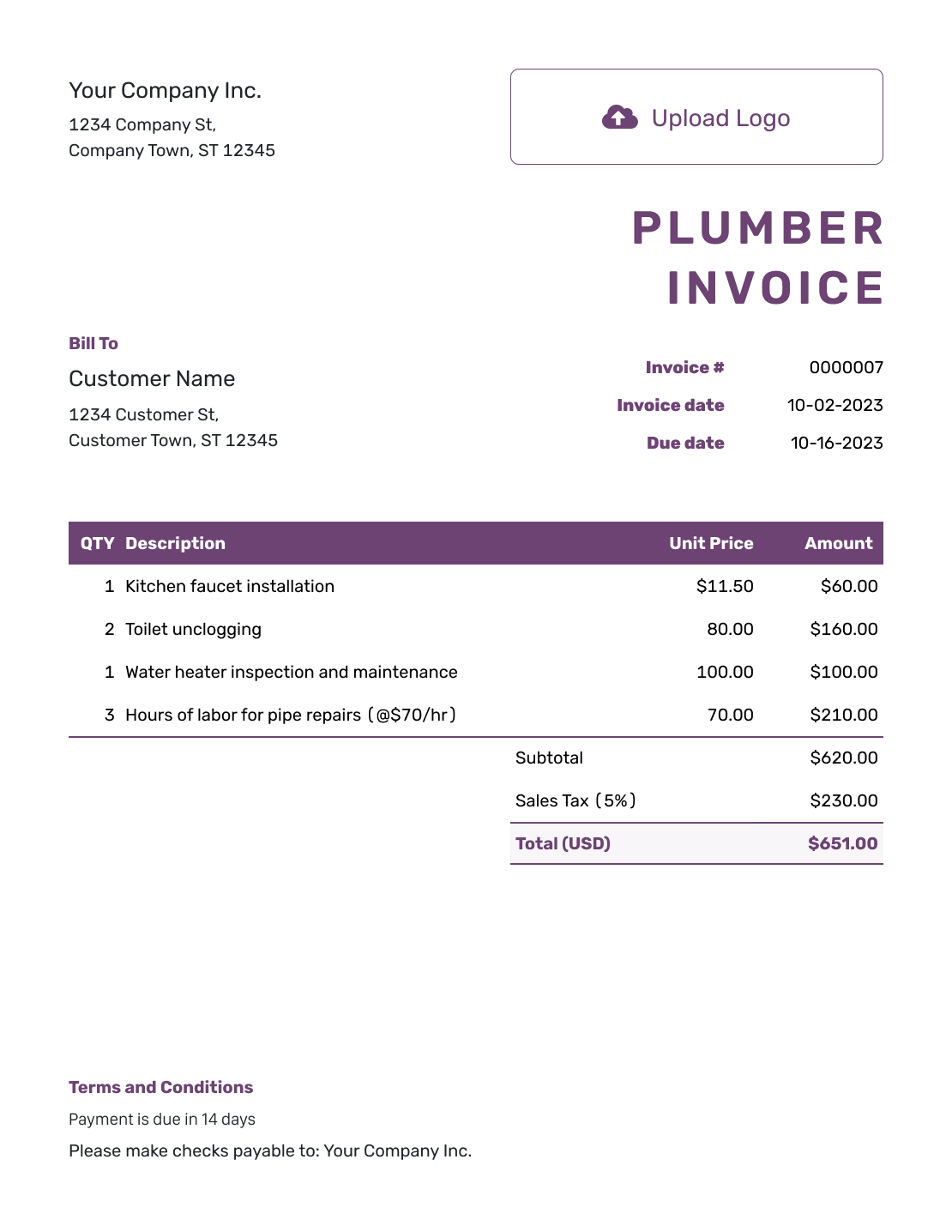
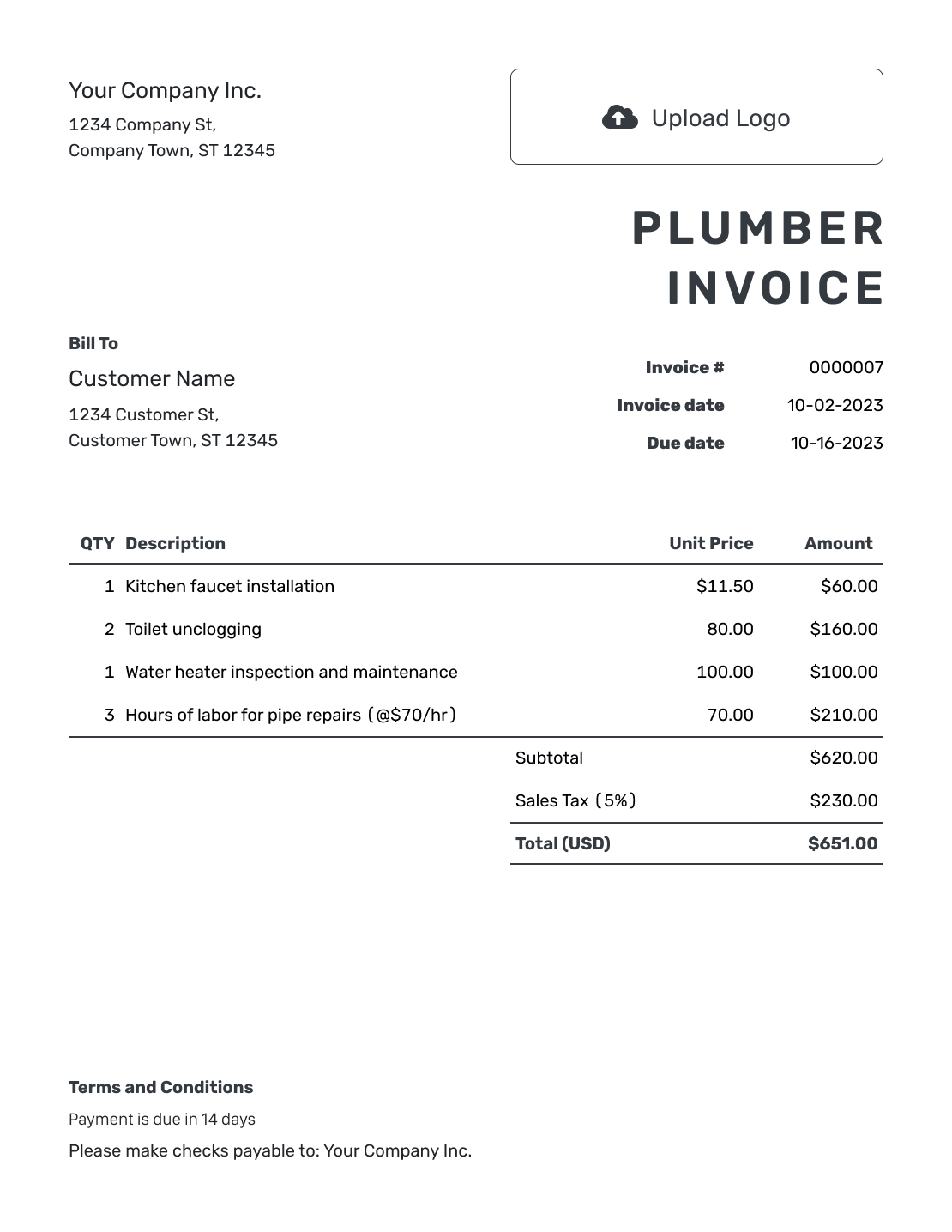
How to Create a Plumber Invoice
Use your visit notes and agreed rates to fill in the invoice. Name the fixture or system you worked on.
- Add Your Business: Enter your plumbing business name and billing contact information.
- Add Your Logo: Use your business logo so the customer recognizes the invoice.
- Select the Customer: Choose the person or business paying for the plumbing visit.
- Set the Number and Dates: Check the invoice number. Add the invoice date and payment due date.
- List the Plumbing Work: Name the repair. Add part quantities, labor hours, and agreed prices.
- Review the Charges: Add tax and discounts that apply. Check Docelf’s calculated total.
- Add Terms and Send: In Terms and Conditions, add the service address, visit date, and payment instructions. Review, then email or download the invoice.
How to Fill In Plumber Invoice Line Items
Name the repair and its location so the customer can follow the bill. Keep labor and supplied parts on separate lines for an hourly job. If you agreed to a fixed repair price, describe what it includes instead.
This kitchen repair example uses USD. The faucet, supply lines, and drain-trap kit total $200.00. An illustrative 8% sales tax applies to those parts only; labor is untaxed in this example. Your job may need different tax treatment.
| QTY | Description | Unit Price | Amount |
|---|---|---|---|
| 2 | Kitchen faucet and drain-trap replacement — hours | $105.00 | $210.00 |
| 1 | Kitchen faucet | $145.00 | $145.00 |
| 2 | Water supply line — each | $16.50 | $33.00 |
| 1 | Drain-trap kit | $22.00 | $22.00 |
| Subtotal | $410.00 | |
| Sales Tax (8% on parts) | $16.00 | |
| Total | $426.00 |
What to Include in Plumber Invoice Terms
Use Terms and Conditions to explain when and how to pay for the visit. Refer to the approved repair and any agreed service-call fee. Identify any customer-supplied fixtures so the bill is clear about what you provided.
Use only your actual payment and warranty policies. Check local requirements before adding late fees or warranty limits, especially for customer-supplied fixtures.
Adjust the wording below to match the visit and the agreement you made.
Example: Terms and Conditions
- This invoice covers the listed plumbing work at [Service Address] on [Visit Date].
- Payment is due on [Due Date]. Please include [Invoice Number] with payment by [Payment Method].
- The work and charges on this invoice were approved under [Job/Approval Reference].
- Customer-supplied items and any agreed warranty details are identified in [Job Record]. Contact [Business Contact] with questions about the work.
Bill for the Plumbing Visit Before Moving On
Create the invoice from your phone while the repair details are fresh. Docelf adds up the charges. Review the bill, then send it to the customer.
Explain the Details Behind a Plumbing Charge
The customer should be able to match each charge to something you repaired or supplied. Use the details below when they help explain the bill.
Which Fixture or Area?
Identify the kitchen faucet, upstairs toilet, drain, or other part of the system. Add the unit or suite number when the property has more than one.
What Was Done?
Describe the repair, installation, or cleaning you completed. Write what you did rather than just “Service.”
What Does the Visit Fee Cover?
Show an agreed service-call or emergency fee clearly. If it is included in the repair price, do not also list it as an extra charge.
Who Supplied the Parts?
Identify any fixture the customer supplied. Bill for the parts you supplied and explain any agreed warranty conditions.
Separate Completed Repairs From Recommended Work
Bill for what you completed or for the agreed payment stage. Keep a recommended future repair out of the current amount due. Give that work its own estimate or quote for the customer to review.
For an installation already priced in Docelf, create the invoice from the estimate or quote. Check the actual parts and work before sending. The quote-to-invoice guide explains that step.
Attach a job sheet or photo when it explains a replacement or access issue. Put test results in the job record so the customer can see what you checked.
Put Your Plumbing Business on the Invoice
Add your logo, colors, and fonts. An optional industry name can appear before “Invoice.” Use the footer for the phone number or email customers should use for billing questions.
Choose USD, EUR, GBP, CAD, or AUD to match the agreed currency. For supporting files, Docelf accepts PDF, JPG, GIF, PNG, and WebP attachments up to 5 MB each. See how to attach a file.
Follow the Plumbing Invoice Through to Payment
After emailing the invoice, check its history in Docelf for delivery and viewing information. If payment is late, include the invoice number and visit date when you contact the customer.
- Record the amount and date when the customer pays.
- Check the balance still due after a partial payment.
- Create a receipt from the invoice after recording payment.
More Plumber Invoice Previews
-
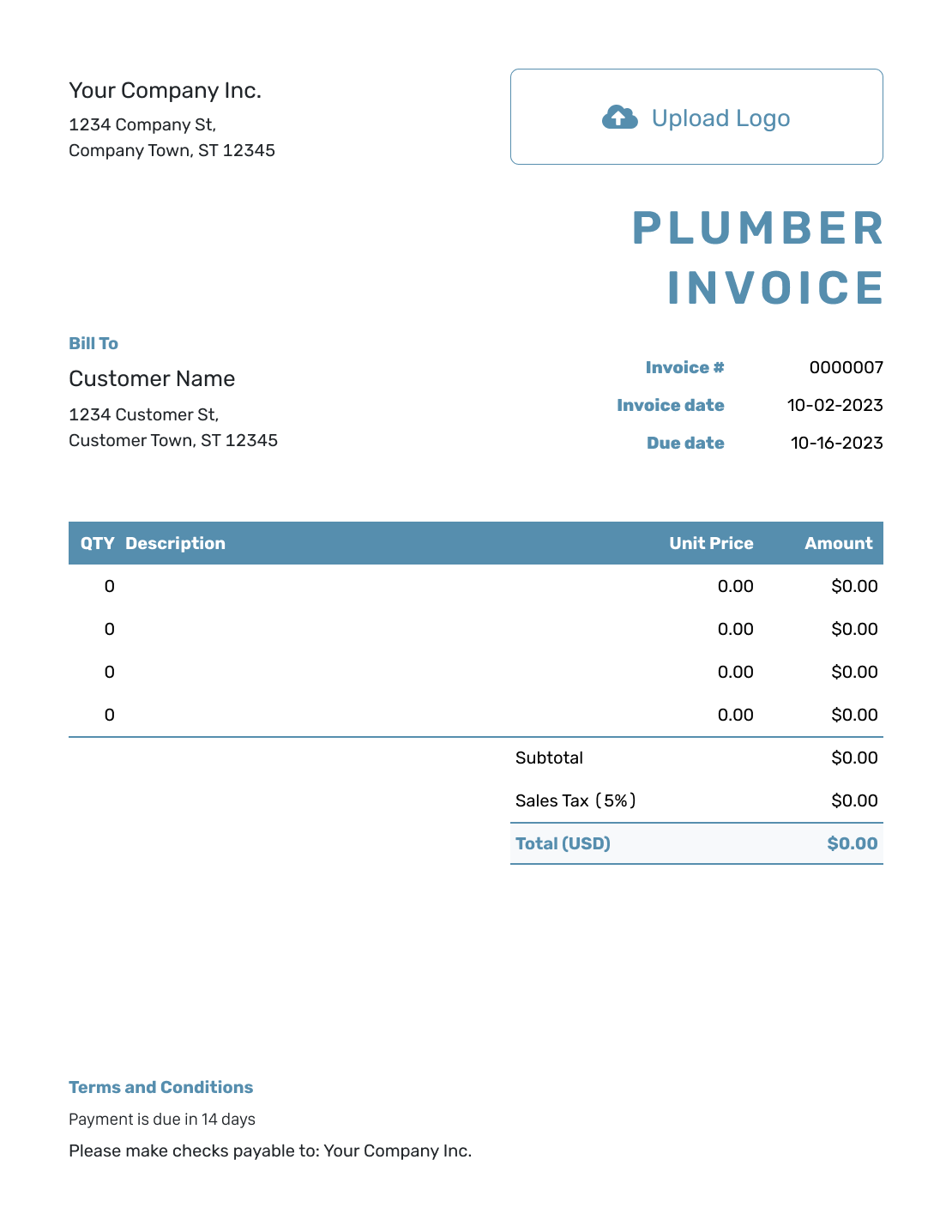
Blank Plumber Invoice Template
Create Free Invoice -
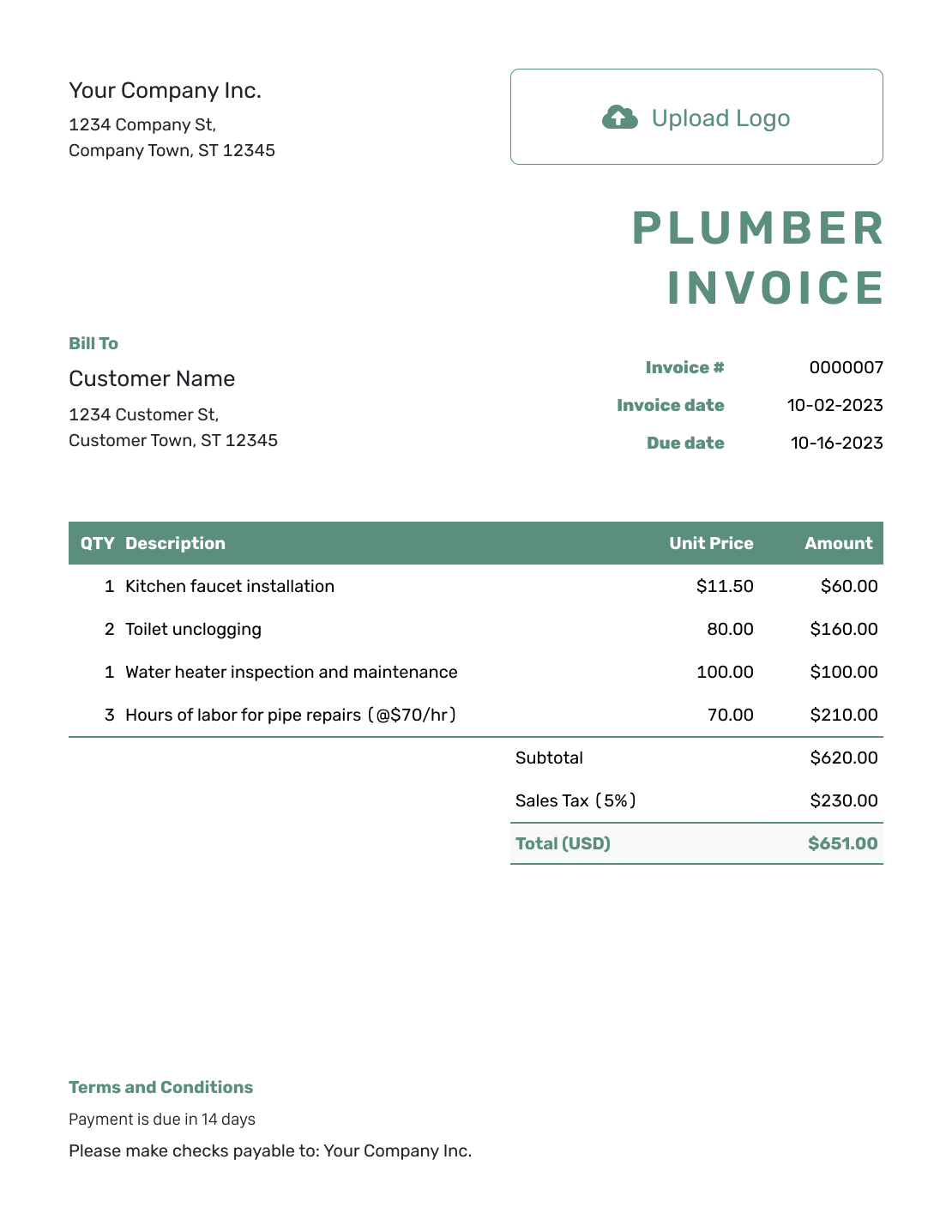
Simple Plumber Invoice Template
Create Free Invoice -
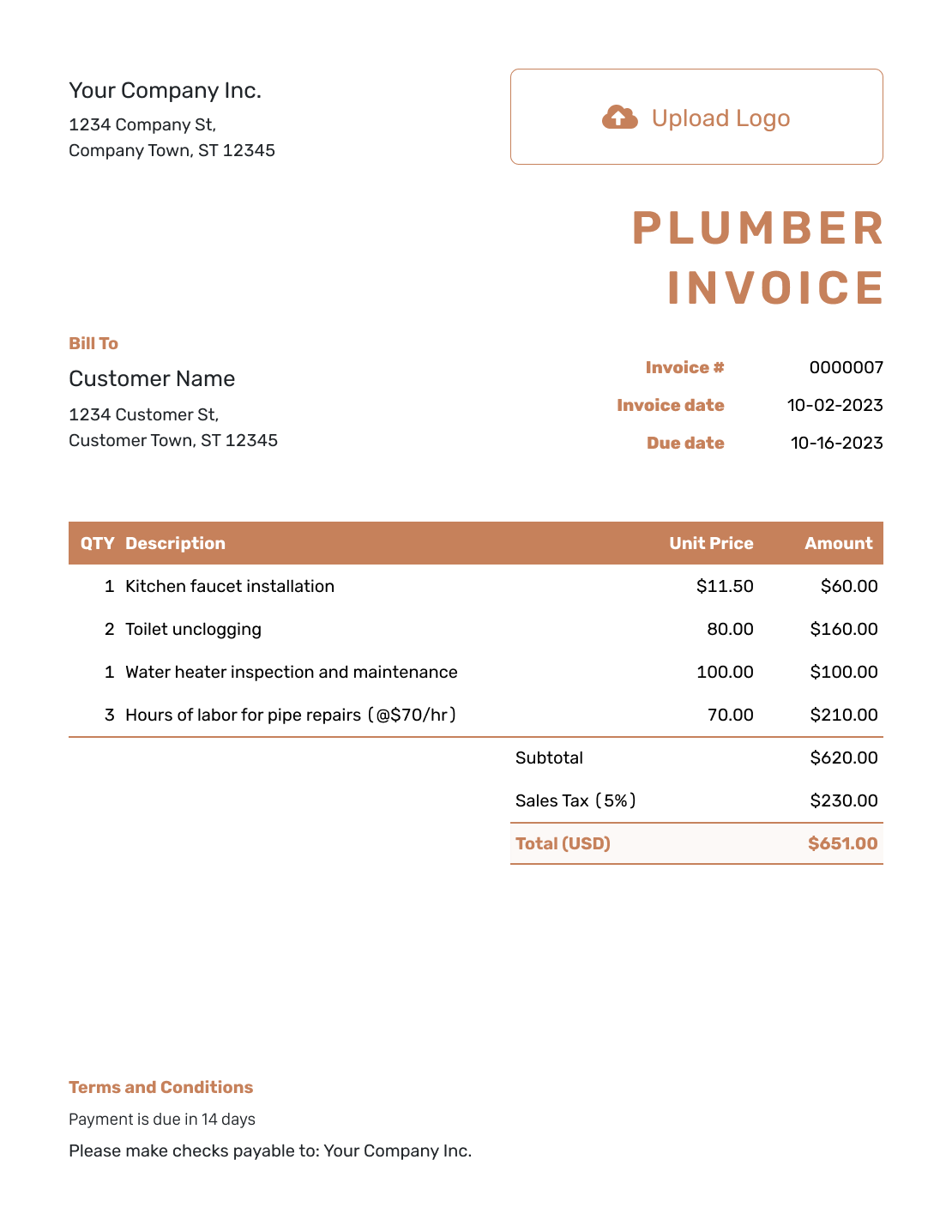
Standard Plumber Invoice Template
Create Free Invoice -
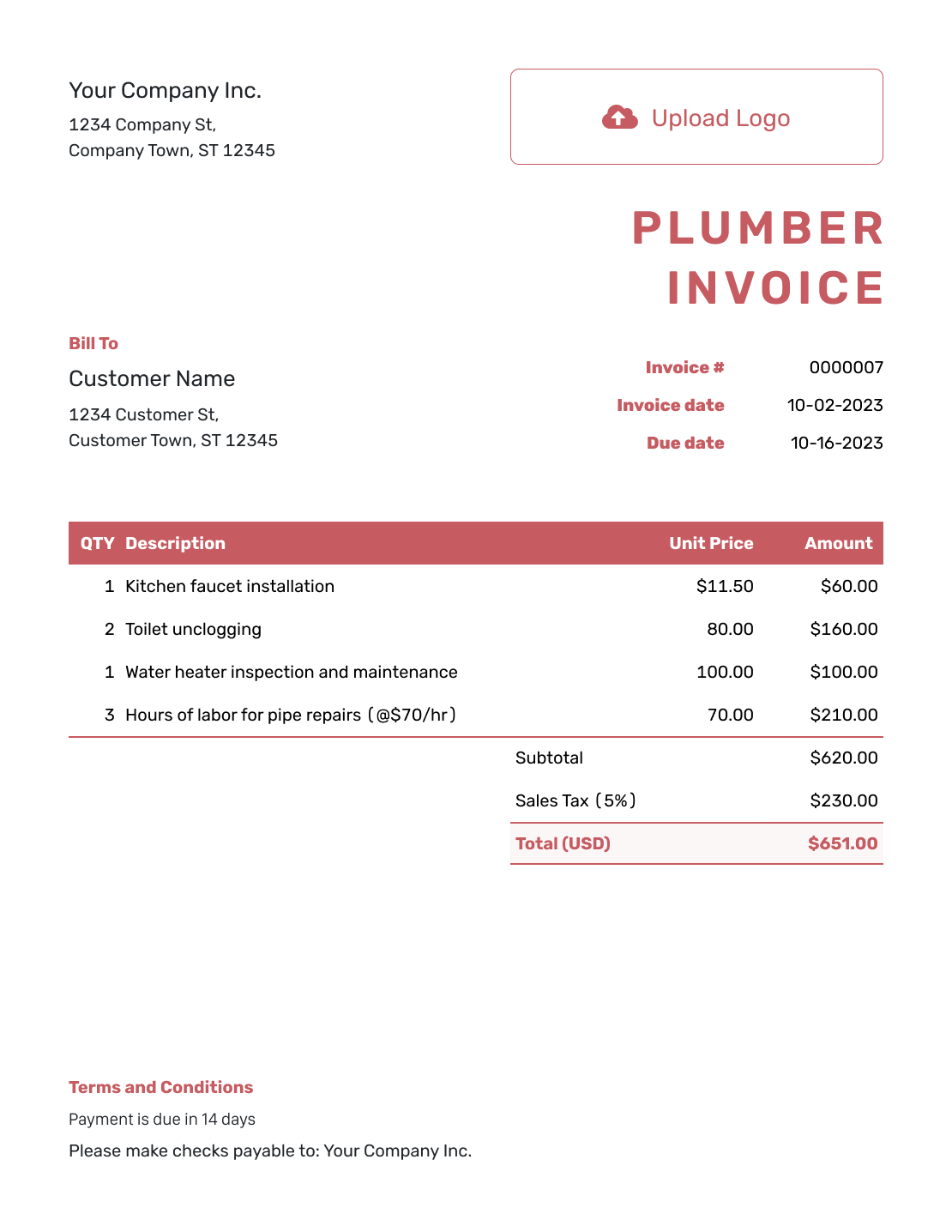
Itemized Plumber Invoice Template
Create Free Invoice -
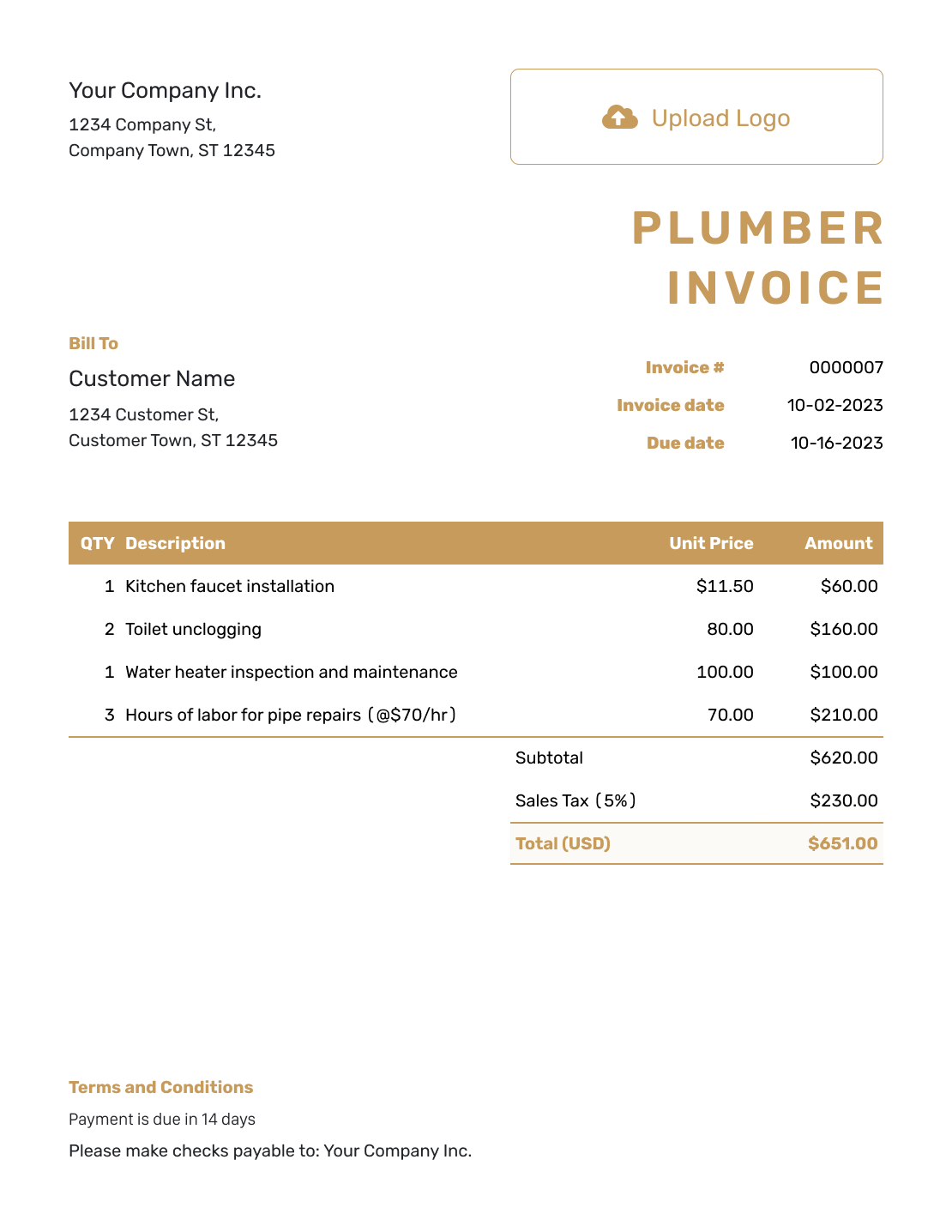
Basic Plumber Invoice Template
Create Free Invoice -
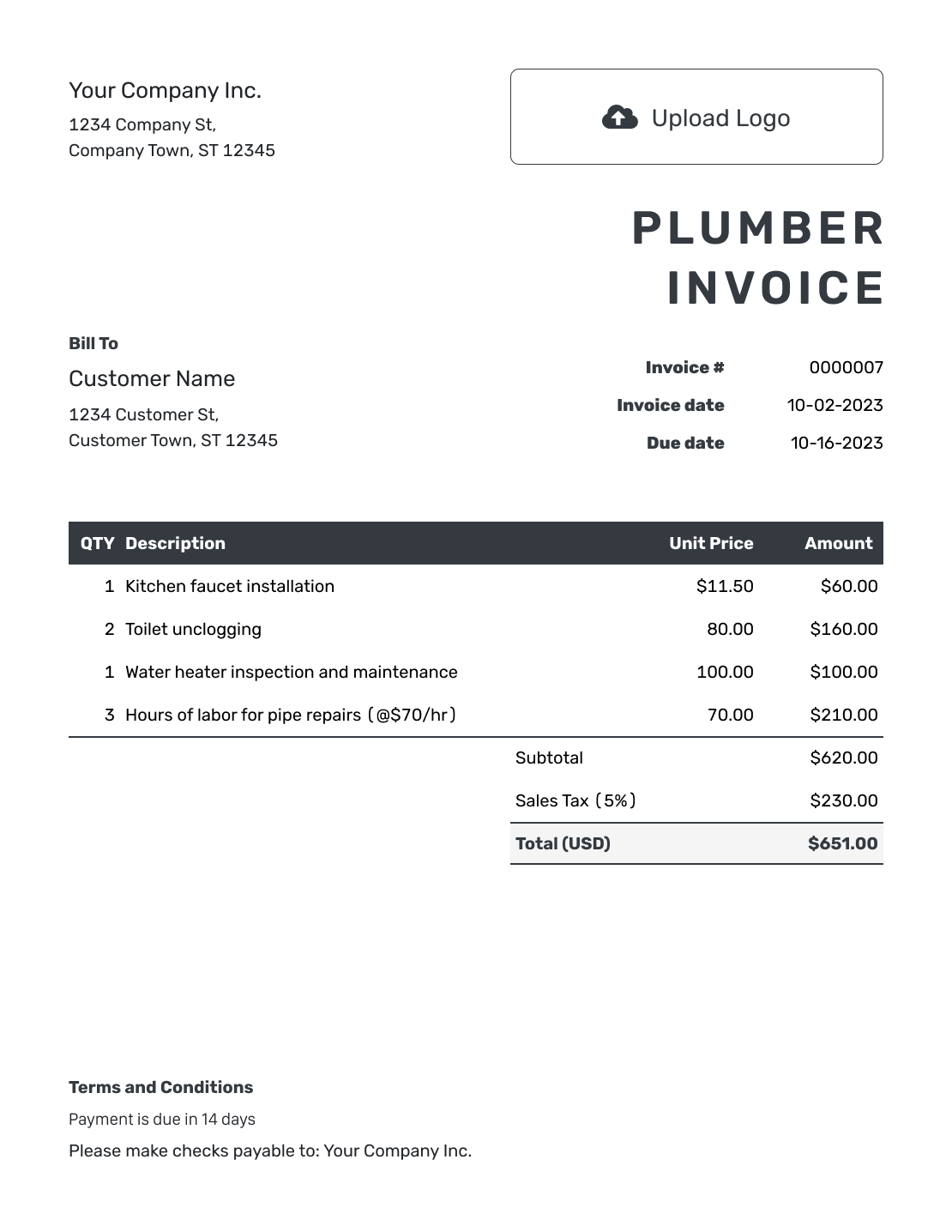
Hourly Plumber Invoice Template
Create Free Invoice
Plumber Invoice File Options
Use a general Word or Google Docs invoice for an editable plumbing bill. Choose Excel or Google Sheets for a spreadsheet layout. Keep the fixture descriptions and any separate visit fee clear in the file.
Plumber Invoice FAQs
-
What should a plumber invoice include?
Identify your business, customer, and service address. Describe the completed work and supplied parts. Show quantities or hours and the price for each charge. Add any tax that applies. Include the invoice number, dates, and payment instructions.
-
How do I show an emergency service-call charge?
List it as a separate charge when you agreed to bill it in addition to the repair. Use a clear description and the agreed amount. If the repair price includes the service call, do not add the fee again.
-
Should I separate plumbing parts from labor?
Separate them for a time-and-materials bill so the customer can check quantities and hours. For a fixed-price repair, describe the included work and parts without charging twice for them.
-
Can I invoice for installing a customer-supplied faucet?
Yes. Identify the faucet as customer-supplied. Bill for your installation work and any other parts you provided. Keep agreed warranty conditions in Terms and Conditions or the attached job record.
-
Should I include a recommended repair in the amount due?
Keep future work out of this invoice unless you are requesting an agreed advance for it. Use an estimate or quote to give the customer a price for a repair they have not yet ordered.
-
What if the customer pays at the end of the visit?
Record the payment amount and date on the invoice. A fully paid invoice is marked Paid. You can then create a receipt from it to confirm the payment.
Ready to Invoice the Plumbing Job?
Give the customer a clear bill before the details of the visit fade.
- Name the repair and supplied parts
- Set the amount due and payment due date
- Keep the invoice and payment record in Docelf




