Free Plumbing Quote Template
Create a professional plumbing quote in minutes
Describe the repair or installation and show the labor, parts and access conditions. The quote shows what the work involves and helps customers feel confident choosing you.
Email, print or download your quote as a PDF.
14-day free trial. No credit card required.

Price the job. Send the quote. Get back to work.
Plumbing Quote Template Examples
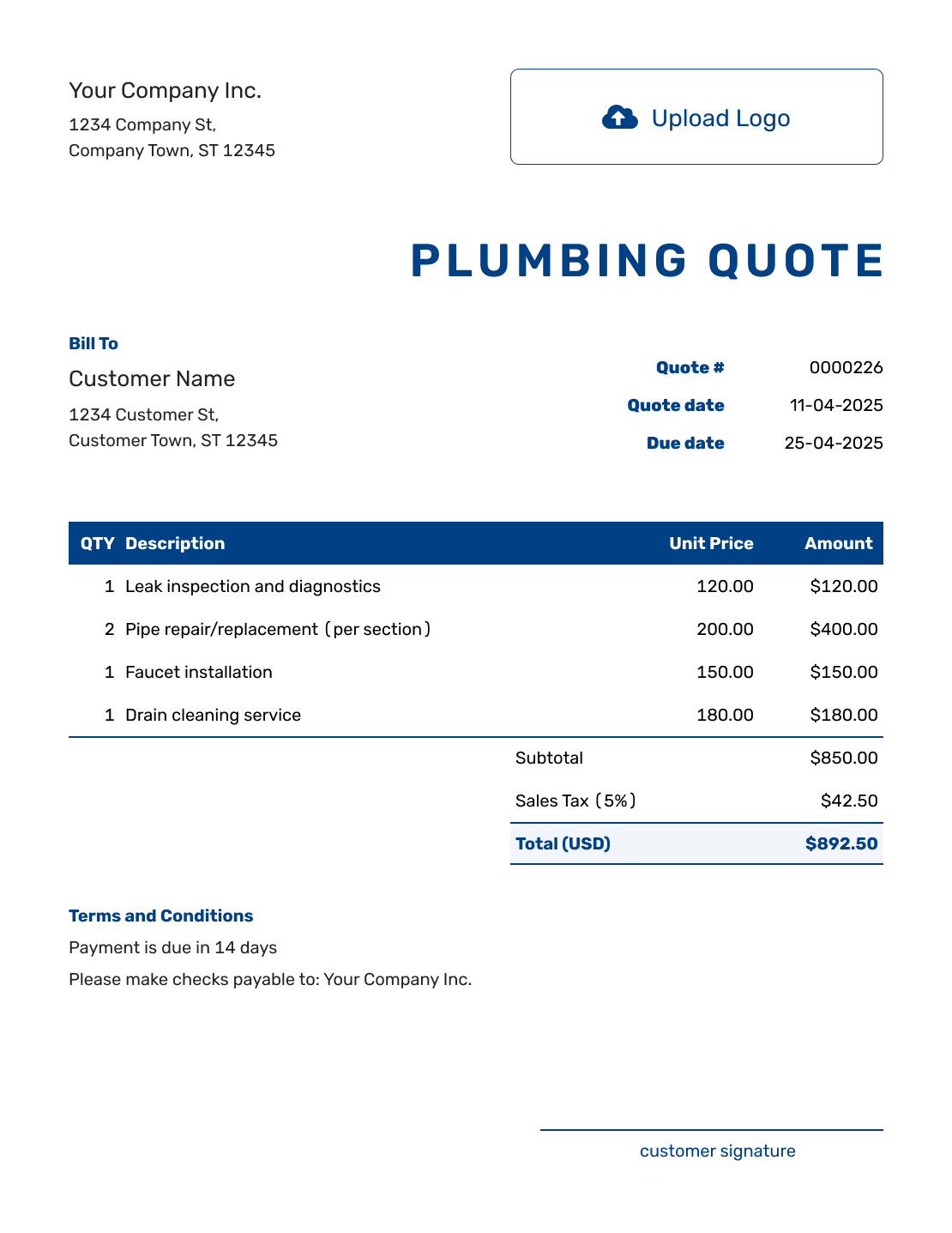
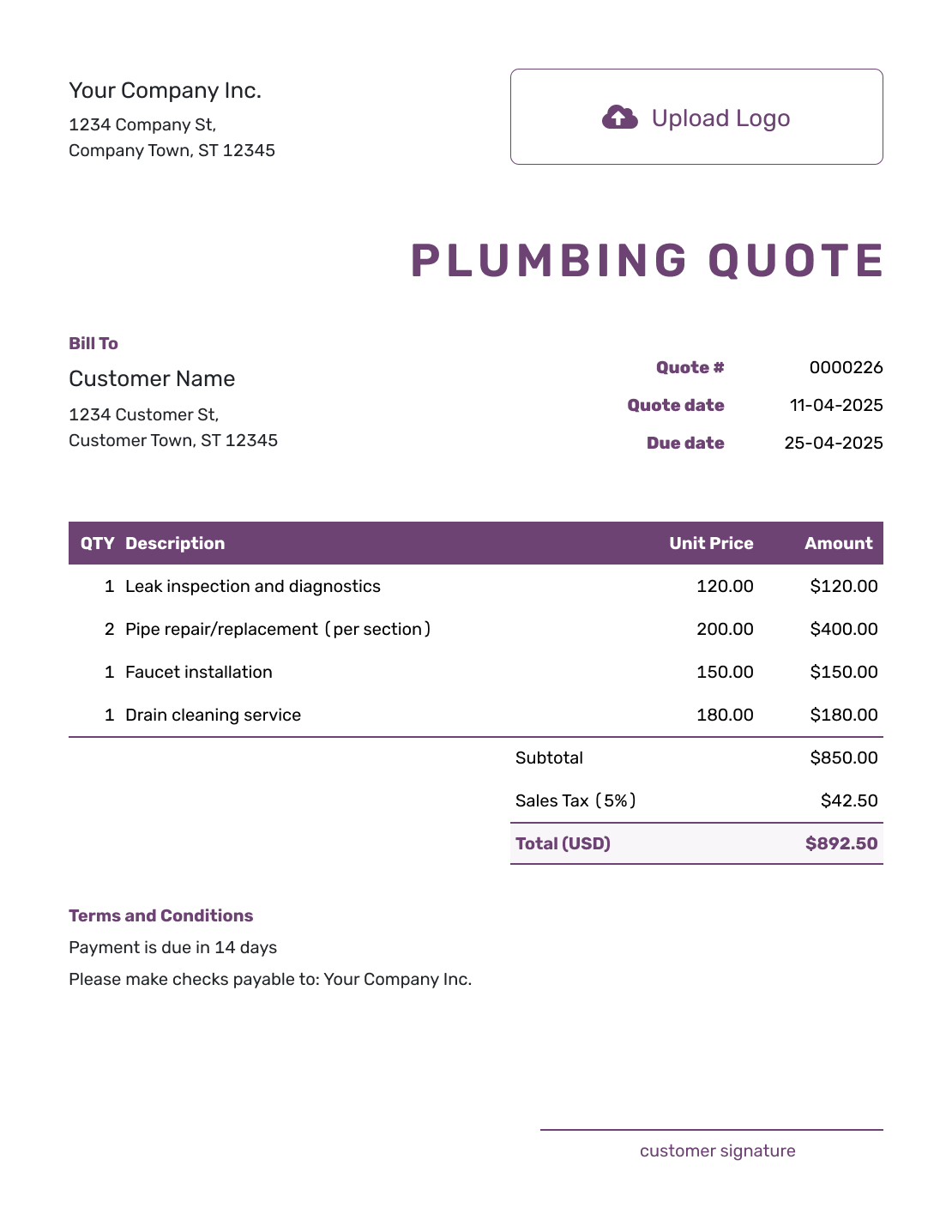
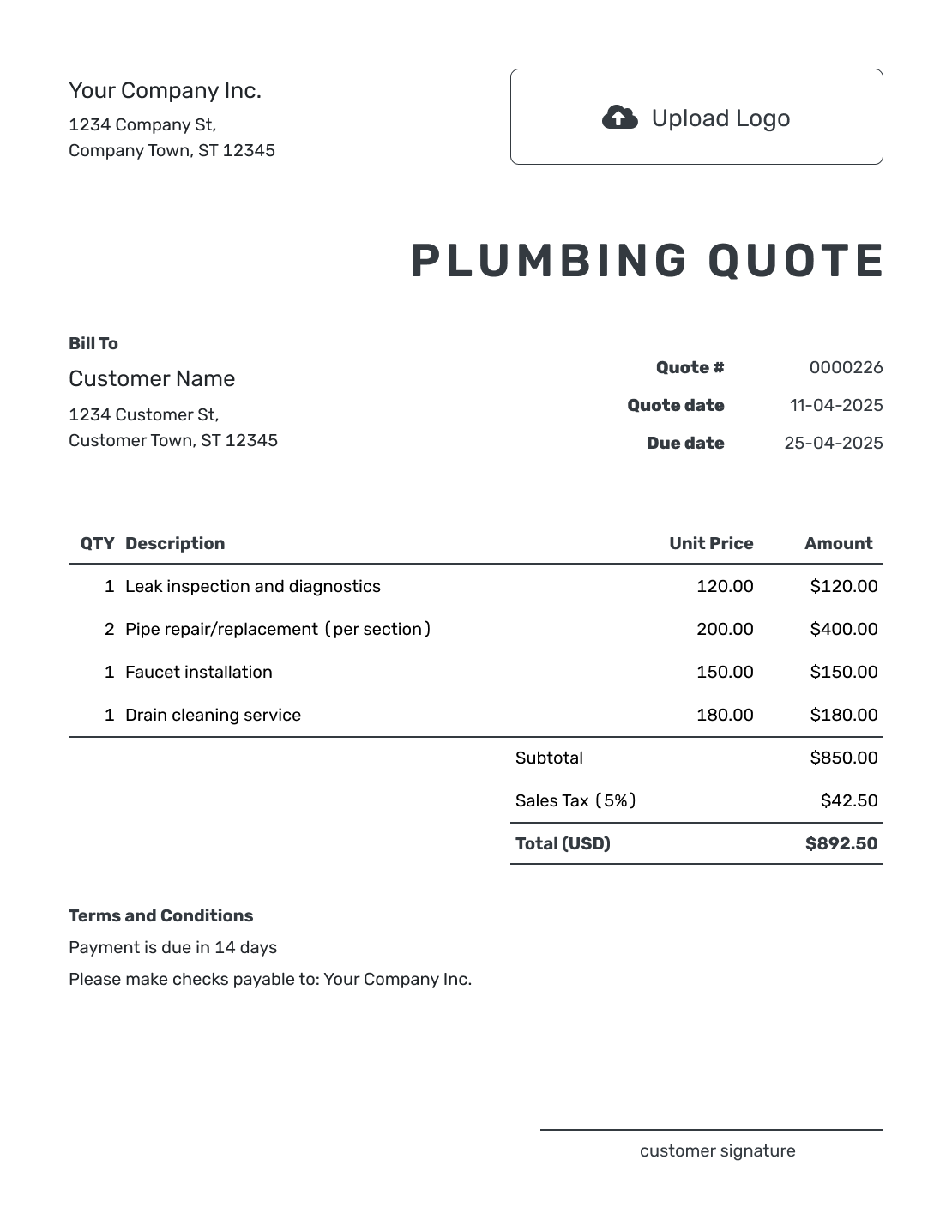
These layouts show ways to present a plumbing job and its price. Each preview opens the same quote editor, where you can add your own work, parts, logo, and colors.
What Is a Plumbing Quote?
A plumbing quote is a written offer for a defined repair or installation and its price. It connects the problem you inspected with the work the customer is being asked to approve.
For a straightforward fixture replacement, name the fixture and the connections you will use. When diagnosis or access is still uncertain, an estimate may be a better starting point until you can define the repair.
Pricing several trades for a larger build? Use the construction quote template for the project-wide scope.
How to Create a Plumbing Quote
Keep the inspection notes and fixture details beside you as you write. You can reuse saved customer, product, and service details, then adjust them for this visit.
- Plumbing Business: Add your business details and license information when relevant.
- Your Logo: Use the logo from your other business documents.
- Customer and Service Address: Choose a saved customer or enter their details. Identify the property and unit.
- Quote Number and Dates: Check the quote number, issue date, and valid-until date.
- Work and Parts: Describe the repair, labor, and included parts with quantities and prices.
- Access and Terms: Use Terms and Conditions for access, testing, payment, and change approval.
- Review and Send: Check the work, parts, tax, and total. Email the quote or download a PDF.
How to Fill In Plumbing Quote Line Items
Name the fixture or component so the customer can see what they are buying. Separate supplied parts from labor when that helps explain the price, and state whether testing and cleanup are included.
This fictional US-dollar quote replaces a leaking kitchen faucet using the existing sink and accessible shutoff valves. The 8% tax applies only to the $205.00 of supplied parts in this example; use the tax treatment required for your job.
| QTY | Description | Unit Price | Amount |
|---|---|---|---|
| 1 | Single-handle kitchen faucet — supplied fixture | $165.00 | $165.00 |
| 2 | Flexible water supply connectors — supplied parts | $20.00 | $40.00 |
| 2 | Remove old faucet, install replacement, test and clean up — labor-hours | $95.00 | $190.00 |
| Subtotal | $395.00 | |
| Sales Tax (8% on parts, illustrative) | $16.40 | |
| Quote Total | $411.40 |
What to Include in Plumbing Quote Terms
Use Terms and Conditions to explain the visit the price covers. Access, water shutoff, testing, and cleanup can matter as much as the fixture model. State whether wall opening or restoration is part of the plumbing work.
This sample belongs to the faucet replacement above. Adapt it to the job and your own payment policy; add warranty terms only when you offer them, and check applicable local requirements.
Example: Terms and Conditions
- Offer valid for 14 days from the quote date for the kitchen faucet replacement listed above.
- Includes the supplied faucet and two connectors, old-faucet removal, installation, leak testing, and cleanup. The existing sink and shutoff valves will be reused.
- The customer will clear the sink cabinet and provide access for water shutoff. Pipe repairs, wall opening, and finish restoration are excluded.
- If the existing valves or pipework need repair, we will explain and price that work for approval before proceeding. The quoted $411.40 is payable after installation and testing.
Give the Customer a Price for the Proposed Fix
Add the repair and the parts you will supply. Docelf calculates the total while you finish the visit details. Review the quote, then email it or download a PDF.
Explain Supplied Fixtures and Access Work
Name the brand or model you will supply when it affects the customer’s choice. If the customer is supplying the fixture, identify it and price only what you provide. Explain any fitting assumptions or warranty limits in Terms and Conditions.
Access work also needs a clear boundary. If opening a wall is included but another trade must patch it, say who handles the restoration. When the repair depends on a hidden condition, document what you find and obtain approval for the added work and price before continuing.
Check What the Plumbing Visit Includes
Before sending, compare the quote with your inspection notes. Small omissions can leave the customer unsure about what will happen on the day.
- The reported problem, inspection findings, and proposed repair or installation
- Service-call or diagnostic fees, including whether they are separate or part of the repair price
- Fixtures, parts, consumables, labor, equipment, permits, and disposal when included
- Access, water shutdown, testing, cleanup, restoration, and any exclusions
- Expected timing, payment terms, warranty details when offered, and how to accept
Plumbing Quote, Estimate, or Invoice?
The right document depends on what you know about the repair and whether you are offering work or requesting payment.
Plumbing Quote
Use a quote after the work and price are defined well enough for the customer to approve.
Plumbing Estimate
Use an estimate when diagnosis, access, parts, or hidden conditions could change the final cost.
Plumbing Invoice
Send an invoice when payment is due under the accepted plumbing terms.
More Plumbing Quote Layouts
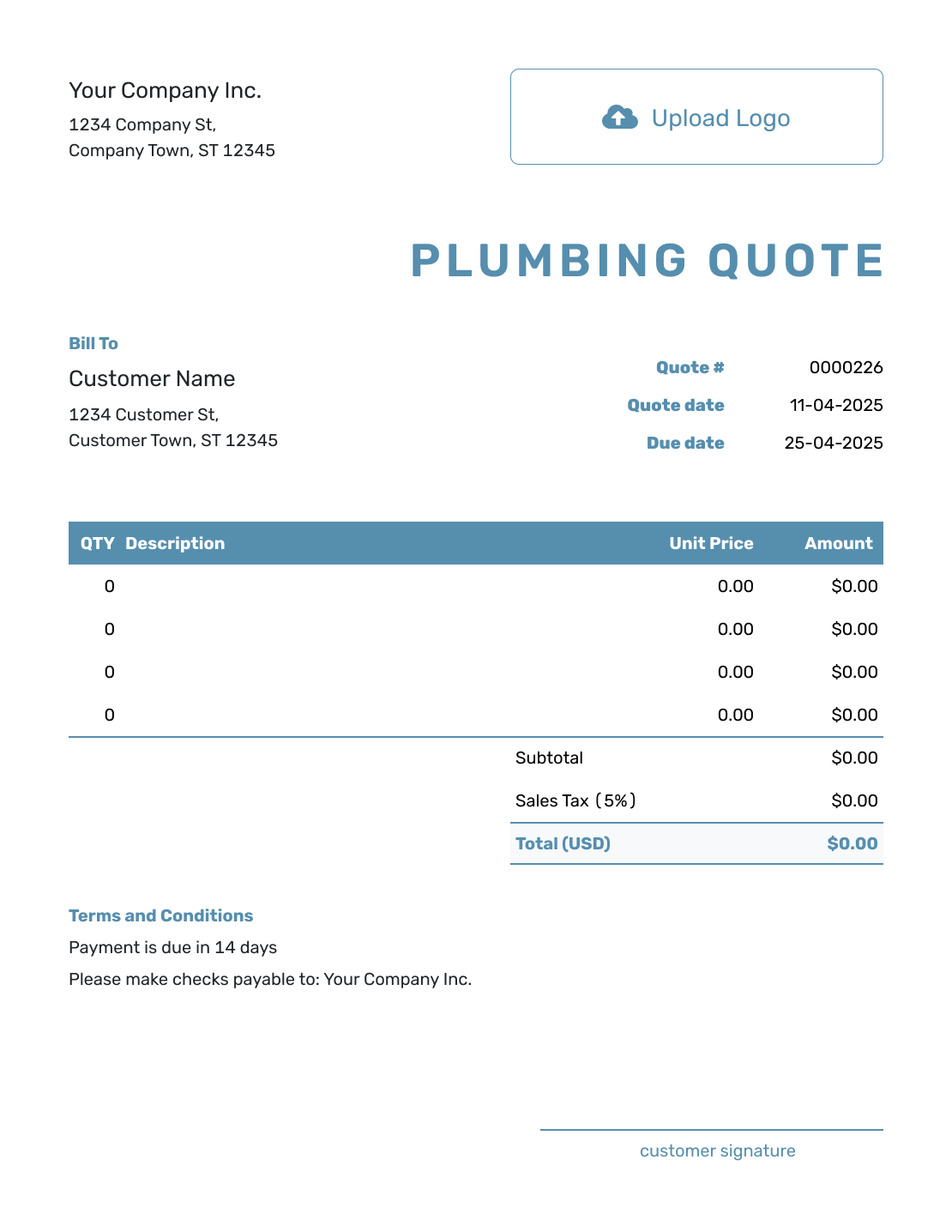
Choose a layout that makes the proposed repair or installation easy to review. The work and price you enter are what define the offer.
-
Blank Plumbing Quote Template
Create Free Quote -
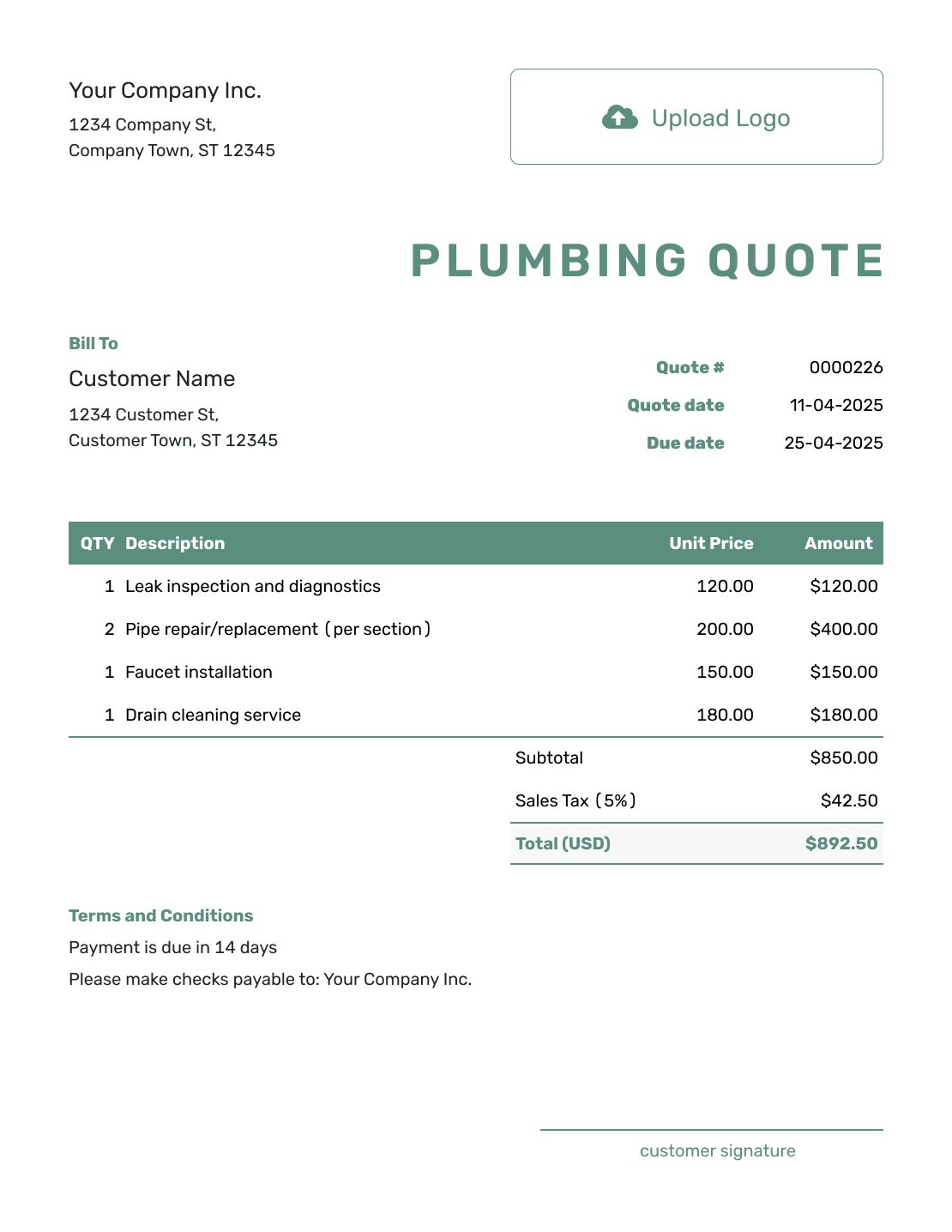
Simple Plumbing Quote Template
Create Free Quote -
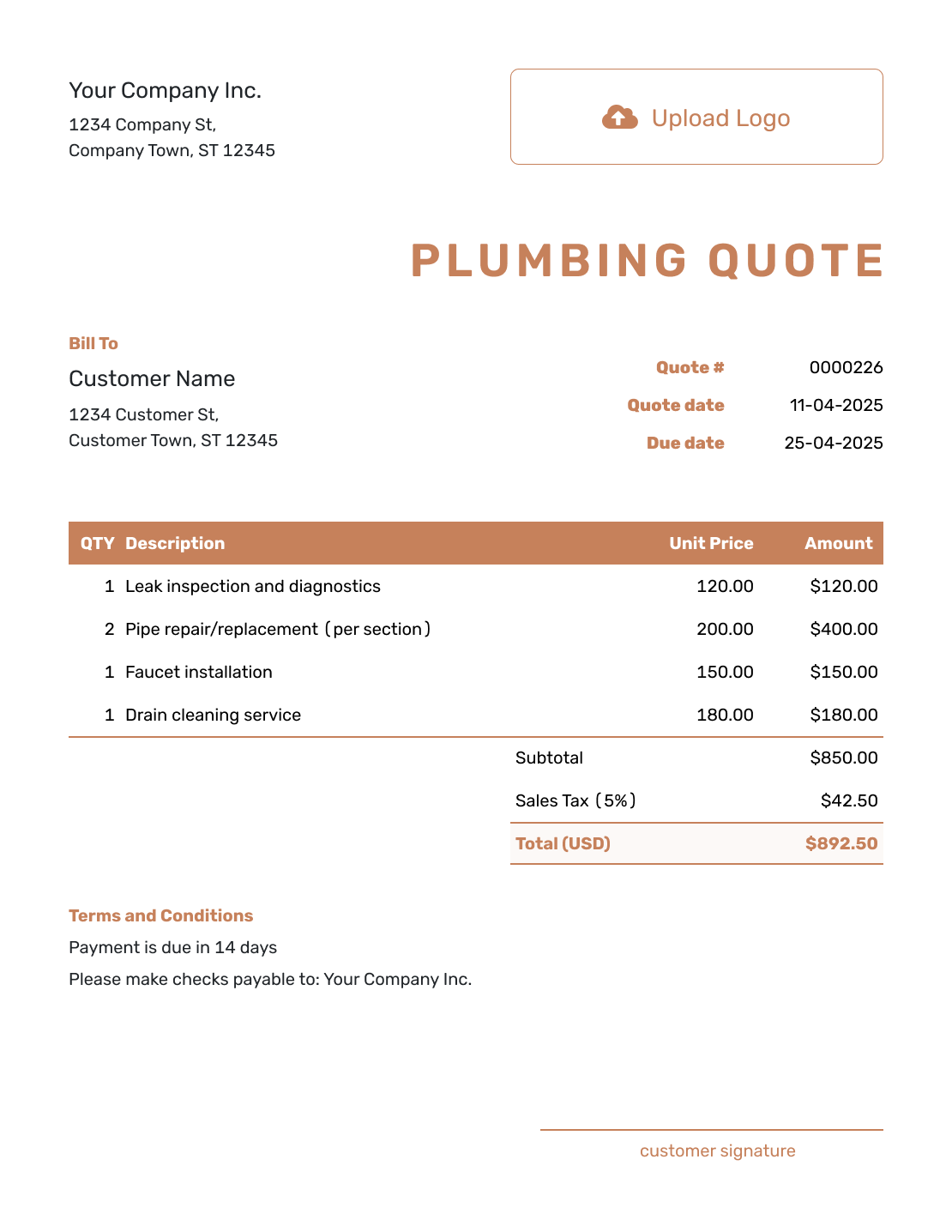
Downloadable Plumbing Quote Template
Create Free Quote -
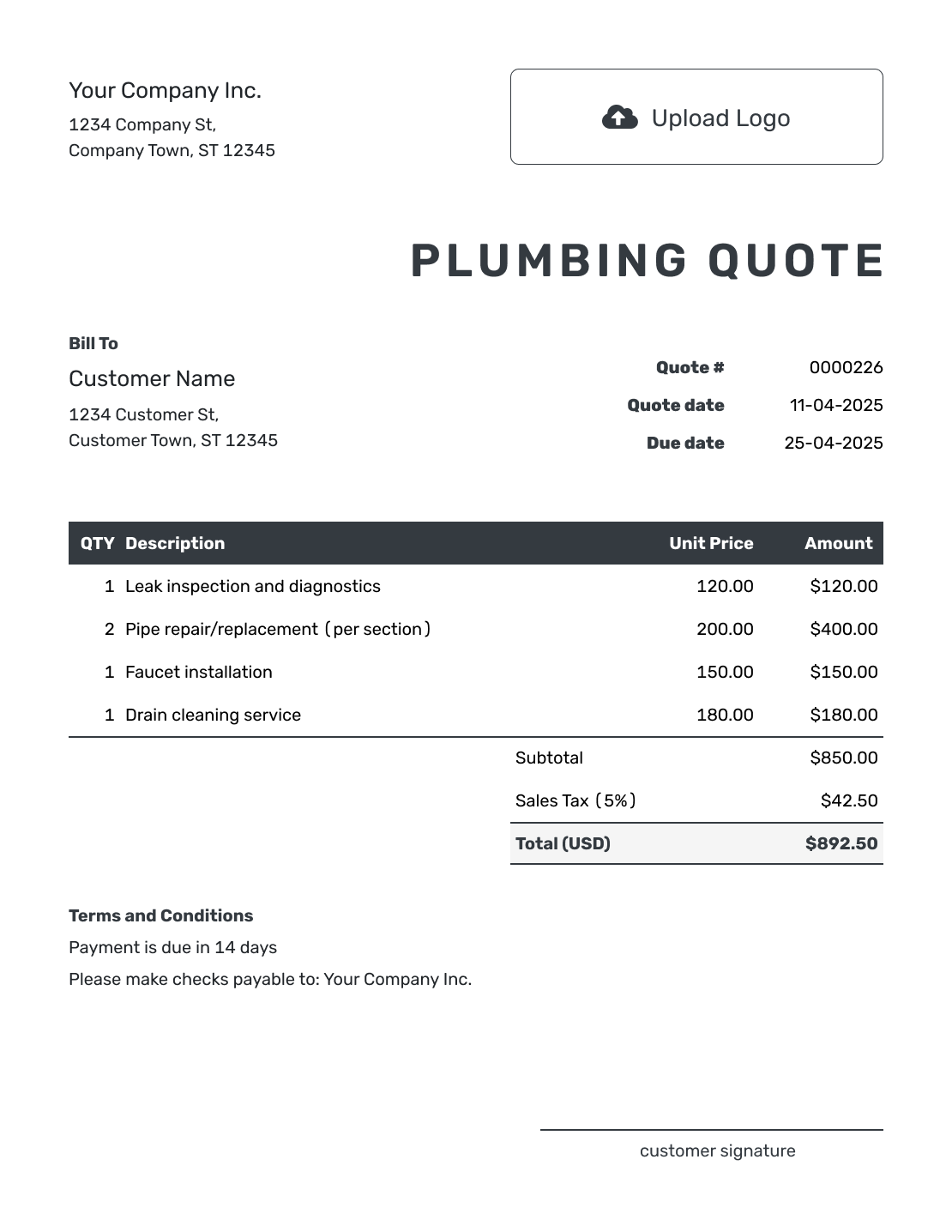
Editable Plumbing Quote Template
Create Free Quote -
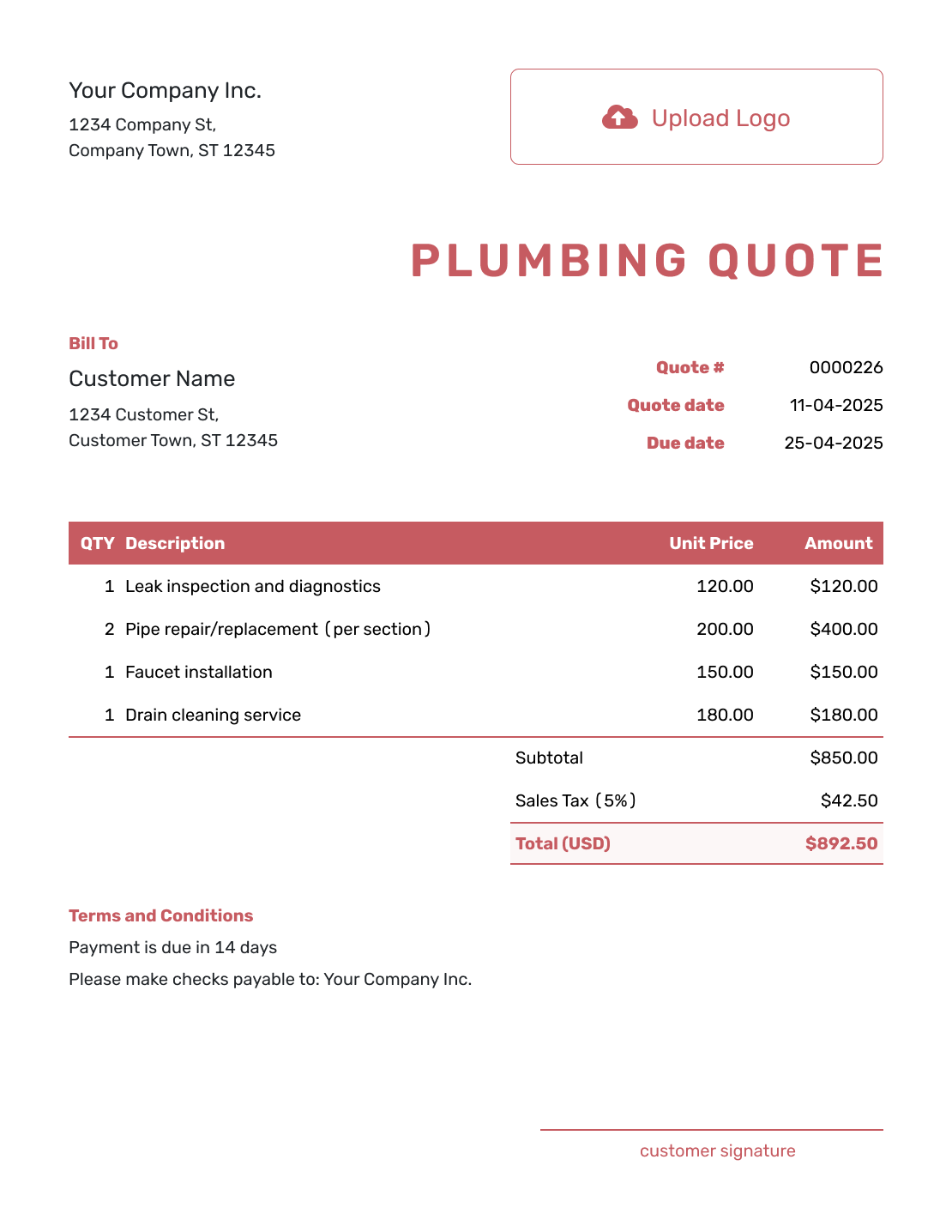
Fillable Plumbing Quote Template
Create Free Quote -
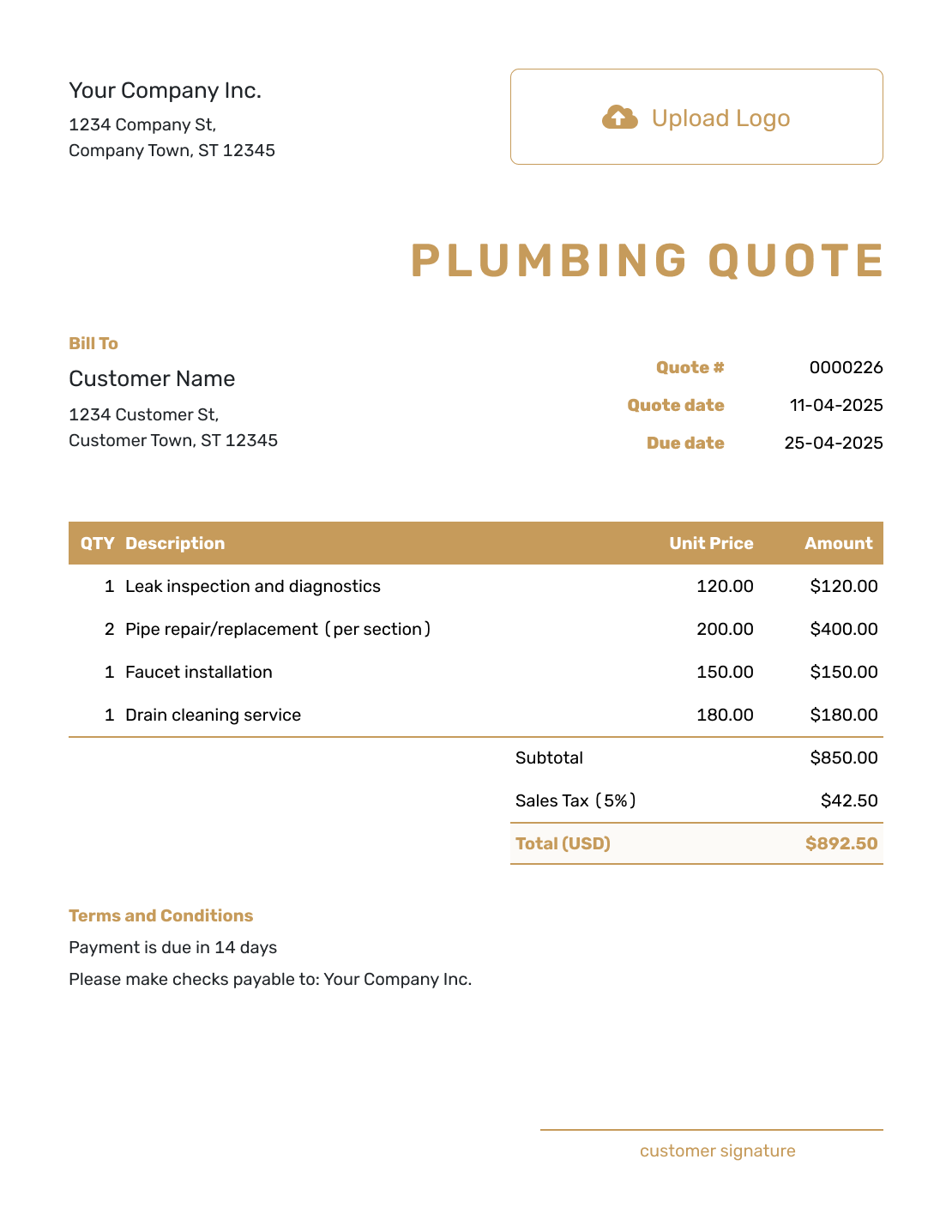
Professional Plumbing Quote Template
Create Free Quote
Other Quote Template File Formats
If you prefer to prepare the visit details in a document or spreadsheet, use one of these separate file templates. The online Docelf quote downloads as a PDF.
See every option on the quote templates by format page.
Related Quotes for Plumbing and Service Work
Choose a related template when another trade or a larger project becomes the main scope.
After You Send the Plumbing Quote
The document history shows when your emailed quote was delivered and opened. Customers can accept or decline online without a Docelf account; Docelf updates the status and emails you when they respond.
If the fixture or repair changes, revise and resend the offer for approval. When payment is due, create an invoice from the quote and check that it reflects the accepted work.
Plumbing Quote Template FAQs
-
What is a plumbing quote?
A plumbing quote is a written offer for defined repair or installation work. It shows the proposed work and price before the customer approves the job.
-
What should I include in a plumbing quote?
Start with the customer, service address, and quote dates. Describe the reported problem and the proposed work. Show the labor and major parts in a way the customer can follow. Add warranty, payment, and acceptance terms.
-
Should I charge a service-call or diagnostic fee?
Include the fee when it applies and show whether it is separate, included in the quoted work, or credited if the customer accepts the repair. Clear wording helps the customer understand what the visit covers.
-
How do I quote a plumbing repair when the full problem is hidden?
Quote the work you can define and state your assumptions. If hidden damage changes the job, document the new work and get approval before continuing.
-
Should I list plumbing parts separately from labor?
List them separately when it helps the customer understand the price or compare options. You can group small consumables into a materials line and name major fixtures or components individually.
-
Can I give the customer repair and replacement options?
Yes. Prepare a separate quote for each complete option so its total covers that choice. You can duplicate a quote as a new numbered draft, then replace the scope, parts, and prices. Identify the fixture and warranty offered in each version; do not add mutually exclusive options together as included line items.
-
What is the difference between a plumbing quote and an estimate?
A plumbing quote gives a specific price for defined work. An estimate predicts the likely cost when diagnosis, access, parts, or hidden conditions could still change the job.
-
Can I create a plumbing quote online?
Yes. Create the plumbing quote in Docelf and let Docelf calculate the total. Email it or download a PDF when it is ready.
-
Can I turn an accepted plumbing quote into an invoice?
Yes. Open the quote in Docelf and create the invoice. Docelf copies the relevant customer, item, price, and document details. Check the service address and accepted work, add the payment instructions, then send the invoice when payment is due.
Ready to Send Your Plumbing Quote?
Help the customer understand the visit before you arrive with the parts.
- List the labor and parts included in this offer
- State access, testing, hidden-work, and warranty terms
- Email the plumbing quote or download a PDF




