Free Quote Templates by Format
Choose a file format or create the quote online
Choose the format that fits how you want to edit or calculate the quote. A clear final offer keeps the price easy to understand and helps customers choose your business.
Prefer to create the quote online? Use Docelf, then email it or download a PDF.
14-day free trial. No credit card required.

Price the job. Send the quote. Get back to work.
Preview a Quote Format
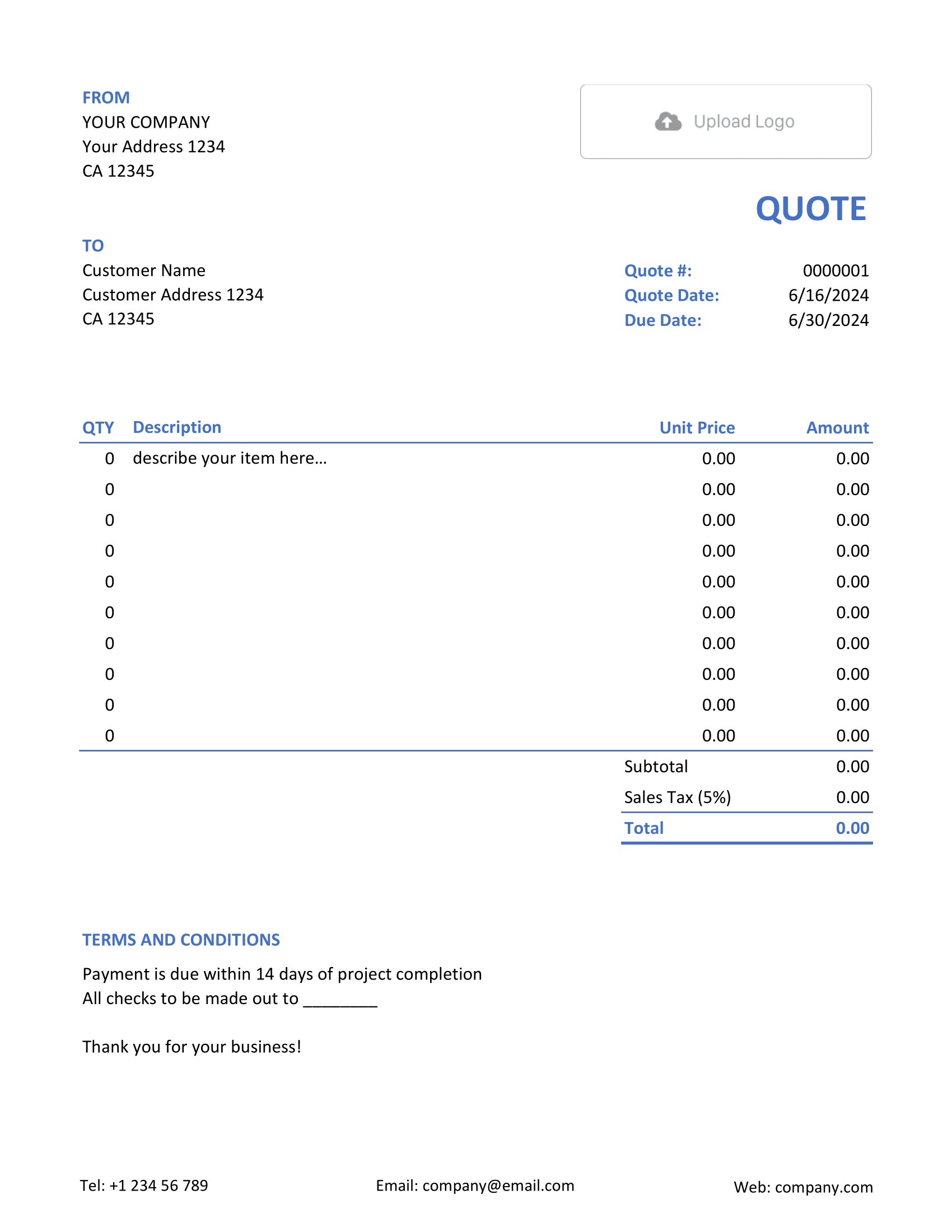
Open a format page to see its layouts, then choose a file template or create your quote online.


Compare the Quote Formats
Choose the tool you prefer for editing. The finished copy you send can still be a PDF.
| Option | Useful For | What to Check |
|---|---|---|
| Word or Google Docs | Edit descriptions, project notes, and terms in a document. | Replace the sample names and wording. Check quantities and line amounts, then discounts, tax, and the total. |
| Excel or Google Sheets | Work through quantities, rates, and line items in a spreadsheet. | Check formulas after changing rows. Make sure the print area includes every item and the total. |
| Docelf online | Create and email the quote in one place. Docelf calculates totals and tracks the customer's response. | Preview the quote. Confirm the customer details, scope, price, and terms before sending. |
| Share or print a finished copy of the quote. | Check for cut-off columns and awkward page breaks. Make sure the terms haven't spilled onto an extra page. |
Identify your business and customer, then add a unique quote number and date.
The offer and total should be easy to find. Explain how long the quote is valid, what payment terms apply, and how your customer can accept. Keep these details even in a simple layout.
Open Your Preferred Format
Each link opens a page with templates and guidance for that format.
Word and Google Docs
Excel and Google Sheets
PDF and Online
Create Your Quote Without Setting Up a File
Work online without building a document or spreadsheet layout. Docelf calculates the totals as you add items. Review the quote, then email it or download a PDF.
Choose a Starting Layout
The layout is a separate choice from the app. Blank, Simple, and Formal are layout names, not different kinds of quotes.
Blank, Editable, and Ready to Print
Choose Blank to enter your own details from scratch, or Editable to adapt a starting point. Printable and Download help you prepare a copy to print or save.
Simple or More Formal
Simple and Basic suit a straightforward offer. Written is useful when you're putting a phone or in-person discussion on paper.
Formal, Professional, and Official focus on business details, references, and terms. Whatever the label, make the work and total clear.
Follow Up on a Quote Sent Through Docelf
After you create and email a quote through Docelf, check its document history before following up. It shows when the quote was delivered and opened.
An opened quote hasn't necessarily been accepted. Your customer can accept or decline online, and Docelf emails you their decision.
Related Quote Templates
A format handles presentation. For help deciding what to put in the quote, browse by industry or business use, or look at a completed sample.
Quote Template Format FAQs
-
What is the best format for a quote?
Start with the app you already use. A longer description or a more formal layout doesn't require a different format. Switch when another tool makes the work easier, such as handling changing quantities and rates.
-
Do the Word and Excel pages include editable files?
Yes. The Word page links to DOCX files; the Excel page links to XLSX files. Choose a layout on either page and replace the sample details with your own.
-
Should I send a quote as a PDF?
A PDF is a good choice when you're ready for the customer to review the finished offer. It keeps the layout consistent when they open or print it.
-
Can I edit a quote template?
Yes. Use the document app, spreadsheet, or online editor for that template. Keep an editable copy for later changes; a finished PDF is not necessarily a fillable form.
-
How do I revise a quote after sending a PDF?
Update the original file or online quote and send a new PDF. Label it as revised so your customer knows which scope and price to review.
-
Can I turn an accepted quote into an invoice?
Yes, for a quote created in Docelf. Docelf copies the relevant customer and item details into a new invoice. Check the invoice against the agreed quote before you send it.
Ready to Create the Quote?
Keep your quote with your other business documents in Docelf.
- Add the customer and offer details
- Let Docelf calculate the totals
- Email the quote or download a PDF




