Free Blank Quote Template
Create a professional blank quote in minutes
Add only the scope, price and terms the job needs. A clean starting point keeps the offer focused and gives customers a clear reason to choose you for the job.
Email, print or download your quote as a PDF.
14-day free trial. No credit card required.

Price the job. Send the quote. Get back to work.
Blank Quote Template Examples
Browse these layout previews, then add your own job details. Each opens the same Docelf quote editor. For a separate document or spreadsheet template, use the file-format links below.
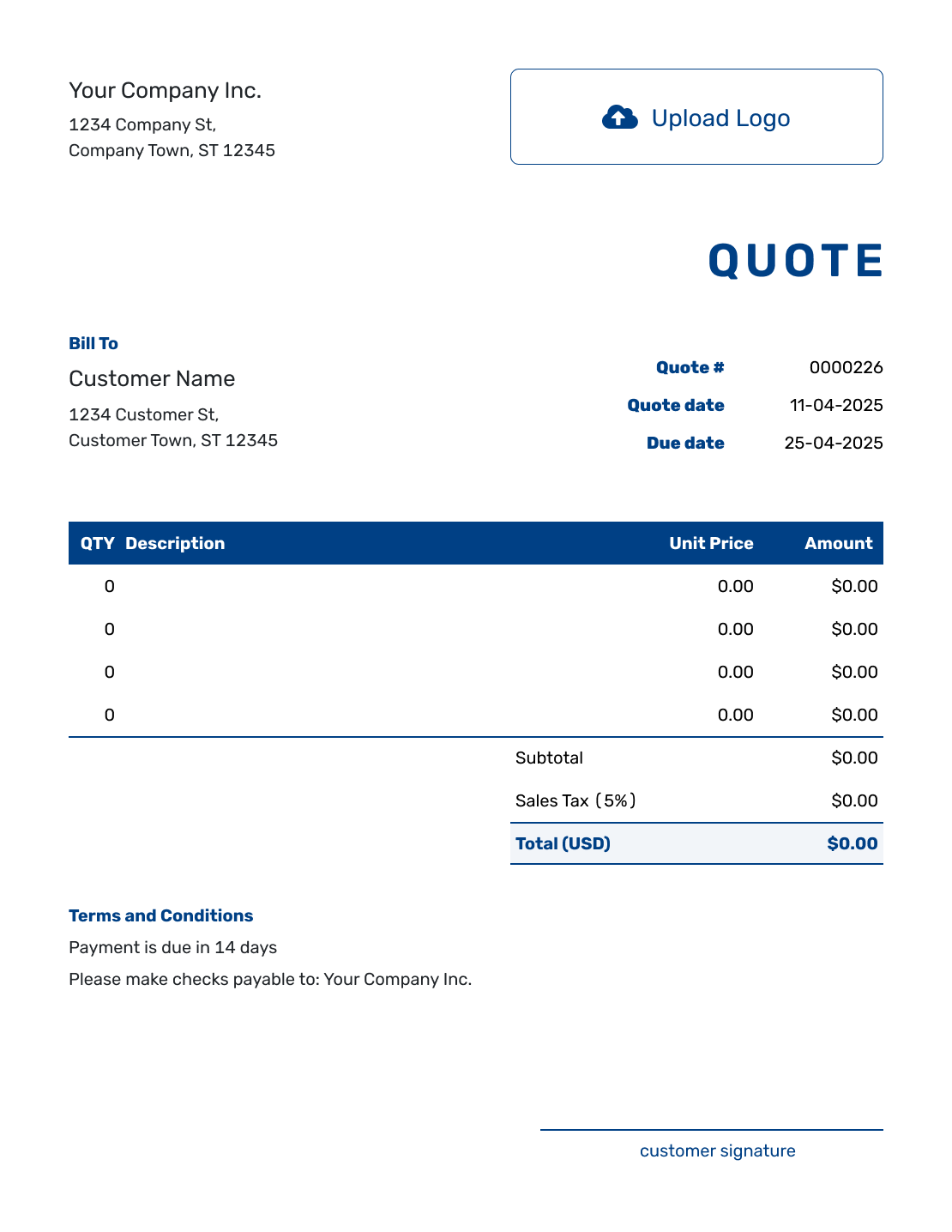
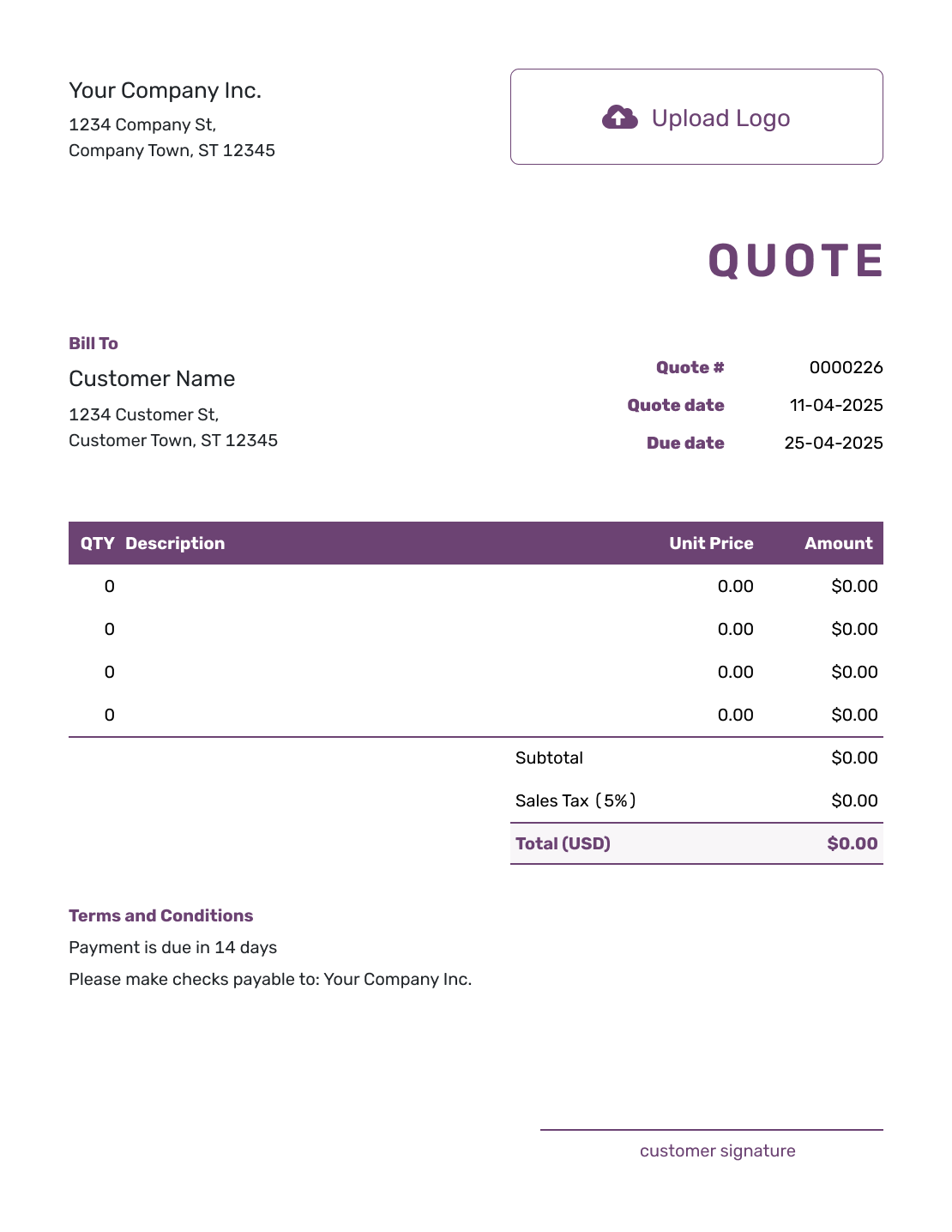
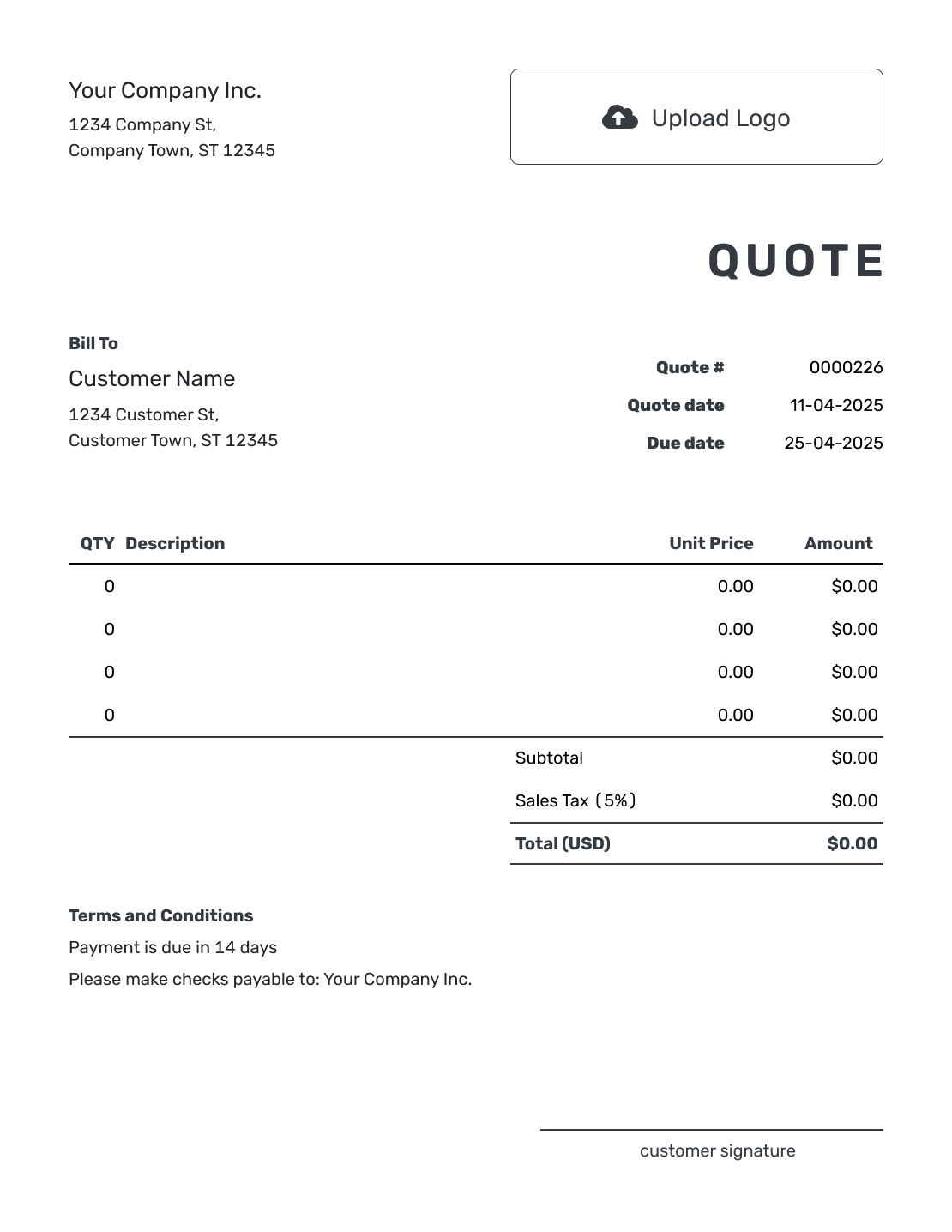
Start Blank Without Starting From Nothing
A blank quote template gives you the standard places for your business, customer, items, and terms without choosing the work for you. Use it when a job combines different services or no industry template quite fits.
Build the offer from the details you know, then replace any sample wording and prices with your own. In Docelf, you can enter the items and let the software calculate the total. The file-format links below offer a document or spreadsheet route instead.
How to Fill Out a Blank Quote Template
A blank starting point still needs a complete offer. Work through the details below, then check the filled-in example to see how quantities, prices, and terms fit together.
- Your Business: Enter your business name and contact details.
- Your Logo: Add your logo if you use one on business documents.
- The Customer: Choose a saved customer or enter this customer's details.
- Number and Dates: Check the quote number, issue date, and valid-until date.
- Items and Prices: Describe the work and add quantities, unit prices, and any tax.
- Terms and Conditions: Explain the scope, timing, payment terms, and exclusions.
- Review and Send: Add signature fields if needed. Check the offer, then email it or download a PDF.
How to Fill In Blank Quote Line Items
Replace broad labels such as “work” or “materials” with descriptions the customer can check. Use a separate row for each priced item. A quantity can mean pieces, hours, visits, or another clear unit.
Here is a fictional shelf-installation job filled into a blank quote. The shelf count and labor hours use different units, stated in the descriptions. Prices are in US dollars; 8% tax on all items is illustrative.
| QTY | Description | Unit Price | Amount |
|---|---|---|---|
| 3 | Pine wall shelf, 32 inches — each | $40.00 | $120.00 |
| 2 | Shelf fitting — labor hours | $55.00 | $110.00 |
| 1 | Bracket and fixing set for three shelves | $20.00 | $20.00 |
| Subtotal | $250.00 | |
| Sales Tax (8% illustrative) | $20.00 | |
| Quote Total | $270.00 |
What to Include in Blank Quote Terms
Use Terms and Conditions for details that a price row cannot explain. State what the job covers, when the offer expires, and when payment is due. Include only terms your business actually uses. Check that the valid-until date matches the period in your terms.
This sample completes the shelf-installation offer above. Change the materials, timing, and exclusions to fit your job rather than keeping another job's wording.
Example: Terms and Conditions
- Includes three 32-inch pine shelves and fitting to the agreed wall, with brackets and fixings.
- Quote valid for 14 days from the quote date. Installation date to be agreed after acceptance.
- Painting and wall repairs are not included. We will agree on any extra work and price before proceeding.
- Payment is due on completion, following the invoice.
Build a Blank Quote Around the Job
Start with the job details and let Docelf calculate the total. Review the offer, then email it or download a PDF.
Keep the Essentials, Leave Out Irrelevant Detail
The customer needs to know who the quote is for, what you will provide, and the total offered price. Add a quote number and clear dates so the offer is easy to refer to later.
Optional work, assumptions, and allowances need an explanation when they affect the price. Include a discount only if you are offering one, and explain any deposit or payment schedule in the terms. A deposit is a payment arrangement, not a reduction in the price of the work.
Use a reference or attachment when it helps identify the job. Docelf supports PDF, JPG, GIF, PNG, and WebP attachments up to 5 MB each. Before sending, remove leftover sample text and confirm how the customer should accept.
Blank Does Not Mean Incomplete
Once the details are in place, check the quote as a customer would read it. A flexible starting point should still lead to a specific offer.
Fit the Job
Use specific line items for the products and services you are offering. Put longer scope details in Terms and Conditions.
Keep It Scannable
Check that the total, valid-until date, and acceptance details agree with the offer. Delete irrelevant sample wording.
Add Your Style
Use your logo, fonts, and colors so the quote matches your other business documents.
Reuse the Details
Reuse saved customer, product, and service details. You can also duplicate a quote as a new numbered draft; check the job details before sending.
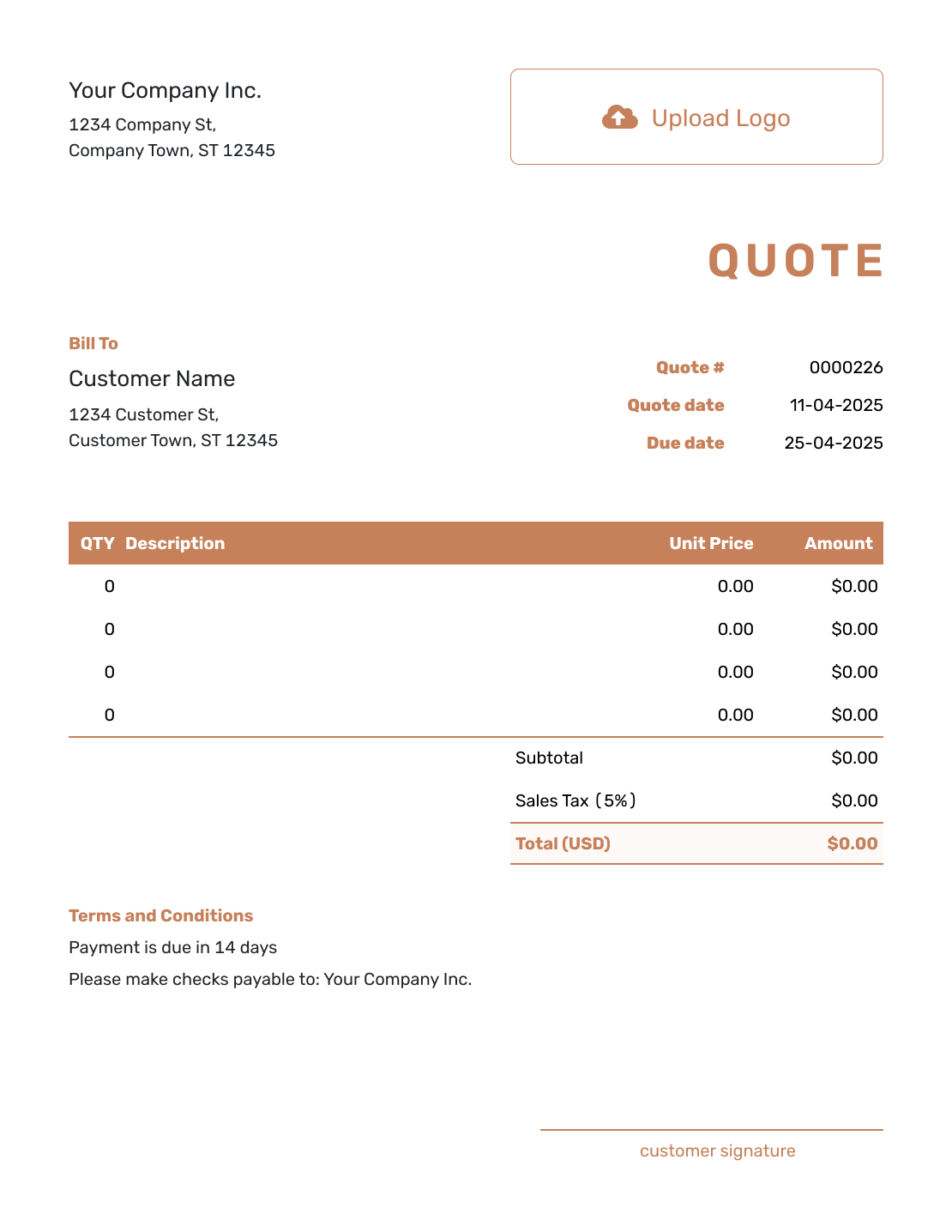
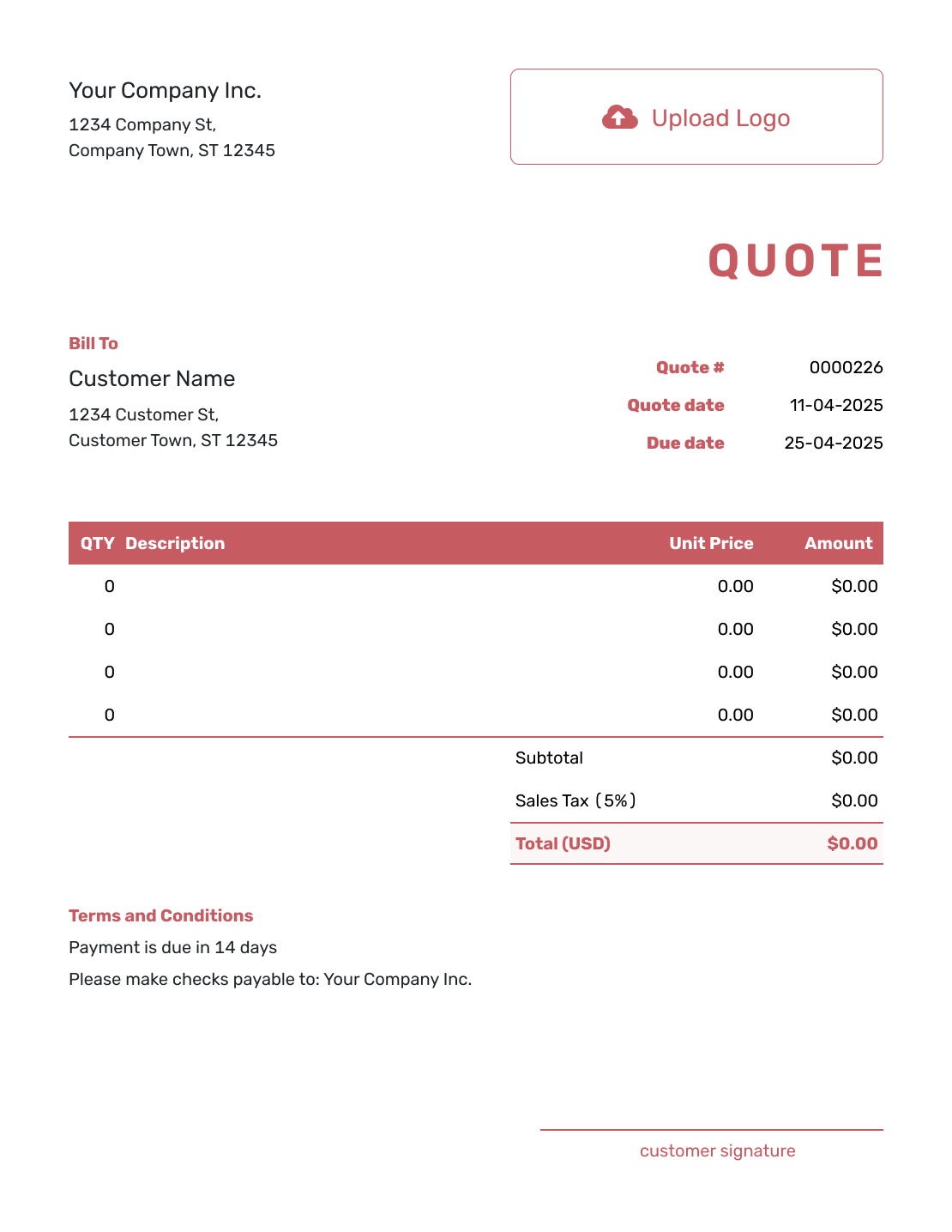
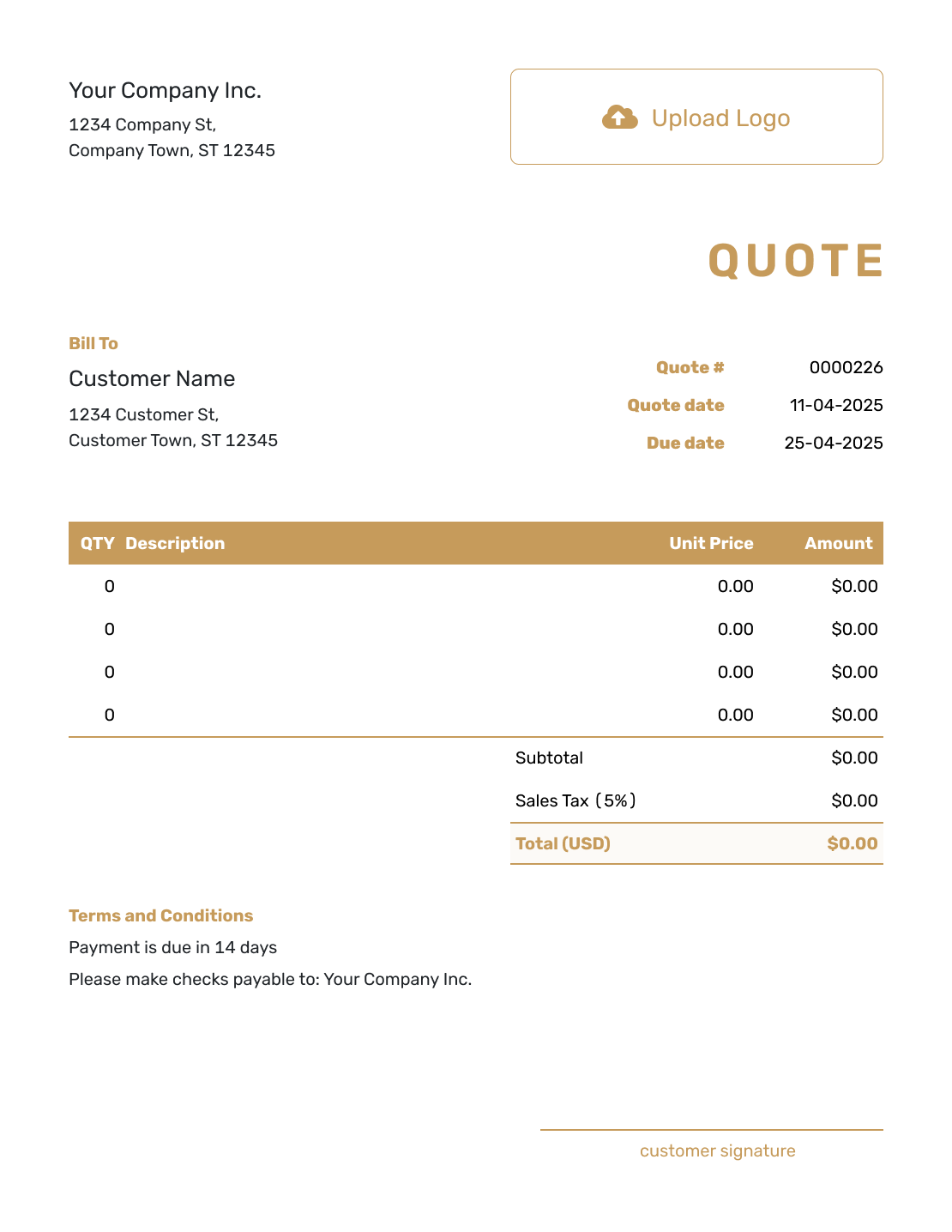
More Blank Quote Layouts
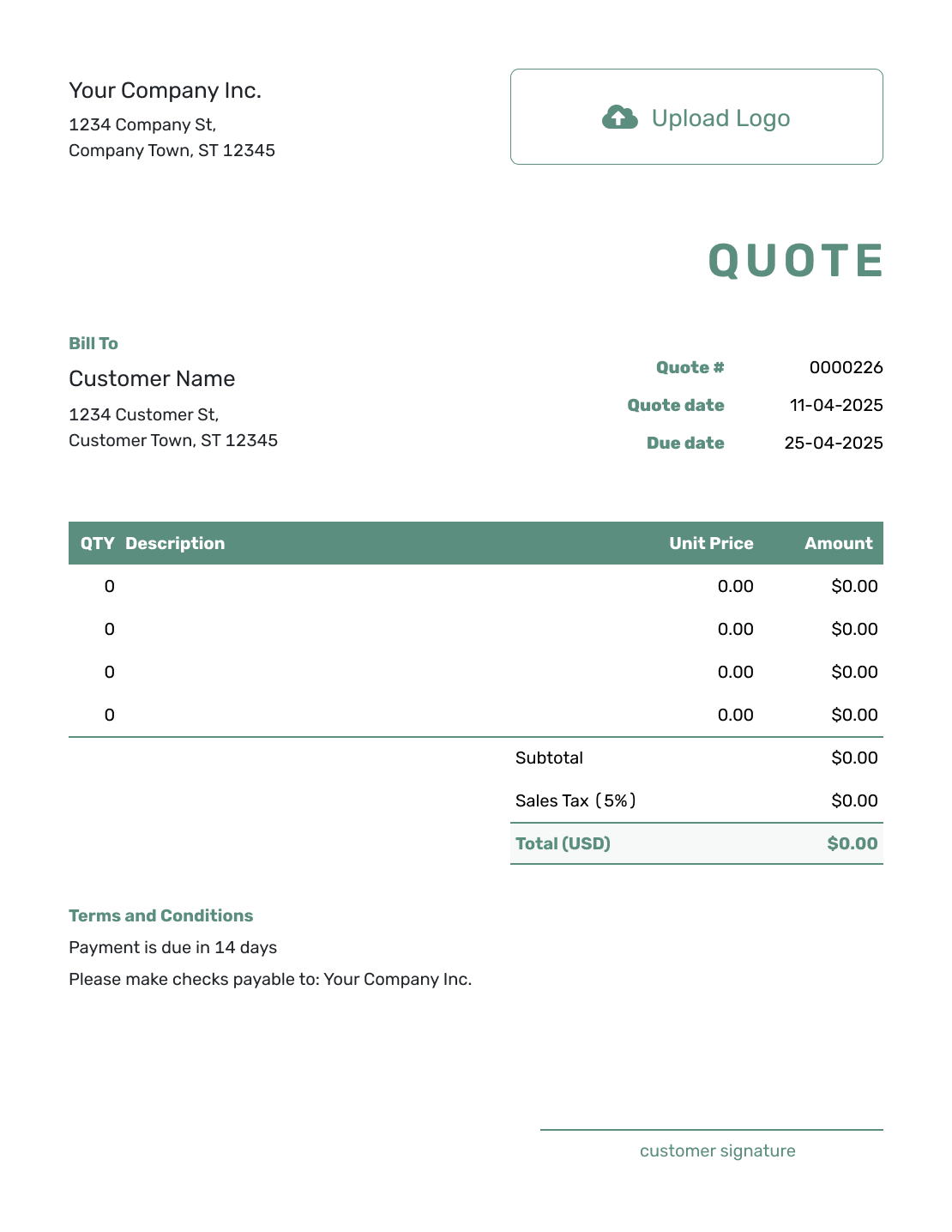
These previews offer more layout ideas for the same quote editor.


After You Send the Completed Quote
The document history shows when an emailed quote is delivered and opened. Customers can accept or decline it online, and Docelf updates the status and emails you when they respond.
If the job changes, revise the affected items and terms before resending. When you are ready to bill, create an invoice from the quote to reuse its customer, item, and price details.
Blank Quote Template File Formats
Prefer to fill in a separate file? These pages provide quote templates for Word, Excel, Google Docs, and Google Sheets. Choose a document for flexible wording or a spreadsheet for quantities and prices. Docelf itself downloads the completed quote as a PDF.
Other Flexible Quote Templates
Use the basic and simple guides for a short, straightforward offer. The editable guide explains how to update a quote as the job takes shape.
Blank Quote Template FAQs
-
What is a blank quote template?
A blank quote template is an open layout with standard spaces for your business and customer. Add the work and prices, then finish with the dates, terms, and acceptance details.
-
When should I use a blank quote template?
Use a blank template when no industry template fits, the job is unusual, or you want one flexible layout for several kinds of work.
-
What should I write in a blank quote?
Add the customer and describe the work clearly. Show the itemized price, dates, total, and payment terms. Note anything excluded and explain how to accept.
-
Can I save the blank quote as a reusable template?
You can reuse a quote by duplicating it in Docelf. The copy becomes a new draft with a new number. Replace the customer and job details, and check the dates, prices, and terms before sending.
-
Can I use the blank quote for any industry?
It can describe many product and service offers. Use line items and Terms and Conditions to explain your work. If your industry requires extra documents or specific wording, include those separately as needed.
-
Can I download the blank quote as a PDF?
Yes. Create and edit the quote in Docelf, then download a PDF when the layout and details are final.
-
Can I turn the accepted blank quote into an invoice?
Yes. Create an invoice from the completed quote in Docelf. It copies the relevant customer, item, price, and document details. Check the invoice before sending.
Ready to Build the Quote Your Way?
Turn the job details you have into an offer your customer can understand.
- Add the customer and specific line items
- Set the price and explain the terms
- Email the finished quote or download a PDF




