Free Construction Quote Template
Create a professional quote in minutes
Organize the project by phase or trade and show the main labor and materials. A well-organized quote makes the full job easier to follow and helps customers choose your business.
Email, print or download your quote as a PDF.
14-day free trial. No credit card required.

Price the job. Send the quote. Get back to work.
Construction Quote Template Examples
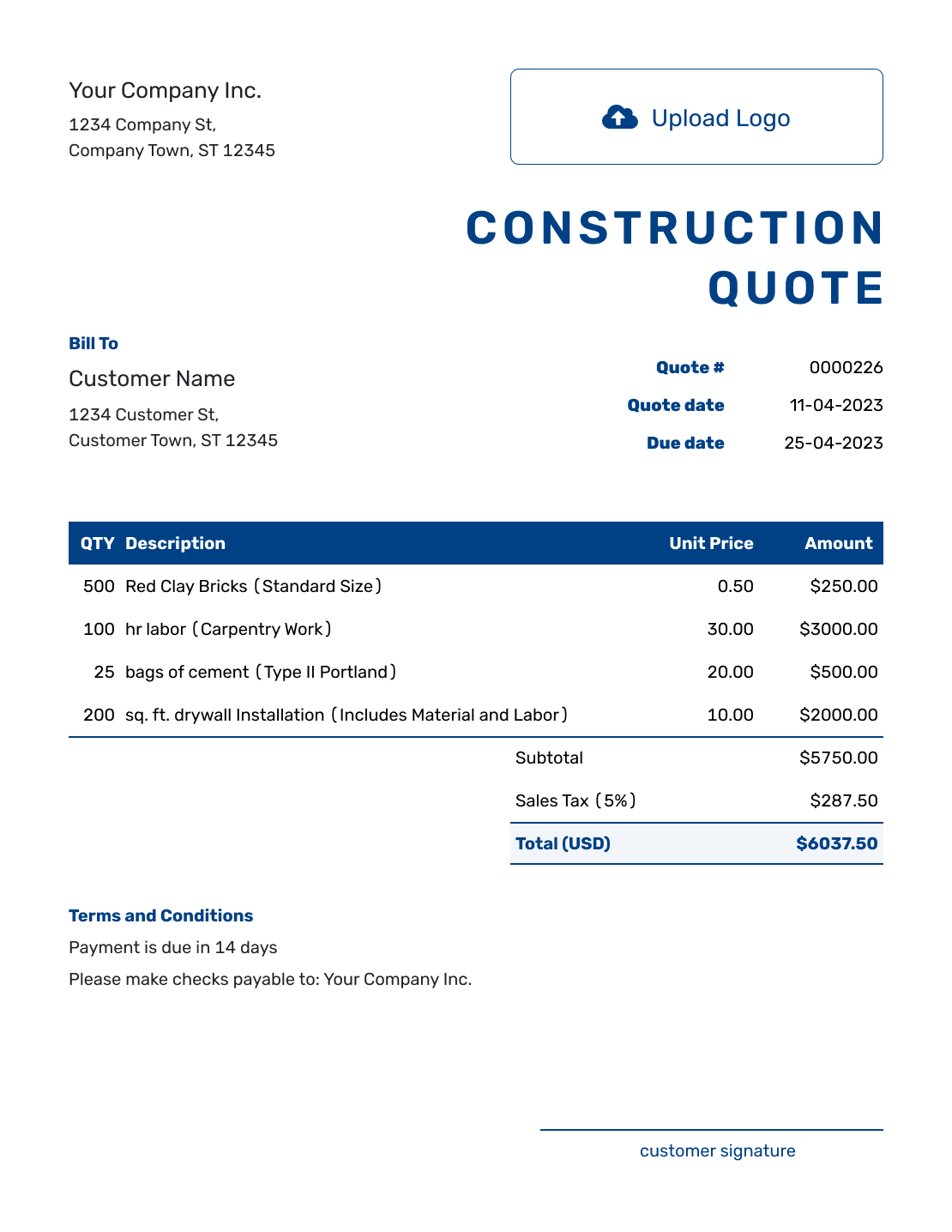
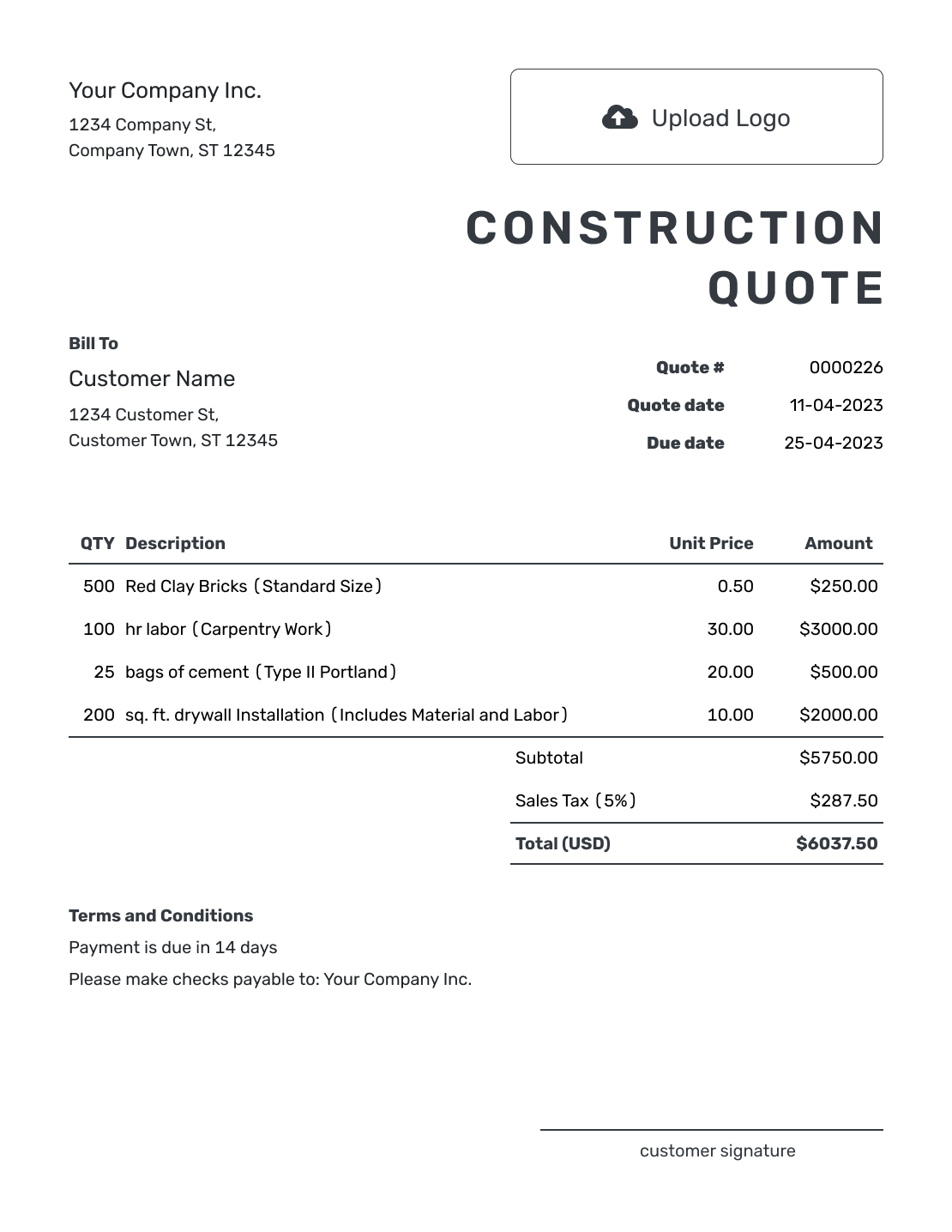
These nine previews offer layout and wording ideas for a construction project. Each opens the same quote editor, where you can add your own scope and prices.

What Is a Construction Quote?
A construction quote brings the work and price for a defined project into one offer. It is useful when the customer needs to review several phases or trades together, rather than a separate price for each contractor.
Arrange the quote in the order the work will happen, or by area when that is easier to follow. A room refurbishment might move from removal to new materials, installation, and finishing. The descriptions explain what each price buys.
For one specific job, use a construction job quote. For a narrower service, browse the construction quote templates by trade and project.
Construction Quote, Estimate, or Invoice?
Choose the document based on how certain the price is and whether payment is due.
Construction Quote
Use a quote when the scope and price are clear enough to put the offer in writing.
Construction Estimate
Use an estimate when the work, materials, or time are not fully known and the final cost may change.
Construction Invoice
Send an invoice when payment is due, with the amount owed and the payment deadline.
How to Create a Construction Quote
Start with the job details and the scope you have agreed to price. You can reuse saved customers, products, and services in Docelf, then adjust them for this project.
- Your Business: Add your business and contact details, with license information when relevant.
- Your Logo: Use the logo from your other business documents.
- Customer and Site: Add the customer. Identify the project and job site in the quote.
- Number and Dates: Check the quote number, issue date, and valid-until date.
- Project Items: List the work and materials by phase or trade, with quantities and prices.
- Scope and Terms: Use Terms and Conditions for timing, payment, exclusions, and change approval.
- Review and Send: Check the scope and total. Add a signature field if useful, then email or save a PDF.
How to Fill In Construction Quote Line Items
Use a separate line for each part of the job that has its own price. Name the unit behind the quantity: hours, panels, or one complete task. If a fixed price already includes materials, describe them within that line so they are not charged again.
This fictional quote covers a small utility-room refurbishment in US dollars. Removal, materials, installation, and finishing are priced separately. The 8% tax applies to all four lines for illustration; use the tax treatment that applies to your work.
| QTY | Description | Unit Price | Amount |
|---|---|---|---|
| 1 | Remove existing wall boards and dispose of debris — fixed task | $280.00 | $280.00 |
| 12 | Moisture-resistant wall panels — sheets | $28.00 | $336.00 |
| 24 | Framing repairs and panel installation — labor hours | $55.00 | $1,320.00 |
| 10 | Joint finishing and sanding — labor hours | $50.00 | $500.00 |
| Subtotal | $2,436.00 | |
| Sales Tax (8% illustrative) | $194.88 | |
| Quote Total | $2,630.88 |
What to Include in Construction Quote Terms
The line items show how the price adds up. The Terms and Conditions field explains the limits and arrangements that apply to the whole project, such as access, payment timing, and which work is excluded.
Use only terms your business actually follows. This sample belongs to the utility-room quote above; replace the placeholders and adapt the scope before sending.
Example: Terms and Conditions
- This quote is valid until [date] for the utility-room work at [job address].
- The price includes removal, the 12 listed wall panels, installation, and joint finishing. Decorating, plumbing, and electrical work are not included.
- We will agree on the start date after acceptance. The customer will clear the room and provide access during the agreed working hours.
- Payment is due on completion of the quoted work. Any additional work requires a revised price and customer approval before it begins.
Put the Whole Construction Offer in One Place
Bring the project scope and prices into one quote. Docelf calculates the total as you add the items. Review the offer, then email it to your customer.
Make the Construction Scope Easy to Review
A project-wide price is easier to review when the boundaries are clear. Use these details where they affect the offer, without turning a small job into pages of paperwork.
Break the Work Into Clear Parts
Group related work by phase, room, or trade. Name the finished result and any plan or specification the price follows, so the customer can match the quote to the project.
Separate Labor and Materials When Helpful
Separate labor, materials, equipment, and subcontracted work when that helps explain the price. A fixed-price package can stay on one line if its description makes the included work clear.
Name Allowances and Exclusions
An allowance is an amount included for a selection that is still open. Say what it covers and how a different choice affects the price. Keep unselected upgrades outside the base total, and identify work or permit fees that are excluded.
Explain How Changes Are Approved
If the customer changes the work, revise the scope and price before starting that change. Make clear which version the customer is accepting and how any extra time affects the schedule.
Check the Construction Quote Before Sending
Read the finished offer as your customer will. Check these details against your job notes:
- The customer and job site match the project you inspected.
- Quantities, material specifications, and any plan references agree with the priced scope.
- The total includes the intended discounts and tax, with no unselected options or duplicated material charges.
- Timing, payment terms, responsibilities, and exclusions match what you are offering.
More Construction Quote Layouts
-
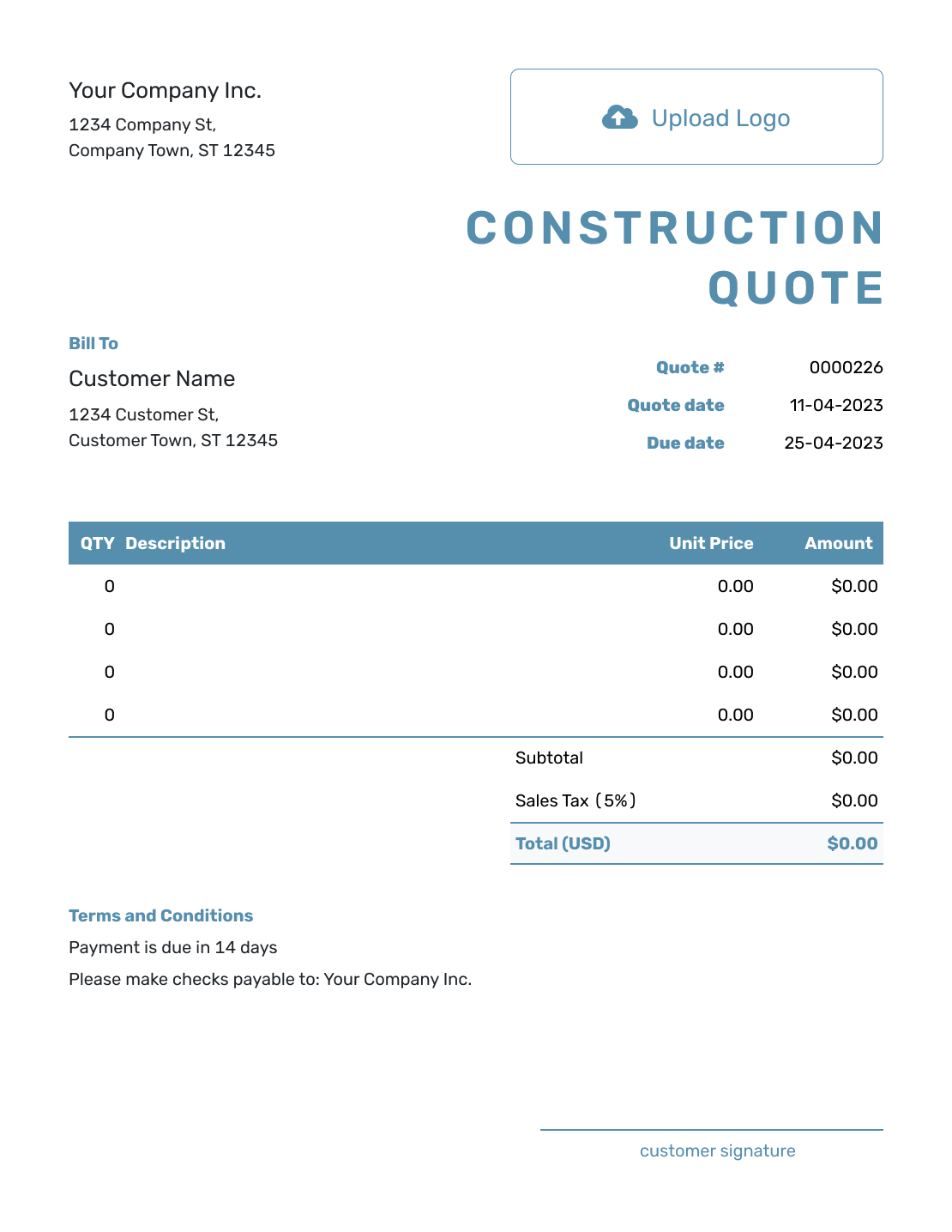
Blank Construction Quote Template
Create Free Quote -
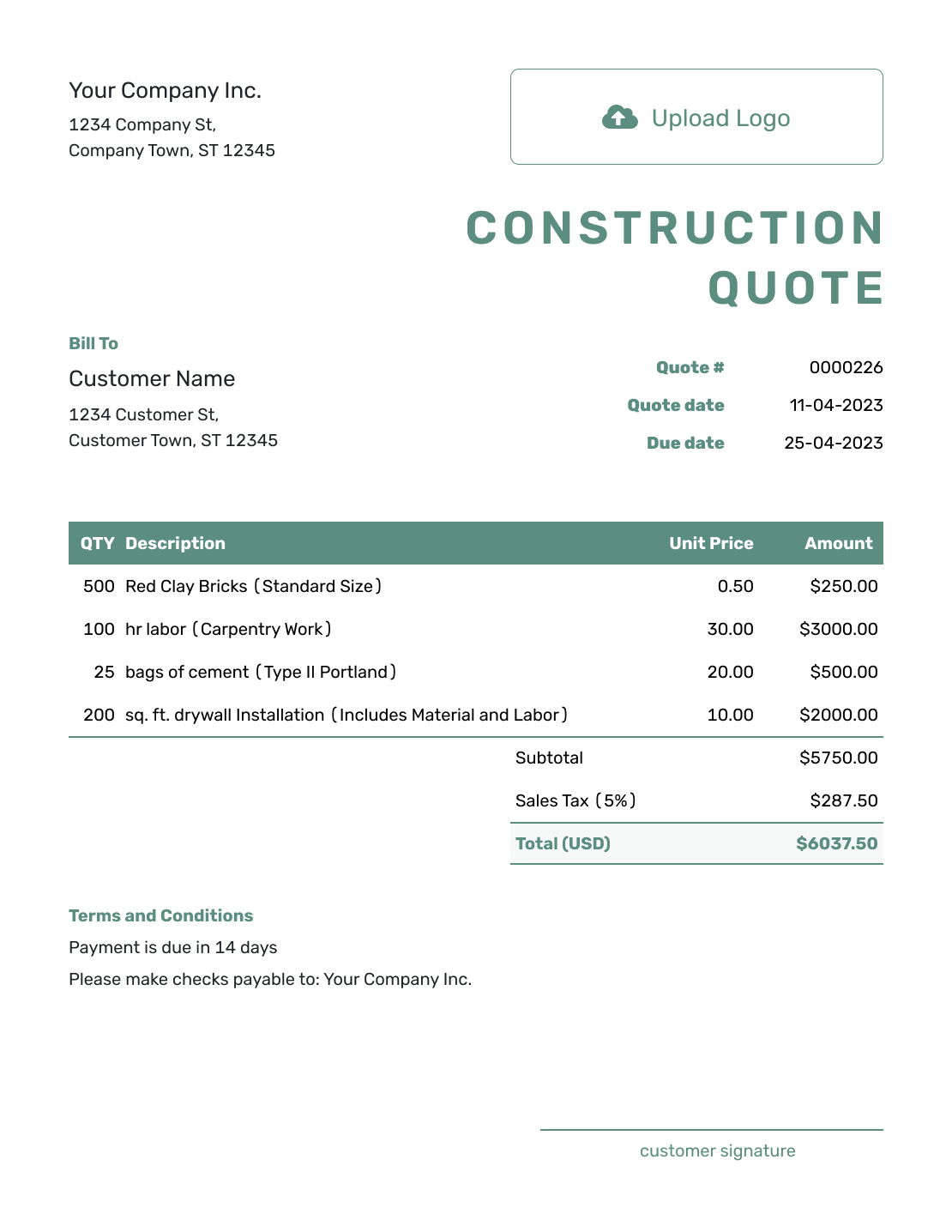
Simple Construction Quote Template
Create Free Quote -
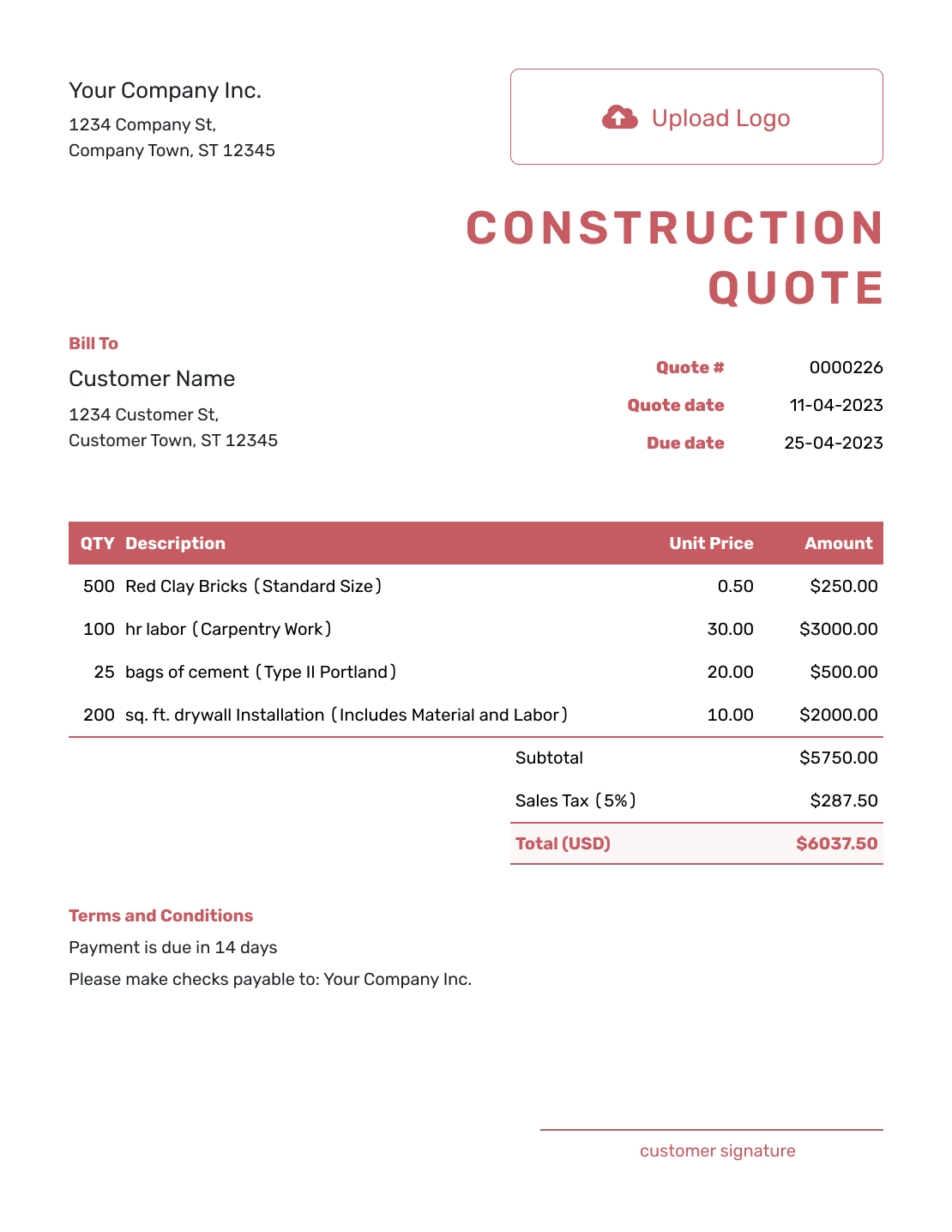
Downloadable Construction Quote Template
Create Free Quote -
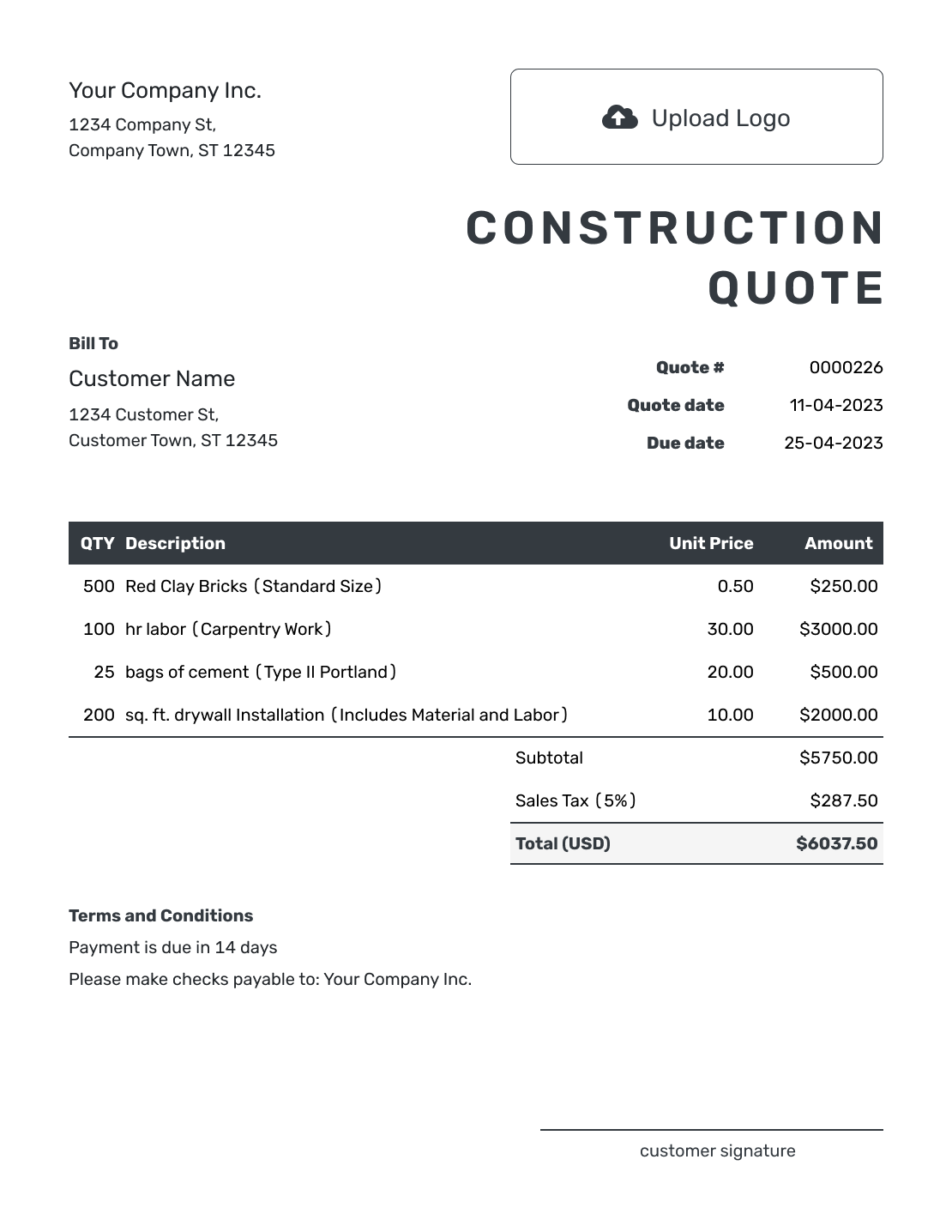
Editable Construction Quote Template
Create Free Quote -
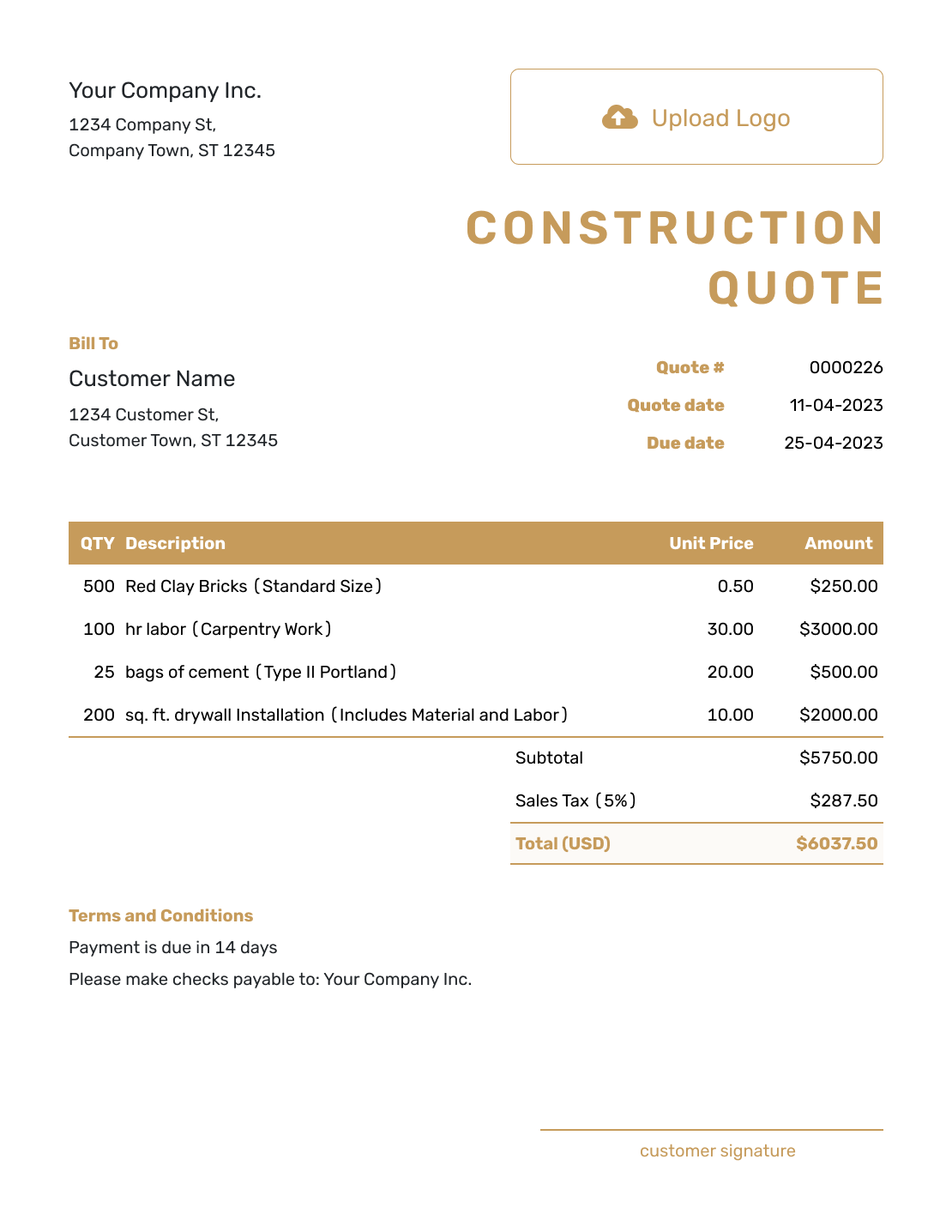
Fillable Construction Quote Template
Create Free Quote -
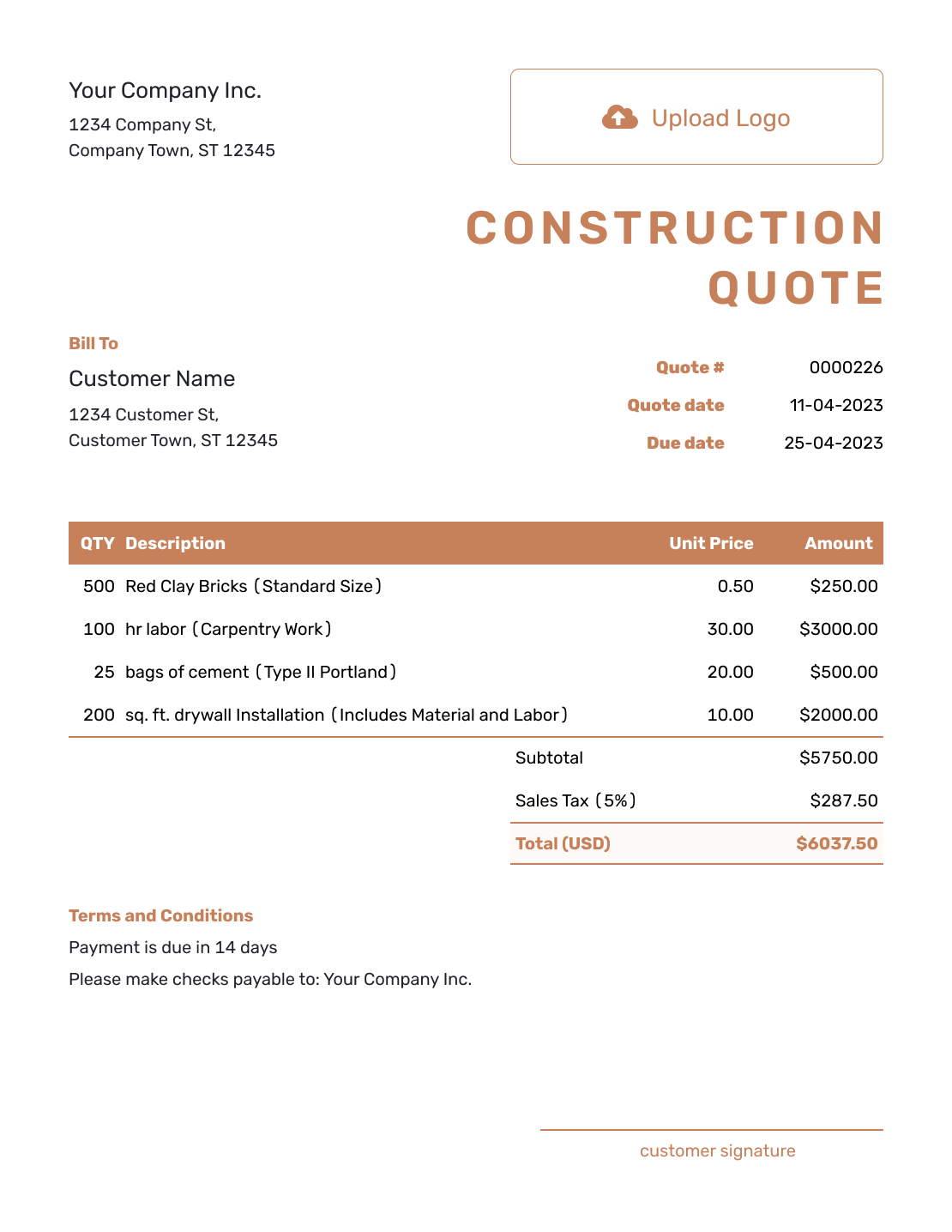
Professional Construction Quote Template
Create Free Quote
Other Quote Template File Formats
Choose Word or Google Docs for working on the scope and terms, or Excel or Google Sheets for a pricing table. These pages provide separate file templates; Docelf downloads a finished online quote as a PDF.
See every option on the quote templates by format page.
Need a Job- or Trade-Specific Construction Quote Template?
Use this page when the quote needs a project-wide scope and cost breakdown. Choose the construction job template for one specific job, or a trade or project template for narrower work.
After You Send the Construction Quote
Your customer can accept or decline the emailed quote online. The quote status updates when they respond, and Docelf emails you. Delivery and viewing information stays in the document history.
If the customer asks for a scope, allowance, schedule, or price change, revise and resend the offer. When it is time to bill, create an invoice from the quote. Docelf copies the customer, item, and price details; check them against the accepted work before sending.
Construction Quote Template FAQs
-
What is a construction quote?
A construction quote is a written offer for defined project work at a stated price. It explains what you will provide, the terms, and how long the offer stands so the customer can decide whether to accept.
-
When should I use the general construction quote template?
Use it when the offer combines several phases or trades. A construction job quote is a more focused starting point for one job; a trade-specific quote suits a single service. The right choice depends on the work you are offering.
-
What should I include in a construction quote?
Identify your business, the customer, and the job site, then give the quote a number and date. Describe the work with quantities and prices. Add a validity date and terms that explain timing, payment, and important exclusions.
-
Should I separate labor and materials on a construction quote?
Separate them when the breakdown helps the customer understand the offer. For a fixed-price task, you can include labor and materials on one line as long as the description says what is covered. Avoid charging the same materials again elsewhere.
-
What is the difference between a construction quote and an estimate?
A quote gives a specific price for defined work. An estimate gives an expected cost when the work, materials, or time are not fully known yet. Use the document that fits how firmly you can price the project.
-
How should I describe the scope of work?
Name the finished result, its location, and the quantity or dimensions that define it. Refer to the relevant plans or specifications where useful. Put project-wide assumptions, allowances, and exclusions in Terms and Conditions.
-
Can I create a construction quote online?
Yes. Enter the job and prices in Docelf, which calculates the total. Review the quote before emailing it or downloading a PDF. Editing or saving it does not email it; you choose when to send.
-
What should I do if the work changes after the quote is accepted?
Update the affected scope, price, and timing, then send the revised quote for approval before the changed work begins. Refer to the revised version in your discussions so you and the customer are working from the same offer.
-
Can I turn an accepted construction quote into an invoice?
Yes. Create the invoice from the quote when payment is due. Docelf copies the customer, item, and price details. Review the invoice and add its due date before sending it.
Ready to Send Your Construction Quote?
Make the full construction offer easy to review before work starts.
- Group the work by phase, trade, or deliverable
- Keep allowances and exclusions clear
- Email the construction quote or download a PDF




