Free Subcontractor Quote Template
Create a professional quote in minutes
Define where your trade work begins and ends, with the price and terms stated clearly. A focused scope speeds up review and helps the contractor feel confident hiring you.
Email, print or download your quote as a PDF.
14-day free trial. No credit card required.

Price the job. Send the quote. Get back to work.
Subcontractor Quote Template Examples
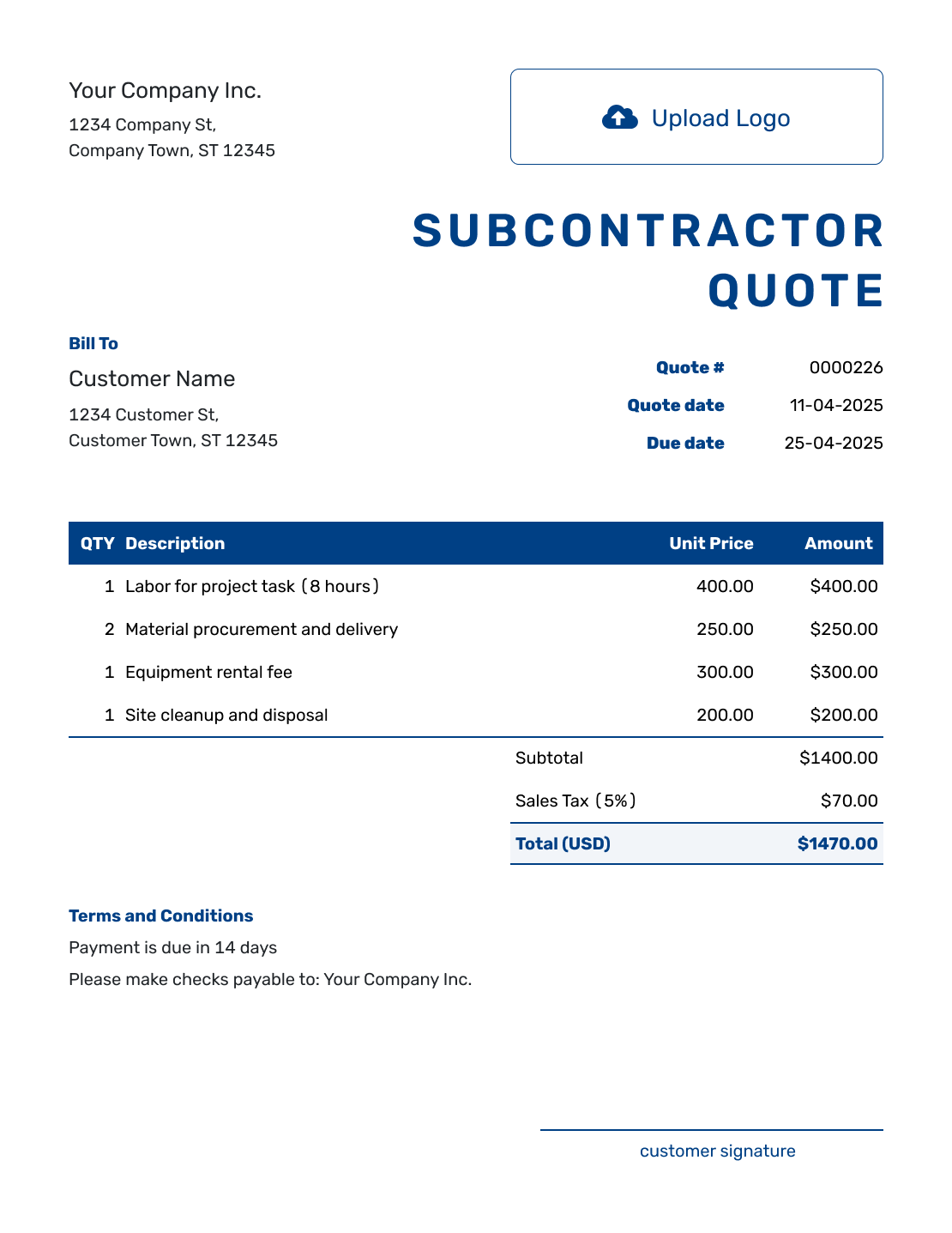
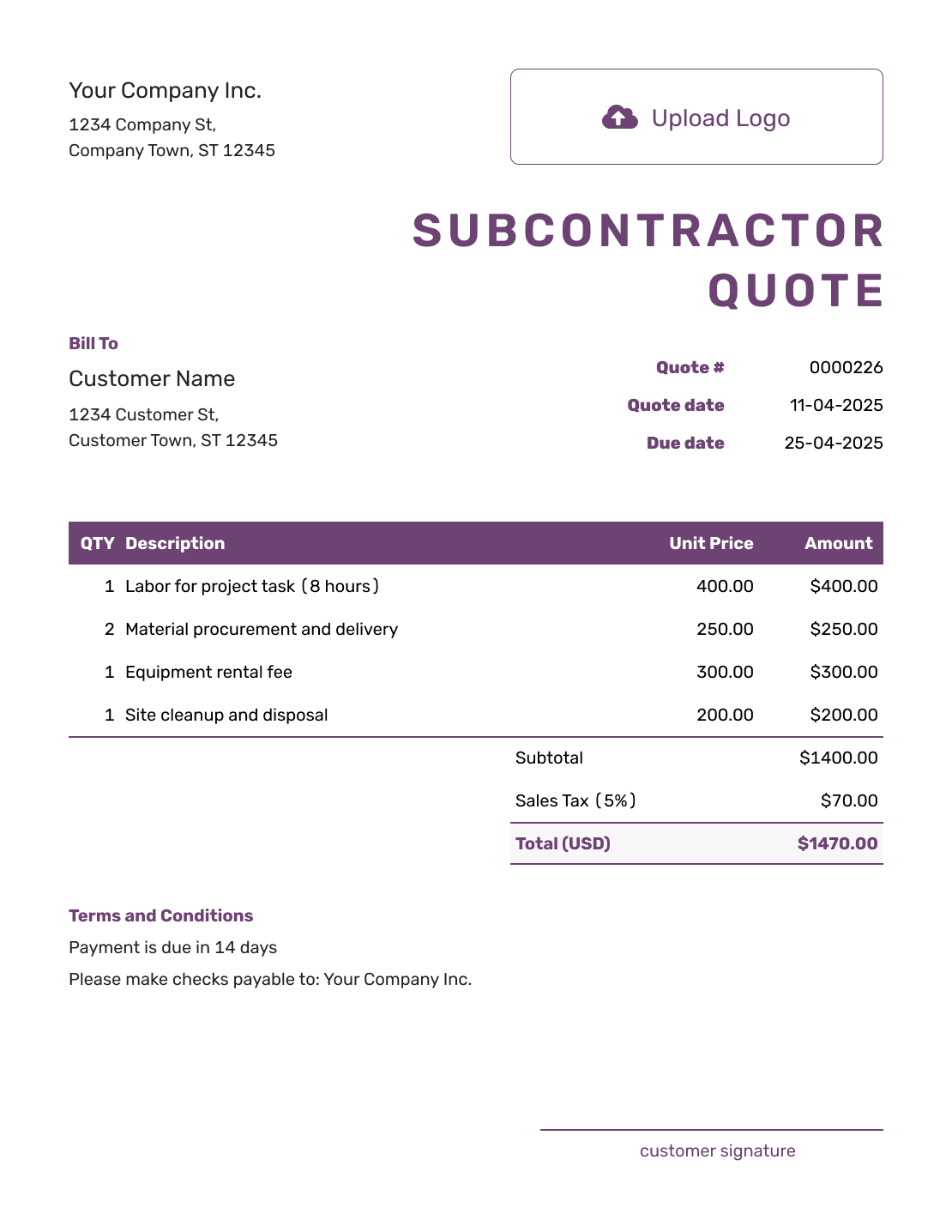
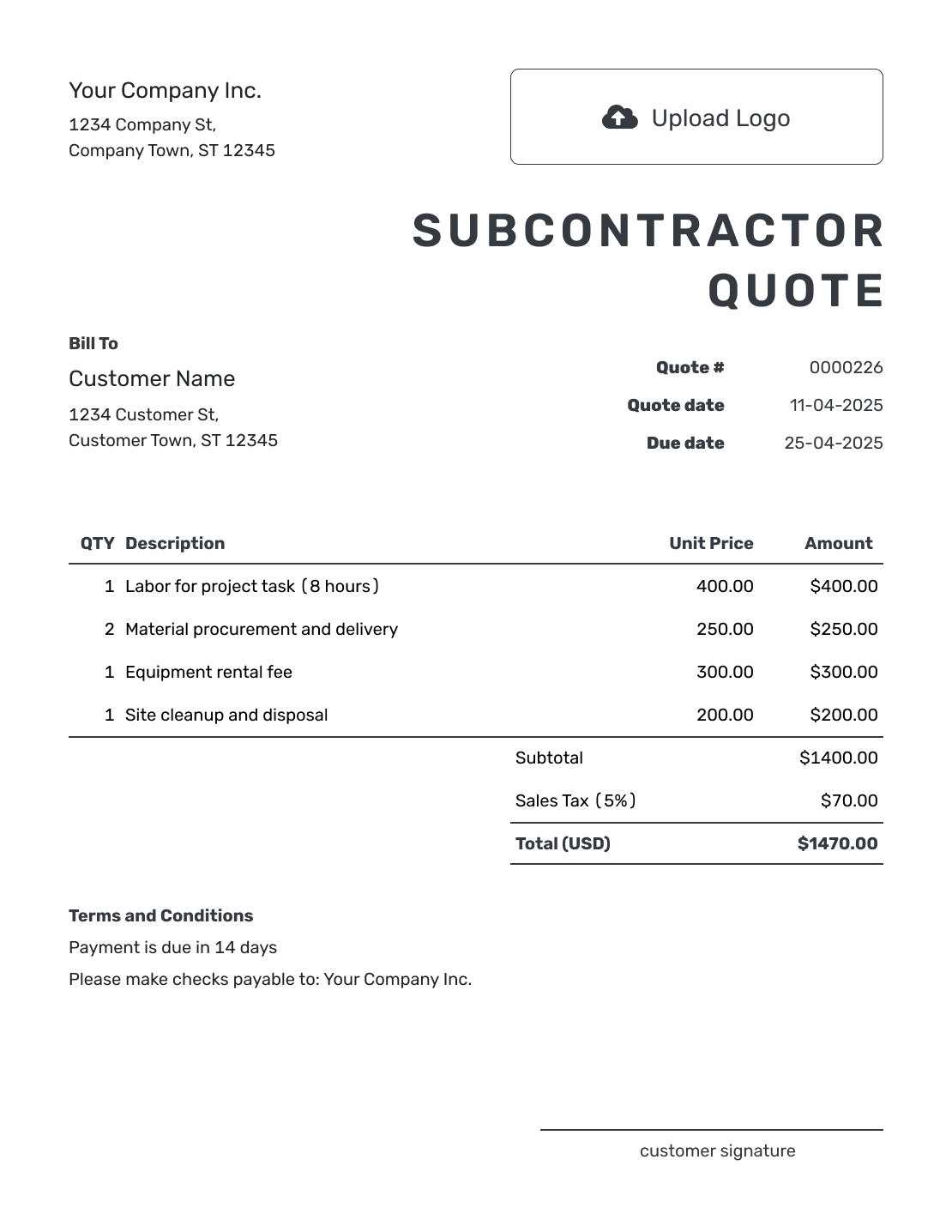
Browse these previews for layout ideas. Every preview opens the same quote editor; add your own trade package and prices before sending.
What Is a Subcontractor Quote?
A subcontractor quote is a written offer for one trade or defined part of a larger project. It shows the contractor what your crew will provide, what stays with other trades, and what you will charge.
Base the offer on the drawings, specifications, and addenda you actually priced. The contractor can then compare your scope with the rest of the project and spot any work that still needs an owner.
Pricing the full project rather than one trade package? Use the general contractor quote template.
How to Create a Subcontractor Quote
Keep the contractor and project references close at hand. You can reuse saved customer and item details in Docelf, then check them against this bid package.
- Your Business: Add your business and contact details, with relevant trade or license information.
- Your Logo: Add the logo used on your other trade documents.
- The Contractor: Choose a saved contractor or enter the business and project contact details.
- Number and Dates: Check the quote number, issue date, and valid-until date.
- Trade Items: Describe the work with quantities, units, and prices. Name the project or work area.
- Tax and Total: Apply the relevant tax and any agreed discount, then check the total.
- Terms and Send: Use Terms and Conditions for references, handoffs, and timing. Review, then email or save a PDF.
How to Fill In Subcontractor Quote Line Items
A measured item needs a unit the contractor can check against the drawings. A fixed package can use a quantity of one, with its boundaries explained in the description and terms.
This fictional drywall quote covers 1,000 square feet of board surface across both faces of new office partitions. Board and fixing materials, hanging labor, and joint finishing are priced separately. Prices are in US dollars, with an illustrative 8% tax applied to all three items; use the tax treatment that applies to your work.
| QTY | Description | Unit Price | Amount |
|---|---|---|---|
| 1000 | Drywall board and fixing materials — square feet | $1.25 | $1,250.00 |
| 1000 | Hang drywall on prepared framing — square feet | $1.50 | $1,500.00 |
| 1000 | Tape and finish joints for painting — square feet | $1.10 | $1,100.00 |
| Subtotal | $3,850.00 | |
| Sales Tax (8% illustrative) | $308.00 | |
| Quote Total | $4,158.00 |
What to Include in Subcontractor Quote Terms
The Terms and Conditions field explains what the trade price relies on. Name the drawing revision, the work others must finish first, and the point where your responsibility ends. Add the validity period and payment timing your business actually uses.
For the drywall package above, the key handoff is ready framing before hanging starts and painting after joint finishing. Adapt this sample to your subcontract and check any relevant local requirements.
Example: Terms and Conditions
- Price covers board, hanging, and joint finishing for 1,000 square feet of board surface across both faces of office partitions shown on drawing A-102, revision 3, at [site address].
- Framing and work inside the walls must be complete before our crew starts. Insulation, framing changes, and painting are excluded.
- Quote valid until [date]. We will agree on the start date after the contractor confirms the work area is ready.
- Payment is due on completion of this drywall package. Changes to quantities, drawings, or access require written agreement on price and timing before the changed work starts.
Define the Trade Package Before You Send
Put your trade price beside a scope the contractor can check. Docelf calculates the line amounts and total. Review the offer, then email it or download a PDF.
Make the Subcontract Scope Hard to Misread
A trade package often meets someone else’s work at both ends. Make those handoffs specific so the contractor can plan the next crew.
Reference the Right Documents
Reference the drawing or specification version you priced. Add the relevant addendum or bid package when needed.
Separate Inclusions and Exclusions
State what your trade furnishes and installs. Name the important related work that stays with others.
State Schedule Assumptions
Give the expected crew duration and material lead time. Say whether the price assumes one continuous visit, clear access, or other work being finished first.
Define Changes and Payment
Agree on changed work in writing before it begins. Use the payment schedule in your subcontract, including any agreed amount held back until a later milestone.
Check the Trade Package Before Sending
Compare the finished quote with the bid documents once more. These checks help catch work that may otherwise fall between trades.
- Confirm the project, site, current drawing revision, bid package, and any submission deadline.
- Include relevant license, trade classification, insurance, or bond details requested by the contractor.
- Say who supplies equipment, mobilization, supervision, permits, testing, delivery, protection, and cleanup where those affect your work.
- Label optional alternates separately from the base offer. Do not add an unselected option to its total.
- Check timing, any warranty you offer, payment terms, and how the contractor can accept.
Subcontractor Quote, Bid, or Invoice?
The contractor’s request helps you choose the document. A formal tender may have submission rules that a general quote alone does not satisfy.
Subcontractor Quote
Use a quote to offer a defined trade package directly to the contractor or customer. Make the price and scope boundaries clear before acceptance.
Subcontractor Bid
Use a bid when you are responding to a formal or competitive request with submission instructions and a bid deadline.
Subcontractor Invoice
Send an invoice when payment is due under the accepted subcontractor terms.
More Subcontractor Quote Layouts
These six previews offer more layout ideas. Each opens the same quote editor, where you can add your own scope and prices.
-
Blank Subcontractor Quote Template
Create Free Quote -
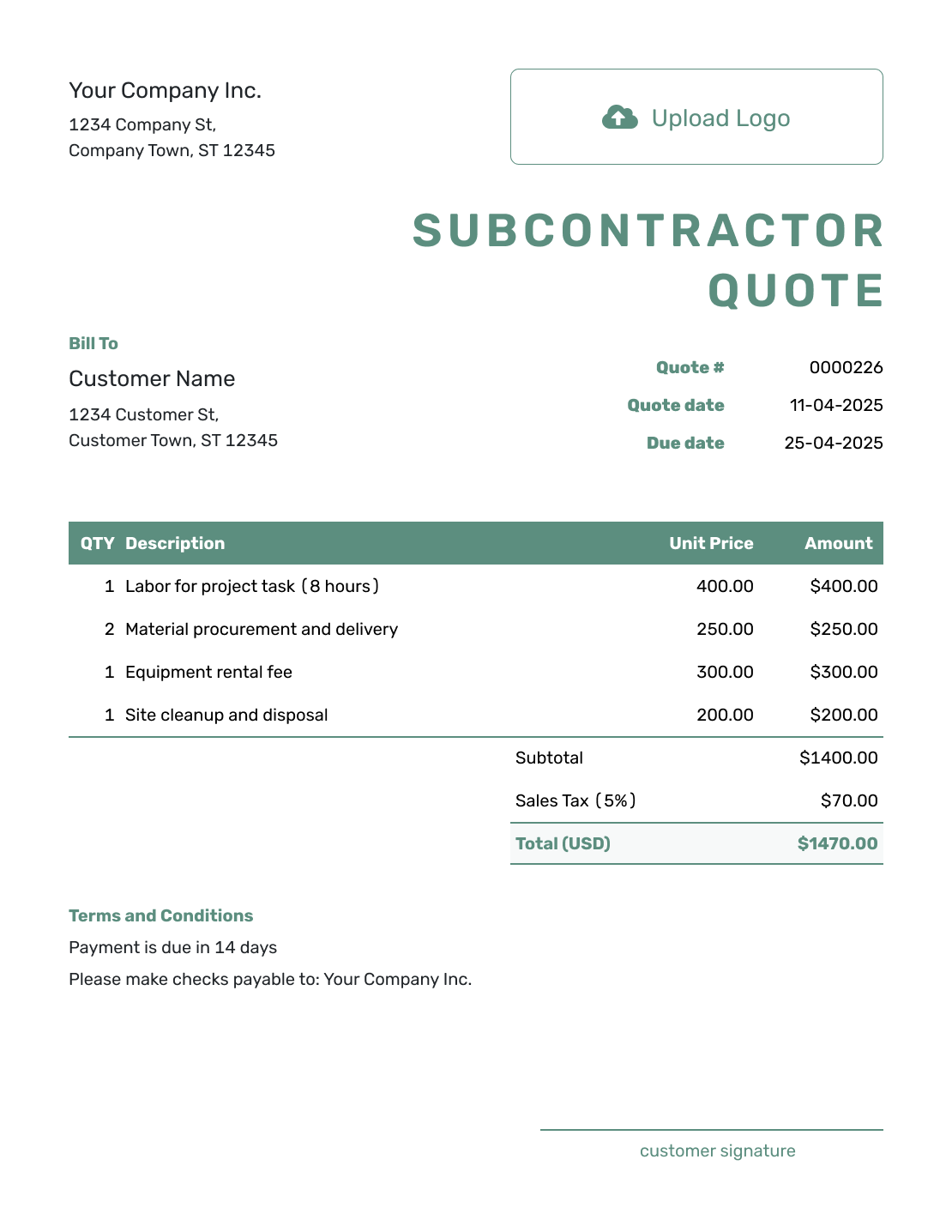
Simple Subcontractor Quote Template
Create Free Quote -
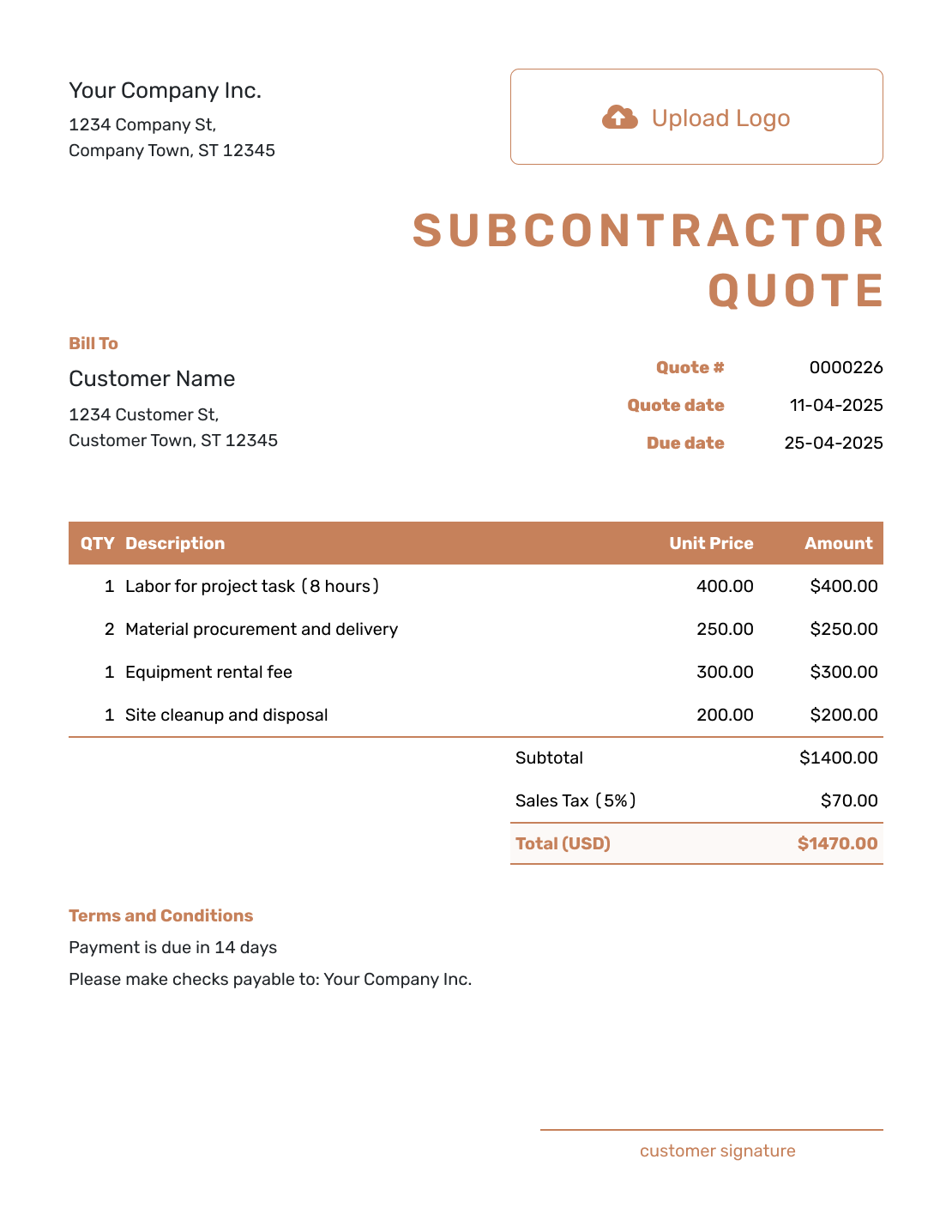
Downloadable Subcontractor Quote Template
Create Free Quote -
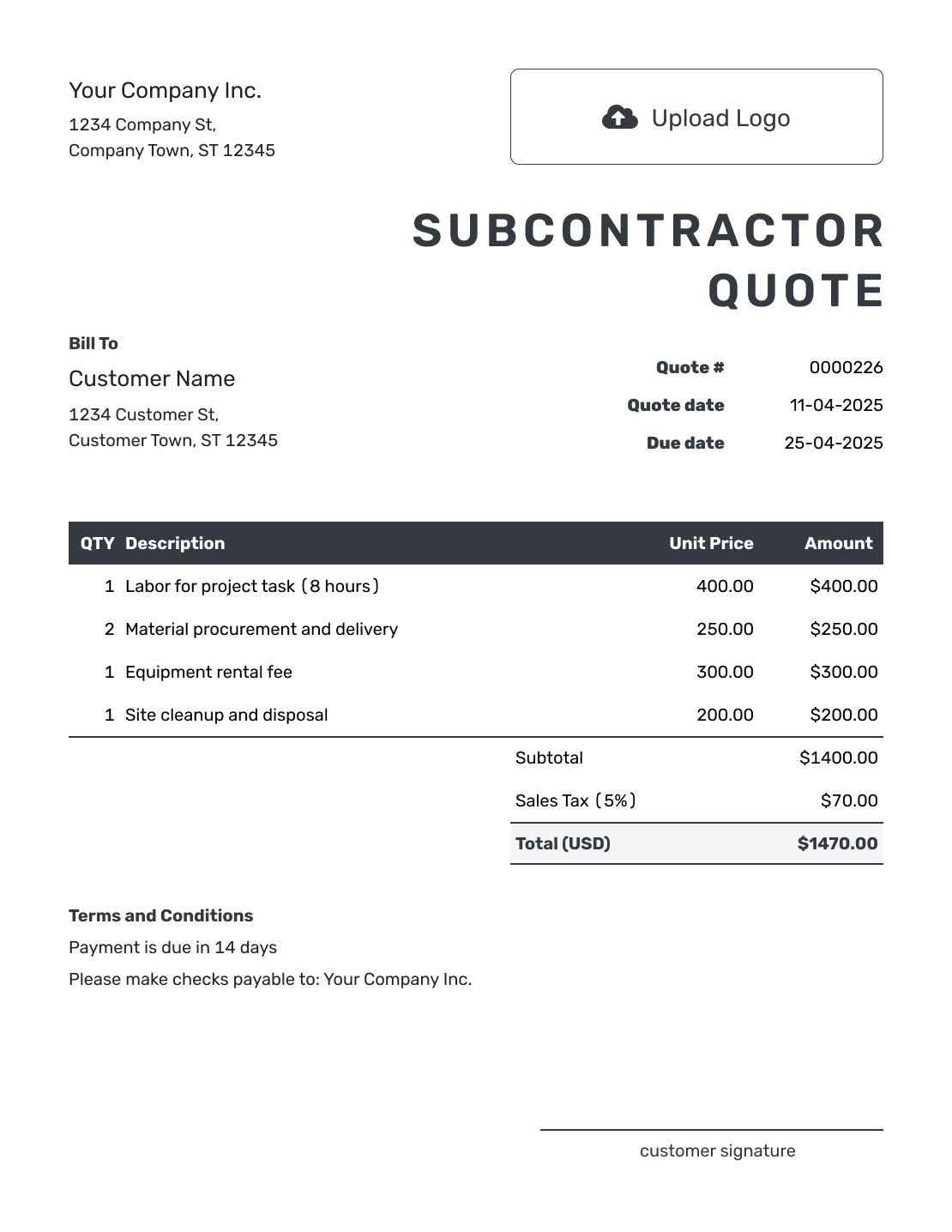
Editable Subcontractor Quote Template
Create Free Quote -
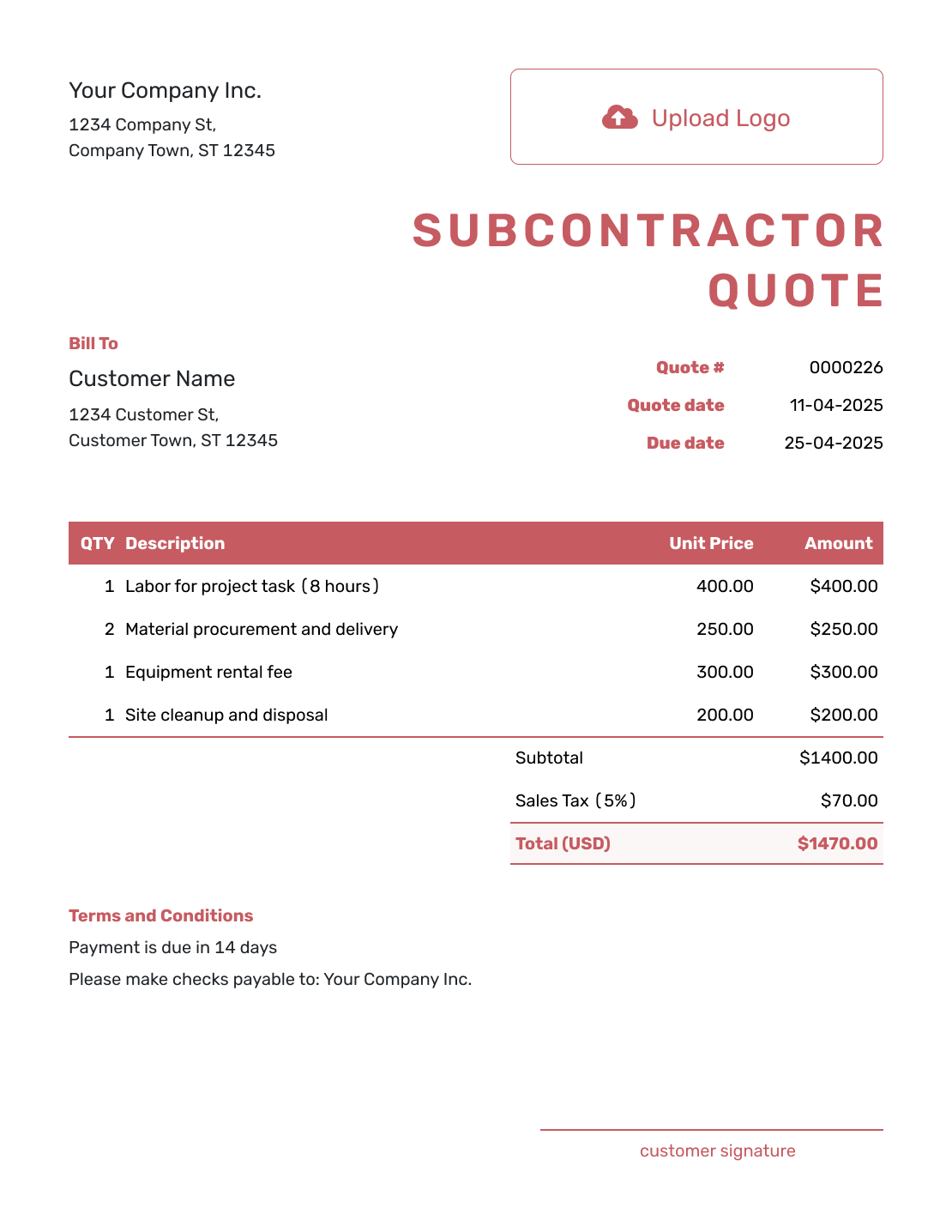
Fillable Subcontractor Quote Template
Create Free Quote -
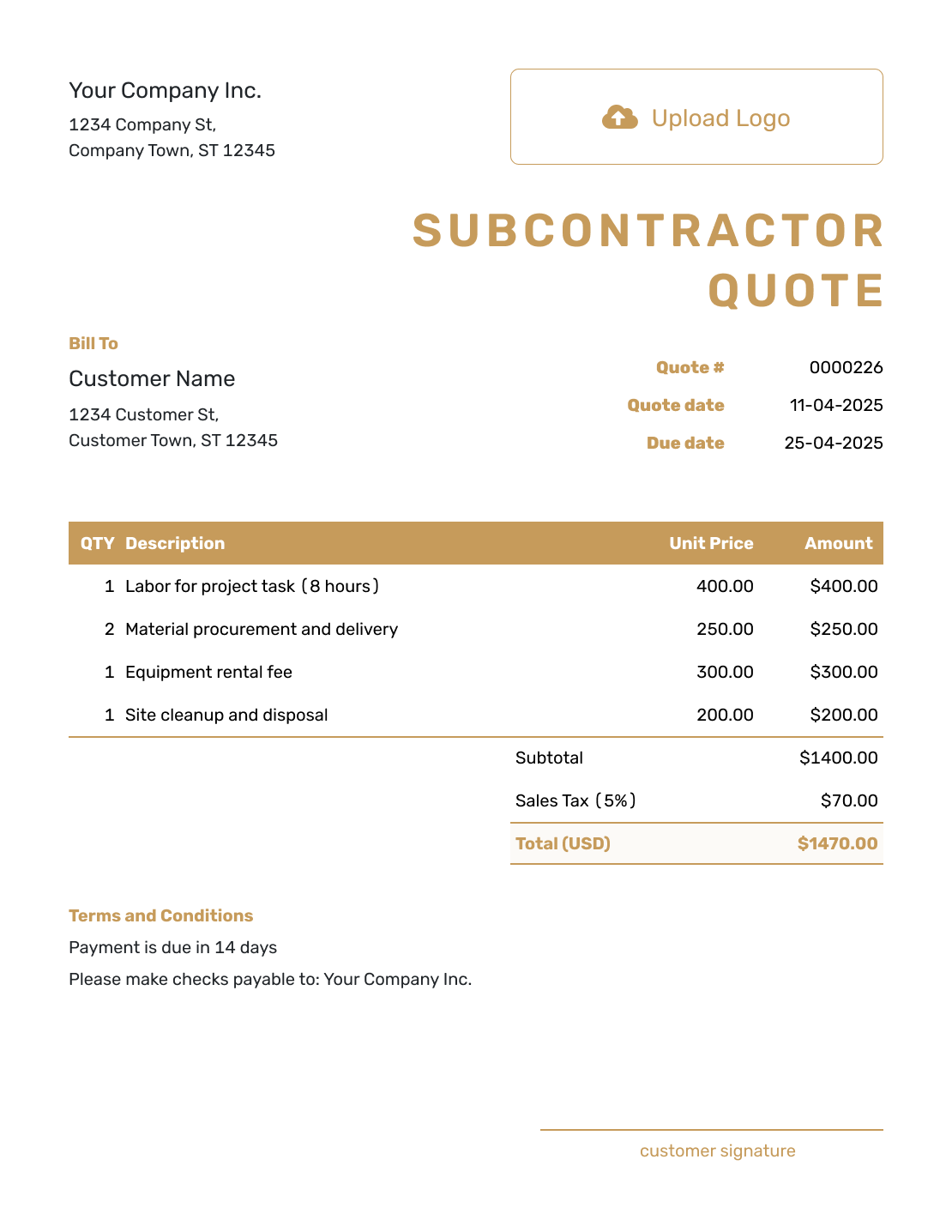
Professional Subcontractor Quote Template
Create Free Quote
Other Quote Template File Formats
Use Word or Google Docs for editing descriptions and terms, or Excel or Google Sheets for a pricing worksheet. These pages provide separate file templates; Docelf downloads the finished online quote as a PDF.
See every option on the quote templates by format page.
Related Contractor and Subcontractor Quotes
Choose a related template that matches your role or the trade package you are pricing.
After You Send the Subcontractor Quote
The contractor can accept or decline an emailed quote online without a Docelf account. The document history shows delivery and viewing information, and Docelf emails you when they respond.
If the drawings, quantities, or handoffs change, agree on the revised scope and price before the changed work begins.
When payment is due, create an invoice from the quote. Check the copied details against the accepted offer and the billing stage, then add the due date and payment instructions.
Subcontractor Quote Template FAQs
-
What is a subcontractor quote?
A subcontractor quote is a written offer for one trade package or defined part of a larger project. It shows the scope boundary and price before the package is accepted.
-
Who receives a subcontractor quote?
Send the quote to the person or business that will approve your trade package. That may be the general contractor or another project decision-maker.
-
What should I include in a subcontractor quote?
Start with your business, the contractor or customer, and the project reference. Tie the trade scope to the drawings or bid package you priced. State the important inclusions and exclusions, then show the price and schedule. Add change, payment, and acceptance terms.
-
Should I reference drawings and specifications?
Reference them when they define the work you priced. Use the drawing or specification version that lets the contractor or customer identify the basis of your quote.
-
How should I write inclusions and exclusions?
State what your trade supplies and installs, then say what stays with others. For example, a drywall package may include hanging and joint finishing while excluding framing, insulation, and painting. Match the exclusions to the priced scope.
-
Should I include retainage and progress billing terms?
Include them when they apply to your subcontract. Retainage is an agreed part of a payment held back until a stated milestone. Explain the billing schedule, how much is held back, and when it is released. Check the agreed wording against applicable local requirements.
-
What is the difference between a subcontractor quote and a bid?
A subcontractor quote is a direct offer for a defined scope and price. A bid is usually submitted in response to a formal or competitive request with stated instructions, documents, and a deadline.
-
How do I handle scope changes after acceptance?
Put the change in writing. State the added or removed work, price, schedule effect, and updated assumptions. Ask the contractor or customer to approve it before the changed work begins.
-
Can I turn an accepted subcontractor quote into an invoice?
Yes. Create the invoice from the quote when you are ready to bill. Docelf copies the customer, item, and price details. Check them against the accepted scope and billing stage before sending.
Ready to Send Your Subcontractor Quote?
Give the contractor one offer they can match to your part of the job.
- Match the current drawings, specifications, and bid package
- Keep alternates, exclusions, and coordination duties clear
- Email the subcontractor quote or download a PDF




