Free Construction Job Quote Template
Create a professional quote in minutes
Break the job into stages and show the main labor and materials in each. The stage-by-stage view keeps the scope easy to follow and helps customers hire you with confidence.
Email, print or download your quote as a PDF.
14-day free trial. No credit card required.

Price the job. Send the quote. Get back to work.
Construction Job Quote Template Examples
Browse the layouts for a defined construction job. Every preview opens the same quote editor, where you can add the stages and prices for your own work.
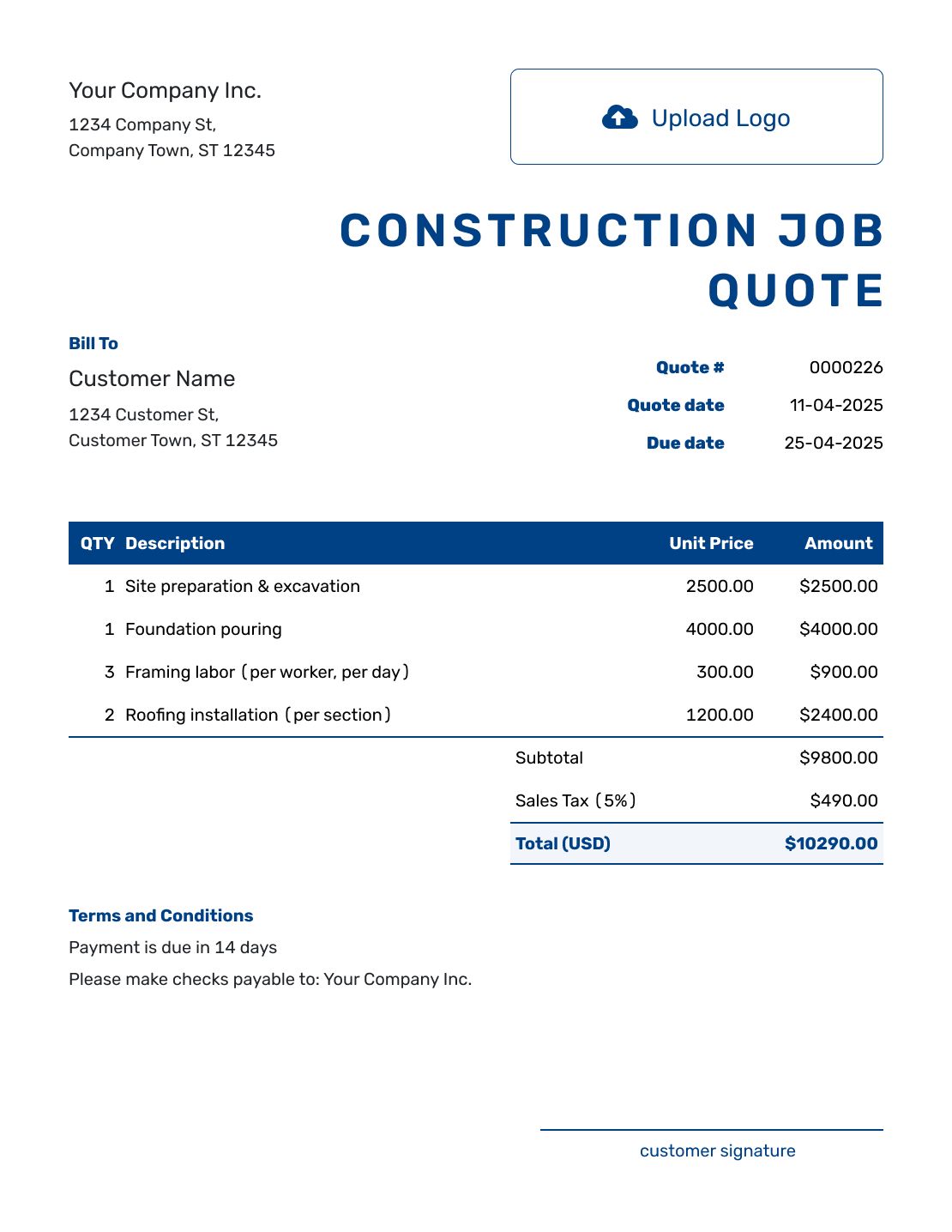
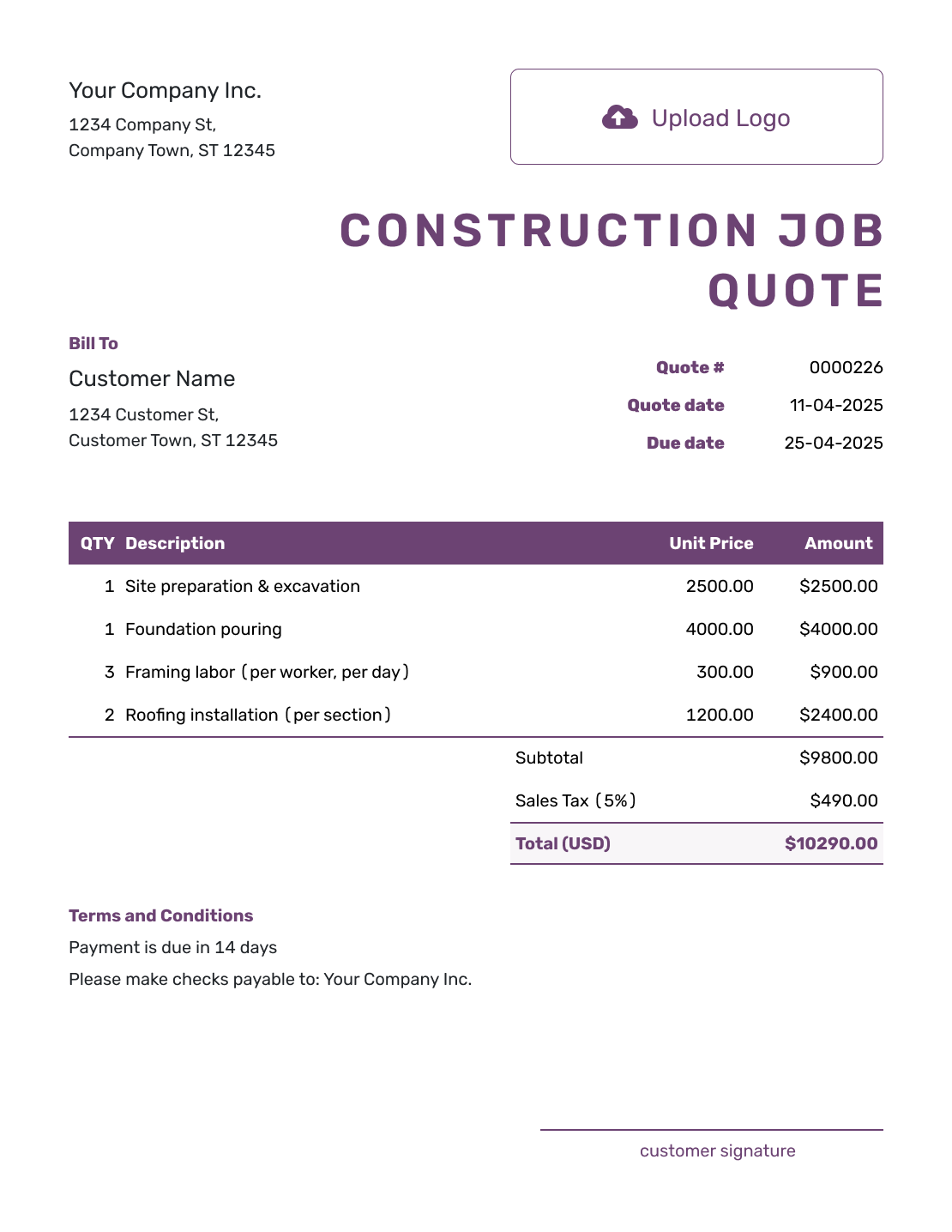
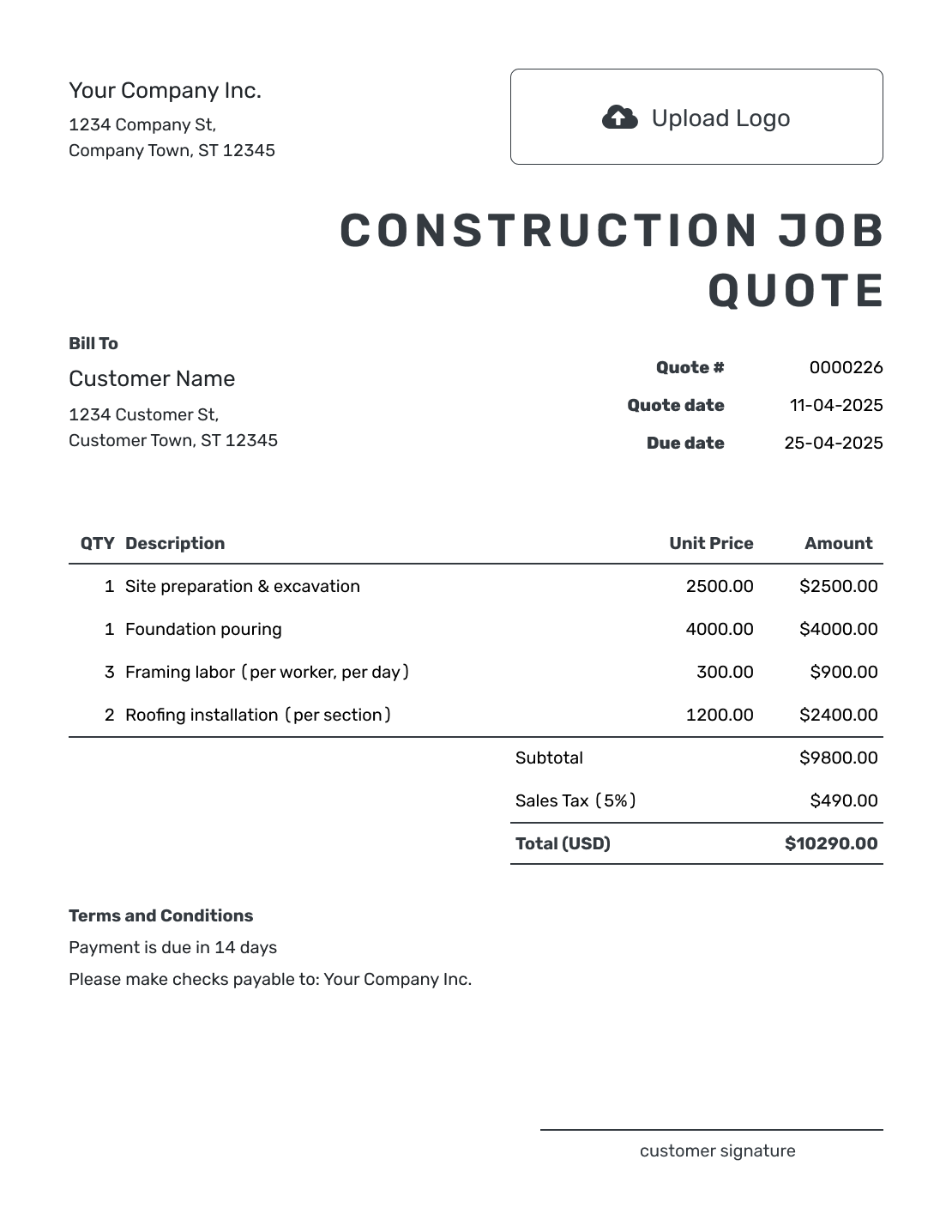
Put One Defined Job Into an Offer
A construction job quote is a written offer for one agreed piece of work. That job can still have stages: preparing the site, supplying materials, doing the work, and clearing up. The customer should be able to see what the total buys.
Use this page when those stages belong to one job. For a wider project combining several trades or separate jobs, use the general construction quote template. You can also browse construction quote templates by trade and project.
Construction Job Quote, Estimate, or Invoice?
Choose the document based on whether the job is defined and whether payment is due.
Construction Job Quote
Use a quote when the job scope and price are clear enough to put in writing.
Construction Estimate
Use an estimate when the work, time, or materials may still change the final cost.
Construction Invoice
An invoice requests payment for the job or an agreed stage.
How to Create a Construction Job Quote
Start with the job you have agreed to price. You can reuse saved customer and item details, then adjust the descriptions and rates for this site.
- Your Business: Add your business name, contact details, and license information where relevant.
- Your Logo: Add the logo you use on your other business documents.
- Customer and Job Site: Enter the customer details and identify the job site.
- Quote Number and Dates: Check the number and issue date. Set a valid-until date you can stand by.
- Work and Prices: List the work in stage order, with clear units and prices.
- Check the Total: Review the included work, any applicable tax, and the quote total.
- Terms and Send: Add scope, timing, and payment in Terms and Conditions. Review, then email or save a PDF.
How to Fill In Construction Job Quote Line Items
Use descriptions that show the stage and what you will supply. Labor priced by the hour needs an hourly quantity; a fixed material package needs a description of its contents. When a service is already included in another price, do not charge for it again.
This fictional US-dollar quote covers one 12-foot non-load-bearing office partition, ready for painting. The four rows follow the work from preparation to cleanup. All charges use an illustrative 8% tax rate; apply the tax treatment that fits your job.
| QTY | Description | Unit Price | Amount |
|---|---|---|---|
| 12 | Preparation and partition framing — labor hours | $65.00 | $780.00 |
| 1 | Partition materials — lumber, drywall, fixings and joint compound | $420.00 | $420.00 |
| 8 | Hang and finish drywall — labor hours | $65.00 | $520.00 |
| 1 | Debris removal and final cleanup | $180.00 | $180.00 |
| Subtotal | $1,900.00 | |
| Sales Tax (8% illustrative) | $152.00 | |
| Quote Total | $2,052.00 |
What to Include in Construction Job Quote Terms
The Terms and Conditions field explains where the included work ends. It also explains how long the offer stands, when you expect to do the work, and when payment is due. Include only arrangements your business actually uses.
For the partition above, the sample makes the finished stage clear: ready for painting, with painting and electrical work outside this price. Replace the placeholders and adapt the wording to your job. Any warranty or permit arrangements should match your actual offer and local requirements.
Example: Terms and Conditions
- The price covers one 12-foot non-load-bearing office partition at [job address], including the listed materials, labor, and cleanup. The finished partition will be ready for painting.
- Painting and electrical work are not included. The customer will clear furniture from the work area before the agreed start date.
- This quote is valid until [date]. We will agree on the work dates after acceptance. Payment is due on completion.
- A change to the partition size, materials, or included work requires a revised quote for approval before that work begins.
Get the Job Details Out of Your Notebook
Put the agreed stages and prices into Docelf. The totals update as you enter the work. Review the offer, then send it for your customer to consider.
Keep Options Outside the Price Until They Are Chosen
An upgrade is a choice, not part of the accepted base job. Make that distinction clear before the customer compares prices.
Write a Specific Base Scope
Name the location and finished result. For the example above, the base job ends with a partition ready for painting, not a painted wall.
List Options Separately
Describe an unselected upgrade and its price in Terms and Conditions, outside the priced item table. Add it to the items only when it belongs in the offer the customer will accept.
Name Allowances and Exclusions
An allowance is an amount included for a selection still to be made. Say what it covers and how a higher or lower selection changes the price. Identify customer-supplied items and who handles permits.
Explain How Changes Are Approved
When the scope or price changes, revise and resend the quote. Ask the customer to accept the updated offer before the extra work begins.
Check the Whole Job Before Sending
Read the quote as if you were arriving at the site for the first time. The address, work area, measurements, and finished result should be easy to find. Include equipment, subcontractor work, or permit costs when you are charging for them.
Check access and start dates against your schedule. Confirm that options, customer responsibilities, hidden-condition assumptions, and any warranty are clear. The quoted total should cover only the work you are offering now.
More Construction Job Quote Layouts
These remaining previews offer more layout ideas. Each opens the same editor for your own quote.
-
Blank Construction Job Quote Template
Create Free Quote -
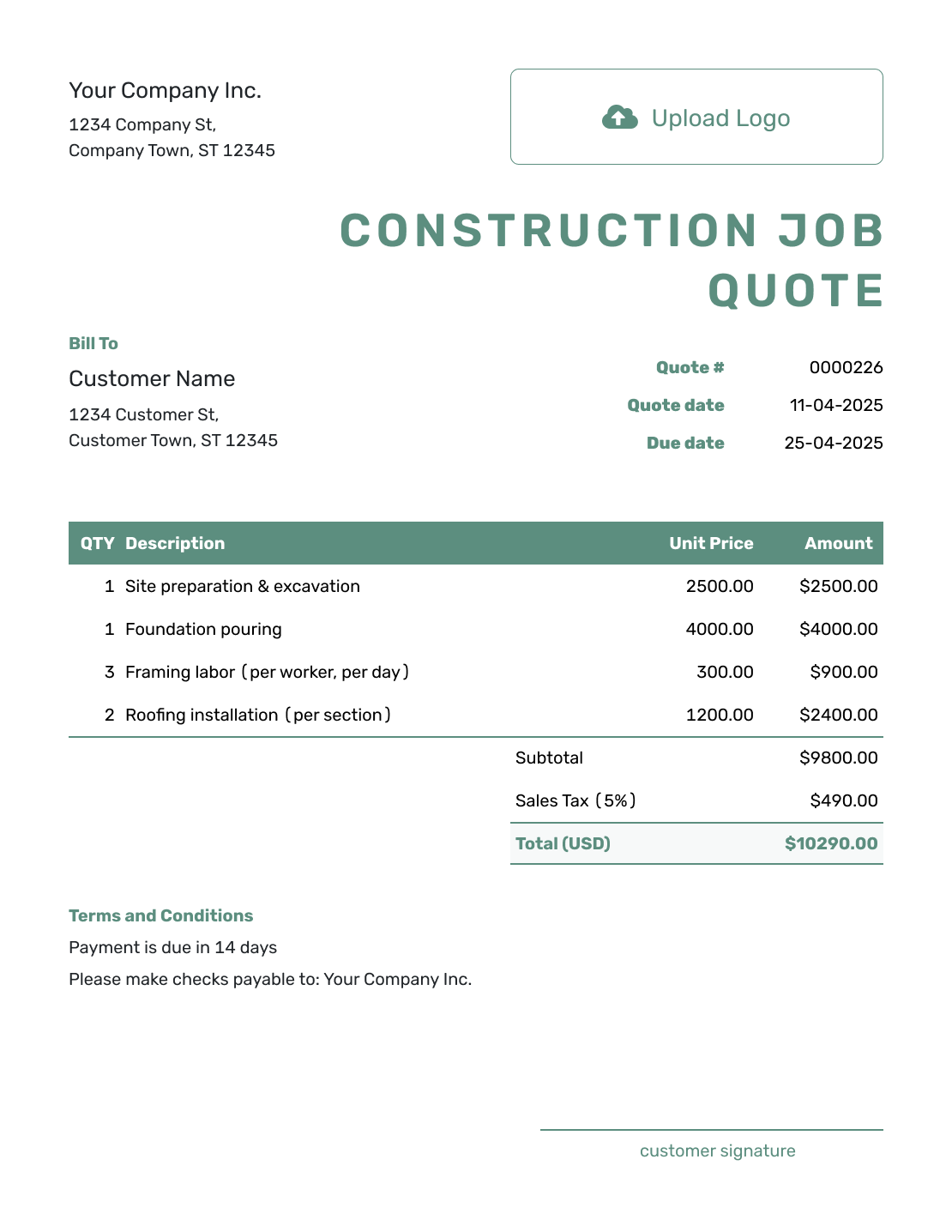
Simple Construction Job Quote Template
Create Free Quote -
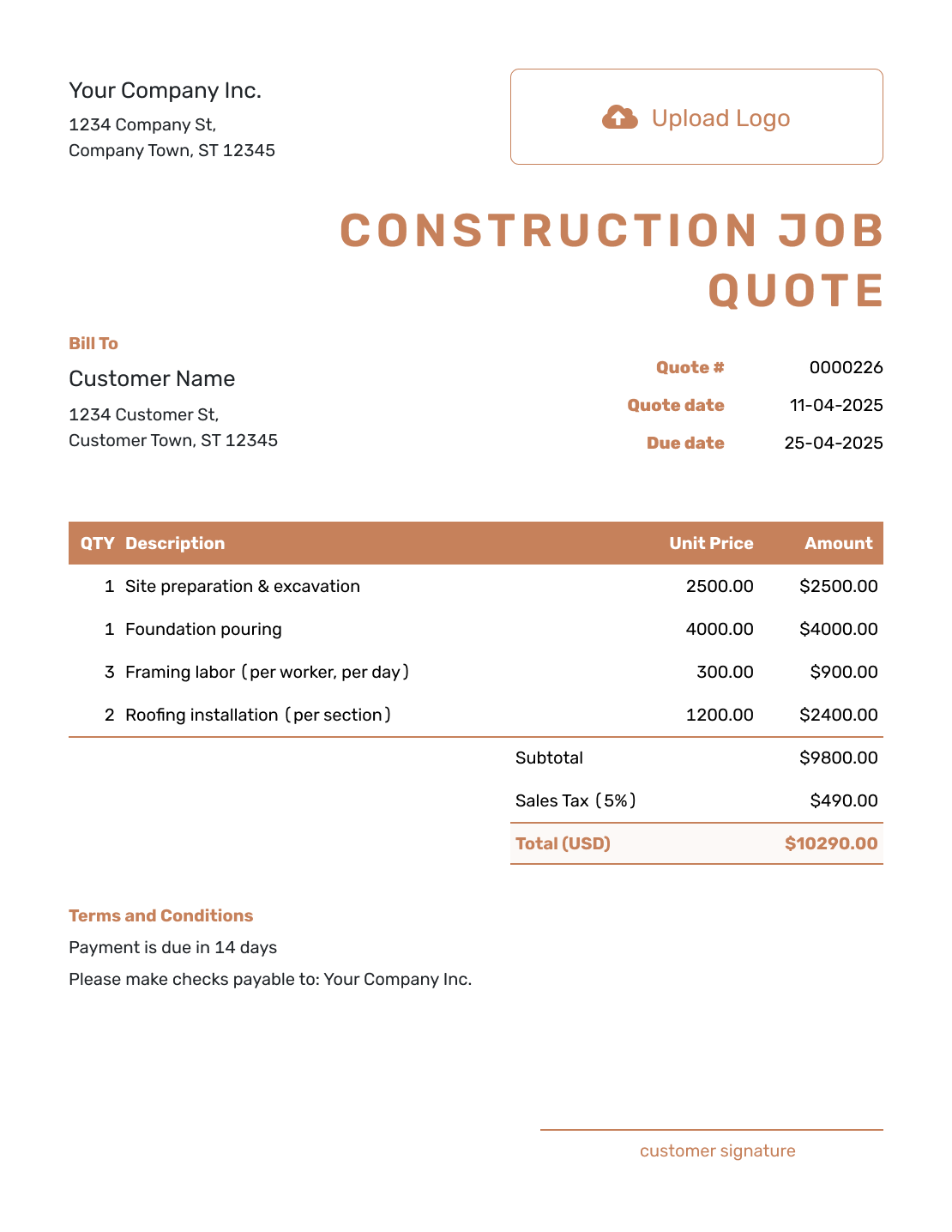
Downloadable Construction Job Quote Template
Create Free Quote -
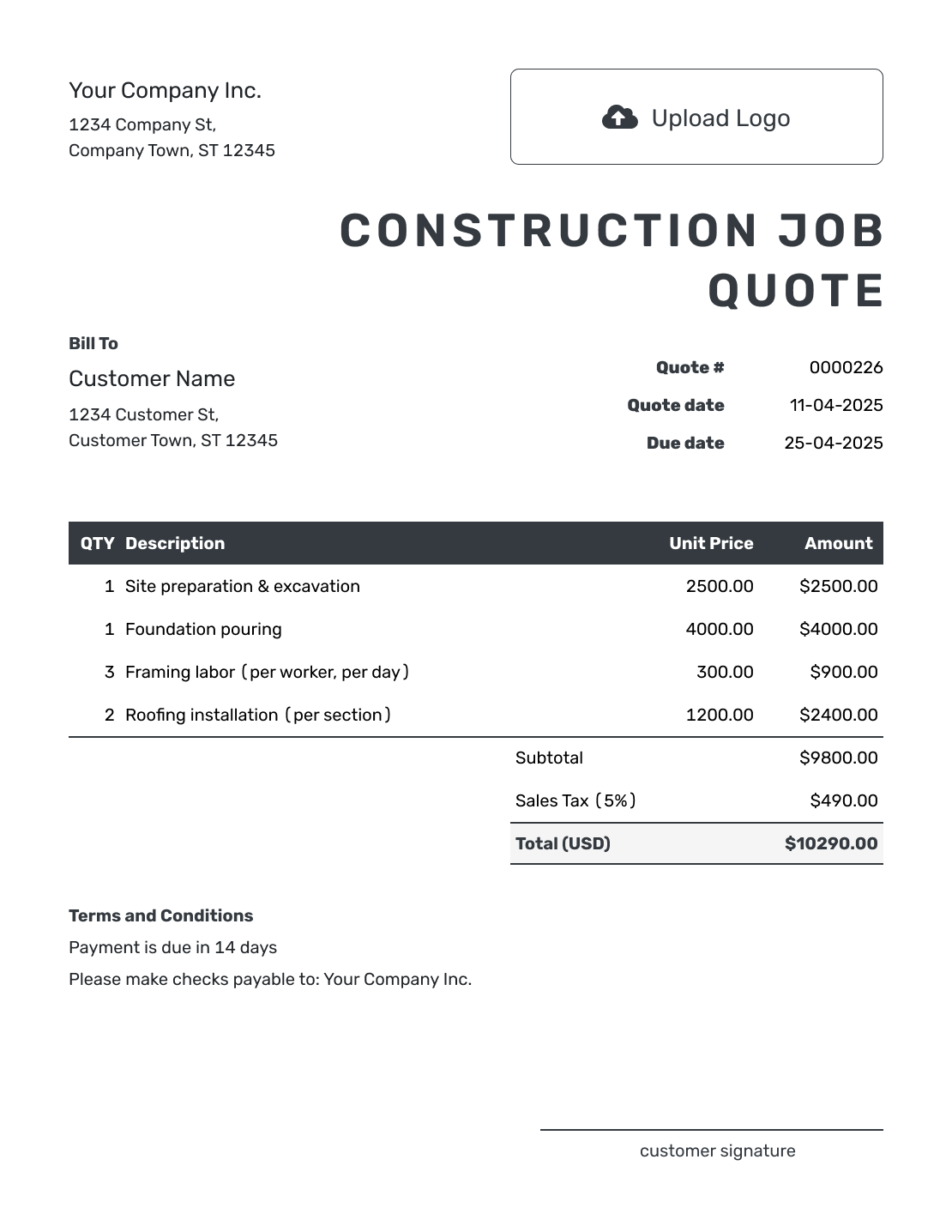
Editable Construction Job Quote Template
Create Free Quote -
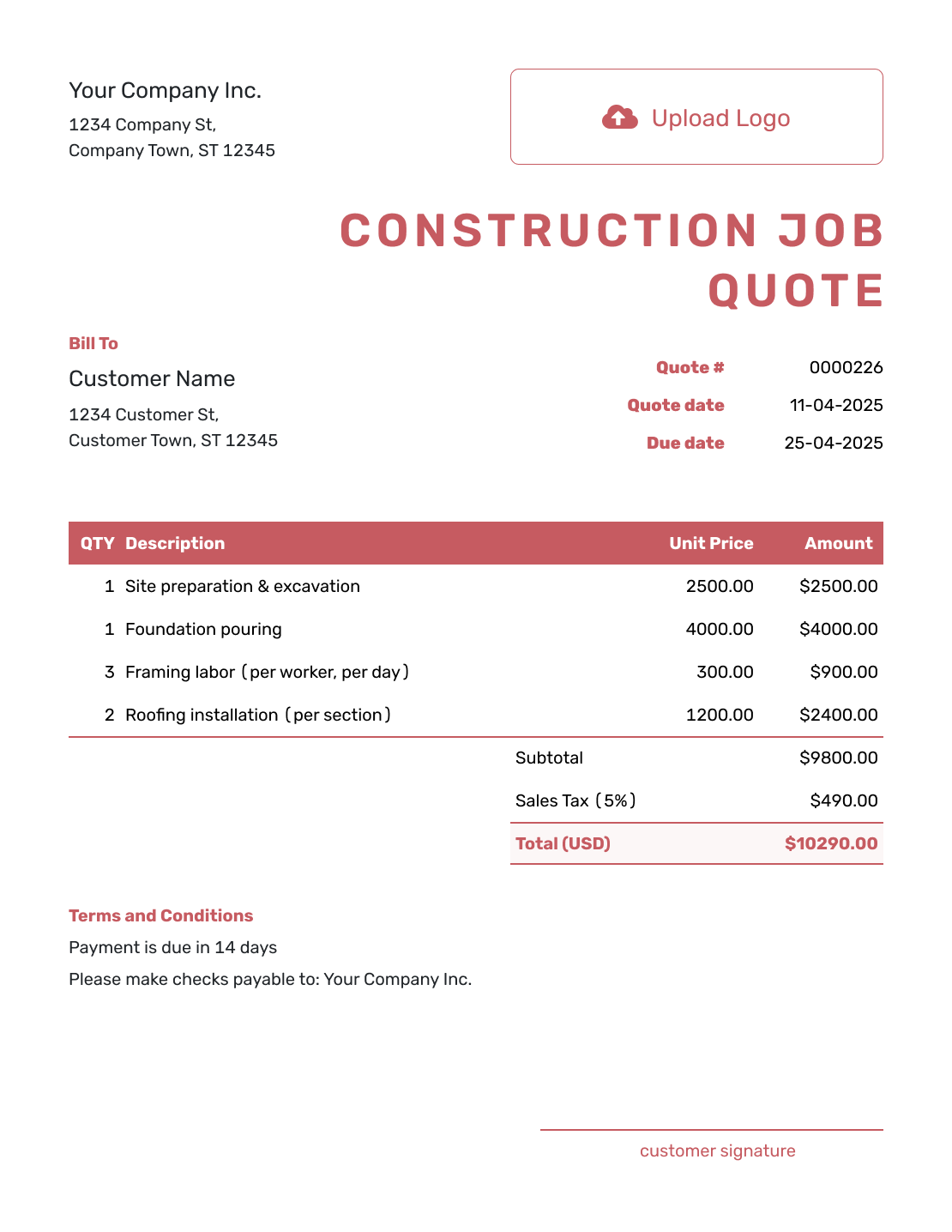
Fillable Construction Job Quote Template
Create Free Quote -
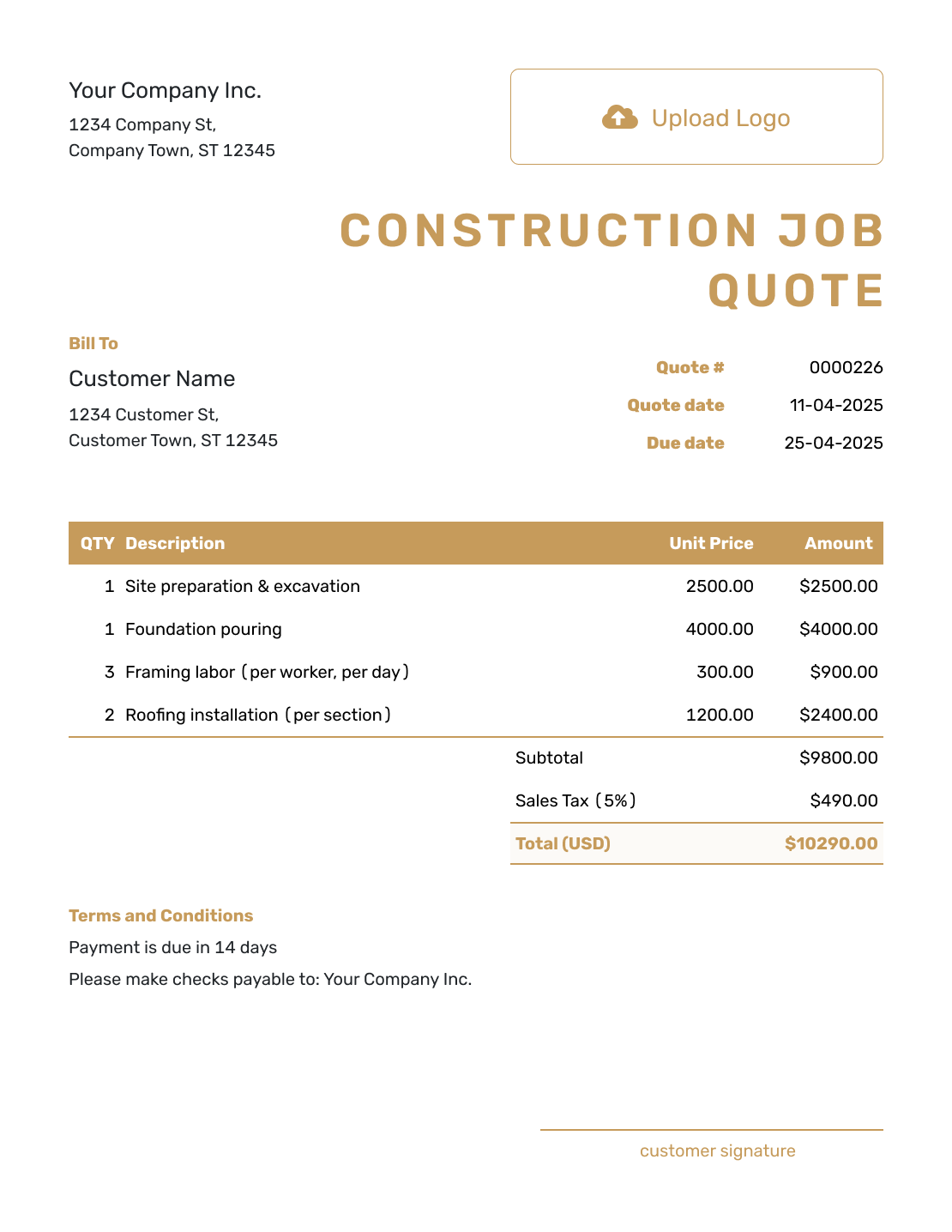
Professional Construction Job Quote Template
Create Free Quote
Other Quote Template File Formats
Use Word or Google Docs to work on scope descriptions and terms, or Excel or Google Sheets for quantities and rates. These pages provide separate file templates; Docelf downloads the finished online quote as a PDF.
See every option on the quote templates by format page.
Related Quotes for Construction Jobs and Trades
Use the construction job template for one defined job. Choose the general, contractor, labor, or building template when the offer needs a different level of detail.
After You Send the Construction Job Quote
Your customer can accept or decline the emailed quote online. Check its document history for delivery and viewing information; Docelf updates the status and emails you when the customer responds.
When payment is due, create an invoice from the quote. Review the copied customer, item, and price details against the accepted job before sending it.
Construction Job Quote Template FAQs
-
What is a construction job quote?
A construction job quote is a written offer for one defined job. It shows the base scope and price. It can also include options, schedule, terms, and a valid-until date.
-
How is a construction job quote different from a general construction quote?
A construction job quote focuses on one defined job, even when that job has several stages. Use the general construction quote guide when one offer combines separate jobs, several trades, or wider project costs.
-
What should I include in a construction job quote?
Identify the customer and job site, then describe the included work in stage order. Show quantities and prices behind the total. Use Terms and Conditions for timing, payment, scope limits, and the approval of changes.
-
How should I organize the line items?
Use stage, room, trade, or deliverable order, whichever makes the job easiest to review. Name the unit beside each description, such as labor hours or a material package. Keep unselected upgrades outside the priced items so they are not included in the total.
-
Should overhead and profit appear on the quote?
You can build overhead and profit into your rates or list them separately. Use the method that matches how you price jobs and gives the customer the right level of detail.
-
How should I show allowances?
Name the item, state the allowance amount, and explain what happens if the final selection costs more or less. Keep allowances separate from fixed-price work.
-
What should I do when the job changes after acceptance?
Update the scope and price, send a revised quote, and ask the customer to accept it before the changed work begins. This keeps the approved job aligned with the work you plan to complete.
-
Can I create a construction job quote online?
Yes. Start a quote in Docelf, add the customer, and price the included job. Docelf calculates the total. You can review and save the quote while working on it; it is emailed only when you choose to send it.
-
Can I turn an accepted construction job quote into an invoice?
Yes. Open the accepted job quote in Docelf and create the invoice. Docelf brings over the customer, scope, and line items, so the approved job does not need to be entered again.
Ready to Send Your Construction Job Quote?
Turn the agreed job into an offer your customer can act on.
- Define the work included in the base price
- Keep unselected upgrades outside the total
- Email the job quote or download a PDF




