Free Building Quote Template
Create a professional building quote in minutes
Use the current plans to show the main phases, allowances and full price. Customers see the whole project at a glance and can choose you with confidence.
Email, print or download your quote as a PDF.
14-day free trial. No credit card required.

Price the job. Send the quote. Get back to work.
Building Quote Template Examples
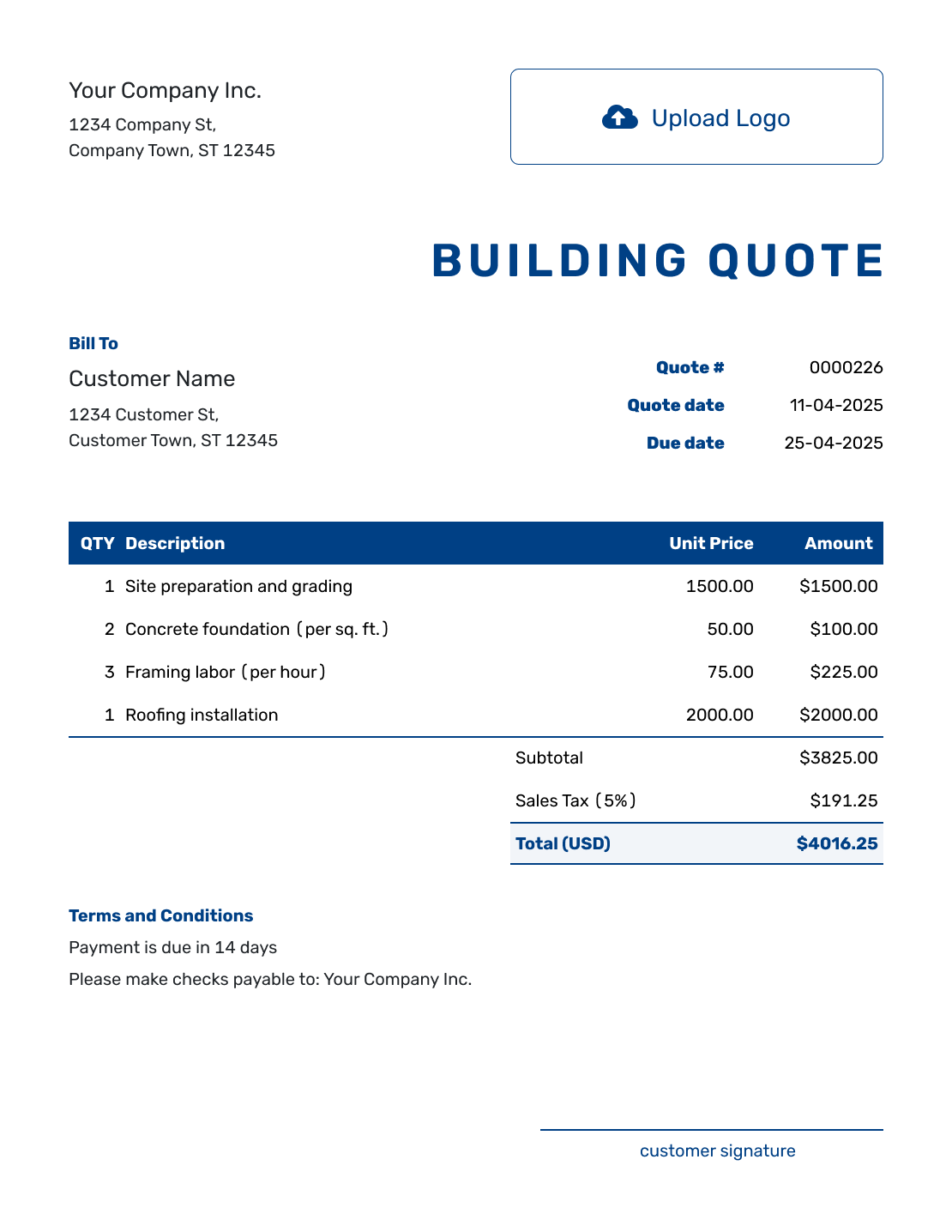
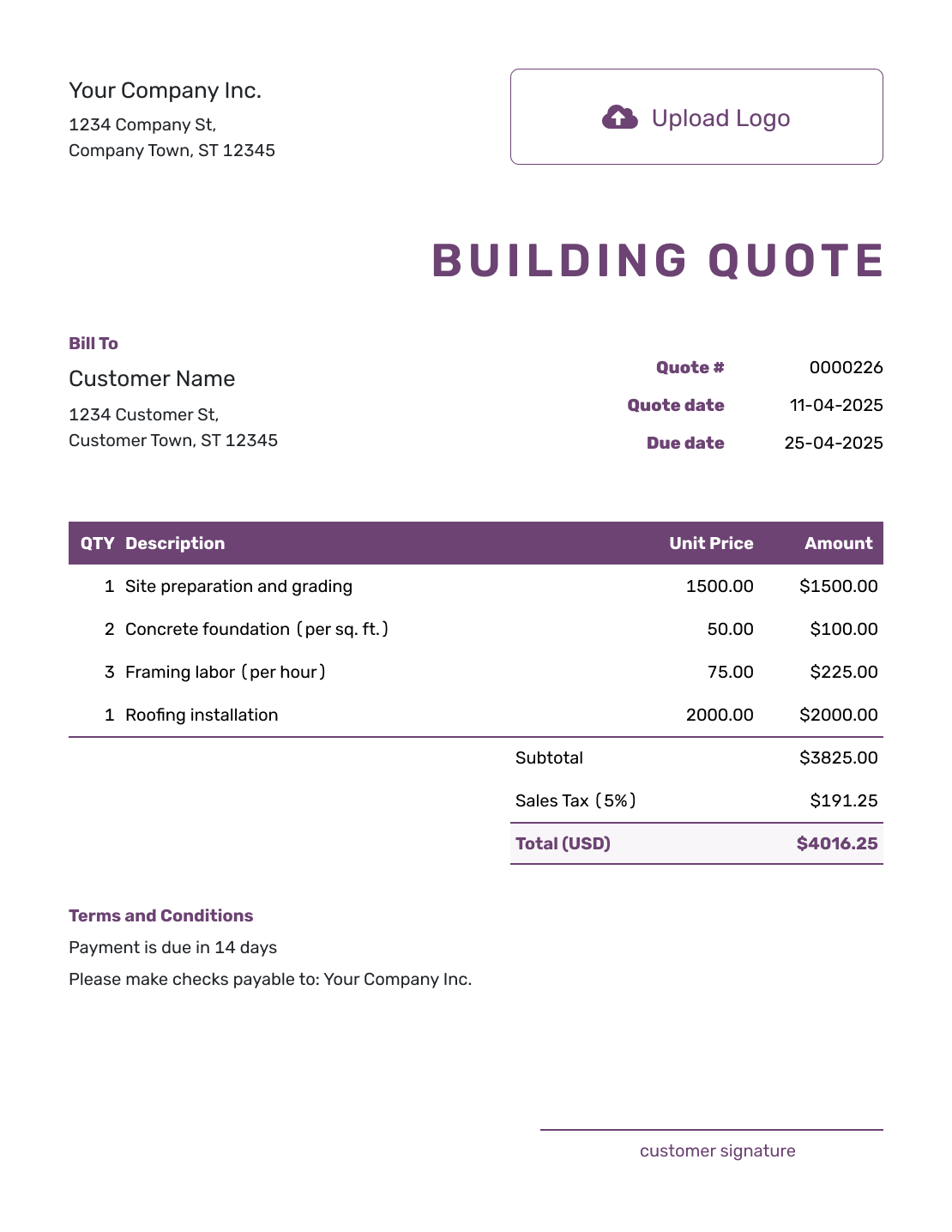
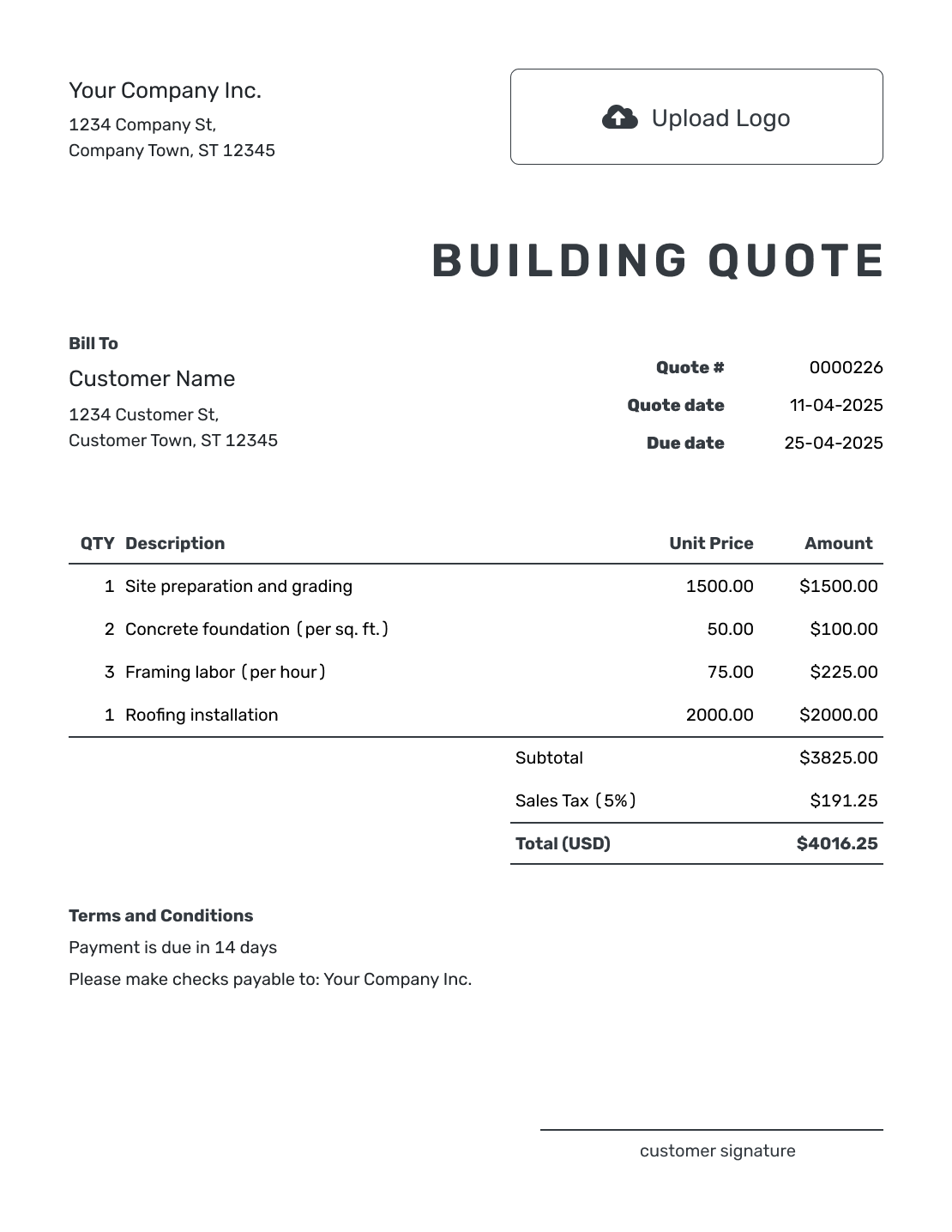
Browse these previews for layout ideas. Every preview opens the same quote editor; add your own building scope and prices before sending.
What Is a Building Quote?
A building quote is a written offer to build a new structure or make a major alteration. It ties the work and price to the plans and project documents named in the quote.
A customer should be able to follow the offer from site work through the included building phases. State whether the price covers the whole build or one named stage, and identify any allowances for selections still to be made.
Use a construction estimate while the design or site information is still developing. A construction quote covers a wider range of project work; the construction job quote suits one defined job.
For other project and trade options, browse the construction quote templates.
How to Create a Building Quote
Start with the plans and selections you priced. Reuse saved customer and item details in Docelf, then adjust the descriptions and prices for this building.
- Your Business: Add your business and contact details, with relevant license or insurance information.
- Your Logo: Add the logo used on your other project documents.
- The Customer: Choose a saved customer or enter the customer and project contact details.
- Number and Dates: Check the quote number, issue date, and valid-until date.
- Building Phases: Describe each included phase with its quantity and price. Identify the project and site.
- Tax and Total: Check fixed prices, included allowances, any agreed discount, applicable tax, and the total.
- Terms and Send: Add plan references, timing, and responsibilities in Terms and Conditions. Review, then email or save a PDF.
How to Fill In Building Quote Line Items
Use item descriptions to name the phases the customer is buying. A fixed-price phase can use a quantity of one; explain its materials and finish level so “structure” or “roof” is not left open to interpretation.
This fictional quote covers the shell stage of a small detached garage: foundation, wall framing, and roof. It is not the price of a fully finished garage. Prices are in US dollars, and all three items use an illustrative 8% tax; apply the tax treatment appropriate to your project.
| QTY | Description | Unit Price | Amount |
|---|---|---|---|
| 1 | Foundation stage — prepare base and pour concrete slab | $6,500.00 | $6,500.00 |
| 1 | Wall stage — supply and erect timber framing and sheathing | $8,000.00 | $8,000.00 |
| 1 | Roof stage — supply and fit trusses, sheathing, and shingles | $7,500.00 | $7,500.00 |
| Subtotal | $22,000.00 | |
| Sales Tax (8% illustrative) | $1,760.00 | |
| Quote Total | $23,760.00 |
What to Include in Building Quote Terms
Use Terms and Conditions to explain the assumptions behind the building price. Name the plans, included stage, timing, payment terms, and responsibilities that apply across several line items. Include only policies your business actually uses.
The shell-stage example needs a clear stopping point. This sample makes the exclusions visible without turning the quote into a full construction contract. Adapt it to the project and check any relevant local requirements.
Example: Terms and Conditions
- Price covers the detached garage shell stage shown on plans G-01 and G-02, revision 2, at [site address]: foundation, wall framing and sheathing, and the shingled roof.
- Doors, windows, wall cladding, electrical work, and interior finishes are excluded. The customer arranges permits before work begins.
- Quote valid until [date]. We will confirm the start date after approval and site access are agreed.
- Payment is due on completion of the quoted shell stage. Changes to plans, selections, or site conditions require agreement on a revised price and schedule before the changed work starts.
Create a Building Quote Ready to Send
Put the building phases into an offer your customer can follow. Docelf calculates the total from your items and prices. Review the scope, then email the quote or download a PDF.
Make a Large Building Scope Easier to Review
The customer should be able to follow the project from site work to completion without searching through one long list of costs.
Organize by Phase or Trade
Start item descriptions with the phase or trade name. Use the same order as the project plan so the customer can follow the price from site work to finishes.
Reference the Pricing Documents
Name the drawings and current revision. Add the written assumptions the price relies on.
Separate Allowances and Exclusions
An allowance is an amount included for a selection still to be made. Name what it covers and how a higher or lower selection price changes the quote. Keep unselected options outside the base total.
Price Plan Changes Before Work Begins
Explain how you will price plan revisions and added work. Get the revised price accepted before you begin the changed work.
Check What the Building Price Includes
The main example prices one stage. For a whole-building offer, check every included phase and responsibility before sending.
- Match the site address, plan revision, specifications, and written assumptions to the work priced.
- Cover the included site work, foundation, structure, weatherproofing, rough-ins, interiors, and finishes.
- Say who handles subcontracted work, permits, surveys, testing, temporary services, and utility connections.
- Account for equipment, delivery, disposal, and cleanup. A separately charged delivery belongs in the item table.
- Check owner-supplied items, start timing, duration, milestones, payment schedule, and any warranty you offer.
Building Quote, Estimate, or Invoice?
Choose the document based on how complete the building scope is and whether payment is due.
Building Quote
Use a quote when the plans and price are clear. State the phases, allowances, and fixed price in the offer.
Construction Estimate
Use an estimate when design development, site conditions, selections, or trade pricing may still change the final cost.
Construction Invoice
Send an invoice when payment is due for the agreed building work or a stated billing stage.
More Building Quote Layouts
These six previews offer more layout ideas. Each opens the same quote editor, where you can add your own scope and prices.
-
Blank Building Quote Template
Create Free Quote -
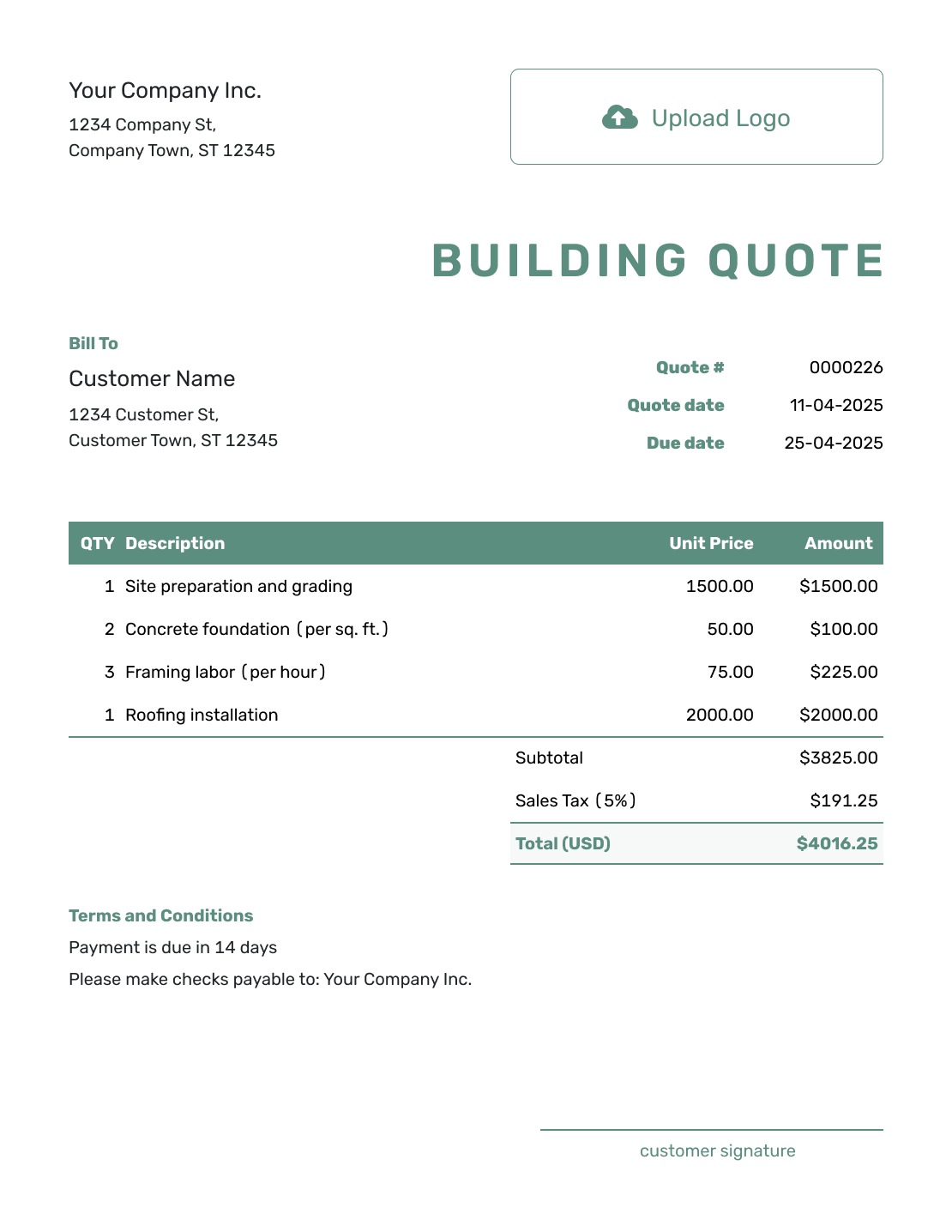
Simple Building Quote Template
Create Free Quote -
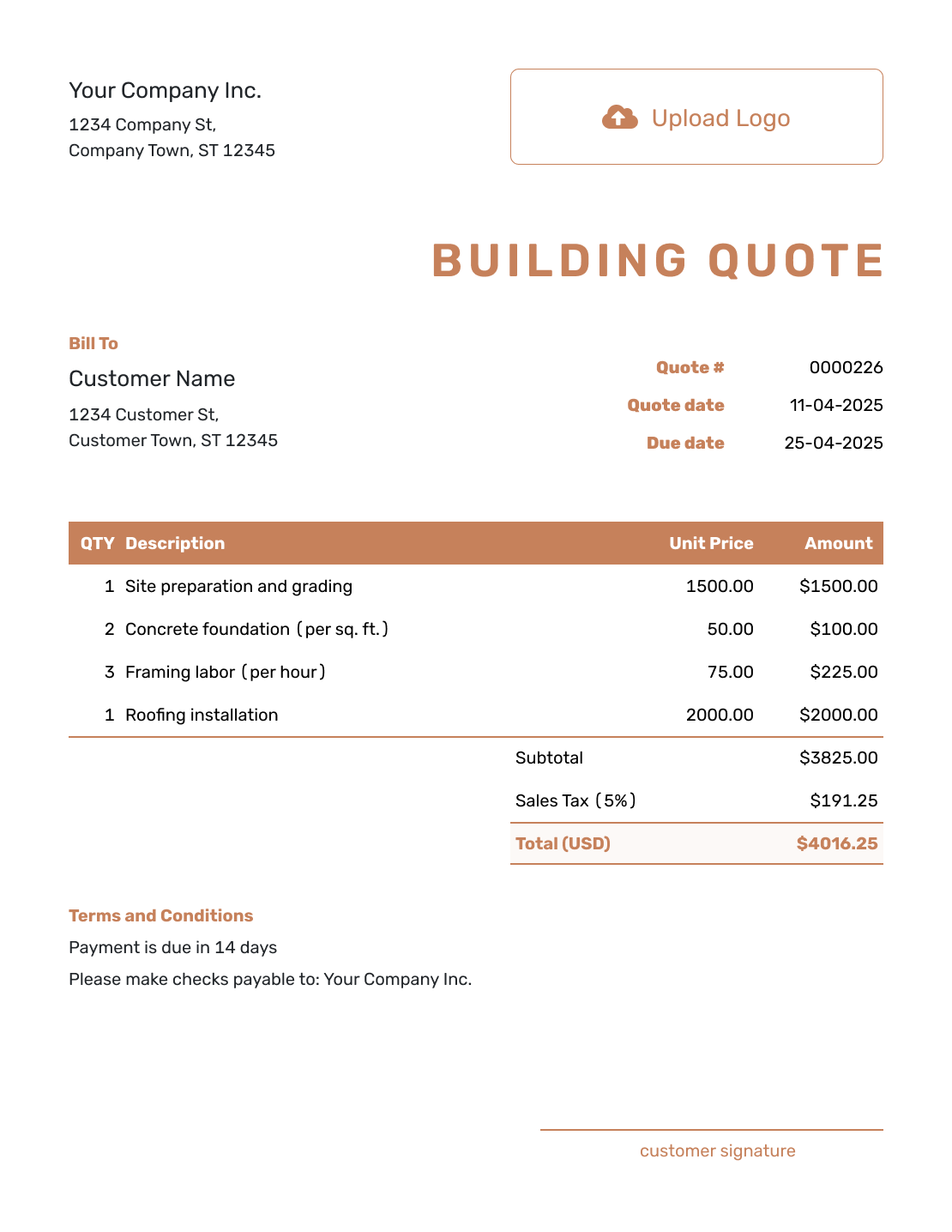
Downloadable Building Quote Template
Create Free Quote -
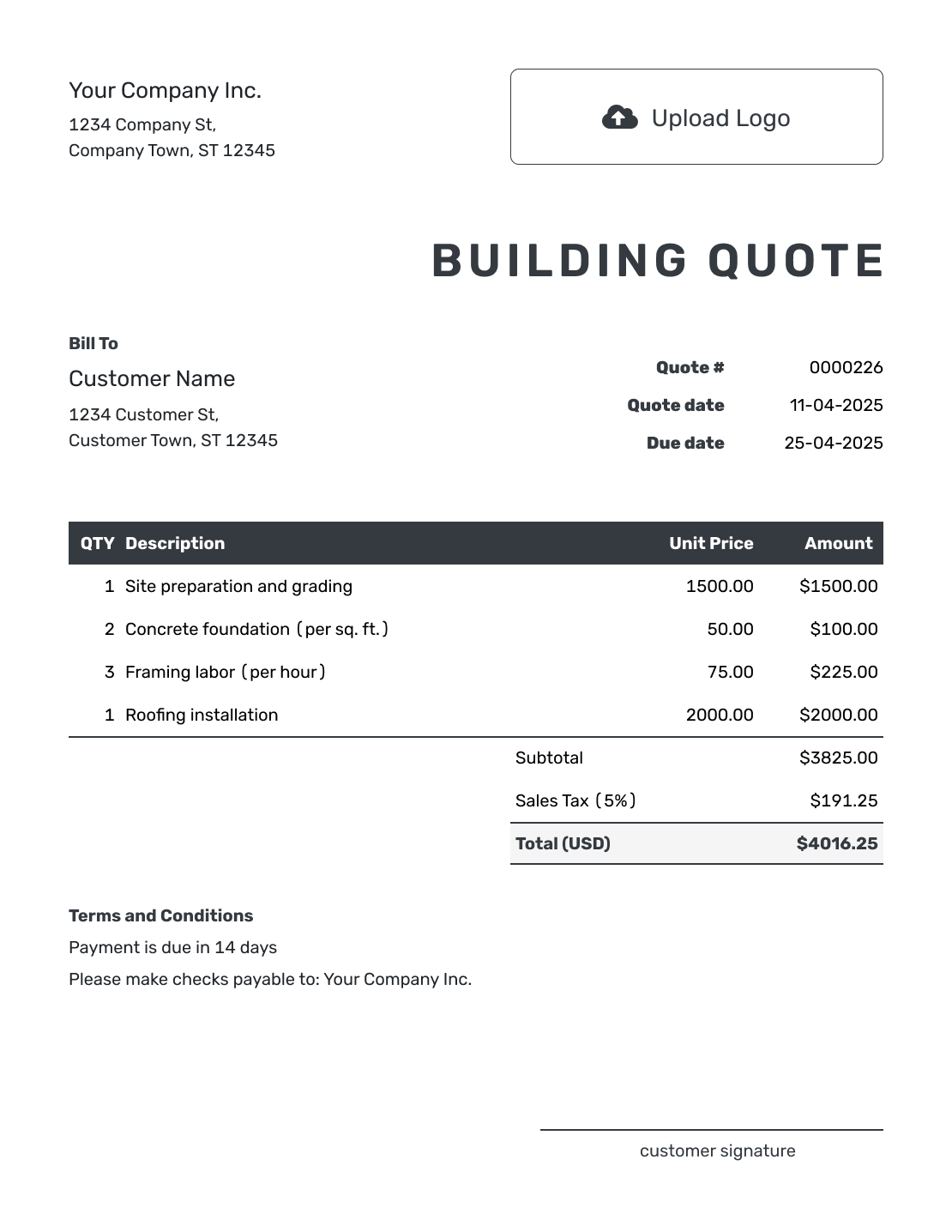
Editable Building Quote Template
Create Free Quote -
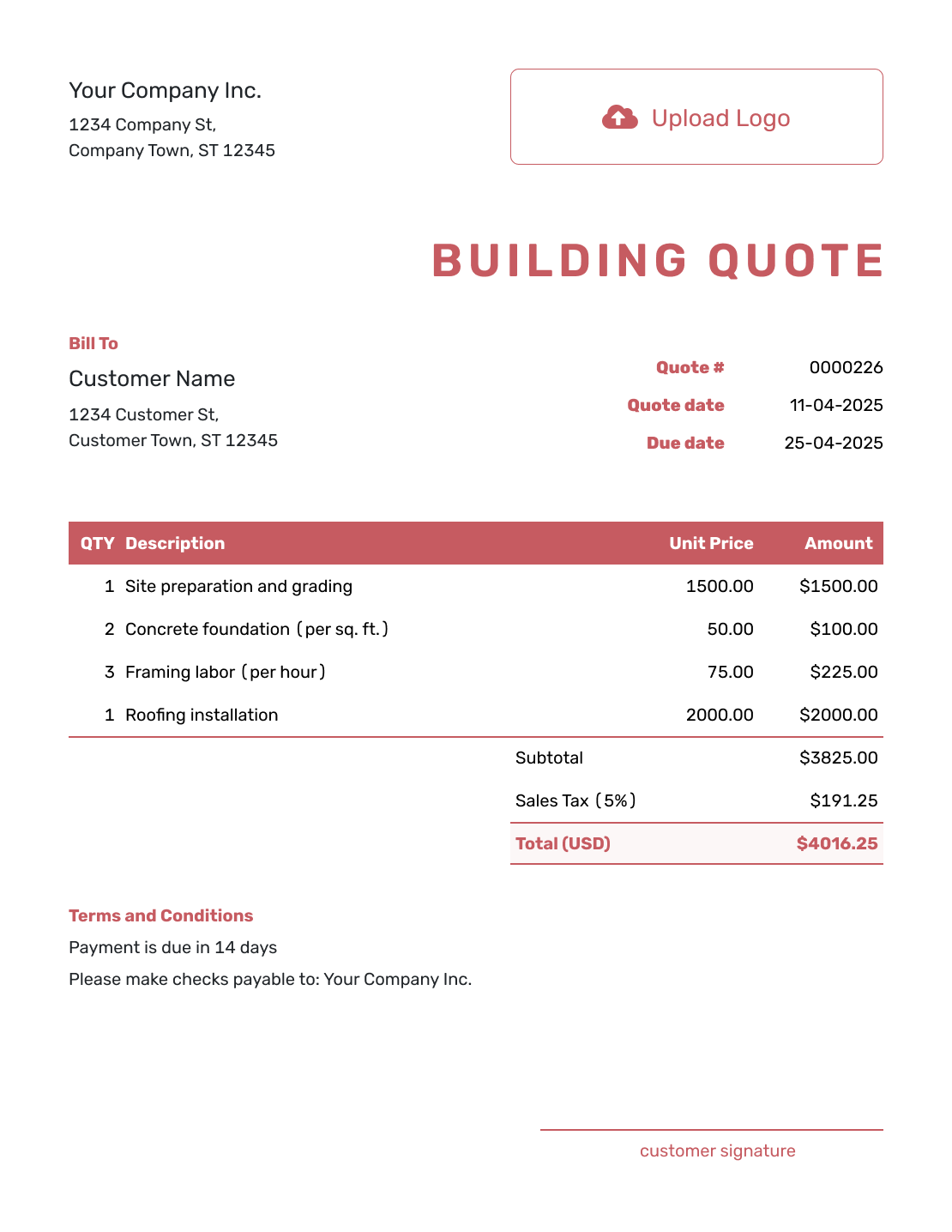
Fillable Building Quote Template
Create Free Quote -
Professional Building Quote Template
Create Free Quote
Other Quote Template File Formats
Use Word or Google Docs for editing descriptions and terms, or Excel or Google Sheets for a pricing worksheet. These pages provide separate file templates; Docelf downloads the finished online quote as a PDF.
See every option on the quote templates by format page.
More Quote Templates for Building Projects
Use the building page for a project centered on a new structure or major alteration. Choose another construction template when the scope or role is narrower.
After You Send the Building Quote
Your customer can accept or decline an emailed quote online without a Docelf account. The document history shows delivery and viewing information, and Docelf emails you when they respond.
If the plans or selections change, update the affected scope, allowances, timing, and price. Send the revision for approval before ordering for or starting the changed work.
When payment is due, create an invoice from the quote. Check the copied details against the accepted offer and the billing stage, then add the due date and payment instructions.
Building Quote Template FAQs
-
What is a building quote?
A building quote is a written offer to build a new structure or make a major alteration. It ties the scope and price to named plans. It can also show allowances, the schedule, terms, and a valid-until date.
-
What is the difference between a building quote and a construction quote?
A construction quote can cover many kinds of project work. A building quote is focused on a building or major building alteration and often groups the price by building phase, system, or trade.
-
What should I include in a building quote?
Include the customer, site, and current plan revision. Organize the scope by phase or trade. Show fixed prices and allowances separately. Add the schedule, billing terms, exclusions, and acceptance details.
-
Should a building quote be grouped by phase or trade?
Use the grouping that makes the project easiest to review and manage. Phases can show the order of work, while trades can show responsibility and cost. Large quotes may use both.
-
How should allowances appear in a building quote?
An allowance is an amount already included for an item still to be selected. Name the amount and what it covers, including whether tax, delivery, and installation are included. Explain how a more or less expensive choice affects the price and whether an agreed markup applies.
-
Should permits and site work be included?
List the site costs included in your price. Name permits and surveys, then add testing, temporary services, or utility work when they apply. If another party is responsible, state the exclusion or assumption.
-
How do I show subcontractor costs?
You can group subcontracted work by trade or phase and show the amount included. State which work you manage, which work the customer contracts separately, and how changes will be handled.
-
What should I do when the plans change after acceptance?
Update the affected scope, allowances, schedule, and price. Send a revised quote and ask the customer to accept it before you order materials or begin the changed work.
-
Can I create an invoice from an accepted building quote?
Yes. Create the invoice from the quote when you are ready to bill. Docelf copies the customer, item, and price details. Check the invoice against the agreed work and billing stage before sending.
Ready to Send Your Building Quote?
Give your customer a price they can follow from the plans to the work you will deliver.
- Reference the current drawings and revision
- Separate fixed work from allowances
- Email the building quote or download a PDF




