Free Construction Estimate Template
Create a professional estimate in minutes
Price the main phases of the construction job with the labor, materials and likely cost. Customers see what the project covers and feel more confident hiring you.
Email, print or download your estimate as a PDF.
14-day free trial. No credit card required.

Price the job. Send the estimate. Get back to work.
Construction Estimate Template Examples
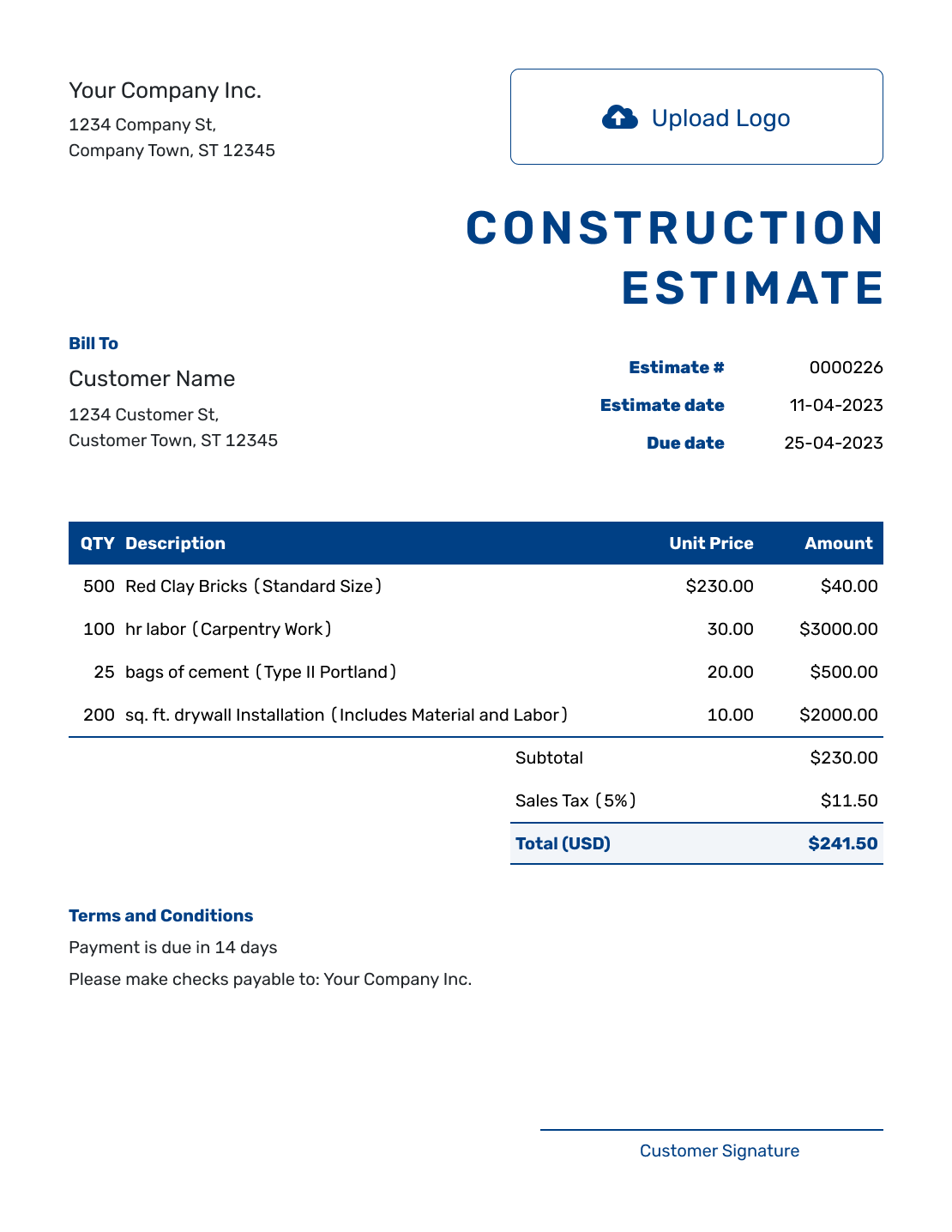
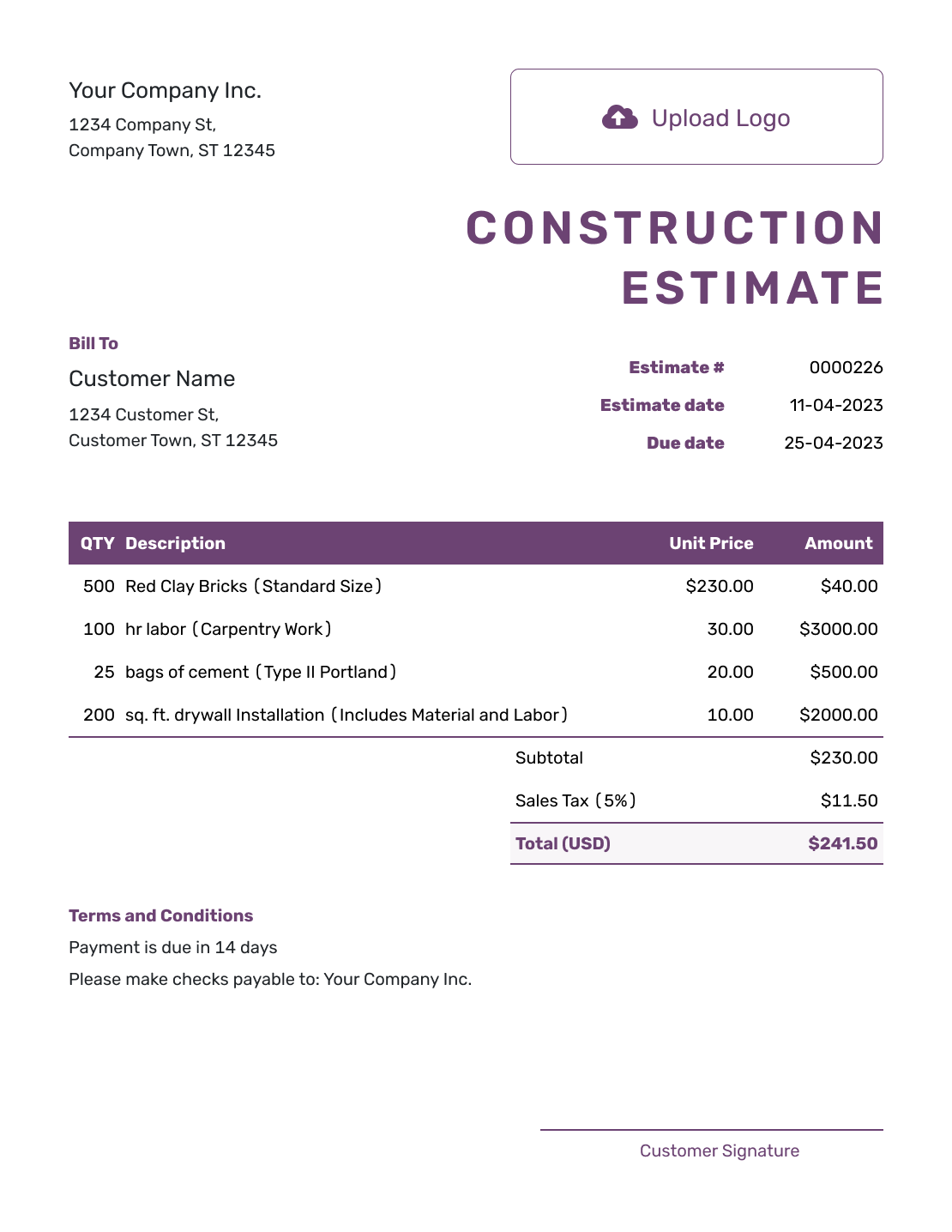
Browse three layout examples before adding your project details. Each preview opens the same estimate editor, where you can organize the work by phase or trade.

What Is a Construction Estimate?
A construction estimate shows the project work you expect to complete and the likely cost before the final bill is known. It can cover a whole project or several phases and trades in one document.
Name the phase or project the estimate covers, then show how you priced it. A customer should be able to tell which work is included and which choices could change the cost.
How to Create a Construction Estimate
Start with the project details, then work through the scope and costs. Use the same phase names on the estimate and any supporting plans.
- Your Business: Add your construction business name and contact details.
- Your Logo: Add the logo used on your other business documents.
- The Customer: Enter the customer and identify the project name and site address.
- Number and Dates: Check the estimate number, issue date and valid-until date.
- Work and Costs: Group labor, materials and equipment by phase or trade, with quantities and prices.
- Estimated Total: Check the line amounts, applicable tax and estimated total. Include each allowance only once.
- Terms and Sending: Add timing, exclusions and scope assumptions in Terms and Conditions. Review, then choose to email, print or download.
How to Fill In Construction Estimate Line Items
Use separate lines where the quantity or rate helps explain the price. For a fixed package, describe what it includes so labor or materials are not counted twice.
This fictional example covers one 40-foot, non-load-bearing office partition, 8 feet high, with drywall on both faces ready for primer. Prices are in US dollars. The illustrative 8% tax applies only to the $850 materials package; use the tax treatment required for your job.
| QTY | Description | Unit Price | Amount |
|---|---|---|---|
| 20 | Office partition framing — labor-hours | $75.00 | $1,500.00 |
| 1 | Lumber, drywall and fasteners — materials package | $850.00 | $850.00 |
| 20 | Drywall hanging and finishing — labor-hours | $60.00 | $1,200.00 |
| Subtotal | $3,550.00 | |
| Sales Tax (8% on materials, illustrative) | $68.00 | |
| Estimated Total | $3,618.00 |
What to Include in Construction Estimate Terms
Use Terms and Conditions to record the assumptions behind the price. State how long the estimate is valid, what the phase includes and how changes will be agreed. Add any assumptions about site access, owner-supplied materials, working hours or permit responsibilities. Include only details and policies your business actually uses.
Adapt this sample to the partition work above. Keep any required contract terms with your project agreement, and check local requirements for tax or regulated terms.
Example: Terms and Conditions
- Estimate valid for 30 days from the issue date; start date to be agreed.
- Scope: the 40-foot office partition described above, finished ready for primer. Painting, electrical work and permit fees are excluded.
- Price assumes a clear work area and access during normal working hours.
- Any change to the layout, materials or site conditions will be priced for customer approval before additional work begins.
Create a Construction Estimate Ready to Review
Put the work and its assumptions in one estimate. Docelf calculates the total from your quantities and prices. Review the result, then send it to your customer.
Make the Construction Scope Easy to Review
A good construction estimate gives the customer the same view of the project you used to build the likely price.
Phases and trades
Group related work together, such as demolition, framing, electrical, finishes or site work. The structure should make the project sequence easier to understand.
Quantities and cost drivers
Show the measurements, quantities, labor or material rates that matter most. Use enough detail to support the likely total without burying the customer in takeoff notes.
Allowances and exclusions
Label allowances for selections or costs that are not final. State important exclusions so the customer can see what is outside the current estimate.
Schedule and terms
Add expected timing, response date, payment terms and other conditions that affect the project. Keep these close to the estimate rather than relying on a separate conversation.
Use Allowances When the Exact Construction Cost Is Not Known Yet
Construction estimates often include choices or quantities that are not final when the customer first reviews the project. A labeled allowance can show a realistic amount without pretending the exact cost is already known.
Name what the allowance covers and whether it includes installation. For example, a $600 door allowance could cover the door and hardware while installation has its own line. Include the allowance once in the total, then revise it when the selection is known.
Construction Estimate, Quote, or Invoice?
Choose the document based on how certain the project price is and whether the work is ready to bill.
Estimate
Use a construction estimate when the project scope is understood but quantities, selections or other costs can still change.
Quote
Use a construction quote when you are ready to present a specific scope, price and terms as an offer for the customer to approve.
Invoice
Use a construction invoice when completed or billable work is ready for payment and the customer needs the amount due.
Support the Scope With Plans and Photos
Reference the plan or drawing revision you used to price the work. That gives the customer a way to check which walls, areas or finishes the estimate covers.
Attach a drawing, photo or specification in Docelf when it explains the scope better than a long line-item description. Keep the estimate and attachment consistent if the design changes.
Need a More Specific Construction Estimate?
Use the general construction estimate for a project-wide scope. Choose a job, trade or project template when a narrower estimate will make the work easier to price.
More Construction Estimate Previews
These remaining layouts use the same estimate editor. Choose a starting point, then add your own scope and prices.
-
Blank Construction Estimate Template
Create Free Estimate -
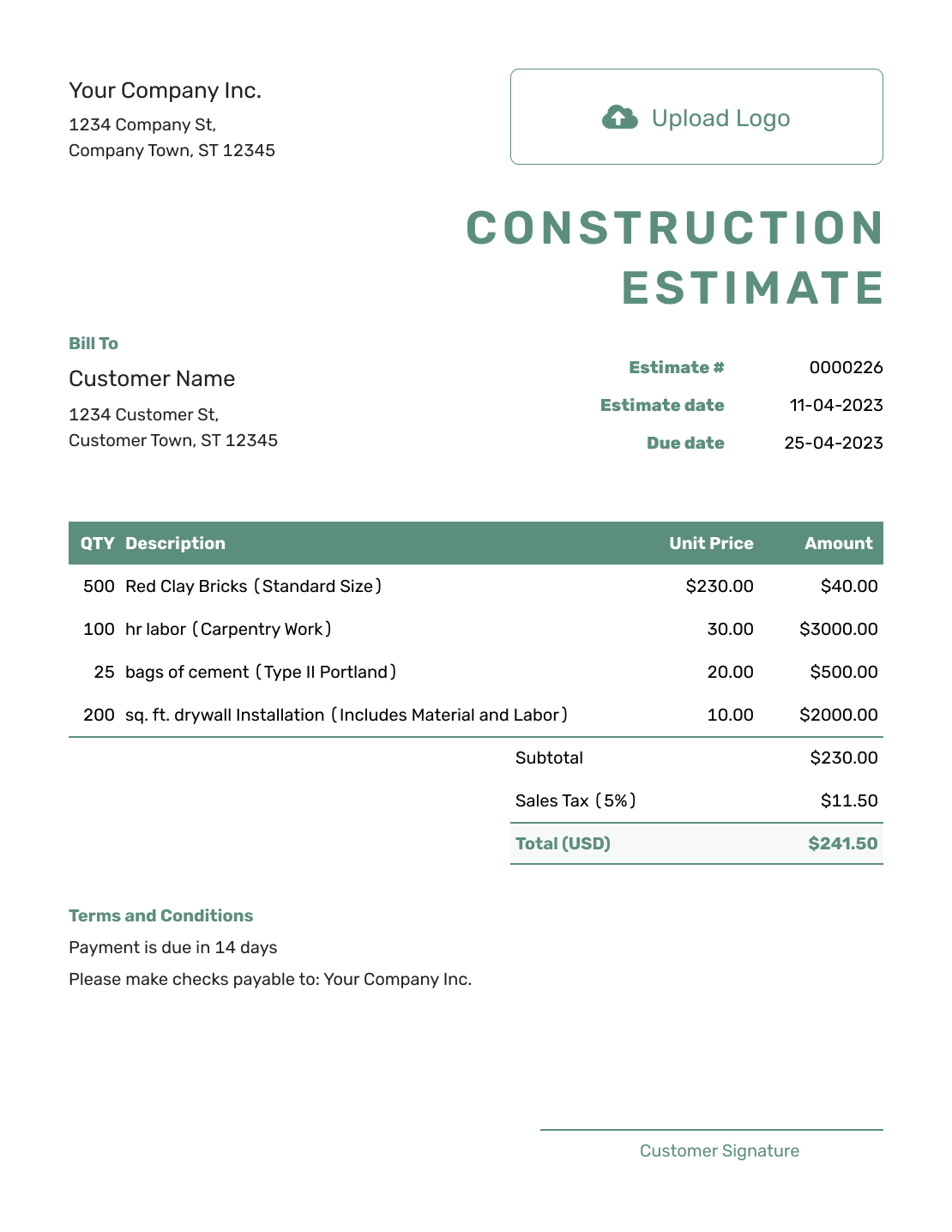
Simple Construction Estimate Template
Create Free Estimate -
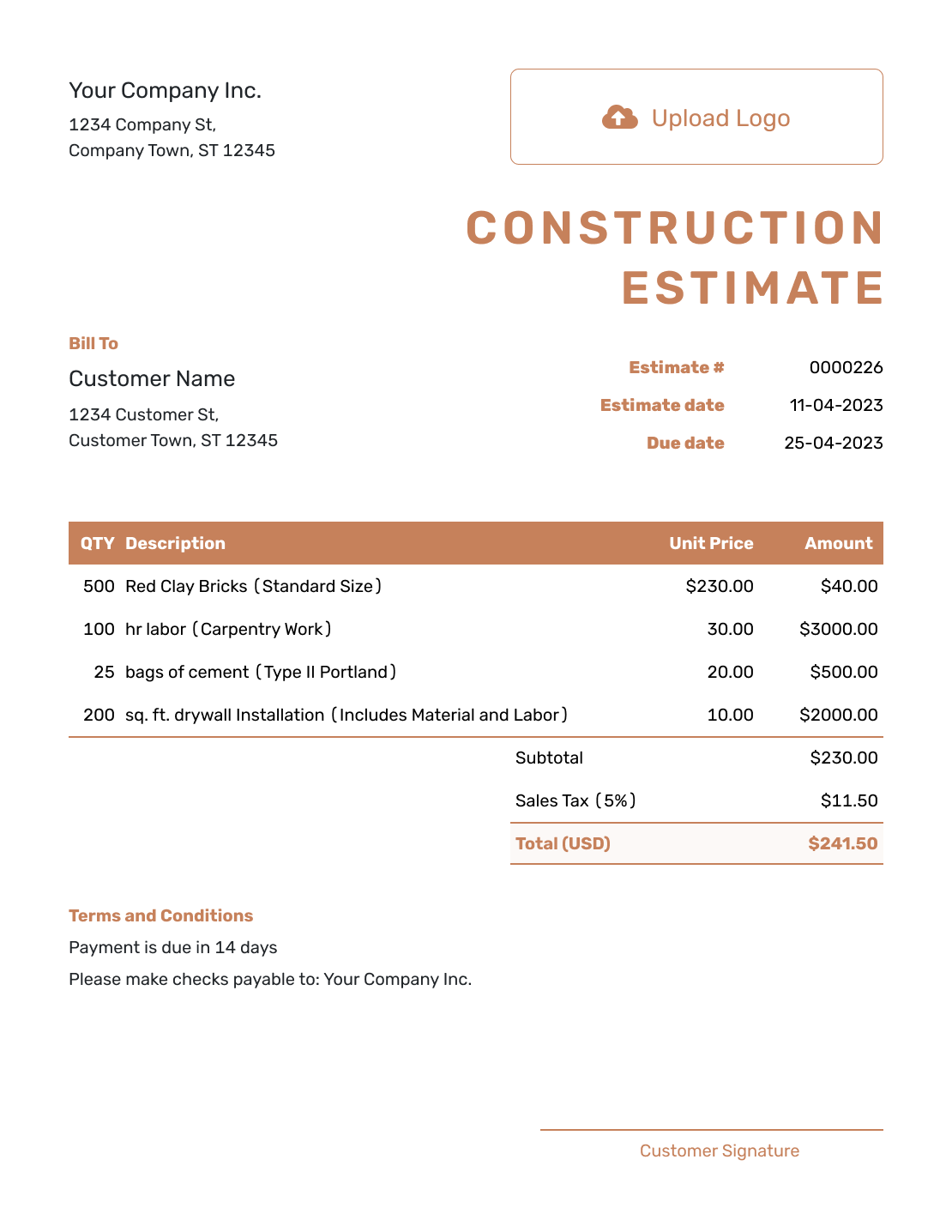
Professional Construction Estimate Template
Create Free Estimate -
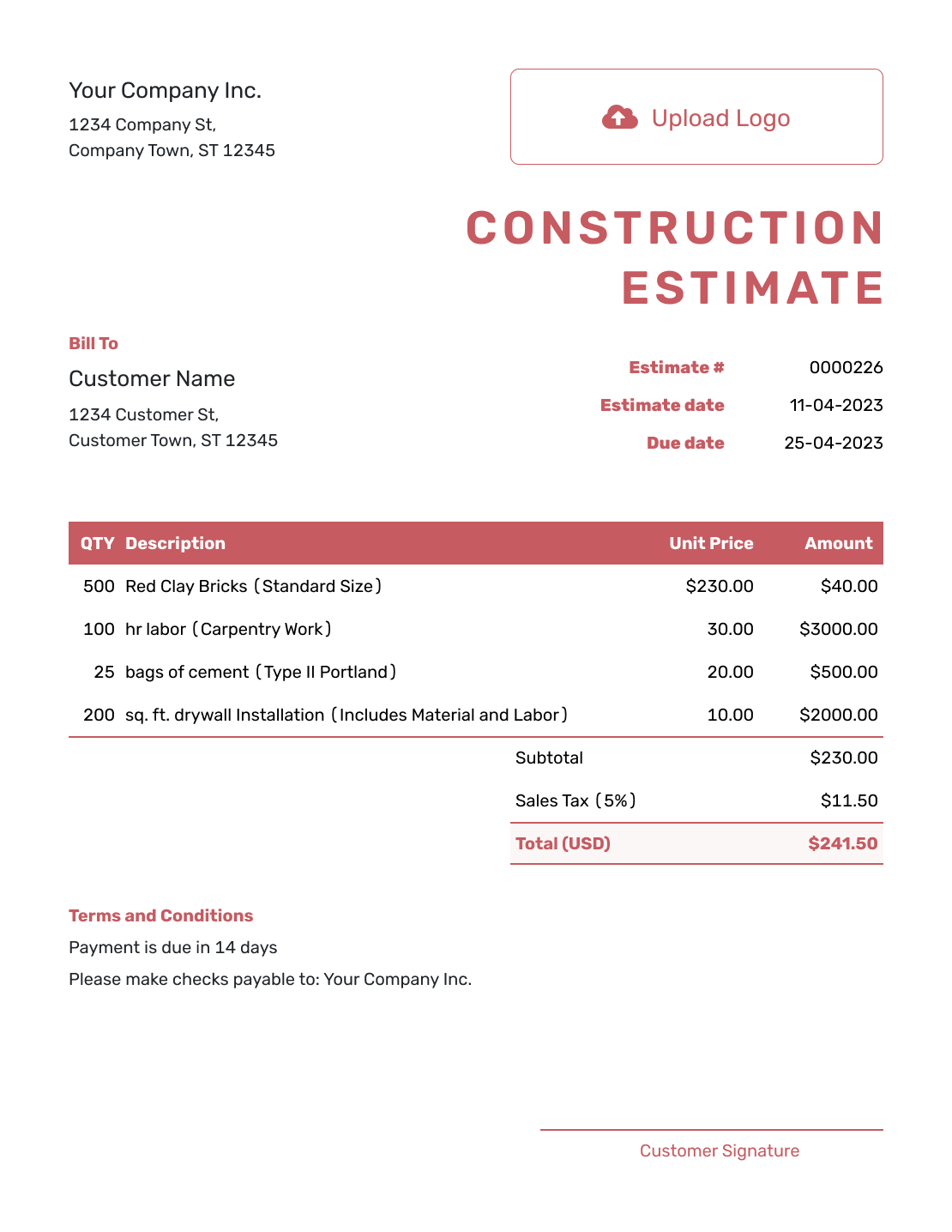
Downloadable Construction Estimate Template
Create Free Estimate -
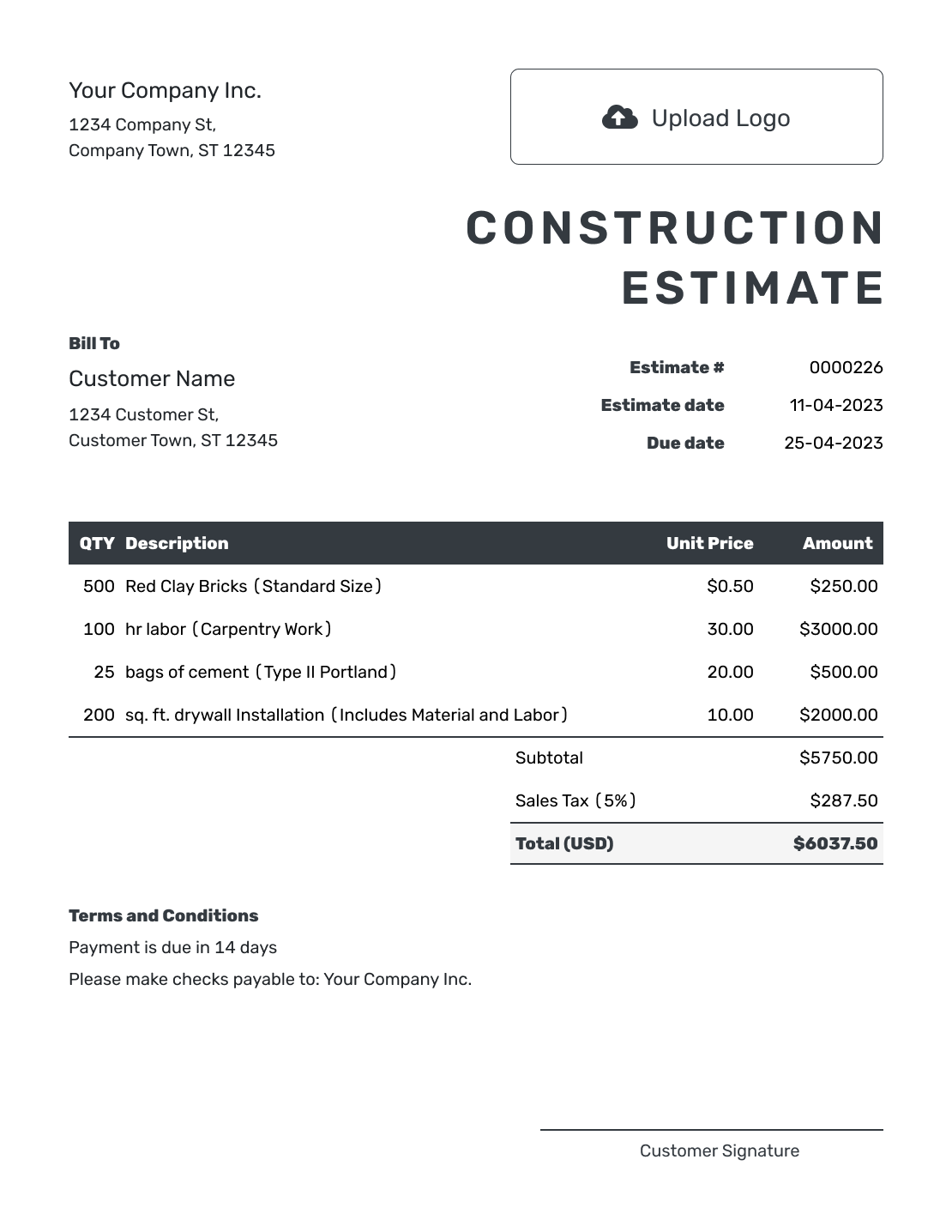
Editable Construction Estimate Template
Create Free Estimate -
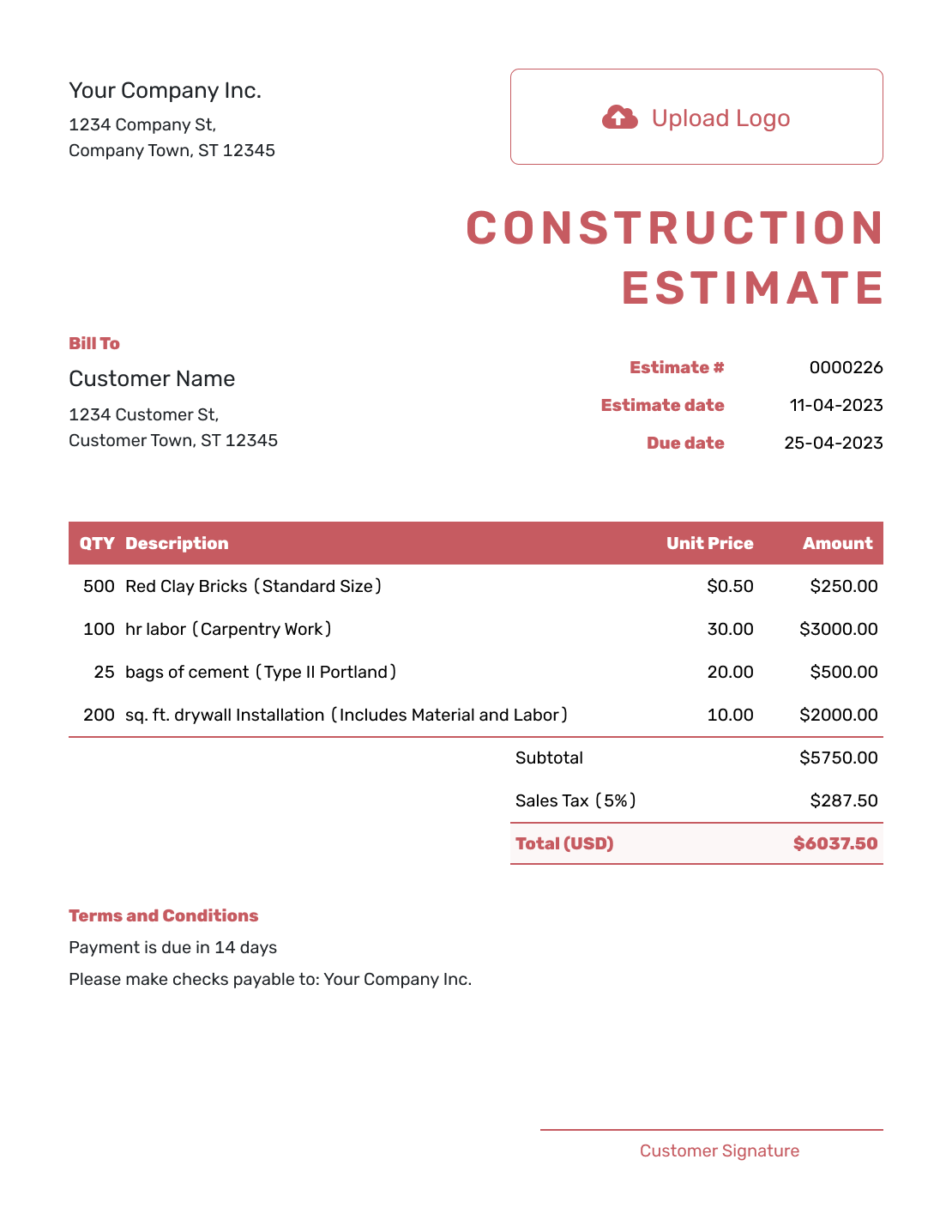
Fillable Construction Estimate Template
Create Free Estimate
Other Estimate Template File Formats
Prefer to work in a document or spreadsheet? Use the separate Word or Google Docs templates for a written scope, or Excel and Google Sheets for your own calculations. Docelf downloads the finished estimate as a PDF.
After You Send the Estimate
- See when the customer opens or responds to the estimate
- Update it if the scope, allowance or likely price changes
- Create the invoice from the accepted estimate when it is time to bill
Construction Estimate Template FAQs
Find answers to common questions about preparing, sending and using this estimate.
-
What is a construction estimate?
A construction estimate shows the project work you expect to complete and the likely cost based on the scope, quantities, labor, materials and assumptions known at the time.
-
What should I include in a construction estimate?
Identify the customer, site and work being estimated. Show quantities and prices by phase or trade, with allowances and any applicable tax or discount. Add the assumptions, exclusions, expected timing and terms that explain the likely total.
-
Should labor and materials be separate on a construction estimate?
Separate them when it helps the customer understand the cost of a phase or trade. You can also group related costs when one combined line is clearer and still explains what the estimate covers.
-
What is an allowance in a construction estimate?
An allowance is a clearly labeled estimated amount for a selection, quantity or cost that is not final yet. State what it covers so the customer understands why the final cost may differ.
-
What is the difference between a construction estimate and a quote?
An estimate is useful when quantities, selections or other project costs can still change. A quote is better when you are ready to present a specific scope, price and terms as an offer.
-
What should I do if the construction scope changes?
Update the estimate so the revised work, quantities, assumptions and likely total are clear. Give the customer the revised information before relying on the old estimate for changed work.
-
Can a customer accept a construction estimate online?
Yes. The customer can accept or decline the estimate online. Docelf updates the status and emails you when they respond.
-
Can I turn an accepted construction estimate into an invoice?
Yes. Create an invoice from the estimate in Docelf. The relevant customer, item, price and document details copy into the invoice, and you can adjust the invoice for the portion being billed.
-
Can I email or download a construction estimate?
Yes. You can email the estimate from Docelf, print it or download it as a PDF. You can also see when an emailed estimate is delivered and opened.
Ready to Price the Construction Project?
Give your customer a price they can match to the planned work.
- Organize scope and costs by phase or trade
- Let Docelf calculate line amounts and totals
- Email or download a professional PDF




