Free Renovation Estimate Template
Create a professional estimate in minutes
Group the renovation by room or phase and show the main work and likely price. Homeowners can compare the plan easily, making it easier to hire you for the project.
Email, print or download your estimate as a PDF.
14-day free trial. No credit card required.

Price the job. Send the estimate. Get back to work.
Renovation Estimate Template Examples
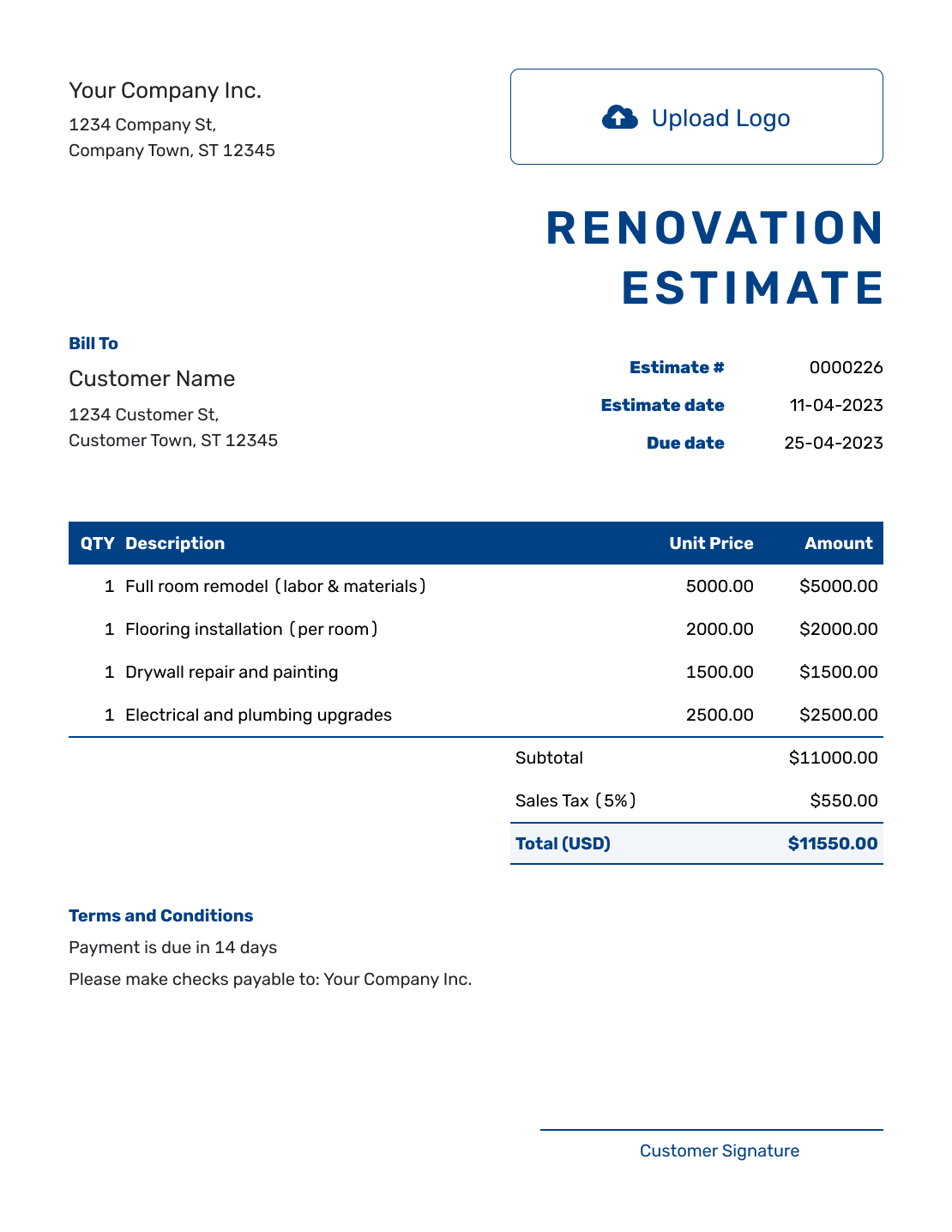
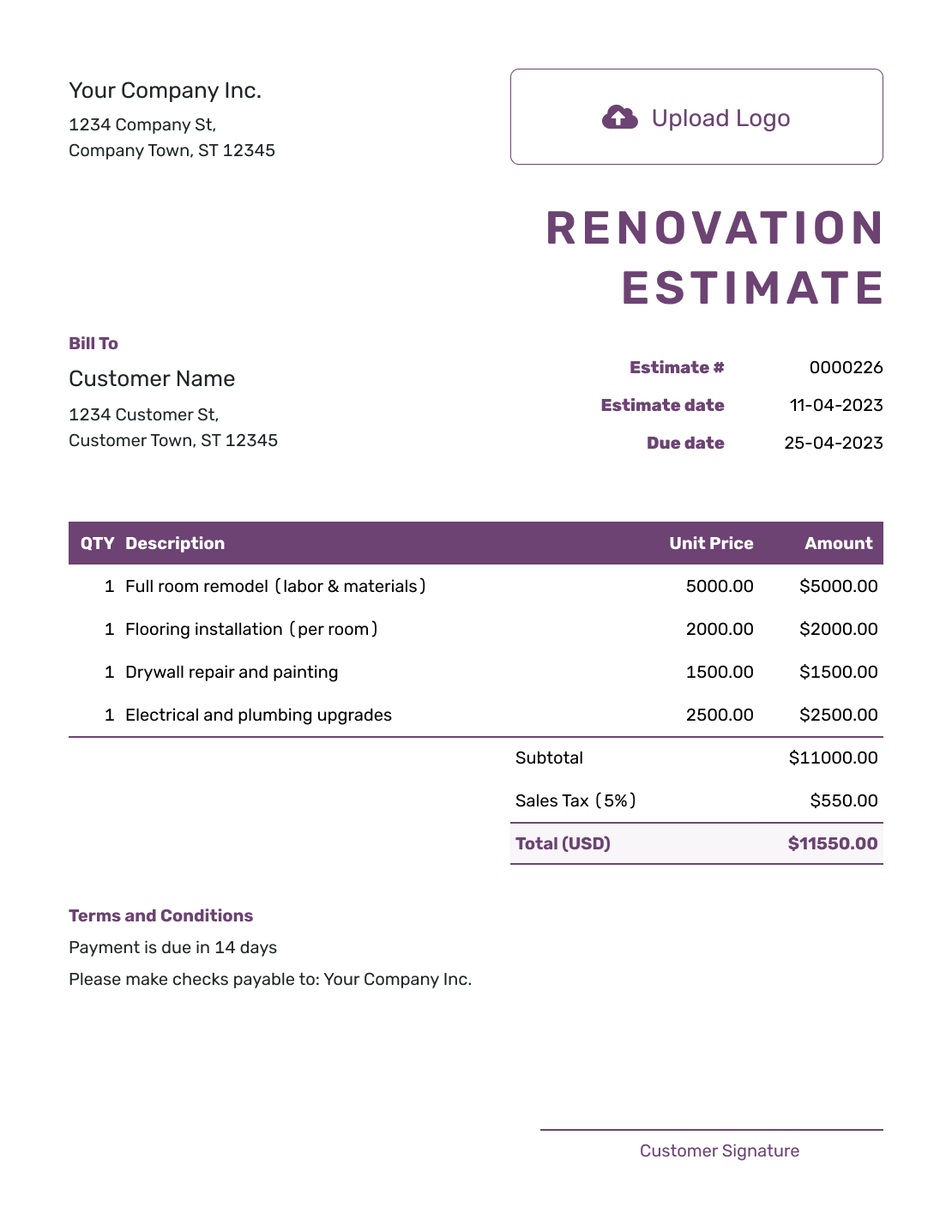
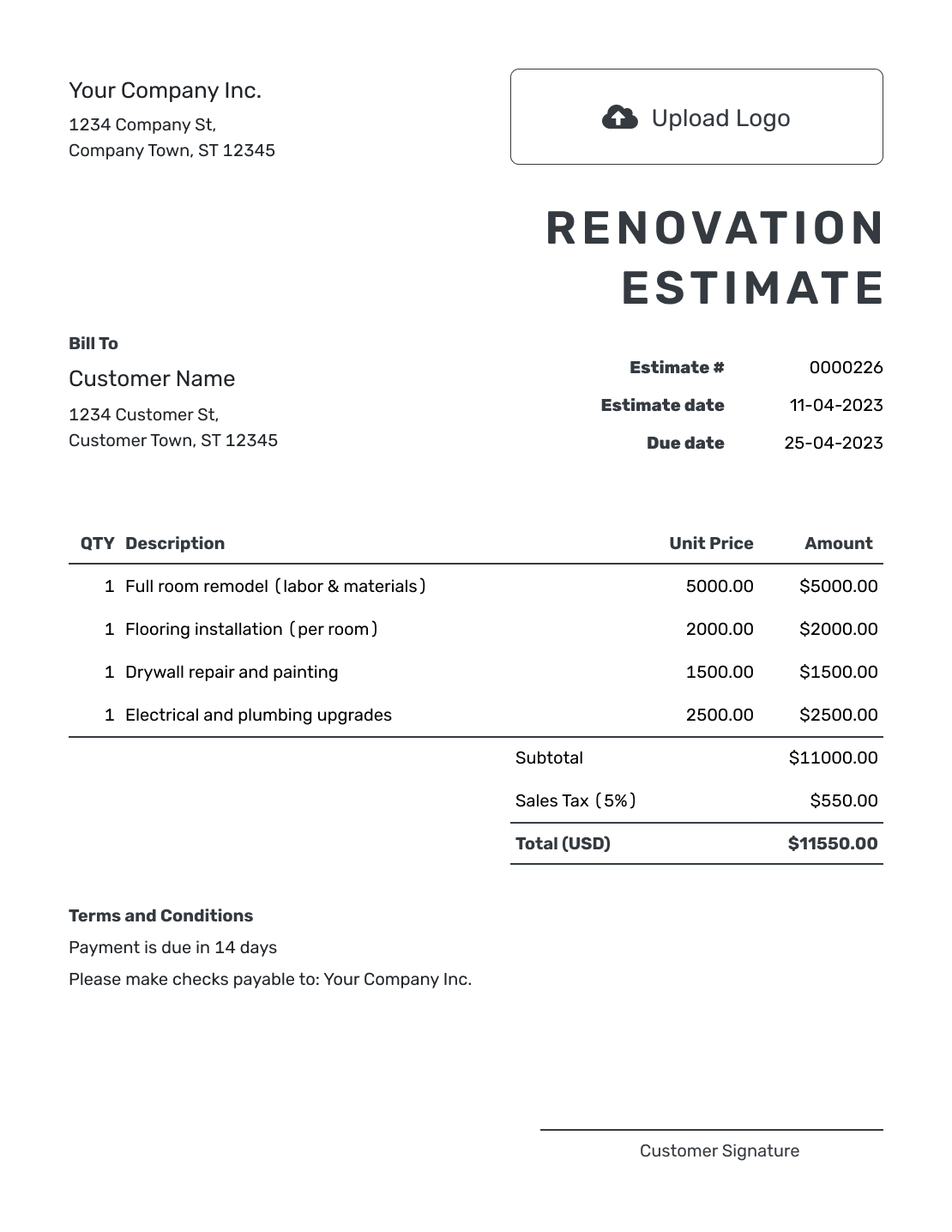
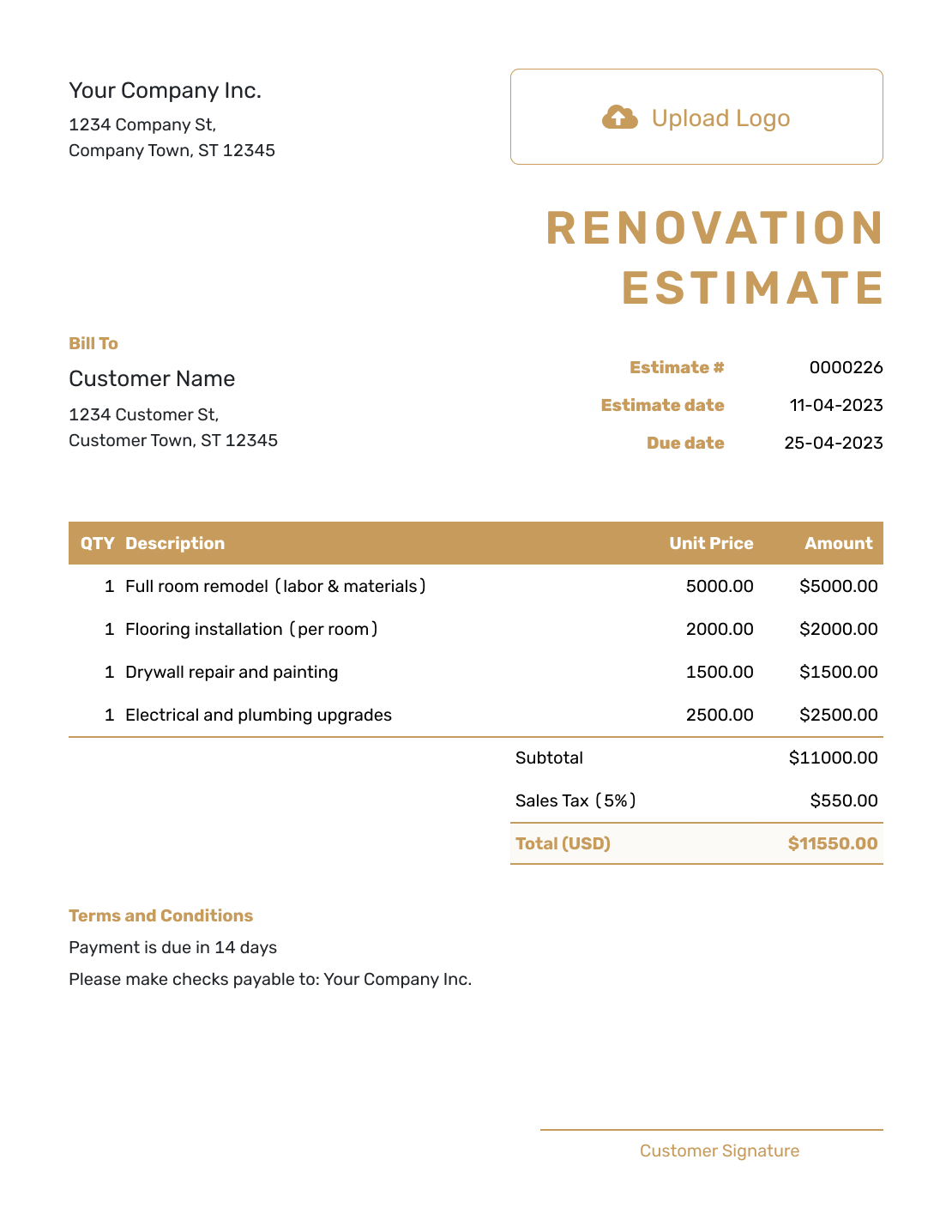
Choose a layout for presenting the renovation, then add the work planned for the property. Every preview opens the same estimate editor.
What Is a Renovation Estimate?
A renovation estimate shows the expected work and likely price for improving an existing property. It can cover repairs, replacements, updates and finish work across one or more rooms.
Start with the difference between the property as it is and the result the homeowner wants. Explain what stays, what needs repair and what will be replaced. Where a selection is still open, a clearly labeled allowance shows the amount included for it.
How to Create a Renovation Estimate
Keep your site notes close by as you fill in the estimate. Use item descriptions for each part of the renovation and Terms and Conditions for the assumptions shared across the project.
- Your Business: Enter your business name and contact details.
- Your Logo: Add your logo to match your other project documents.
- The Homeowner: Add the homeowner and identify the renovation property.
- Number and Dates: Check the estimate number, issue date and valid-until date.
- Renovation Work: List the repairs, replacements and allowances with quantities and prices.
- The Likely Total: Check the line amounts, applicable tax and estimated total.
- Terms and Sending: Add access, timing and change assumptions in Terms and Conditions. Review, then send.
How to Fill In Renovation Estimate Line Items
Name the work included in each package instead of relying on a label such as “carpentry.” A package can include related labor, materials or subcontractor work when its description makes the scope clear. Use measured quantities for work priced by area, length or hours.
This fictional kitchen-and-hall renovation keeps the existing layout and cabinet boxes. It combines the related work into five packages, including one allowance for flooring and finishes. Amounts are in US dollars, with an illustrative 8% tax applied to all five items. Use the actual quantities, trade prices and tax treatment for your project.
| QTY | Description | Unit Price | Amount |
|---|---|---|---|
| 1 | Site protection and selective demolition — protect access route; remove old flooring and damaged trim | $2,200.00 | $2,200.00 |
| 1 | Carpentry and repair work — patch walls and repair cabinet boxes; replace damaged trim | $5,600.00 | $5,600.00 |
| 1 | Electrical and plumbing updates — replace four kitchen outlets, faucet and sink connections | $4,200.00 | $4,200.00 |
| 1 | Flooring and finish allowance — kitchen and hall materials and installation, selections pending | $6,500.00 | $6,500.00 |
| 1 | Cleanup and project closeout — remove debris and complete a final walkthrough | $1,100.00 | $1,100.00 |
| Subtotal | $19,600.00 | |
| Sales Tax (8% illustrative) | $1,568.00 | |
| Estimated Total | $21,168.00 |
What to Include in Renovation Estimate Terms
Terms and Conditions explain the site assumptions behind the price. State the areas included, access arrangements, selection deadlines and how you will agree on changes. An allowance also needs a clear description of what its amount covers.
The sample below matches the kitchen-and-hall example. Adapt it to the property and include only the arrangements you actually use.
Example: Terms and Conditions
- Estimate valid for 30 days from the issue date. Work covers the kitchen and hall with the existing layout and cabinet boxes retained.
- The $6,500 flooring and finish allowance includes materials and installation for those areas. Final selections and measured quantities must be agreed before ordering.
- Homeowner will clear personal items and provide access during agreed working hours. Start timing will be confirmed after selections and material availability are checked.
- Hidden damage and changes to the agreed scope are excluded. Any added work and revised price will be approved before that work starts.
Turn the Renovation Plan Into a Clear Estimate
Put the renovation you discussed into a price the homeowner can follow. Docelf calculates the total as you enter the expected work and costs. Review the assumptions, then send it for a decision.
Show What Will Be Repaired, Replaced or Upgraded
A renovation estimate is easier to review when each existing condition leads to a clear work package and likely amount.
Areas and work packages
Group work by room, exterior area, trade or phase. Use the structure that lets the homeowner find the part of the property being improved.
Repair or replace
State whether an item will be repaired, reused, refinished or replaced. That decision often changes labor, materials and the likely total.
Quantities and access
Show the measurements, counts and access assumptions that explain the price. Keep detailed measuring notes in your own records unless the homeowner needs them to understand the work.
Phasing and occupancy
Explain project stages, access, protection and working-hour assumptions when the property will remain occupied during the renovation.
Separate Alternatives from Included Allowances
A repair, replacement and upgrade may solve the same problem at different prices. Include the chosen approach in the estimate. Describe an alternative in Terms and Conditions or a separate estimate so both approaches do not enter the total.
An allowance serves a different purpose: it is money already included for a choice or cost that is not final. In the example, the $6,500 includes flooring and finish materials plus installation. Once the selections are confirmed, replace that allowance with the agreed cost rather than adding the full cost again.
Attach Photos or Specifications When They Clarify the Scope
Photos can show the area being repaired, while a drawing or product specification can make the proposed work easier to understand. Attach the useful file instead of forcing every detail into a line item.
Docelf keeps the attachment with the estimate so the homeowner can download it with the document.
Renovation Estimate, Quote, or Invoice?
Choose the document based on how settled the condition, selections and price are and whether the work is ready to bill.
Estimate
Use an estimate while conditions, quantities, repairs or finish selections can still change.
Quote
Use a renovation quote when you are ready to offer a specific scope, price and terms for approval.
Invoice
Use a contractor invoice when completed or billable renovation work is ready for payment.
More Renovation Estimate Previews
These remaining layouts use the same estimate editor. Choose a presentation, then enter the scope and prices for your own job.
-
Blank Renovation Estimate Template
Create Free Estimate -
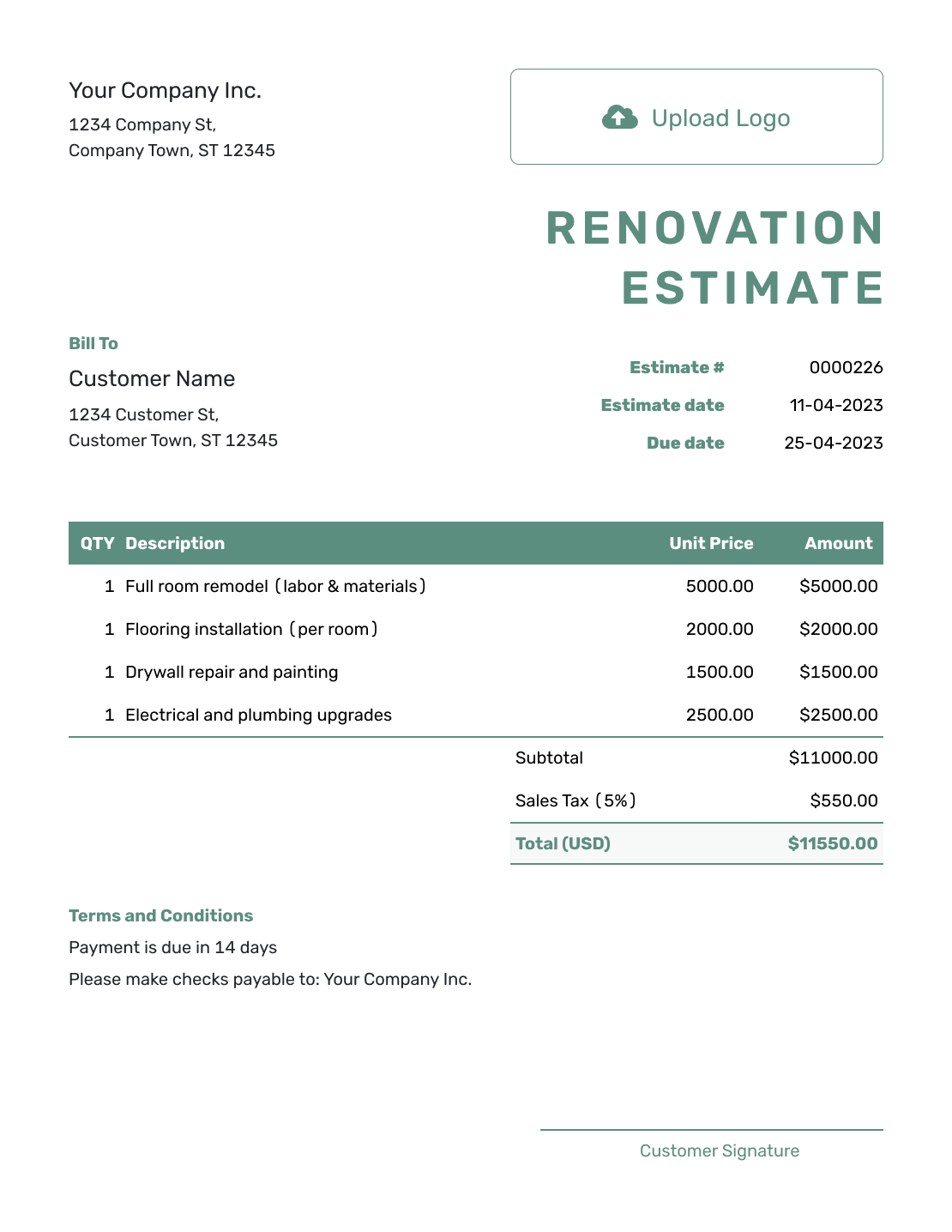
Simple Renovation Estimate Template
Create Free Estimate -
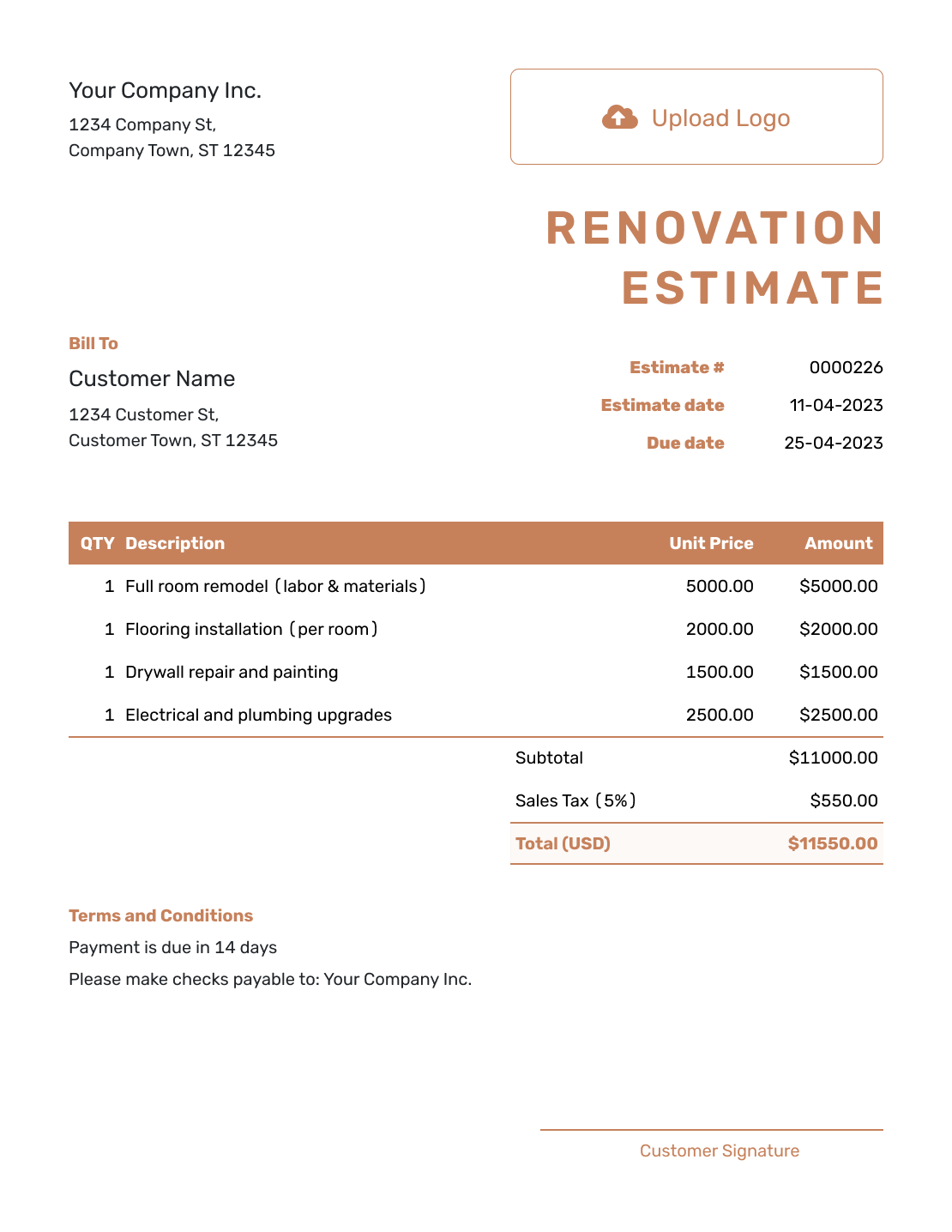
Downloadable Renovation Estimate Template
Create Free Estimate -
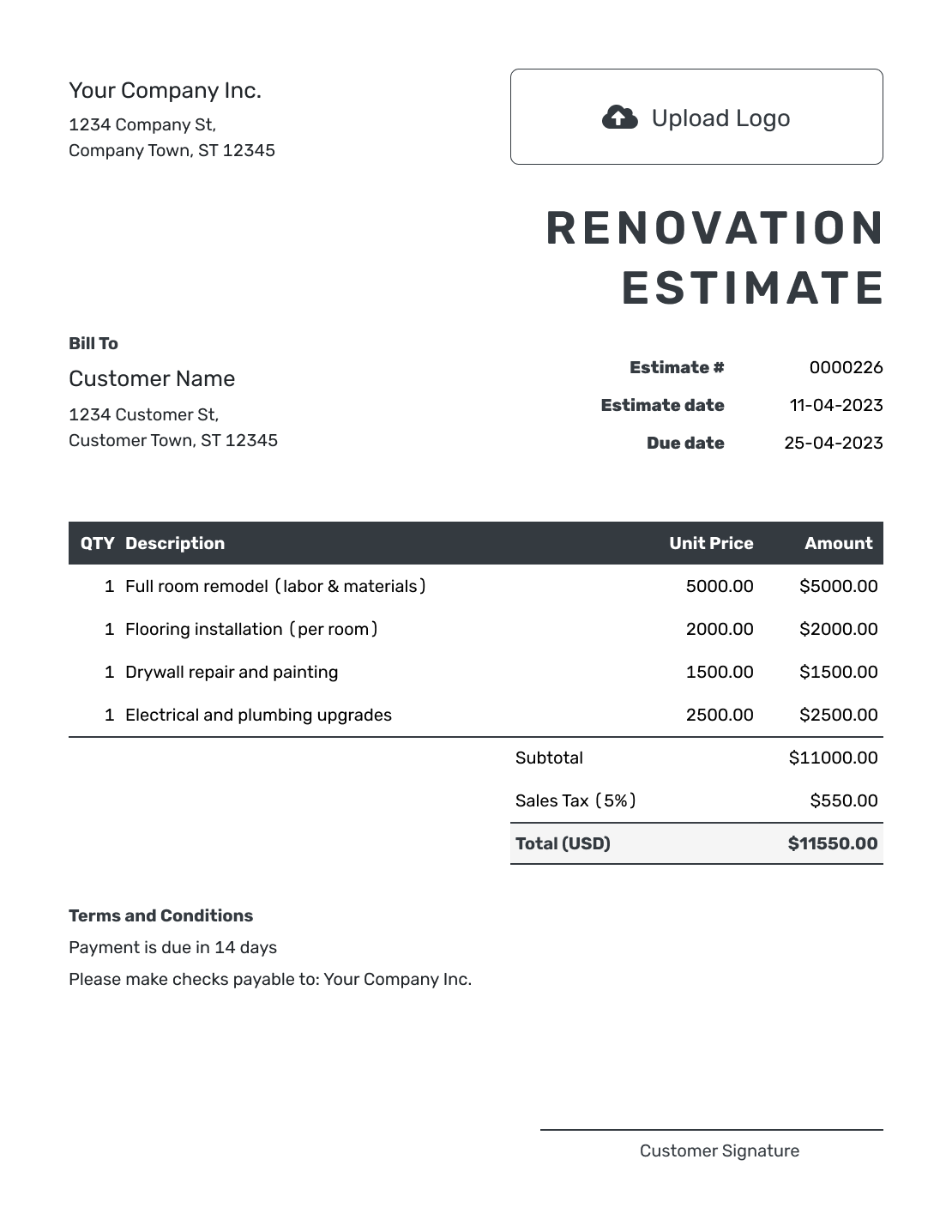
Editable Renovation Estimate Template
Create Free Estimate -
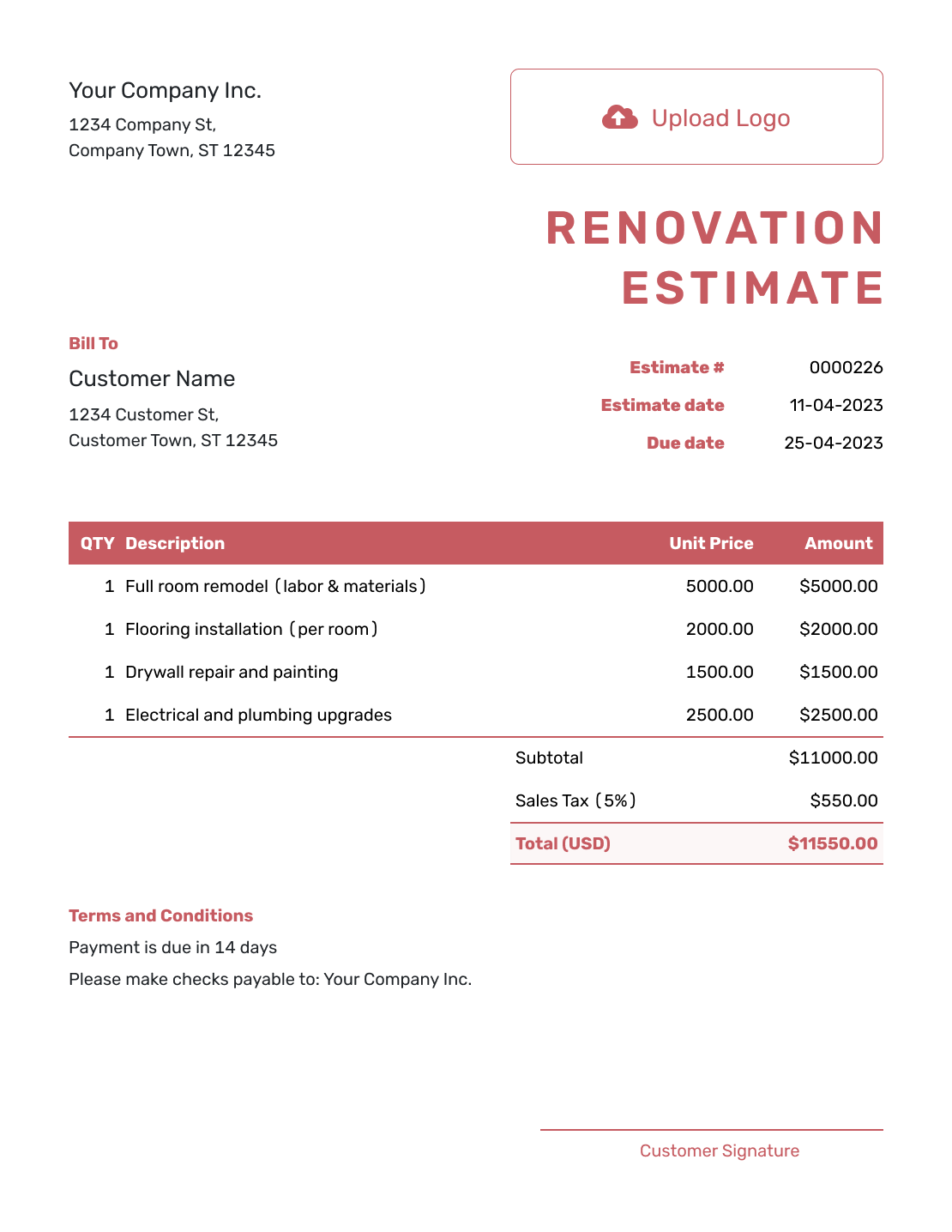
Fillable Renovation Estimate Template
Create Free Estimate -
Professional Renovation Estimate Template
Create Free Estimate
More Templates for Renovation Projects
Choose a narrower project or design template when one part of the renovation needs its own scope and pricing.
Other Estimate Template File Formats
Use Word or Google Docs when the renovation needs more written scope detail. Excel or Google Sheets may suit a breakdown of measured work and prices. These are separate file templates; the online Docelf estimate downloads as a PDF.
After You Send the Estimate
- See when the homeowner opens or responds to the estimate
- Send a revised estimate for approval when the scope, selections or likely price changes
- Create the invoice from the accepted estimate when renovation work is ready to bill
Renovation Estimate Template FAQs
Find answers to common questions about preparing and sending a renovation estimate.
-
What is a renovation estimate?
A renovation estimate describes the expected work and likely price for improving an existing property. The price reflects the condition you can see, the proposed repairs or upgrades and any selections or costs still to be confirmed.
-
What should I include in a renovation estimate?
Identify the homeowner, property and areas included. Describe the repairs and replacements with their labor, materials, equipment and quantities. Show allowances and the likely total, then add timing, access, exclusions and other assumptions in Terms and Conditions.
-
What is the difference between a renovation and a remodel estimate?
The terms often overlap. A renovation commonly repairs or updates an existing space, while a remodel commonly changes a layout or use. Use the term that best matches the work and the wording your customer uses.
-
Should I organize a renovation estimate by room or by trade?
Use the structure that makes the project easiest to review. Room-by-room works well for several areas, while trade-by-trade can be clearer when one contractor handles the same work throughout the property.
-
How should I show repair and replacement options?
Put the chosen approach in the base scope. Describe alternatives in Terms and Conditions or a separate estimate, and say whether each would replace existing work or add to it. Keep unchosen alternatives outside the base total.
-
What should I do if existing conditions change the work?
Explain the finding and how it affects the work and likely price. Update the affected lines and assumptions, then send a revised estimate for the homeowner to approve before the extra work begins.
-
What is the difference between a renovation estimate and a quote?
Use an estimate while conditions, selections or quantities can still change. Use a quote when you are ready to offer a specific scope, price and terms.
-
Can a homeowner accept a renovation estimate online?
Yes. The homeowner can accept or decline the estimate online. Docelf updates the status and emails you when they respond.
-
Can I turn an accepted renovation estimate into an invoice?
Yes. Create an invoice from the estimate in Docelf. The relevant customer, item, price and document details copy into the invoice, and you can adjust it for the work being billed.
Ready to Price the Renovation?
Give the homeowner a practical starting point for deciding which improvements to go ahead with.
- Organize repairs and upgrades by area or trade
- Show quantities, allowances and assumptions clearly
- Email the estimate or download a professional PDF




