Free Interior Design Estimate Template
Create a professional estimate in minutes
Show the rooms, design services and likely cost, with client purchases kept clear. Clients can picture the project and see why your business fits the work.
Email, print or download your estimate as a PDF.
14-day free trial. No credit card required.

Price the job. Send the estimate. Get back to work.
Interior Design Estimate Template Examples
Browse these layouts before adding your own project details. Each preview opens the same estimate editor, where you can choose the design and enter your services and prices.
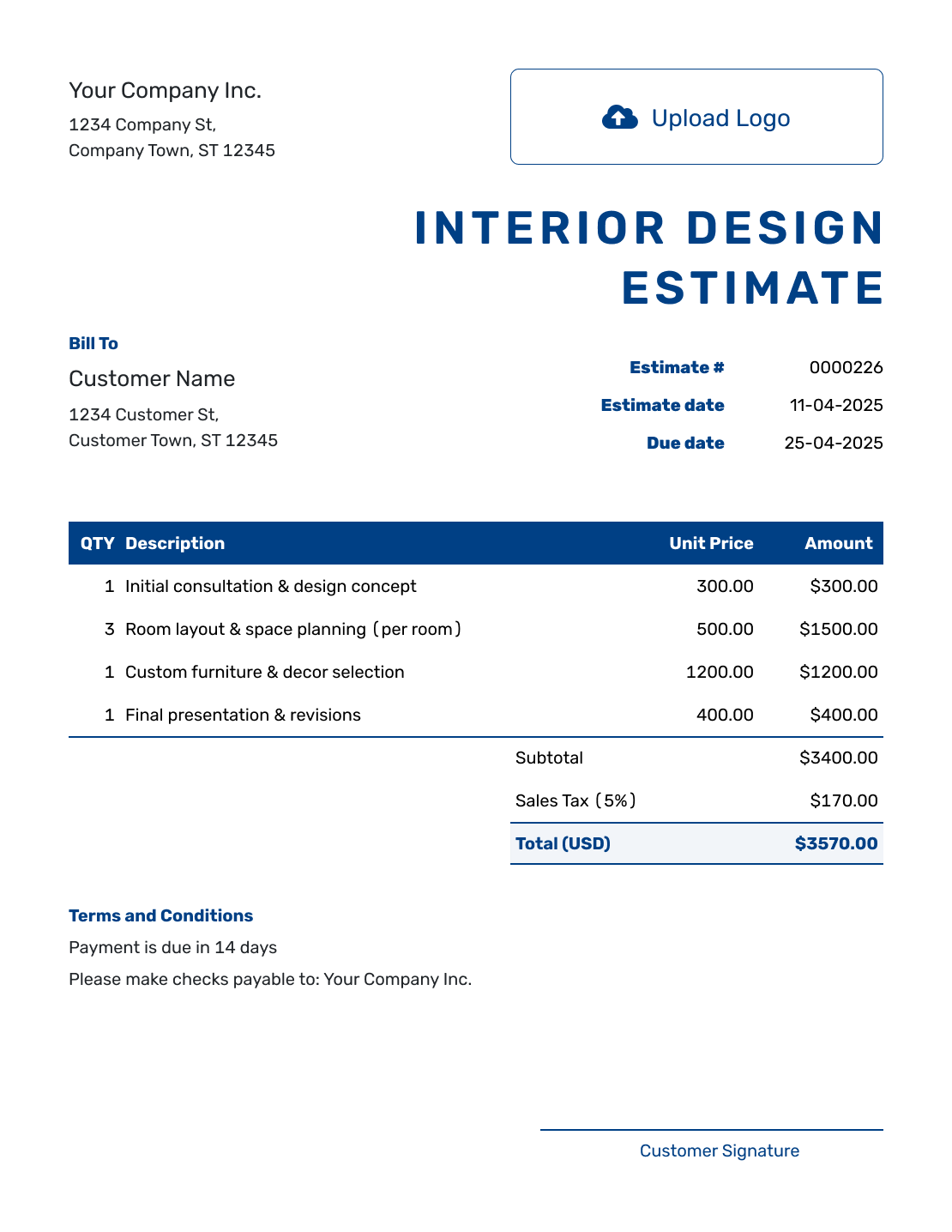
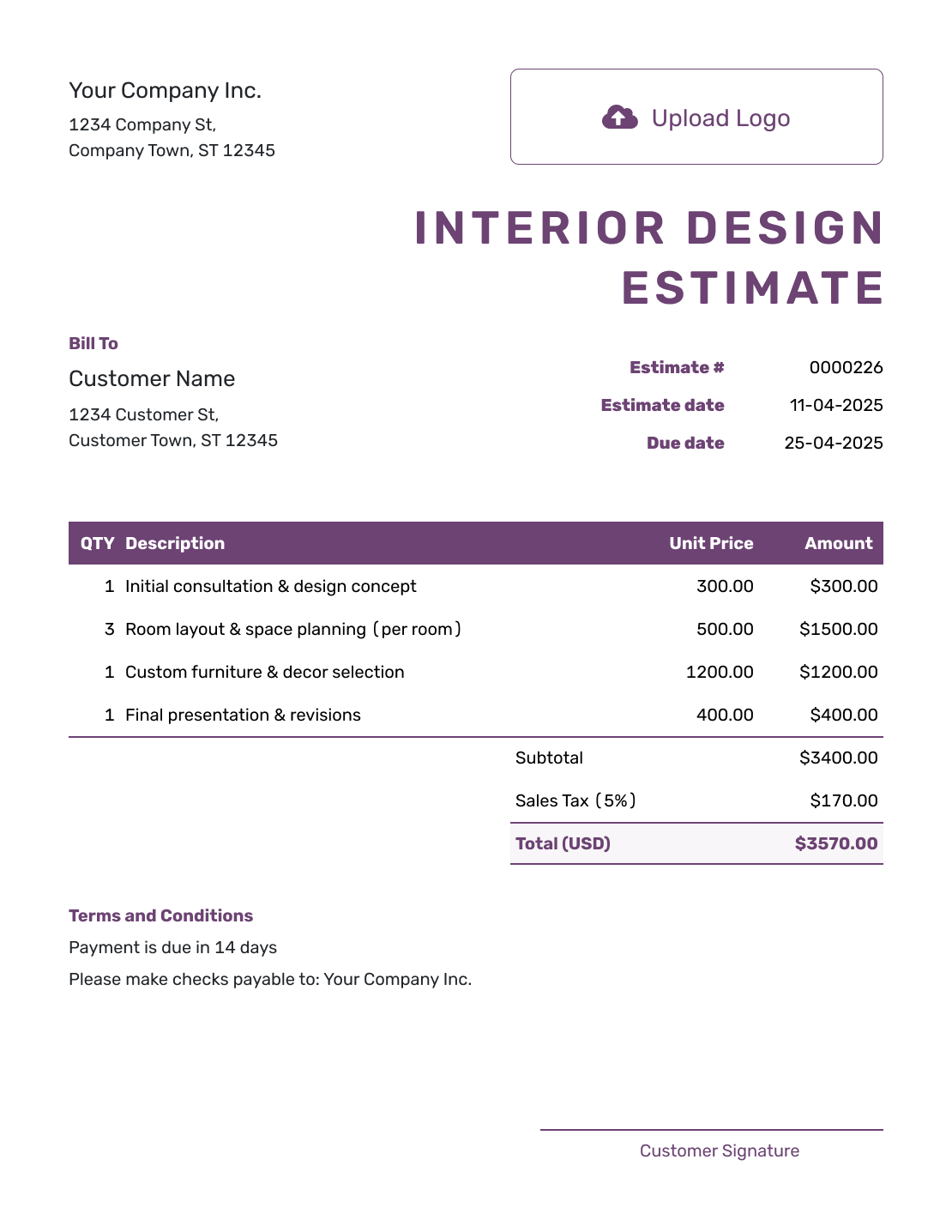
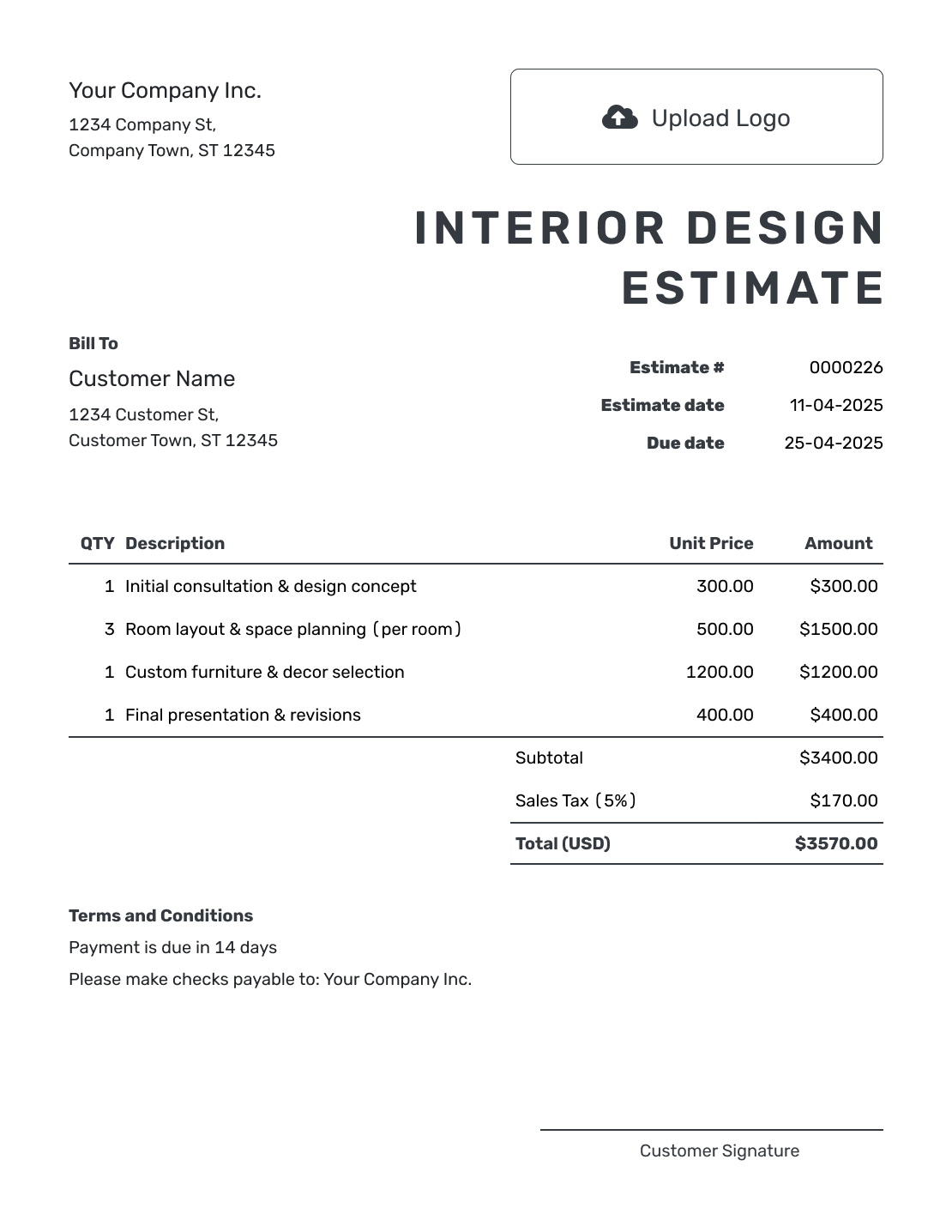
Separate Design Fees From Products and Installation
An interior design estimate shows the rooms, services and products you expect a project to need, with their likely costs. Separating your design fees from furniture and installation helps the client understand the budget while selections are still taking shape.
Name the spaces and the design goal, then explain what you will provide: consultation, measurements, space planning, drawings, selections, sourcing or project coordination. State which purchases you will arrange and which the client will pay for directly. Only amounts you expect to charge belong in your estimated total.
How to Create an Interior Design Estimate
Build the estimate room by room or phase by phase. Show the design services first, then add products, installation, allowances and the likely total.
- Your Business: Add your studio name and contact details.
- Your Logo: Use your logo to match your other project documents.
- The Client: Enter the client details and identify the property.
- Number and Dates: Check the estimate number, issue date and response deadline.
- Rooms and Services: List design services, product allowances and installation with quantities and prices.
- The Likely Total: Check the line amounts, applicable tax and estimated total.
- Terms and Send: Add selection assumptions and timing in Terms and Conditions. Review, then email or download the estimate.
How to Fill In Interior Design Estimate Line Items
Price each service or product in a way the client can check. For hourly work, show the estimated hours and rate. Give a separately charged delivery or installation service its own item row so it contributes to the subtotal.
This fictional living-room planning package is priced in US dollars. It covers design services only; the client will buy furniture and arrange installation separately. An illustrative 8% tax applies to all three services here. Use the tax treatment that applies to your business and project.
| QTY | Description | Unit Price | Amount |
|---|---|---|---|
| 2 | Living-room consultation and measurements — hours | $100.00 | $200.00 |
| 1 | Space plan and furniture layout — one room | $450.00 | $450.00 |
| 1 | Furniture and lighting selection list — one room | $300.00 | $300.00 |
| Subtotal | $950.00 | |
| Tax (8% illustrative) | $76.00 | |
| Estimated Total | $1,026.00 |
What to Include in Interior Design Estimate Terms
Use Terms and Conditions to connect the price to the room, service level and decisions it assumes. Explain the revision allowance, expected timing, validity and any purchases the client will arrange. Include payment policies only when they are part of how you work.
Adapt this wording to the living-room planning example above and to the arrangements you actually offer.
Example: Terms and Conditions
- Includes one living-room layout and a furniture and lighting selection list, with one round of revisions.
- Furniture purchases, delivery, installation and contractor work are excluded and will be arranged by the client.
- Allow two weeks for the first plan after the consultation. The client will provide feedback within five business days.
- This estimate is valid for 30 days from its date. Added rooms or services will be estimated for approval before work begins.
Use Allowances When Products Are Not Chosen Yet
An allowance is a placeholder amount for an item that has not been selected. Name what it covers, such as a living-room rug, and say whether delivery or installation is included. It gives the client a budget to choose within.
When you will supply the product, include its allowance in the estimate. When the client will buy it directly, describe that separate budget in Terms and Conditions instead of adding it to the amount you will charge. Once the selection is confirmed, replace the allowance with the expected price; do not add both.
Keep sourcing and coordination fees distinct from the goods themselves. Add freight, storage, installation or subcontractor work as separate item rows when you charge for them. Explain which amounts depend on supplier availability, final measurements or site conditions.
Choose Fees That Match the Work
A fixed room or phase fee works when you can describe the design package clearly. Hourly pricing can suit consultations or coordination where the time is less certain; state the hours you expect and the rate, rather than showing the rate alone.
For a project with several rooms, name the room on each service line. Add the client, property address, estimate number and date so the document is easy to match to the project. A short schedule and valid-until date give the client a useful timeframe for deciding.
Create an Interior Design Estimate Clients Can Picture
Put the room plan and likely price in one estimate. Docelf recalculates totals when you change quantities or prices. Review the selections with your client, then send the estimate.
Interior Design Estimate, Quote, or Invoice?
Use the document that matches how far the client has moved from planning to purchasing and billing.
Estimate
Use an estimate while rooms, selections or supplier costs may still change and the client needs a professional view of the likely total.
Quote
Use a quote when the design package, products, price and terms are specific enough to present for approval.
Invoice
Use an invoice to ask for payment for a design phase, approved products, installation work or another amount ready to bill.
The Room Plan or Product Selections Changed?
Revise the estimate when the client adds a room, changes the level of service, selects higher-cost products or changes the installation plan.
Replace the allowance or original line item with the new likely cost and update the schedule if needed. Send the revision and ask the client to approve it before you order products or expand the work.
More Interior Design Estimate Previews
These six layouts give you more ways to present the same project details. Choose a design, then check that the descriptions and prices reflect your work.
-
Blank Interior Design Estimate Template
Create Free Estimate -
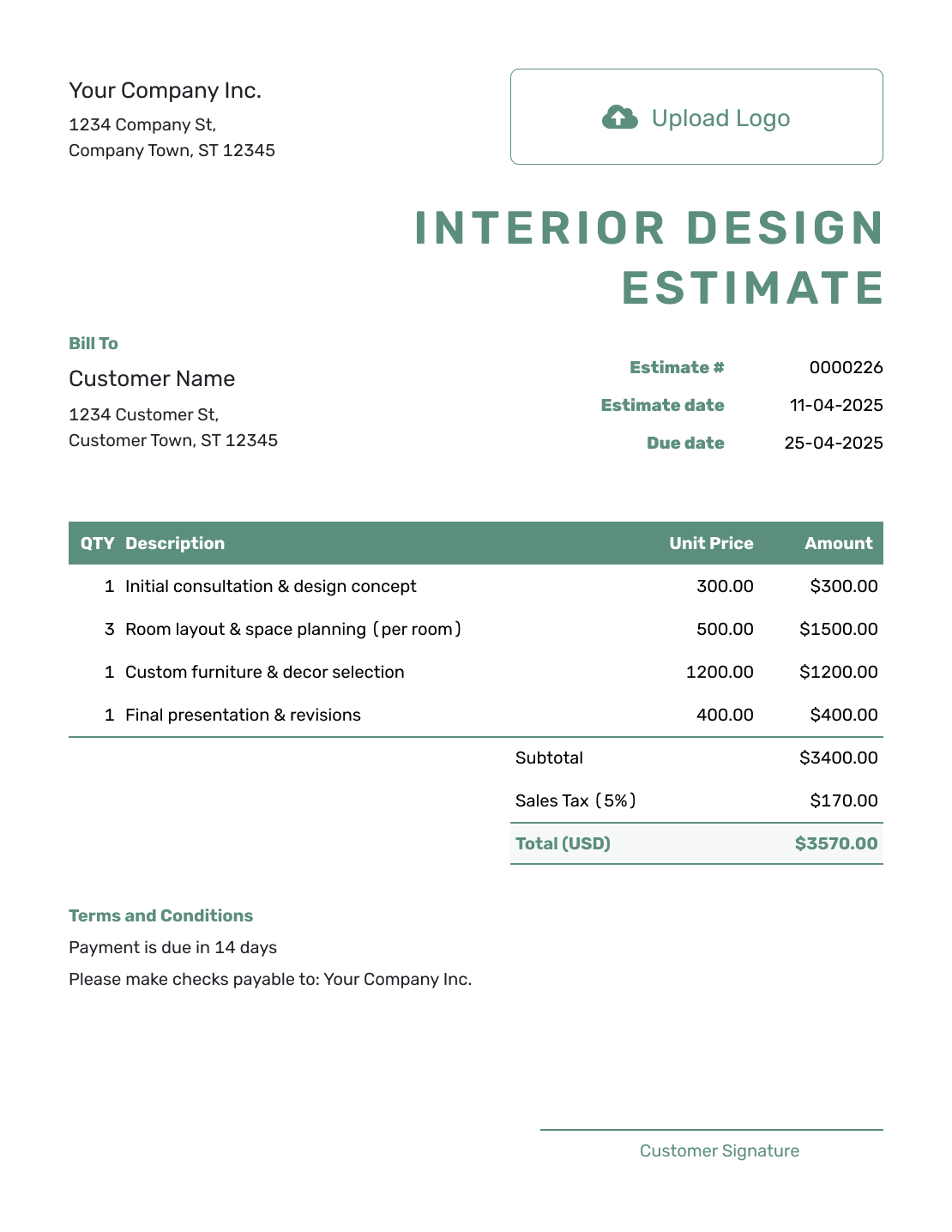
Simple Interior Design Estimate Template
Create Free Estimate -
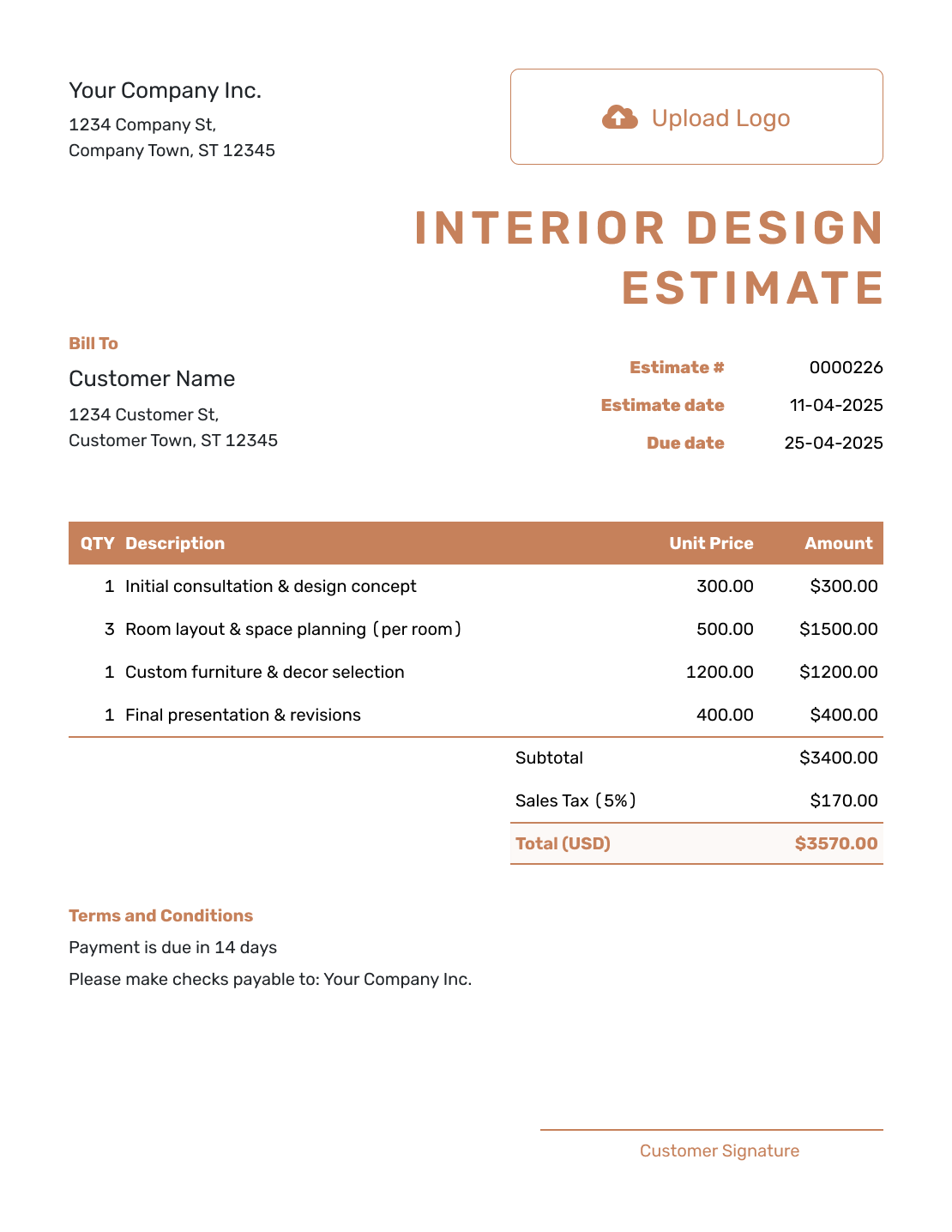
Downloadable Interior Design Estimate Template
Create Free Estimate -
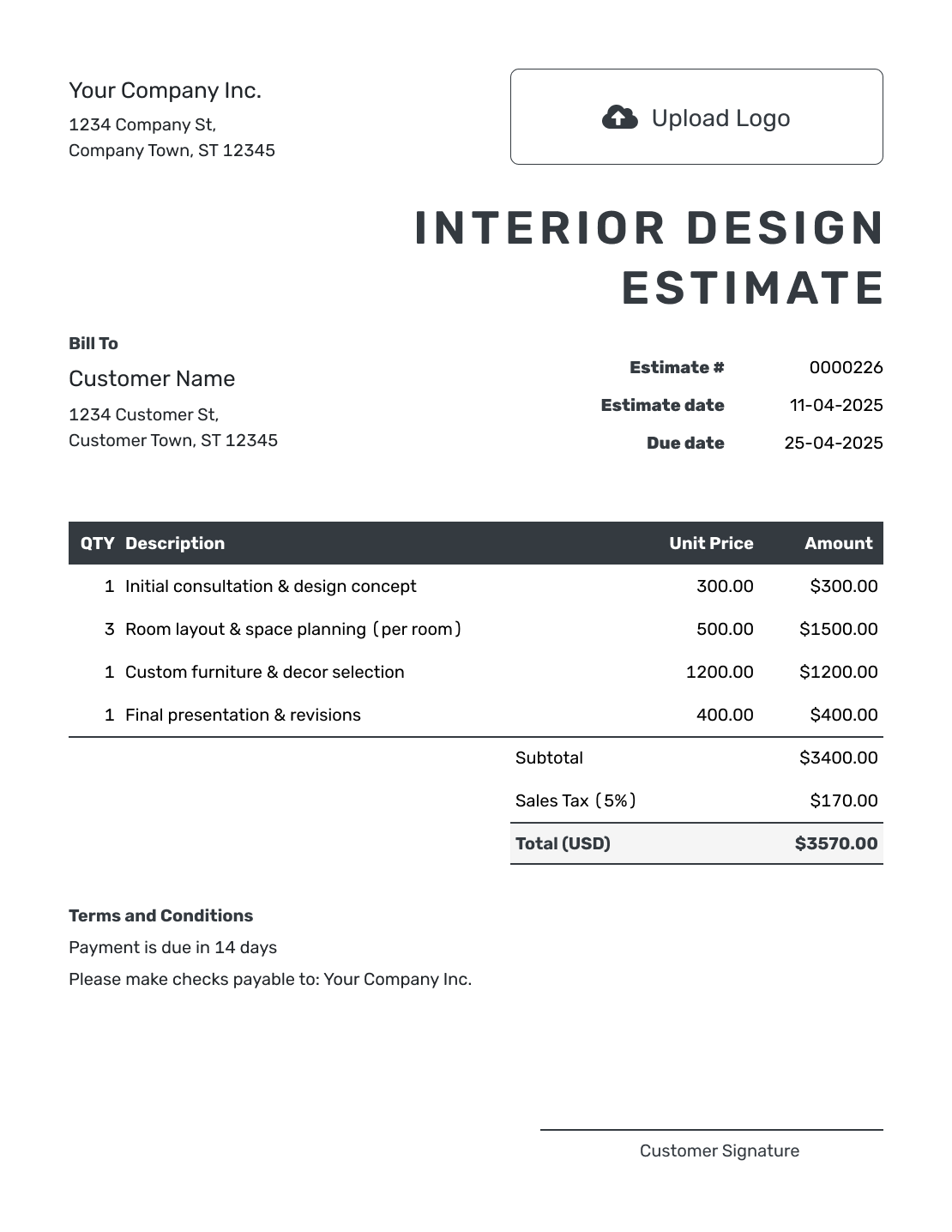
Editable Interior Design Estimate Template
Create Free Estimate -
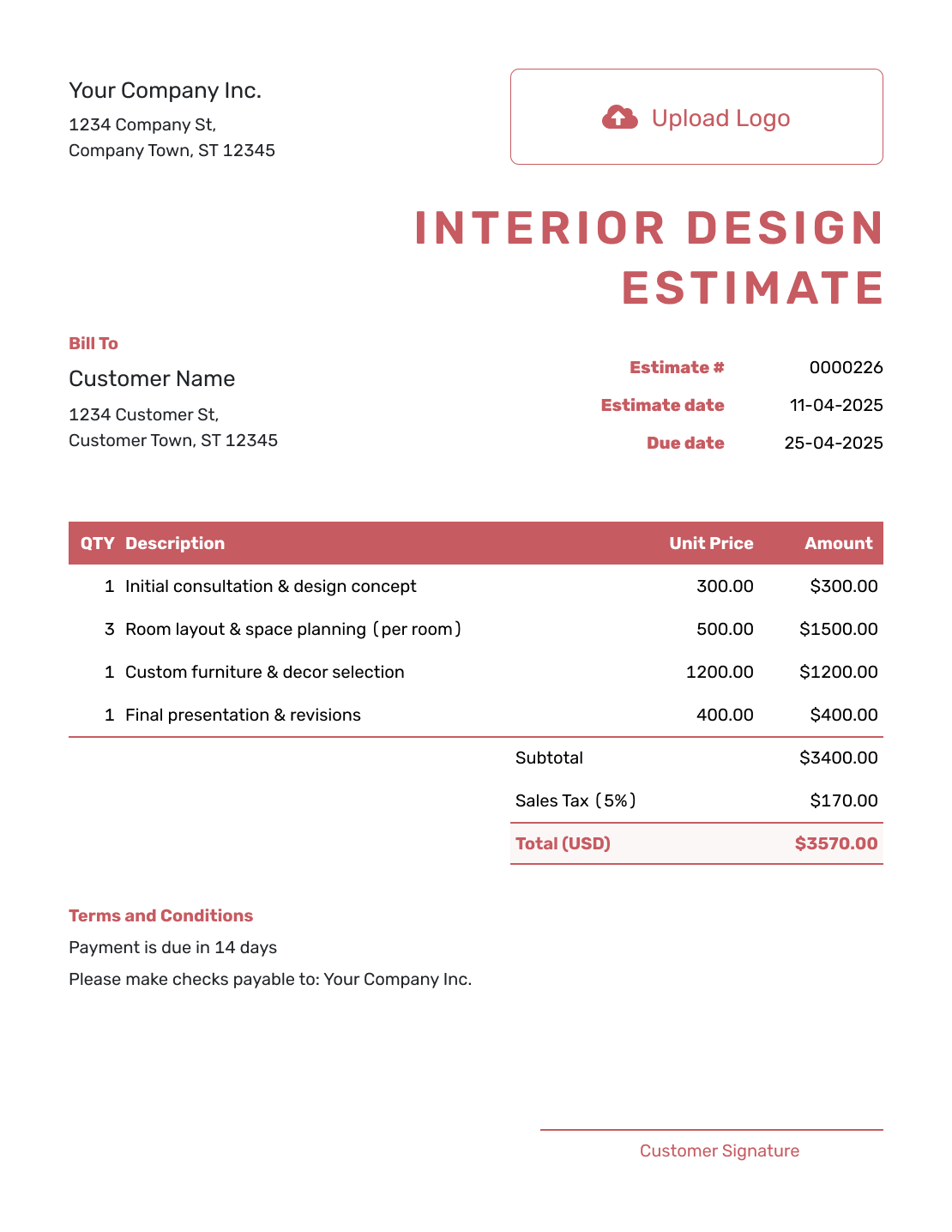
Fillable Interior Design Estimate Template
Create Free Estimate -
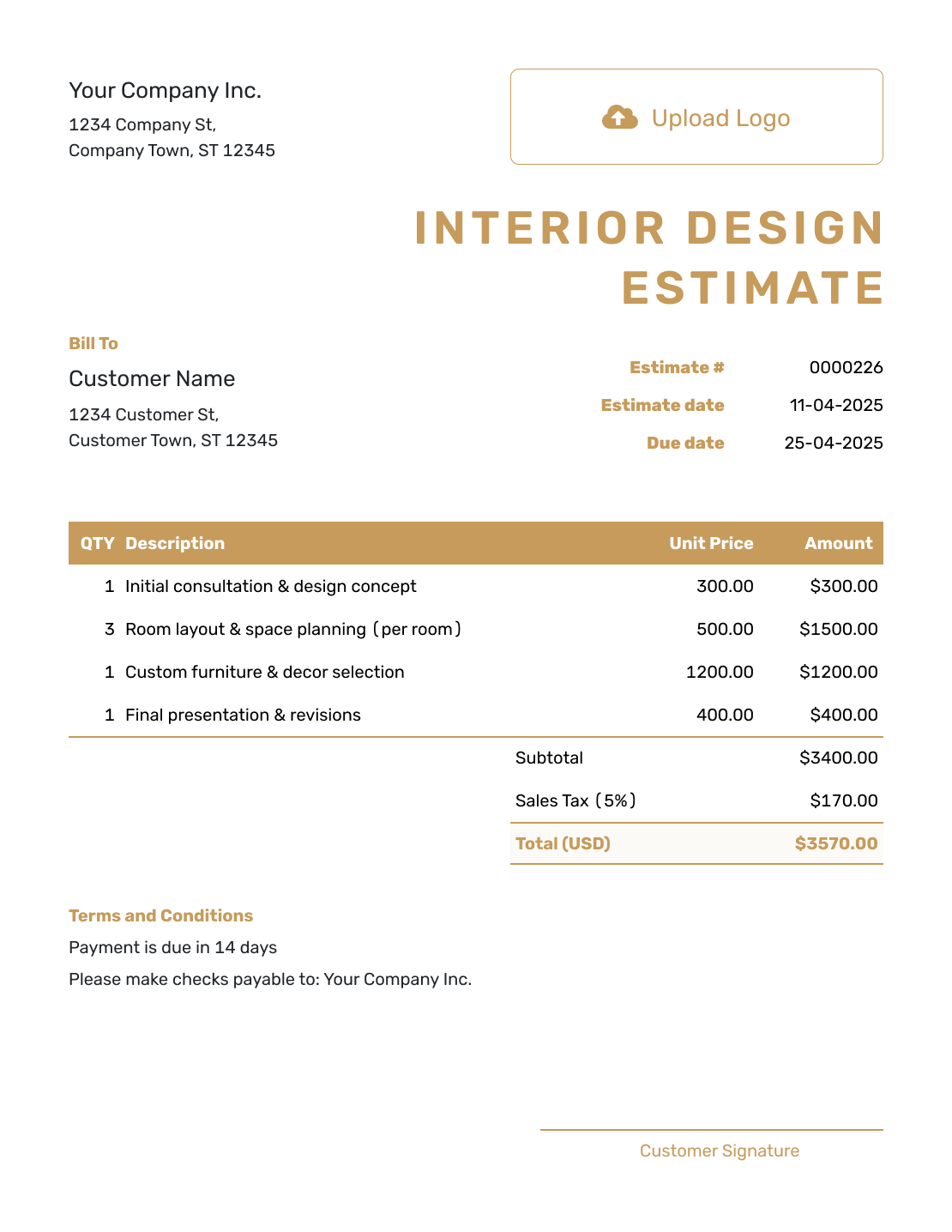
Professional Interior Design Estimate Template
Create Free Estimate
Other Estimate Template File Formats
Prefer a document or spreadsheet? These pages provide templates for each format. In Docelf, you enter the quantities and prices, and the totals update as you edit them.
Related Estimate Templates for Design and Renovation Work
Choose a related template for broader design services or when the project moves into remodeling and renovation work.
After You Send the Interior Design Estimate
- See when the client opens or responds to the estimate
- Revise it when rooms, selections, allowances or installation plans change
- Create the invoice from the accepted estimate when it is time to bill
Interior Design Estimate Template FAQs
-
What is an interior design estimate?
An interior design estimate shows the services, products and installation work a project is expected to need and what those items are likely to cost.
-
What should I include in an interior design estimate?
Identify the client, property and rooms. List the design services and any products, allowances, delivery or installation you will charge for. Add quantities, fees, applicable tax and a likely total, then explain the assumptions, schedule and estimate validity in Terms and Conditions.
-
How should I price interior design services?
Use a fixed fee, hourly rate, room price or phase price that matches your service. Keep design fees separate from product, delivery and installation costs.
-
Should furniture and materials be shown as allowances?
Use an allowance for products you expect to supply when the exact choice is not settled. Name the category, amount and what it covers. Keep purchases the client will pay for directly outside the amount you will charge, and identify them in Terms and Conditions.
-
How should I list sourcing, delivery and installation fees?
List them as separate services or cost lines when they affect the price. State whether supplier, freight or subcontractor amounts are fixed, estimated or based on an allowance.
-
Is an interior design estimate the same as a quote?
Use an interior design estimate while product selections and supplier costs may still change. Use a quote when the services, selections, price and terms are specific enough for approval.
-
What should I do when the client changes a selection?
Update the product, allowance, delivery or installation lines and show the new likely total. Send the revised estimate before ordering or starting added work.
-
Can a client accept an interior design estimate online?
Yes. Clients can accept or decline estimates online without a Docelf account. Docelf updates the estimate status and emails you when they respond.
-
Can I email or download an interior design estimate?
Yes. You can email the estimate from Docelf, print it or download it as a PDF. You can also see when an emailed estimate is delivered and opened.
-
Can I create an invoice from an accepted interior design estimate?
Yes. Docelf copies the relevant client, item, price and estimate details into the invoice so you do not have to enter them again.
Ready to Price the Interior Design Project?
Give your client a clear starting budget for the space they want to create.
- Show rooms, services and allowances clearly
- Automatic totals as quantities or prices change
- Email or download a professional PDF




