Free Google Docs Estimate Template
Keep one finished estimate ready to send
Skip building the document from scratch and fixing the layout in Google Docs. The finished estimate stays easy to follow and helps customers choose you for the work.
Prefer to work in Google Docs? Use a free template below.
14-day free trial. No credit card required.

Price the job. Send the estimate. Get back to work.
Copy a Google Docs Estimate Template
Each preview opens a free Google Docs template you can copy. Choose a layout and follow the copy prompt to create your own editable document.
-
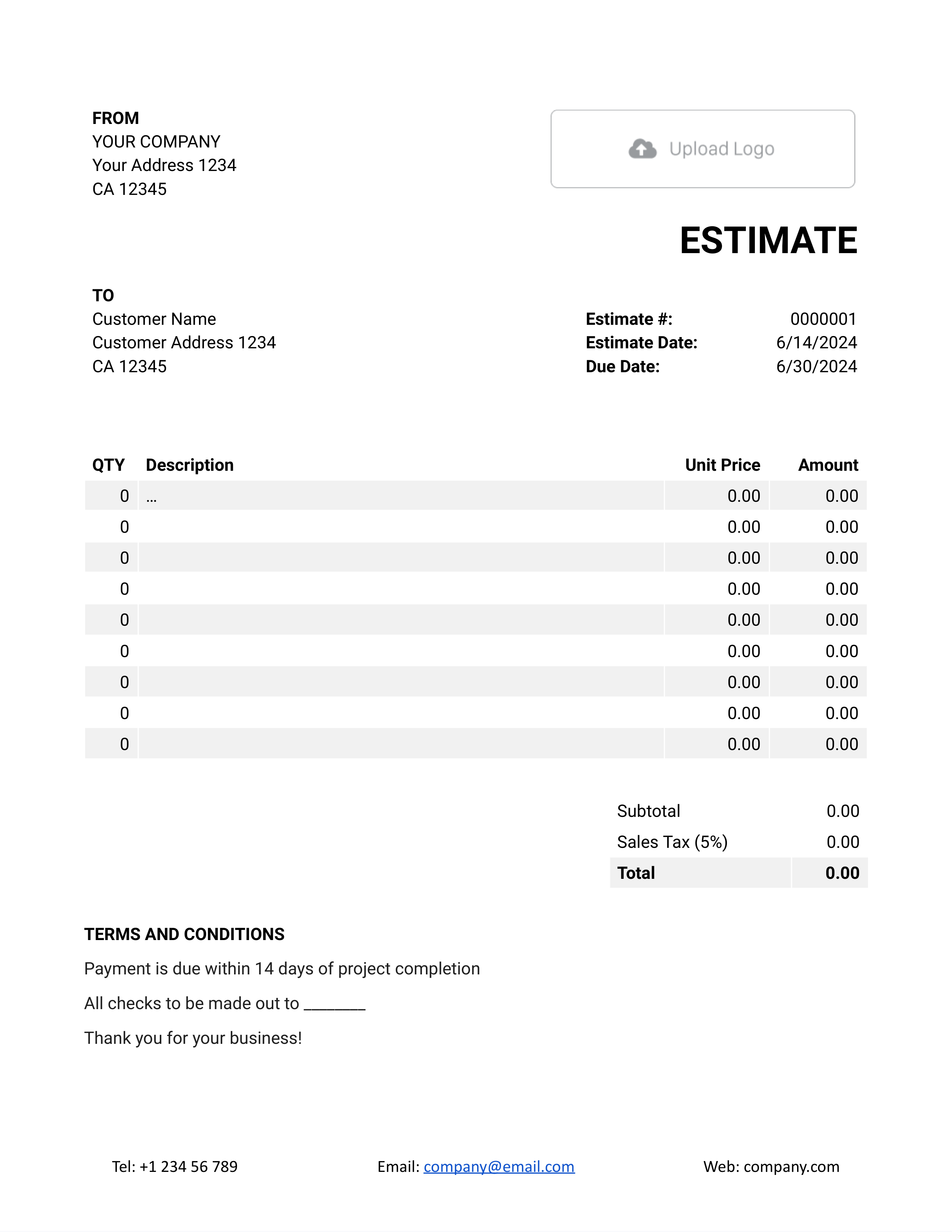
Free Google Docs Estimate Template
A standard itemized estimate for products, services, or mixed work.
Make a Copy -
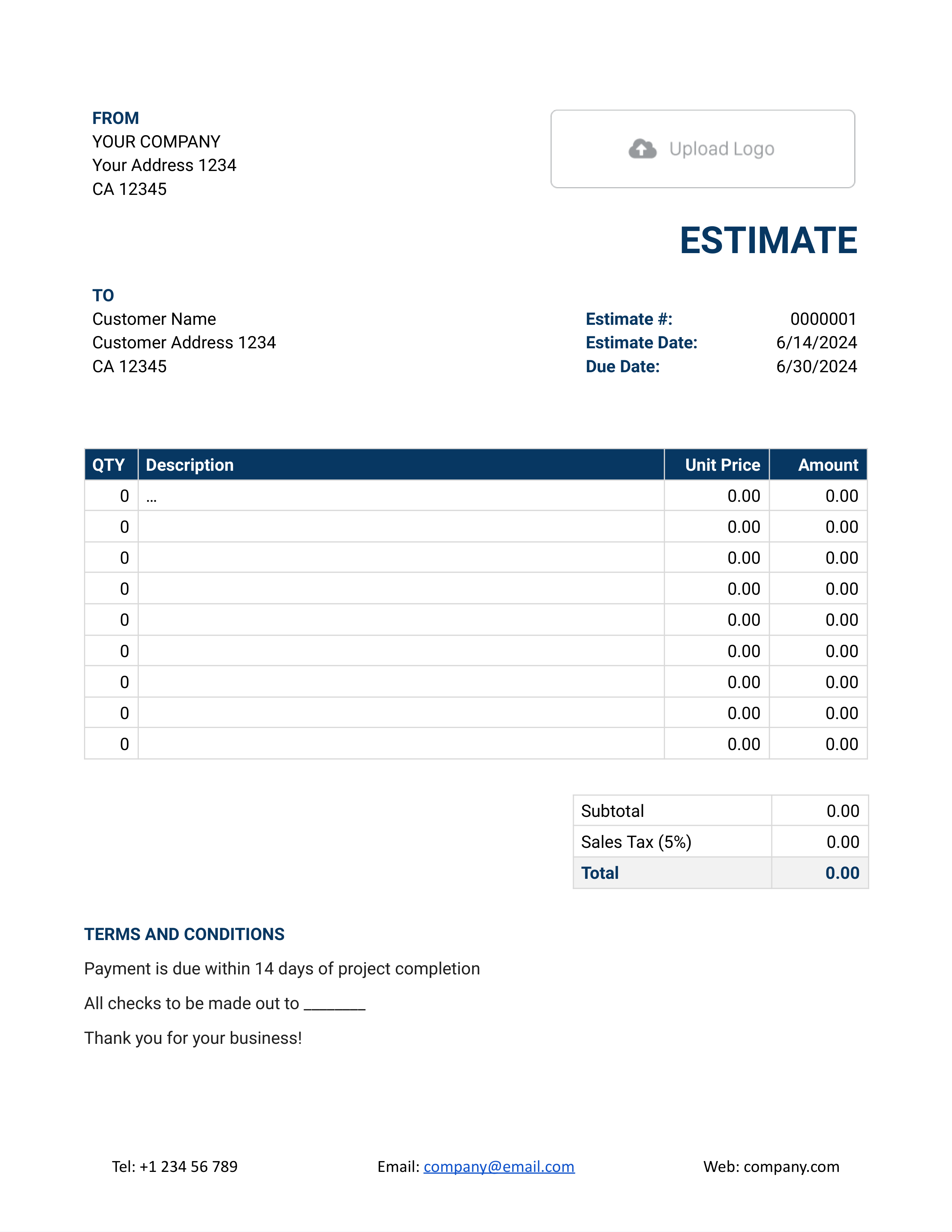
Simple Google Docs Estimate Template
A short job with a few line items and terms.
Make a Copy -
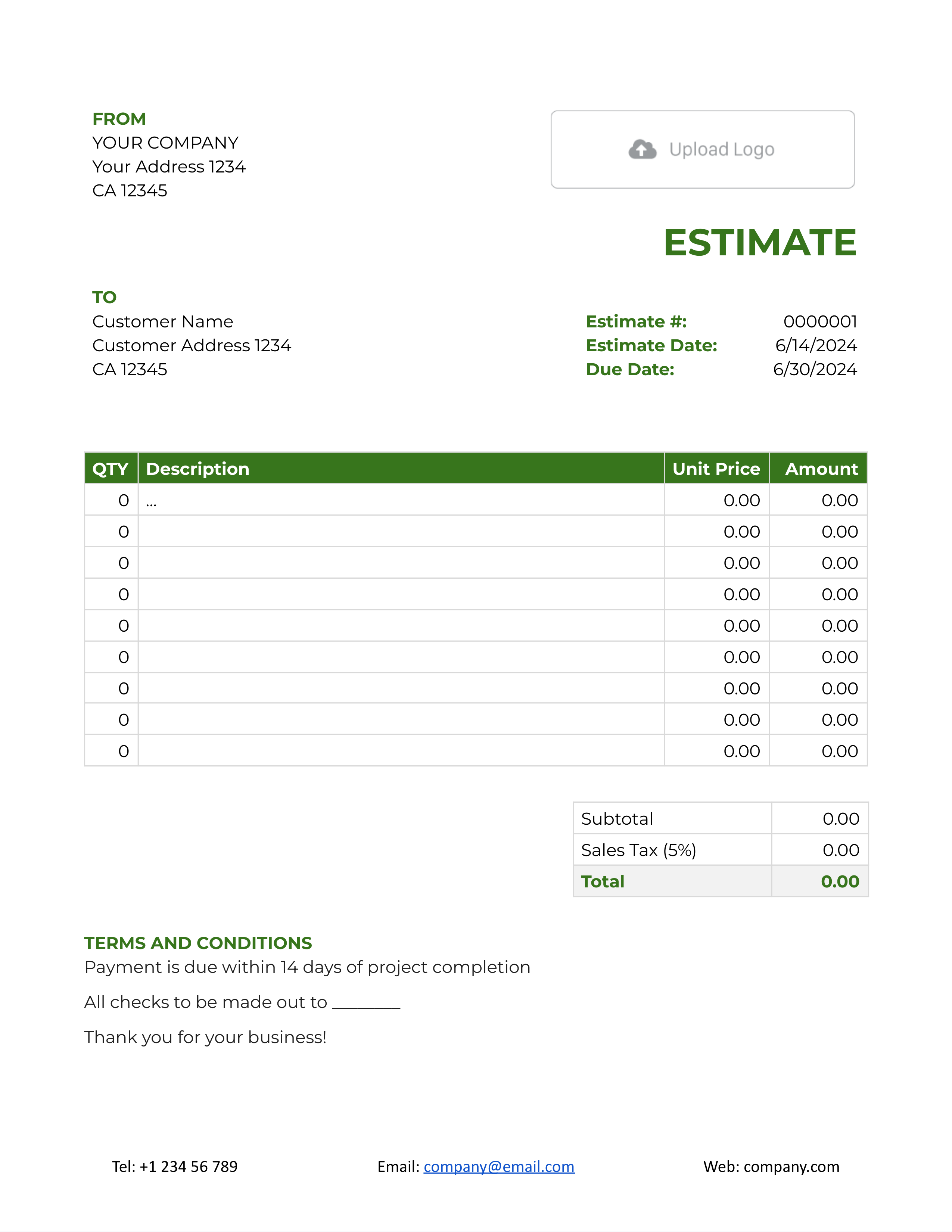
Blank Google Docs Estimate Template
A starting point when you need to change labels or sections.
Make a Copy
Need a purchase-order reference, a tax field, or a project layout? See the other six Google Docs estimate previews below.
How to Use a Google Docs Estimate Template
Choose Make a Copy on a preview, then rename your document for the customer and job. Keep a clean template for reuse. The picture shows the main estimate details; your selected Google Docs layout may arrange them differently.
- Your Business and Logo: Replace the sample name, contact details, and logo with your own.
- The Customer and Project: Add the customer’s details and a project name or service address that identifies the work.
- Number and Dates: Add a unique estimate number, the issue date, and a response deadline when needed.
- Scope and Line Items: Describe the expected work and list each separately priced item with its quantity and unit price.
- Check the Math: Multiply quantities by prices, add the line amounts, and include applicable tax in the estimated total.
- Assumptions and Terms: Explain what is included and what may change the price. Add the next step for approval or questions.
- Prepare the Customer Copy: Review the wording and totals, then download a PDF or share the finished estimate with Viewer access.
Give Each Part of the Estimate Its Own Price
A document is useful when the scope needs a little explanation. Keep that wording close to the related price, then use separate rows for work with different units or rates. Check the calculations after anyone edits a quantity or price.
This fictional estimate is for editing and preparing a short company brochure. It uses US dollars and an illustrative 8% tax on all three services.
| QTY | Description | Unit Price | Amount |
|---|---|---|---|
| 4 | Brochure copy editing — estimated hours | $60.00 | $240.00 |
| 6 | Brochure page layout — pages | $25.00 | $150.00 |
| 1 | Print-ready file preparation | $40.00 | $40.00 |
| Subtotal | $430.00 | |
| Sales Tax (8% illustrative) | $34.40 | |
| Estimated Total | $464.40 |
Editing, six pages of layout, and file preparation come to $430.00; the example tax adds $34.40. The $464.40 estimated total depends on that scope, so a longer brochure needs a fresh calculation.
Use the tax rate and taxable items that apply to your own work; the example rate is not a tax rule.
Keep Scope Changes Clear in the Shared Document
A shared estimate is easier to review when its assumptions are written down. State what the current price covers and how you will agree on additions. In Docelf, the field is Terms and Conditions; use the corresponding terms area in your Google Docs copy.
This sample belongs to the brochure estimate above. Adjust it to the work you expect to do and the terms you actually offer.
Example: Terms and Conditions
- Estimate covers copy editing and layout for a six-page brochure, followed by print-ready file preparation.
- The editing allowance is four hours and assumes the customer supplies the final text and images before work begins.
- Extra pages or a changed brief will be priced and agreed on before the additional work starts. Please reply with any changes to the scope.
Prefer to Send the Estimate From Docelf?
Create the estimate in Docelf when you want automatic totals and a finished document to email. Your customer can review it and accept or decline online.
Review Together, Then Prepare the Customer Copy
Google Docs works well when someone else needs to review the scope before you send it. Give edit access to the people preparing the estimate. For the customer, choose Viewer access to the finished document or send a PDF.
A shared link shows the current document, so later edits can change what the customer sees. Save a PDF of the version you share or send, and keep it with the working copy. If the scope changes, save a revised customer copy and explain what changed.
To add an item on a computer, right-click in the existing table and choose Insert row above or Insert row below. Keep the new description, quantity, and price in their own cells, then recheck the estimated total.
More Google Docs Estimate Layouts
Choose a layout for the details your customer needs to review. The copy links keep your editable version separate from the template.
-
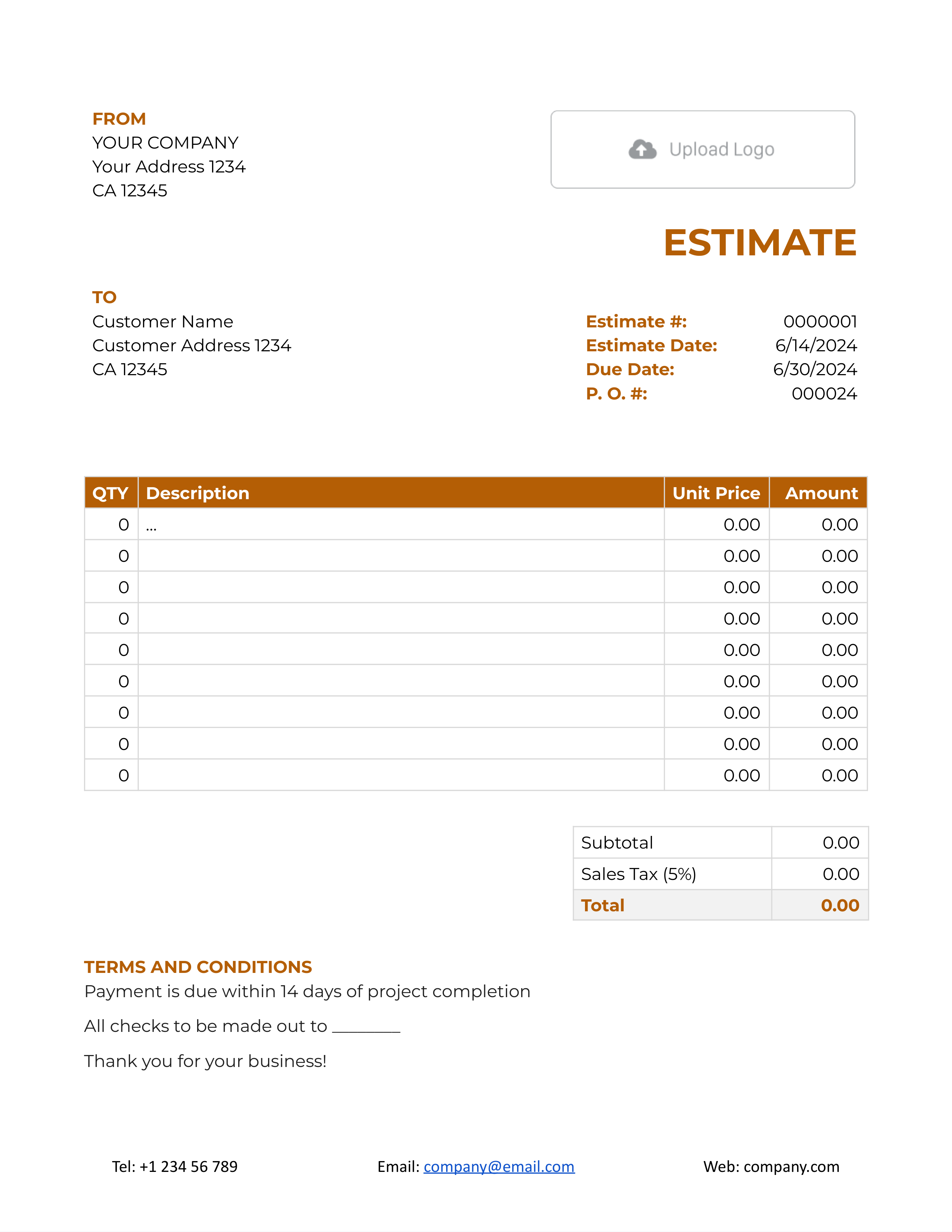
Google Docs Estimate Template with P.O. Number
For work tied to a customer purchase order or reference.
Make a Copy -
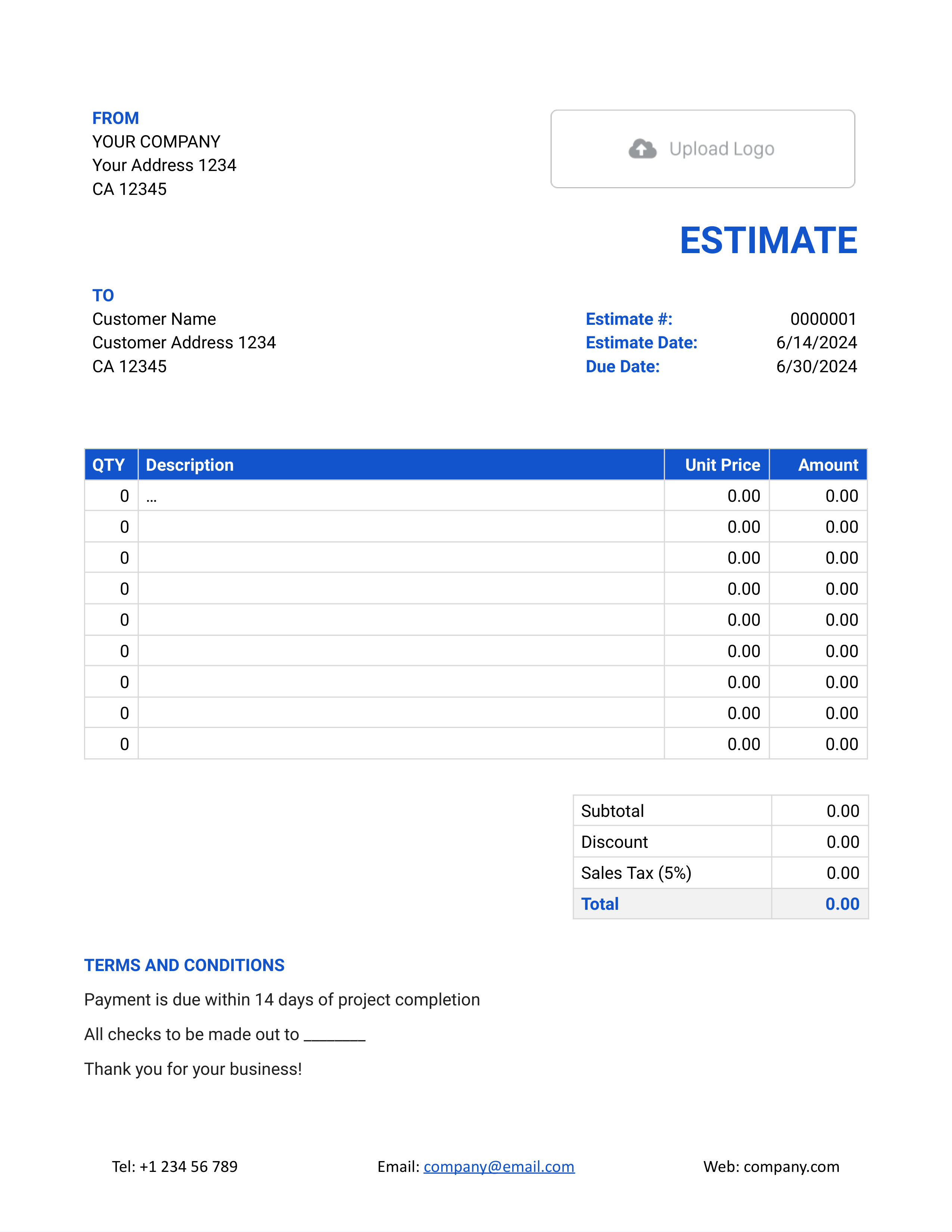
Google Docs Estimate Template with Discount
For an estimate with a separately shown discount.
Make a Copy -
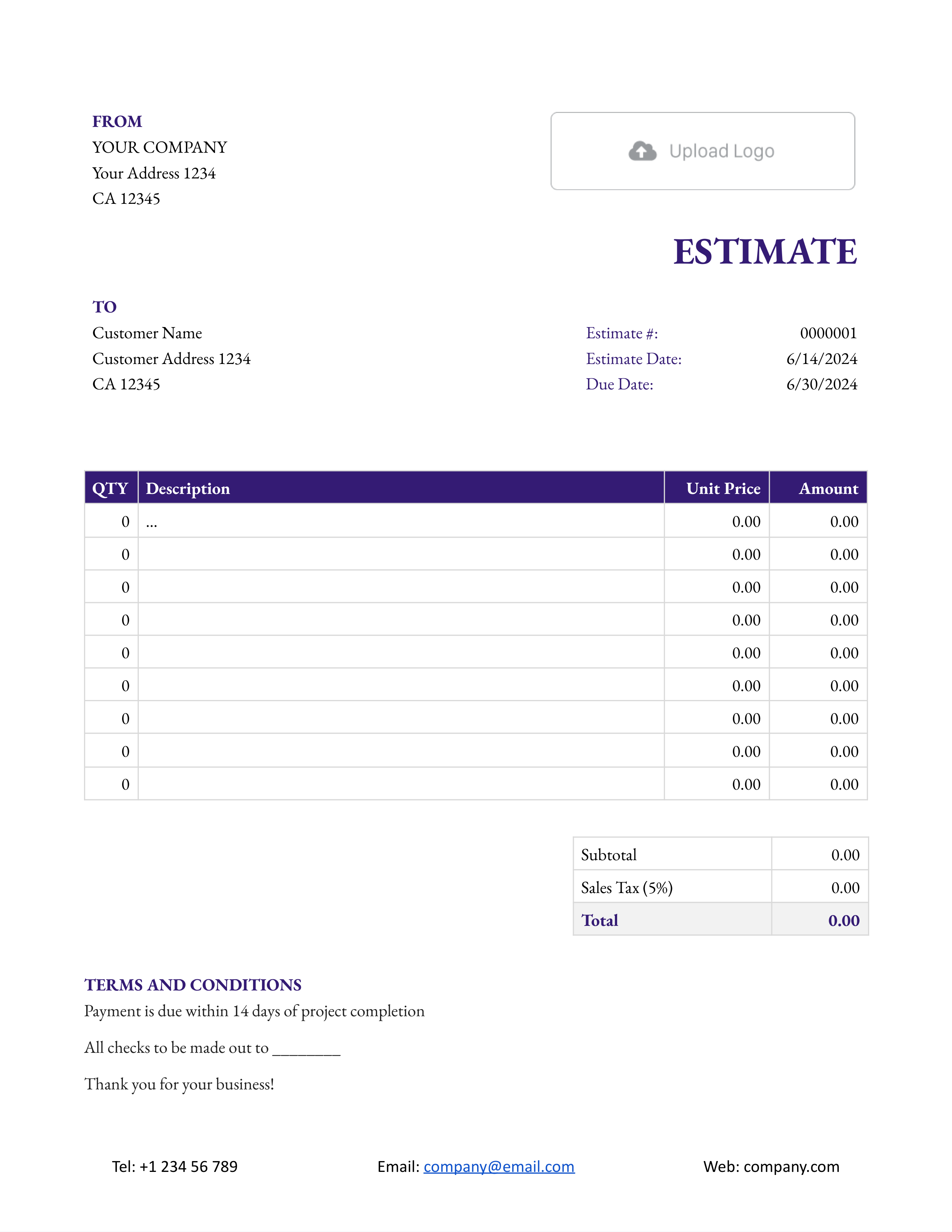
Google Docs Estimate Template with Sales Tax
For work where sales tax is shown separately.
Make a Copy -
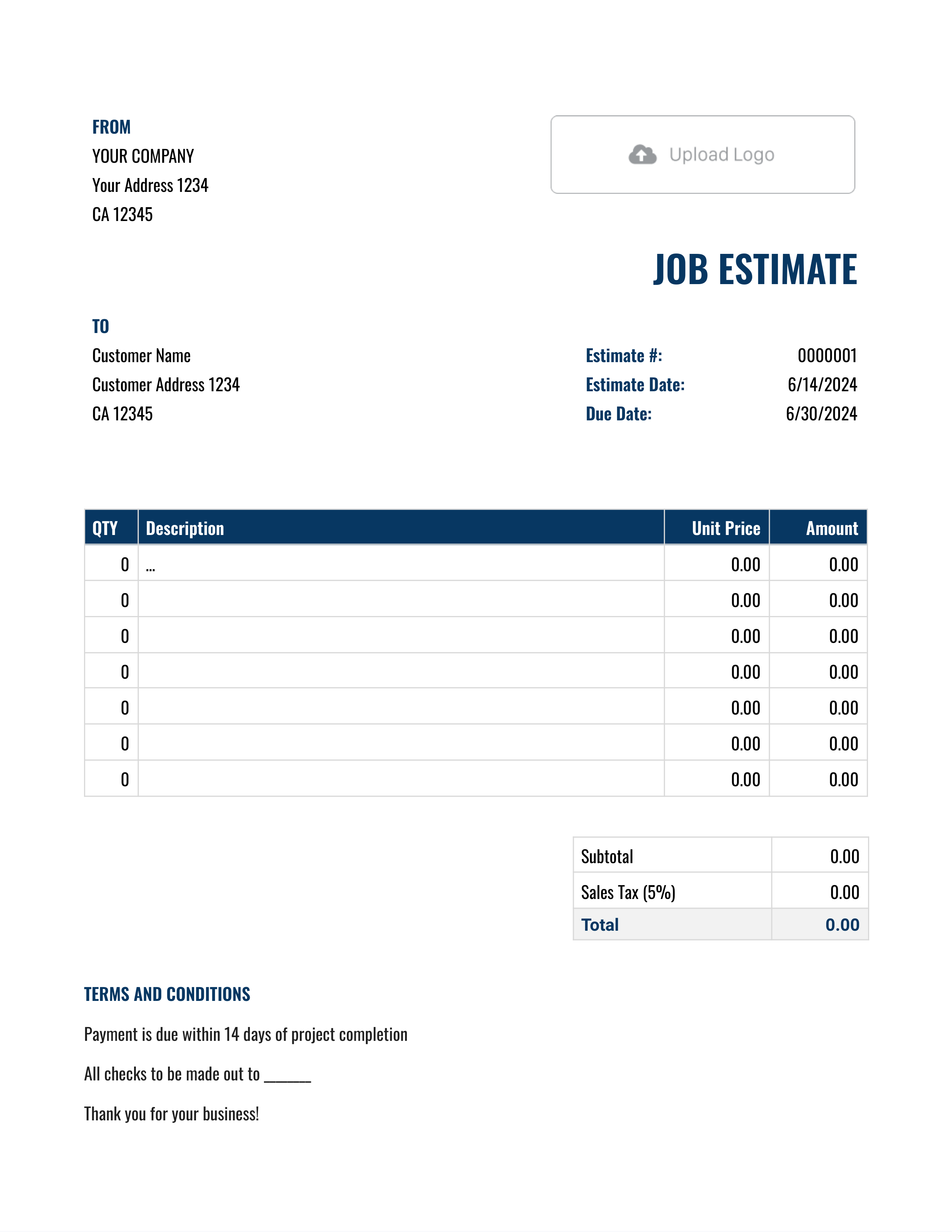
Google Docs Job Estimate Template
For one job with labor, materials, and job details.
Make a Copy -
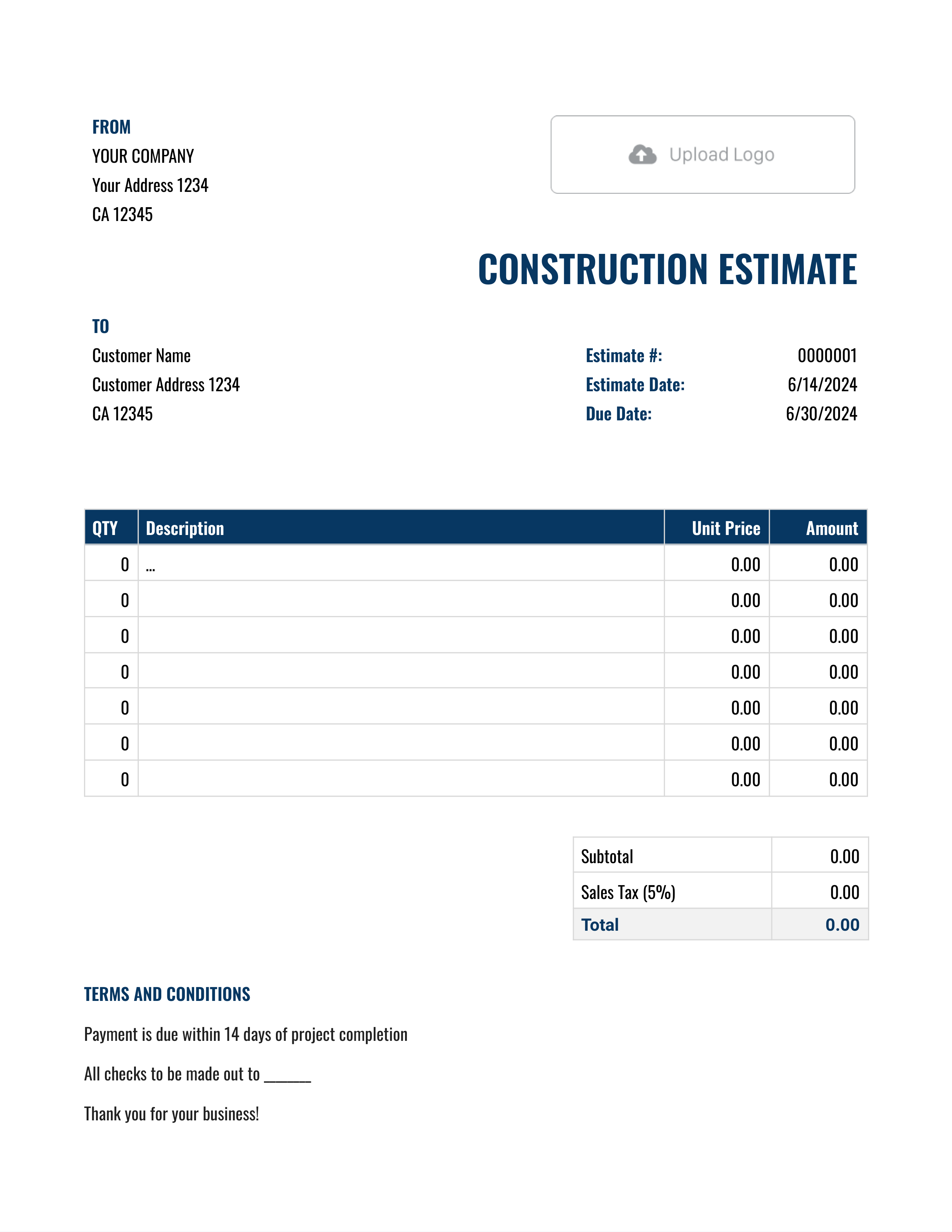
Google Docs Construction Estimate Template
For labor, materials, project phases, and site assumptions.
Make a Copy -
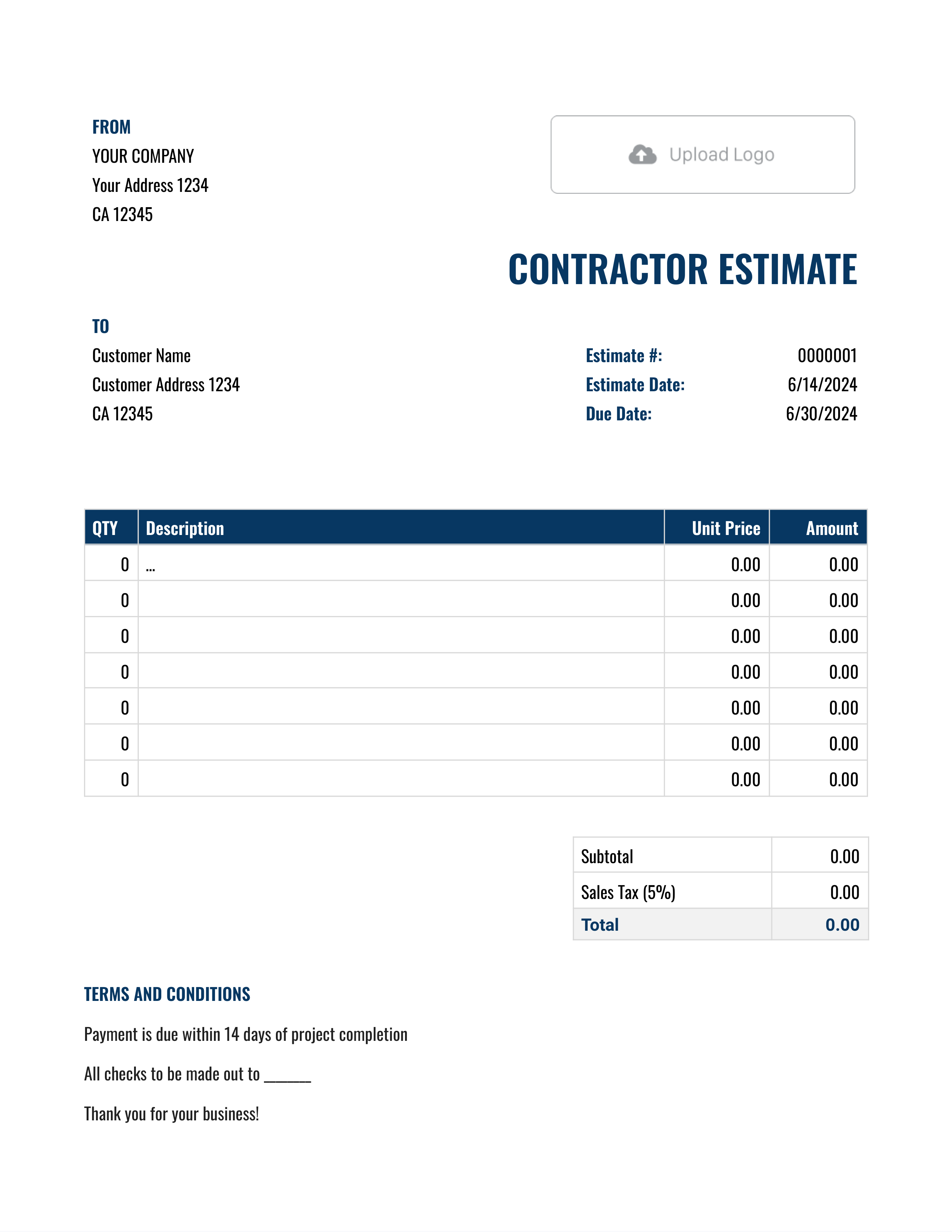
Google Docs Contractor Estimate Template
For a fuller scope with timing, assumptions, and terms.
Make a Copy
Need a general work layout? Google Docs Work Estimate Template is also available.
Download the Estimate and Follow Up
On a computer, choose File, then Download, and select PDF Document. Read the PDF before sending it, especially where a long description or terms section crosses a page break. Keep the estimate number in the file name so the customer can identify a revised version.
Ask the customer to reply with questions or confirm the scope before you arrange the work. If you created and emailed the estimate in Docelf, its history shows delivery and opening information, and an email notifies you when the customer accepts or declines.
When billing begins, you can create an invoice from an estimate created in Docelf. The relevant customer, item, price, and document details carry over, ready for review.
Choose Another Estimate Format
Choose Word when you need a DOCX file. Excel or Google Sheets may suit an estimate with many rows or custom calculations.
Google Docs Estimate Template FAQs
-
How do I use a Google Docs estimate template?
Choose the layout you want and open its template link. Google Docs will ask you to make a copy. Rename that copy for the customer or job before you edit it.
-
Do I need a Google account to copy the template?
Sign in to your Google account to save an editable copy in Google Docs. Keep the template unchanged and prepare the estimate in your own copy.
-
How do I check the estimate total in Google Docs?
Multiply each quantity by its unit price and add the line amounts. Include any applicable tax or discount, then check the estimated total. Recheck those amounts after anyone edits the document.
-
How do I share the estimate without letting the customer edit it?
Open Share and give the customer Viewer access, or download and email a PDF. Use a document containing only that customer’s estimate and check who has access before sending the link.
-
Can I add my logo to the Google Docs estimate?
Yes. Replace the sample image with your logo and resize it so the business details and line-item table still fit cleanly.
-
How do I save the Google Docs estimate as a PDF?
Use the Download option in Google Docs and choose PDF. Open the file and check the customer details, scope, prices, assumptions and final page before sending it.
-
Can I turn a Google Docs estimate into an invoice?
Use the estimate as a reference for a separate invoice and keep the original estimate. Add the invoice number, due date, and payment instructions, and bill for the agreed work. Docelf’s estimate-to-invoice action applies to estimates created in Docelf.
Ready to Finish the Estimate Online?
Finish the estimate in Docelf when you want to keep the customer’s response with the job details.
- Line amounts and totals that update as you edit
- See when the customer opens or responds
- Email the estimate or download a PDF




